
 16
16presentation
Yellow Accent Multipurpose Slide Theme
Build polished decks faster with this yellow accent multipurpose slide theme, a flexible white canvas for PowerPoint and Google Slides presentations.
Google SlidesPowerPointkeynote
Topic collection
Compare 891 designs for business, including real previews, palettes, and compatible presentation apps.
16Build polished decks faster with this yellow accent multipurpose slide theme, a flexible white canvas for PowerPoint and Google Slides presentations.
 16
16Build persuasive plans with Green Growth Strategy Slides, a crisp arrow-pattern deck for forecasts, milestones, performance reports, and business proposals.
 16
16Shape polished nature, beauty, food, or wedding stories with a blue botanical presentation suite built for PowerPoint and Google Slides.
 16
16Build polished proposals, reports, and pitches with Blue Ripple Business Slides, a flexible blue-and-red theme for PowerPoint and Google Slides.
 15
15Shape scope, pricing, and creative direction into a Bold Geometric Website Proposal Deck for polished client pitches in PowerPoint and Google Slides.
 16
16Build a confident funding story with the Neon Contrast Startup Pitch Kit, featuring dark photo layouts, vivid green accents, and editable business slides.
 4
4Turn weekly results into quick decisions with a colorful sales pulse tracker for comparing targets, revenue, wins, and trends in Excel or Google Sheets.
 6
6Organize role changes with Employee Handover Planning Slides featuring editable timelines, task trackers, and illustrated layouts for team continuity.
 5
5Use this matrix management infographic deck to map dual reporting lines, clarify decision rights, and align teams in PowerPoint or Google Slides.
 4
4Use this dark workflow diagram kit to map handoffs, decisions, and team responsibilities with polished layouts for PowerPoint and Google Slides.
 3
3Build shared understanding with blue process mapping slides that turn complex steps, decisions, and handoffs into clear visuals for meetings and training.
 3
3Turn planned and completed work into a clear status story with Waterfall Delivery Burndown Slides, editable in PowerPoint and Google Slides.
 3
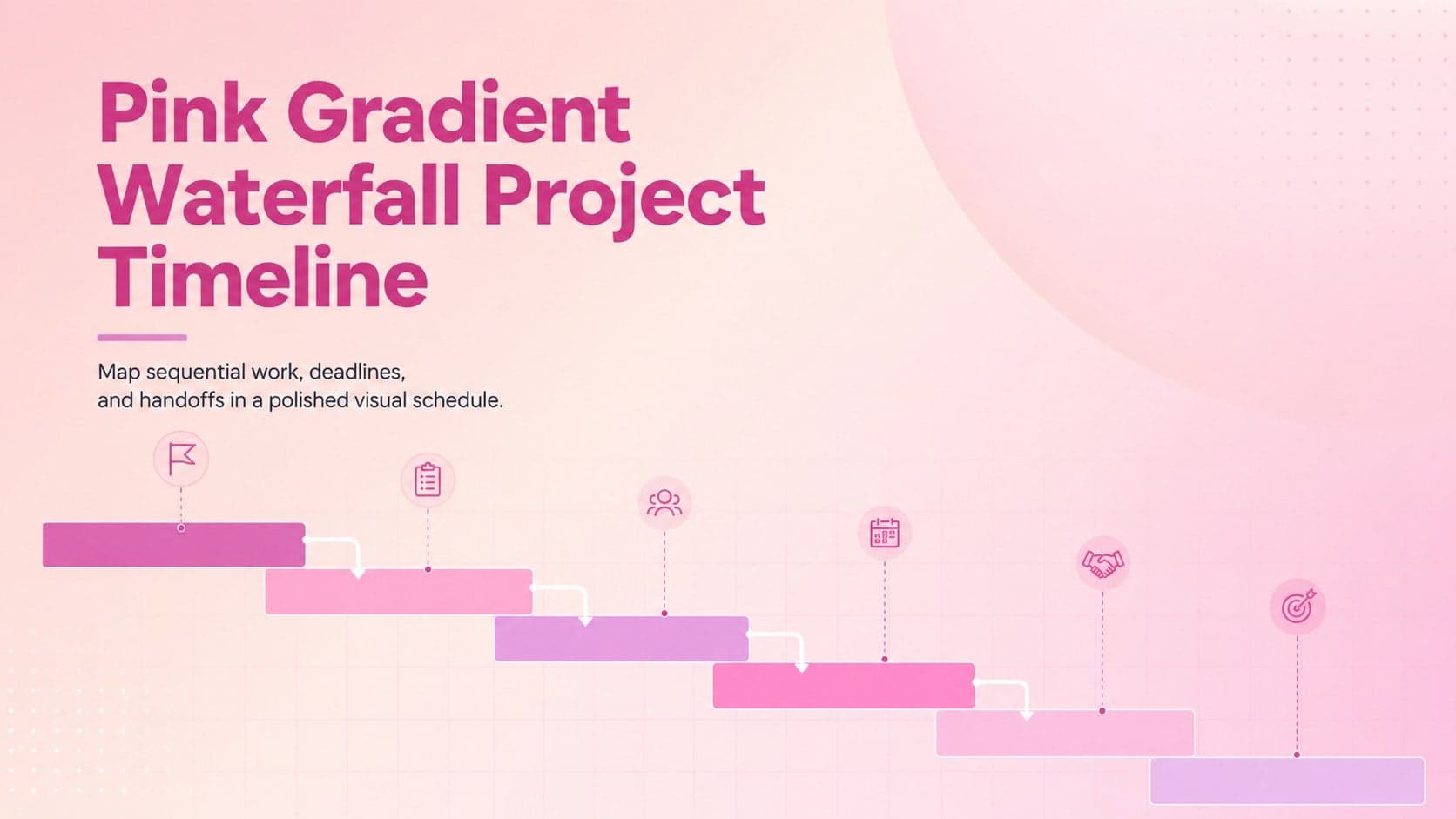
3Turn complex schedules into a clear pink gradient waterfall project timeline with editable milestones, dependencies, and phase updates for project teams.
 5
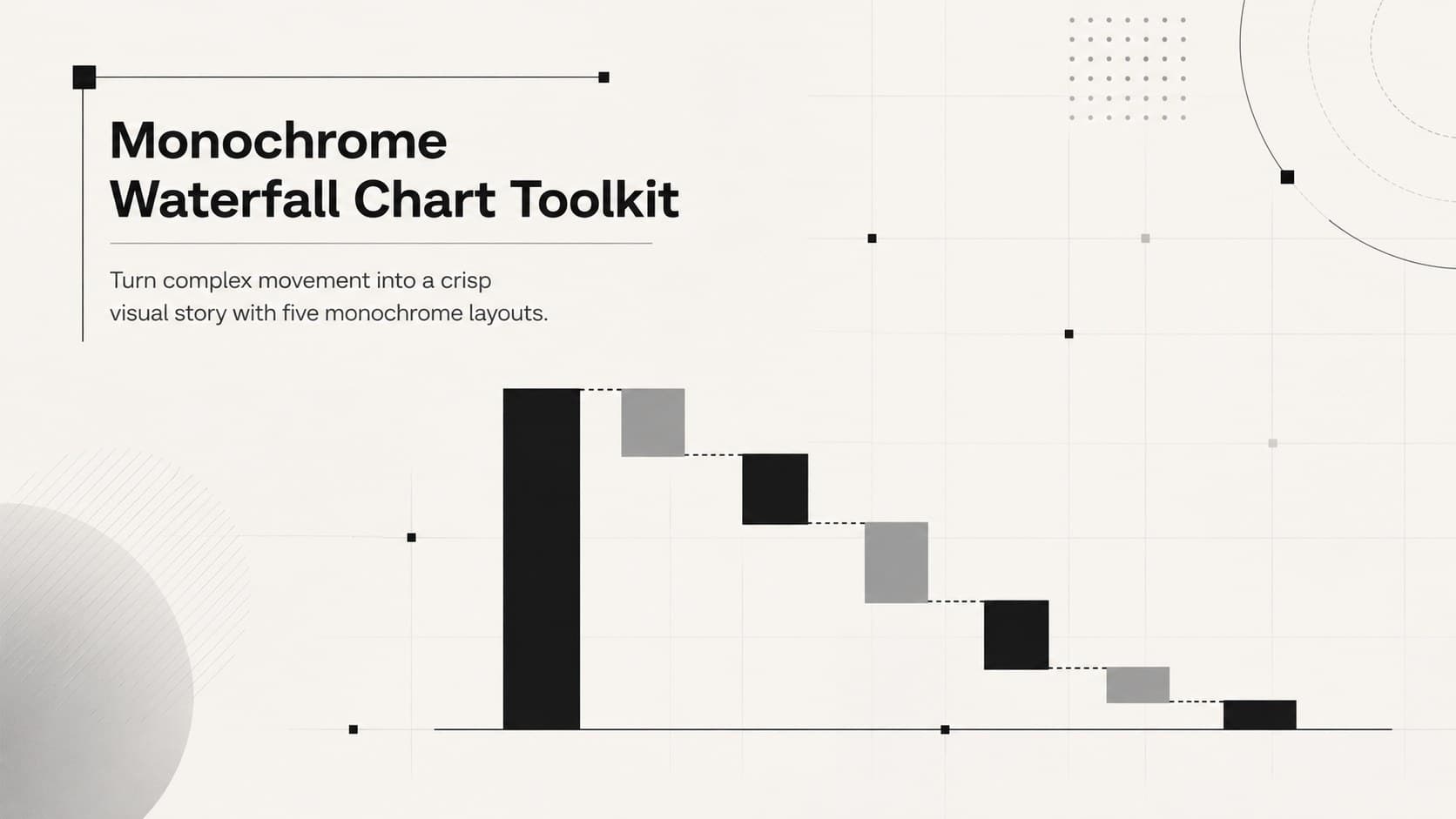
5Use this monochrome waterfall chart toolkit to clarify financial changes, project stages, and workflows with editable PowerPoint and Google Slides layouts.
 15
15Lead focused research sessions with Audience Persona Workshop Slides, a vivid blue-and-yellow template built for PowerPoint and Google Slides.
 15
15Build clearer product decisions with a UX competitor benchmarking deck featuring editable green, grey, and black layouts for PowerPoint and Google Slides.
 15
15Build a sharper market view with a Digital Rival Benchmarking Deck for clear comparisons, actionable findings, and polished strategy conversations.
 15
15Create polished stories with a green blue watercolor presentation theme featuring editable artistic layouts for PowerPoint and Google Slides.
 5
5Turn customer research into clear decisions with product experience mapping slides in a dark navy and green style for PowerPoint and Google Slides.
 15
15Build a polished campus story with the Maize and Blue Michigan Student Deck, offering editable academic layouts for PowerPoint and Google Slides.
 15
15Build a polished record of degree milestones with Phoenix Graduate Achievement Portfolio slides, featuring 15 red layouts for PowerPoint and Google Slides.
 7
7Align web, marketing, and product teams with a digital touchpoint mapping deck that turns visitor behavior, friction, and opportunities into a clear story.
 15
15Turn customer insights into sharper positioning with a Customer Value Fit Strategy Deck for editable planning in PowerPoint and Google Slides.
 16
16Win stakeholder approval with website launch proposal slides that organize strategy, UX, rollout, and results in editable PowerPoint and Google Slides formats.