
 15
15presentation
Indie Magazine Startup Pitch Deck
Shape your publishing concept with an indie magazine startup pitch deck featuring pastel gradients, bold collage layouts, and editable planning slides.
Google SlidesPowerPoint
spreadsheet · English
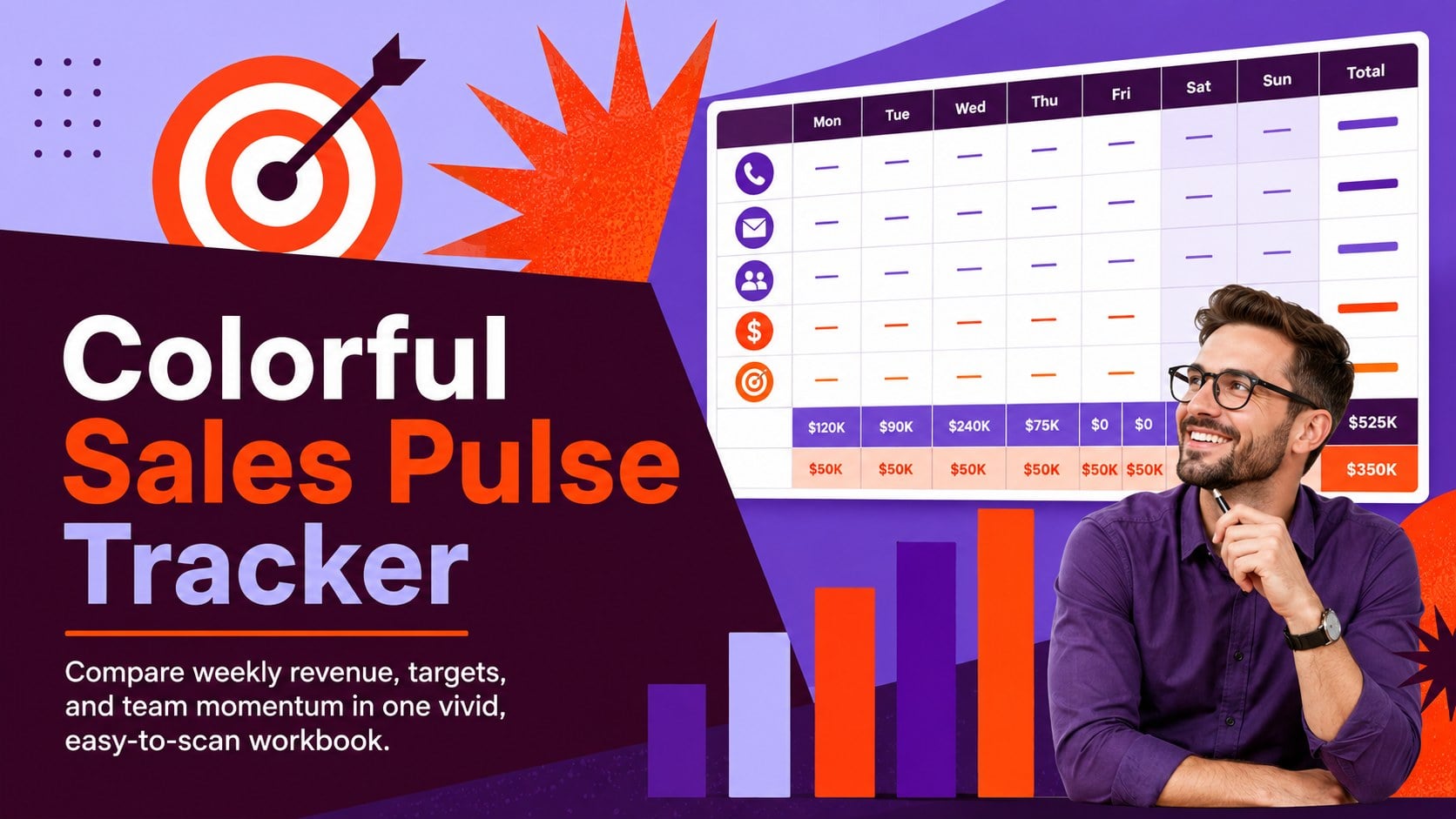
Turn weekly results into quick decisions with a colorful sales pulse tracker for comparing targets, revenue, wins, and trends in Excel or Google Sheets.
Design notes
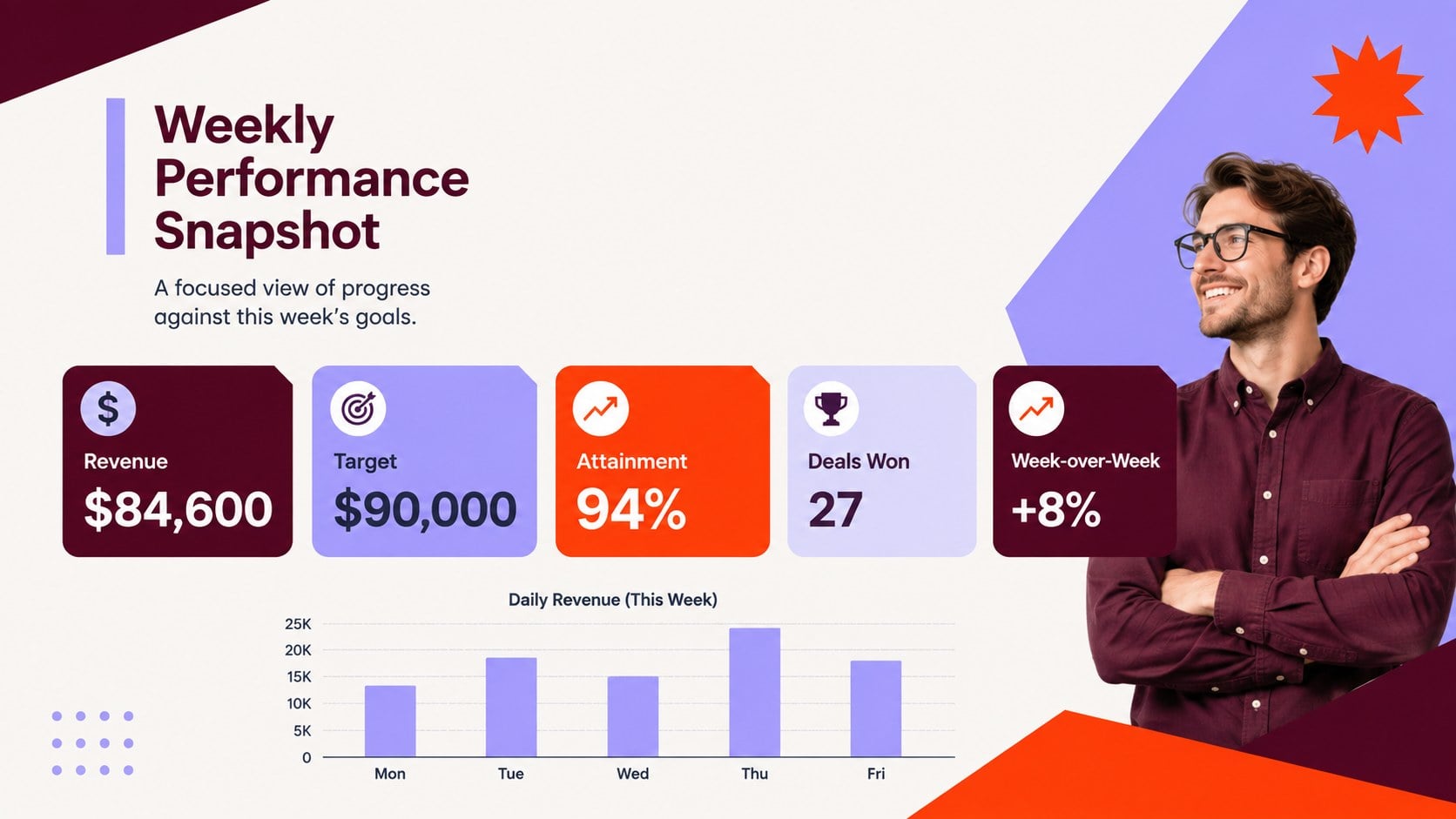
The Colorful Sales Pulse Tracker turns scattered sales figures into a focused weekly view of team progress. Built for Excel and Google Sheets, this practical workbook helps you compare revenue against goals, monitor closed deals, and identify shifts before they affect the month-end result. Its expressive purple, orange, and red palette keeps important numbers visible without sacrificing clarity.
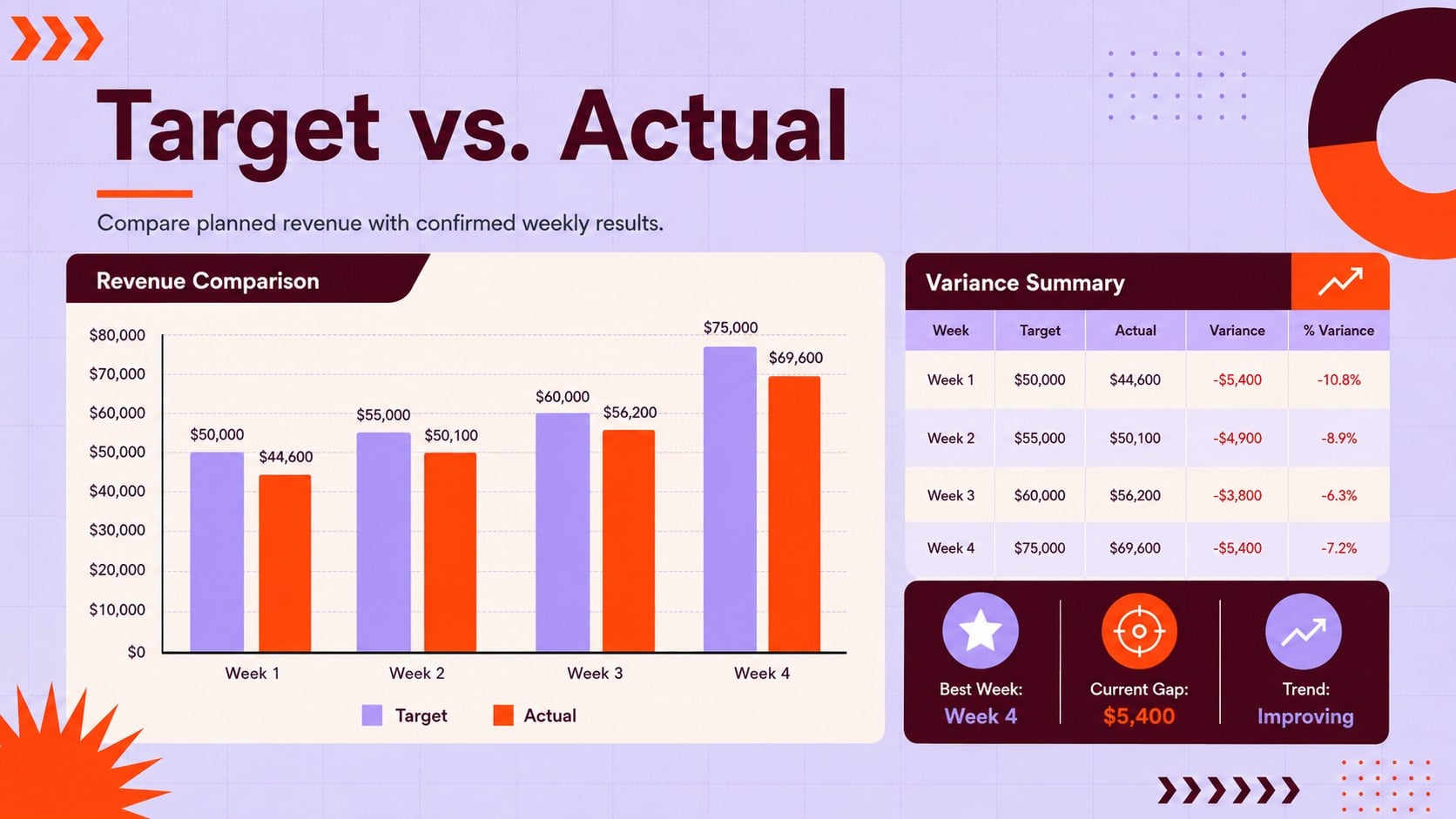
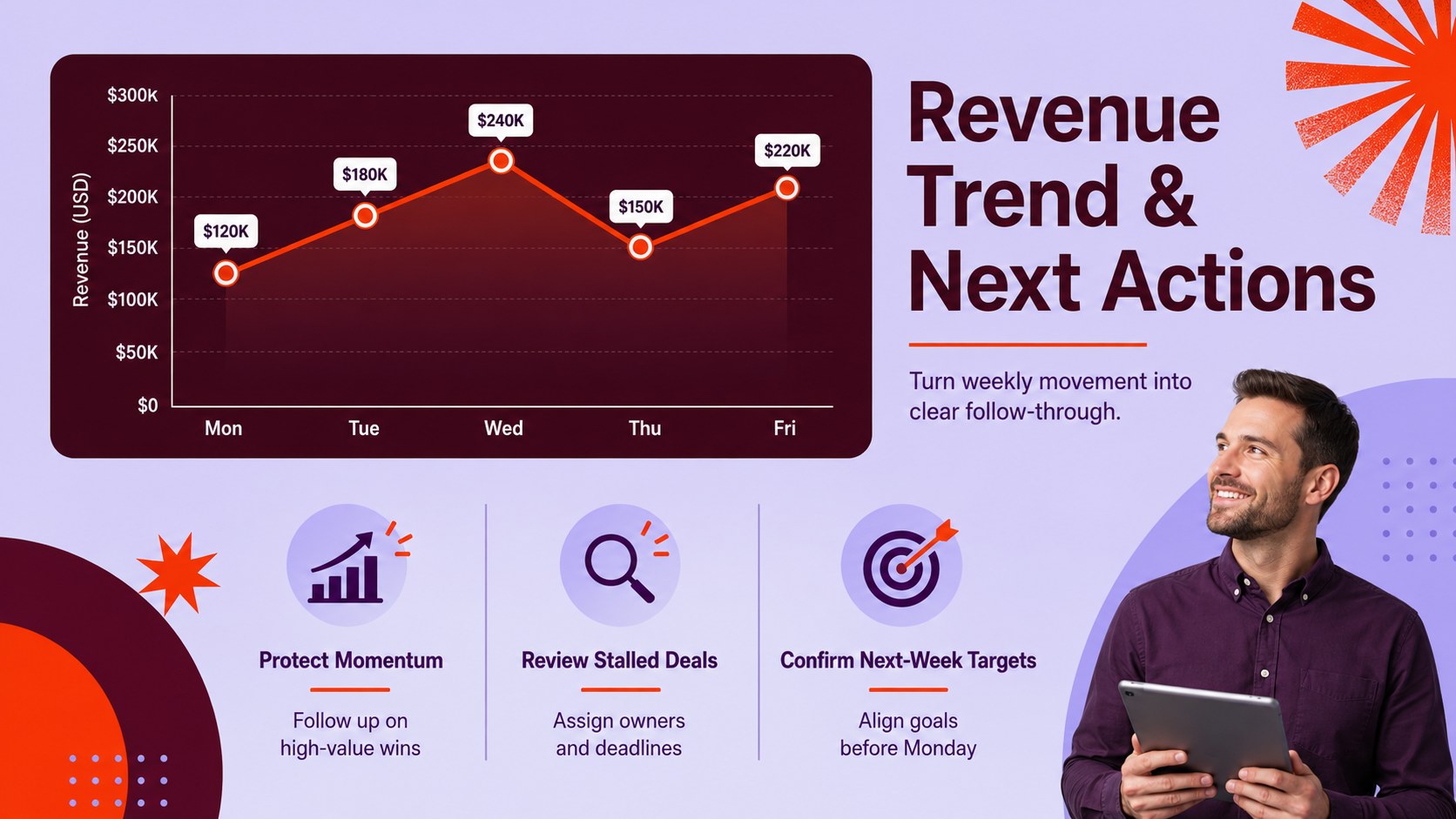
Inside, you will find structured areas for weekly revenue, targets, attainment rates, deal counts, representative results, and performance notes. A weekly sales performance spreadsheet gives managers a consistent reporting format, while the sales target variance tracker highlights gaps between planned and actual outcomes. Visual summaries make it easier to recognize upward trends, stalled opportunities, and results that need further discussion.
This template is designed for sales managers, account executives, small business owners, operations leads, and revenue teams running recurring performance reviews. Use the team revenue trend worksheet during Monday meetings, pipeline check-ins, monthly forecasting sessions, or individual coaching conversations. Every section can be adjusted to reflect your sales cycle, reporting periods, currencies, team structure, and key metrics. The result is a flexible reporting system that supports faster analysis, clearer conversations, and more accountable follow-through.
Perfect for: weekly sales team review; revenue target check-in; representative performance coaching; small business sales monitoring; month-end forecast preparation.
Frequently asked questions
Can I edit the sales metrics and reporting periods? Yes. You can rename metrics, change currencies, adjust weekly periods, and add rows for products, regions, or representatives. Formulas and visual summaries can also be adapted to your reporting process.
Practical details
Yes. You can rename metrics, change currencies, adjust weekly periods, and add rows for products, regions, or representatives. Formulas and visual summaries can also be adapted to your reporting process.
Yes. The workbook is designed for use in both Microsoft Excel and Google Sheets. Minor font or chart spacing differences may appear when moving between platforms.
Yes. The purple, orange, and red accents can be replaced with your company colors. You can also update fonts, chart styles, cell formatting, and section labels.
Enter actual revenue, target revenue, deals won, attainment percentage, and any team or representative-level results you track. Notes can be added to explain major wins, shortfalls, and planned follow-up actions.
Keep exploring
15Shape your publishing concept with an indie magazine startup pitch deck featuring pastel gradients, bold collage layouts, and editable planning slides.
 16
16Build clear project stories with the Icon Grid Teamwork Theme, a flexible blue illustrated deck for proposals, strategy updates, and team meetings.
 3
3Turn priorities into an actionable plan with an annual goals roadmap infographic, featuring editable orange and teal layouts for PowerPoint and Google Slides.
 15
15Create an Annual Achievement Report Presentation with colorful geometric layouts for milestones, results, lessons, and priorities in PowerPoint or Google Slides.
 15
15Turn results into a focused annual performance evaluation report with dark 3D slides for KPIs, achievements, feedback, and next-step goals for teams.
 15
15Guide a focused annual recap with Business Results Retrospective Slides, a muted brown-and-blue template for PowerPoint and Google Slides.
 6
6Turn complex plans into clear visual stories with Color-Coded Workflow Path Slides, an editable set for project updates, roadmaps, and team briefings.
 6
6Compare regional performance at a glance with Global Data Heatmap Slides, a clean multicolor deck designed for editable PowerPoint and Google Slides.