
 15
15presentation
Indie Magazine Startup Pitch Deck
Shape your publishing concept with an indie magazine startup pitch deck featuring pastel gradients, bold collage layouts, and editable planning slides.
Google SlidesPowerPoint
presentation · English
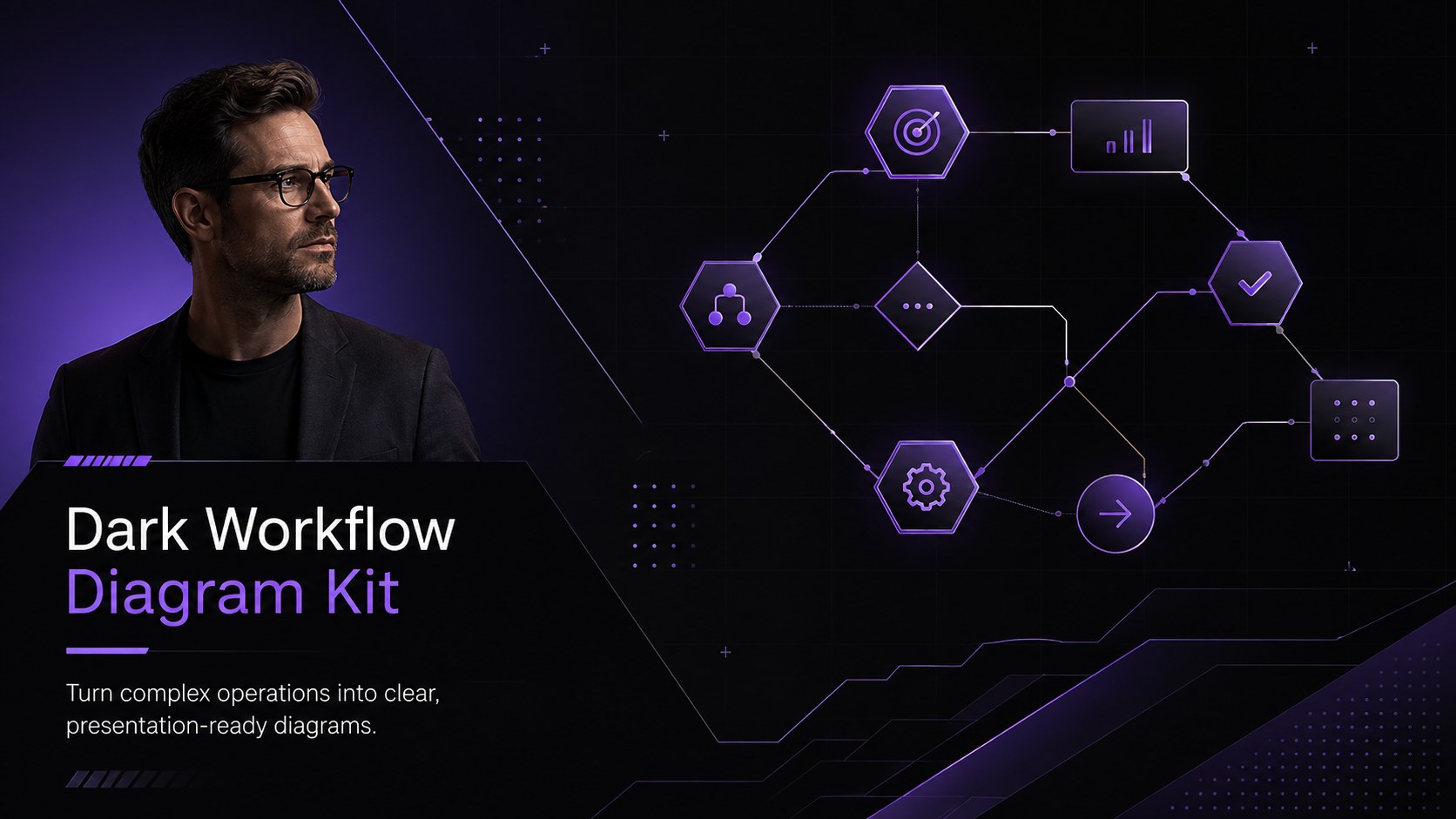
Use this dark workflow diagram kit to map handoffs, decisions, and team responsibilities with polished layouts for PowerPoint and Google Slides.

Design notes
The dark workflow diagram kit helps professionals turn layered procedures into visuals that audiences can understand at a glance. Its deep black backgrounds, vivid purple accents, and restrained modern typography give every diagram a confident corporate look without distracting from the information. Use it to clarify responsibilities, sequence tasks, or introduce a new operating model.
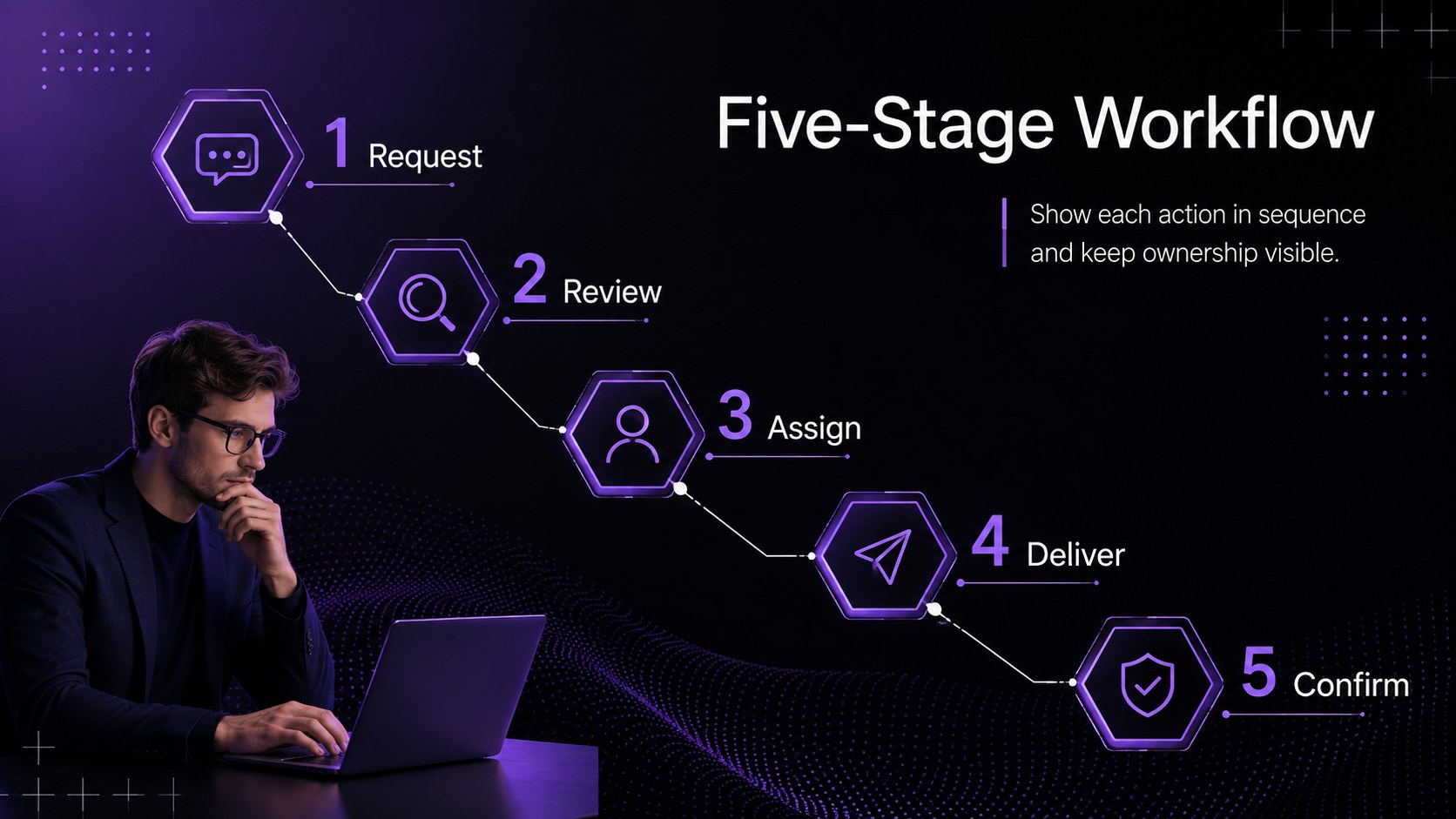
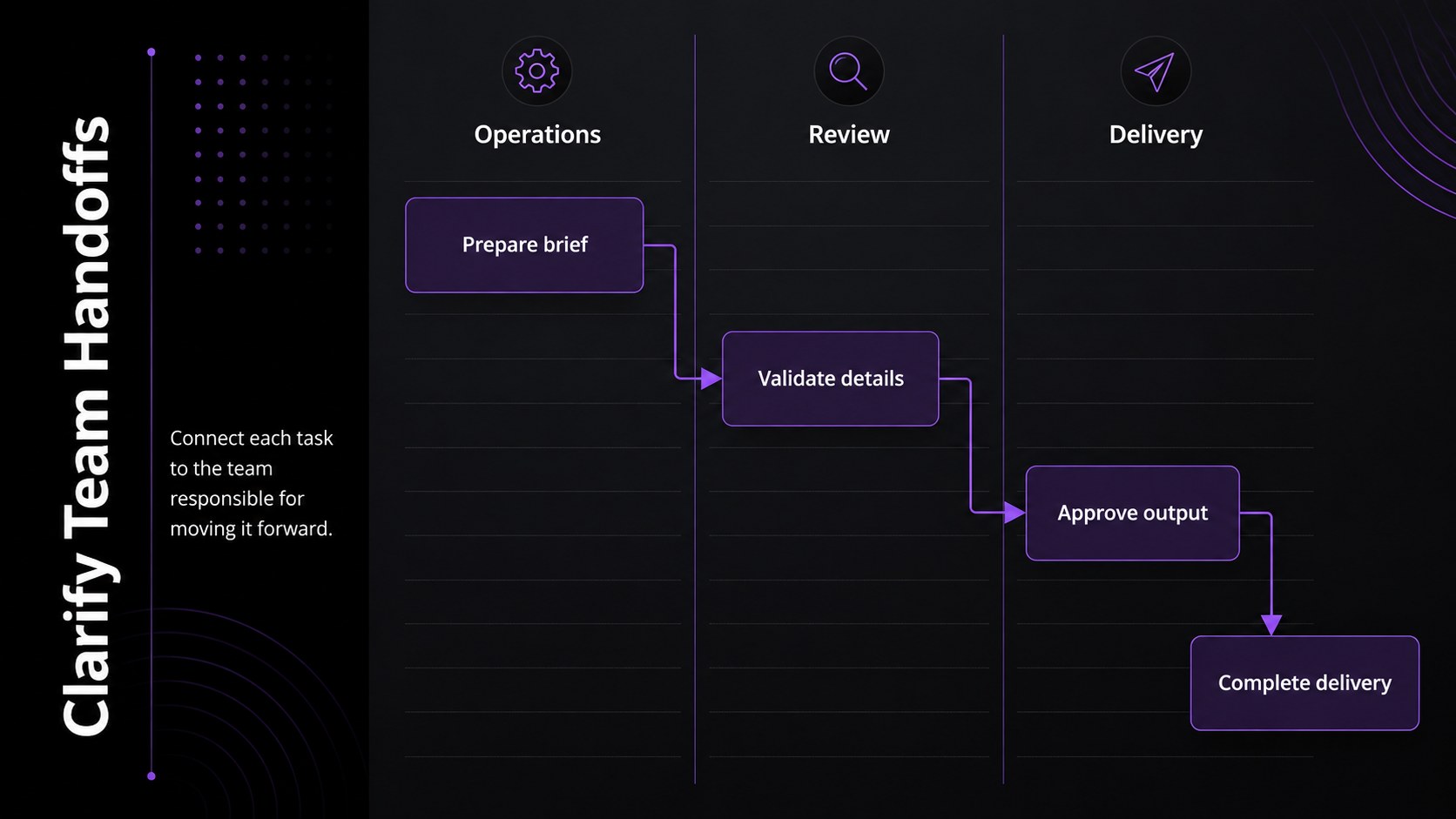
Inside are four editable 16:9 layouts covering a workflow overview, a staged process, a decision route, and a cross-team handoff. These business process flow slides can be adapted with your own labels, milestones, icons, colors, and supporting notes. Reorganize stages, duplicate shapes, or adjust connectors to represent anything from a simple approval cycle to a detailed service delivery system. The consistent visual language keeps complicated relationships easy to scan across the full deck.
This purple workflow diagram template is suited to operations leaders, consultants, project managers, analysts, and department heads. Bring it to planning workshops, onboarding sessions, client reviews, or internal improvement meetings. It also works as an operational workflow slide deck for documenting ownership and identifying bottlenecks. Edit the layouts in PowerPoint or Google Slides, then present them live or export them for reports and team documentation.
Perfect for: operational process review; cross-team handoff planning; client workflow presentation; employee process onboarding; approval path workshop.
Frequently asked questions
Can I edit every part of the workflow diagrams? Yes. You can change the labels, colors, icons, connectors, and process stages to match your organization. Shapes can also be duplicated, removed, or reordered for shorter and longer workflows.
Practical details
Yes. You can change the labels, colors, icons, connectors, and process stages to match your organization. Shapes can also be duplicated, removed, or reordered for shorter and longer workflows.
The slides are designed for PowerPoint and Google Slides. Both platforms let you edit the layouts and present the finished diagrams in a standard 16:9 format.
Yes. Replace the purple accents with your brand colors, update the typefaces, and add approved logos or department labels. Keep the dark background or switch to a lighter version when required by your brand guidelines.
The layouts support sequential workflows, decision routes, approval cycles, and cross-team handoffs. They can be adapted for operations, customer service, product delivery, finance, HR, or project management.
Keep exploring
15Shape your publishing concept with an indie magazine startup pitch deck featuring pastel gradients, bold collage layouts, and editable planning slides.
 16
16Build clear project stories with the Icon Grid Teamwork Theme, a flexible blue illustrated deck for proposals, strategy updates, and team meetings.
 3
3Turn priorities into an actionable plan with an annual goals roadmap infographic, featuring editable orange and teal layouts for PowerPoint and Google Slides.
 15
15Create an Annual Achievement Report Presentation with colorful geometric layouts for milestones, results, lessons, and priorities in PowerPoint or Google Slides.
 15
15Turn results into a focused annual performance evaluation report with dark 3D slides for KPIs, achievements, feedback, and next-step goals for teams.
 15
15Guide a focused annual recap with Business Results Retrospective Slides, a muted brown-and-blue template for PowerPoint and Google Slides.
 6
6Turn complex plans into clear visual stories with Color-Coded Workflow Path Slides, an editable set for project updates, roadmaps, and team briefings.
 6
6Compare regional performance at a glance with Global Data Heatmap Slides, a clean multicolor deck designed for editable PowerPoint and Google Slides.