
 15
15presentation
Indie Magazine Startup Pitch Deck
Shape your publishing concept with an indie magazine startup pitch deck featuring pastel gradients, bold collage layouts, and editable planning slides.
Google SlidesPowerPoint
presentation · English
Build a sharper market view with a Digital Rival Benchmarking Deck for clear comparisons, actionable findings, and polished strategy conversations.


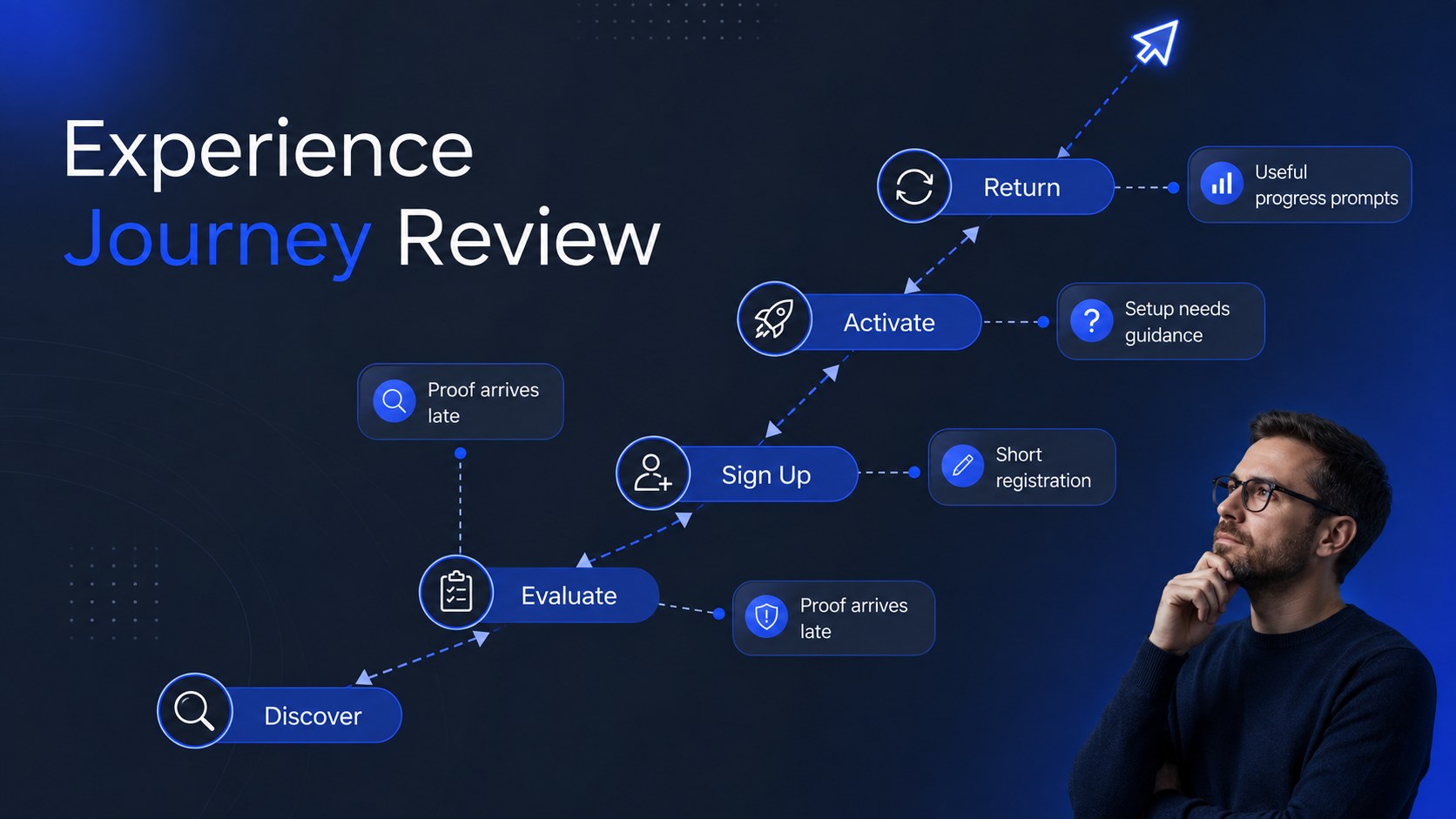
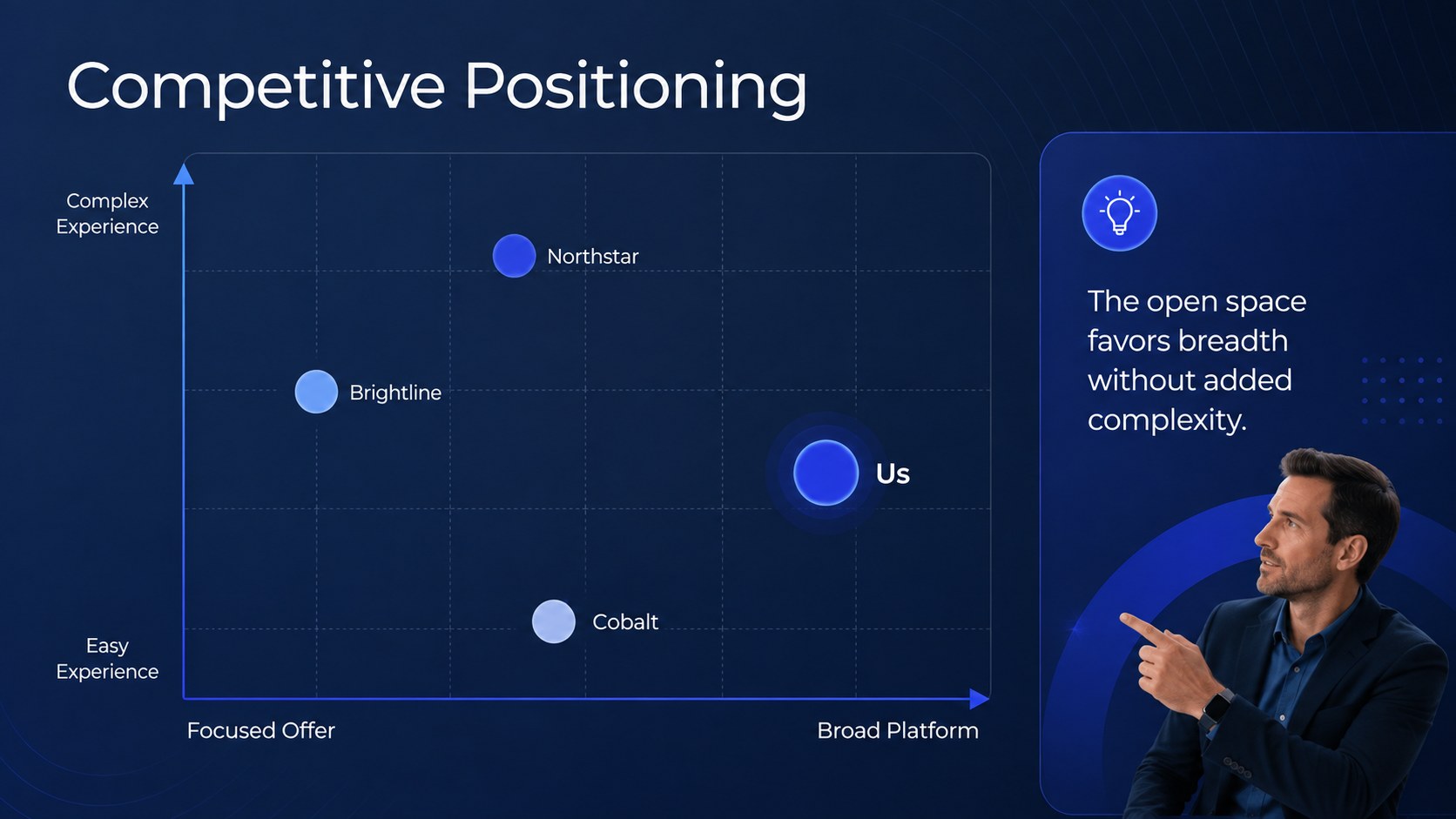
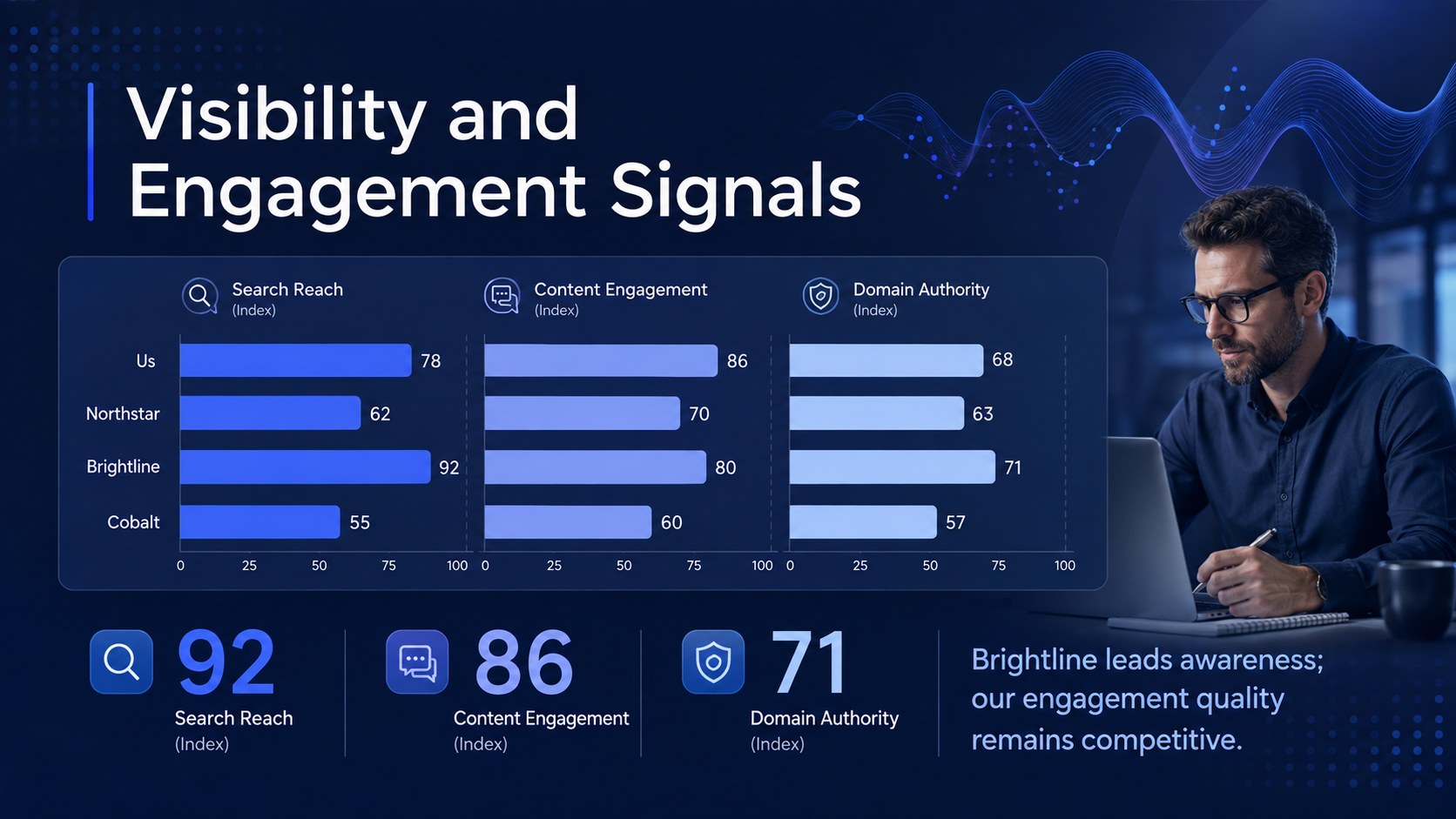
Design notes
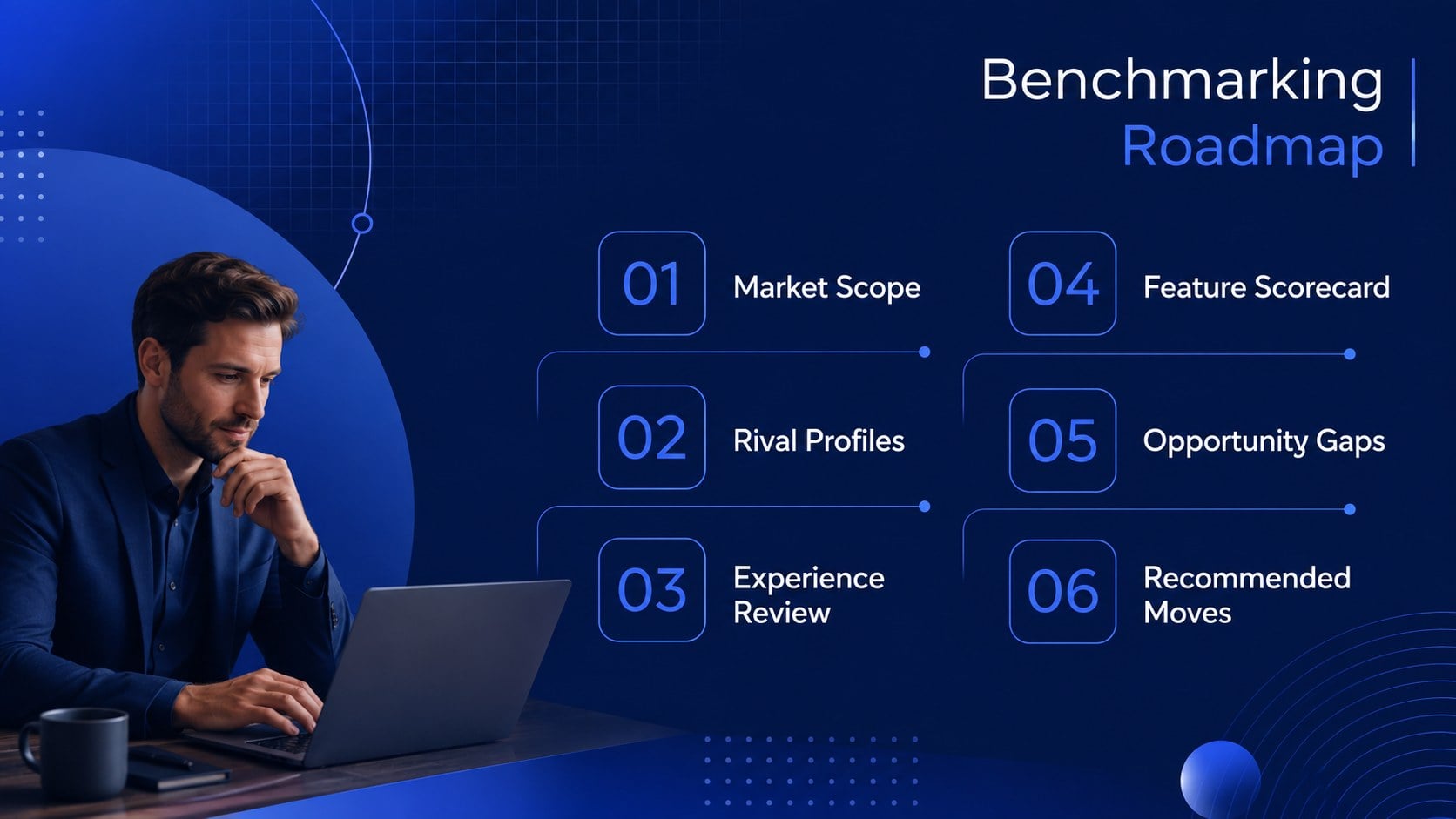
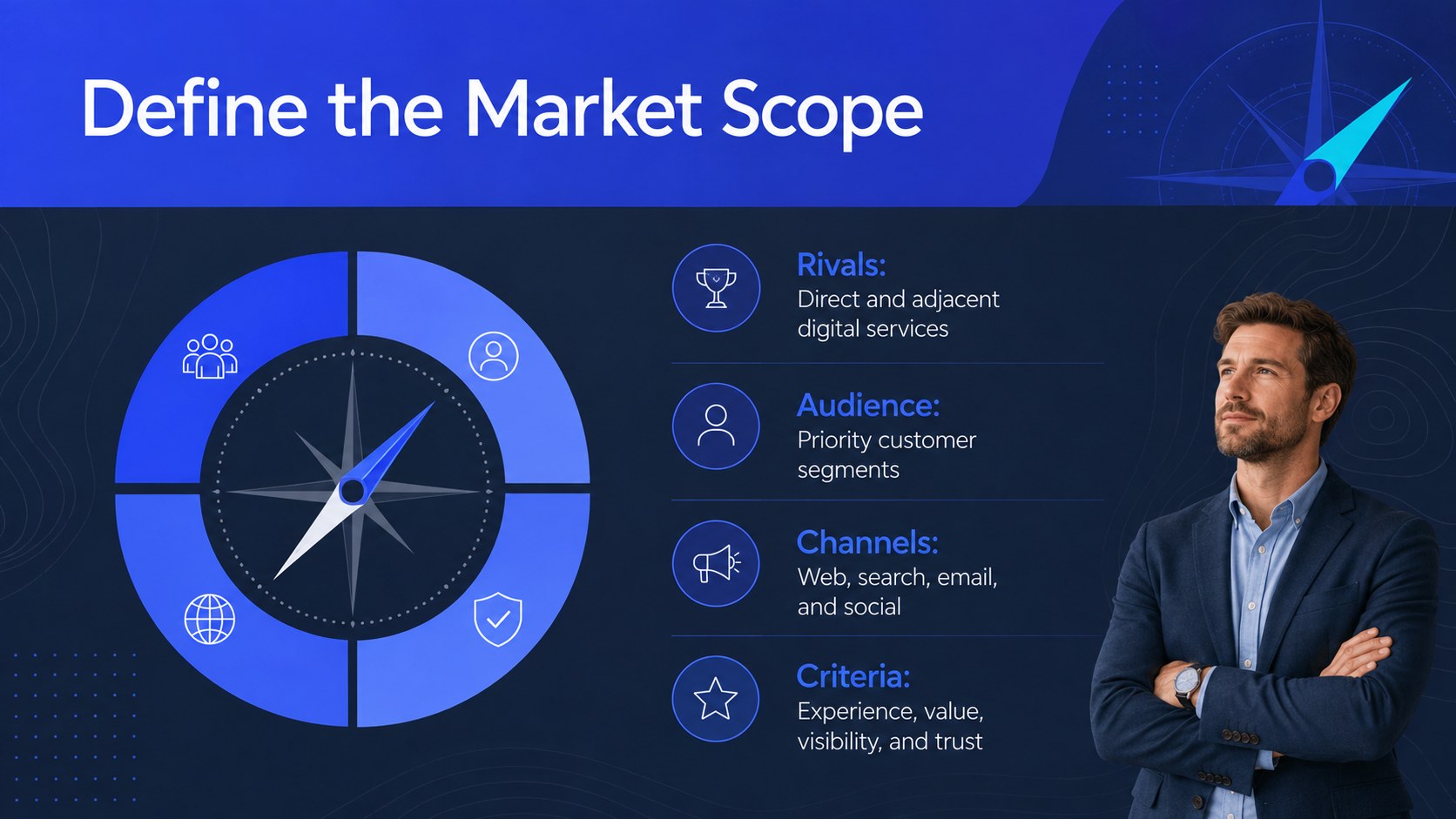
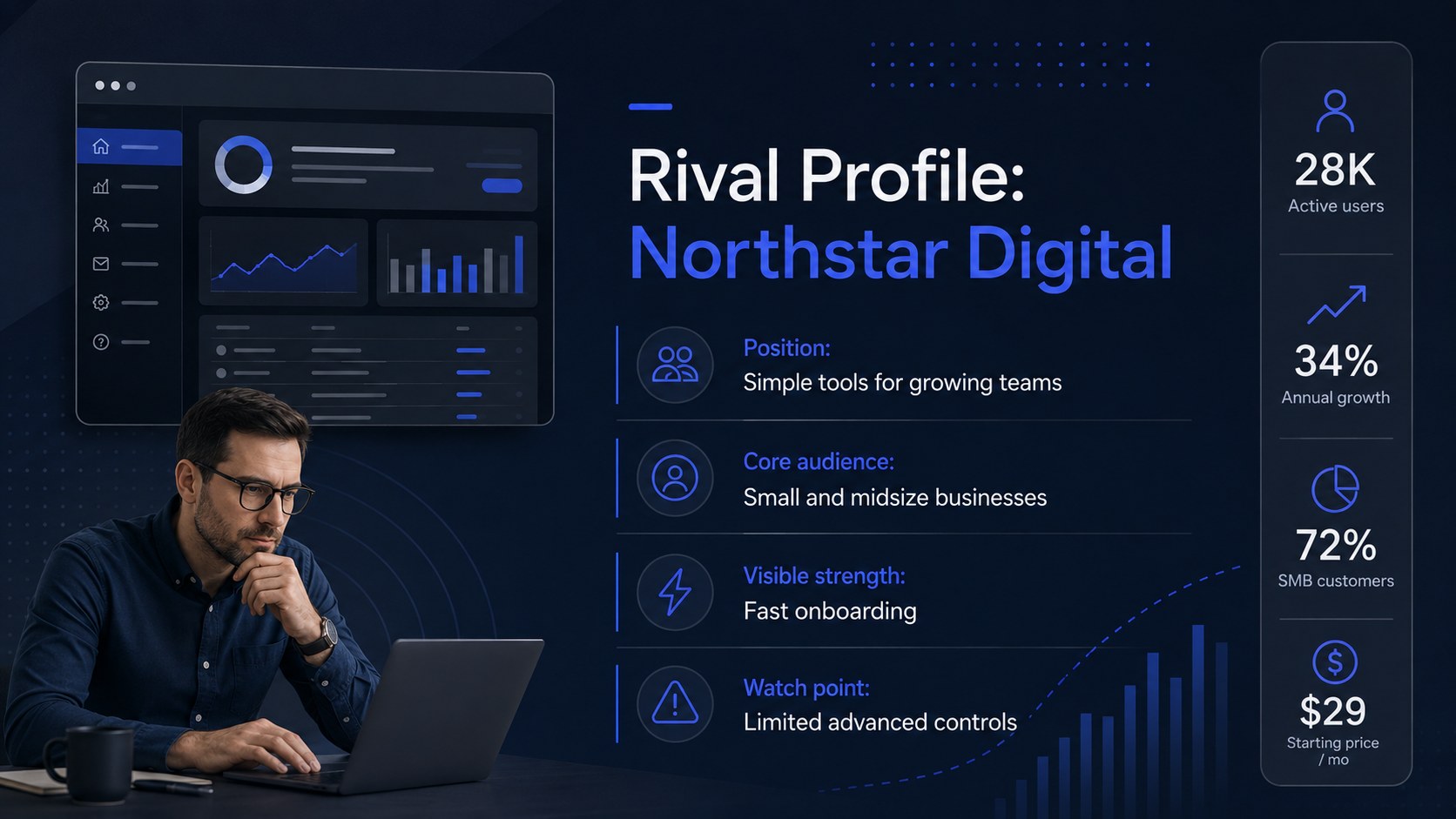
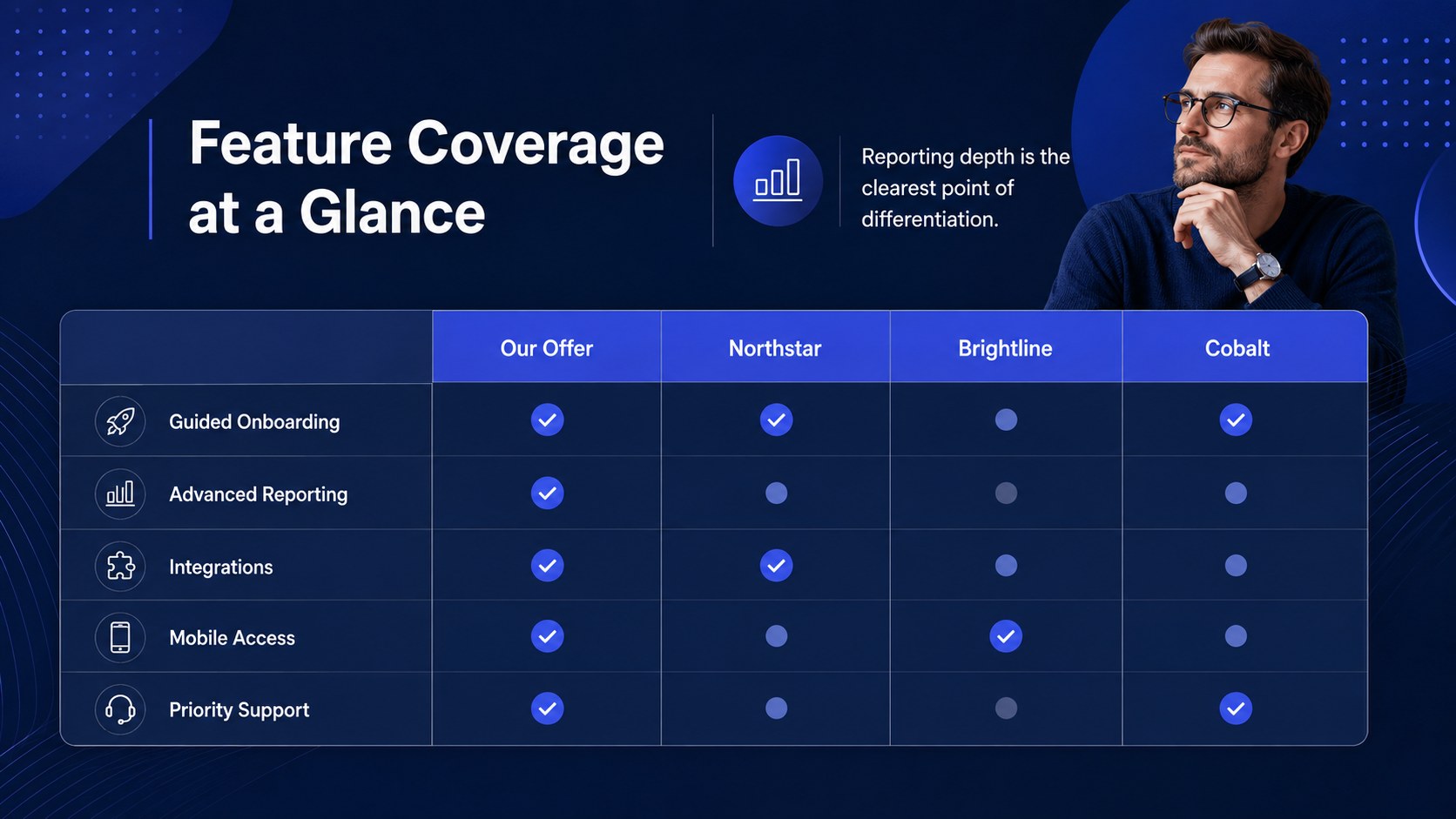
Turn scattered research into an organized market perspective with this Digital Rival Benchmarking Deck. Its modern blue visual system gives business teams a polished framework for assessing competing websites, digital products, positioning, and customer experiences without burying the audience in raw data. Use it as a website competitive landscape presentation for planning sessions, stakeholder reviews, or client workshops.
Inside, you will find layouts for rival profiles, feature comparisons, audience segments, traffic observations, messaging reviews, user journey notes, SWOT findings, scorecards, and strategic recommendations. Tables, charts, matrices, and visual summaries make the deck equally useful as a digital competitor benchmarking template or a UX competitor audit slides resource. Every element can be adapted to your research scope, evaluation criteria, and brand guidelines.
The template is designed for marketers, product managers, UX researchers, consultants, founders, and strategy teams. Edit it in PowerPoint or Google Slides, replace the sample findings with your own evidence, and adjust colors, typography, diagrams, or data displays as needed. The 16:9 format works well for internal meetings, virtual presentations, client deliverables, and executive briefings. Whether you are preparing a market entry assessment, redesigning a website, or prioritizing product opportunities, these slides help connect competitive evidence to practical next steps.
Perfect for: website redesign research; product strategy workshop; digital market entry review; client competitor briefing; UX benchmarking session; quarterly strategy meeting.
Frequently asked questions
Can I edit this deck in PowerPoint and Google Slides? Yes. The layouts, text, colors, shapes, and data displays can be edited in both PowerPoint and Google Slides.
Practical details
Yes. The layouts, text, colors, shapes, and data displays can be edited in both PowerPoint and Google Slides.
Replace the sample labels with criteria relevant to your market, such as pricing, usability, content quality, features, or conversion paths. You can also add or remove columns to match the number of rivals being reviewed.
Yes. Update the theme colors, fonts, logo placement, and chart styling to align the deck with your brand guidelines while preserving the comparison structure.
The deck supports qualitative and quantitative findings, including UX observations, feature inventories, messaging reviews, traffic estimates, scorecards, and SWOT insights. Verify third-party data before sharing it with decision-makers.
Keep exploring
15Shape your publishing concept with an indie magazine startup pitch deck featuring pastel gradients, bold collage layouts, and editable planning slides.
 16
16Build clear project stories with the Icon Grid Teamwork Theme, a flexible blue illustrated deck for proposals, strategy updates, and team meetings.
 3
3Turn priorities into an actionable plan with an annual goals roadmap infographic, featuring editable orange and teal layouts for PowerPoint and Google Slides.
 15
15Create an Annual Achievement Report Presentation with colorful geometric layouts for milestones, results, lessons, and priorities in PowerPoint or Google Slides.
 15
15Turn results into a focused annual performance evaluation report with dark 3D slides for KPIs, achievements, feedback, and next-step goals for teams.
 15
15Guide a focused annual recap with Business Results Retrospective Slides, a muted brown-and-blue template for PowerPoint and Google Slides.
 6
6Turn complex plans into clear visual stories with Color-Coded Workflow Path Slides, an editable set for project updates, roadmaps, and team briefings.
 6
6Compare regional performance at a glance with Global Data Heatmap Slides, a clean multicolor deck designed for editable PowerPoint and Google Slides.