
 15
15presentation
Indie Magazine Startup Pitch Deck
Shape your publishing concept with an indie magazine startup pitch deck featuring pastel gradients, bold collage layouts, and editable planning slides.
Google SlidesPowerPoint
presentation · English
Use this matrix management infographic deck to map dual reporting lines, clarify decision rights, and align teams in PowerPoint or Google Slides.

Design notes
Make overlapping roles easier to understand with this matrix management infographic deck for PowerPoint and Google Slides. Its crisp corporate layout and predominantly white palette give leaders a professional way to explain how functional expertise, project ownership, and shared accountability connect across the business.
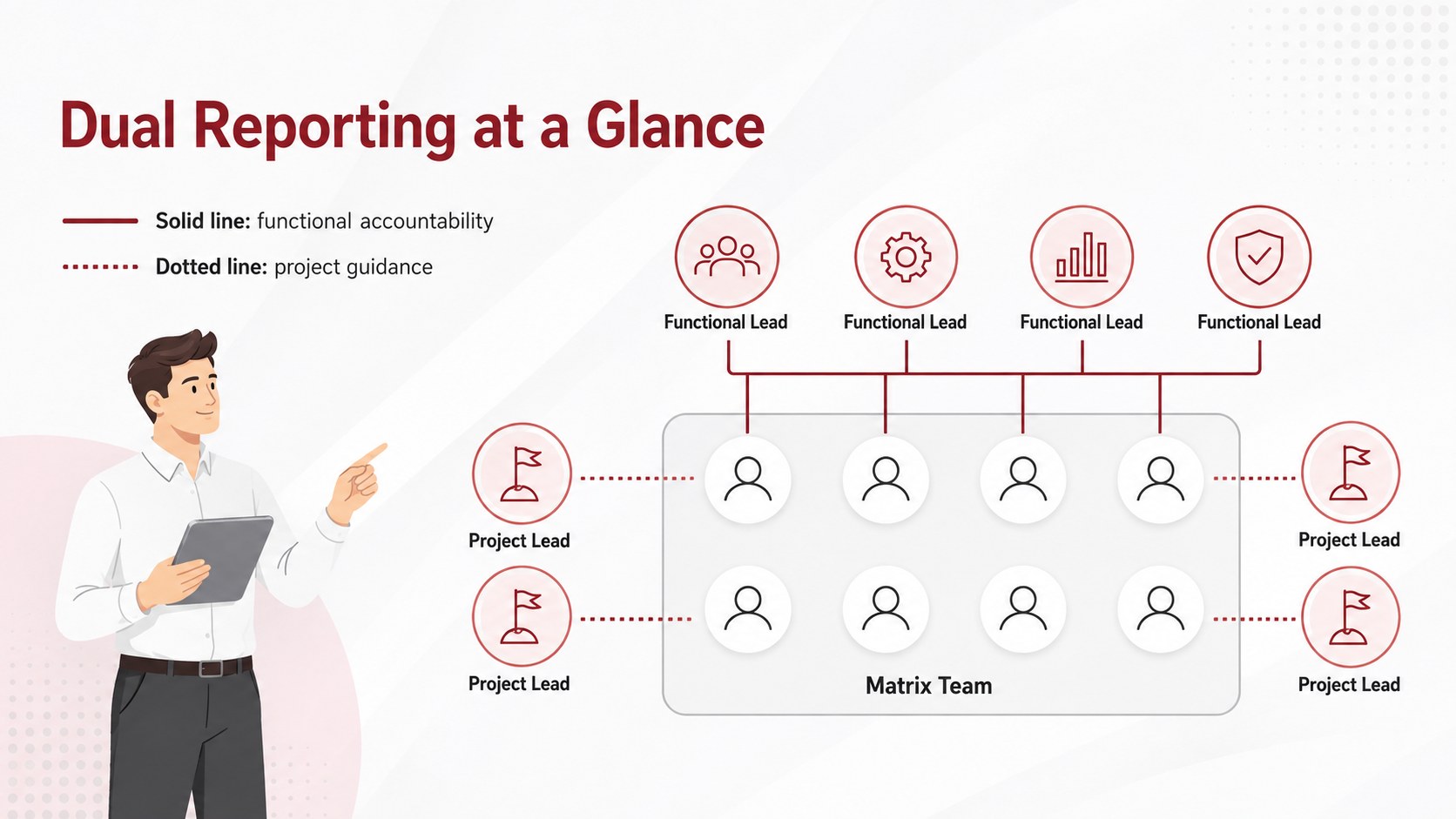
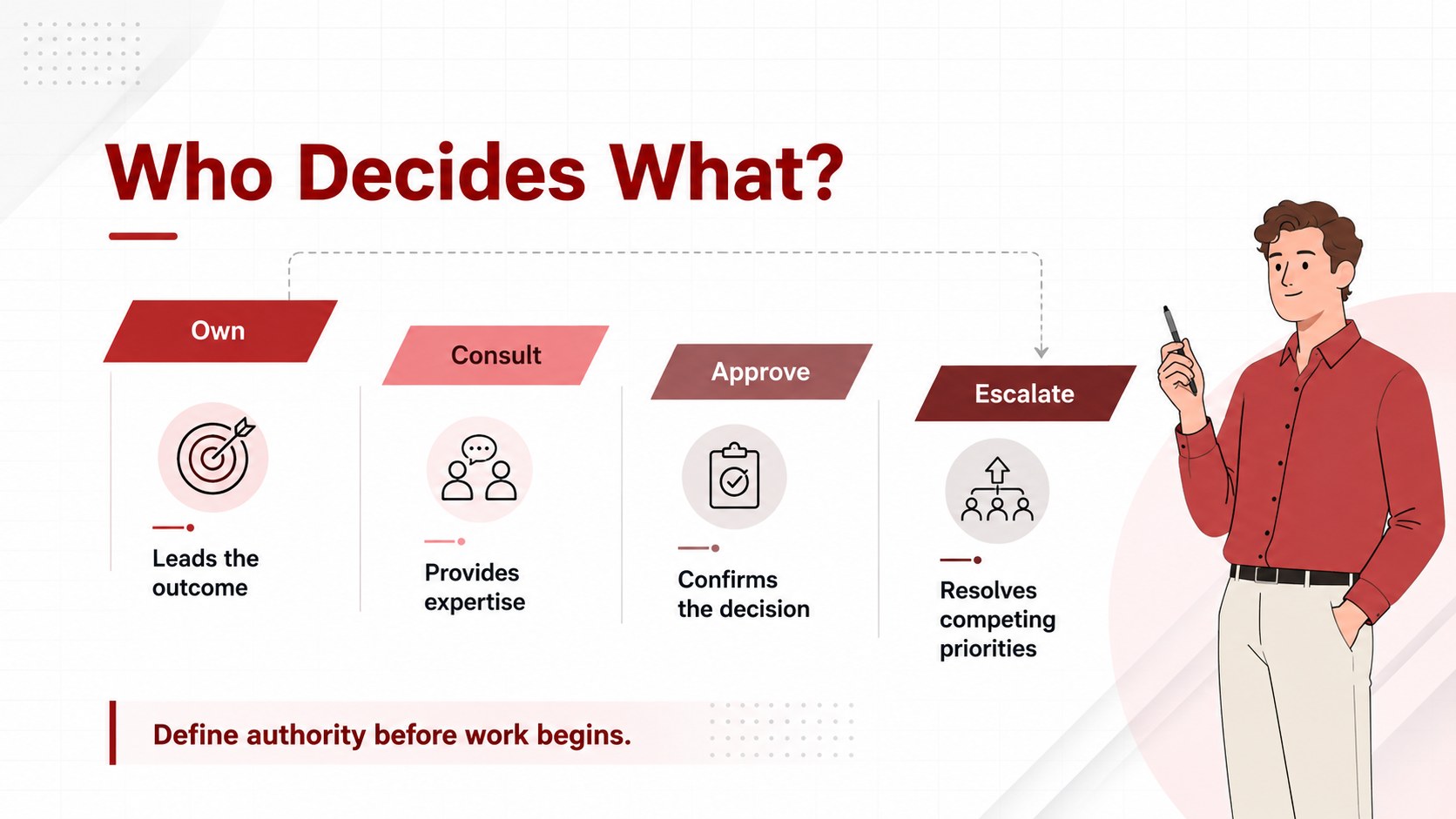
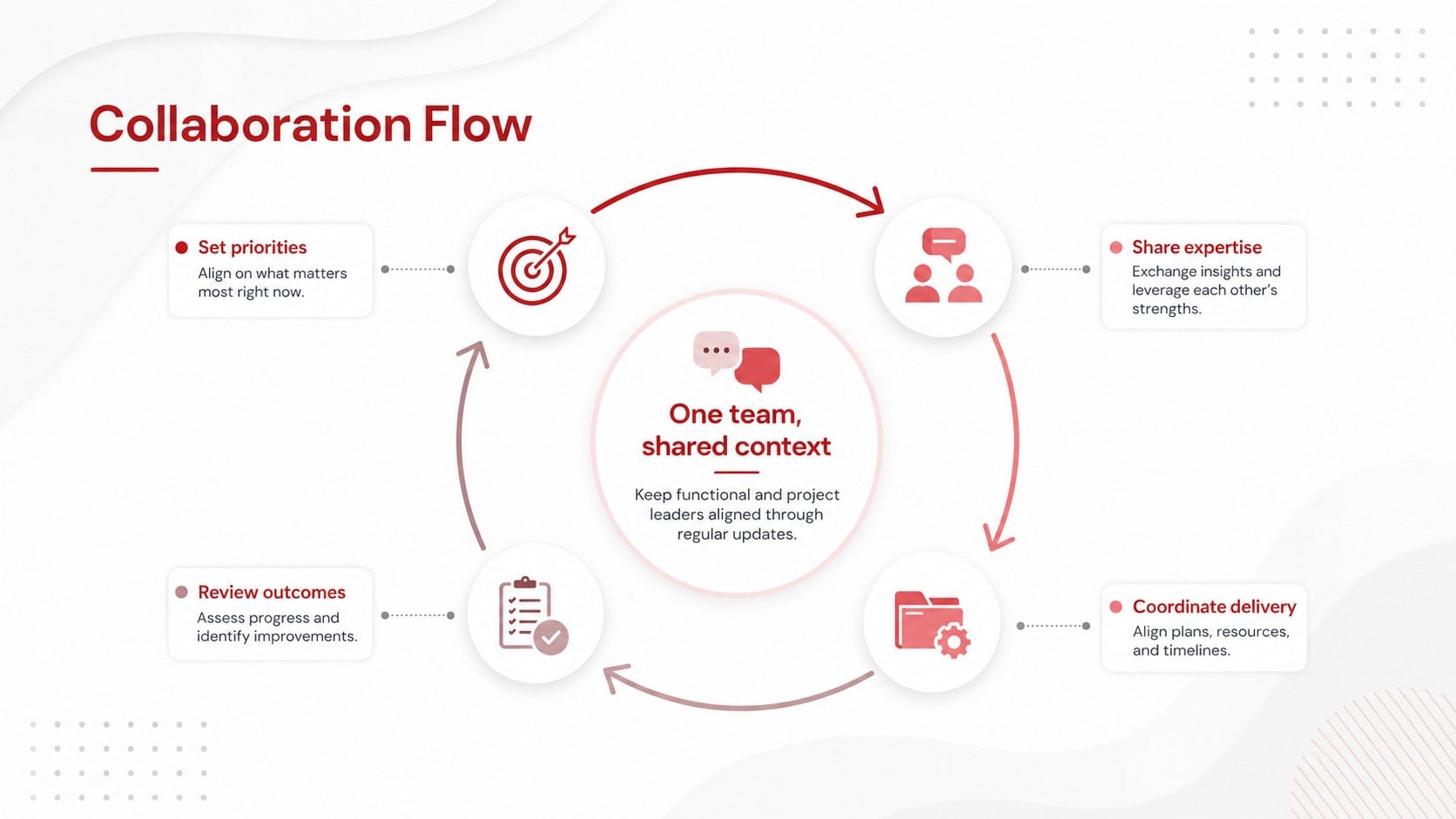
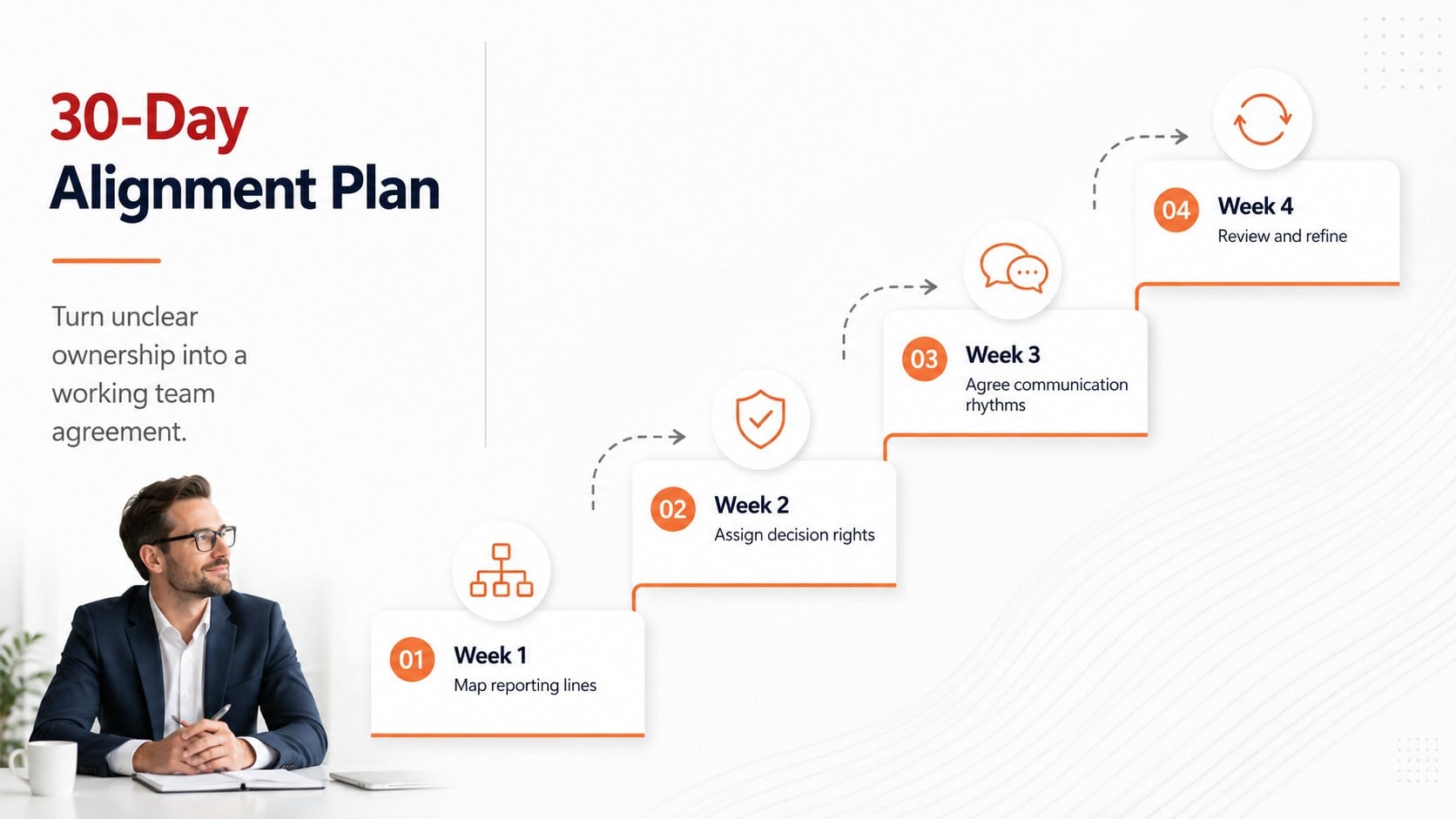
The five-slide collection includes a matrix reporting structure template, a dual reporting lines diagram, decision-rights guidance, a cross-functional collaboration flow, and a practical alignment plan. Editable text areas, connectors, labels, shapes, and visual hierarchies let you adapt each infographic to your teams, departments, and governance model. Use solid and dotted relationships to distinguish direct supervision from project-based guidance without crowding the page.
Designed for executives, HR partners, project managers, transformation teams, and management consultants, the deck works well in onboarding sessions, operating-model reviews, leadership workshops, and restructuring discussions. It can also serve as a matrix leadership workshop presentation when participants need to compare responsibilities, identify escalation paths, or resolve ownership gaps. Customize the wording, typography, and diagram structure directly in PowerPoint or Google Slides, then present the complete deck or reuse individual graphics in a broader business presentation.
Perfect for: matrix team onboarding; operating model review; leadership alignment workshop; organizational restructuring meeting; project governance briefing.
Frequently asked questions
Which presentation platforms support this deck? The slides are designed for Microsoft PowerPoint and Google Slides. Layouts, text, shapes, and connectors can be edited in either platform.
Practical details
The slides are designed for Microsoft PowerPoint and Google Slides. Layouts, text, shapes, and connectors can be edited in either platform.
Yes. You can rename roles, move nodes, adjust connectors, and change solid or dotted reporting lines to match your organization.
Yes. Each slide works as a standalone visual and can be inserted into strategy, onboarding, governance, or transformation presentations.
Yes. The layouts can be expanded or simplified for multiple functions, projects, regions, and leadership levels. Duplicate diagram elements to represent additional teams while preserving the visual hierarchy.
Keep exploring
15Shape your publishing concept with an indie magazine startup pitch deck featuring pastel gradients, bold collage layouts, and editable planning slides.
 16
16Build clear project stories with the Icon Grid Teamwork Theme, a flexible blue illustrated deck for proposals, strategy updates, and team meetings.
 3
3Turn priorities into an actionable plan with an annual goals roadmap infographic, featuring editable orange and teal layouts for PowerPoint and Google Slides.
 15
15Create an Annual Achievement Report Presentation with colorful geometric layouts for milestones, results, lessons, and priorities in PowerPoint or Google Slides.
 15
15Turn results into a focused annual performance evaluation report with dark 3D slides for KPIs, achievements, feedback, and next-step goals for teams.
 15
15Guide a focused annual recap with Business Results Retrospective Slides, a muted brown-and-blue template for PowerPoint and Google Slides.
 6
6Turn complex plans into clear visual stories with Color-Coded Workflow Path Slides, an editable set for project updates, roadmaps, and team briefings.
 6
6Compare regional performance at a glance with Global Data Heatmap Slides, a clean multicolor deck designed for editable PowerPoint and Google Slides.