
 15
15presentation
Indie Magazine Startup Pitch Deck
Shape your publishing concept with an indie magazine startup pitch deck featuring pastel gradients, bold collage layouts, and editable planning slides.
Google SlidesPowerPoint
presentation · English
Align web, marketing, and product teams with a digital touchpoint mapping deck that turns visitor behavior, friction, and opportunities into a clear story.
Design notes
Build a clearer picture of how visitors discover, explore, and act across your website with this digital touchpoint mapping deck. Its blue-and-white illustrated design organizes audience behavior into an accessible narrative, helping teams connect user needs with business goals without overwhelming viewers with dense data.
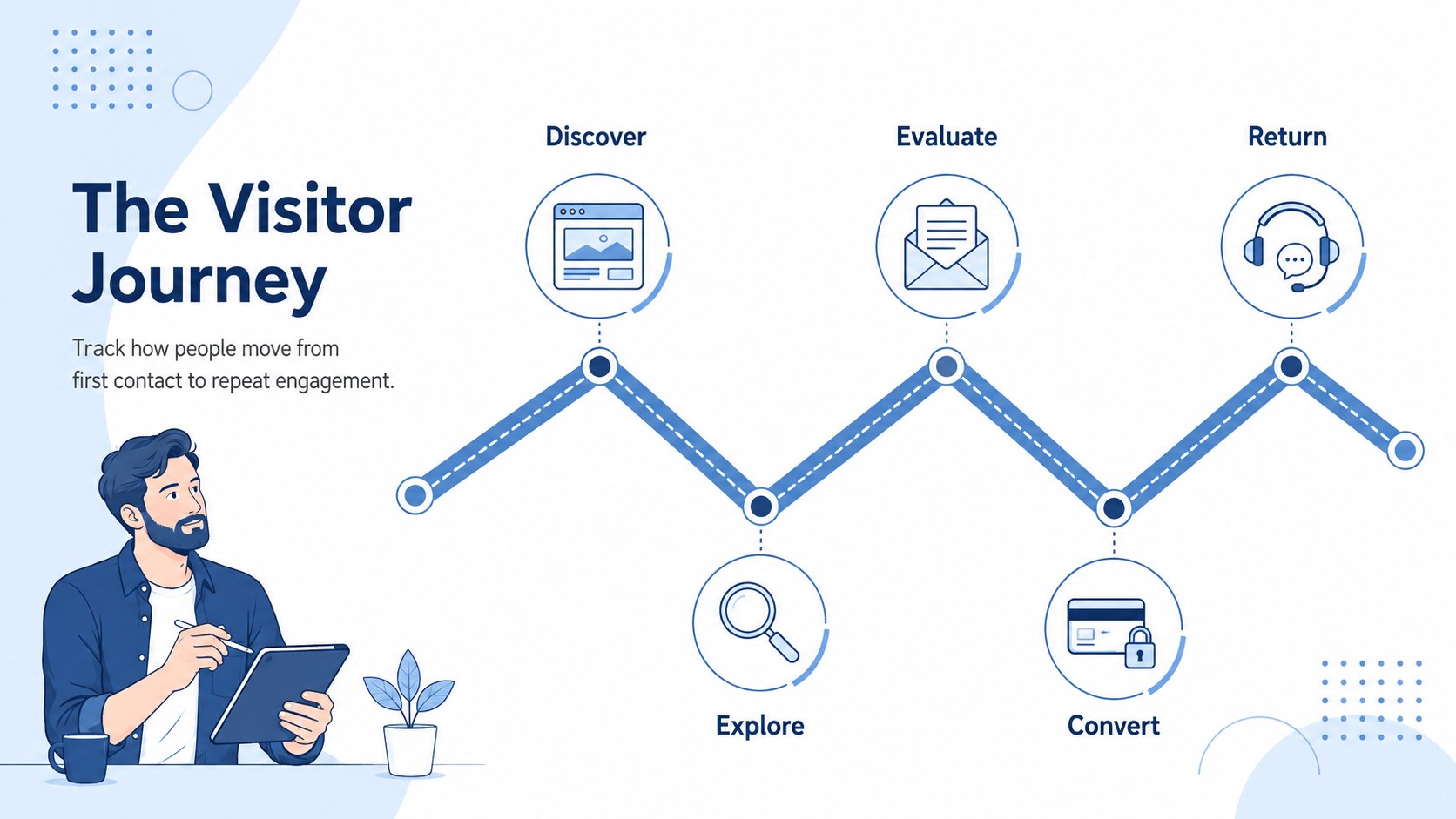
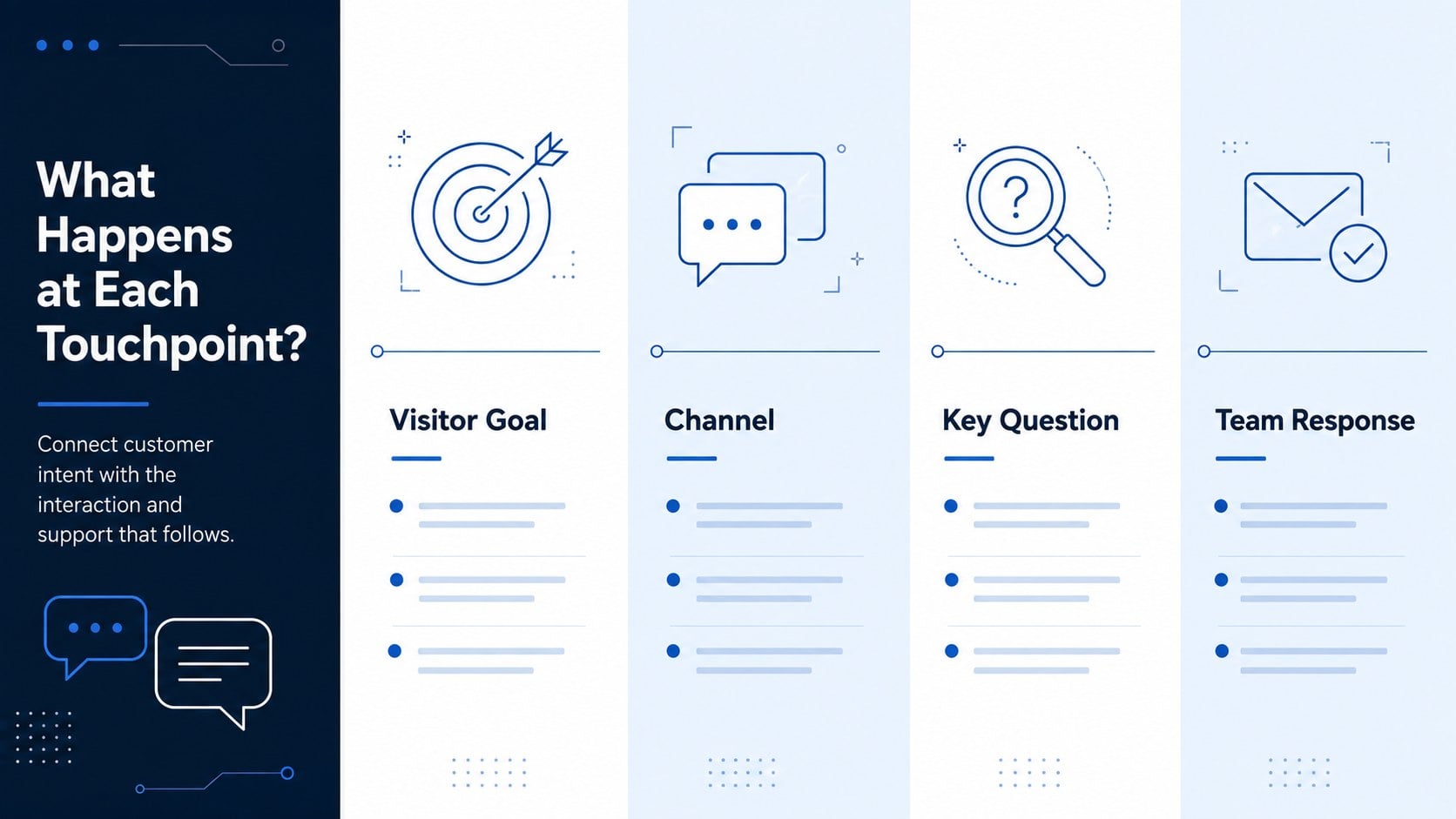
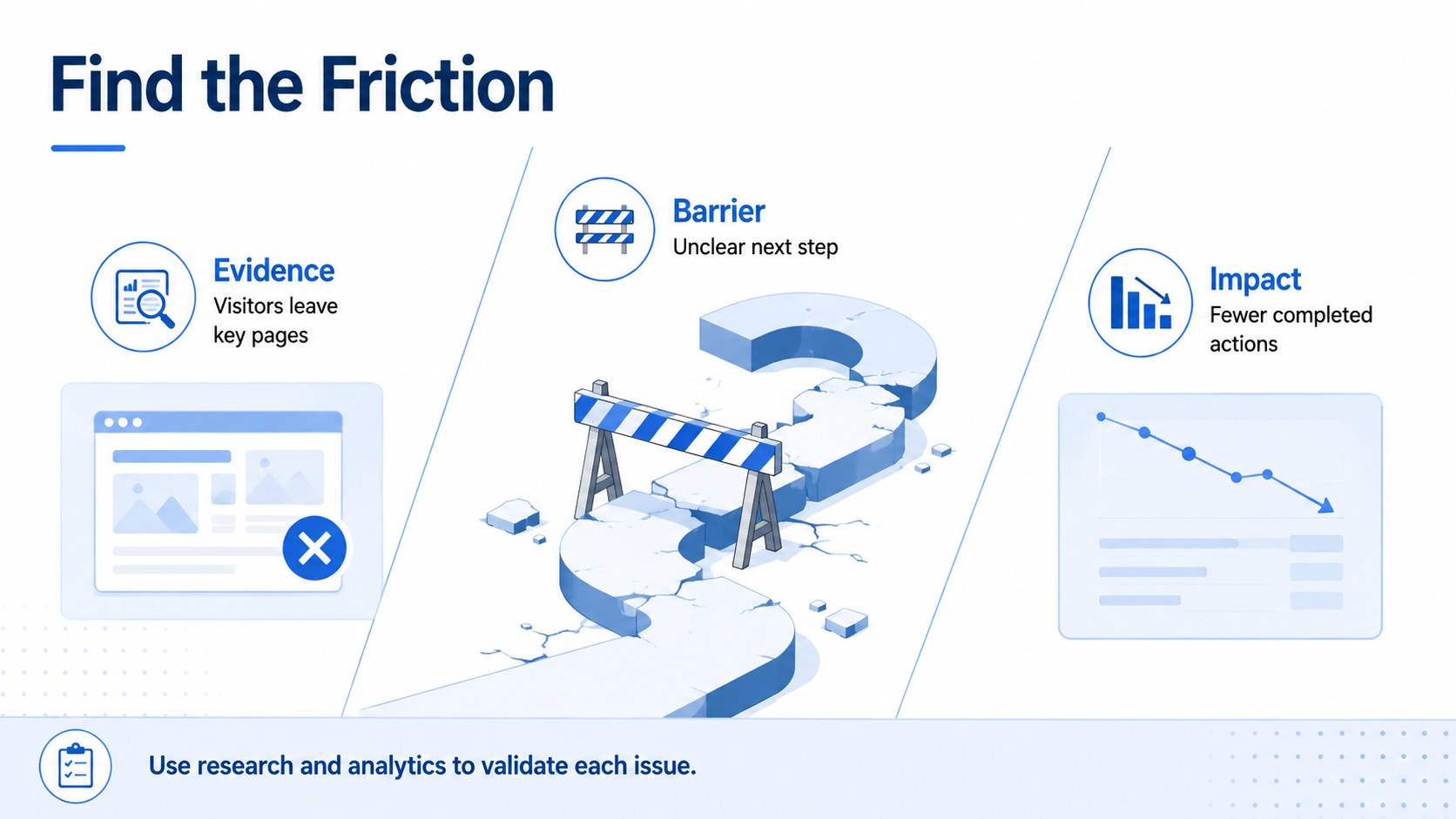
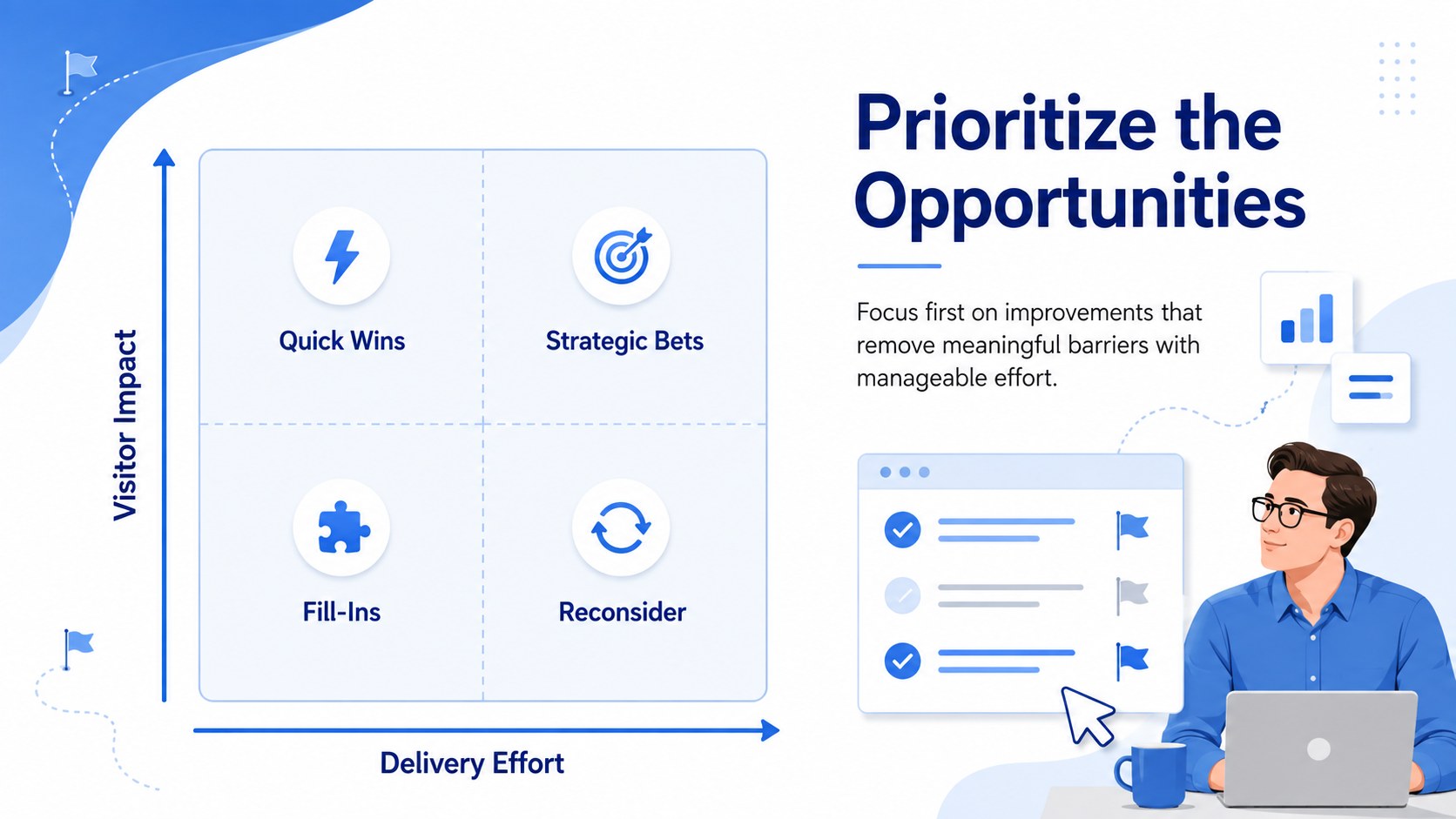
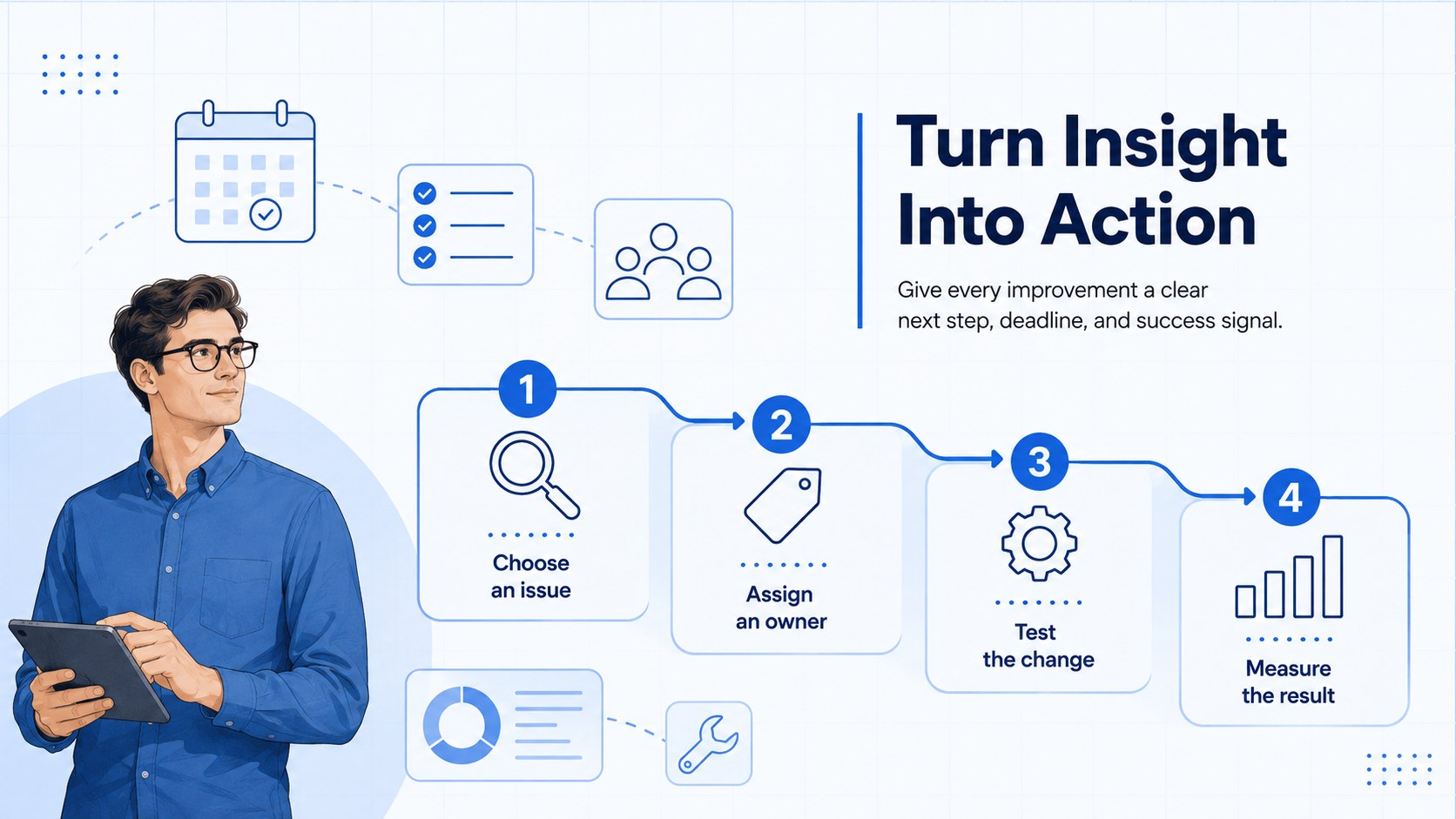
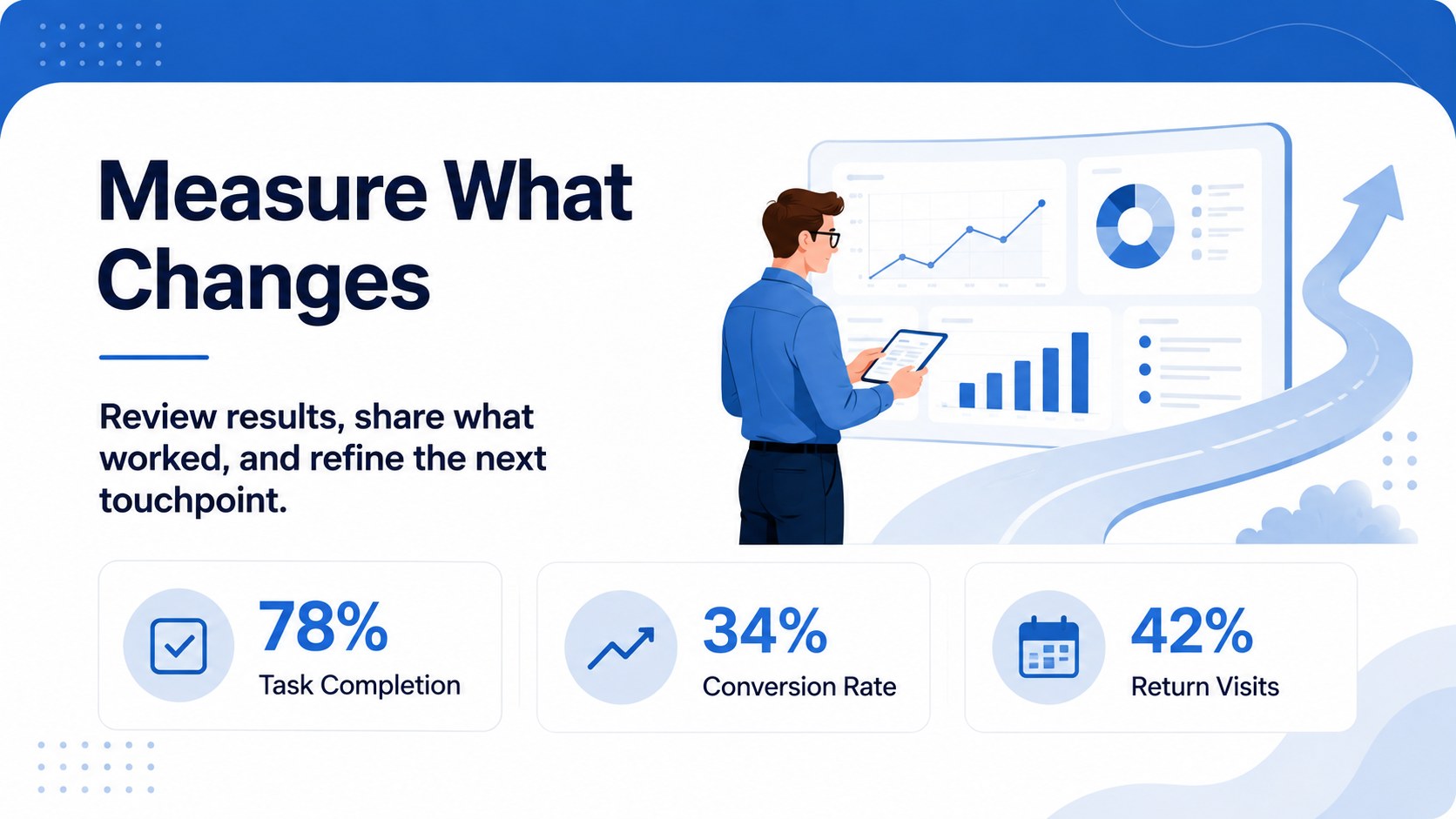
The deck includes six editable infographic layouts plus a coordinated cover. Use them to outline journey stages, compare channels, document visitor questions, identify friction, prioritize improvements, and assign measurable next steps. Flexible diagrams, timelines, matrices, and action-planning sections make this a practical website experience mapping template for research findings, campaign reviews, and optimization workshops. It also works as an online conversion journey presentation when you need to explain how specific interactions influence sign-ups, purchases, or inquiries.
Designed for marketing professionals, UX researchers, product managers, web strategists, and client-facing agencies, these digital customer touchpoint slides support both collaborative planning and polished presentations. Customize the wording, colors, icons, charts, and shapes in PowerPoint or Google Slides while preserving the modern illustrated style. The 16:9 format is suitable for team meetings, stakeholder reviews, customer journey workshops, and remote presentations. Use the layouts as a complete story or select individual infographics for reports and strategy documents.
Perfect for: website journey workshop; conversion funnel review; UX research presentation; client experience audit; digital campaign planning; product optimization meeting.
Frequently asked questions
Can I edit every element in this deck? Yes. Text, colors, icons, shapes, diagrams, and charts can be adjusted to match your website journey and visual identity.
Practical details
Yes. Text, colors, icons, shapes, diagrams, and charts can be adjusted to match your website journey and visual identity.
The template is designed for PowerPoint and Google Slides. Both versions use a widescreen 16:9 layout for presenting in person or online.
Yes. Rename, remove, duplicate, or reorder stages to reflect your acquisition, onboarding, purchase, or retention process.
Yes. The layouts provide space for customer goals, observed behavior, pain points, evidence, opportunities, and recommended actions.
Keep exploring
15Shape your publishing concept with an indie magazine startup pitch deck featuring pastel gradients, bold collage layouts, and editable planning slides.
 16
16Build clear project stories with the Icon Grid Teamwork Theme, a flexible blue illustrated deck for proposals, strategy updates, and team meetings.
 3
3Turn priorities into an actionable plan with an annual goals roadmap infographic, featuring editable orange and teal layouts for PowerPoint and Google Slides.
 15
15Create an Annual Achievement Report Presentation with colorful geometric layouts for milestones, results, lessons, and priorities in PowerPoint or Google Slides.
 15
15Turn results into a focused annual performance evaluation report with dark 3D slides for KPIs, achievements, feedback, and next-step goals for teams.
 15
15Guide a focused annual recap with Business Results Retrospective Slides, a muted brown-and-blue template for PowerPoint and Google Slides.
 6
6Turn complex plans into clear visual stories with Color-Coded Workflow Path Slides, an editable set for project updates, roadmaps, and team briefings.
 6
6Compare regional performance at a glance with Global Data Heatmap Slides, a clean multicolor deck designed for editable PowerPoint and Google Slides.