
 15
15presentation
Indie Magazine Startup Pitch Deck
Shape your publishing concept with an indie magazine startup pitch deck featuring pastel gradients, bold collage layouts, and editable planning slides.
Google SlidesPowerPoint
presentation · English
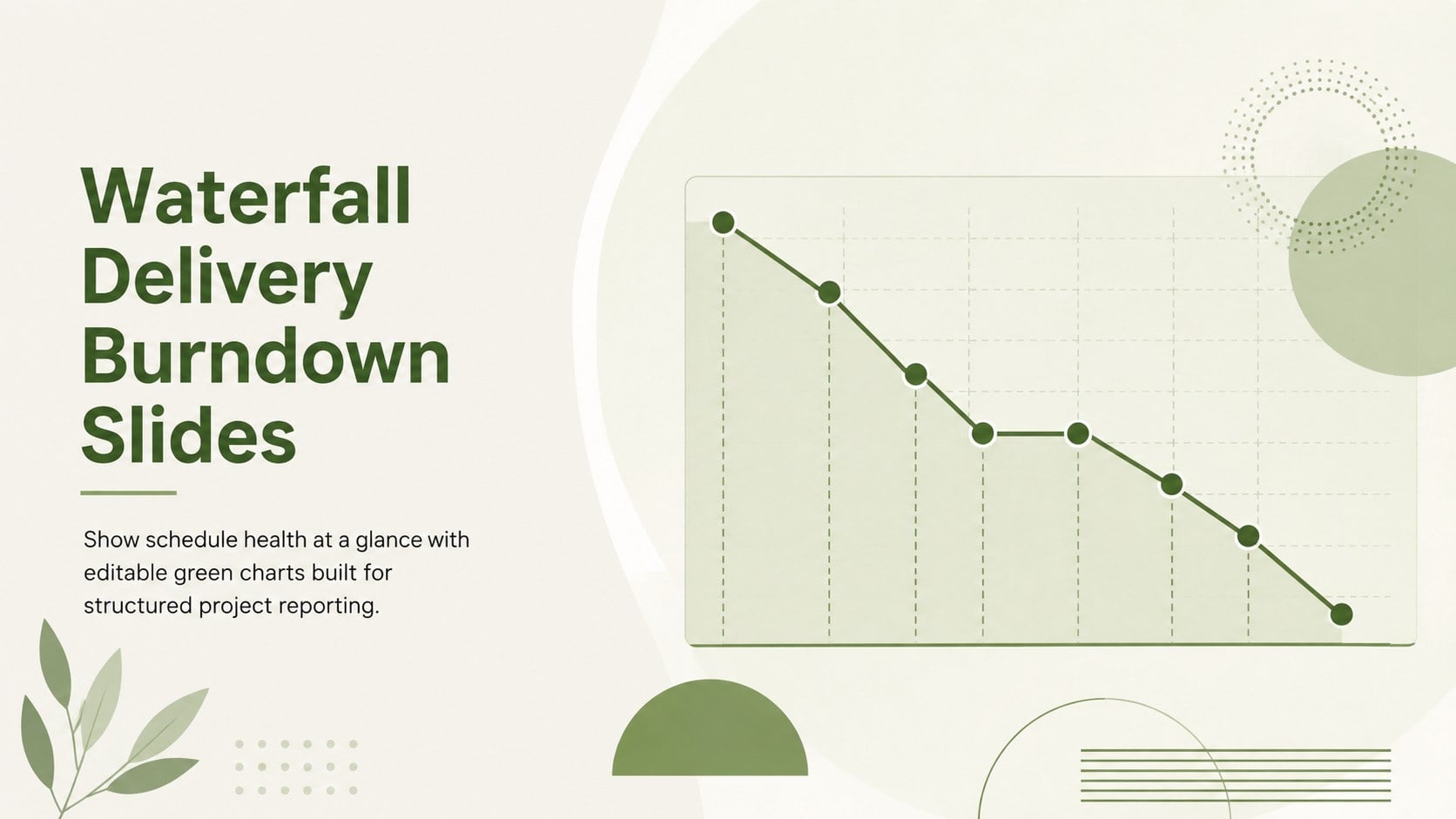
Turn planned and completed work into a clear status story with Waterfall Delivery Burndown Slides, editable in PowerPoint and Google Slides.
Design notes
Waterfall Delivery Burndown Slides turn detailed schedule data into a concise visual update that teams and stakeholders can understand quickly. Designed for sequential project environments, this green presentation set helps you compare planned progress with actual task completion, identify delays, and communicate whether delivery remains on course. Use the layouts as project completion tracking slides during status meetings, governance reviews, or client briefings.
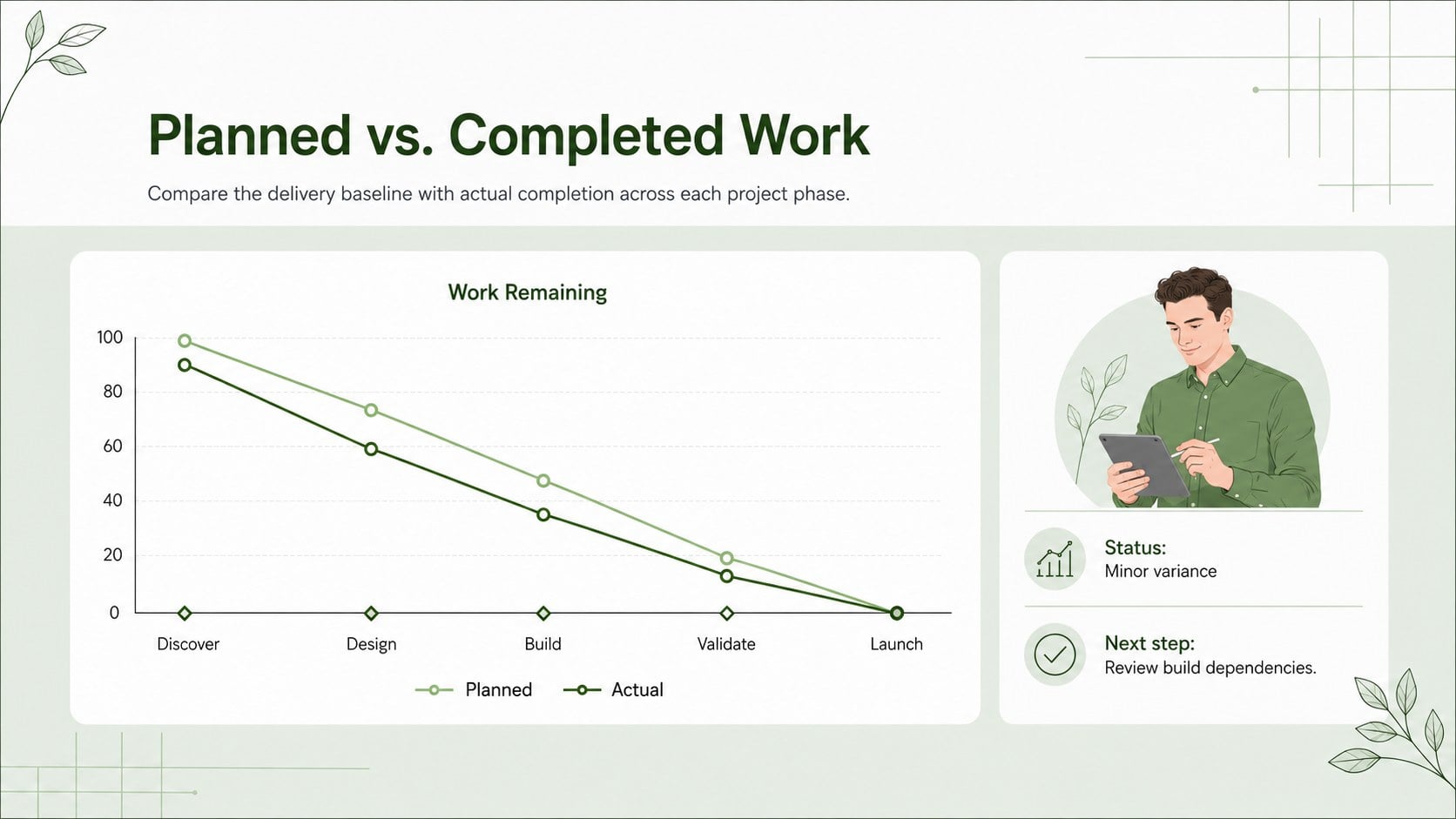
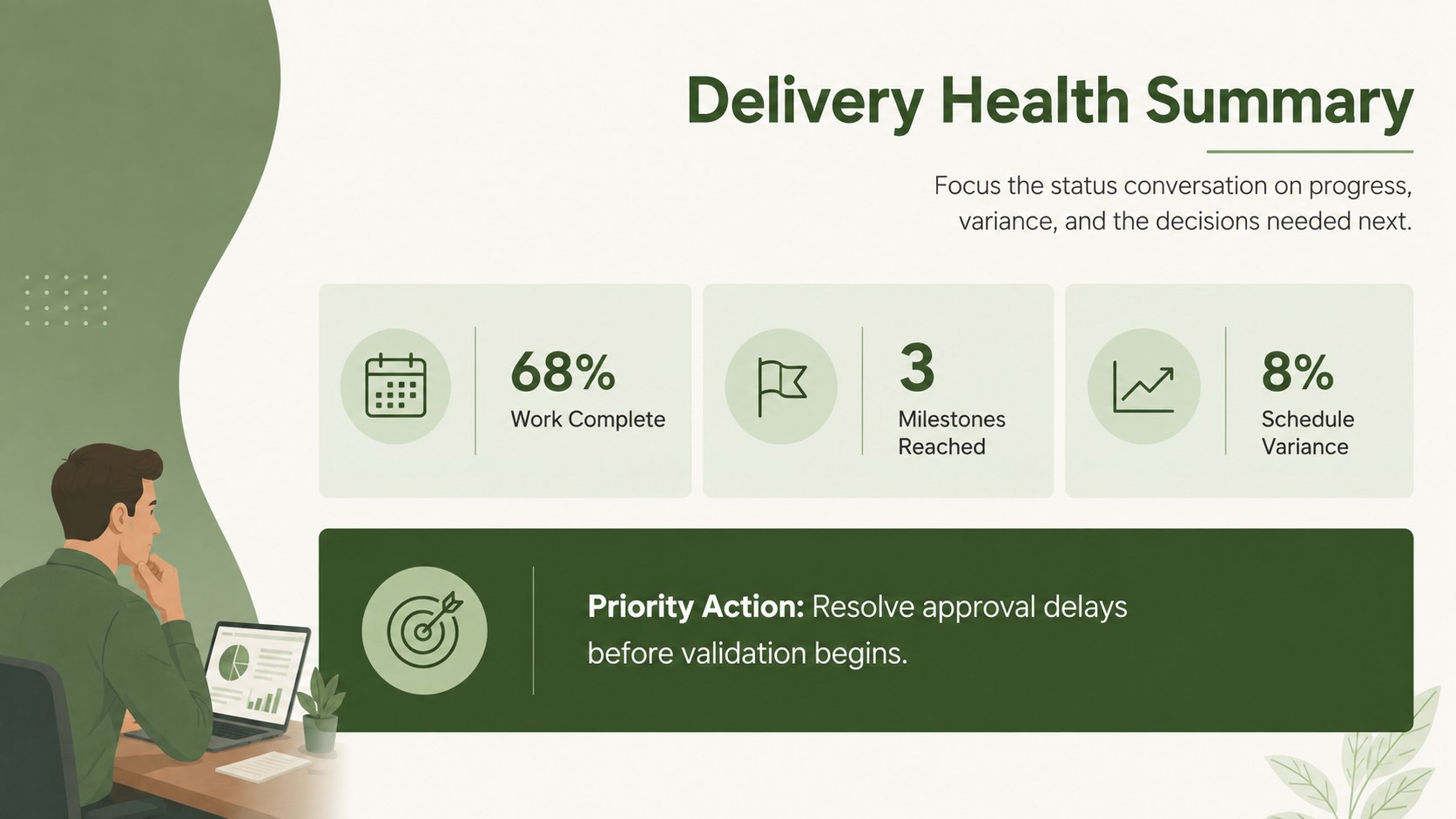
Inside are three coordinated infographic layouts for introducing the report, plotting work remaining over time, and summarizing schedule performance. The central planned versus completed work chart can be adapted with your own dates, work units, milestones, labels, and status notes. Restrained typography, generous spacing, and a fresh green palette give the visuals a professional appearance without distracting from the data. Shapes, chart elements, colors, and text can all be adjusted in PowerPoint or Google Slides.
These Waterfall Delivery Burndown Slides are suited to project managers, delivery leads, PMO teams, consultants, and operations professionals overseeing phased initiatives. They work especially well for software releases, construction programs, product launches, process implementations, and other projects with defined stages. Add the finished executive project progress visual to a weekly report, steering committee deck, or milestone review to explain variance and next steps without relying on a dense spreadsheet.
Perfect for: weekly project status meeting; steering committee review; client delivery update; milestone performance report; PMO portfolio briefing.
Frequently asked questions
Can I replace the sample burndown data with my own figures? Yes. Edit the dates, work units, milestone labels, and status notes to match your project plan. You can also reposition chart points and lines to reflect actual performance.
Practical details
Yes. Edit the dates, work units, milestone labels, and status notes to match your project plan. You can also reposition chart points and lines to reflect actual performance.
The layouts are designed for Microsoft PowerPoint and Google Slides. Formatting may vary slightly by platform, so review font sizing and chart alignment after importing.
Yes. Recolor the chart lines, backgrounds, accents, and decorative shapes using your organization’s brand colors. Maintain strong contrast between planned and actual values so the chart remains easy to read.
Start with a reporting period, total planned work, completed work, and remaining work. Add milestone markers or brief variance notes when they help explain changes in the delivery forecast.
Keep exploring
15Shape your publishing concept with an indie magazine startup pitch deck featuring pastel gradients, bold collage layouts, and editable planning slides.
 16
16Build clear project stories with the Icon Grid Teamwork Theme, a flexible blue illustrated deck for proposals, strategy updates, and team meetings.
 3
3Turn priorities into an actionable plan with an annual goals roadmap infographic, featuring editable orange and teal layouts for PowerPoint and Google Slides.
 15
15Create an Annual Achievement Report Presentation with colorful geometric layouts for milestones, results, lessons, and priorities in PowerPoint or Google Slides.
 15
15Turn results into a focused annual performance evaluation report with dark 3D slides for KPIs, achievements, feedback, and next-step goals for teams.
 15
15Guide a focused annual recap with Business Results Retrospective Slides, a muted brown-and-blue template for PowerPoint and Google Slides.
 6
6Turn complex plans into clear visual stories with Color-Coded Workflow Path Slides, an editable set for project updates, roadmaps, and team briefings.
 6
6Compare regional performance at a glance with Global Data Heatmap Slides, a clean multicolor deck designed for editable PowerPoint and Google Slides.