
 15
15presentation
Cosmic Cinema Funding Deck
Present your story, visual world, production plan, and budget with a cosmic cinema funding deck built for filmmakers in PowerPoint and Google Slides.
Google SlidesPowerPoint
Collection
7 designs in this collection.
Find a film pitch deck template for a movie, short film, or documentary proposal. This collection gathers cinematic presentation designs tagged for film pitches, proposals, or funding, with previews you can inspect before downloading. Start with a visual style that supports your story, then add the logline, synopsis, creative approach, team, and production context for the meeting you are preparing.
15Present your story, visual world, production plan, and budget with a cosmic cinema funding deck built for filmmakers in PowerPoint and Google Slides.
 15
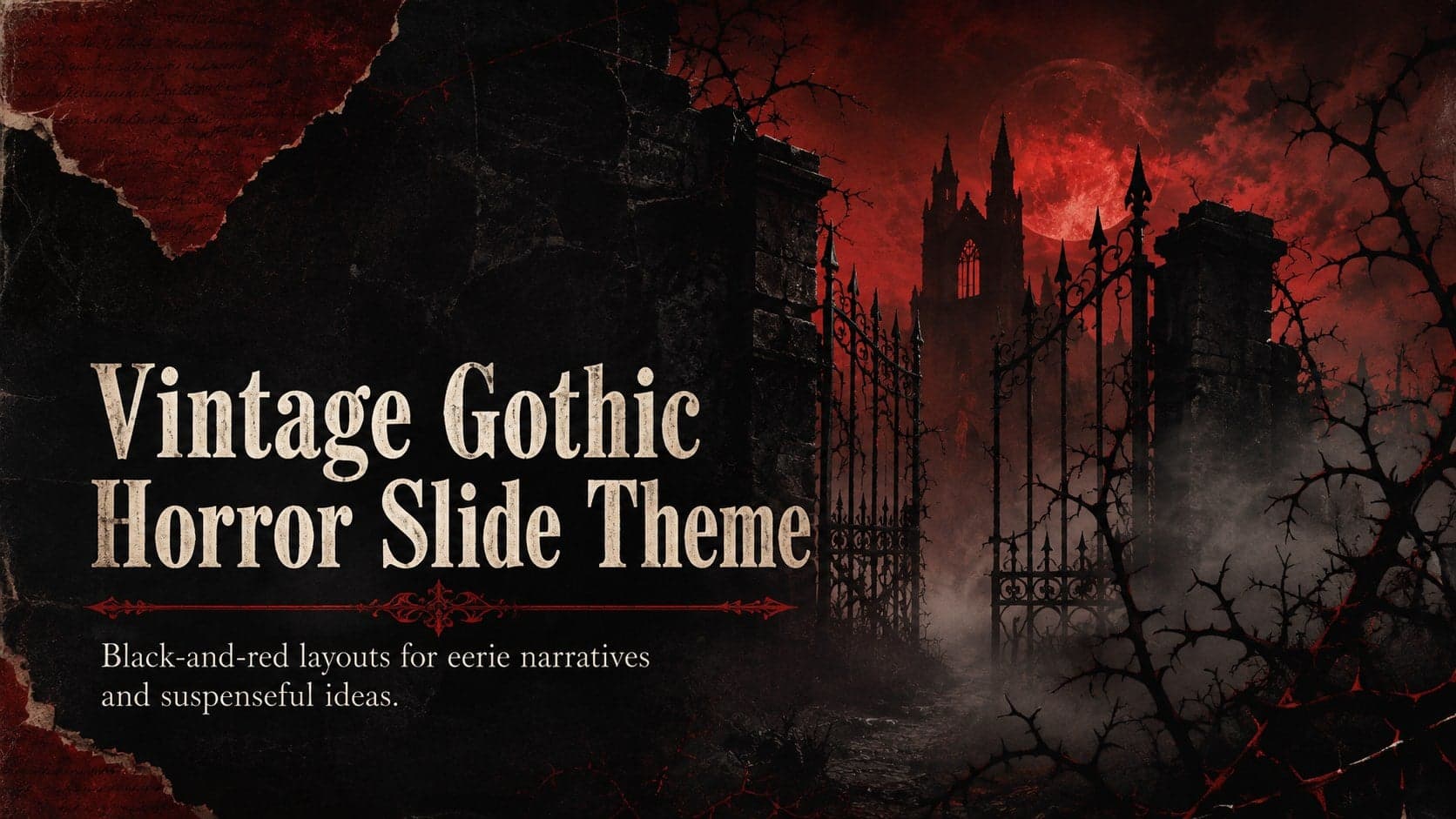
15Build chilling stories with a vintage gothic horror slide theme in black and red, designed for Halloween events, film pitches, and dramatic lessons.
 15
15Build a golden age cinema storytelling deck with cinematic photo layouts and editable pitch slides for PowerPoint and Google Slides.
 15
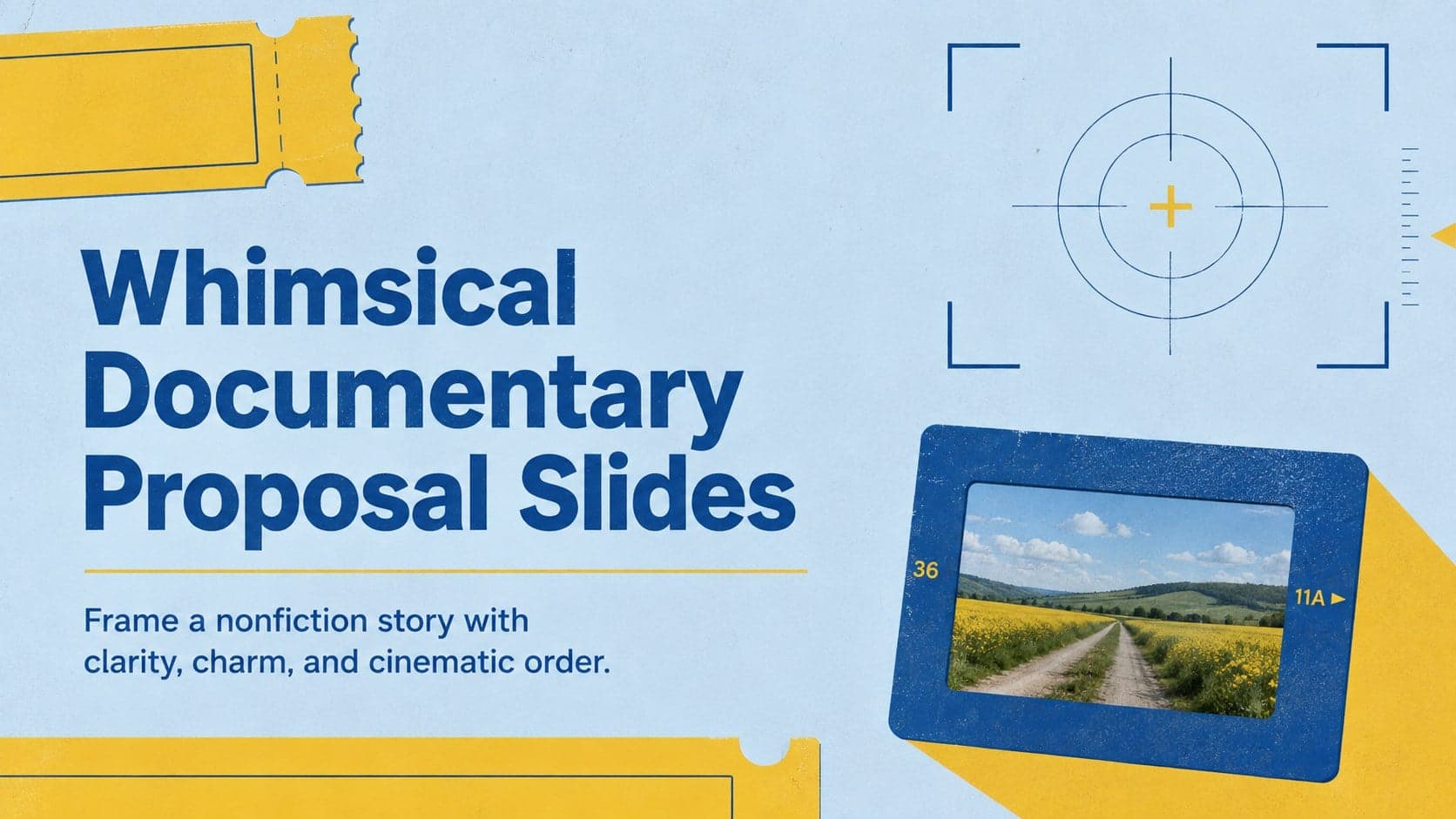
15Pitch a nonfiction story with whimsical documentary proposal slides, pairing symmetrical blue-and-yellow layouts with clear sections for teams and funders.
 15
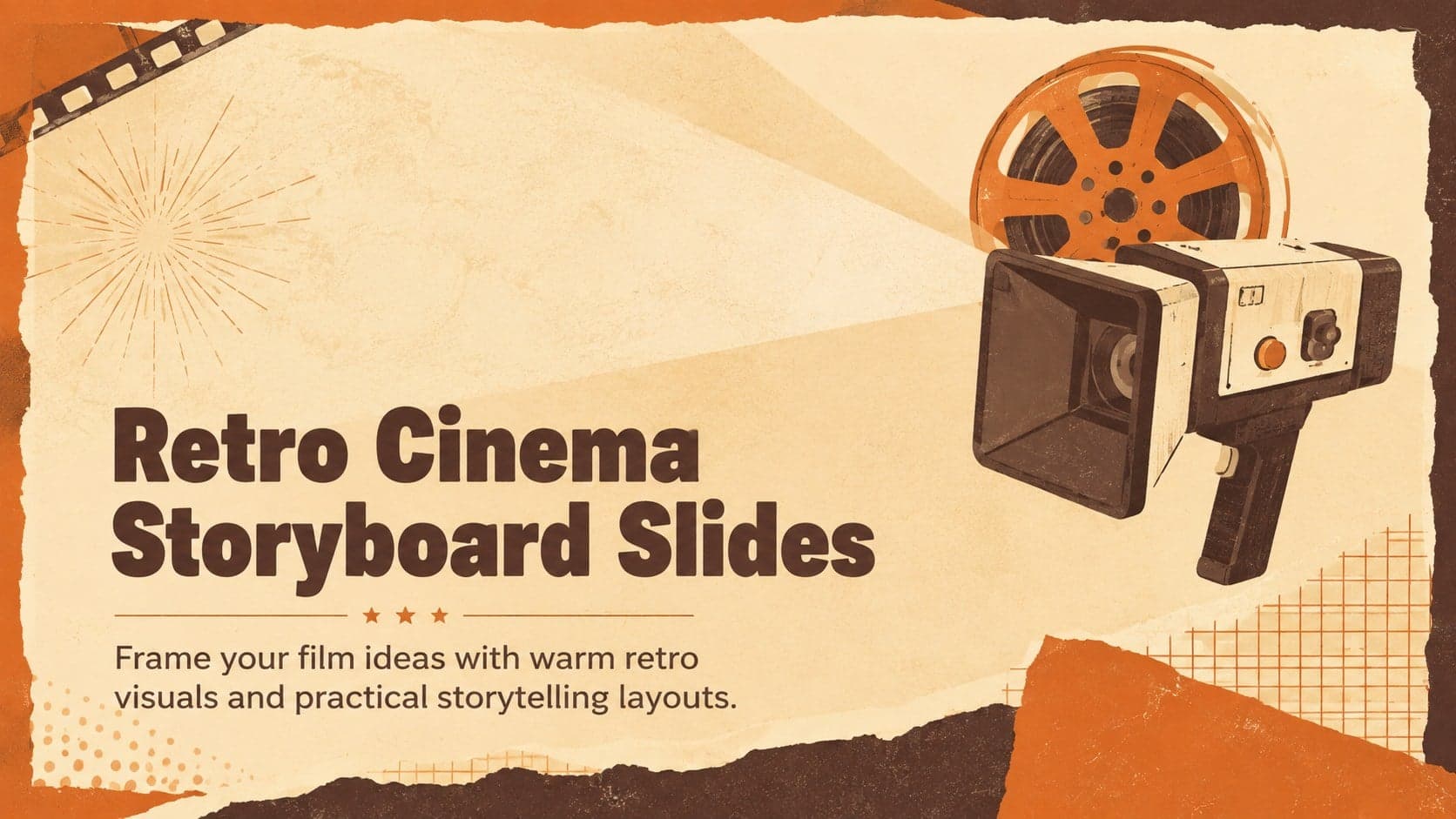
15Shape film pitches, class projects, and screening plans with retro cinema storyboard slides in warm beige and orange for PowerPoint and Google Slides.
 15
15Shape a memorable K-drama investor presentation with playful collage layouts, pastel blue, yellow and pink accents, and editable PowerPoint and Google Slides pages.
 4
4Shape a Gothic Horror Film Pitch Presentation with stark black-and-red visuals for investor meetings, film classes, festivals, and creative reviews.
A movie pitch deck introduces the project and helps a reader picture its tone and audience. A producer may need to understand the story and practical scope; a creative collaborator may need references and character direction; a funding conversation may also require a budget summary and production plan. Choose slides that leave room for those details, and separate confirmed information from proposed plans.
Download the available PowerPoint file from a template page and adapt the presentation in your preferred app. For Google Slides, upload the PPTX to Google Drive and review the conversion. These designs provide visual starting points, not complete production packages or scripts. Add your own project materials and use images you have permission to include; preview the exported deck before sending it to producers or collaborators.
Adapt this outline to your project and recipient. The order is a planning suggestion; each template’s available layouts can differ.
Identify the project and summarize its central situation. State whether it is a feature, short, series, or documentary.
Explain the story’s direction and what makes it worth following. For a documentary, identify the central question and scope.
Introduce the people at the center of the project. Distinguish confirmed involvement or access from what you are still seeking.
Show the atmosphere, visual approach, and relevant influences. Label reference images and use material you have permission to share.
Describe who the project is for and why it may interest them. Explain relevant comparisons without implying the same commercial outcome.
Summarize relevant experience, locations, timing, and practical requirements. Mark proposed cast or collaborators as unconfirmed where applicable.
If relevant to the meeting, outline the funding need, intended use, and next step. Keep detailed budgets in supporting material.
For a short film pitch deck, keep the core story and practical scale visible. A small project still needs a clear explanation of what the team wants to make and what support is needed. Avoid stretching a short concept into a long presentation simply to fill template slides.
For a documentary proposal, explain the question, subjects, access, and point of view. Be clear about what has already been filmed or agreed and what remains uncertain. Use your own research and project materials rather than treating the template’s sample content as evidence.
Start with the title and logline, then cover the story, characters or subjects, tone, audience, team, and production context. Add budget information and a specific request when they are relevant to the recipient.
Yes. Choose a design that fits your tone and use only the slides needed to explain the story, practical scope, team, and next step. Remove sections that are not relevant to your project.
Upload the downloaded PPTX to Google Drive and open it with Google Slides. Review fonts, images, and layout after importing. Individual slide elements can differ in how they can be edited.
These downloads are presentation designs. Add your own screenplay references, project research, and checked budget information. The suggested outline does not mean each template includes those production documents.