
 15
15presentation
Indie Magazine Startup Pitch Deck
Shape your publishing concept with an indie magazine startup pitch deck featuring pastel gradients, bold collage layouts, and editable planning slides.
Google SlidesPowerPoint
presentation · English
Turn complex schedules into a clear pink gradient waterfall project timeline with editable milestones, dependencies, and phase updates for project teams.
Design notes
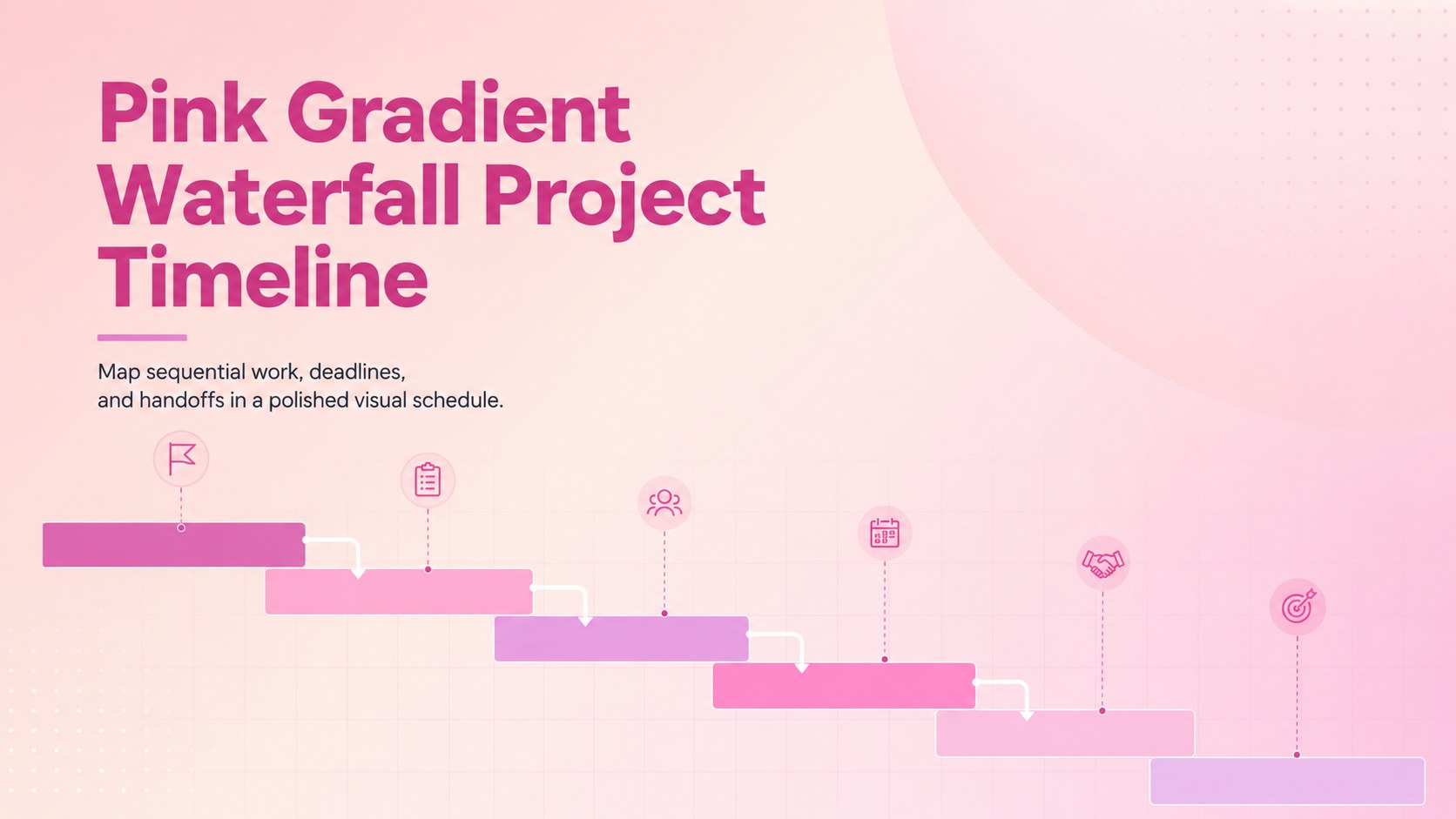
Organize structured projects with a pink gradient waterfall project timeline built to communicate phases, deadlines, and dependencies at a glance. Its clean business styling and soft pastel palette help teams turn complex schedules into an orderly visual story without overwhelming stakeholders.
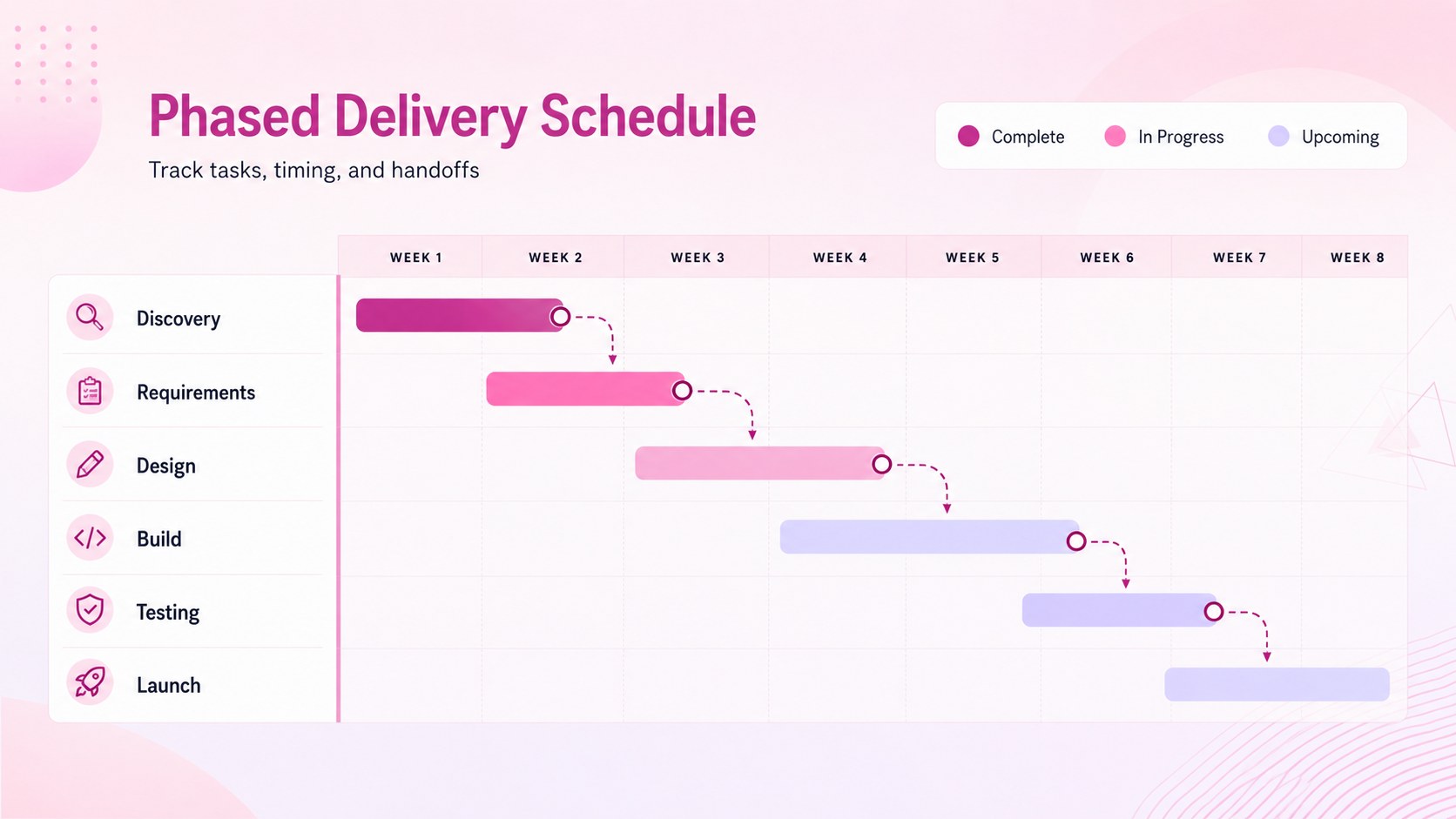
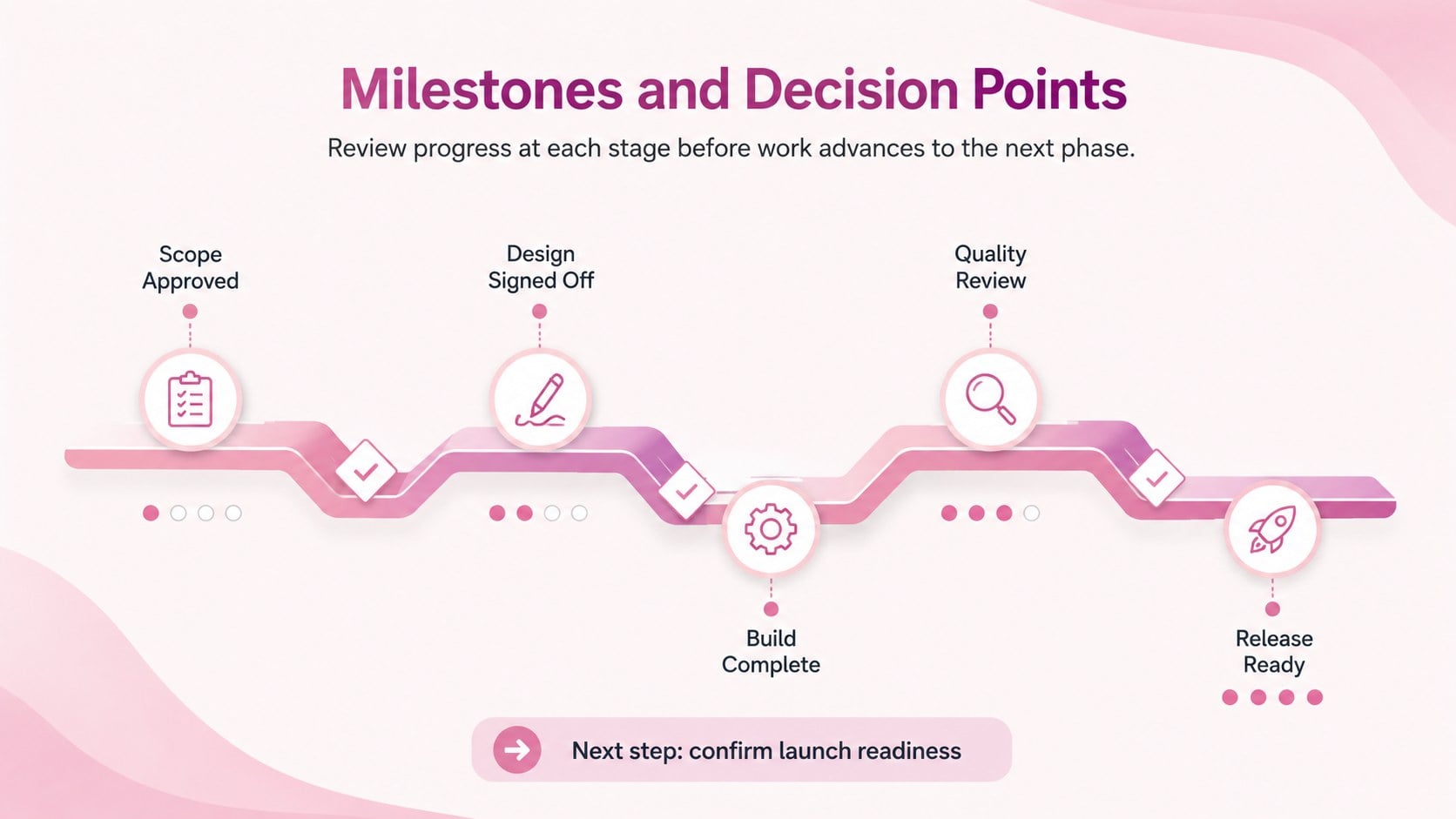
The deck includes three coordinated layouts for presenting a project overview, a phased Gantt schedule, and milestone progress. Use the pink gradient Gantt chart template to distinguish workstreams, show task duration, identify handoffs, and clarify how one stage leads into the next. Editable labels, shapes, timeline bars, status markers, and text areas make it easy to adapt the slides to projects of different sizes. The layouts are formatted in 16:9 widescreen and can be customized in PowerPoint or Google Slides.
These sequential project planning slides are suited to project managers, operations teams, consultants, product leads, and business students. They work well for kickoff meetings, implementation plans, client reviews, status reports, and internal planning sessions. A waterfall schedule presentation can also help sponsors understand delivery order, upcoming decision points, and potential delays. Adjust the wording, dates, colors, and phase structure to match your workflow while retaining the professional pink gradient design.
Perfect for: project kickoff meeting; client implementation plan; quarterly delivery review; team milestone tracking; software rollout schedule.
Frequently asked questions
Can I edit the timeline dates and project phases? Yes. Dates, phase names, timeline bars, milestones, colors, and supporting text can all be adjusted to match your project schedule.
Practical details
Yes. Dates, phase names, timeline bars, milestones, colors, and supporting text can all be adjusted to match your project schedule.
The slides are designed for PowerPoint and Google Slides. Some font spacing or transitions may vary slightly between the two platforms.
Yes. Duplicate existing rows and timeline bars, then update their labels, lengths, and status markers. Keep spacing consistent so the schedule remains easy to scan.
Yes. Replace the pink gradient accents with your organization or project colors while preserving sufficient contrast between labels, bars, and the background.
Keep exploring
15Shape your publishing concept with an indie magazine startup pitch deck featuring pastel gradients, bold collage layouts, and editable planning slides.
 16
16Build clear project stories with the Icon Grid Teamwork Theme, a flexible blue illustrated deck for proposals, strategy updates, and team meetings.
 3
3Turn priorities into an actionable plan with an annual goals roadmap infographic, featuring editable orange and teal layouts for PowerPoint and Google Slides.
 15
15Create an Annual Achievement Report Presentation with colorful geometric layouts for milestones, results, lessons, and priorities in PowerPoint or Google Slides.
 15
15Turn results into a focused annual performance evaluation report with dark 3D slides for KPIs, achievements, feedback, and next-step goals for teams.
 15
15Guide a focused annual recap with Business Results Retrospective Slides, a muted brown-and-blue template for PowerPoint and Google Slides.
 6
6Turn complex plans into clear visual stories with Color-Coded Workflow Path Slides, an editable set for project updates, roadmaps, and team briefings.
 6
6Compare regional performance at a glance with Global Data Heatmap Slides, a clean multicolor deck designed for editable PowerPoint and Google Slides.