
 15
15presentation
Indie Magazine Startup Pitch Deck
Shape your publishing concept with an indie magazine startup pitch deck featuring pastel gradients, bold collage layouts, and editable planning slides.
Google SlidesPowerPoint
presentation · English
Use this monochrome waterfall chart toolkit to clarify financial changes, project stages, and workflows with editable PowerPoint and Google Slides layouts.
Design notes
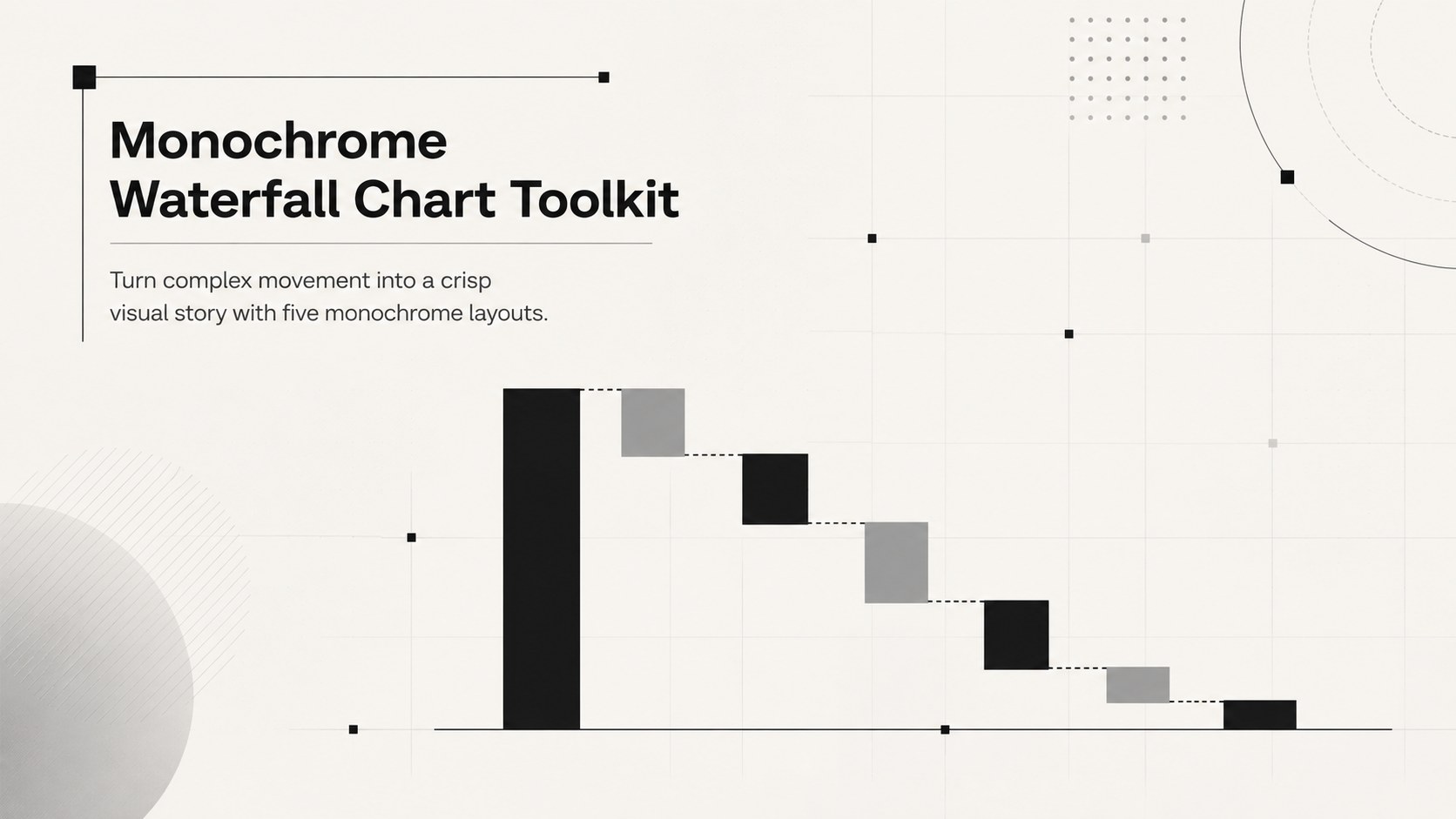
The Monochrome Waterfall Chart Toolkit gives business teams a focused way to explain how values, tasks, or decisions move from one stage to the next. Its restrained black and white design keeps attention on the information, making it a practical black and white waterfall chart template for reports, meetings, and strategic reviews.
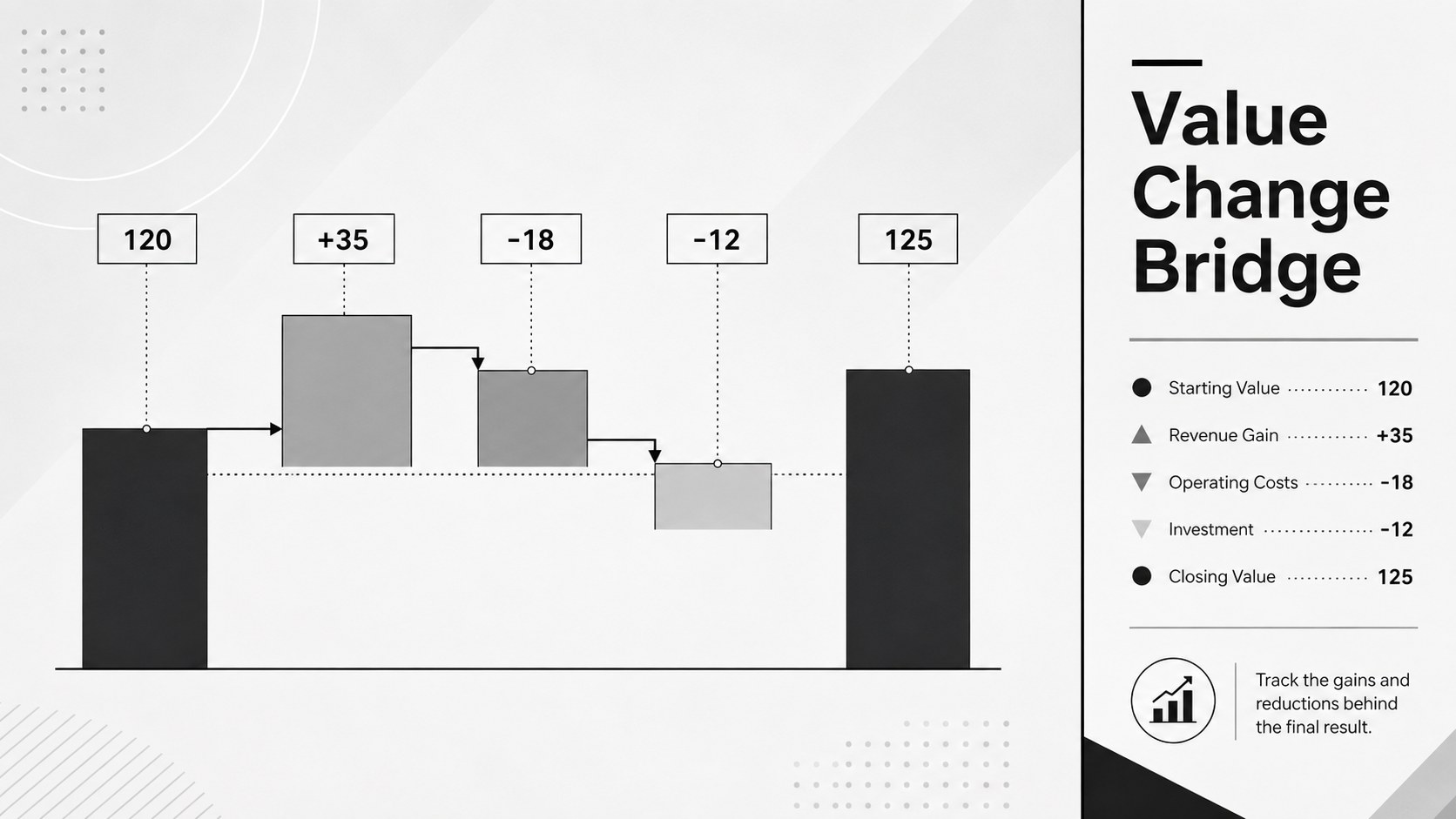
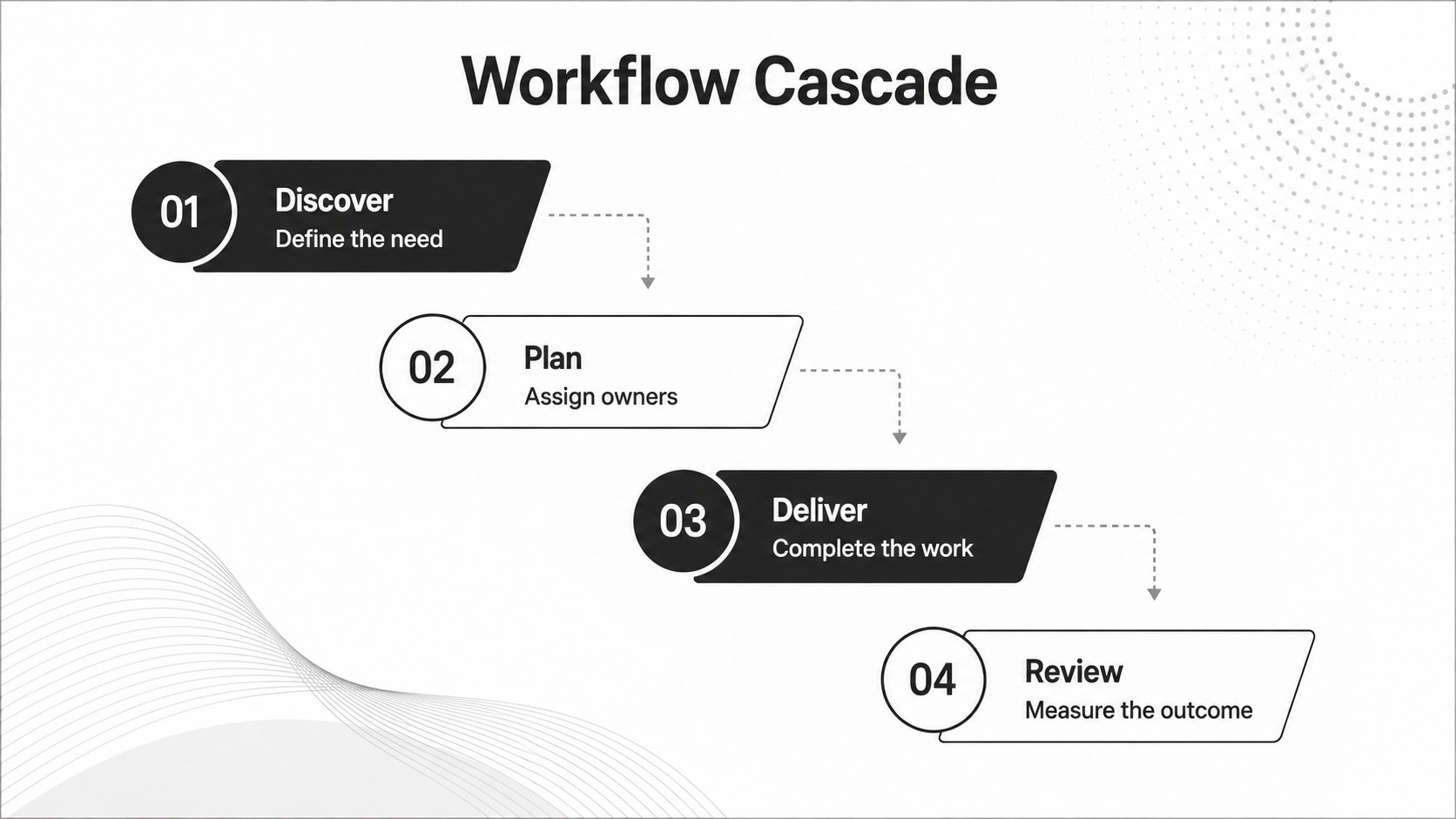
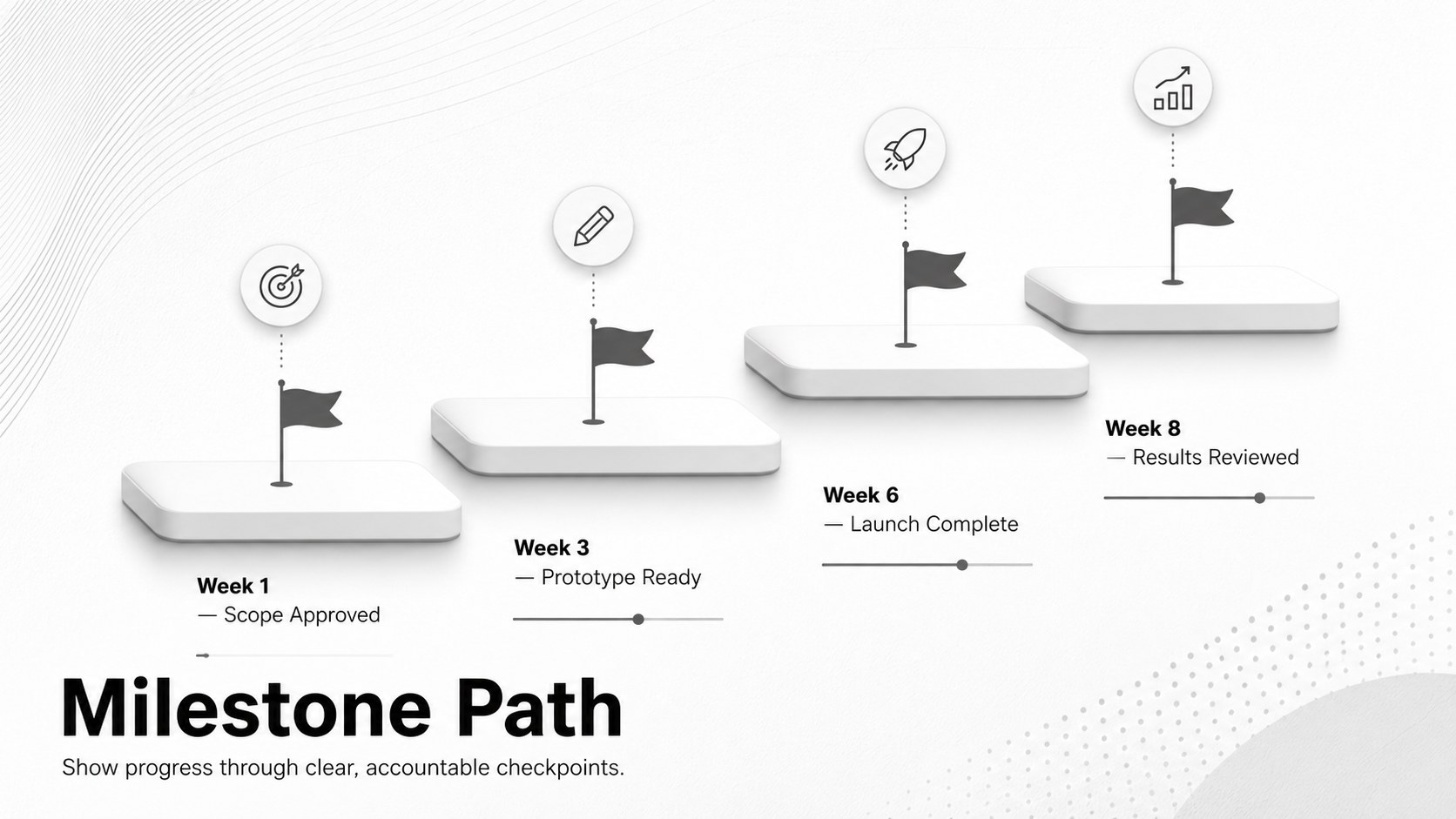
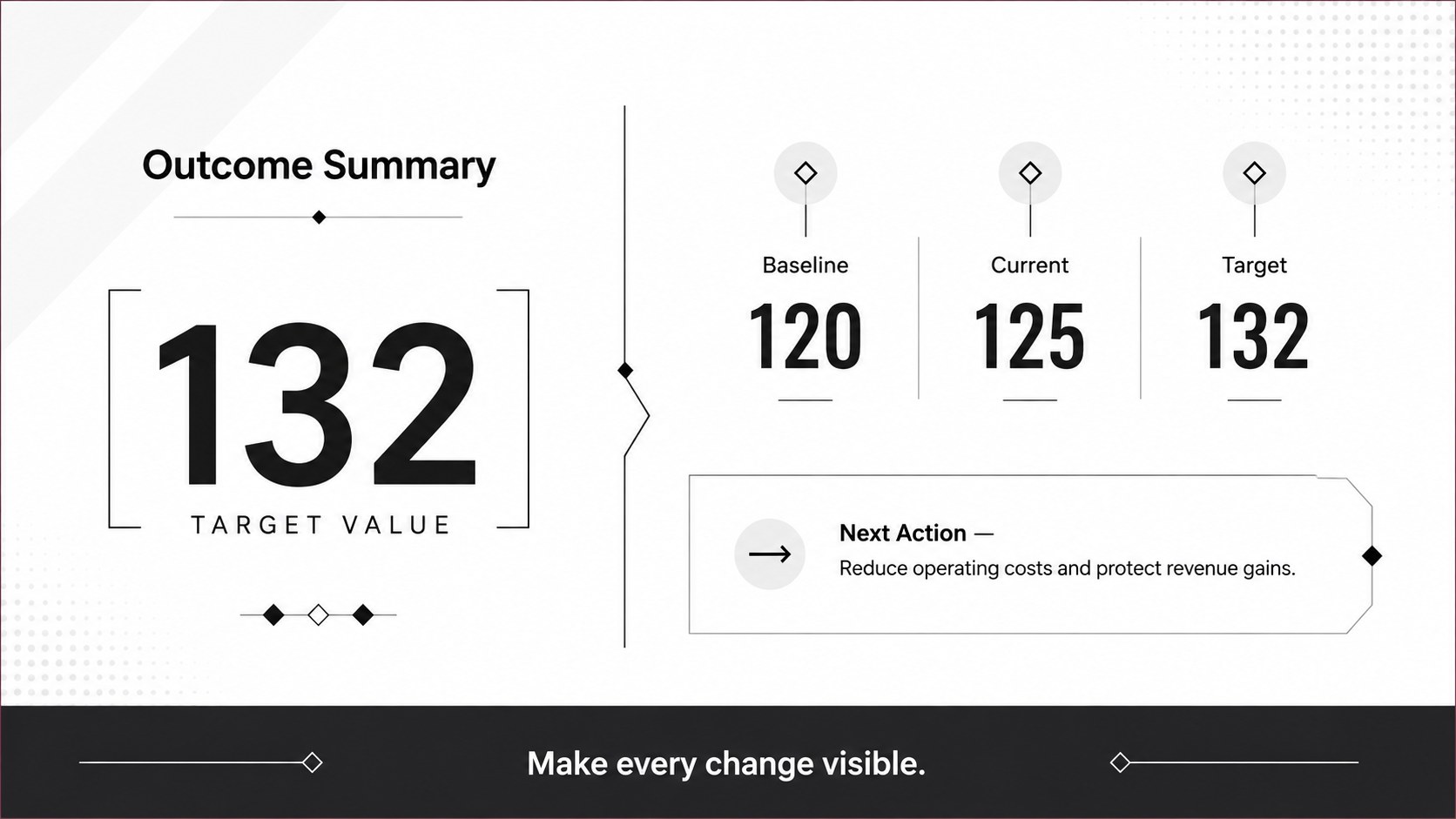
Inside are five coordinated layouts for different storytelling needs: a cover, a financial bridge chart, a cascading workflow, a project milestone sequence, and a final comparison summary. Clear typography, strong dividers, directional connectors, and editable data labels make each page easy to adapt. Use the minimal financial bridge chart presentation to show revenue gains, cost reductions, budget variance, or performance changes. The waterfall process diagram slides also work well for operational handoffs, approval paths, implementation phases, and customer journeys.
This monochrome waterfall chart toolkit is designed for analysts, project managers, consultants, finance teams, operations leaders, and educators who need polished visuals without distracting decoration. Every layout can be customized in PowerPoint or Google Slides, including text, shapes, chart values, line weights, and accent fills. Replace the sample content with your own figures, reorder stages, or duplicate sections for longer processes while maintaining a consistent visual system across the full presentation.
Perfect for: quarterly financial review; budget variance analysis; project milestone briefing; workflow process mapping; consulting progress report.
Frequently asked questions
Can I edit the chart values and labels? Yes. The text, values, stage labels, connectors, and chart shapes can be edited to match your data. You can also add, remove, or reorder steps without changing the overall visual style.
Practical details
Yes. The text, values, stage labels, connectors, and chart shapes can be edited to match your data. You can also add, remove, or reorder steps without changing the overall visual style.
Yes. The layouts are designed for both PowerPoint and Google Slides. Minor font or spacing adjustments may be needed if your device substitutes an unavailable typeface.
Yes. Replace the black, white, and gray fills with your organization’s colors while keeping sufficient contrast between stages. Line weights, backgrounds, and emphasis blocks are also customizable.
The slides work for financial bridges, budget changes, project phases, operational workflows, approval sequences, and milestone reporting. They are best suited to information that moves through a clear series of gains, losses, or stages.
Keep exploring
15Shape your publishing concept with an indie magazine startup pitch deck featuring pastel gradients, bold collage layouts, and editable planning slides.
 16
16Build clear project stories with the Icon Grid Teamwork Theme, a flexible blue illustrated deck for proposals, strategy updates, and team meetings.
 3
3Turn priorities into an actionable plan with an annual goals roadmap infographic, featuring editable orange and teal layouts for PowerPoint and Google Slides.
 15
15Create an Annual Achievement Report Presentation with colorful geometric layouts for milestones, results, lessons, and priorities in PowerPoint or Google Slides.
 15
15Turn results into a focused annual performance evaluation report with dark 3D slides for KPIs, achievements, feedback, and next-step goals for teams.
 15
15Guide a focused annual recap with Business Results Retrospective Slides, a muted brown-and-blue template for PowerPoint and Google Slides.
 6
6Turn complex plans into clear visual stories with Color-Coded Workflow Path Slides, an editable set for project updates, roadmaps, and team briefings.
 6
6Compare regional performance at a glance with Global Data Heatmap Slides, a clean multicolor deck designed for editable PowerPoint and Google Slides.