
 15
15presentation
Indie Magazine Startup Pitch Deck
Shape your publishing concept with an indie magazine startup pitch deck featuring pastel gradients, bold collage layouts, and editable planning slides.
Google SlidesPowerPoint
presentation · English
Build shared understanding with blue process mapping slides that turn complex steps, decisions, and handoffs into clear visuals for meetings and training.
Design notes
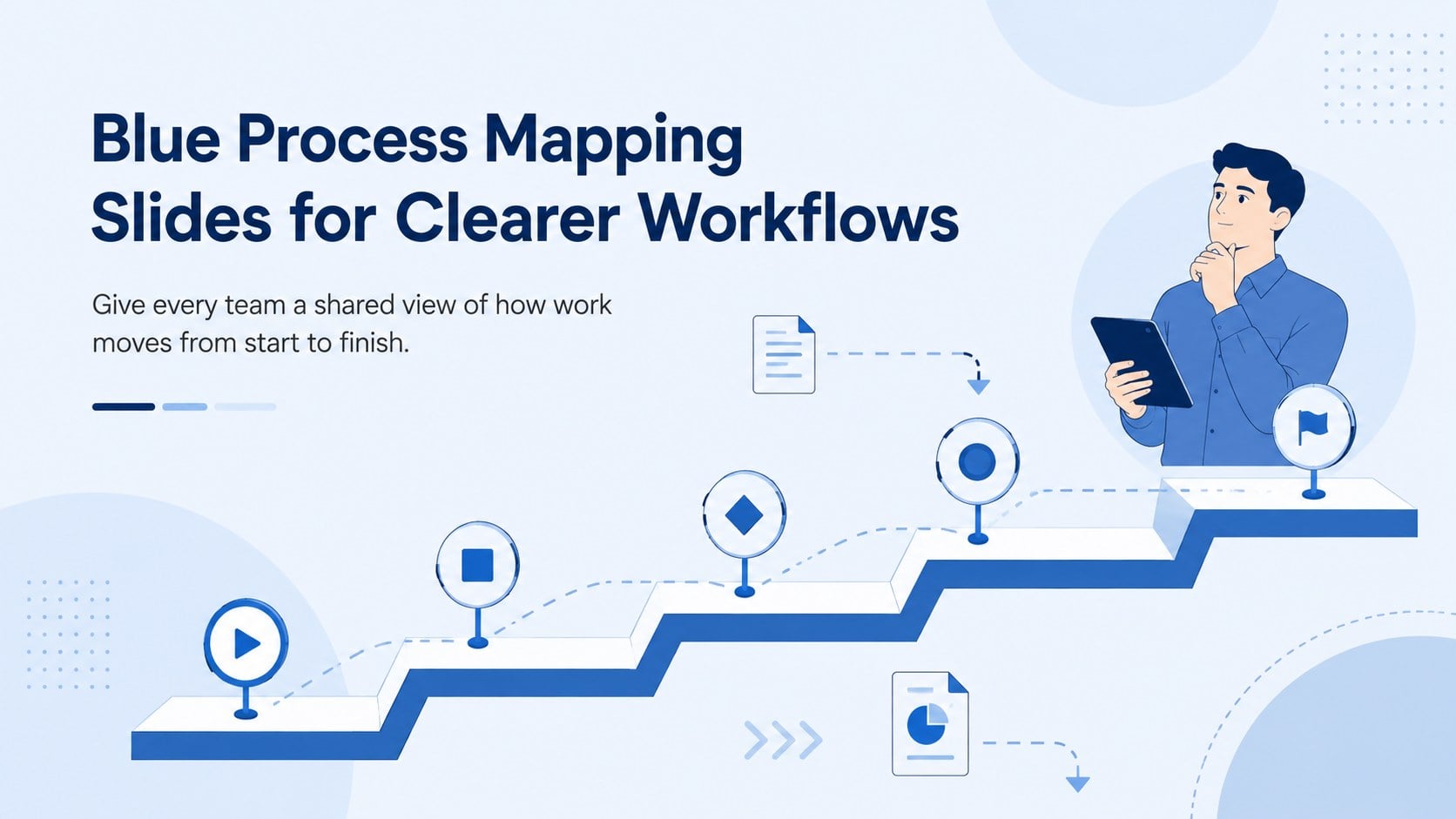
Blue process mapping slides give teams a practical way to explain how tasks, decisions, and responsibilities connect. The clean illustrated style and calm blue palette keep attention on the information, while clear visual pathways make complicated procedures easier to scan. Use this business process mapping presentation to introduce a new system, review an existing operation, or align stakeholders before a project begins.
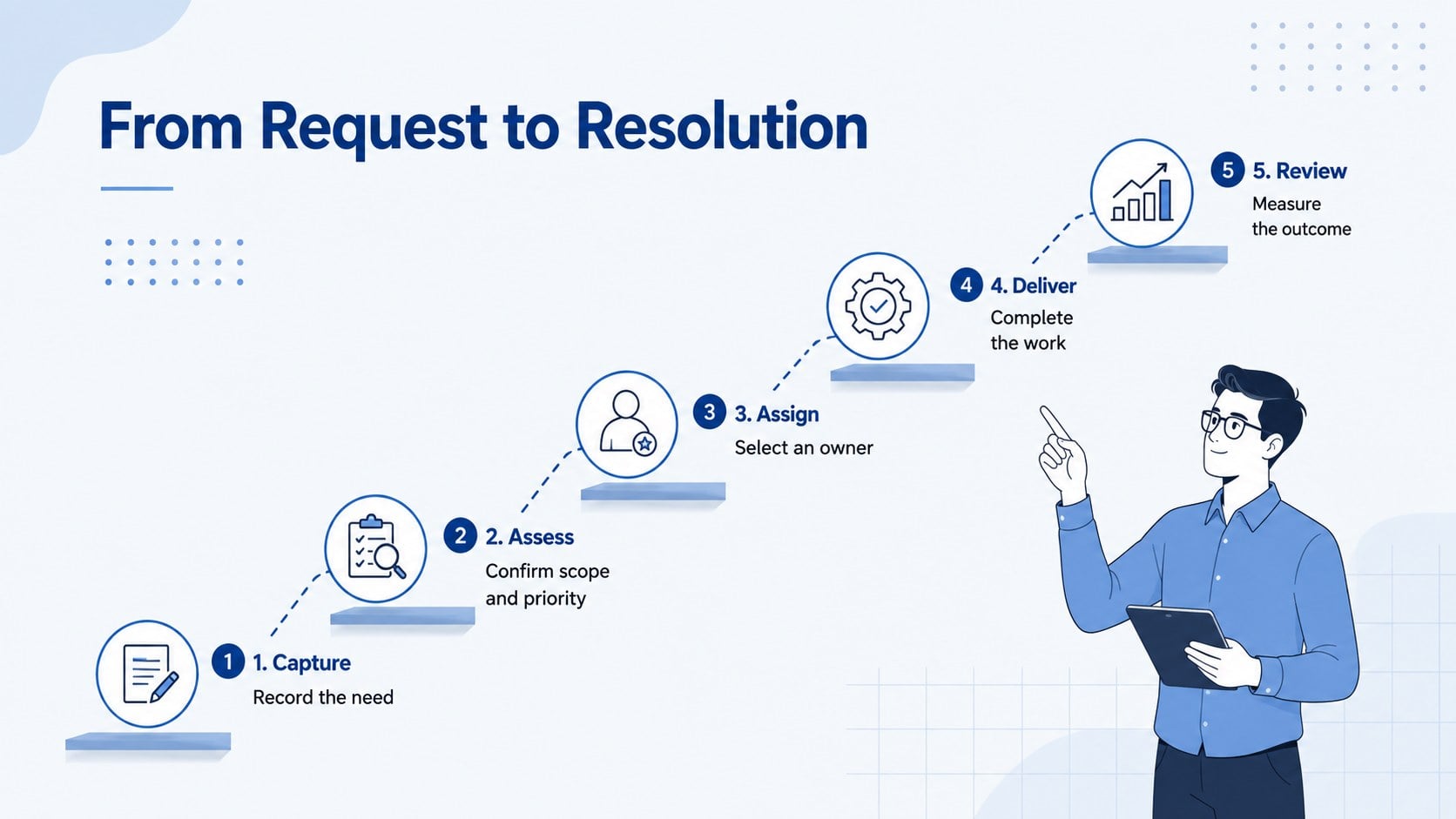
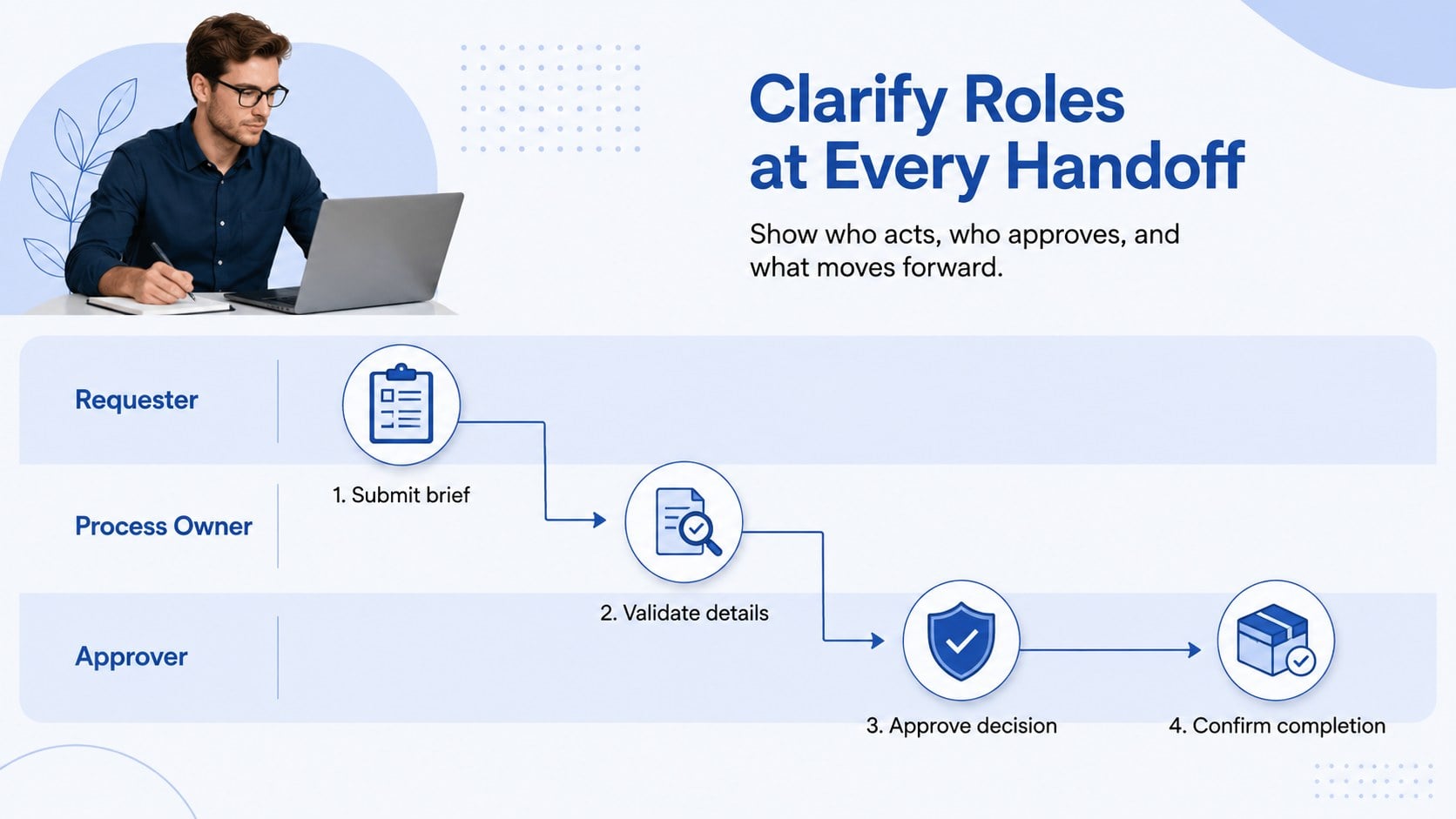
Inside are three coordinated layouts for presenting a process from different perspectives. Start with an overview that establishes the purpose of the workflow, then break the work into numbered stages with owners and outcomes. A final handoff diagram helps viewers see where responsibilities change, which decisions require approval, and where delays may occur. Together, the layouts function as an editable workflow diagram template for both high-level summaries and detailed discussions.
The deck is designed for project managers, operations teams, consultants, trainers, analysts, and department leads. Adapt the labels, icons, colors, and sequence to suit onboarding, service delivery, quality reviews, or internal planning. These operational process flow slides can be edited in PowerPoint or Google Slides, making it straightforward to add company terminology, revise milestones, and present a consistent process across meetings, workshops, and training sessions.
Perfect for: employee onboarding workflow; project delivery briefing; service process review; operations training session; cross-team handoff planning.
Frequently asked questions
Can I edit every stage of the process? Yes. You can revise stage names, descriptions, icons, colors, connectors, and sequence numbers to match your workflow. Duplicate or remove stages when your process requires a different number of steps.
Practical details
Yes. You can revise stage names, descriptions, icons, colors, connectors, and sequence numbers to match your workflow. Duplicate or remove stages when your process requires a different number of steps.
The slides are designed for PowerPoint and Google Slides. Some fonts, spacing, or transitions may vary slightly between platforms, so review the final deck before presenting.
Yes. Replace the sample wording with your terminology and apply your approved brand colors, fonts, and icons. The layouts can support operational, customer service, training, and project management workflows.
They work best when each slide communicates one clear level of detail. For longer procedures, duplicate the stage or handoff layout and divide the workflow into logical phases.
Keep exploring
15Shape your publishing concept with an indie magazine startup pitch deck featuring pastel gradients, bold collage layouts, and editable planning slides.
 16
16Build clear project stories with the Icon Grid Teamwork Theme, a flexible blue illustrated deck for proposals, strategy updates, and team meetings.
 3
3Turn priorities into an actionable plan with an annual goals roadmap infographic, featuring editable orange and teal layouts for PowerPoint and Google Slides.
 15
15Create an Annual Achievement Report Presentation with colorful geometric layouts for milestones, results, lessons, and priorities in PowerPoint or Google Slides.
 15
15Turn results into a focused annual performance evaluation report with dark 3D slides for KPIs, achievements, feedback, and next-step goals for teams.
 15
15Guide a focused annual recap with Business Results Retrospective Slides, a muted brown-and-blue template for PowerPoint and Google Slides.
 6
6Turn complex plans into clear visual stories with Color-Coded Workflow Path Slides, an editable set for project updates, roadmaps, and team briefings.
 6
6Compare regional performance at a glance with Global Data Heatmap Slides, a clean multicolor deck designed for editable PowerPoint and Google Slides.