
 15
15presentation
Indie Magazine Startup Pitch Deck
Shape your publishing concept with an indie magazine startup pitch deck featuring pastel gradients, bold collage layouts, and editable planning slides.
Google SlidesPowerPoint
Collection
146 designs in this collection.
Choose a free pitch deck template for a startup, investor meeting, or business presentation. Browse real slide previews, open a design you like, and download its available PowerPoint file without creating an account. Need a Google Slides pitch deck template? Upload the PPTX to Google Drive and open it with Google Slides, then check the imported layout before presenting.
15Shape your publishing concept with an indie magazine startup pitch deck featuring pastel gradients, bold collage layouts, and editable planning slides.
 15
15Build polished pitches and event stories with a roaring twenties art deco business deck featuring editable layouts for PowerPoint and Google Slides.
 15
15Turn bold content ideas into a clear 3D creator channel pitch deck for PowerPoint and Google Slides, with vivid layouts for series plans and sponsors.
 16
16Present proposals, reports, and strategy updates with an embossed minimal business slide kit featuring clean white layouts for PowerPoint and Google Slides.
 16
16Build sharper pitches and reports with the Orange Momentum Business Deck, featuring bold orange accents, diagonal geometry, and flexible layouts.
 16
16Build polished decks faster with this yellow accent multipurpose slide theme, a flexible white canvas for PowerPoint and Google Slides presentations.
 16
16Build polished proposals, reports, and pitches with Blue Ripple Business Slides, a flexible blue-and-red theme for PowerPoint and Google Slides.
 16
16Build a confident funding story with the Neon Contrast Startup Pitch Kit, featuring dark photo layouts, vivid green accents, and editable business slides.
 15
15Turn rapid concepts into a clear team story with a pixel game jam pitch deck for planning, prototyping, demos, and judging in PowerPoint or Google Slides.
 15
15Build a persuasive western restaurant pitch deck in an elegant black-and-gold chalkboard style, ready for PowerPoint and Google Slides.
 16
16Build polished proposals with the Glass Edge Business Deck, a clean blue-and-red template for focused storytelling in PowerPoint and Google Slides.
 15
15Build a sharper seasonal pitch with this vintage beachwear marketing pitch deck, featuring sunny retro collages for PowerPoint and Google Slides.
 15
15Win traveler approval with a vacation package sales deck that presents itineraries, pricing, inclusions, and destination highlights in a bright visual style.
 15
15Present routes, visitor insights, and campaign ideas with Spain Tourism Pitch Slides, a refined red deck for PowerPoint and Google Slides projects.
 15
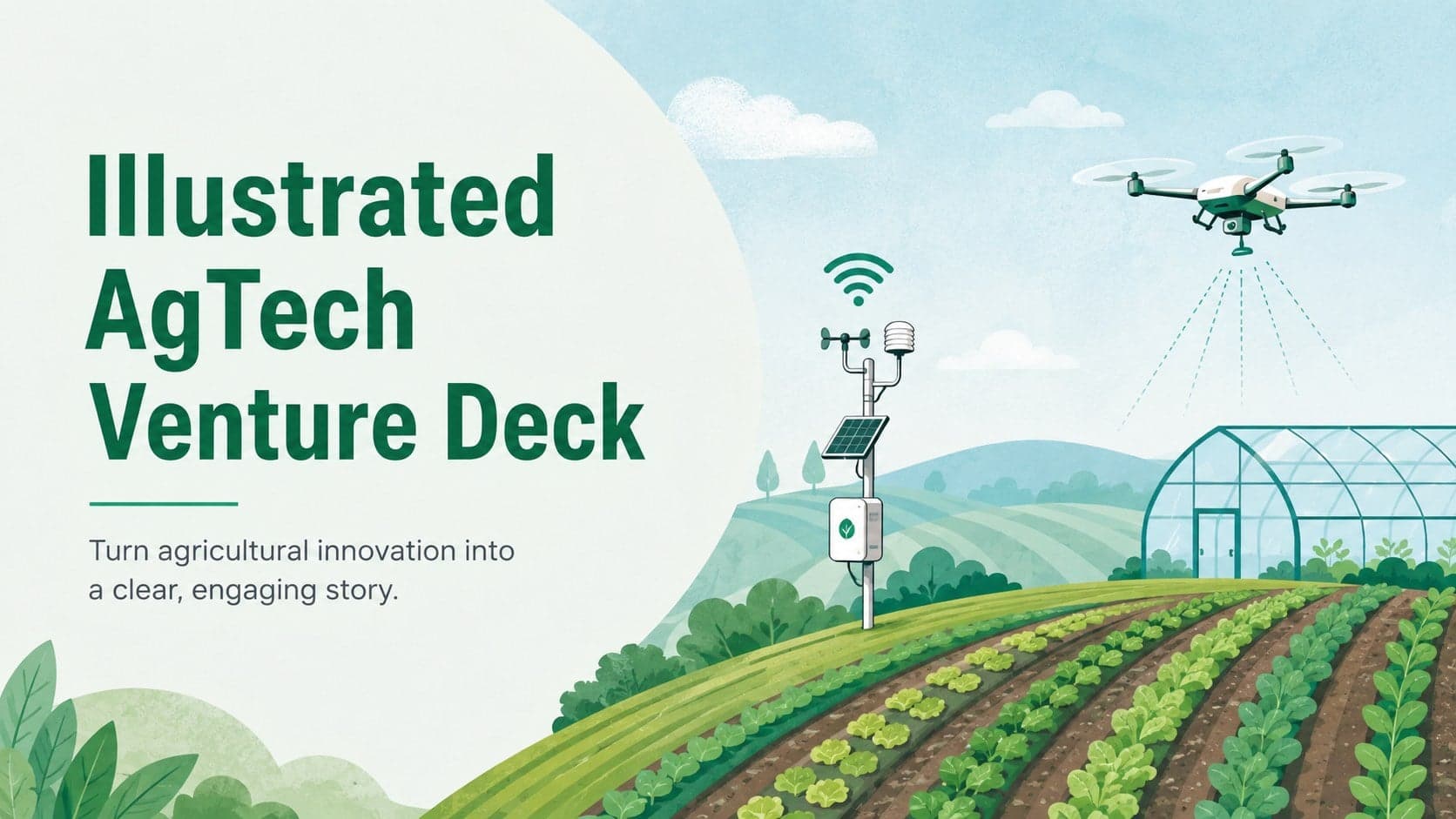
15Build a compelling case with this illustrated agtech venture deck, featuring pastel green and blue slides for farm innovation pitches and lessons.
 15
15Turn early-stage ideas into an investor-ready story with a neon startup planning deck for PowerPoint and Google Slides, featuring modern green layouts.
 16
16High-Voltage Yellow Presentation Kit gives teams a sharp black-and-yellow deck for pitches, reports, and lessons in PowerPoint and Google Slides.
 15
15Build a standout launch with this vintage surf marketing pitch deck, featuring bold retro layouts for brand strategy, audience insights, and channel planning.
 15
15Build a sharper seasonal campaign with this Coastal Sports Club Marketing Deck, featuring bright blue-and-yellow layouts for PowerPoint and Google Slides.
 13
13Build a credible roadmap with the Startup Growth Blueprint Deck, a polished blue template for strategy, forecasts, milestones, and investor discussions.
 15
15Build a persuasive solar power venture pitch deck for investor meetings, partner reviews, and practical renewable energy team planning sessions.
 15
15Build a clearer venture story with this business model canvas infographic deck, featuring editable green-and-white layouts for PowerPoint and Google Slides.
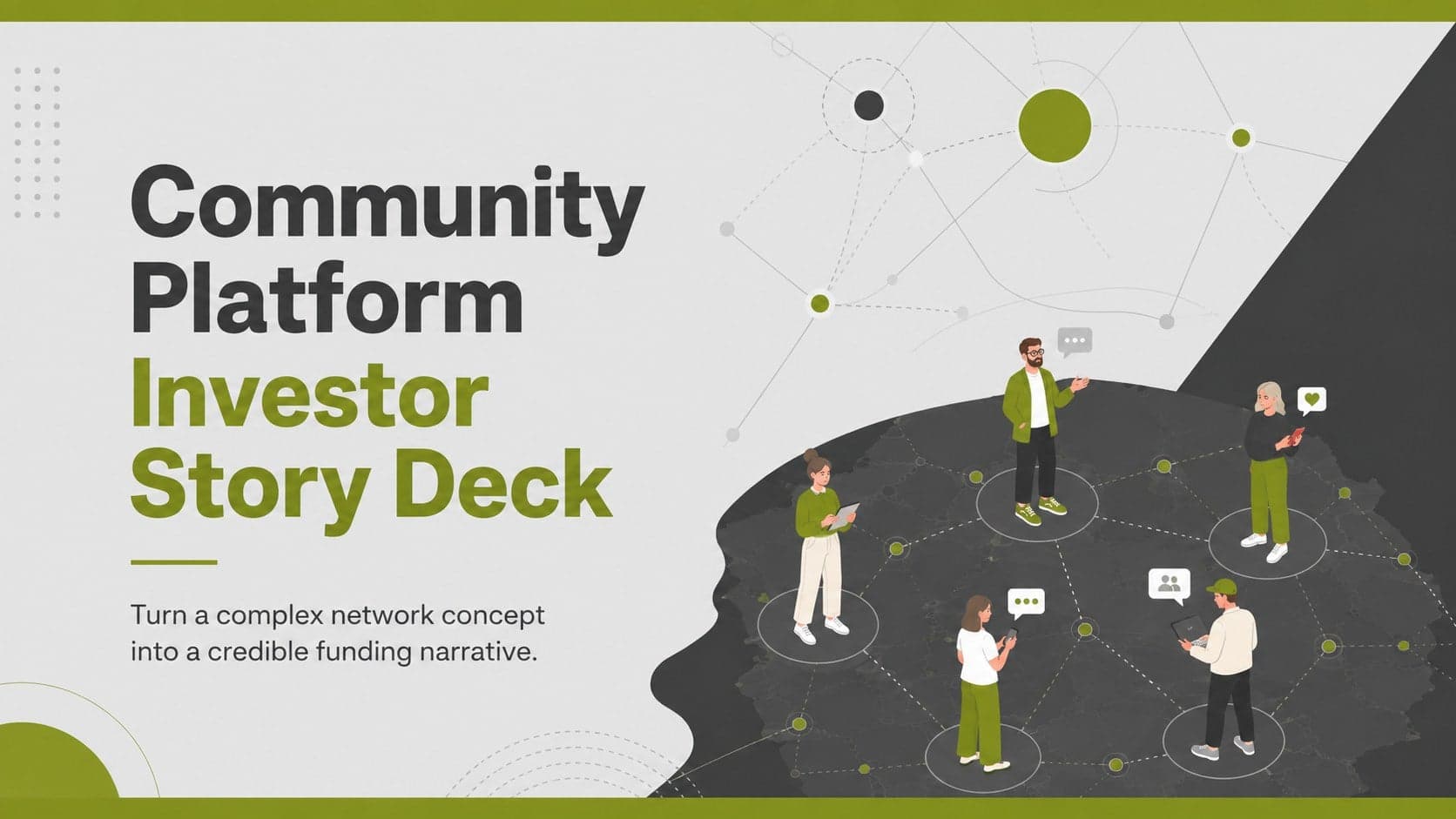 15
15Build investor confidence with a community platform investor story deck that clarifies audience growth, network value, revenue plans, and market opportunity.
 3
3Build a persuasive company snapshot with this founder briefing deck, designed for clear investor updates, milestone reviews, and strategic conversations.
A pitch deck is a short presentation that explains an opportunity and the next step you want the audience to take. For fundraising, that usually means showing a customer problem, your solution, evidence of demand, a business model, and a funding request. A template provides a starting layout; your customer insight, results, and assumptions make the argument.
Select a design that suits the material you need to present. A product demo may need large screenshots, while an investor update may need readable charts and room for commentary. Compare the content slides as well as the cover, and add or rearrange sections as needed. The outline below is a suggested structure, not a promise that every downloadable design already includes every slide.
Use this ten-part outline to plan a first investor conversation. Combine sections when the story is simple and add detail when it answers a real question. A deck sent by email may need more explanation than slides presented alongside a speaker.
Name the company, identify the customer, and explain what you help them do. Use plain language so someone outside your industry can understand the opening.
Describe a specific difficulty and how customers handle it today. Add evidence from interviews, observed workflows, or other research, with dates and sources where useful.
Show how the product changes that situation. A relevant screenshot, workflow, or short example is usually more useful than a slide filled with feature names.
Define the first customer segment you can realistically reach. Explain the assumptions behind any market estimate and distinguish that initial segment from a broader opportunity.
Present the evidence you actually have: revenue, active use, retention, pilots, or customer feedback. Label the period, units, and sample size. Keep forecasts separate from observed results.
Explain who pays, what they pay for, and how pricing works. Include material costs or delivery requirements where they help the audience understand the economics.
Identify how you will find and win customers. Connect channels and sales activity to a testable plan, and explain what you have learned from any experiments so far.
Compare your approach with the alternatives customers already use, including doing nothing. Choose comparison criteria that matter to the buyer and substantiate your claims.
Show the experience relevant to building this business and identify important gaps. Focus on responsibilities and evidence of execution rather than a long list of job titles.
State the amount being sought, its planned use, and the milestone it should support. Label projections as assumptions and prepare supporting detail for follow-up questions.
For an early-stage startup pitch deck template, prioritize space for the problem, the product, and what you have learned. If revenue has not started, explain that directly and show the validation you do have. Invented traction weakens the story; a clearly described pilot or customer interview can explain progress without pretending it is a sale.
For a later investor conversation, make room for retention, growth, costs, and execution risks relevant to the business. Keep detailed calculations in a checked workbook and use the slides to explain the assumptions. The right length depends on the meeting and what the reader needs to understand, so rehearse and remove slides that repeat the same point.
For a PowerPoint pitch deck template, open a design page, check the slide previews, and use the download button when the PPTX is available. Save a working copy before making changes. Review how the file is assembled: the ability to edit individual text, chart, or image elements can vary between designs.
To use the same pitch deck template in Google Slides, upload the PPTX to Google Drive, choose Open with Google Slides, and inspect the result. Check fonts, line breaks, image placement, and any charts. If you need a pitch deck PDF to email, export a PDF from your presentation app after checking the finished slides; this library supplies the format listed on each download page.
Use the actual previews in this collection to compare different approaches. An investor story benefits from clear evidence and a restrained layout; a technology product pitch may need more space for screenshots; a film proposal needs visual references, story, and production context. These are downloadable presentation designs, not claims that a particular company used them to raise money.
To turn any design into a useful example, replace the opening with your one-sentence pitch and sketch a problem, solution, and evidence slide. If the layout makes those three ideas hard to follow, try another template before adapting the entire deck. For real company pitch deck examples, check the source, date, and fundraising context before assuming their structure fits your project.
Read the slides once without speaking over them, then rehearse the live version. Check that someone can understand the customer, the opportunity, the evidence, and the request. Keep confidential detail appropriate to the recipient and the stage of the conversation.
Replace sample data, verify totals, label time periods, and add sources for external claims. Distinguish actual results from targets and projections.
Test small labels, contrast, and the densest slide on the screen you will use. Keep a backup PDF if the recipient only needs to read the deck.
End with a clear request and current contact details. Prepare supporting material for questions rather than placing every detail in the main presentation.
A pitch deck template is a set of slide layouts used to present a business or project. Add your own problem, solution, evidence, business model, team, and next step, and adapt the order to your audience.
Yes. Open a template page and use its download button when the PPTX is available. PPTTemplate does not require an account for these downloads. Files still being prepared are marked as coming soon.
Download the available PPTX to open it in PowerPoint. For Google Slides, upload the file to Google Drive and open it with Google Slides. Review fonts, spacing, and images after conversion.
A useful starting outline covers the company, customer problem, solution, market, validation, business model, go-to-market plan, alternatives, team, and funding ask. Adjust it to your stage and the questions your audience needs answered.
Use as many slides as you need to make a clear, focused argument within the meeting time. The ten-part outline on this page is a planning aid, not a fixed requirement. Put supporting detail in an appendix and rehearse to the time available.
The download format is shown on each template page. For designs supplied as PPTX, open the file in PowerPoint or Google Slides and export a PDF after adapting and checking the presentation.
An investor pitch explains the business opportunity, evidence, economics, team, and funding request. A sales deck focuses on a buyer’s problem, the product’s value, proof, and a purchasing next step. Change the content for the decision being made.
The previews show PPTTemplate designs. They are not presented as original decks used by funded startups. Replace sample content with your own evidence and use independently sourced company decks when researching fundraising examples.