
 15
15presentation
Indie Magazine Startup Pitch Deck
Shape your publishing concept with an indie magazine startup pitch deck featuring pastel gradients, bold collage layouts, and editable planning slides.
Google SlidesPowerPoint
presentation · English
Build a polished campus story with the Maize and Blue Michigan Student Deck, offering editable academic layouts for PowerPoint and Google Slides.

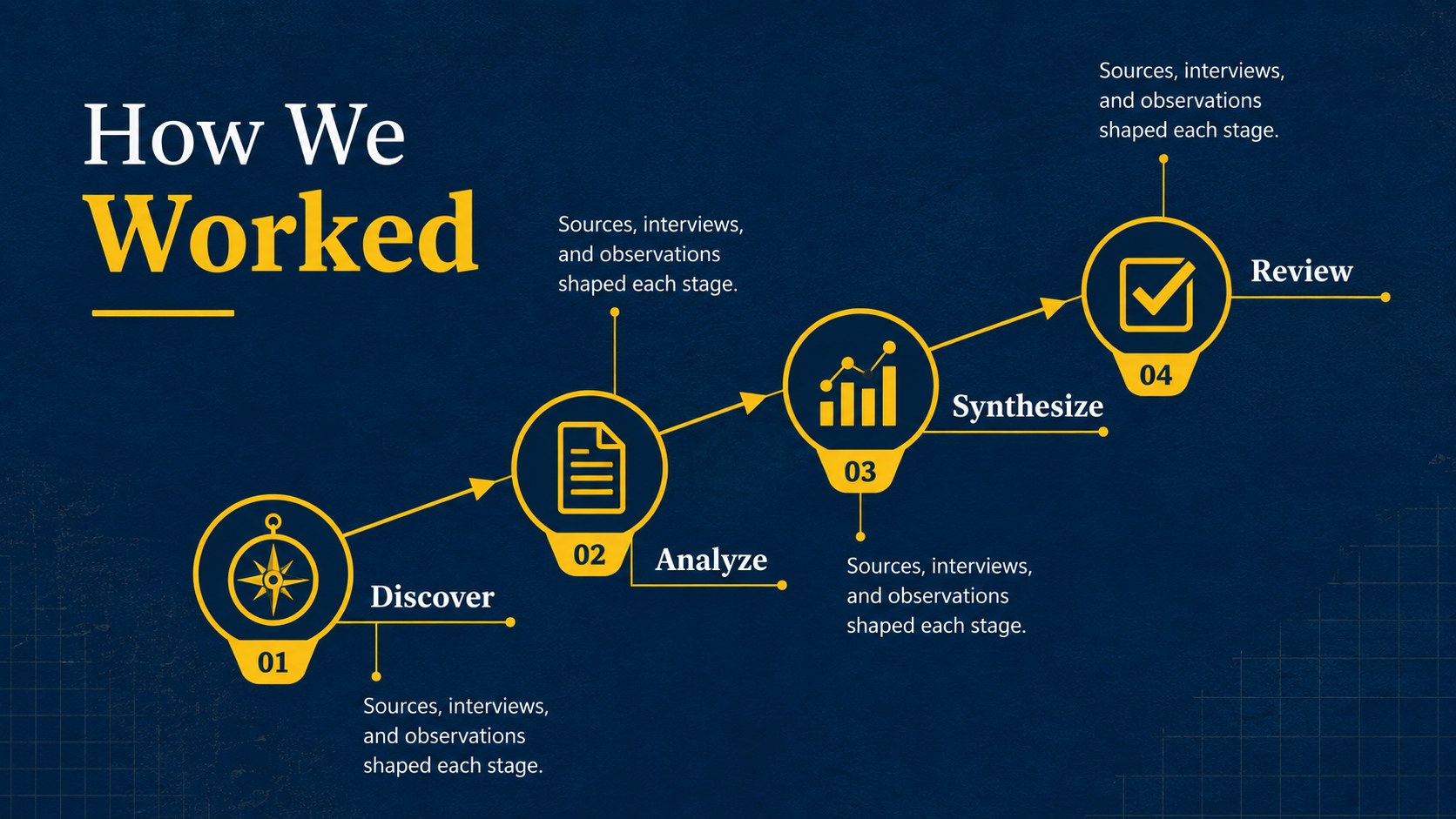
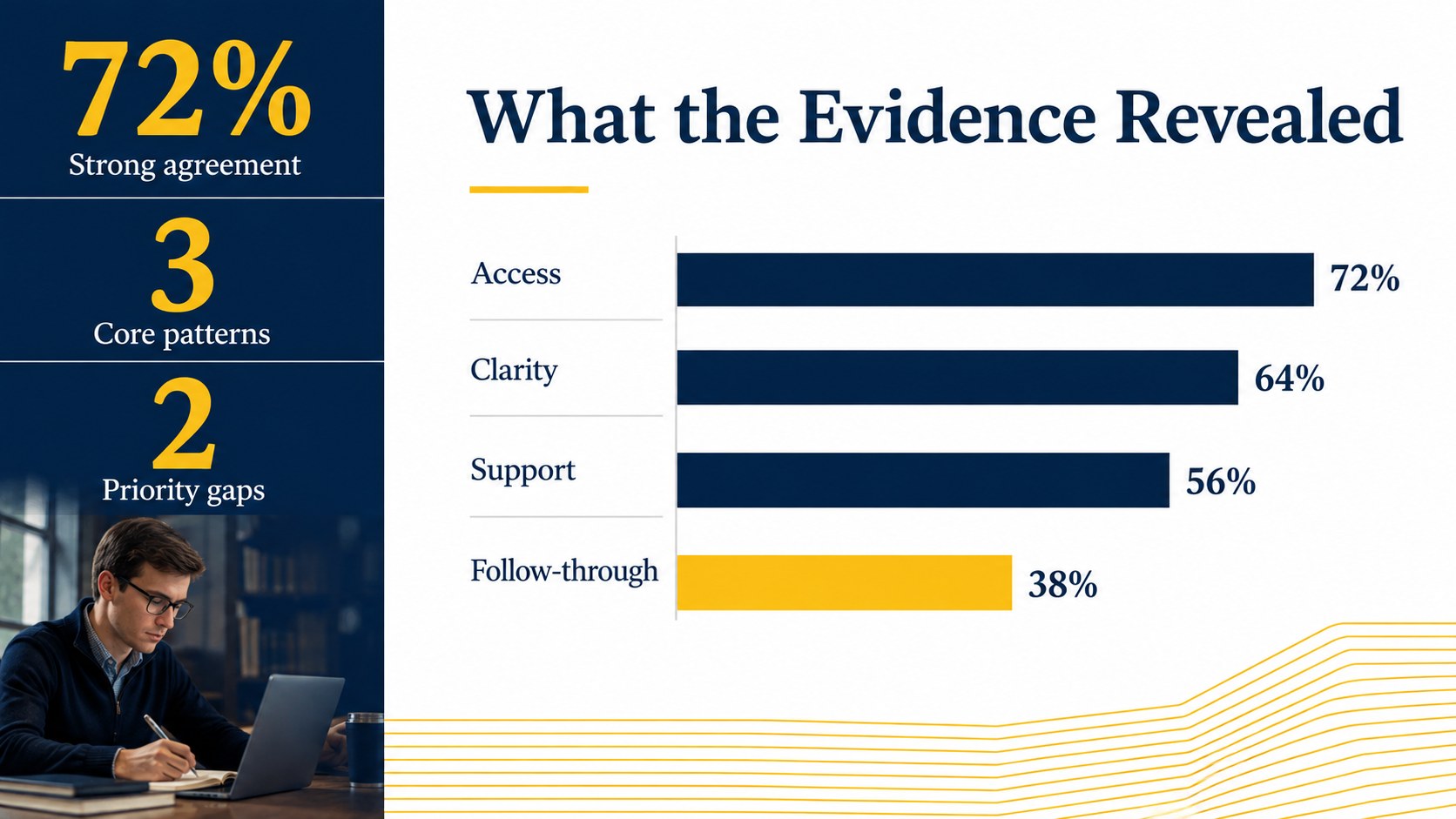
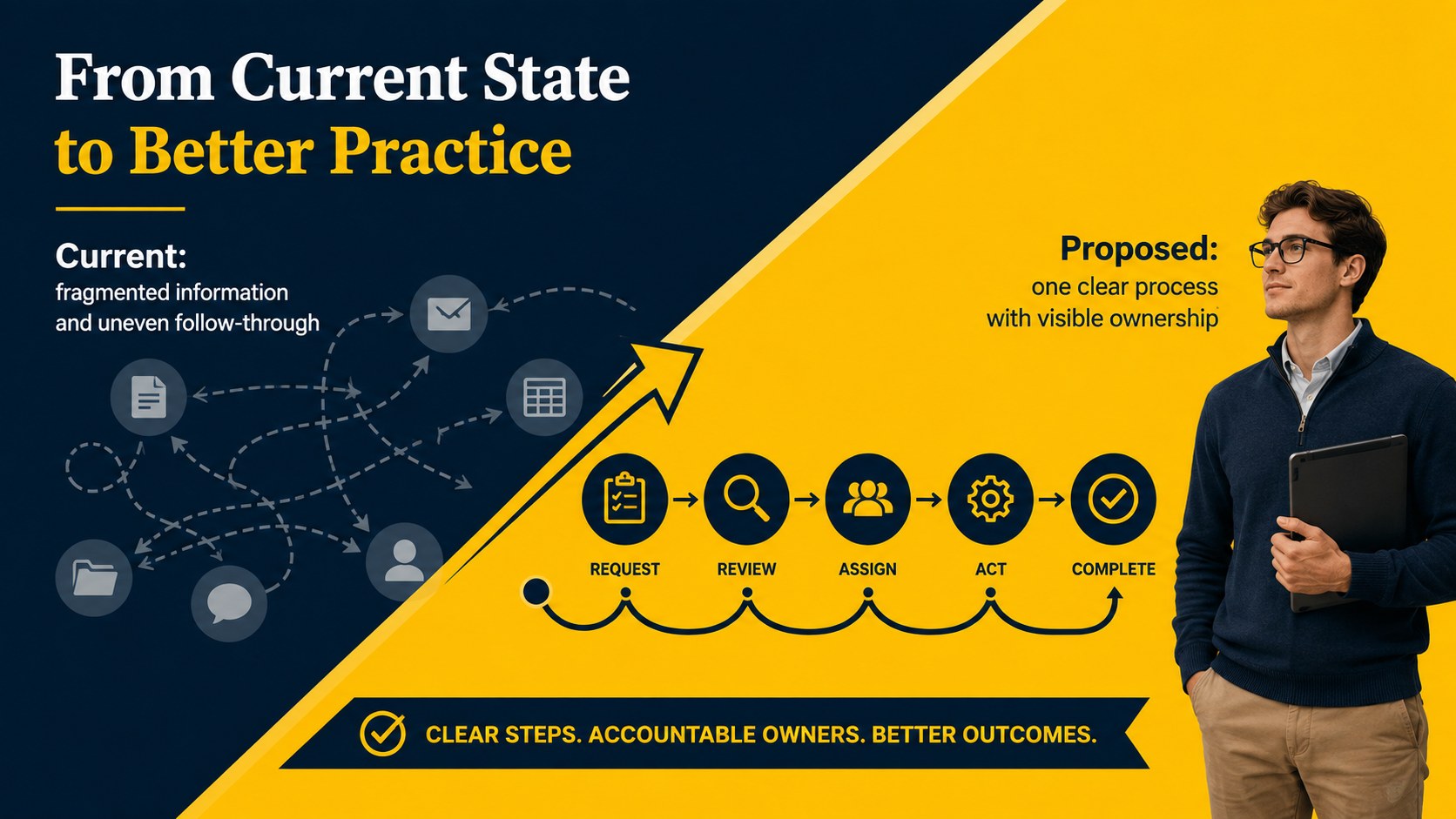

Design notes
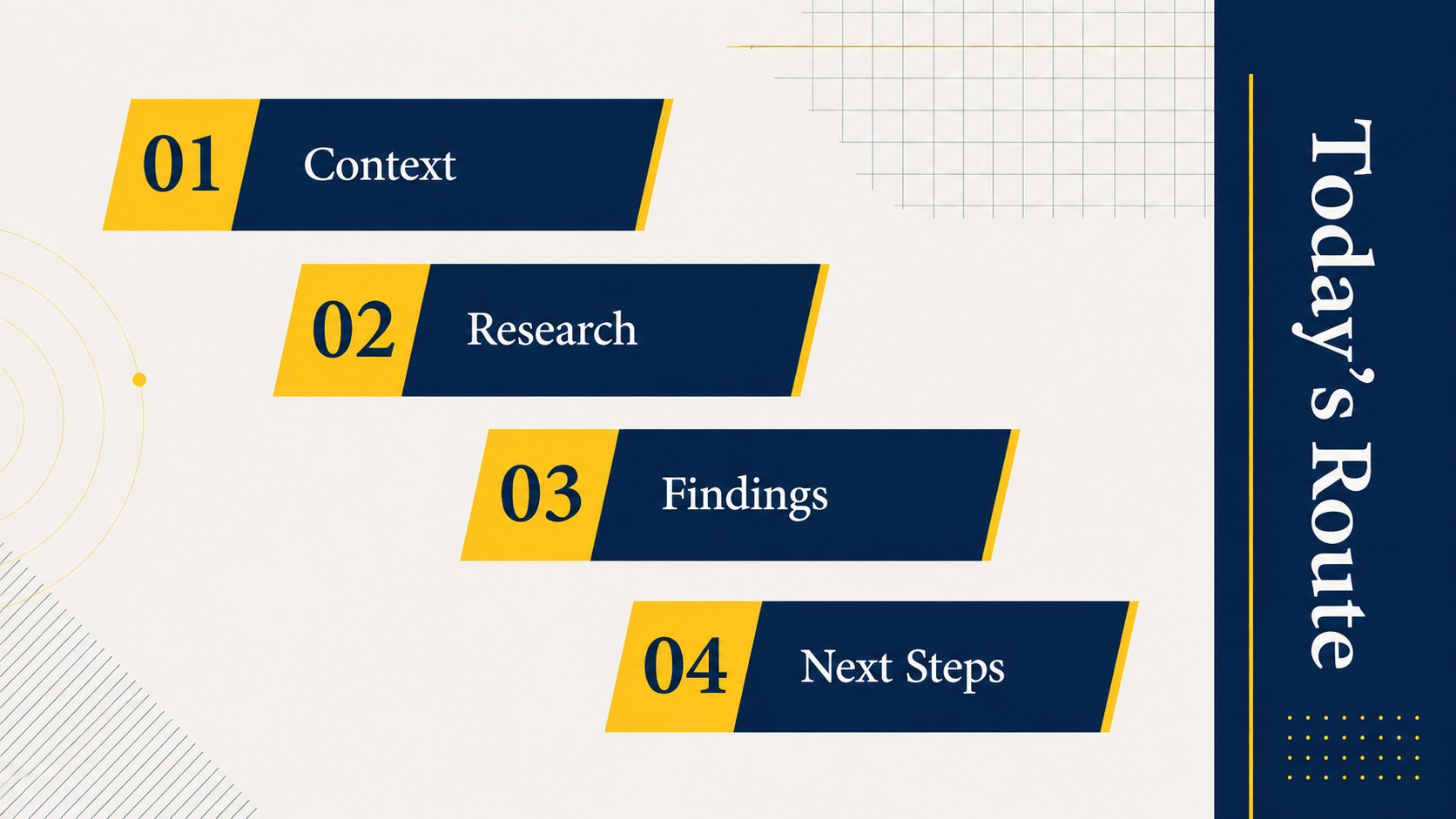
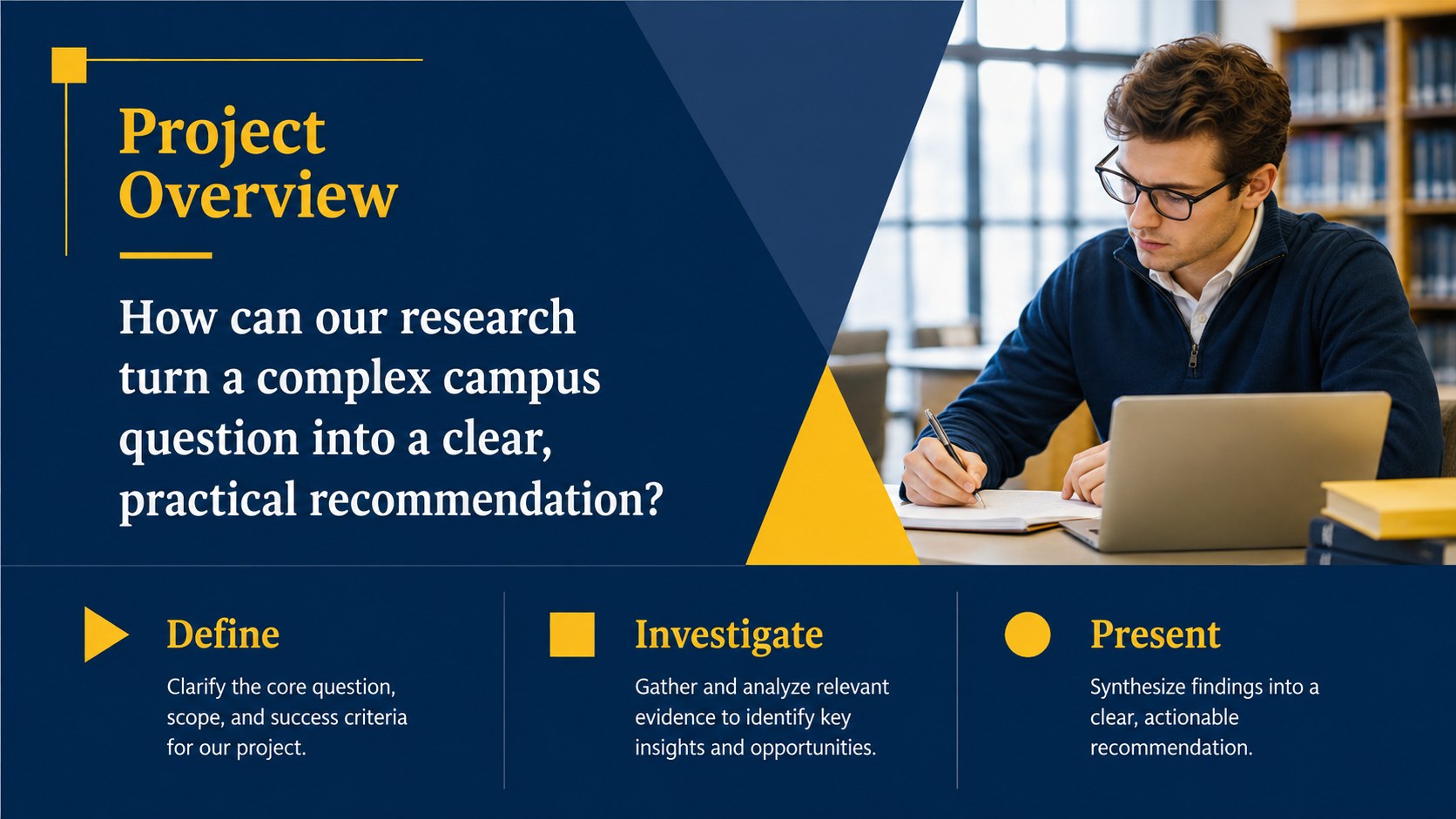
The Maize and Blue Michigan Student Deck gives University of Michigan students and campus groups a polished framework for presenting ideas with clarity. Its deep blue backgrounds, energetic yellow accents, restrained gradients, and professional typography create a recognizable collegiate mood without overwhelming the content. Use it as a maize and blue Google Slides theme or customize it in PowerPoint for a cohesive academic presentation.
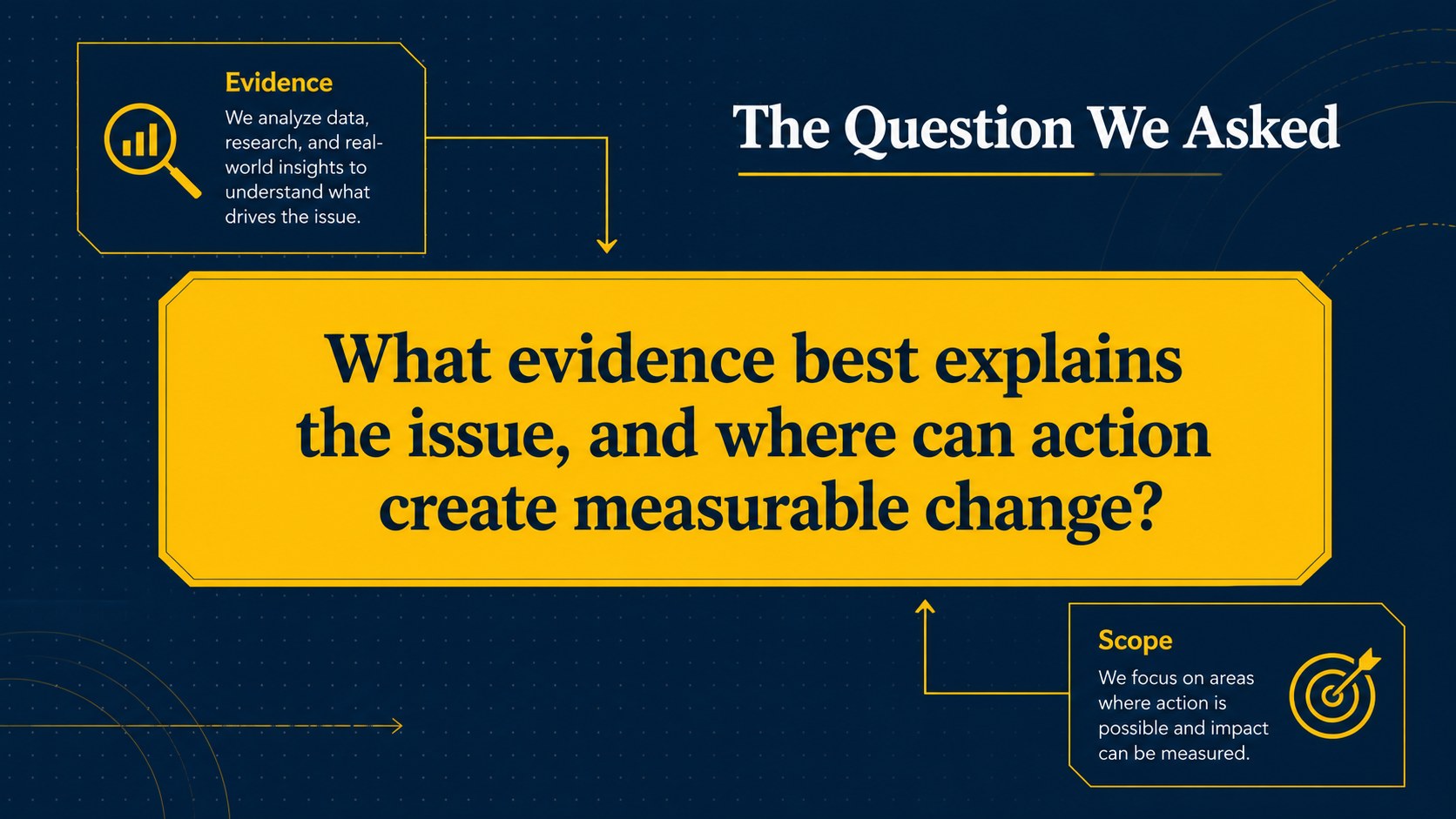
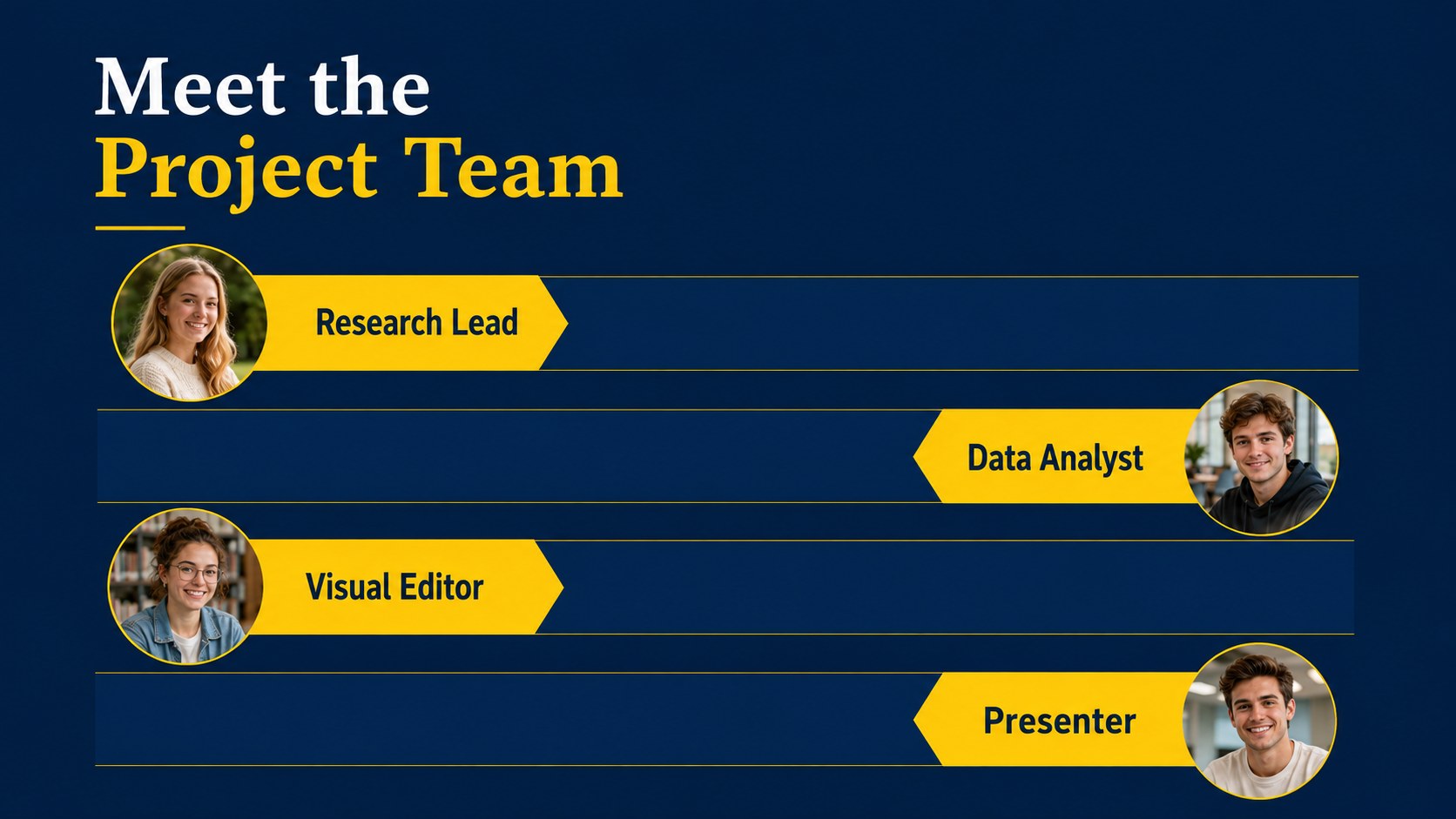
The layout collection covers opening statements, project objectives, research questions, key findings, team introductions, timelines, data comparisons, photo highlights, and closing takeaways. Editable charts, text blocks, image frames, and section dividers make it easy to turn the design into a college research presentation layout, an academic group project slide deck, or a portfolio of semester work. The widescreen format provides ample room for concise explanations and supporting visuals.
This deck is designed for undergraduate and graduate students, faculty members, student organizations, alumni groups, and campus event planners. It can support class assignments, thesis updates, club proposals, orientation sessions, graduation reflections, and Michigan campus portfolio presentations. Every slide can be adapted in PowerPoint or Google Slides, allowing presenters to replace text, adjust colors, add photographs, and reorganize layouts while retaining the modern corporate style.
Perfect for: semester research presentation; student organization proposal; group project briefing; academic portfolio review; graduation reflection; campus event update.
Frequently asked questions
Can I edit this deck in PowerPoint and Google Slides? Yes. The layouts are designed for editing in both PowerPoint and Google Slides, including text, colors, images, charts, and shapes. Minor font substitutions may occur if a typeface is not installed on your device.
Practical details
Yes. The layouts are designed for editing in both PowerPoint and Google Slides, including text, colors, images, charts, and shapes. Minor font substitutions may occur if a typeface is not installed on your device.
Use the theme color controls in PowerPoint or Google Slides to adjust the palette across the presentation. You can also recolor individual shapes and backgrounds when a slide needs a different emphasis.
Yes. Swap image placeholders with your own campus, project, or event photography, then edit the chart data to match your findings. Keep image cropping and label lengths consistent for the cleanest result.
The deck works well for class projects, research summaries, club proposals, academic portfolios, orientation briefings, and graduation recaps. Its professional visual system also supports faculty and alumni presentations.
Keep exploring
15Shape your publishing concept with an indie magazine startup pitch deck featuring pastel gradients, bold collage layouts, and editable planning slides.
 16
16Build clear project stories with the Icon Grid Teamwork Theme, a flexible blue illustrated deck for proposals, strategy updates, and team meetings.
 3
3Turn priorities into an actionable plan with an annual goals roadmap infographic, featuring editable orange and teal layouts for PowerPoint and Google Slides.
 15
15Create an Annual Achievement Report Presentation with colorful geometric layouts for milestones, results, lessons, and priorities in PowerPoint or Google Slides.
 15
15Turn results into a focused annual performance evaluation report with dark 3D slides for KPIs, achievements, feedback, and next-step goals for teams.
 15
15Guide a focused annual recap with Business Results Retrospective Slides, a muted brown-and-blue template for PowerPoint and Google Slides.
 6
6Turn complex plans into clear visual stories with Color-Coded Workflow Path Slides, an editable set for project updates, roadmaps, and team briefings.
 6
6Compare regional performance at a glance with Global Data Heatmap Slides, a clean multicolor deck designed for editable PowerPoint and Google Slides.