
 15
15presentation
Indie Magazine Startup Pitch Deck
Shape your publishing concept with an indie magazine startup pitch deck featuring pastel gradients, bold collage layouts, and editable planning slides.
Google SlidesPowerPoint
presentation · English
Lead focused research sessions with Audience Persona Workshop Slides, a vivid blue-and-yellow template built for PowerPoint and Google Slides.







Design notes
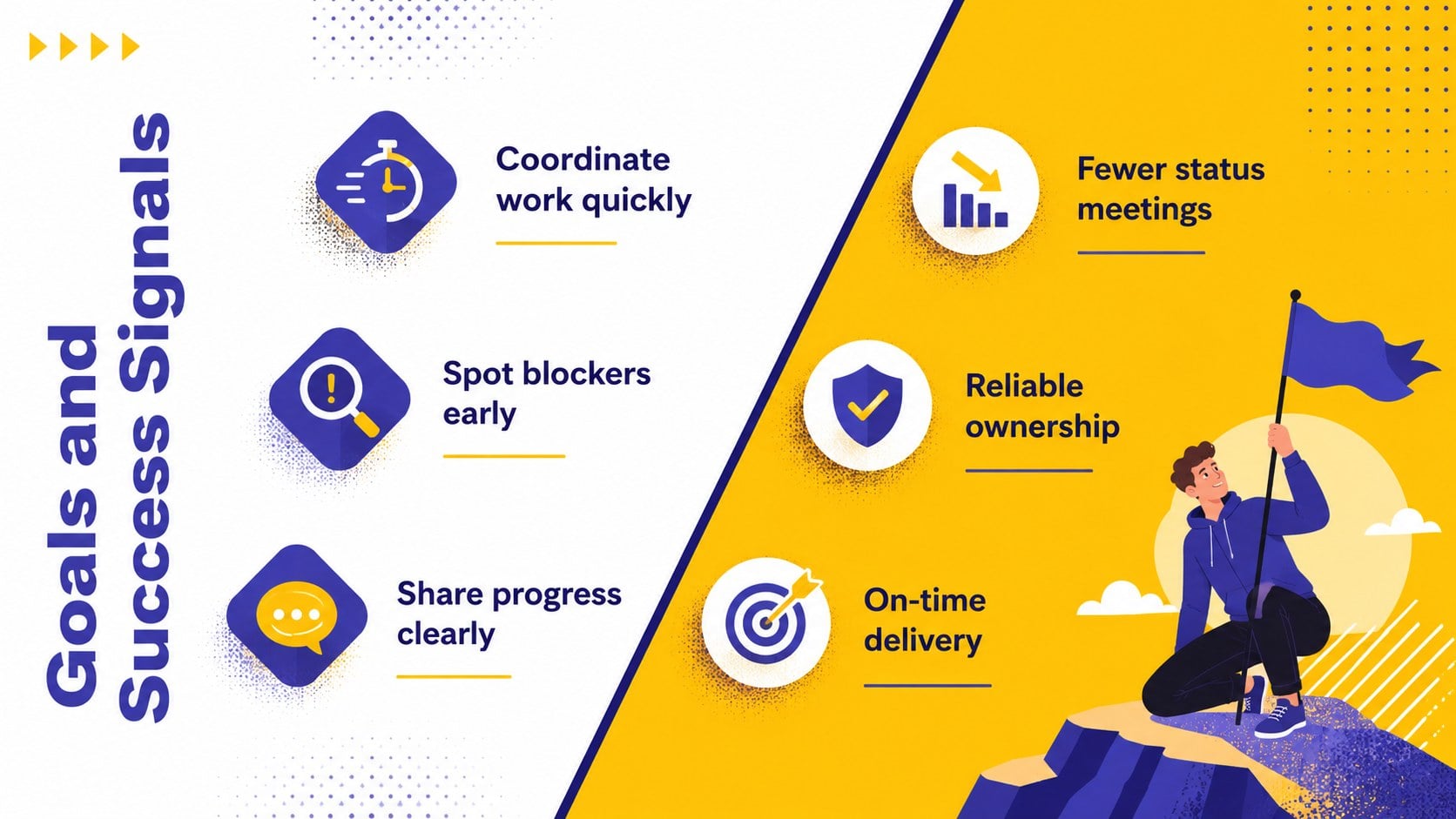
Audience Persona Workshop Slides help research, design, and product teams transform interviews, observations, and behavioral data into practical audience profiles. The vivid blue-and-yellow design balances playful illustrations with structured layouts, making complex findings approachable without losing professional clarity. Use these audience persona workshop slides to align stakeholders before planning features, campaigns, services, or customer experiences.
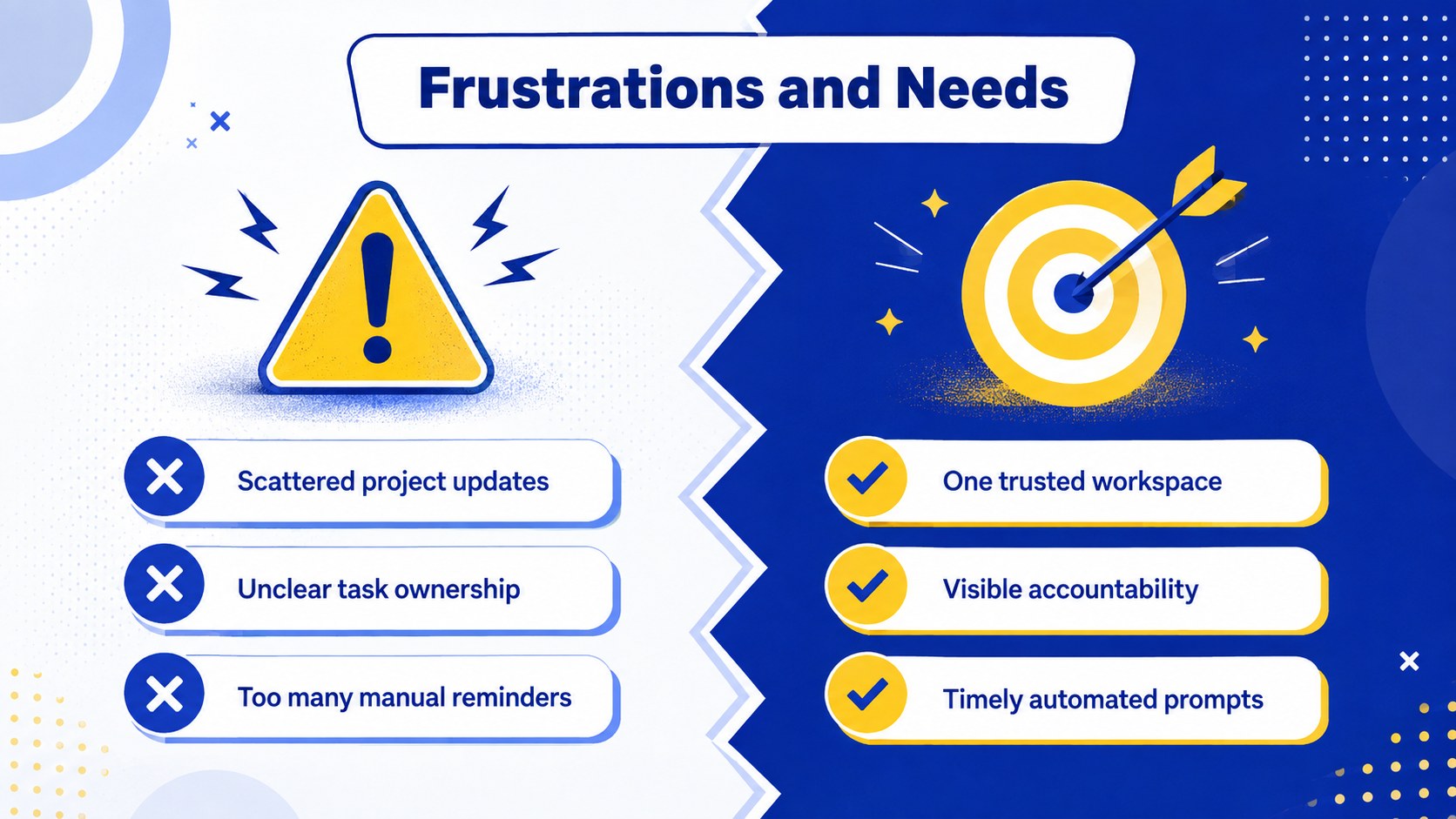
The deck includes layouts for workshop goals, research sources, persona summaries, motivations, behaviors, frustrations, needs, journey context, empathy mapping, supporting evidence, and realistic scenarios. Comparison and prioritization slides help teams identify meaningful differences between audience groups and agree on the opportunities that matter most. Together, these layouts provide a complete user persona presentation for product teams while remaining flexible enough for marketing, service design, and innovation projects.
Built for PowerPoint and Google Slides, every page can be adapted with your own findings, labels, charts, colors, and imagery. Facilitators can also use the deck as a customer empathy mapping template during discovery workshops, stakeholder reviews, or remote collaboration sessions. It is especially useful for UX researchers, product managers, strategists, marketers, consultants, and students who need to present evidence-based personas in a clear visual narrative.
Perfect for: product discovery workshop; UX research synthesis; stakeholder persona review; customer journey planning; marketing audience briefing.
Frequently asked questions
Can I edit these slides in PowerPoint? Yes. All text, colors, shapes, charts, and image placeholders can be edited in PowerPoint. You can duplicate or remove layouts to match the number of personas in your research.
Practical details
Yes. All text, colors, shapes, charts, and image placeholders can be edited in PowerPoint. You can duplicate or remove layouts to match the number of personas in your research.
Yes. Upload the presentation to Google Drive and open it with Google Slides for browser-based editing and collaboration. Review font substitutions after importing to ensure the intended layout is preserved.
Replace the sample names, quotations, goals, behaviors, and evidence with findings from interviews, surveys, or analytics. Keep claims concise and connect each important insight to a research source.
Yes. Update the theme colors in PowerPoint or Google Slides to apply your brand palette consistently. Check text contrast after making changes so labels and charts remain easy to read.
Keep exploring
15Shape your publishing concept with an indie magazine startup pitch deck featuring pastel gradients, bold collage layouts, and editable planning slides.
 16
16Build clear project stories with the Icon Grid Teamwork Theme, a flexible blue illustrated deck for proposals, strategy updates, and team meetings.
 3
3Turn priorities into an actionable plan with an annual goals roadmap infographic, featuring editable orange and teal layouts for PowerPoint and Google Slides.
 15
15Create an Annual Achievement Report Presentation with colorful geometric layouts for milestones, results, lessons, and priorities in PowerPoint or Google Slides.
 15
15Turn results into a focused annual performance evaluation report with dark 3D slides for KPIs, achievements, feedback, and next-step goals for teams.
 15
15Guide a focused annual recap with Business Results Retrospective Slides, a muted brown-and-blue template for PowerPoint and Google Slides.
 6
6Turn complex plans into clear visual stories with Color-Coded Workflow Path Slides, an editable set for project updates, roadmaps, and team briefings.
 6
6Compare regional performance at a glance with Global Data Heatmap Slides, a clean multicolor deck designed for editable PowerPoint and Google Slides.