
 15
15presentation
Indie Magazine Startup Pitch Deck
Shape your publishing concept with an indie magazine startup pitch deck featuring pastel gradients, bold collage layouts, and editable planning slides.
Google SlidesPowerPoint
presentation · English
Build a memorable client showcase with the Yellow and Purple Business Portfolio Theme, featuring editable layouts for PowerPoint and Google Slides.






Design notes
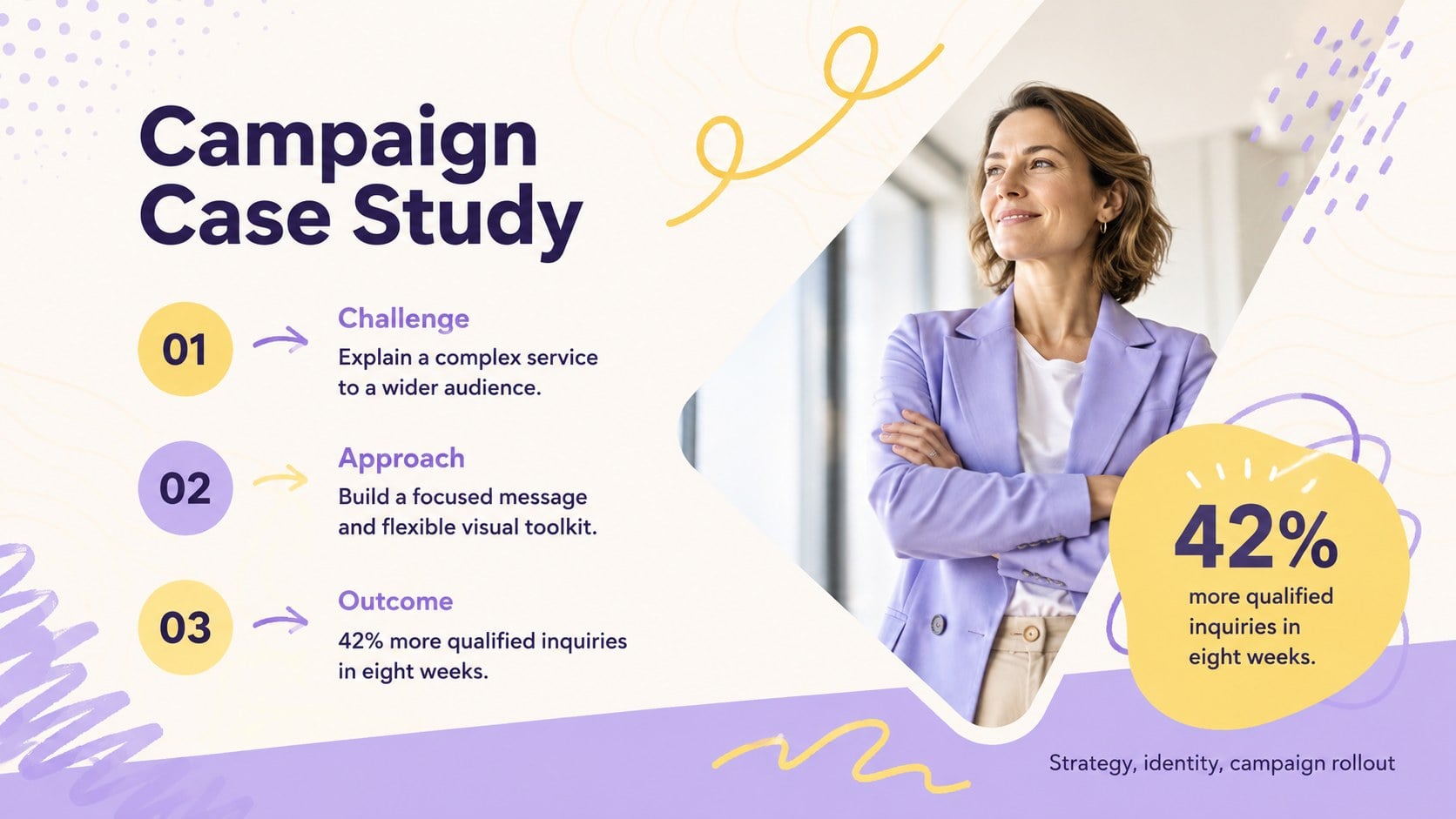
Bring your achievements into focus with the Yellow and Purple Business Portfolio Theme, a bright yet polished way to introduce your company, creative practice, or independent work. Soft pastel fields, expressive illustrations, and confident editorial typography create an approachable visual rhythm without distracting from the story you need to tell. Use it as a yellow purple company portfolio presentation for prospect meetings, interviews, partnership conversations, or internal showcases.
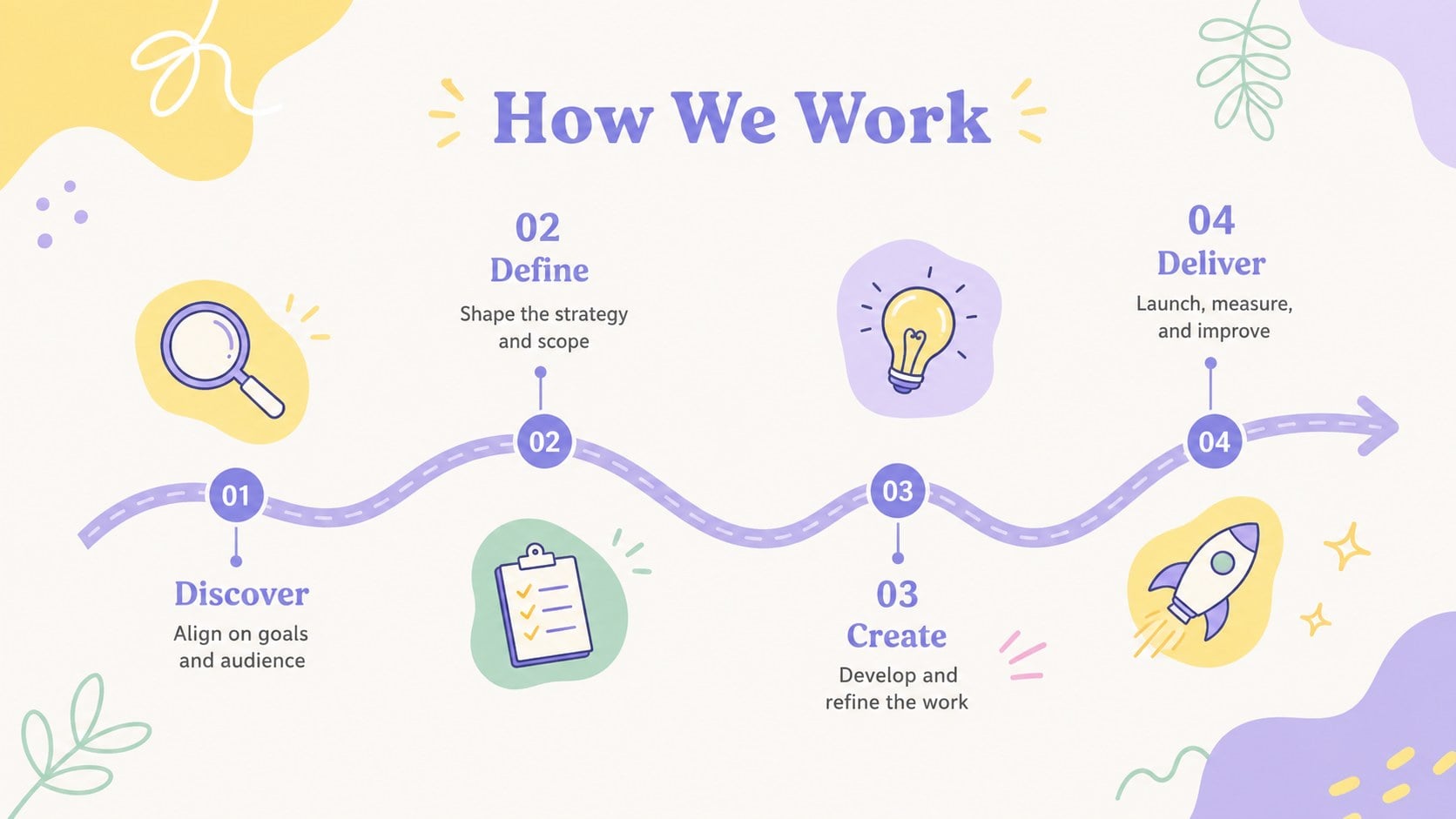
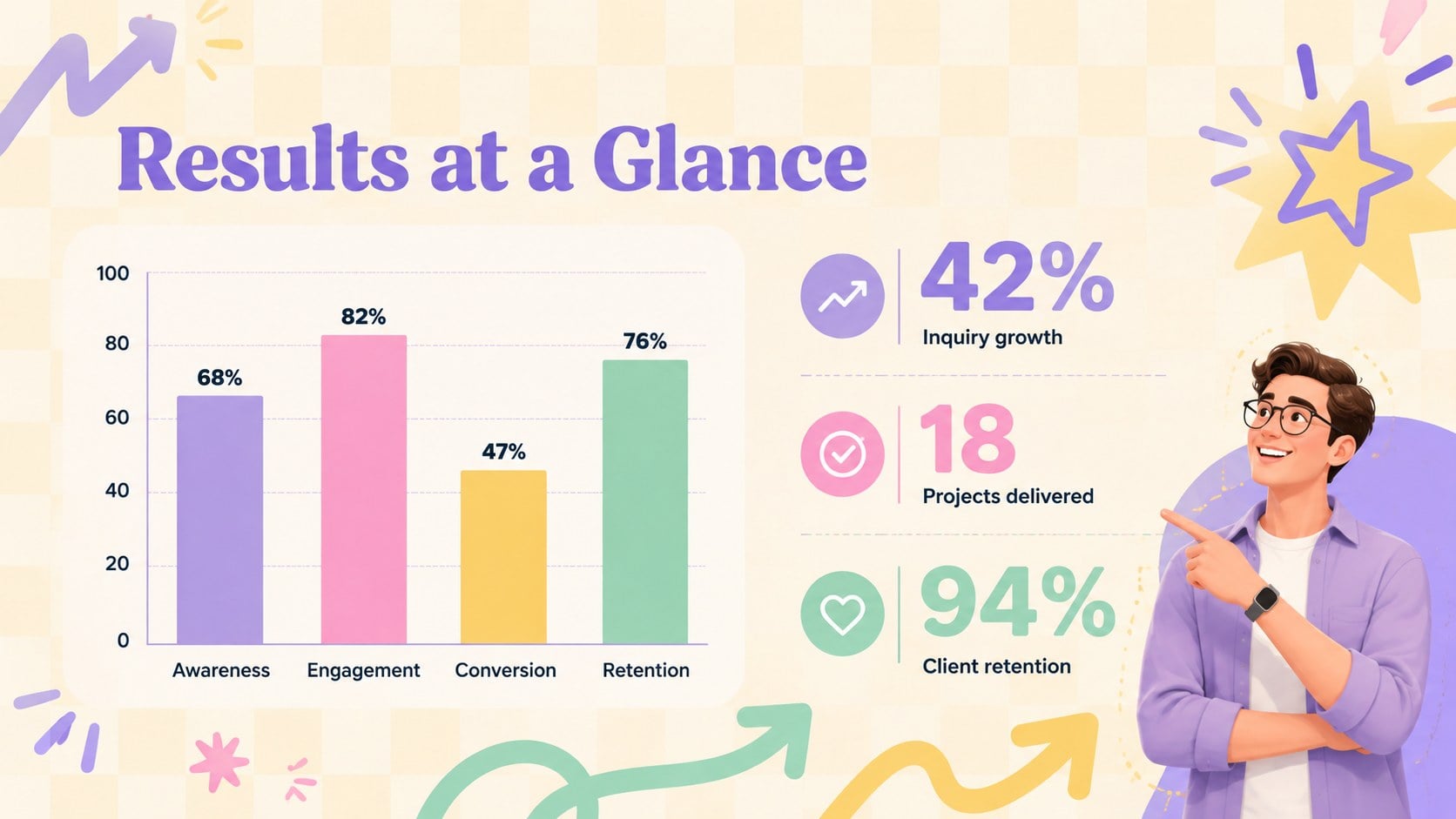
The deck provides adaptable sections for a concise company profile, mission and values, services, team introductions, featured projects, case study results, client feedback, process steps, key metrics, and next actions. Mix image-led pages with structured text, timelines, charts, and testimonial layouts to build illustrated agency case study slides that feel consistent from opening statement to final contact page. Built-in visual elements help highlight proof points while preserving the cheerful purple, yellow, and pastel character.
Designed for studios, consultants, marketers, founders, freelancers, and small business teams, this creative studio credentials deck works in both PowerPoint and Google Slides. Replace the sample wording, add your own photography and data, adjust colors to suit your identity, and reorder pages around each audience. The layouts suit client proposals, service overviews, portfolio reviews, and business development presentations while maintaining a cohesive, professional finish.
Perfect for: creative agency credentials pitch; freelancer portfolio review; client proposal meeting; company capabilities presentation; project case study showcase.
Frequently asked questions
Can I edit this portfolio theme in PowerPoint? Yes. The text, colors, illustrations, charts, and image placeholders can be edited in PowerPoint. You can also duplicate or reorder layouts to match the length of your portfolio.
Practical details
Yes. The text, colors, illustrations, charts, and image placeholders can be edited in PowerPoint. You can also duplicate or reorder layouts to match the length of your portfolio.
Yes. Upload or open the presentation in Google Slides to customize it online. Check imported fonts, animations, and image cropping before presenting because minor rendering differences can occur.
Replace the yellow, purple, and supporting pastel tones through the theme color controls. Keep strong contrast between text and backgrounds so project details and performance figures remain easy to read.
Summarize the client challenge, your approach, the delivered work, and measurable results. Use concise captions, authentic project images, and a small number of meaningful metrics rather than dense paragraphs.
Keep exploring
15Shape your publishing concept with an indie magazine startup pitch deck featuring pastel gradients, bold collage layouts, and editable planning slides.
 16
16Build clear project stories with the Icon Grid Teamwork Theme, a flexible blue illustrated deck for proposals, strategy updates, and team meetings.
 3
3Turn priorities into an actionable plan with an annual goals roadmap infographic, featuring editable orange and teal layouts for PowerPoint and Google Slides.
 15
15Create an Annual Achievement Report Presentation with colorful geometric layouts for milestones, results, lessons, and priorities in PowerPoint or Google Slides.
 15
15Turn results into a focused annual performance evaluation report with dark 3D slides for KPIs, achievements, feedback, and next-step goals for teams.
 15
15Guide a focused annual recap with Business Results Retrospective Slides, a muted brown-and-blue template for PowerPoint and Google Slides.
 6
6Turn complex plans into clear visual stories with Color-Coded Workflow Path Slides, an editable set for project updates, roadmaps, and team briefings.
 6
6Compare regional performance at a glance with Global Data Heatmap Slides, a clean multicolor deck designed for editable PowerPoint and Google Slides.