
 15
15presentation
Indie Magazine Startup Pitch Deck
Shape your publishing concept with an indie magazine startup pitch deck featuring pastel gradients, bold collage layouts, and editable planning slides.
Google SlidesPowerPoint
presentation · English
Turn results into a focused annual performance evaluation report with dark 3D slides for KPIs, achievements, feedback, and next-step goals for teams.

Design notes
Build a clear story around results, growth, and future priorities with this annual performance evaluation report. Its bold black palette, dimensional graphics, and modern corporate typography give leadership updates a polished visual structure while keeping attention on the evidence behind each assessment.
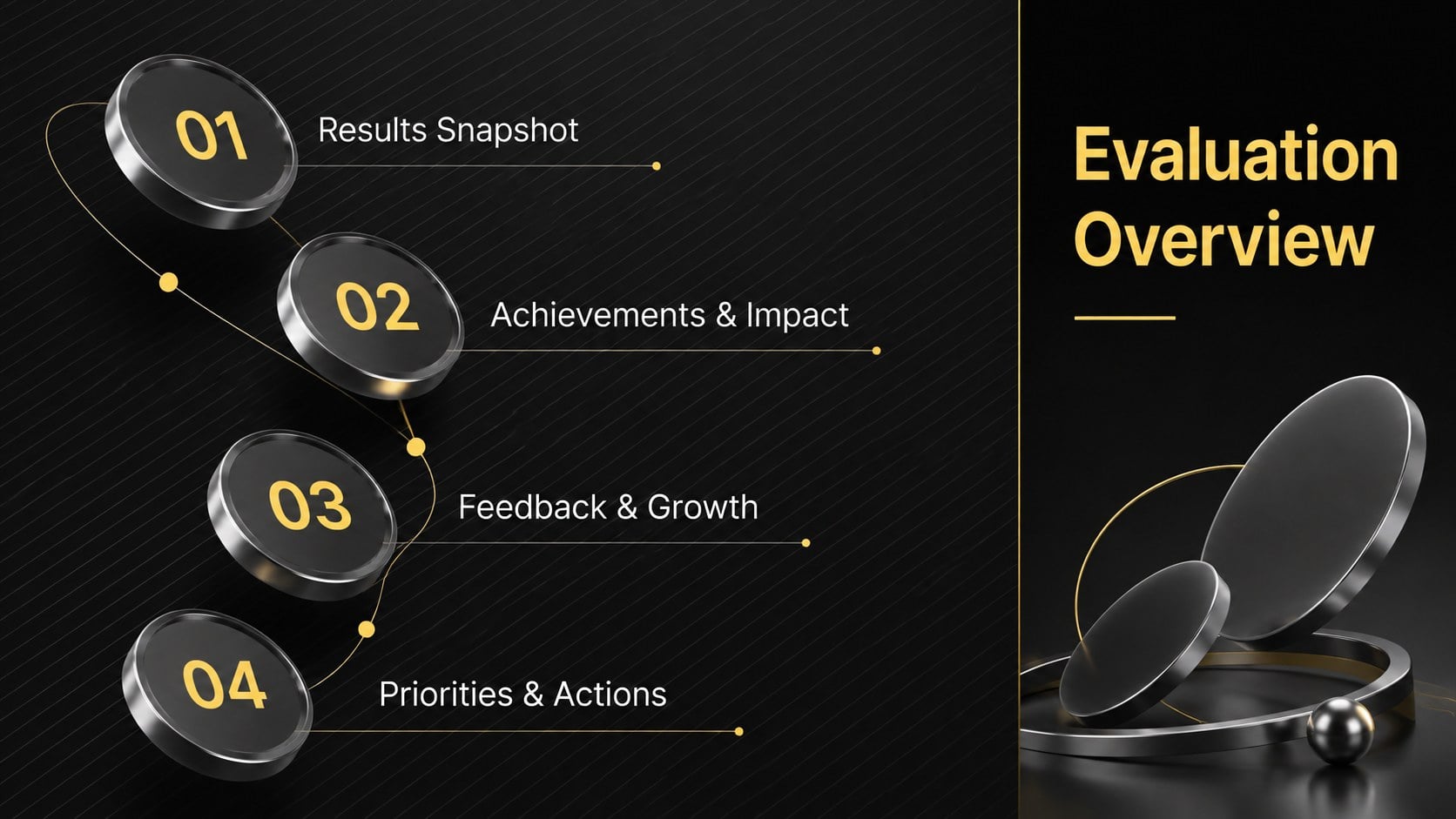
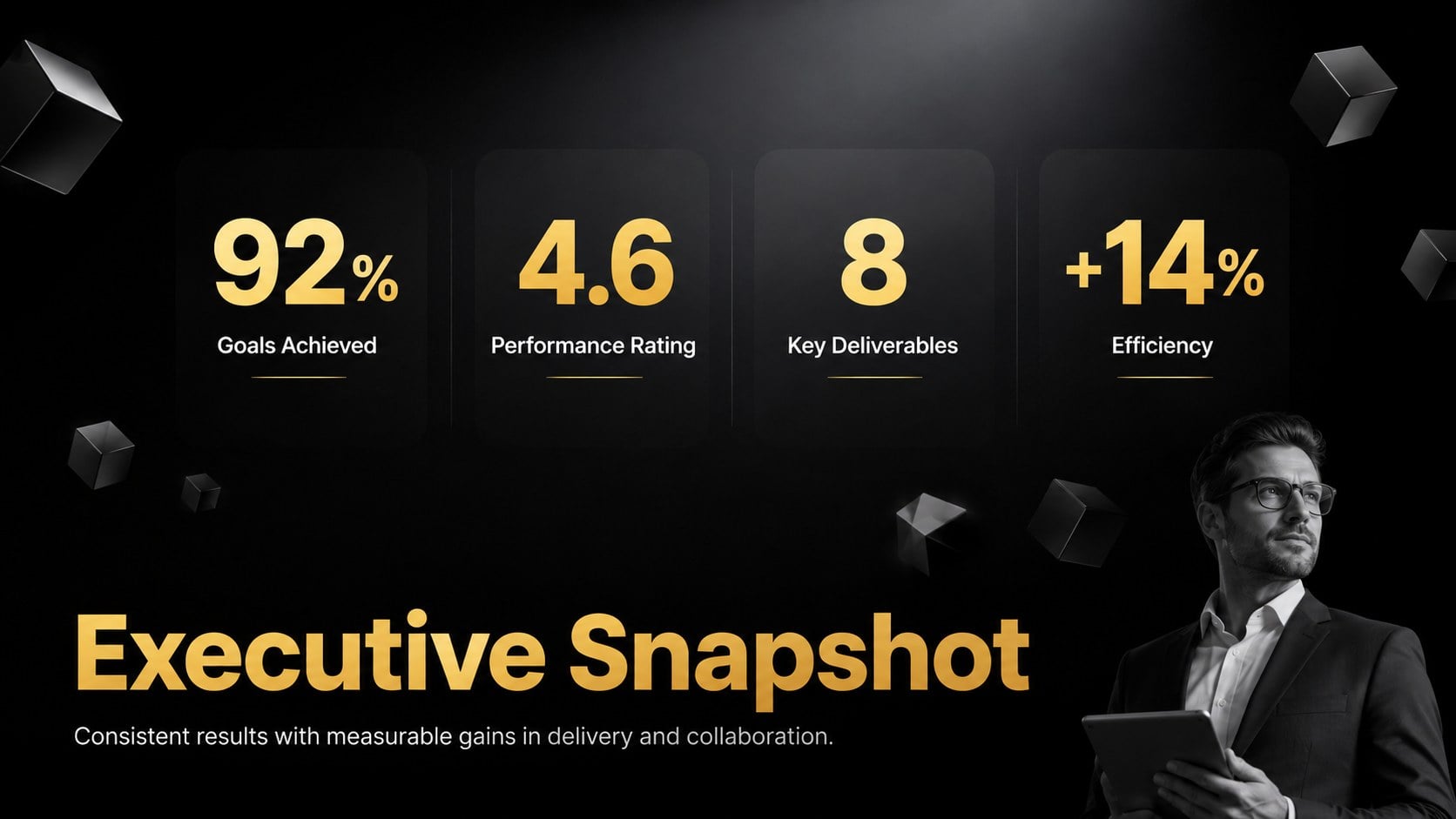
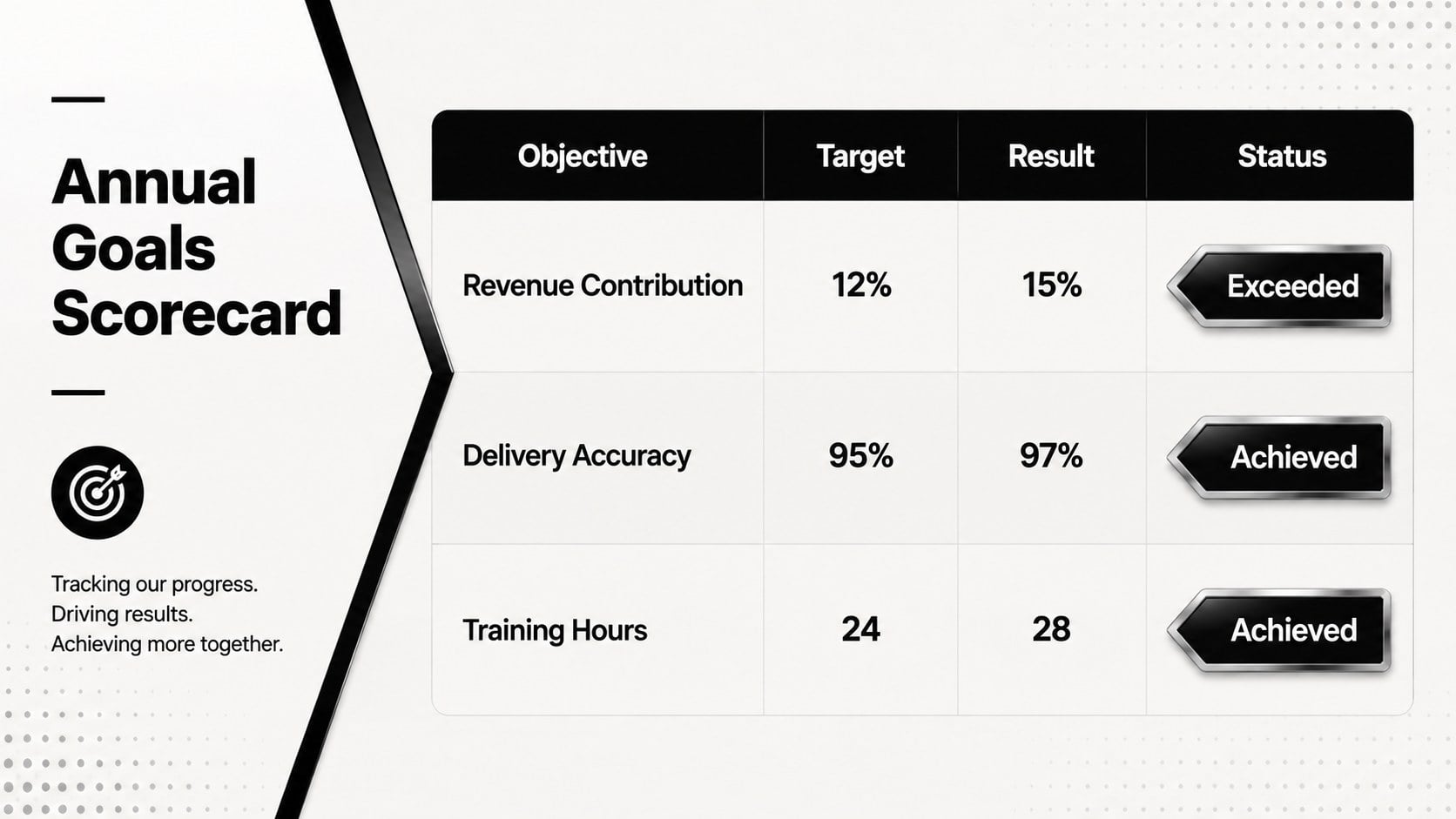
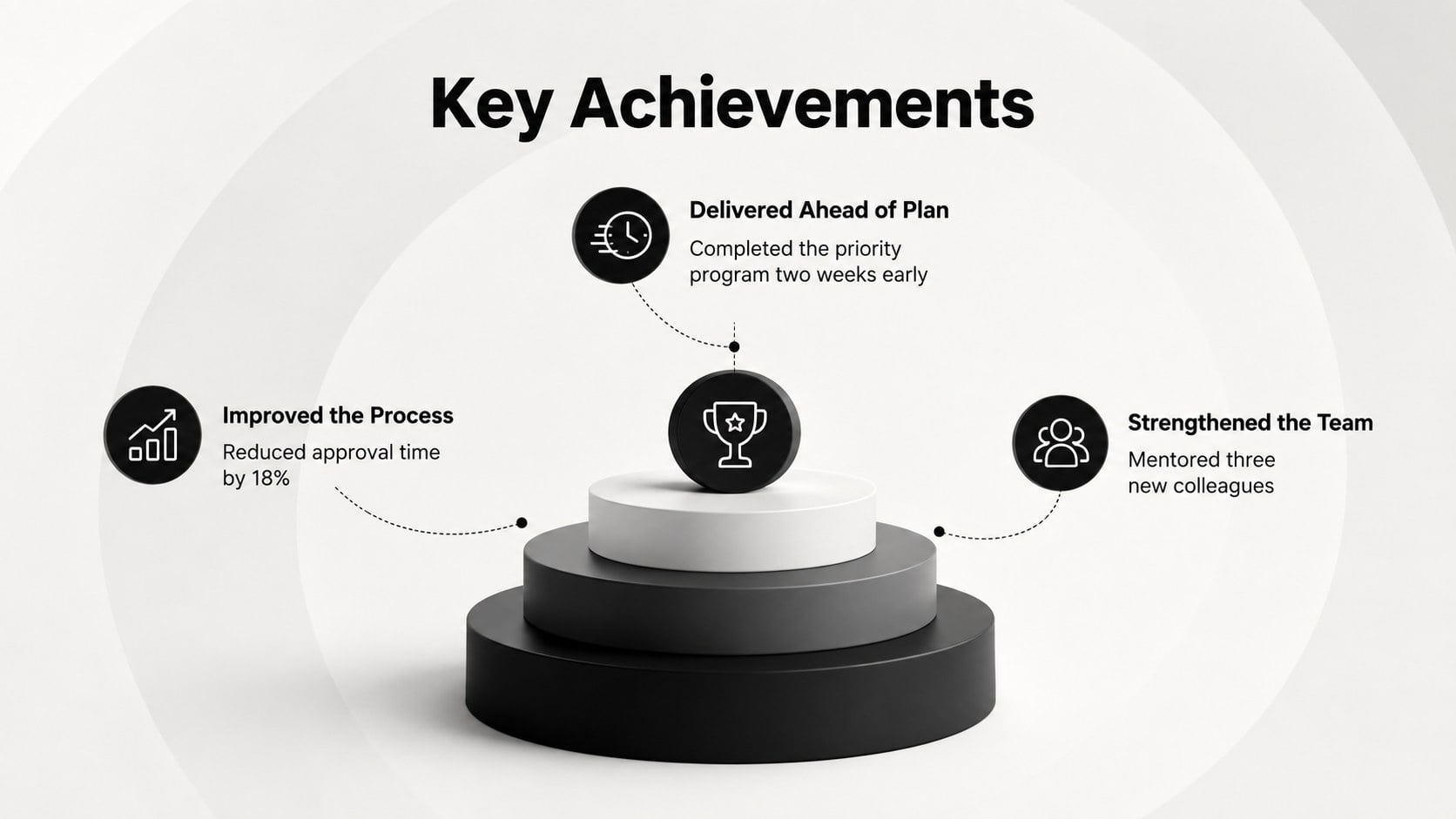
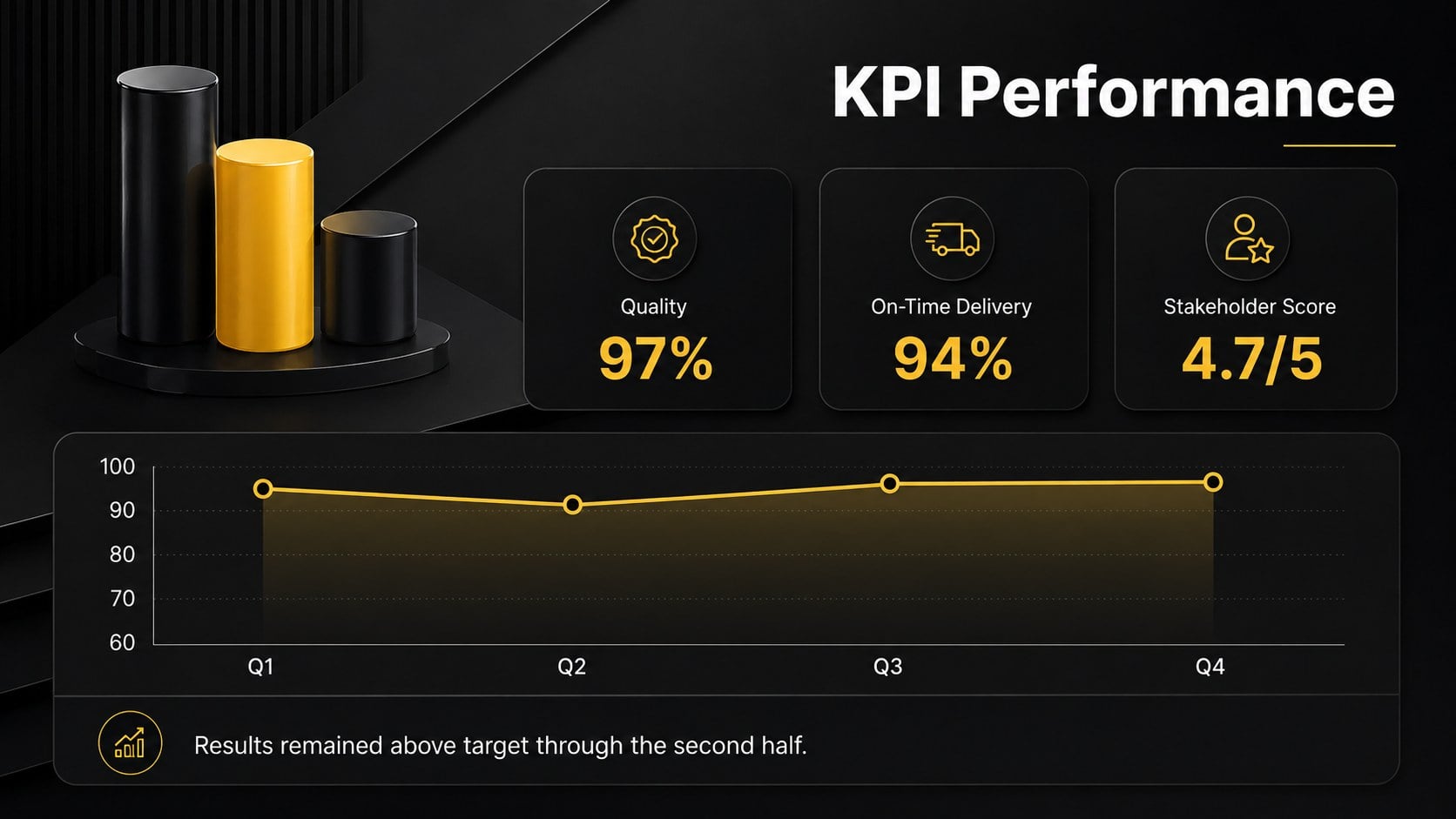
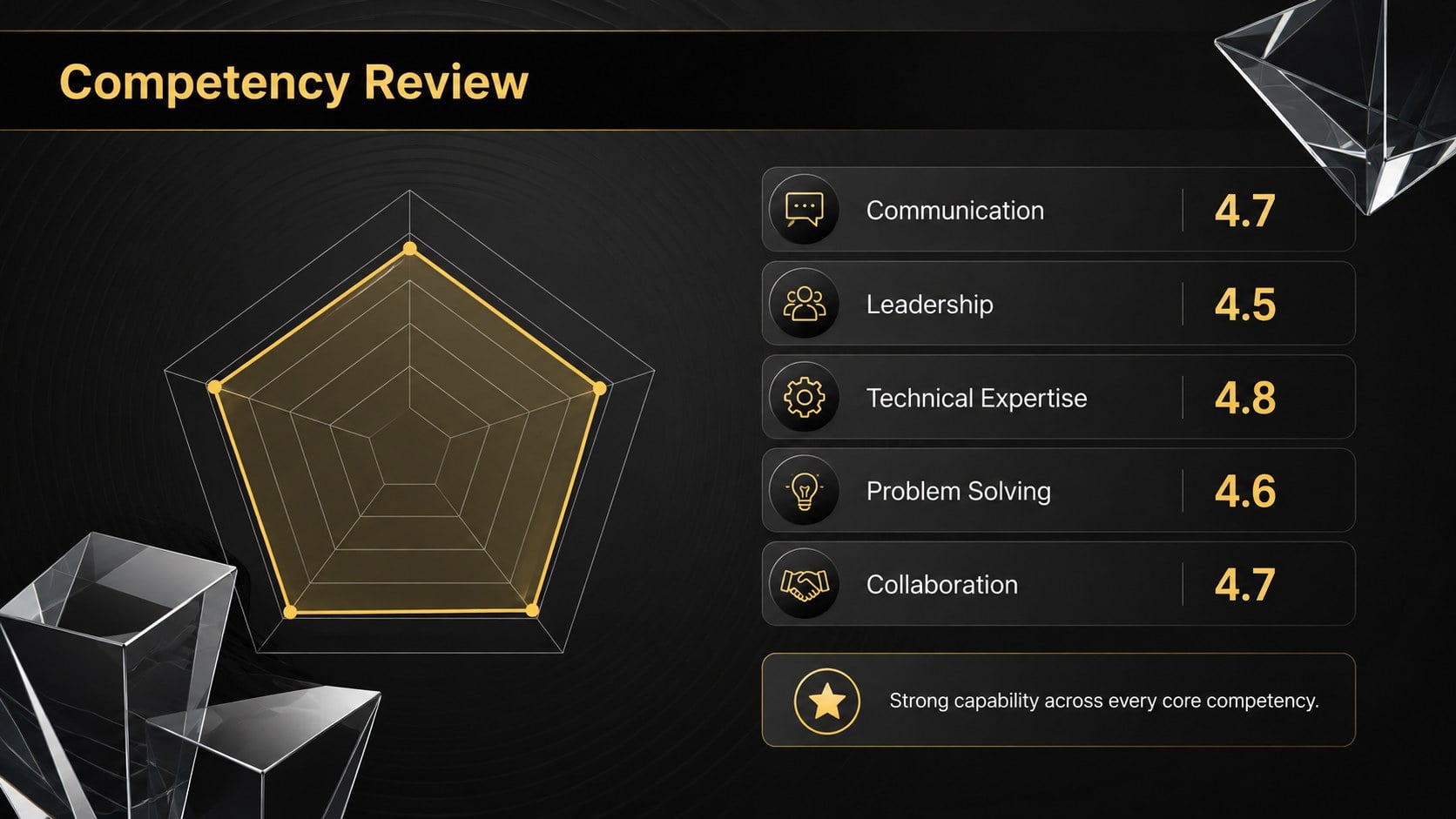
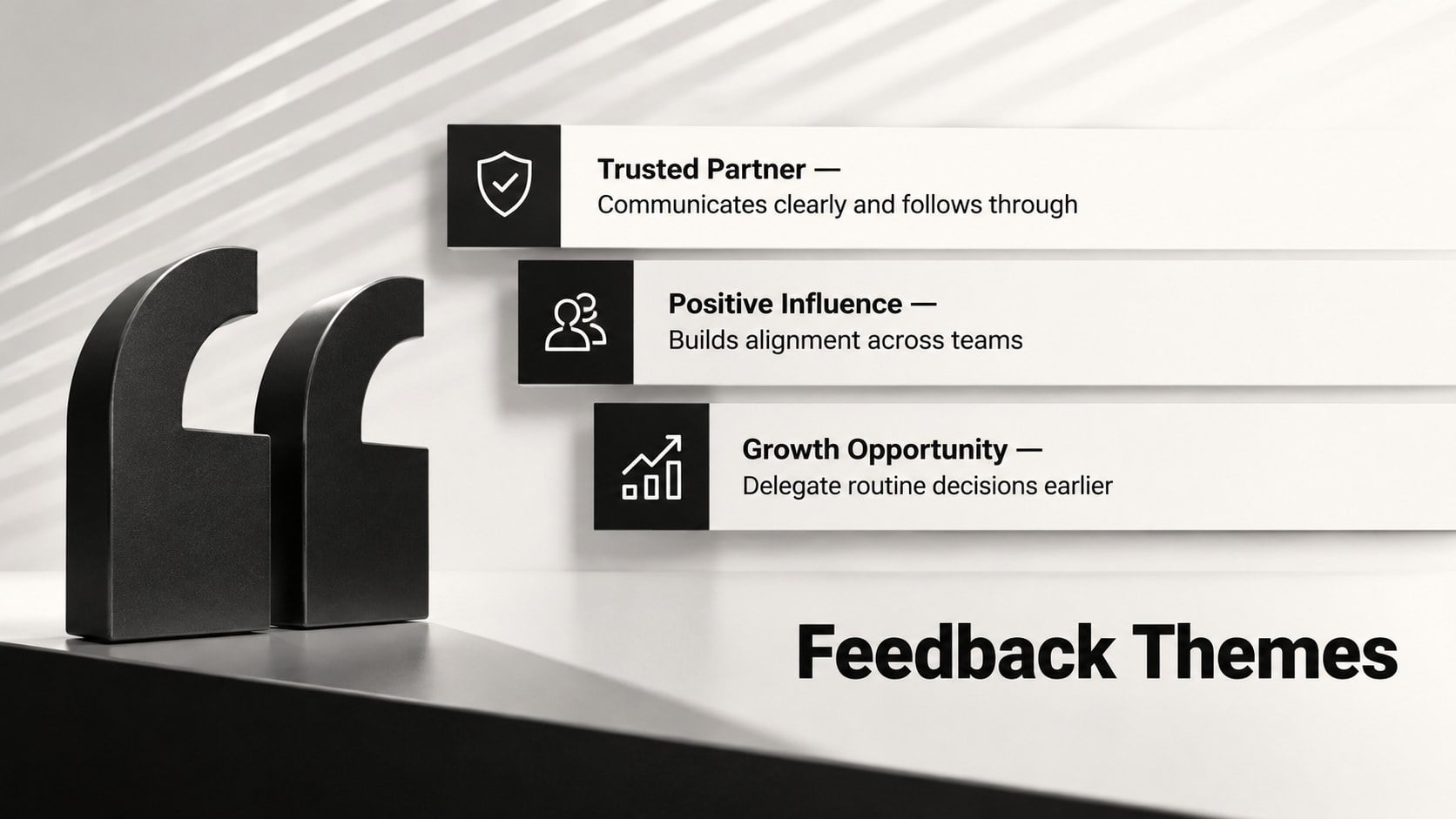
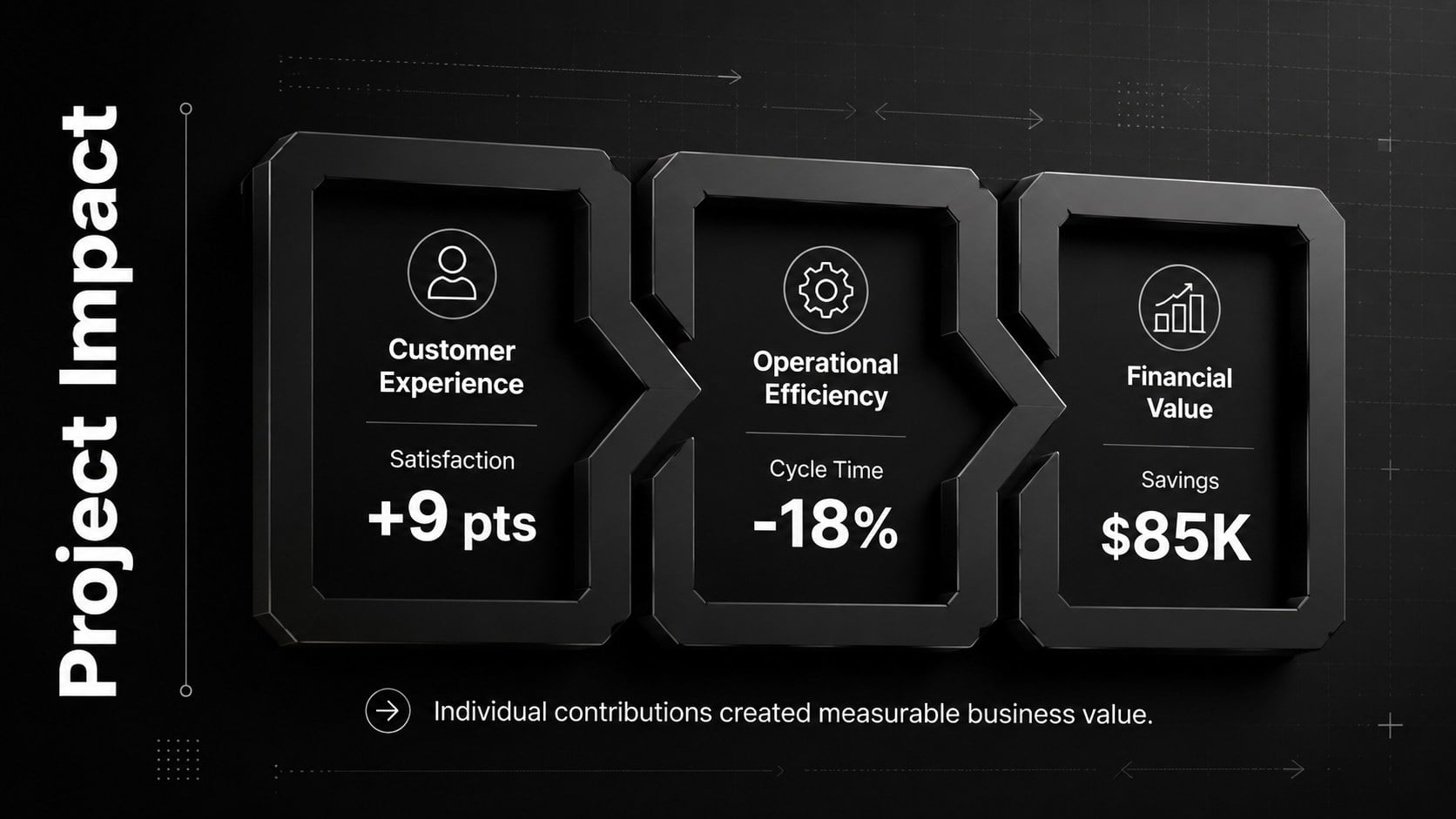
The 15-slide layout covers an executive snapshot, annual goals, measurable achievements, KPI trends, competency ratings, feedback themes, project impact, development progress, lessons learned, and next-cycle priorities. Dashboard, timeline, scorecard, and action-plan formats help transform detailed review notes into concise visuals. Use the manager performance appraisal slides to compare targets with outcomes, document contributions, and connect employee development objectives to practical follow-up actions.
Designed for team leaders, HR professionals, department heads, consultants, and individual contributors, this annual employee evaluation presentation works for formal appraisal meetings, leadership calibration sessions, and self-assessment discussions. Every slide can be edited in PowerPoint or Google Slides, including text, colors, charts, shapes, and image placeholders. Customize the dark 3D performance report deck with company metrics, role-specific competencies, review-period data, and agreed deadlines to create a focused presentation that supports fair discussion and accountable planning.
Perfect for: annual employee appraisal meeting; leadership performance calibration; department KPI review; employee self-assessment; career development planning.
Frequently asked questions
Can I edit the performance ratings and KPI charts? Yes. The ratings, chart values, labels, shapes, and supporting text are fully editable, so you can replace the sample material with your own evaluation criteria and results.
Practical details
Yes. The ratings, chart values, labels, shapes, and supporting text are fully editable, so you can replace the sample material with your own evaluation criteria and results.
The deck is designed for PowerPoint and Google Slides. Some fonts, transitions, or dimensional effects may render slightly differently between the two platforms.
Replace the sample competencies and KPIs with measures relevant to each position. You can also duplicate scorecard or action-plan slides when a role requires additional goals or development areas.
Yes. Change individual ratings to team averages, summarize shared achievements, and use the KPI dashboard to compare department results against annual targets.
Keep exploring
15Shape your publishing concept with an indie magazine startup pitch deck featuring pastel gradients, bold collage layouts, and editable planning slides.
 16
16Build clear project stories with the Icon Grid Teamwork Theme, a flexible blue illustrated deck for proposals, strategy updates, and team meetings.
 3
3Turn priorities into an actionable plan with an annual goals roadmap infographic, featuring editable orange and teal layouts for PowerPoint and Google Slides.
 15
15Create an Annual Achievement Report Presentation with colorful geometric layouts for milestones, results, lessons, and priorities in PowerPoint or Google Slides.
 15
15Guide a focused annual recap with Business Results Retrospective Slides, a muted brown-and-blue template for PowerPoint and Google Slides.
 6
6Turn complex plans into clear visual stories with Color-Coded Workflow Path Slides, an editable set for project updates, roadmaps, and team briefings.
 6
6Compare regional performance at a glance with Global Data Heatmap Slides, a clean multicolor deck designed for editable PowerPoint and Google Slides.
 15
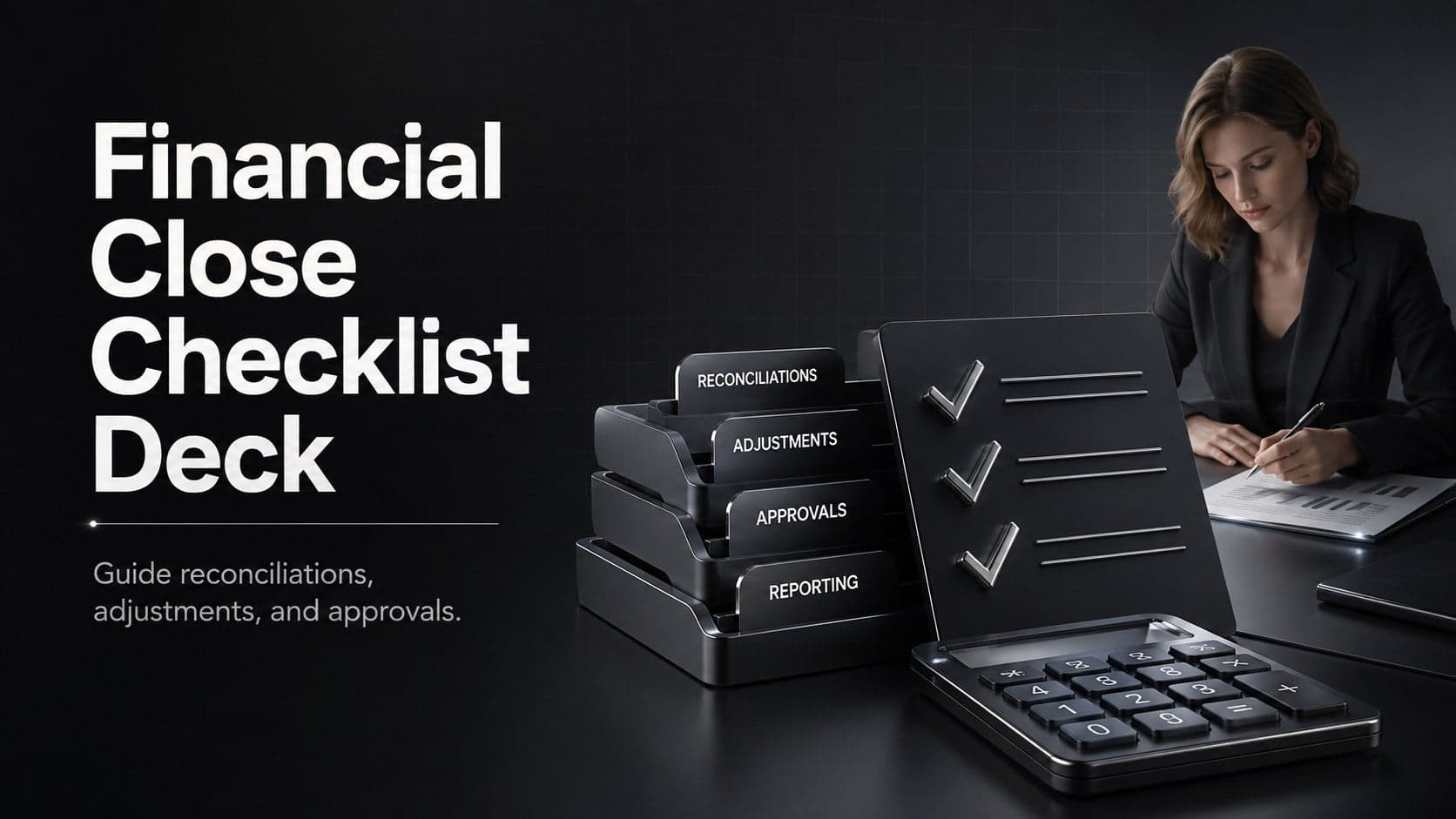
15Run a cleaner reporting cycle with this financial close checklist deck for PowerPoint and Google Slides, built for reconciliations, reviews, and sign-off.