
 15
15presentation
Indie Magazine Startup Pitch Deck
Shape your publishing concept with an indie magazine startup pitch deck featuring pastel gradients, bold collage layouts, and editable planning slides.
Google SlidesPowerPoint
presentation · English
Turn priorities into an actionable plan with an annual goals roadmap infographic, featuring editable orange and teal layouts for PowerPoint and Google Slides.

Design notes
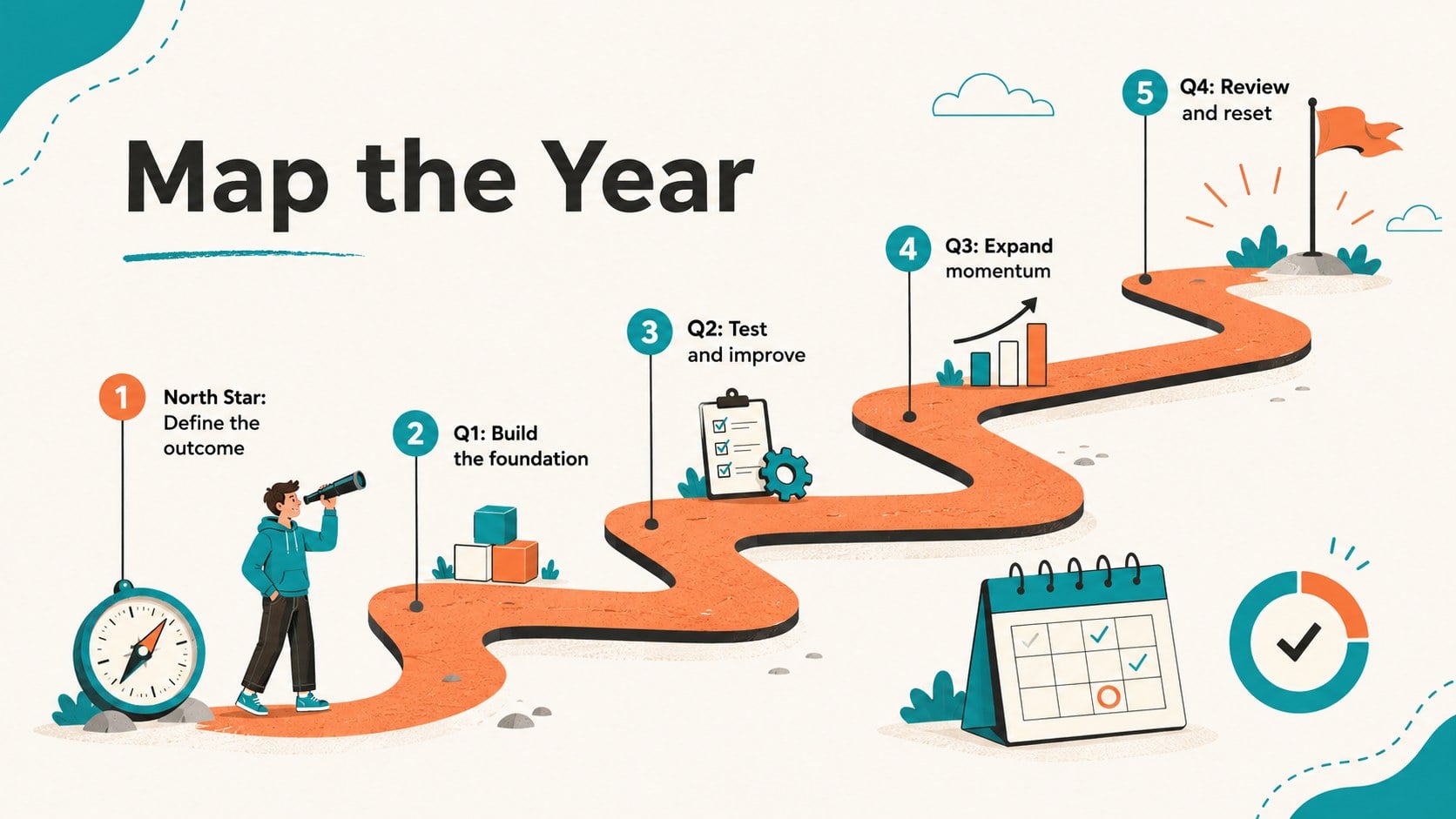
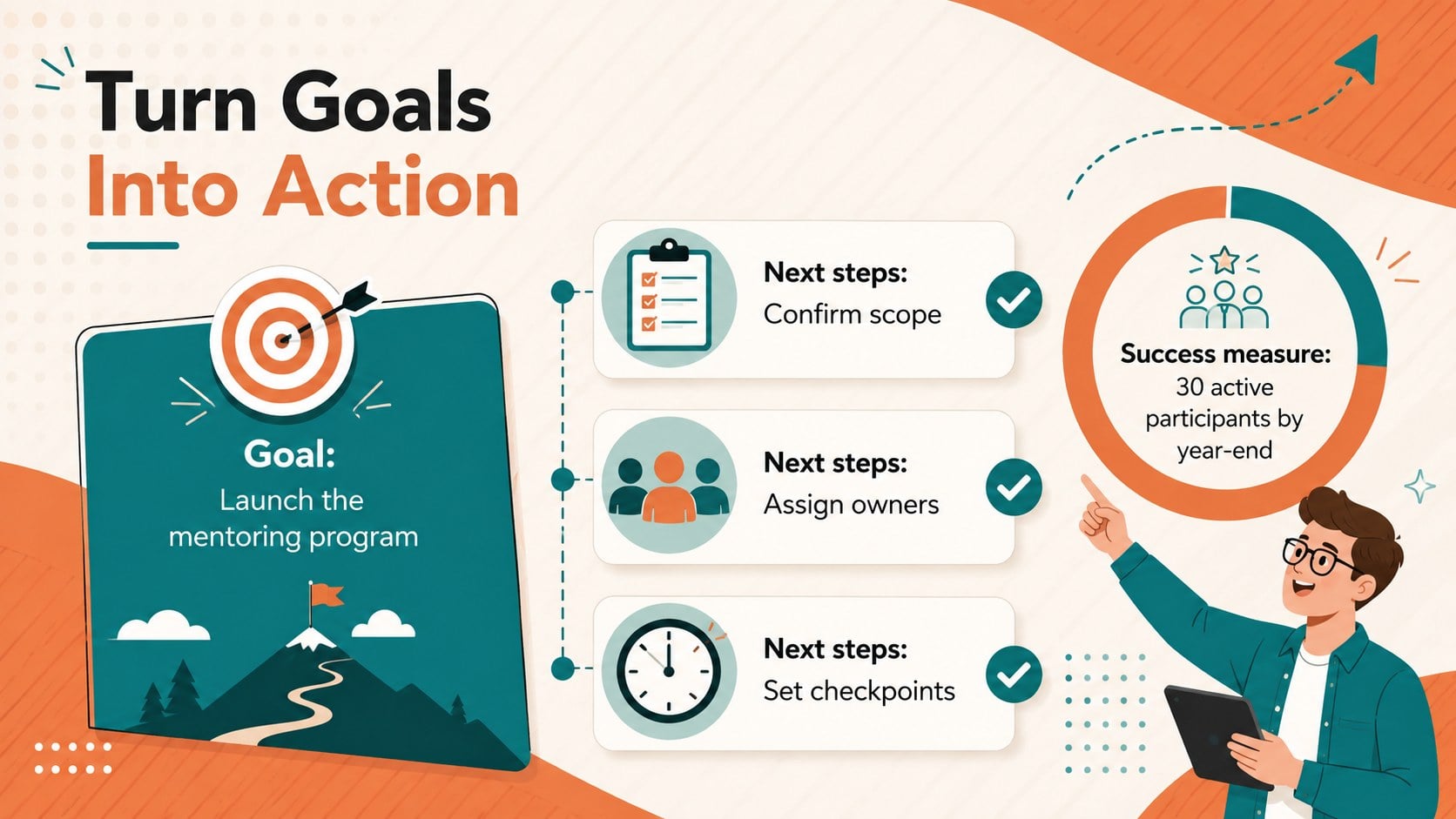
The annual goals roadmap infographic turns broad ambitions into a clear sequence of priorities, milestones, and next actions. Its energetic orange and teal design keeps planning visual without losing practical detail. Use the editable annual goal roadmap template to connect long-range outcomes with quarterly checkpoints, ownership, and simple measures of progress in PowerPoint or Google Slides.
Inside are three coordinated 16:9 layouts: an opening overview, a milestone pathway for mapping objectives across the year, and an action tracker that links each goal to tasks, timing, and success indicators. Illustrated directional icons, clean Montserrat typography, and flexible shapes create an orange and teal planning infographic that is easy to scan. Adjust labels, colors, icons, and sections to match an individual plan, classroom exercise, coaching session, or team strategy.
This deck suits managers preparing annual planning workshops, educators teaching structured goal development, coaches helping clients define achievable steps, and individuals building a personal and professional goals presentation. Present the full sequence in a meeting, or reuse one layout as a one-page planning summary. The framework supports reflection at the start of the year and practical review conversations later, giving audiences a concise view of what matters, when progress should happen, and how completion will be recognized.
Perfect for: annual team planning workshop; personal development review; student goal mapping activity; coaching action plan session; quarterly milestone presentation.
Frequently asked questions
Can I edit the goals and milestones? Yes. All headings, milestone labels, action steps, and progress measures can be replaced with your own content in PowerPoint or Google Slides.
Practical details
Yes. All headings, milestone labels, action steps, and progress measures can be replaced with your own content in PowerPoint or Google Slides.
Yes. Change the fills, text colors, icons, and decorative elements to match a company, classroom, or personal planning theme while preserving the layout structure.
The template is designed for Microsoft PowerPoint and Google Slides. Both platforms support editing the text, shapes, colors, and layout elements.
The layouts are designed primarily as 16:9 presentation slides, but individual pages can also be exported as PDF files for handouts. Check printer margins and scaling before producing physical copies.
Keep exploring
15Shape your publishing concept with an indie magazine startup pitch deck featuring pastel gradients, bold collage layouts, and editable planning slides.
 16
16Build clear project stories with the Icon Grid Teamwork Theme, a flexible blue illustrated deck for proposals, strategy updates, and team meetings.
 15
15Create an Annual Achievement Report Presentation with colorful geometric layouts for milestones, results, lessons, and priorities in PowerPoint or Google Slides.
 15
15Turn results into a focused annual performance evaluation report with dark 3D slides for KPIs, achievements, feedback, and next-step goals for teams.
 15
15Guide a focused annual recap with Business Results Retrospective Slides, a muted brown-and-blue template for PowerPoint and Google Slides.
 6
6Turn complex plans into clear visual stories with Color-Coded Workflow Path Slides, an editable set for project updates, roadmaps, and team briefings.
 6
6Compare regional performance at a glance with Global Data Heatmap Slides, a clean multicolor deck designed for editable PowerPoint and Google Slides.
 15
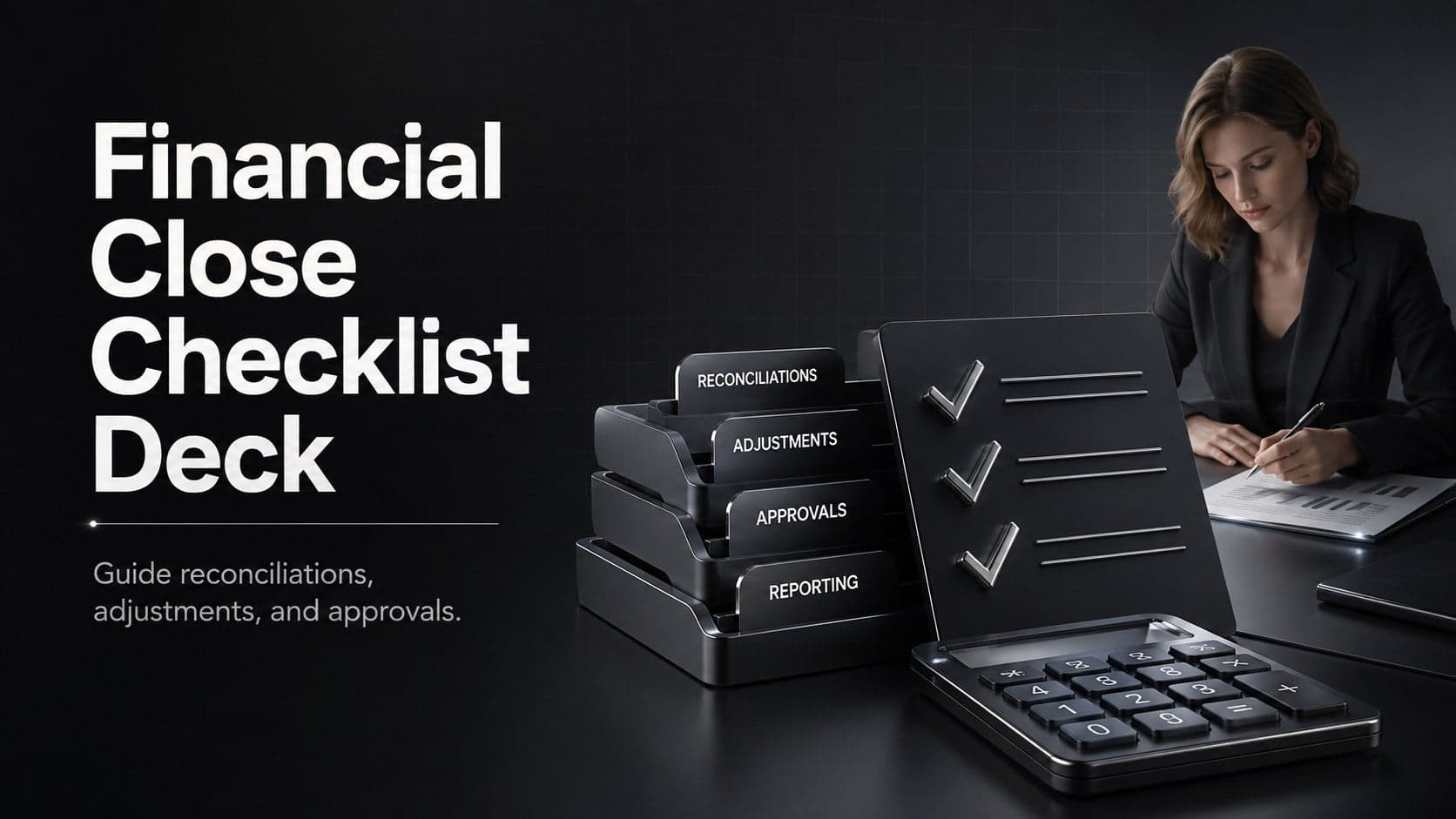
15Run a cleaner reporting cycle with this financial close checklist deck for PowerPoint and Google Slides, built for reconciliations, reviews, and sign-off.