
 15
15presentation
Indie Magazine Startup Pitch Deck
Shape your publishing concept with an indie magazine startup pitch deck featuring pastel gradients, bold collage layouts, and editable planning slides.
Google SlidesPowerPoint
presentation · English
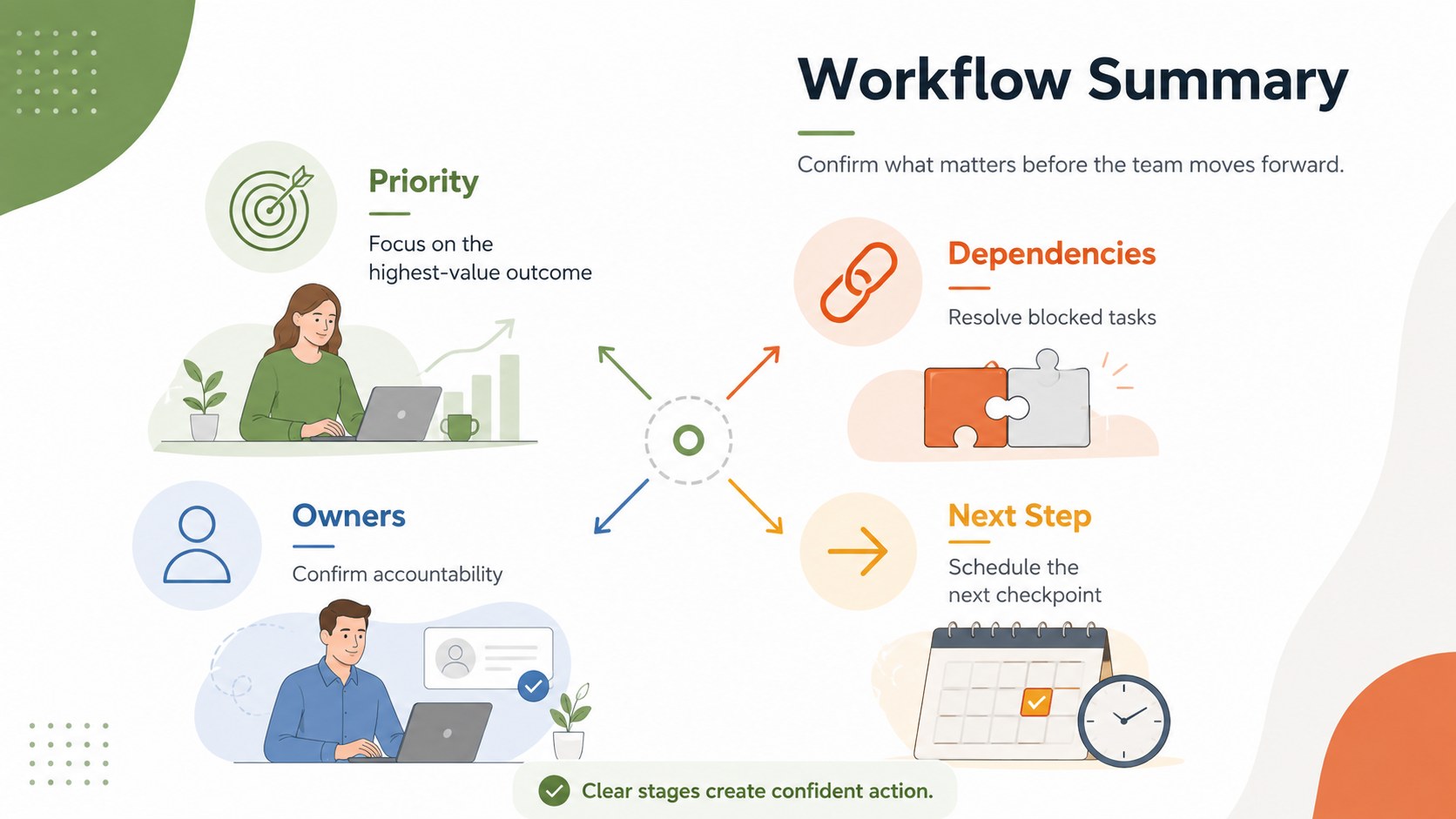
Turn complex plans into clear visual stories with Color-Coded Workflow Path Slides, an editable set for project updates, roadmaps, and team briefings.

Design notes
Color-Coded Workflow Path Slides give teams a clear, engaging way to explain how work moves from one stage to the next. The modern minimalist design combines bright colors, clean typography, and directional layouts that make complicated sequences easier to scan. Use the deck as an editable workflow diagram template for operational plans, service journeys, approval cycles, or step-by-step instructions.
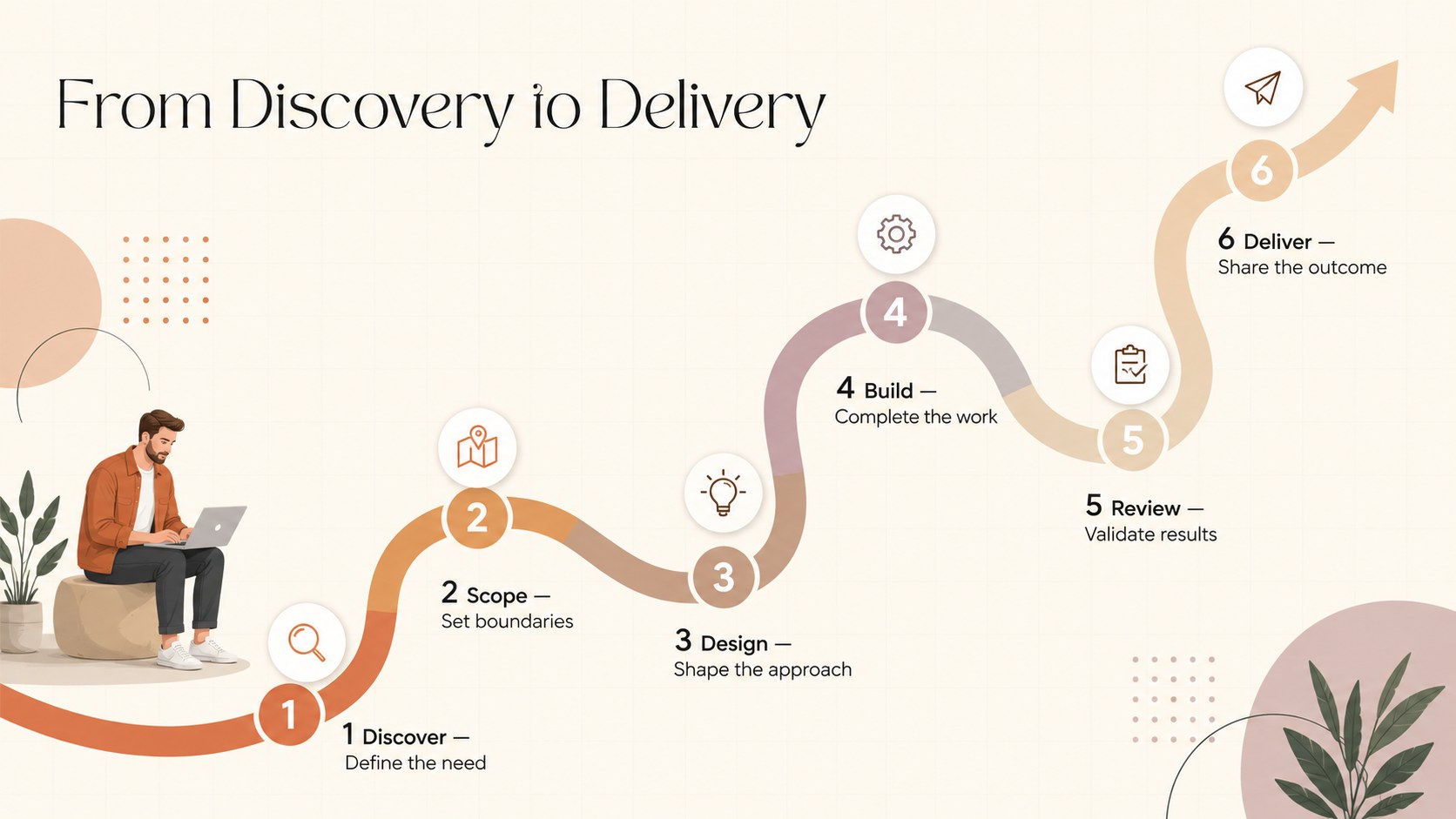
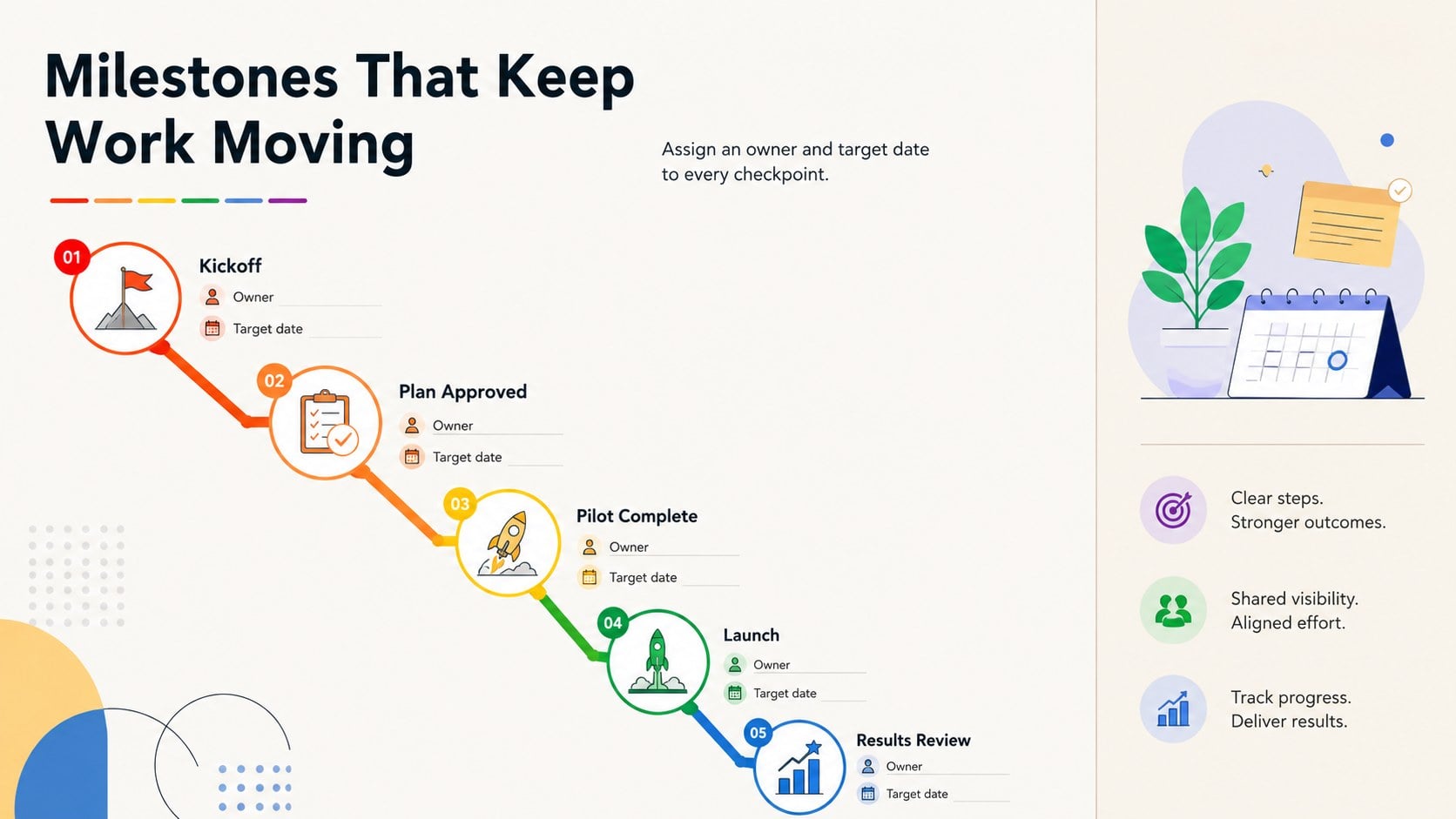
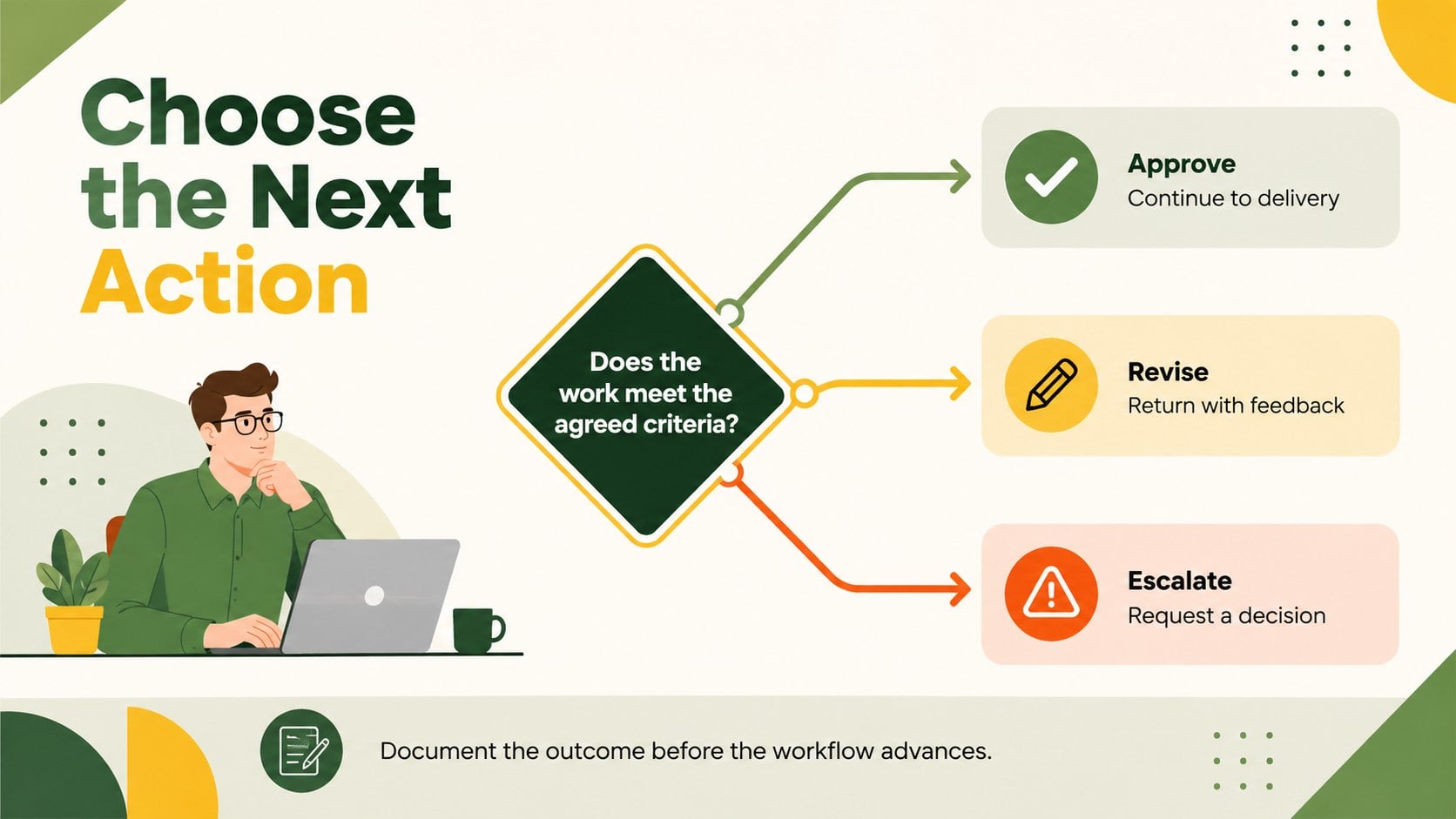
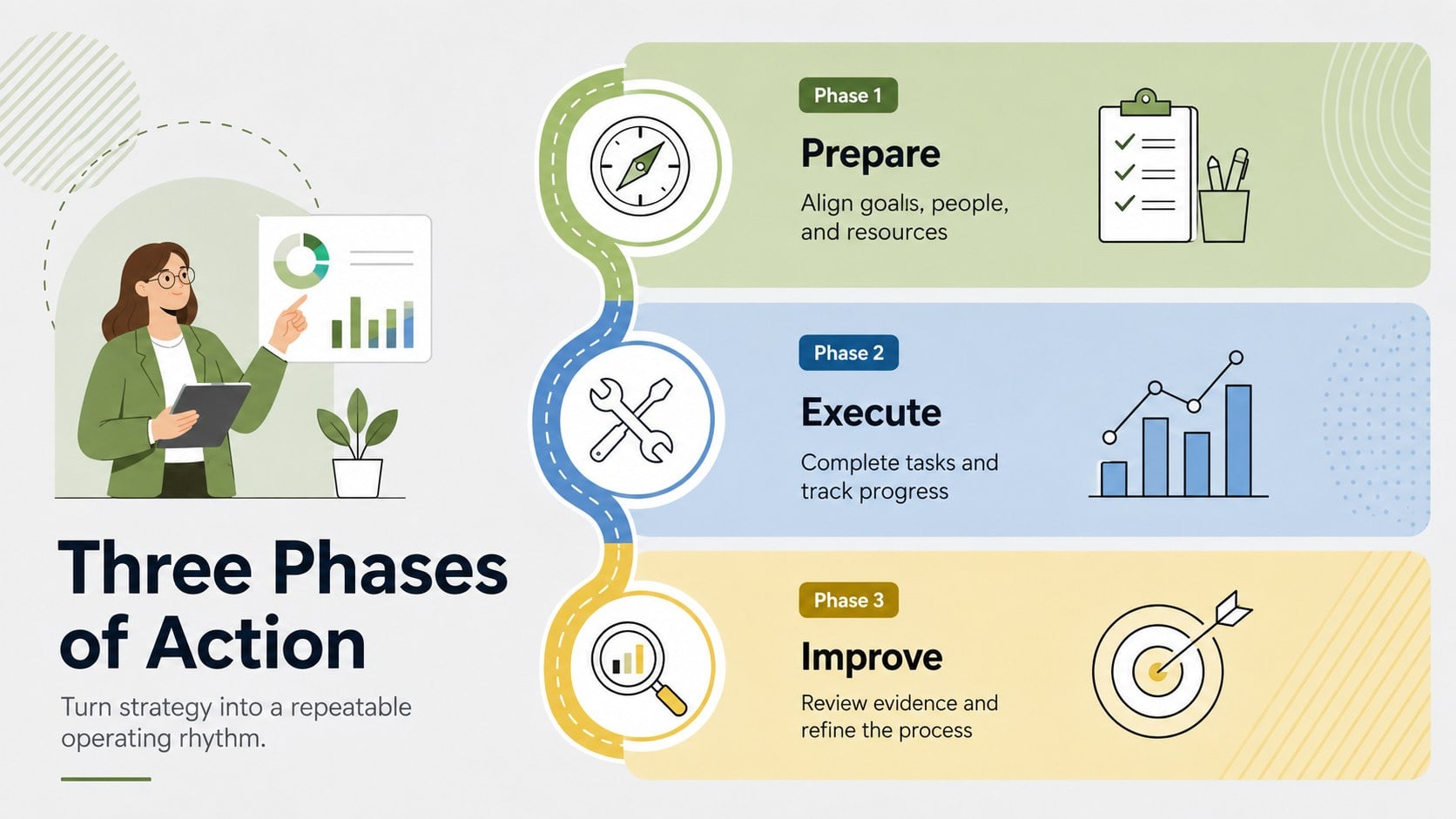
The six 16:9 layouts include a polished cover, a six-stage route, a milestone sequence, a decision path, a phased action plan, and a summary view. Every slide can be adapted with your own labels, icons, timing, owners, and supporting notes. Consistent visual cues help viewers connect related tasks while distinguishing priorities, dependencies, and outcomes. The project milestone path infographic is especially useful when a standard timeline does not fully communicate movement between stages.
Designed for business professionals, educators, consultants, project managers, and operations teams, this set works well for status meetings, workshops, training sessions, and client presentations. It can also serve as a team workflow presentation template for onboarding employees or documenting repeatable procedures. Edit the slides in PowerPoint or Google Slides, adjust the multicolored palette to match your organization, and rearrange individual steps as plans evolve.
Perfect for: project milestone briefing; employee onboarding workflow; client delivery process; strategic action plan; operations training session.
Frequently asked questions
Can I edit every stage of the workflow? Yes. You can change the stage labels, descriptions, colors, icons, and sequence to reflect your own process. Individual steps can also be duplicated, removed, or rearranged.
Practical details
Yes. You can change the stage labels, descriptions, colors, icons, and sequence to reflect your own process. Individual steps can also be duplicated, removed, or rearranged.
The slides are designed for PowerPoint and Google Slides. Some fonts, transitions, or element spacing may need minor adjustment when moving between platforms.
Yes. Replace the default multicolored palette with your approved brand colors and update the type styles as needed. Maintain strong contrast between neighboring stages so the route remains easy to follow.
Yes. The clean shapes and concise text areas work well in PDF exports and printed handouts. Review smaller labels at the intended print size before distributing the final version.
Keep exploring
15Shape your publishing concept with an indie magazine startup pitch deck featuring pastel gradients, bold collage layouts, and editable planning slides.
 16
16Build clear project stories with the Icon Grid Teamwork Theme, a flexible blue illustrated deck for proposals, strategy updates, and team meetings.
 3
3Turn priorities into an actionable plan with an annual goals roadmap infographic, featuring editable orange and teal layouts for PowerPoint and Google Slides.
 15
15Create an Annual Achievement Report Presentation with colorful geometric layouts for milestones, results, lessons, and priorities in PowerPoint or Google Slides.
 15
15Turn results into a focused annual performance evaluation report with dark 3D slides for KPIs, achievements, feedback, and next-step goals for teams.
 15
15Guide a focused annual recap with Business Results Retrospective Slides, a muted brown-and-blue template for PowerPoint and Google Slides.
 6
6Compare regional performance at a glance with Global Data Heatmap Slides, a clean multicolor deck designed for editable PowerPoint and Google Slides.
 15
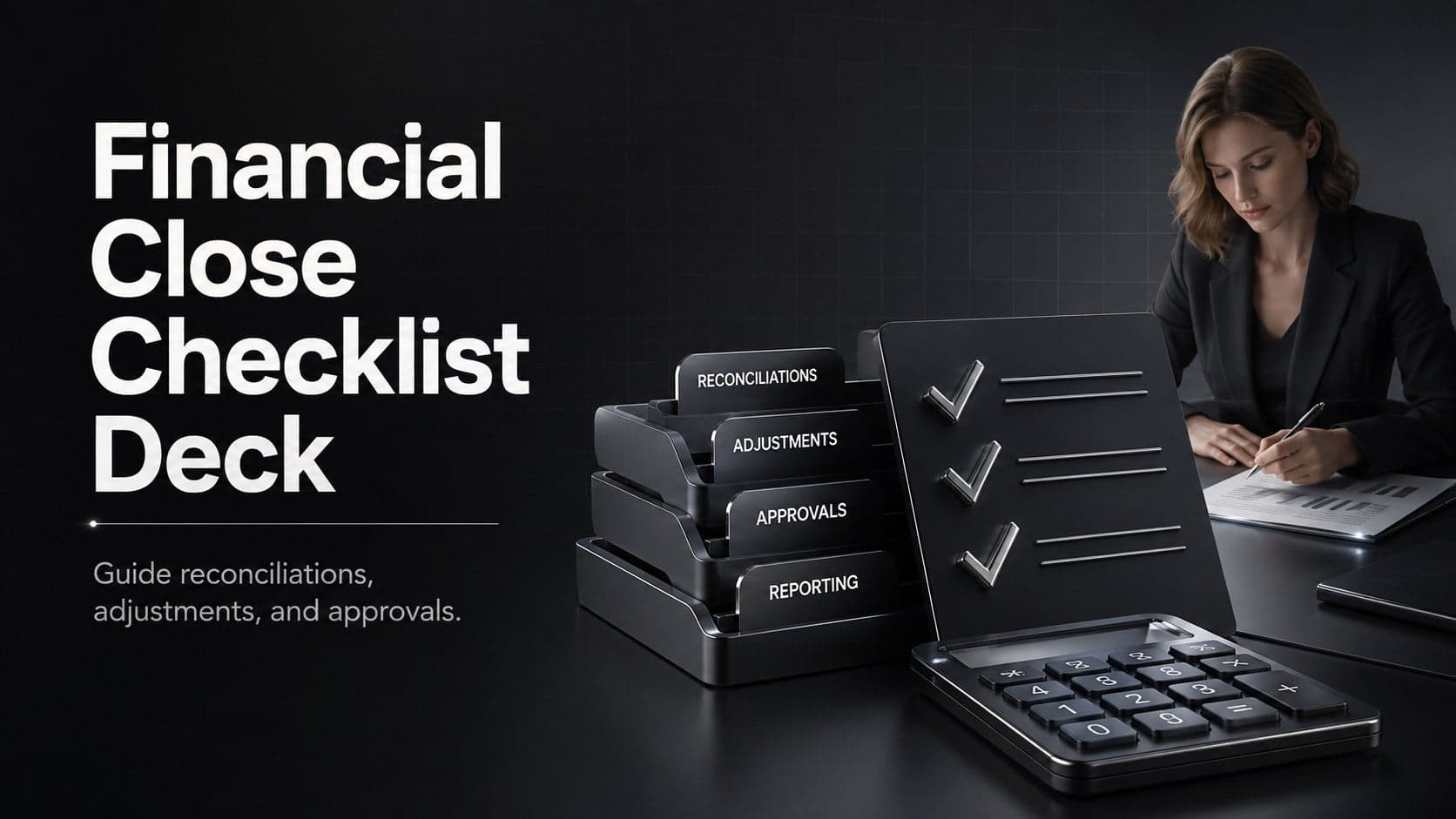
15Run a cleaner reporting cycle with this financial close checklist deck for PowerPoint and Google Slides, built for reconciliations, reviews, and sign-off.