
 15
15presentation
Indie Magazine Startup Pitch Deck
Shape your publishing concept with an indie magazine startup pitch deck featuring pastel gradients, bold collage layouts, and editable planning slides.
Google SlidesPowerPoint
presentation · English
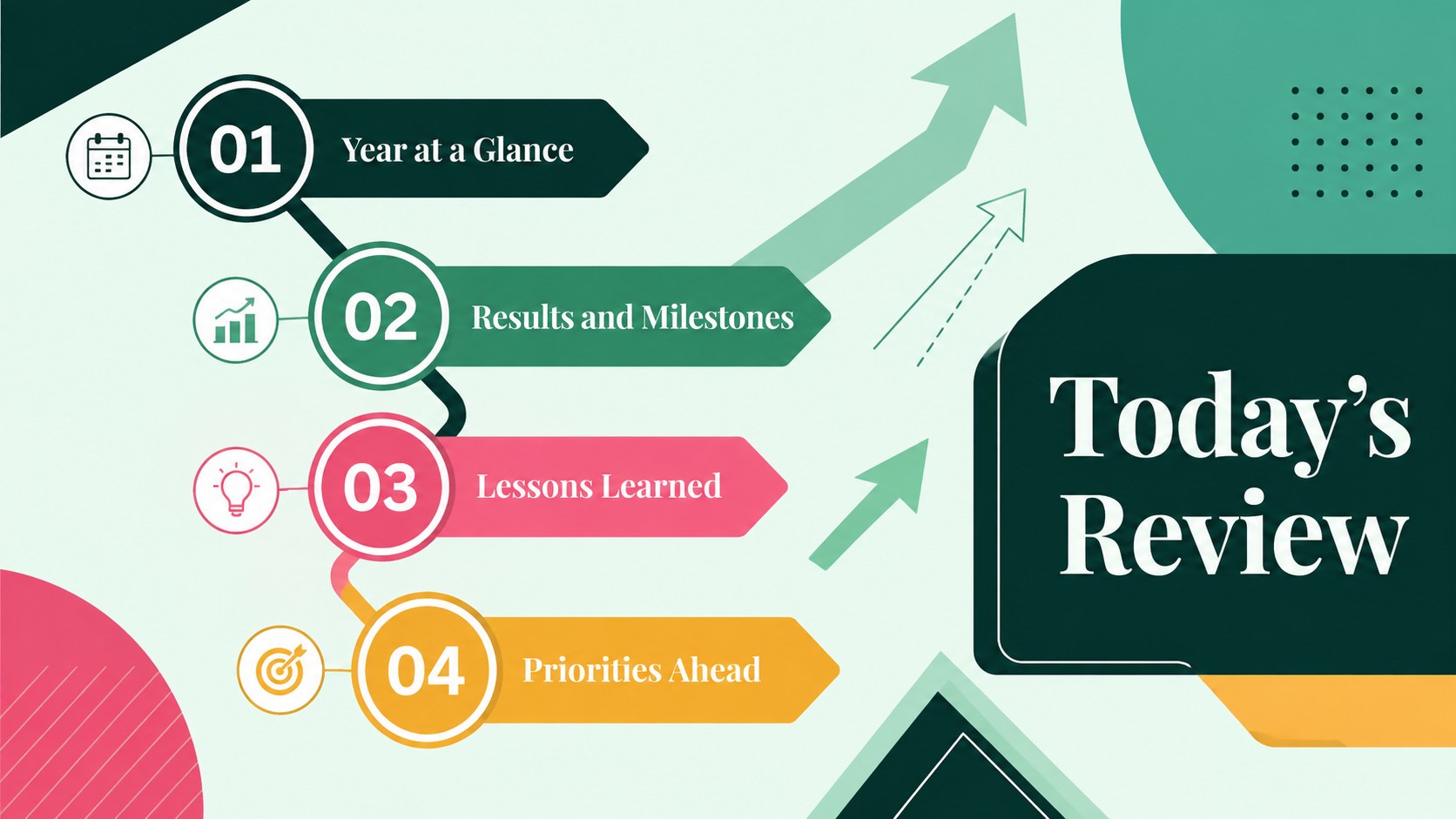
Create an Annual Achievement Report Presentation with colorful geometric layouts for milestones, results, lessons, and priorities in PowerPoint or Google…


Design notes
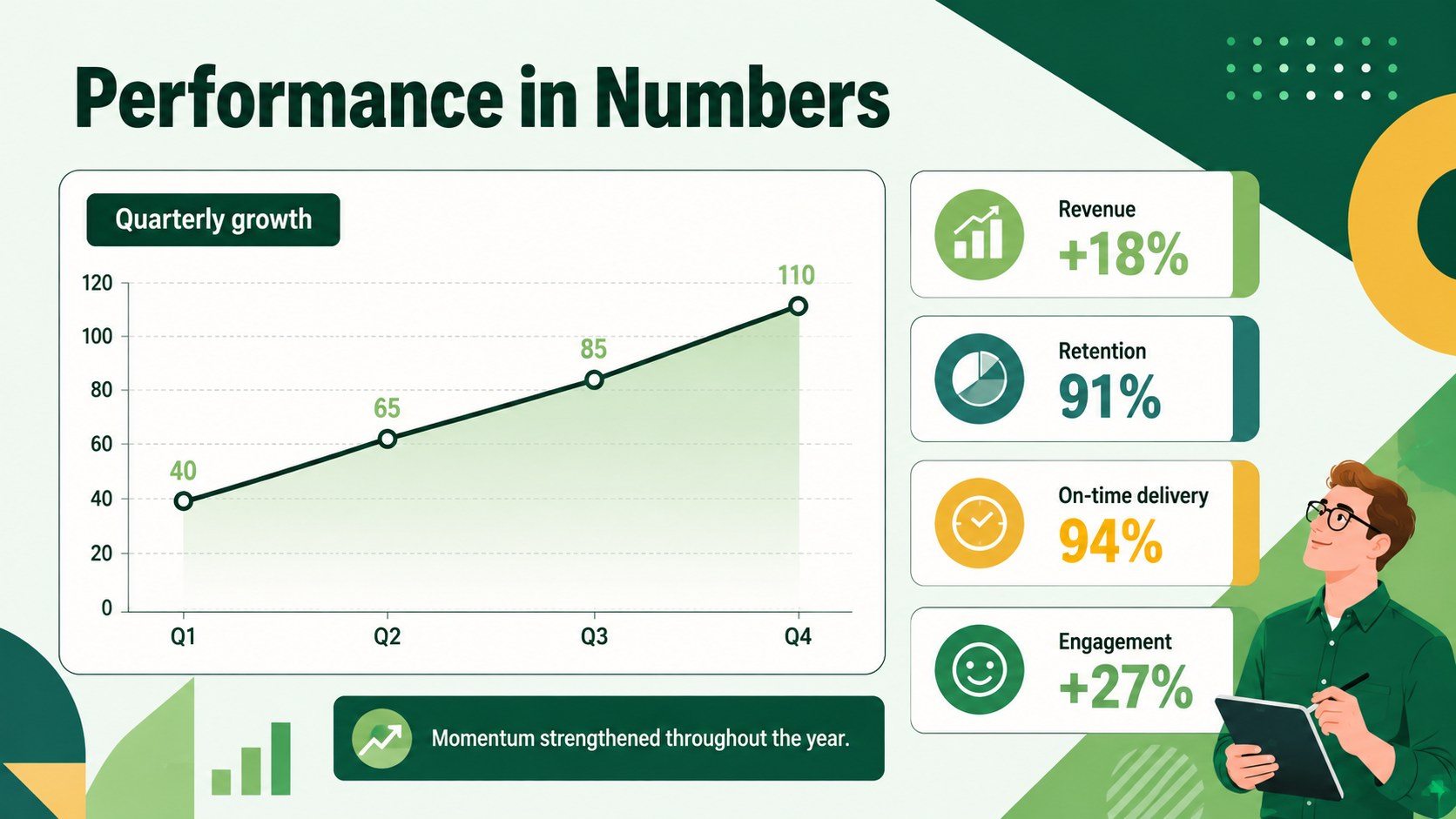
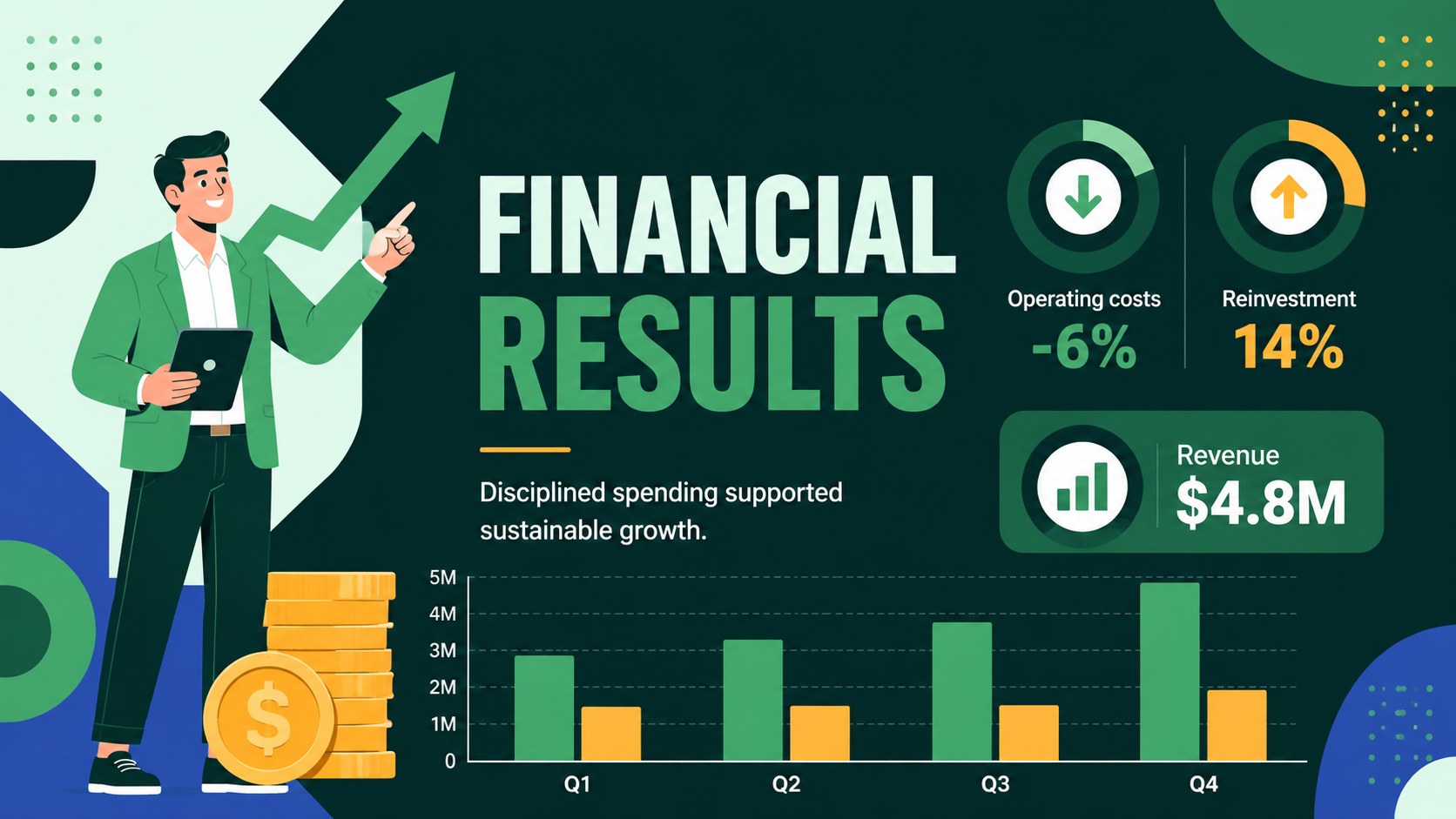
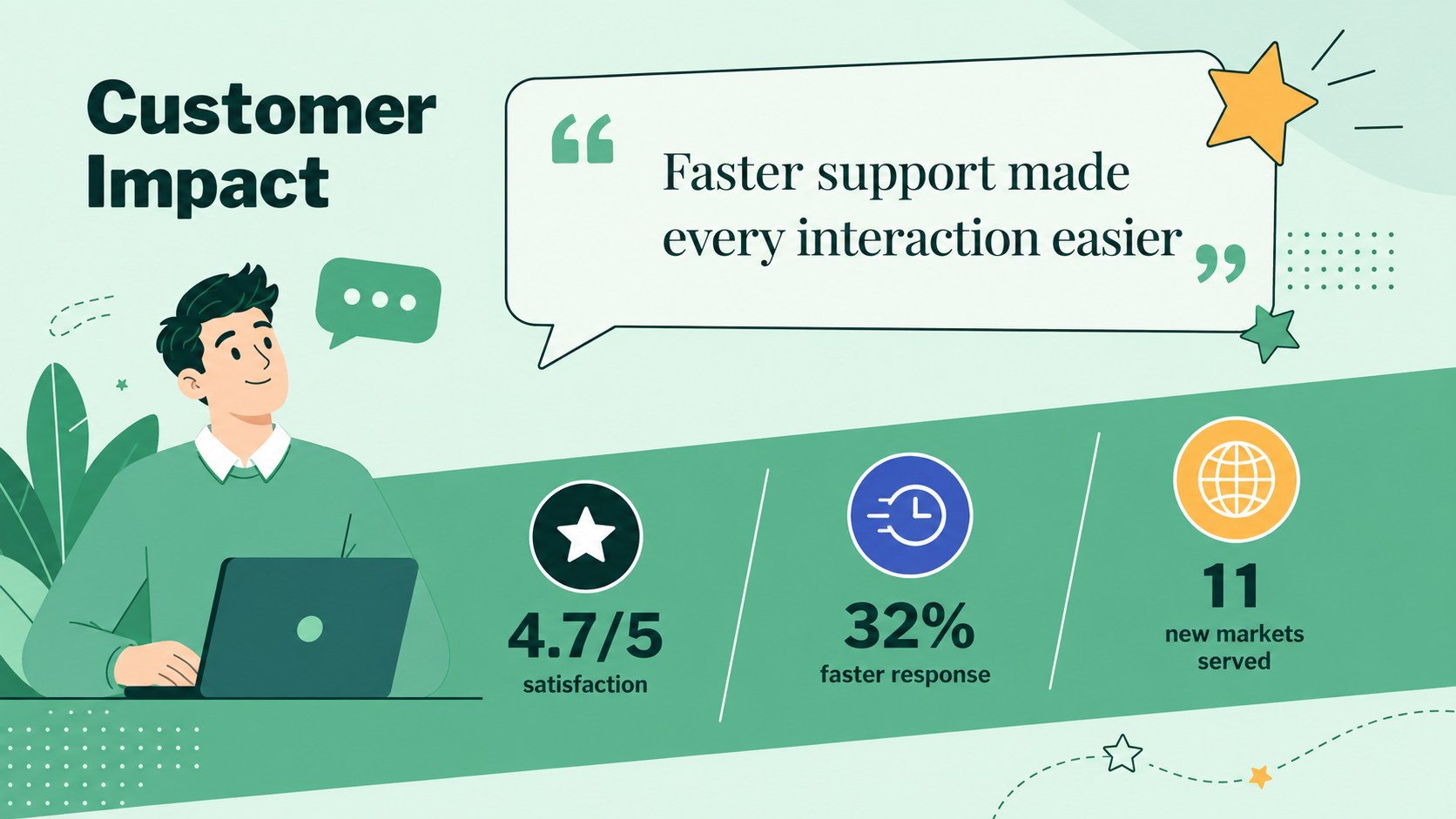
An Annual Achievement Report Presentation turns a full year of work into a focused story that leaders, colleagues, and stakeholders can quickly understand. Bold geometric blocks, energetic illustrations, and a green-led multicolor palette give achievements and data a confident modern setting without making the report feel overly formal.
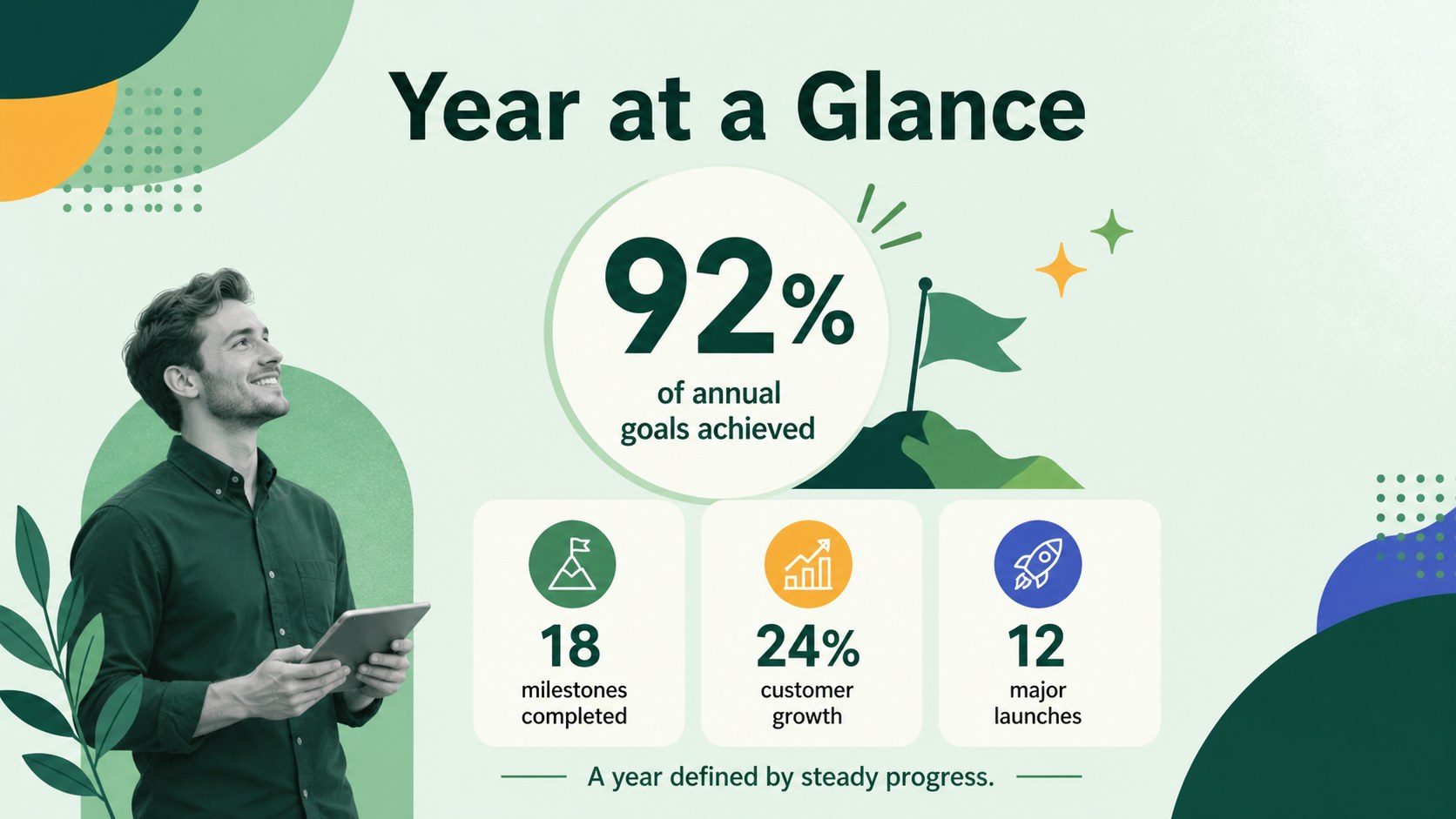
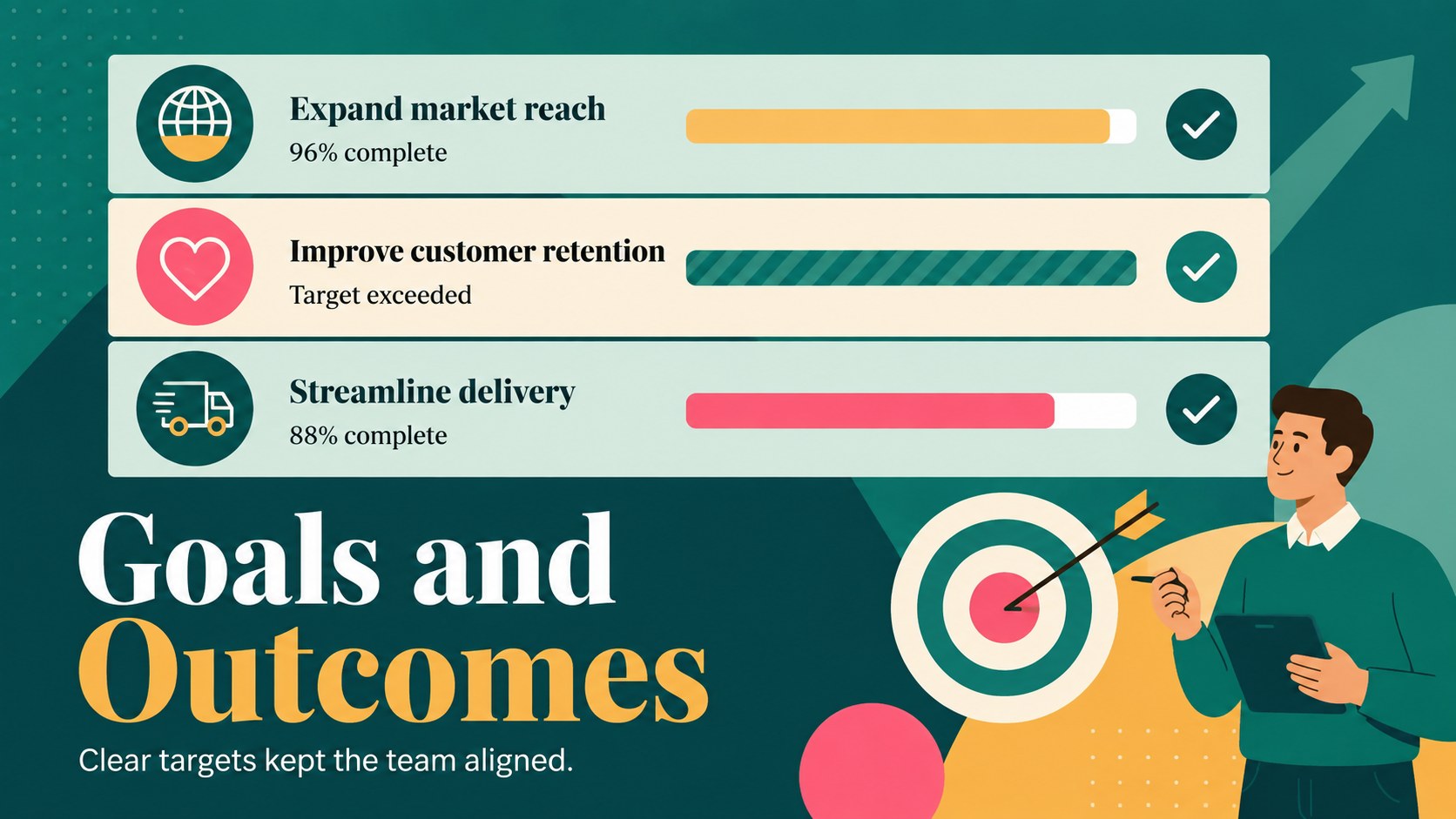
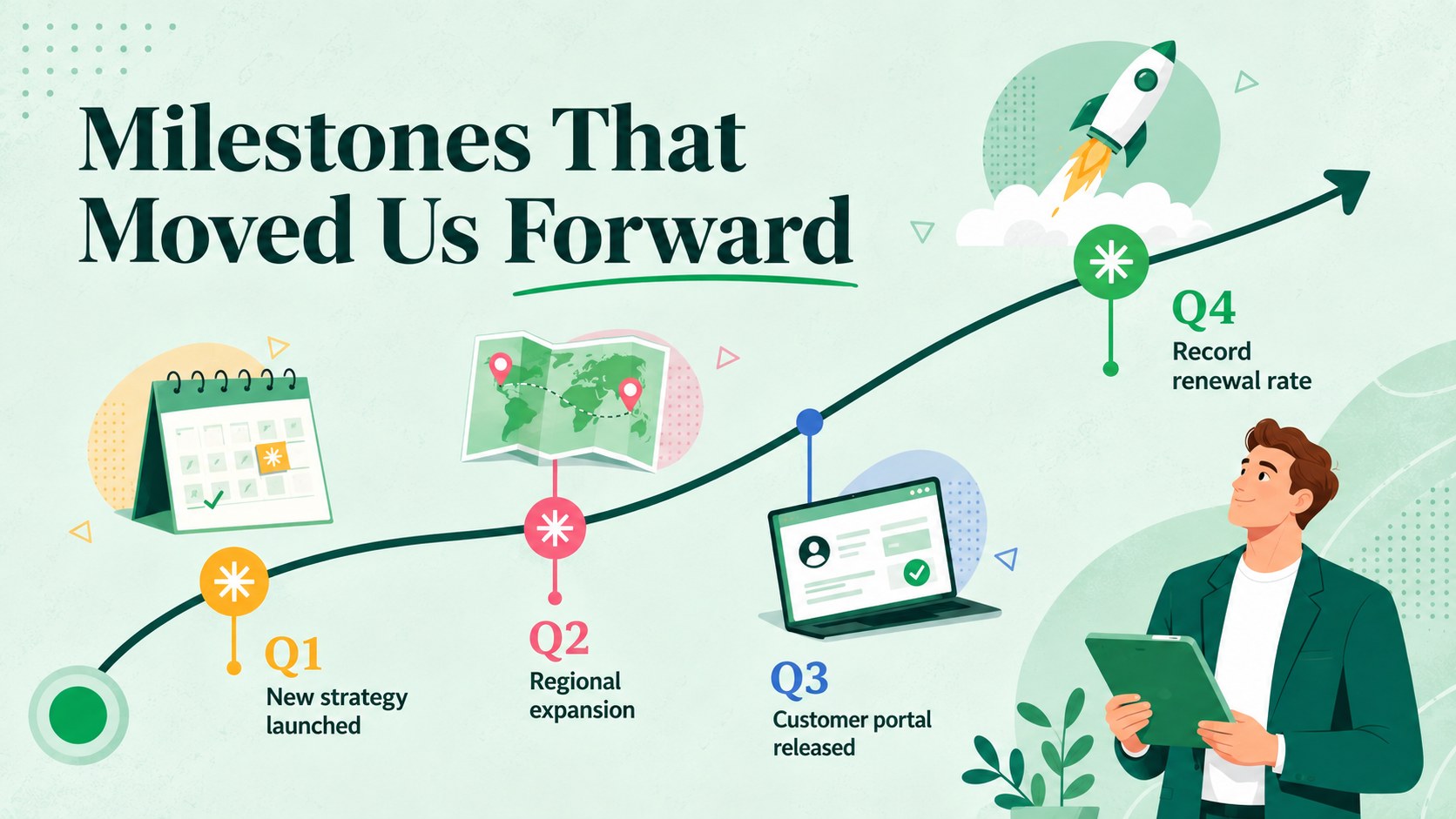
The deck includes 15 ready-to-edit slides for an opening statement, agenda, yearly highlights, milestones, goal progress, performance metrics, financial results, team accomplishments, customer impact, lessons learned, strategic priorities, and the next-year roadmap. Use the company milestone summary PowerPoint layouts to connect major events with measurable outcomes, or adapt the annual metrics presentation layout for charts, comparisons, and concise commentary. Every page follows a consistent visual system with strong headings, clean typography, modular shapes, and generous space for key figures.
Designed for department heads, project managers, founders, HR teams, and operations leaders, this yearly performance highlights deck works equally well for an all-hands meeting, board update, client briefing, or internal planning session. Colors, fonts, diagrams, labels, and illustrations can be customized in PowerPoint or Google Slides. Replace the sample figures with your own results, adjust sections to match your reporting structure, and present the year’s progress with a cohesive narrative that naturally leads into future priorities.
Perfect for: company all-hands recap; executive annual results briefing; department achievement review; board performance update; team milestone celebration; next-year planning meeting.
Frequently asked questions
Can I edit every element in this presentation? Yes. The text, colors, fonts, charts, shapes, and visual accents can be adjusted to match your organization and reporting needs. Illustrations and layout elements can also be moved, resized, replaced, or removed.
Practical details
Yes. The text, colors, fonts, charts, shapes, and visual accents can be adjusted to match your organization and reporting needs. Illustrations and layout elements can also be moved, resized, replaced, or removed.
The template is designed for Microsoft PowerPoint and Google Slides. Some fonts, transitions, or chart styling may vary slightly between the two platforms, so review the final deck before presenting.
Replace the sample numbers and labels with your verified annual results, then adjust chart scales and categories as needed. Keep each slide focused on one takeaway and use short annotations to explain significant changes.
Yes. Rename the sections around your department, campaign, program, or project and remove any layouts you do not need. The milestone, metric, lesson, and roadmap pages work for both organization-wide and focused reviews.
Keep exploring
15Shape your publishing concept with an indie magazine startup pitch deck featuring pastel gradients, bold collage layouts, and editable planning slides.
 16
16Build clear project stories with the Icon Grid Teamwork Theme, a flexible blue illustrated deck for proposals, strategy updates, and team meetings.
 3
3Turn priorities into an actionable plan with an annual goals roadmap infographic, featuring editable orange and teal layouts for PowerPoint and Google Slides.
 15
15Turn results into a focused annual performance evaluation report with dark 3D slides for KPIs, achievements, feedback, and next-step goals for teams.
 15
15Guide a focused annual recap with Business Results Retrospective Slides, a muted brown-and-blue template for PowerPoint and Google Slides.
 6
6Turn complex plans into clear visual stories with Color-Coded Workflow Path Slides, an editable set for project updates, roadmaps, and team briefings.
 6
6Compare regional performance at a glance with Global Data Heatmap Slides, a clean multicolor deck designed for editable PowerPoint and Google Slides.
 15
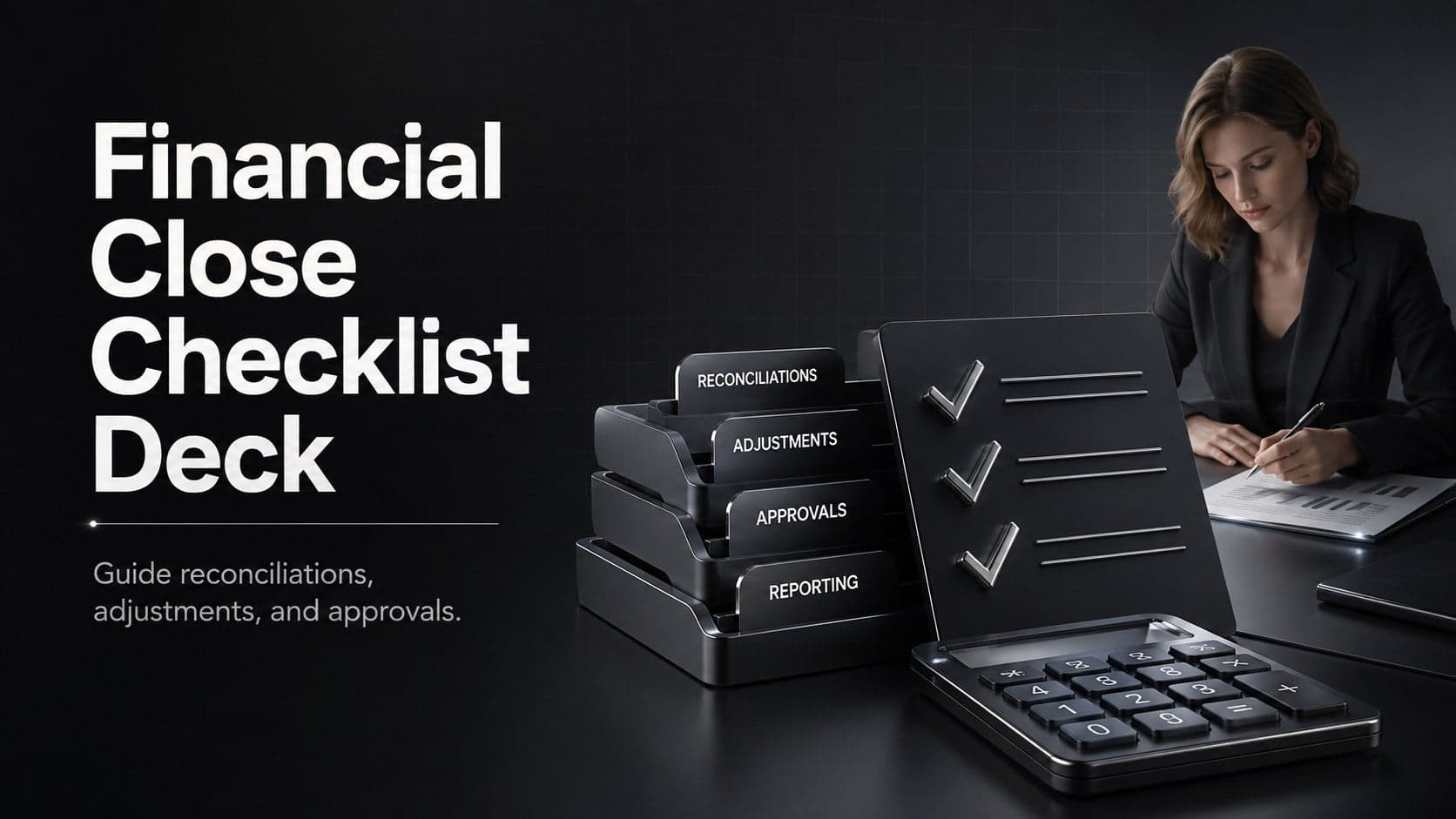
15Run a cleaner reporting cycle with this financial close checklist deck for PowerPoint and Google Slides, built for reconciliations, reviews, and sign-off.