
 15
15presentation
Indie Magazine Startup Pitch Deck
Shape your publishing concept with an indie magazine startup pitch deck featuring pastel gradients, bold collage layouts, and editable planning slides.
Google SlidesPowerPoint
presentation · English
Guide a focused annual recap with Business Results Retrospective Slides, a muted brown-and-blue template for PowerPoint and Google Slides.


Design notes
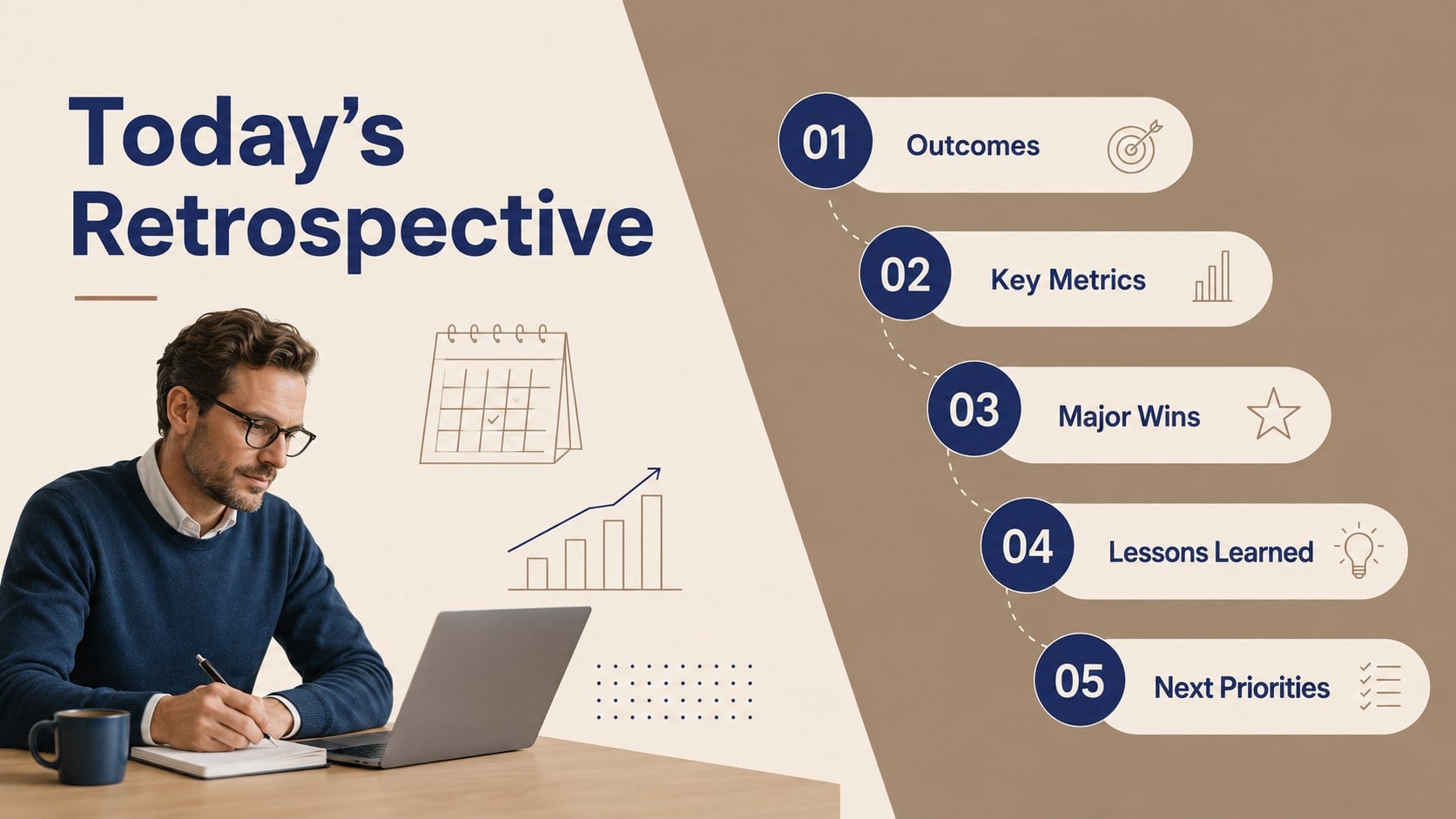
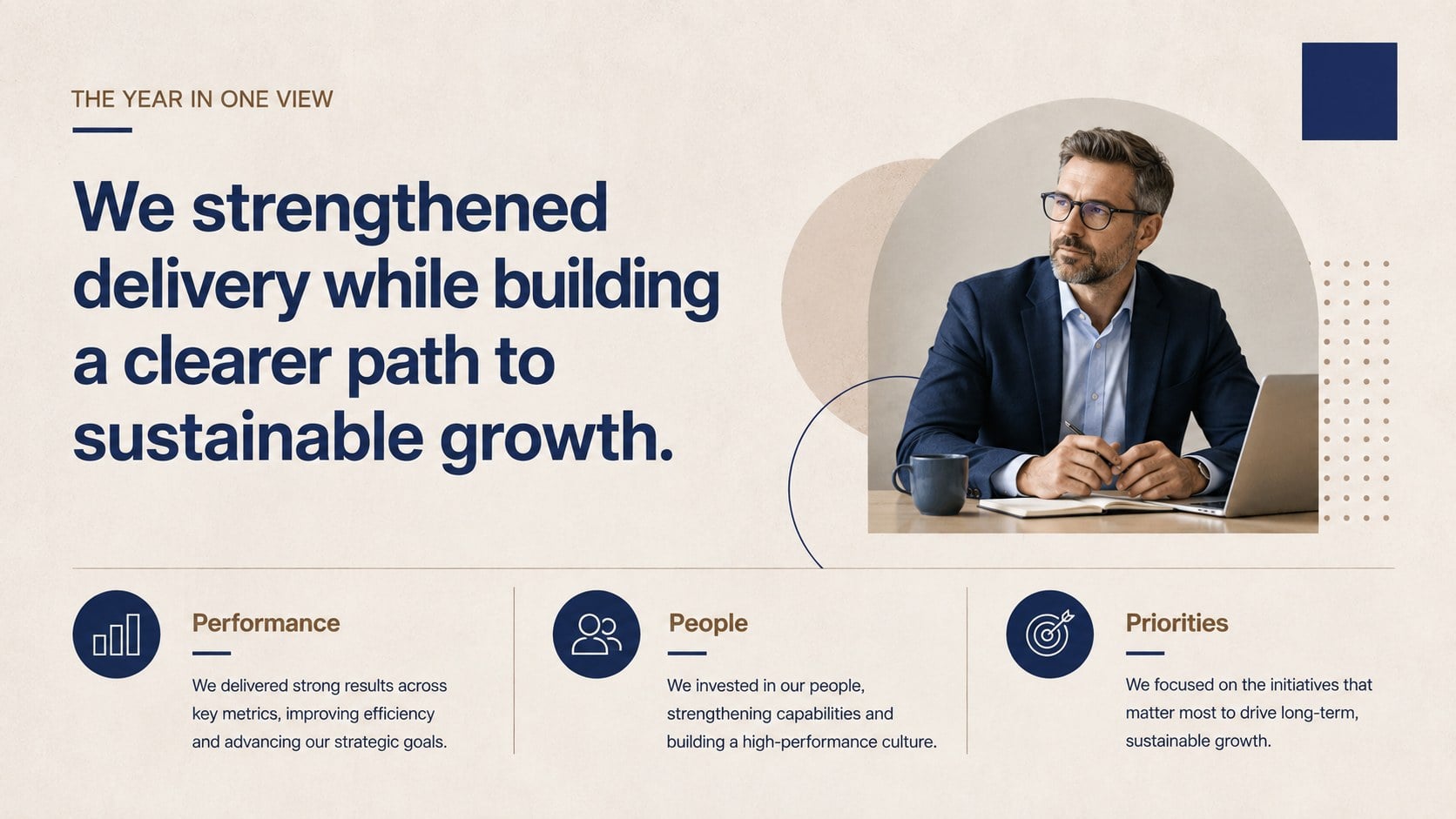
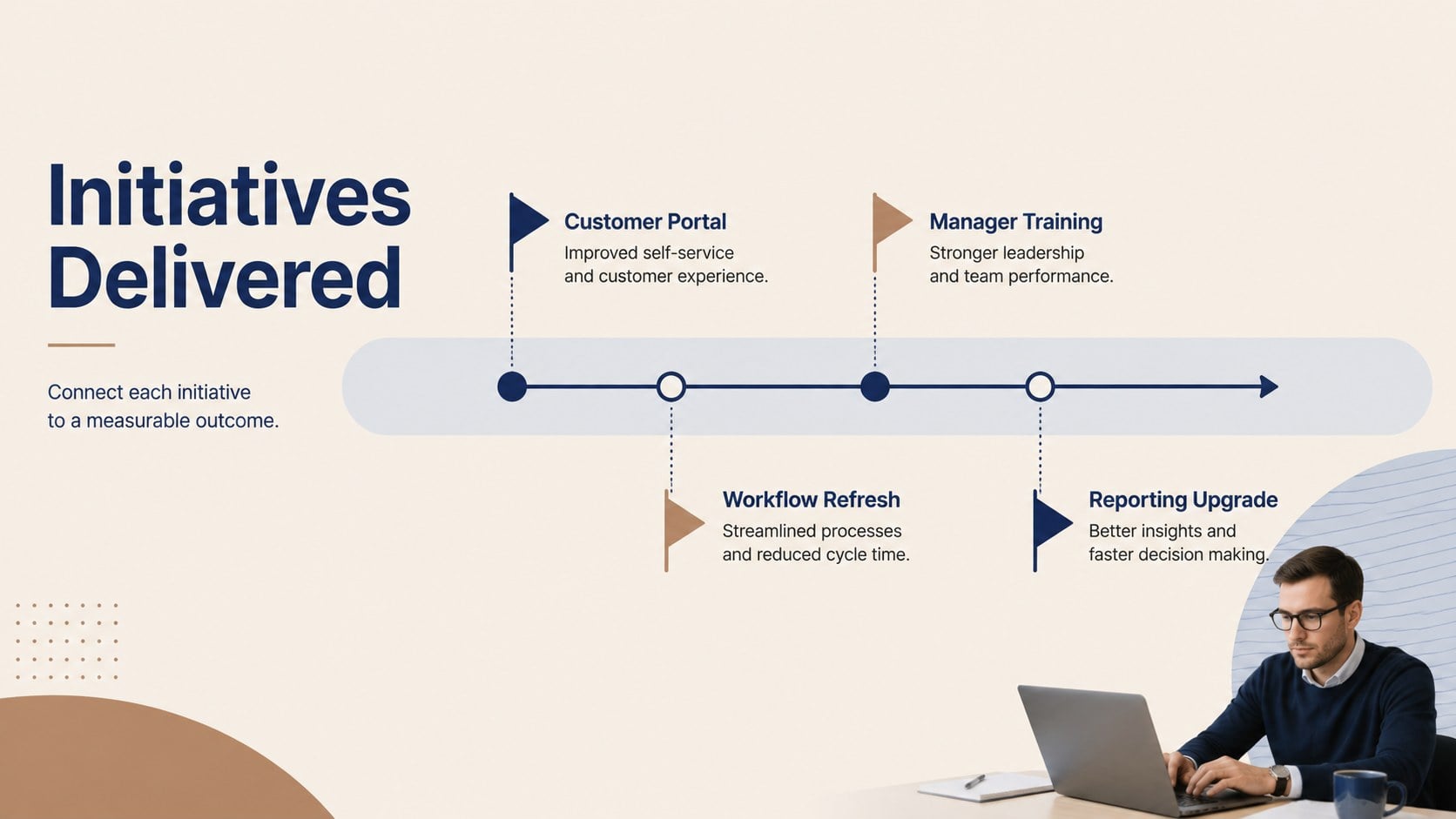
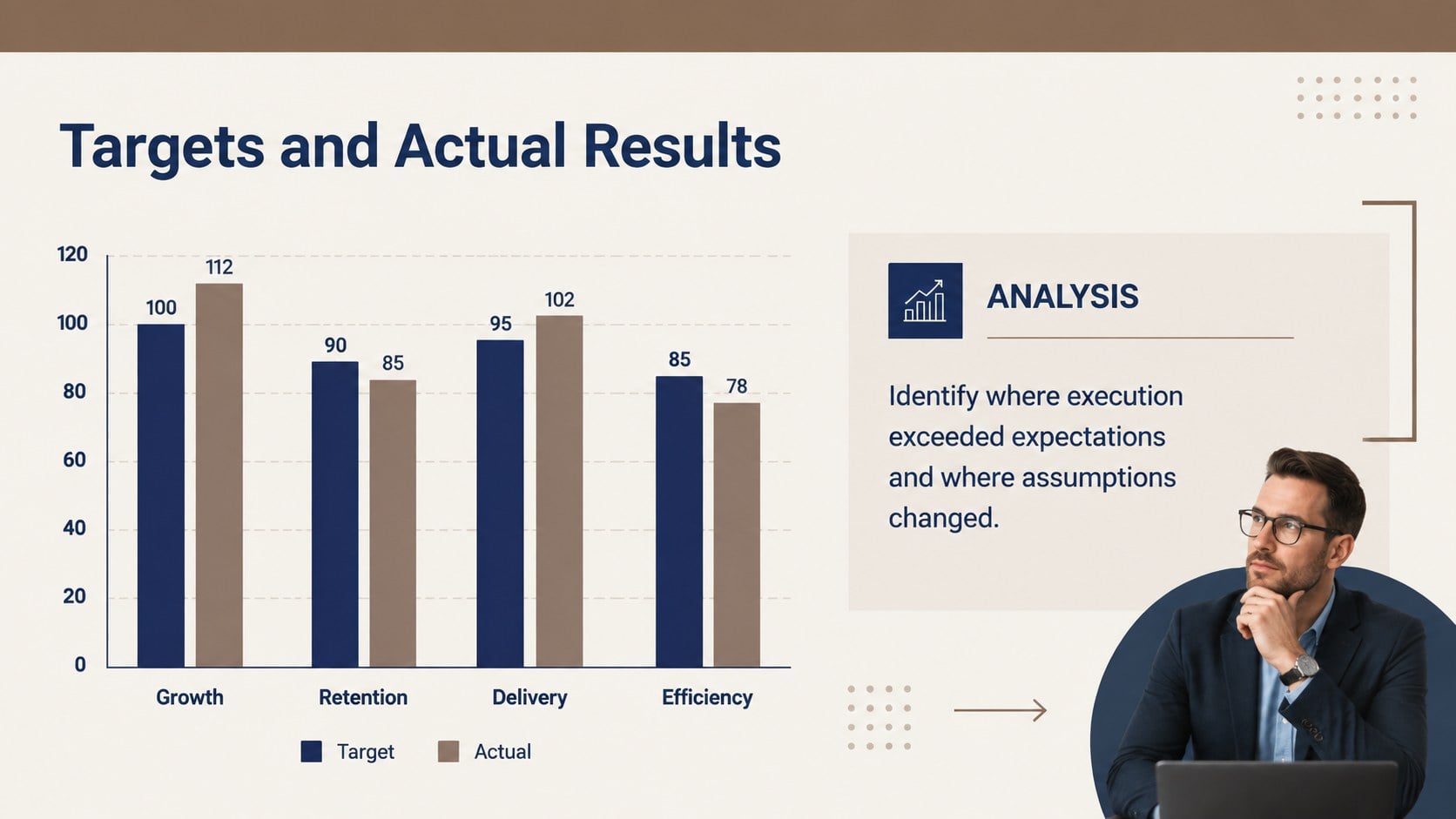
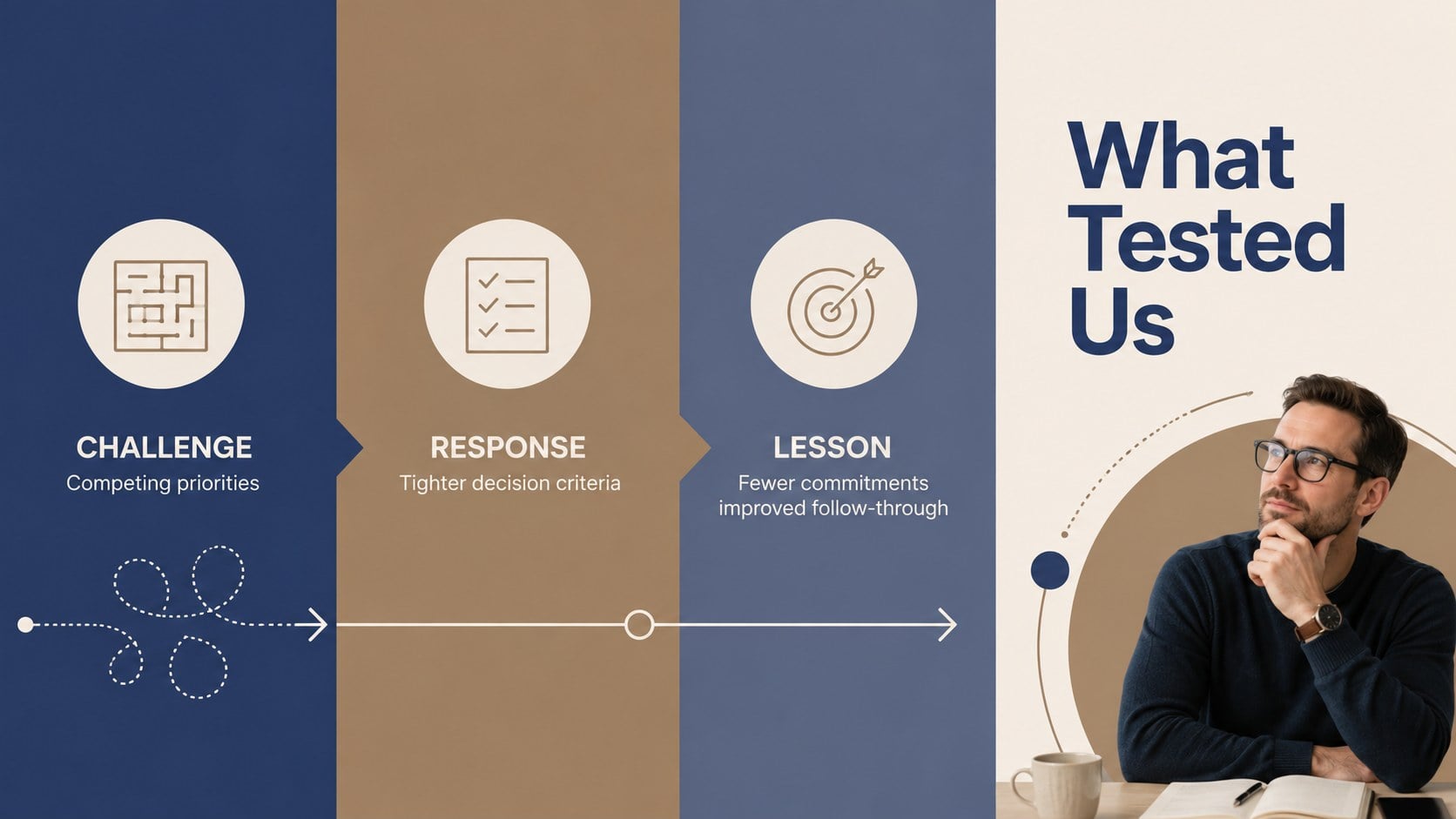
Business Results Retrospective Slides help teams turn a full year of activity into a concise, decision-ready story. The muted brown-and-blue design combines a restrained corporate tone with clear visual hierarchy, giving achievements, challenges, and strategic priorities equal attention. Every slide can be edited in PowerPoint or Google Slides to reflect your organization, department, or reporting period.
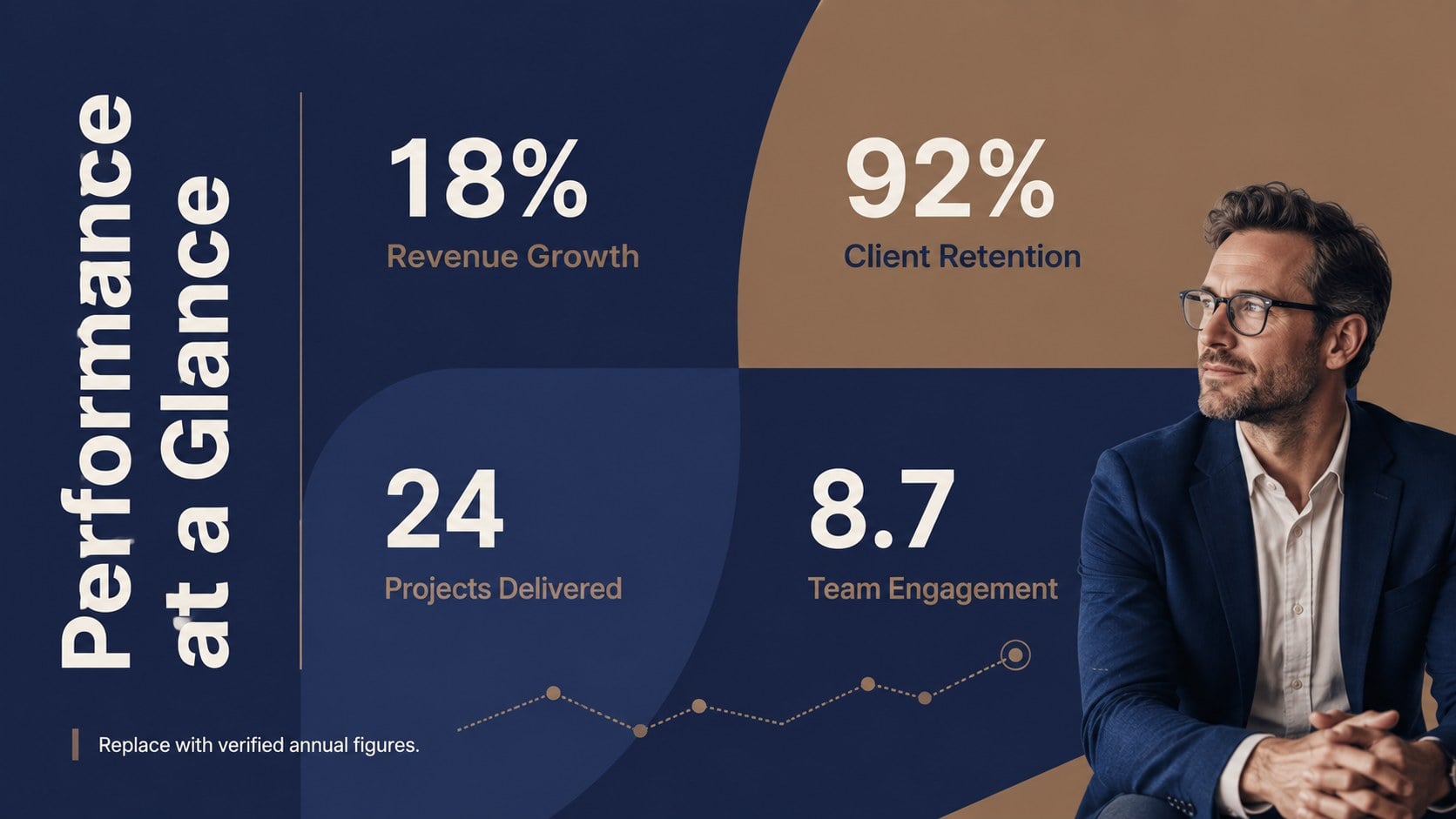
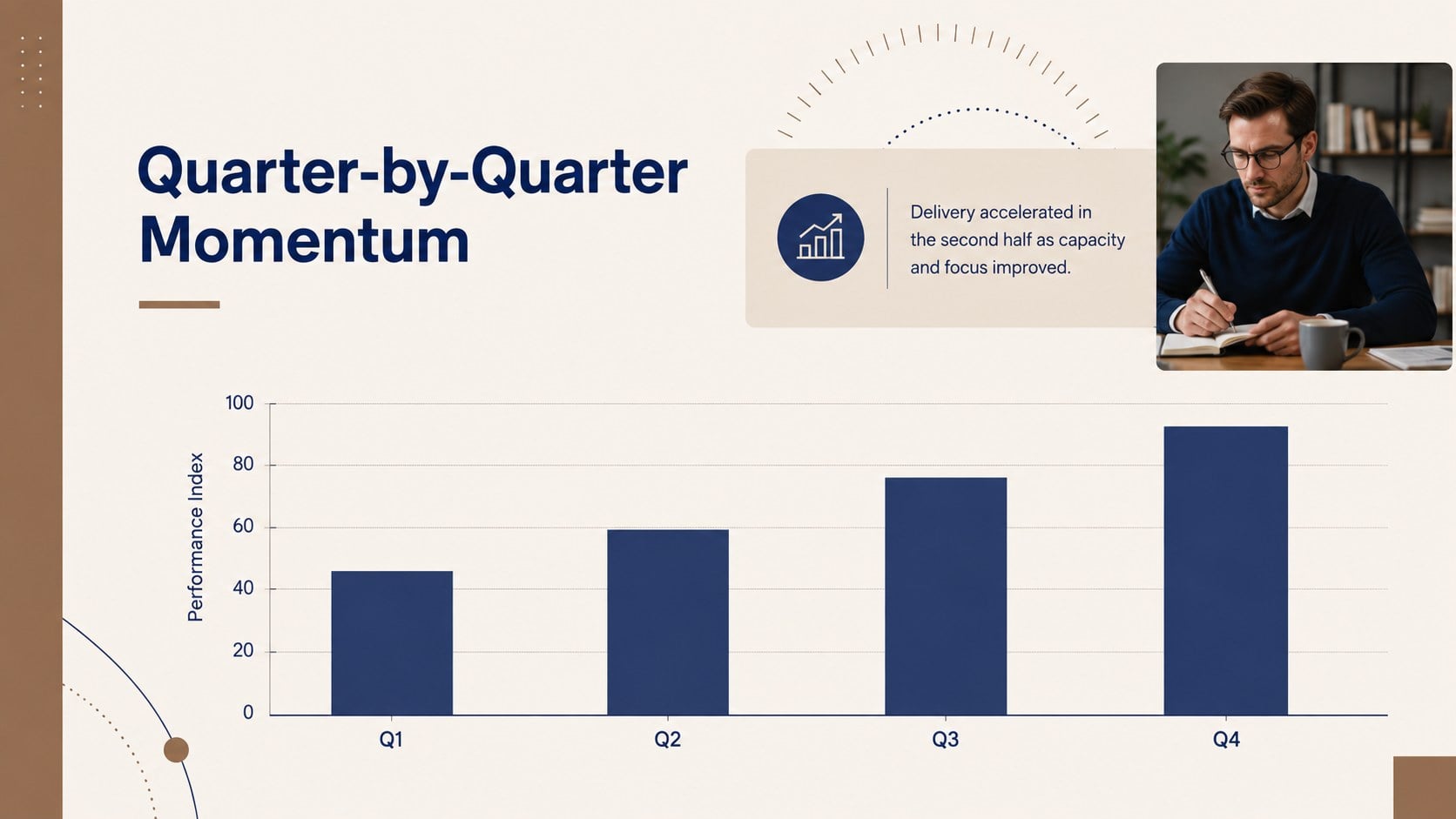
This annual business retrospective presentation includes layouts for an agenda, executive summary, headline metrics, performance comparisons, completed initiatives, challenges, lessons learned, team contributions, customer insights, and forward-looking goals. Timeline, chart, table, and priority-planning pages make it easier to connect evidence with practical next steps. Use the executive results recap template to replace sample figures, adjust labels, add charts, and apply your own typography while retaining the polished minimal style.
Designed for managers, project leads, founders, consultants, and operations teams, the deck works well for leadership briefings, department recaps, company-wide meetings, and stakeholder updates. The team achievements and priorities slides also provide a useful structure for recognizing contributions without losing focus on future action. With 15 coordinated 16:9 layouts, this Business Results Retrospective Slides template supports a coherent meeting from opening context through final commitments.
Perfect for: annual leadership briefing; department performance recap; company-wide results meeting; stakeholder progress update; strategic planning workshop.
Frequently asked questions
Can I edit every element in these slides? Yes. Text, colors, charts, shapes, and data placeholders can be customized to match your reporting needs and visual identity.
Practical details
Yes. Text, colors, charts, shapes, and data placeholders can be customized to match your reporting needs and visual identity.
The template is designed for PowerPoint and Google Slides. Both platforms support editing, presenting, and exporting the finished deck.
Replace the sample metrics and labels with your figures, then adjust chart scales and comparison periods as needed. You can also add a logo, brand fonts, and approved corporate colors.
Yes. The layouts work for organization-wide reporting as well as team, department, program, or project retrospectives.
Keep exploring
15Shape your publishing concept with an indie magazine startup pitch deck featuring pastel gradients, bold collage layouts, and editable planning slides.
 16
16Build clear project stories with the Icon Grid Teamwork Theme, a flexible blue illustrated deck for proposals, strategy updates, and team meetings.
 3
3Turn priorities into an actionable plan with an annual goals roadmap infographic, featuring editable orange and teal layouts for PowerPoint and Google Slides.
 15
15Create an Annual Achievement Report Presentation with colorful geometric layouts for milestones, results, lessons, and priorities in PowerPoint or Google Slides.
 15
15Turn results into a focused annual performance evaluation report with dark 3D slides for KPIs, achievements, feedback, and next-step goals for teams.
 6
6Turn complex plans into clear visual stories with Color-Coded Workflow Path Slides, an editable set for project updates, roadmaps, and team briefings.
 6
6Compare regional performance at a glance with Global Data Heatmap Slides, a clean multicolor deck designed for editable PowerPoint and Google Slides.
 15
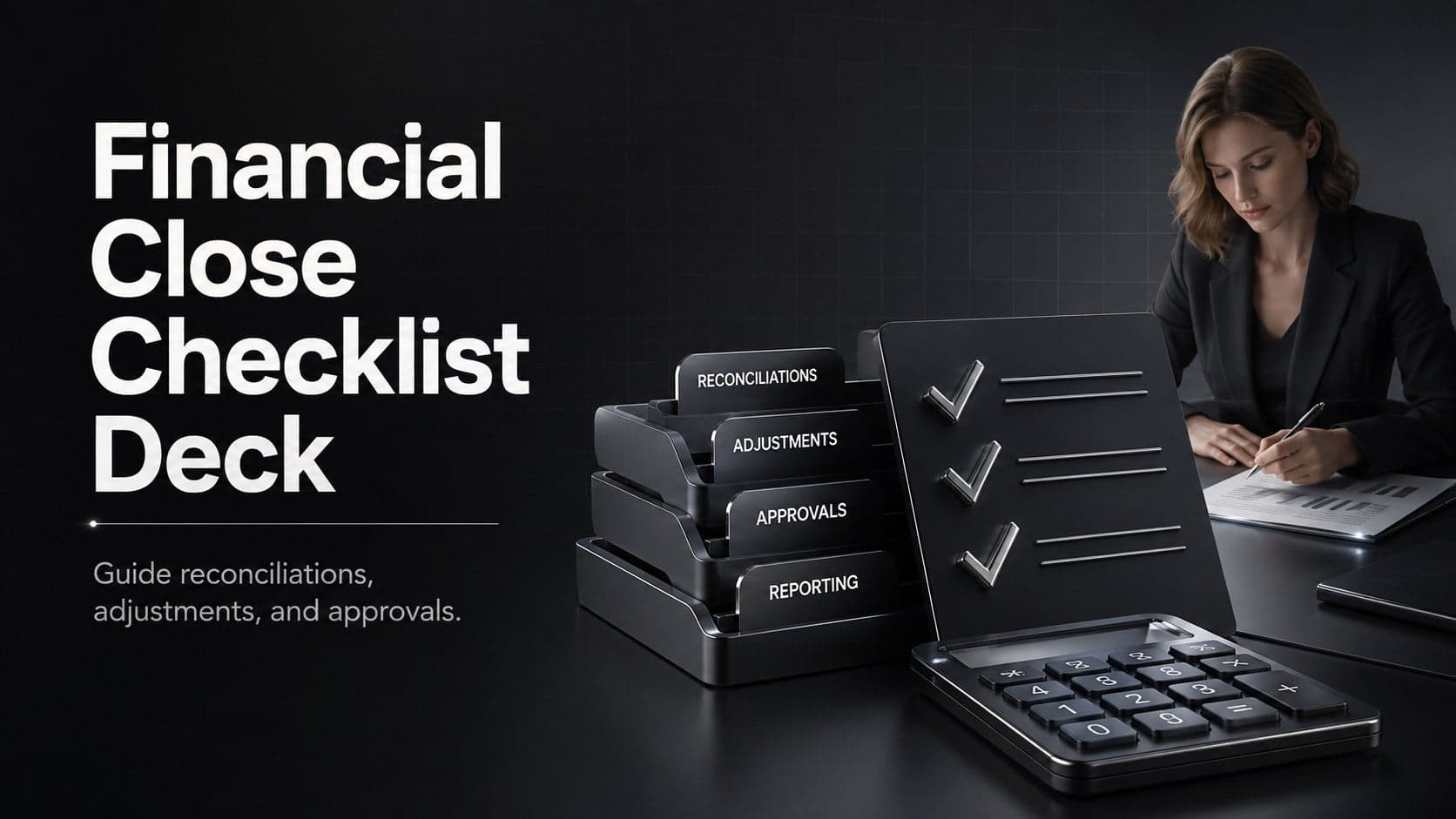
15Run a cleaner reporting cycle with this financial close checklist deck for PowerPoint and Google Slides, built for reconciliations, reviews, and sign-off.