
 15
15presentation
Indie Magazine Startup Pitch Deck
Shape your publishing concept with an indie magazine startup pitch deck featuring pastel gradients, bold collage layouts, and editable planning slides.
Google SlidesPowerPoint
presentation · English
Build clear timelines, task ownership, and status updates with the Yellow Project Scheduling Visual Deck for polished PowerPoint and Google Slides meetings.
Design notes
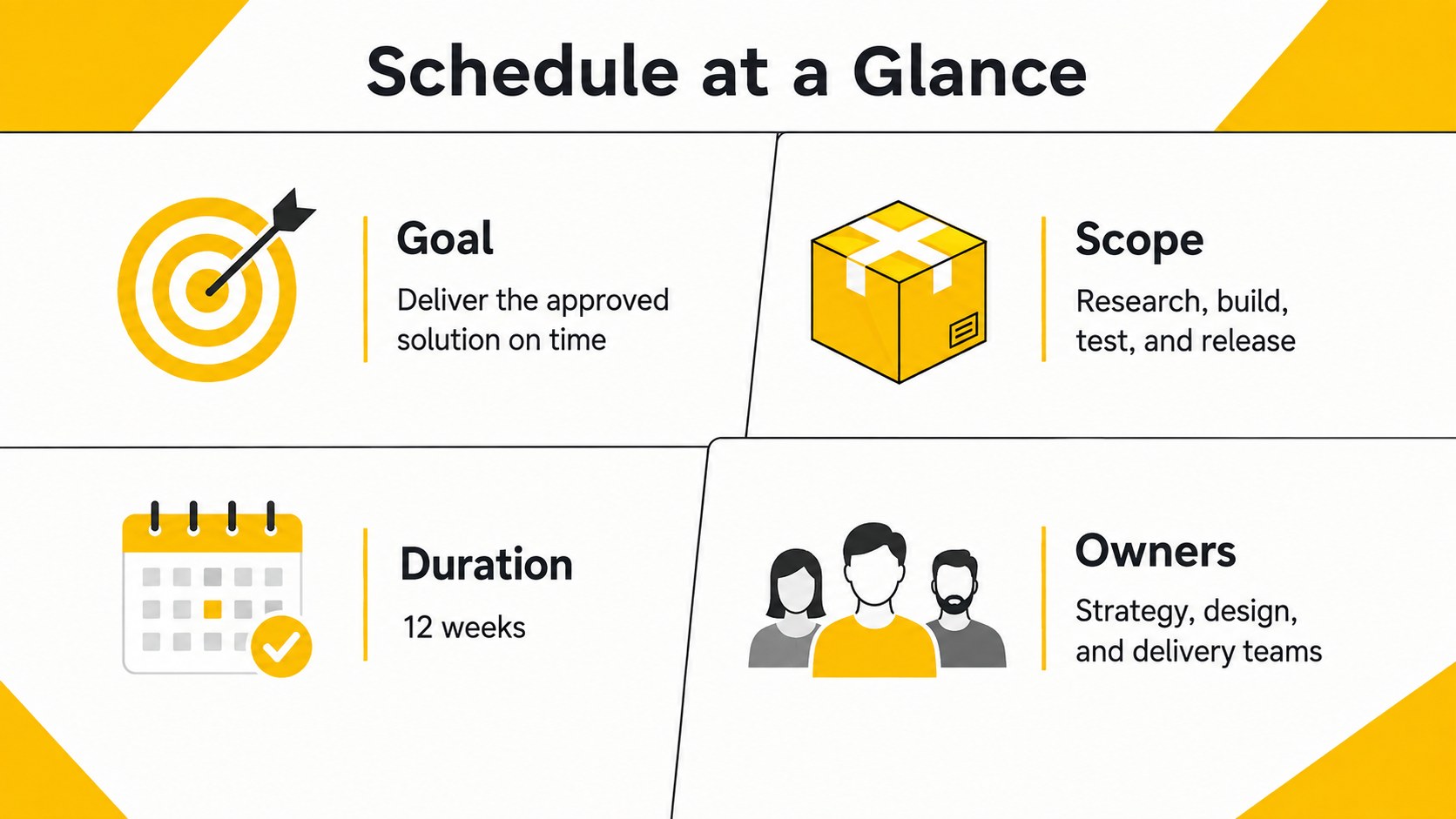
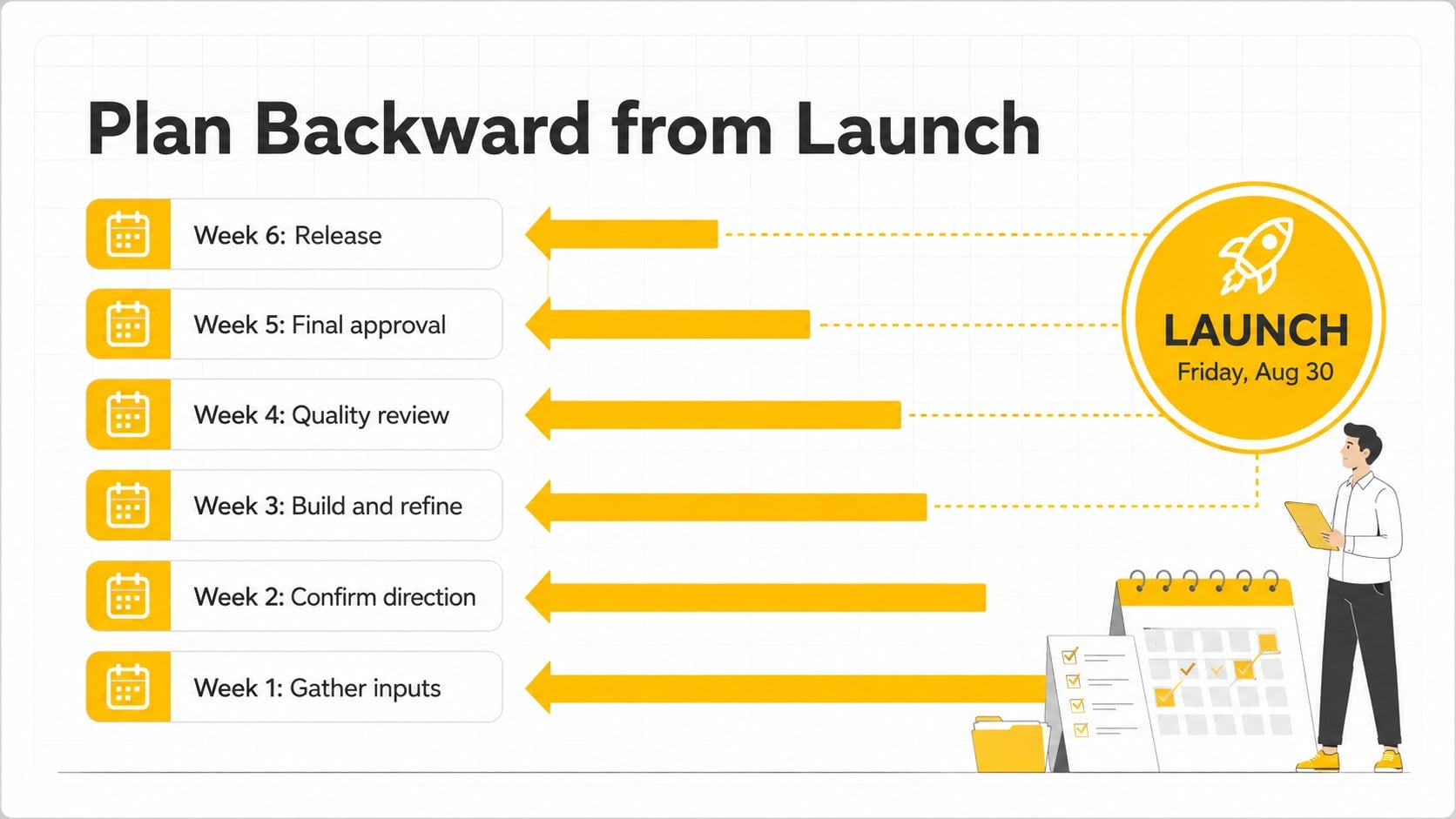
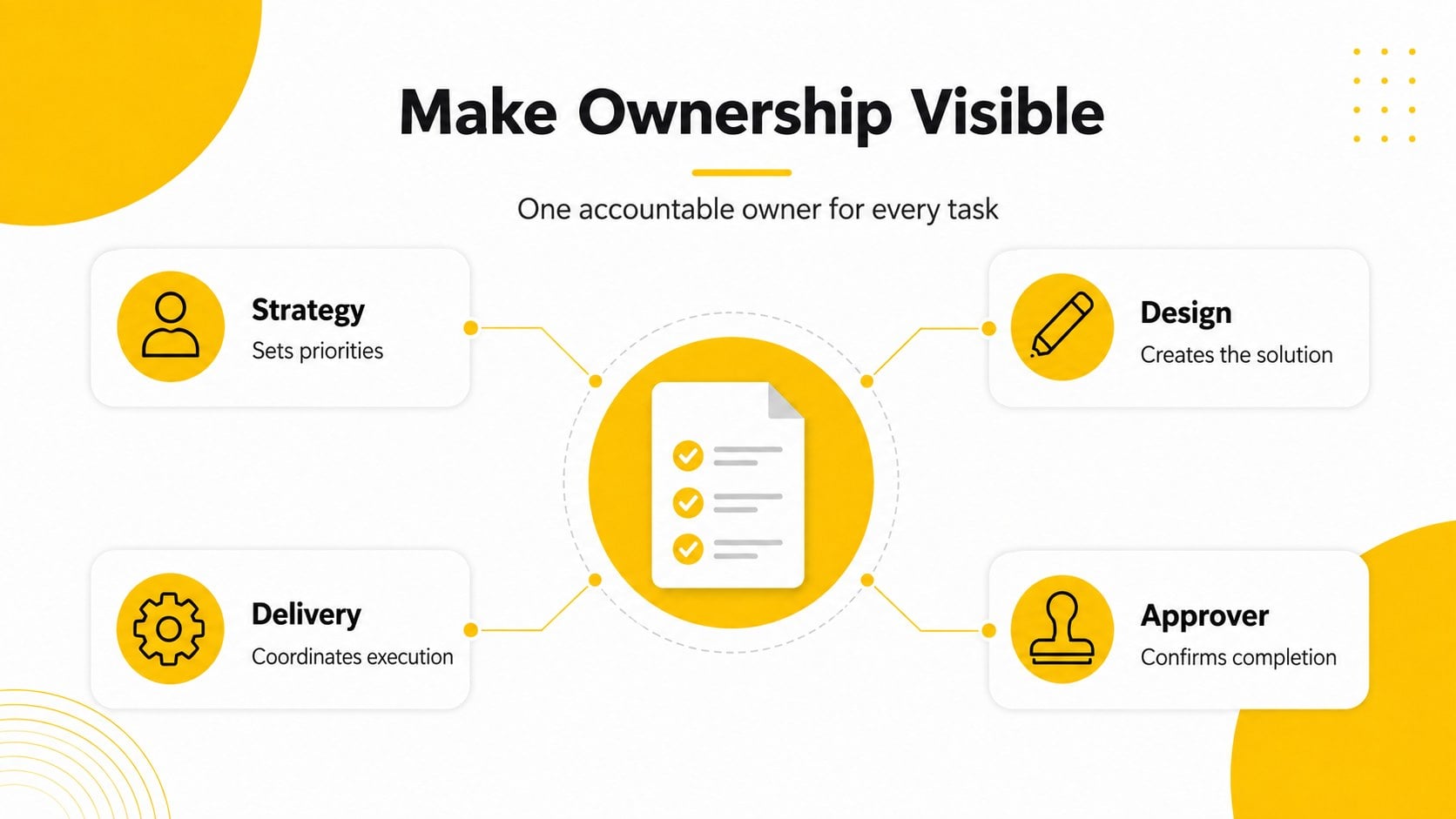
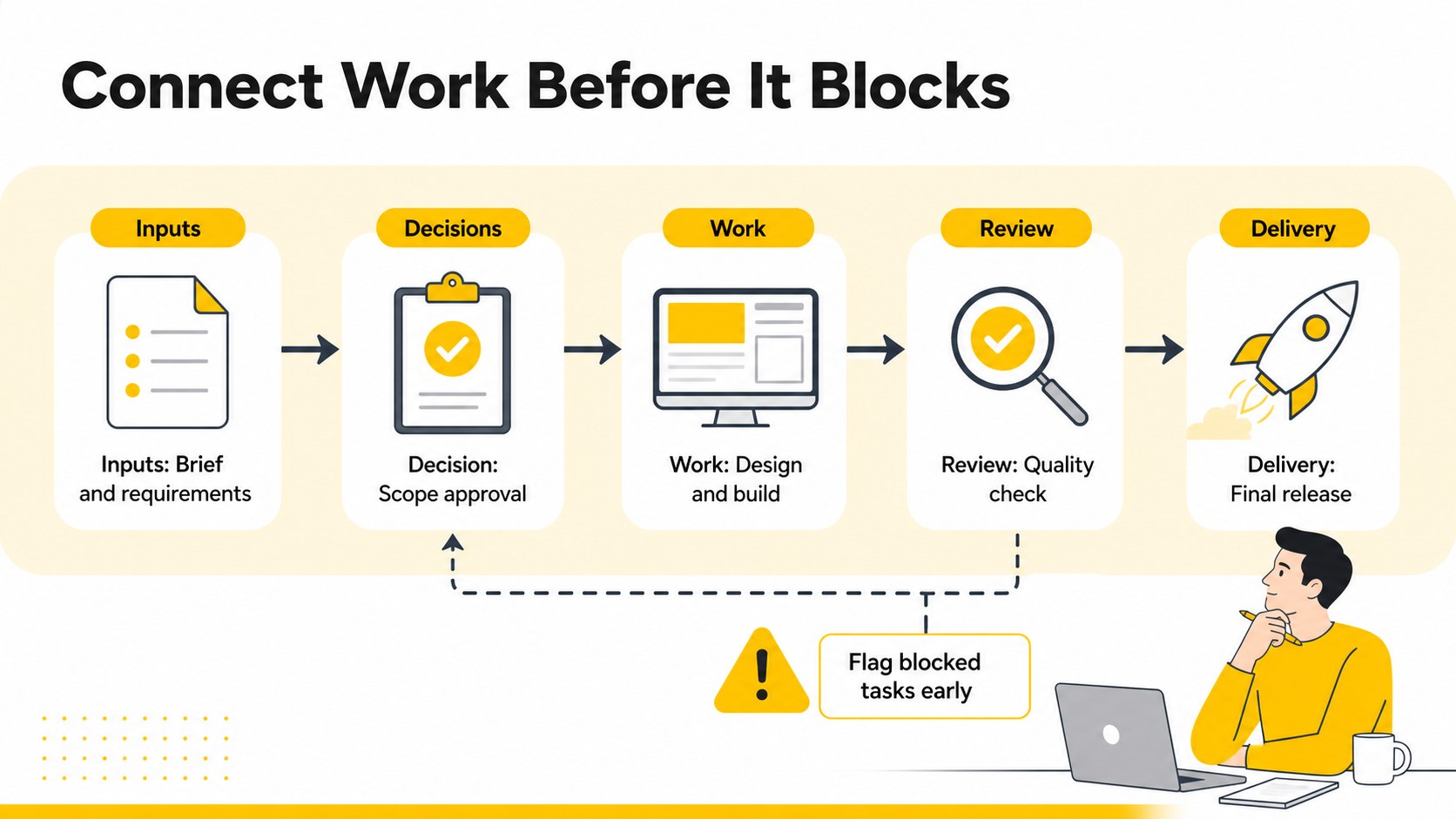
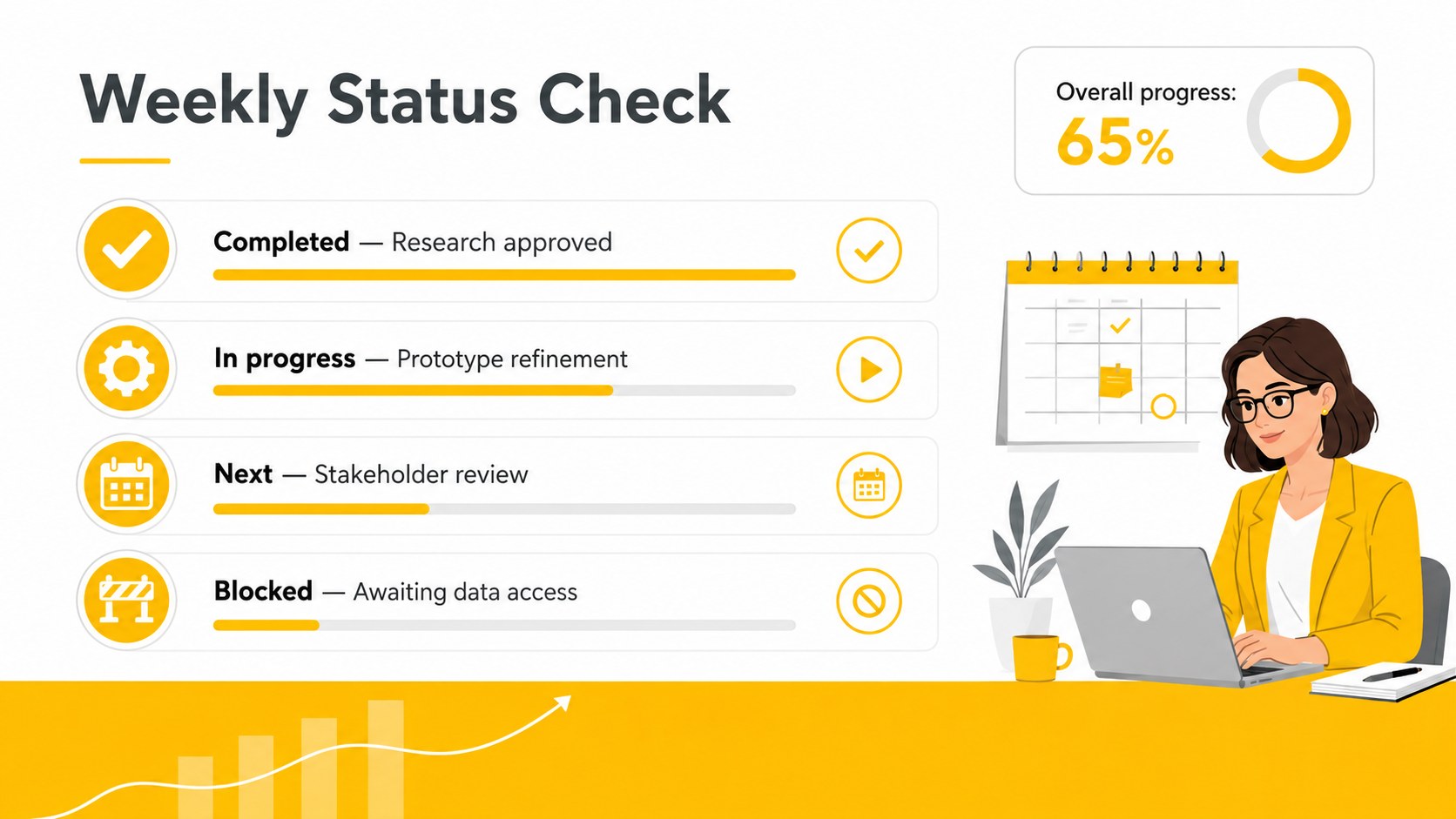
The Yellow Project Scheduling Visual Deck helps teams turn complex assignments into a schedule that is easy to present, discuss, and update. Its crisp white backgrounds, vivid yellow accents, simple illustrations, and structured layouts keep attention on deadlines, responsibilities, and decisions. Edit every element in PowerPoint or Google Slides to match your workflow, project scope, and reporting style.
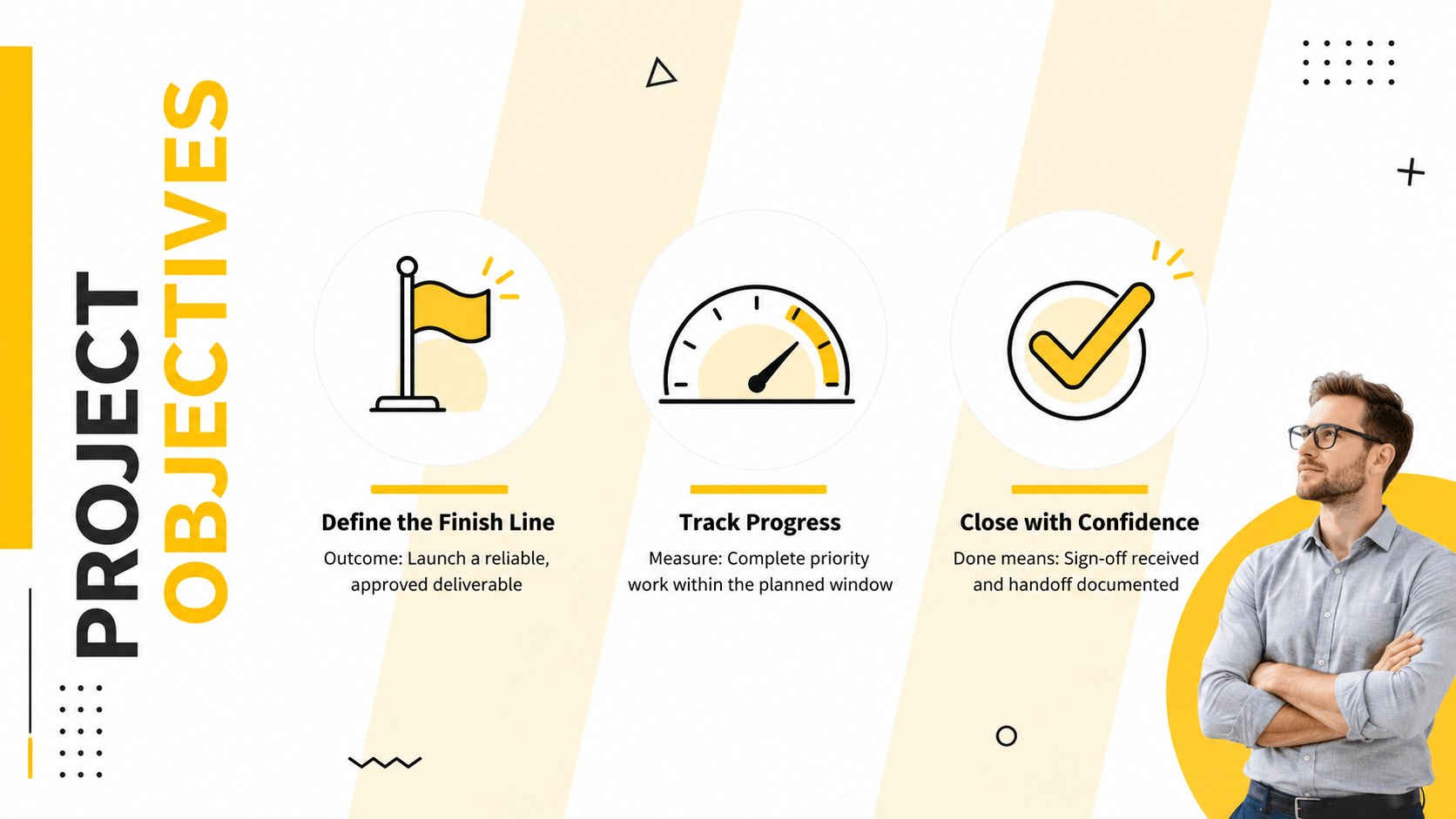
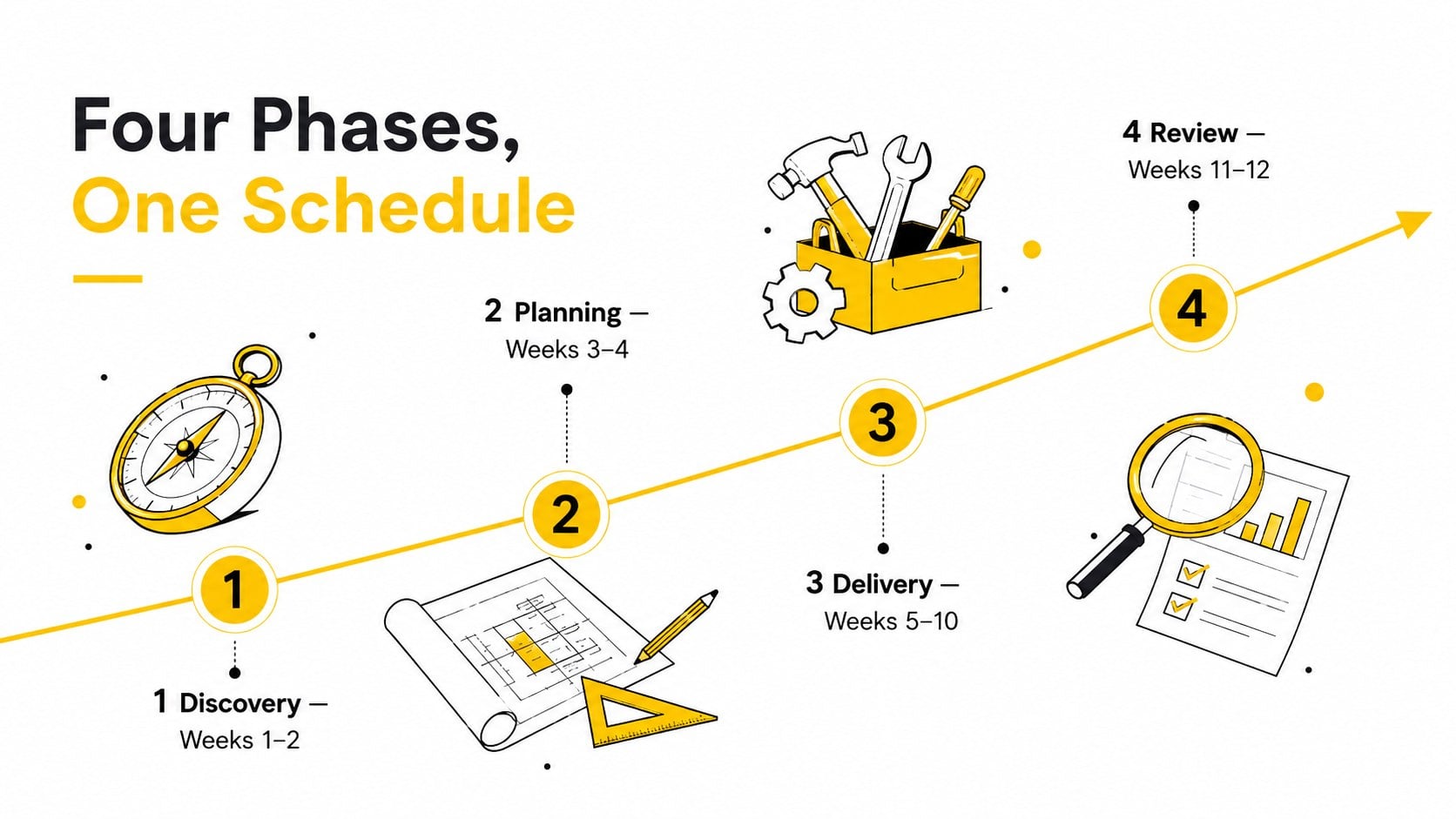
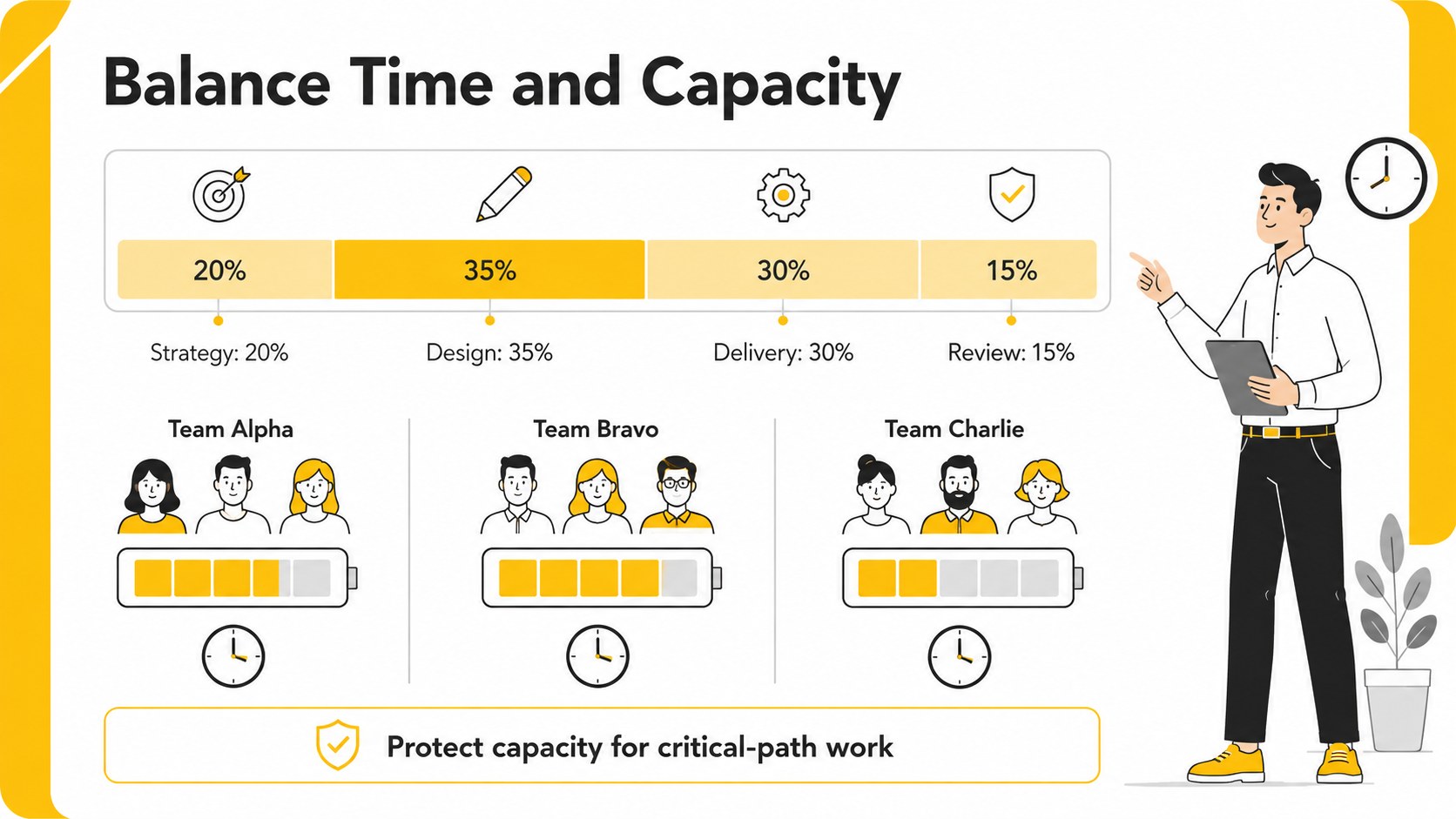
Inside, you will find layouts for objectives, project phases, workback planning, task ownership, dependencies, milestones, resource allocation, risks, and progress reporting. The visual workback schedule slides make deadlines easier to scan, while the task ownership infographic template clarifies who is responsible for each deliverable. A focused dashboard and project status meeting slide deck layout support recurring check-ins without requiring teams to rebuild reports from scratch.
This deck is designed for project managers, operations teams, consultants, marketers, product groups, and startup leaders who need a practical planning system with a polished visual style. Use it for kickoff meetings, weekly reviews, client updates, launch coordination, or internal planning workshops. Replace sample wording, adjust dates and percentages, recolor shapes, and reorganize sections as the project develops. The 16:9 format works well for live presentations, shared planning sessions, and exported PDF reports.
Perfect for: project kickoff meeting; weekly status review; campaign workback planning; client delivery update; cross-team launch coordination.
Frequently asked questions
Can I edit the schedule and milestone dates? Yes. Dates, labels, percentages, shapes, and timeline elements can be changed directly in PowerPoint or Google Slides.
Practical details
Yes. Dates, labels, percentages, shapes, and timeline elements can be changed directly in PowerPoint or Google Slides.
The deck is designed for PowerPoint and Google Slides. You can also export completed slides as PDF files for distribution or review.
Yes. Replace the accent colors with your organization or client colors while preserving the clean visual hierarchy.
Yes. The status, ownership, milestone, risk, and dashboard layouts can be duplicated and refreshed for weekly or monthly reporting.
Keep exploring
15Shape your publishing concept with an indie magazine startup pitch deck featuring pastel gradients, bold collage layouts, and editable planning slides.
 16
16Build clear project stories with the Icon Grid Teamwork Theme, a flexible blue illustrated deck for proposals, strategy updates, and team meetings.
 3
3Turn priorities into an actionable plan with an annual goals roadmap infographic, featuring editable orange and teal layouts for PowerPoint and Google Slides.
 15
15Create an Annual Achievement Report Presentation with colorful geometric layouts for milestones, results, lessons, and priorities in PowerPoint or Google Slides.
 15
15Turn results into a focused annual performance evaluation report with dark 3D slides for KPIs, achievements, feedback, and next-step goals for teams.
 15
15Guide a focused annual recap with Business Results Retrospective Slides, a muted brown-and-blue template for PowerPoint and Google Slides.
 6
6Turn complex plans into clear visual stories with Color-Coded Workflow Path Slides, an editable set for project updates, roadmaps, and team briefings.
 6
6Compare regional performance at a glance with Global Data Heatmap Slides, a clean multicolor deck designed for editable PowerPoint and Google Slides.