
 15
15presentation
Indie Magazine Startup Pitch Deck
Shape your publishing concept with an indie magazine startup pitch deck featuring pastel gradients, bold collage layouts, and editable planning slides.
Google SlidesPowerPoint
presentation · English
Build a yellow directional presentation deck for bold business stories, marketing plans, and project updates in PowerPoint or Google Slides.




Design notes
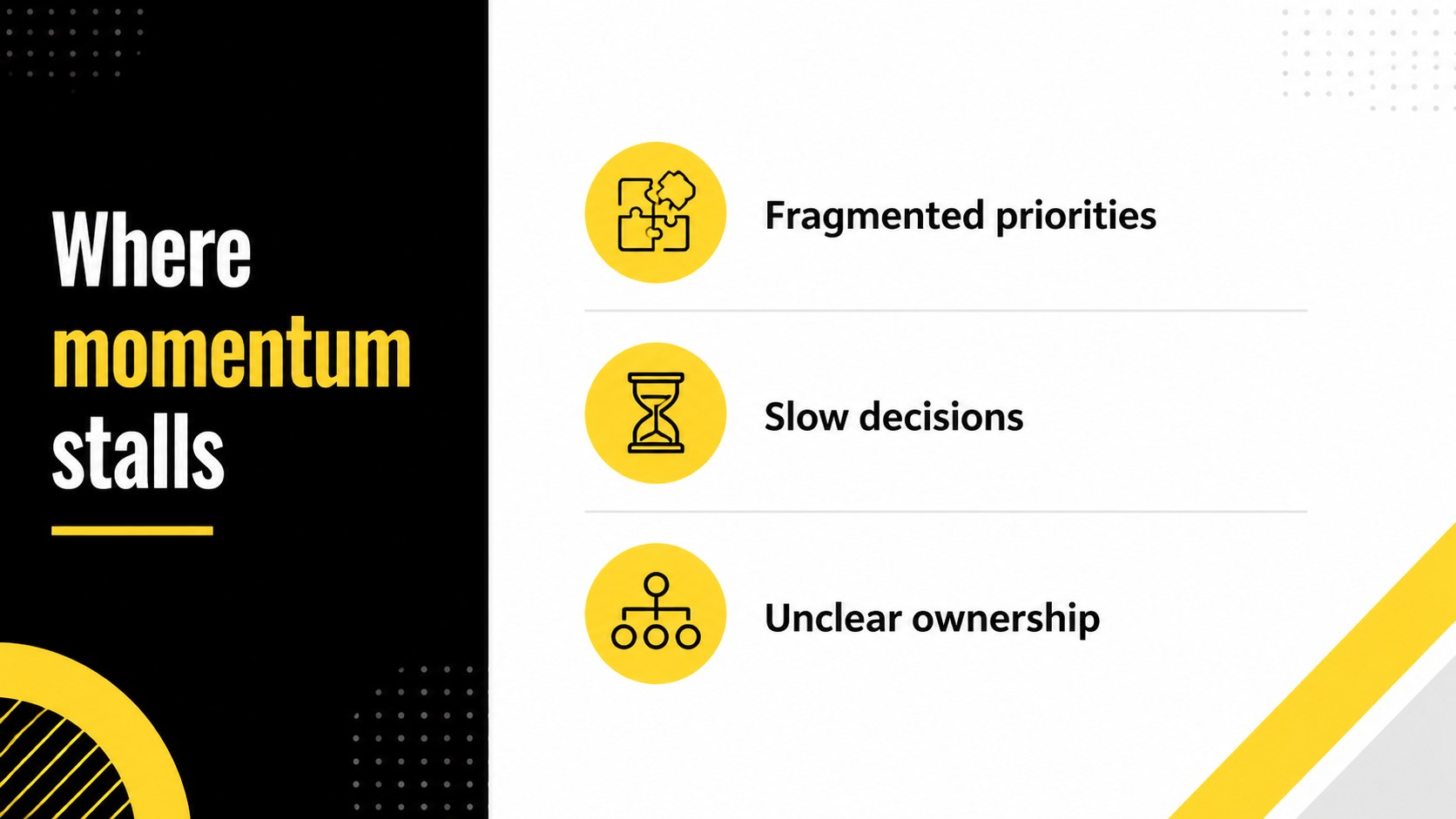
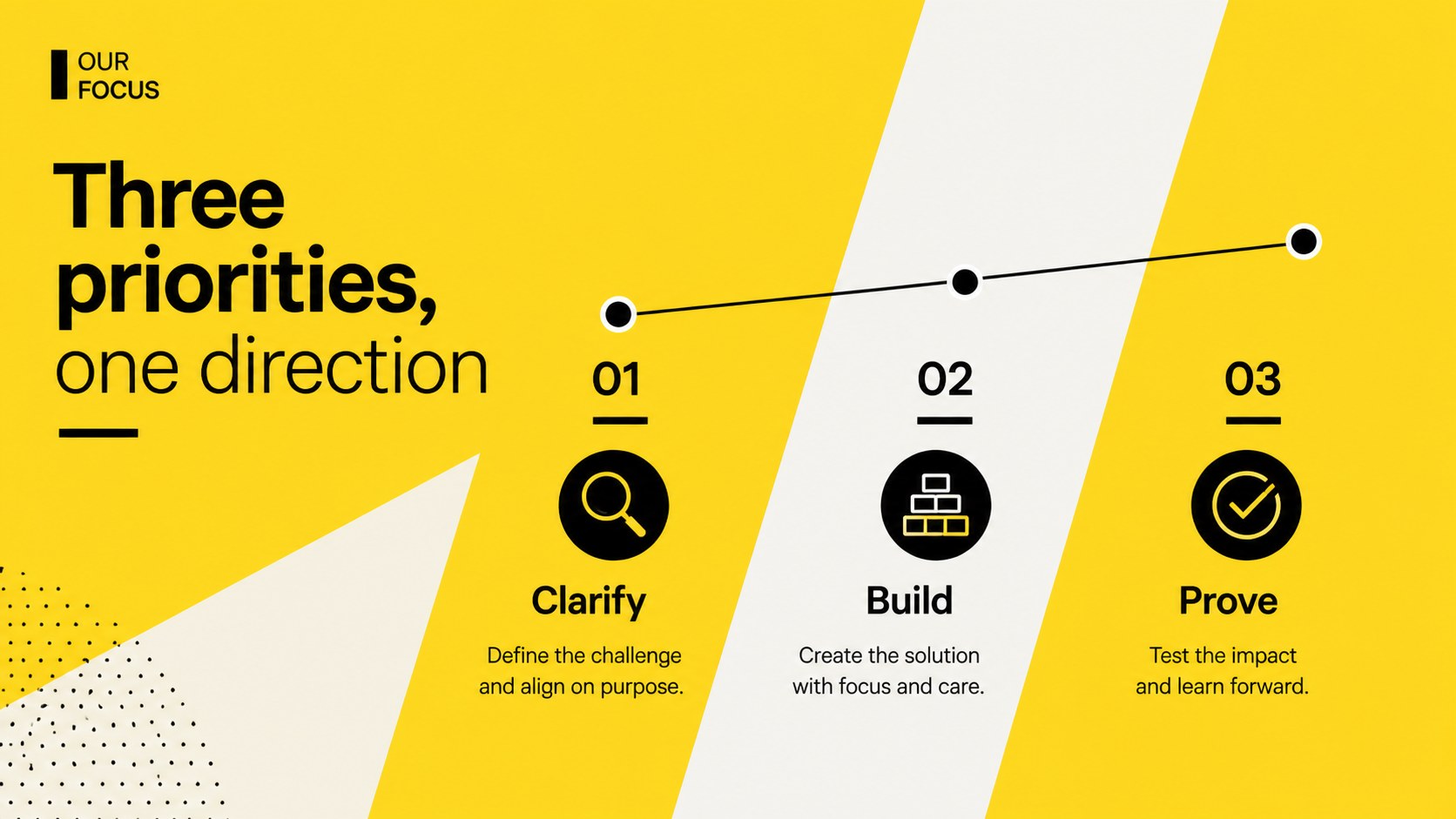
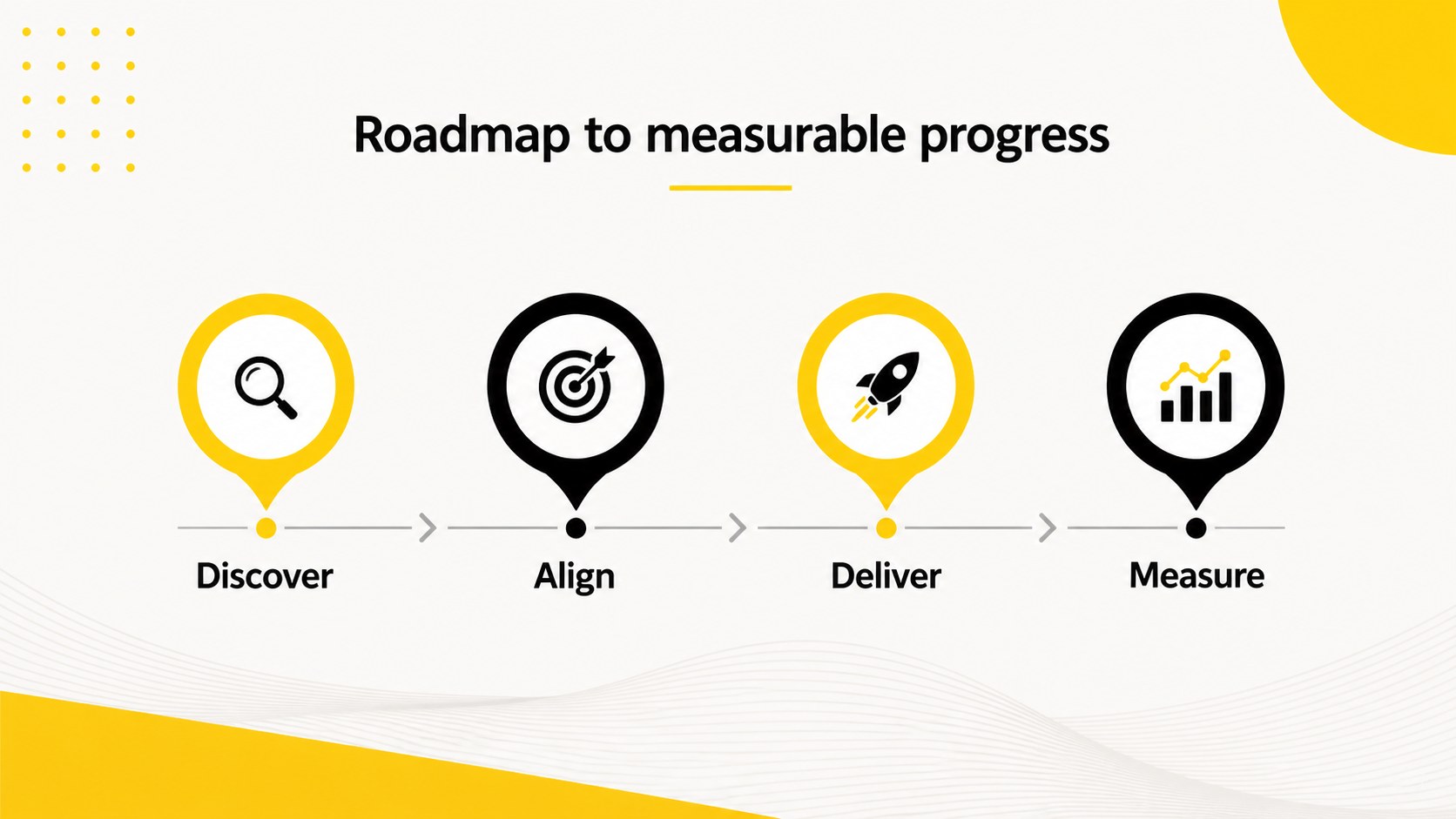
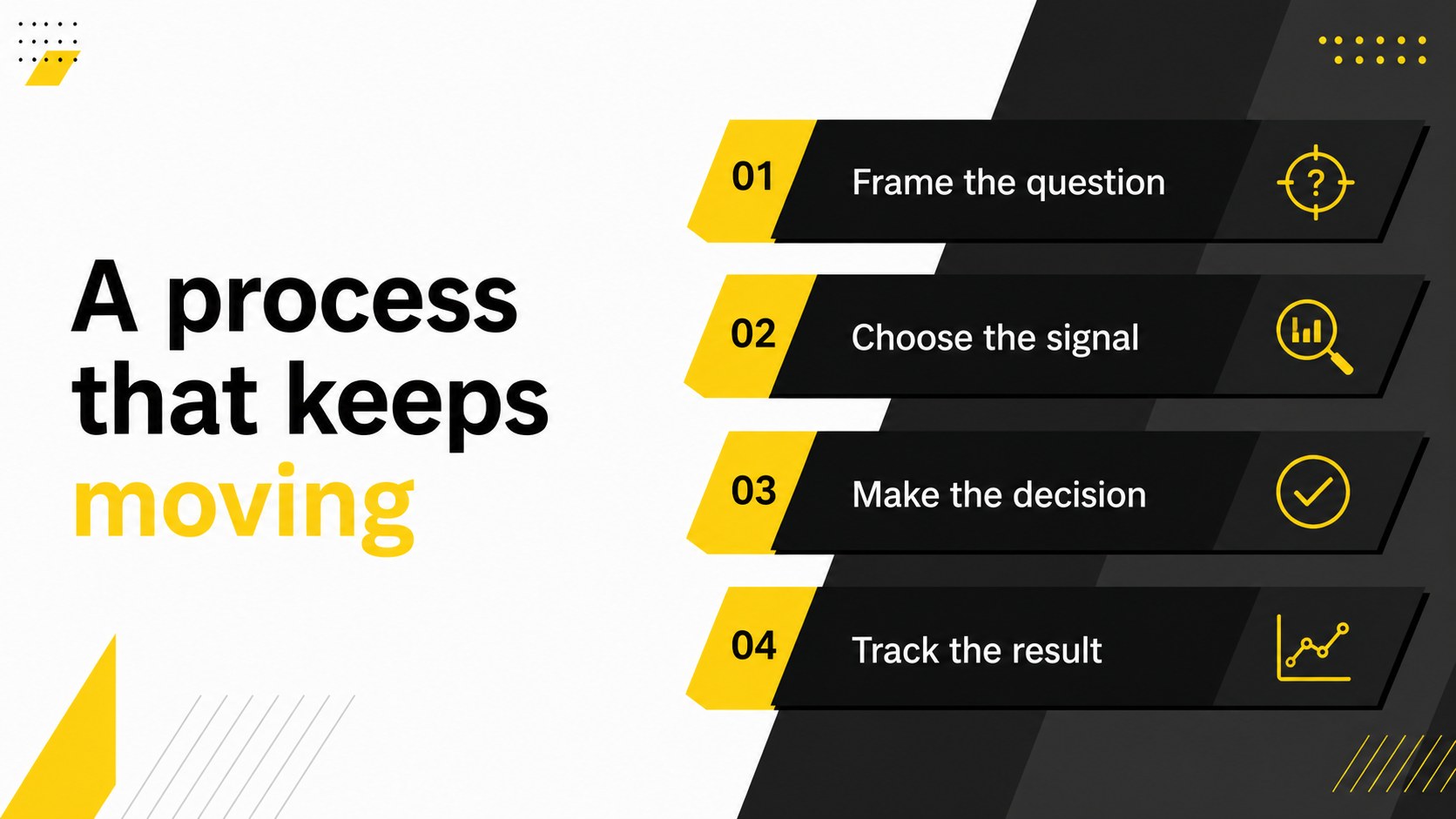
Yellow Directional Presentation Deck brings a confident sense of movement to business communication. Its strong yellow accent, crisp typography, and upward directional graphics help audiences follow your message from opening idea to final action. Use the layouts for a pitch, campaign plan, project update, or strategic recommendation.
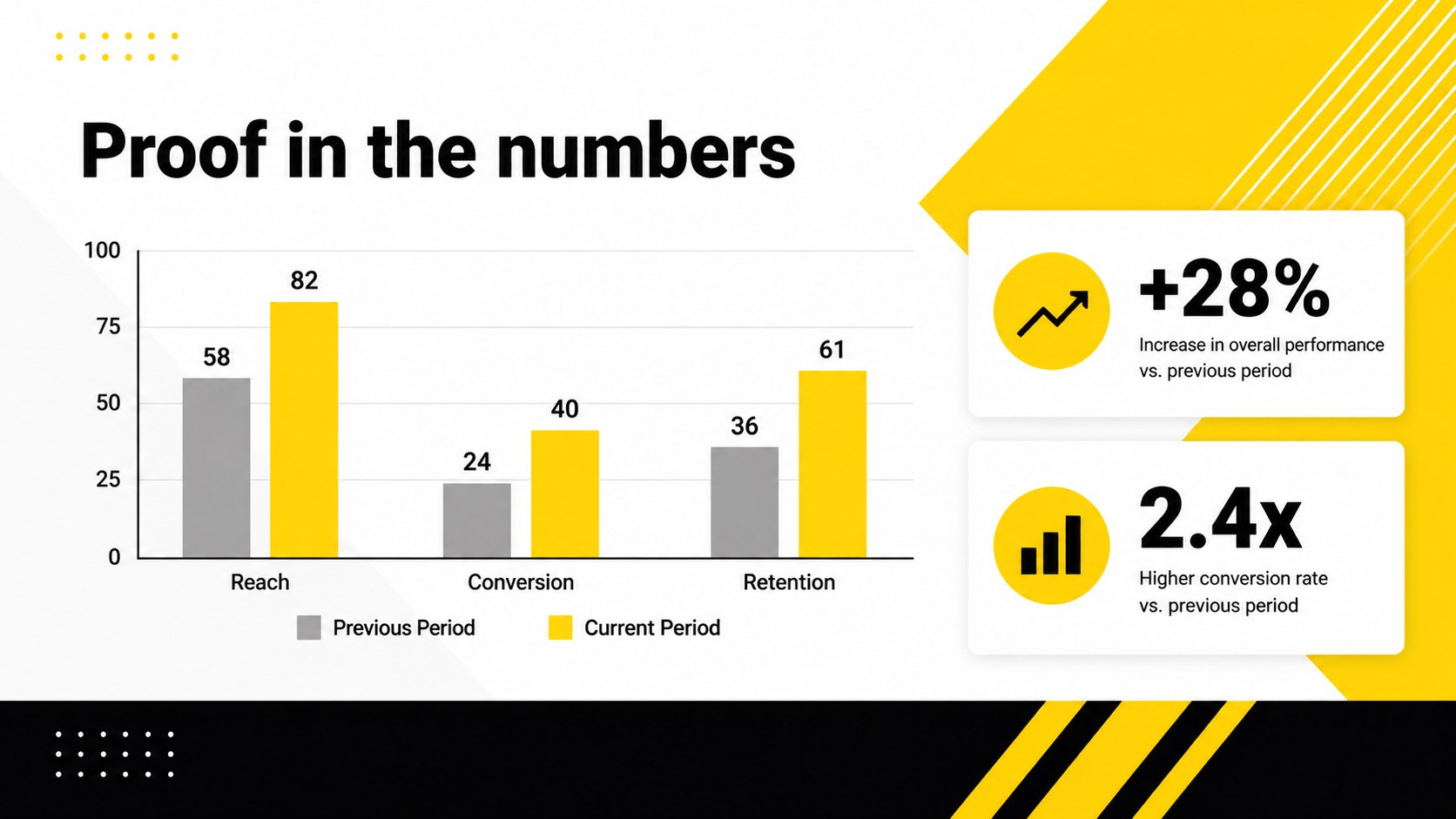
The deck includes 35 adaptable layouts for introductions, agendas, objectives, timelines, milestones, market insights, data comparisons, process diagrams, team profiles, and closing calls to action. A coordinated set of editable icons, charts, maps, and diagrams gives you practical ways to make information more visual without losing the clean corporate feel. The 16:9 format works well on modern screens and meeting-room displays.
Designed for founders, consultants, marketers, educators, and project teams, this yellow directional presentation deck is easy to adjust in PowerPoint and Google Slides. Replace the sample copy, edit the graphics, and tune the yellow, black, white, and neutral accents to match your subject. It is especially useful when you need a modern business presentation theme that feels energetic while keeping the structure easy to scan.
Perfect for: startup investor pitch; marketing campaign plan; quarterly business review; project roadmap update; consulting strategy proposal.
Frequently asked questions
Can I edit this deck in PowerPoint? Yes. The layouts, text, icons, charts, and directional graphics are editable in Microsoft PowerPoint. You can replace the sample content and adjust the yellow accent to suit your brand.
Practical details
Yes. The layouts, text, icons, charts, and directional graphics are editable in Microsoft PowerPoint. You can replace the sample content and adjust the yellow accent to suit your brand.
Yes, you can use the presentation in Google Slides. Upload the PowerPoint file, then edit the text, colors, shapes, and visual elements in your browser.
Yes. Change the accent color, background tones, and text styling to match your visual identity. The layouts are designed to remain readable when you use a different palette or font pairing.
It works well for investor pitches, marketing plans, project roadmaps, business reviews, and consulting proposals. The mix of diagrams, data layouts, timelines, and comparison slides supports both narrative and analytical content.
Keep exploring
15Shape your publishing concept with an indie magazine startup pitch deck featuring pastel gradients, bold collage layouts, and editable planning slides.
 16
16Build clear project stories with the Icon Grid Teamwork Theme, a flexible blue illustrated deck for proposals, strategy updates, and team meetings.
 3
3Turn priorities into an actionable plan with an annual goals roadmap infographic, featuring editable orange and teal layouts for PowerPoint and Google Slides.
 15
15Create an Annual Achievement Report Presentation with colorful geometric layouts for milestones, results, lessons, and priorities in PowerPoint or Google Slides.
 15
15Turn results into a focused annual performance evaluation report with dark 3D slides for KPIs, achievements, feedback, and next-step goals for teams.
 15
15Guide a focused annual recap with Business Results Retrospective Slides, a muted brown-and-blue template for PowerPoint and Google Slides.
 6
6Turn complex plans into clear visual stories with Color-Coded Workflow Path Slides, an editable set for project updates, roadmaps, and team briefings.
 6
6Compare regional performance at a glance with Global Data Heatmap Slides, a clean multicolor deck designed for editable PowerPoint and Google Slides.