
 15
15presentation
Indie Magazine Startup Pitch Deck
Shape your publishing concept with an indie magazine startup pitch deck featuring pastel gradients, bold collage layouts, and editable planning slides.
Google SlidesPowerPoint
presentation · English
Build consistent business materials with a Yellow Black Visual Identity Playbook, featuring editable guidelines for PowerPoint and Google Slides.


Design notes
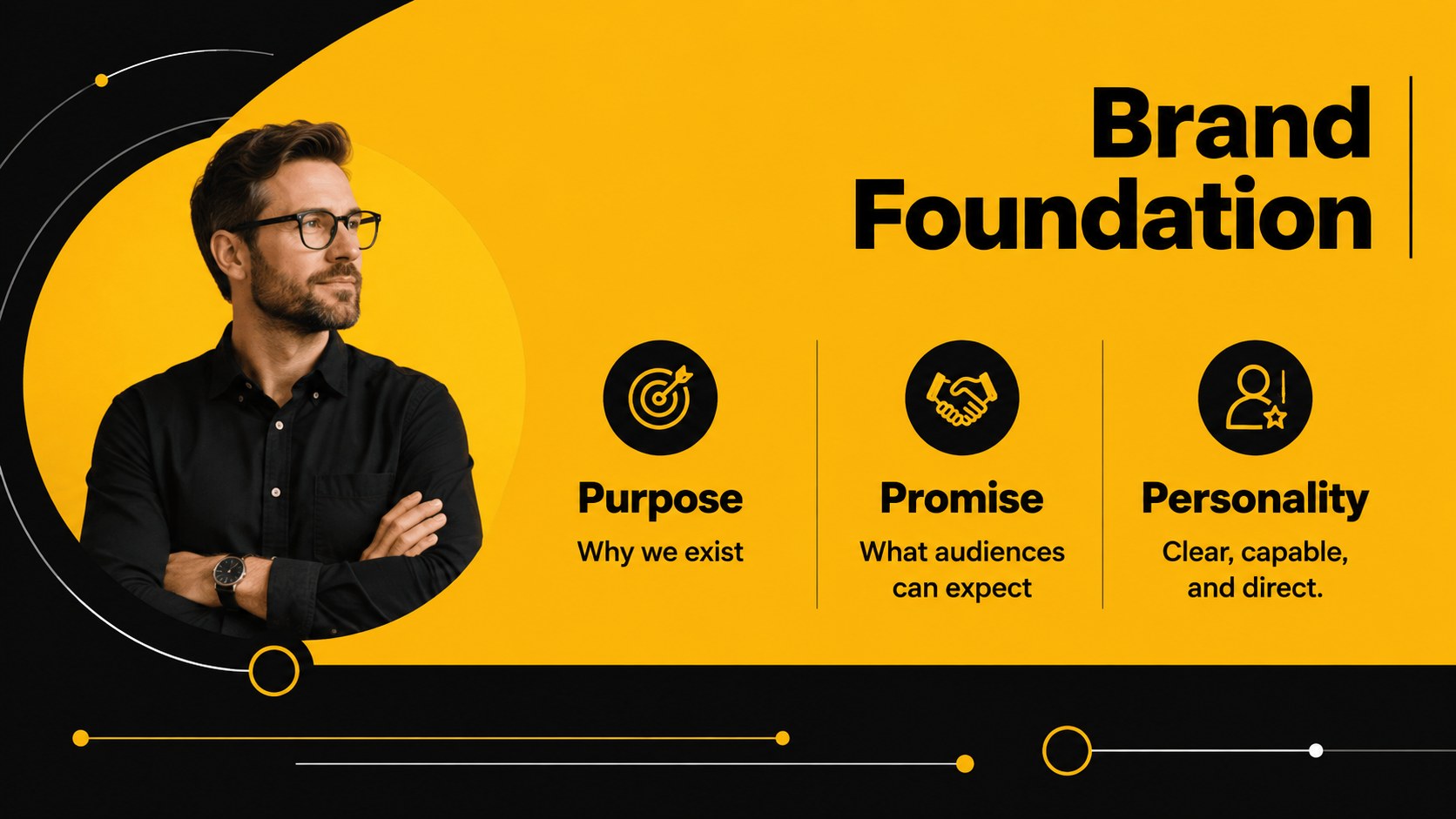
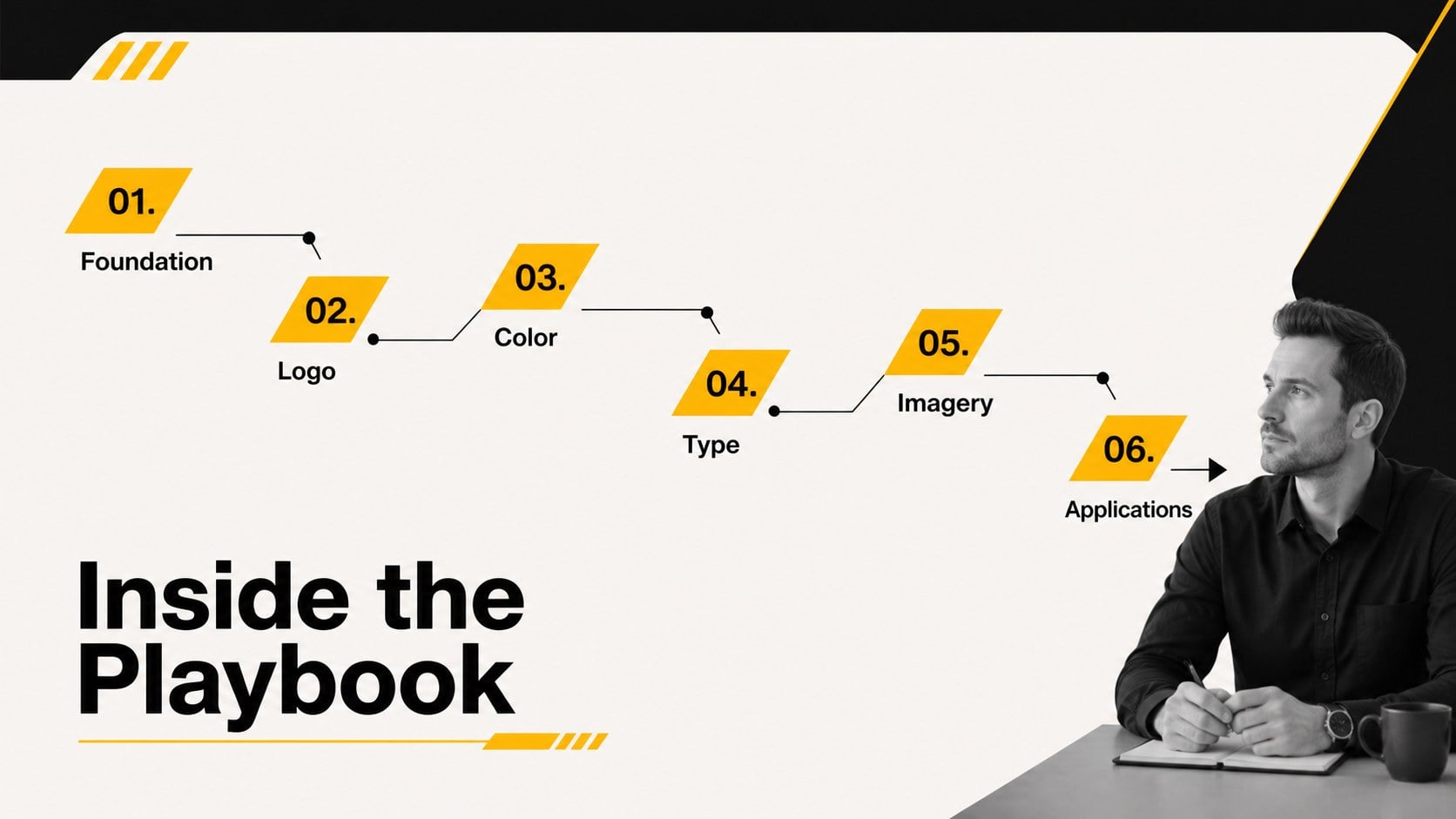
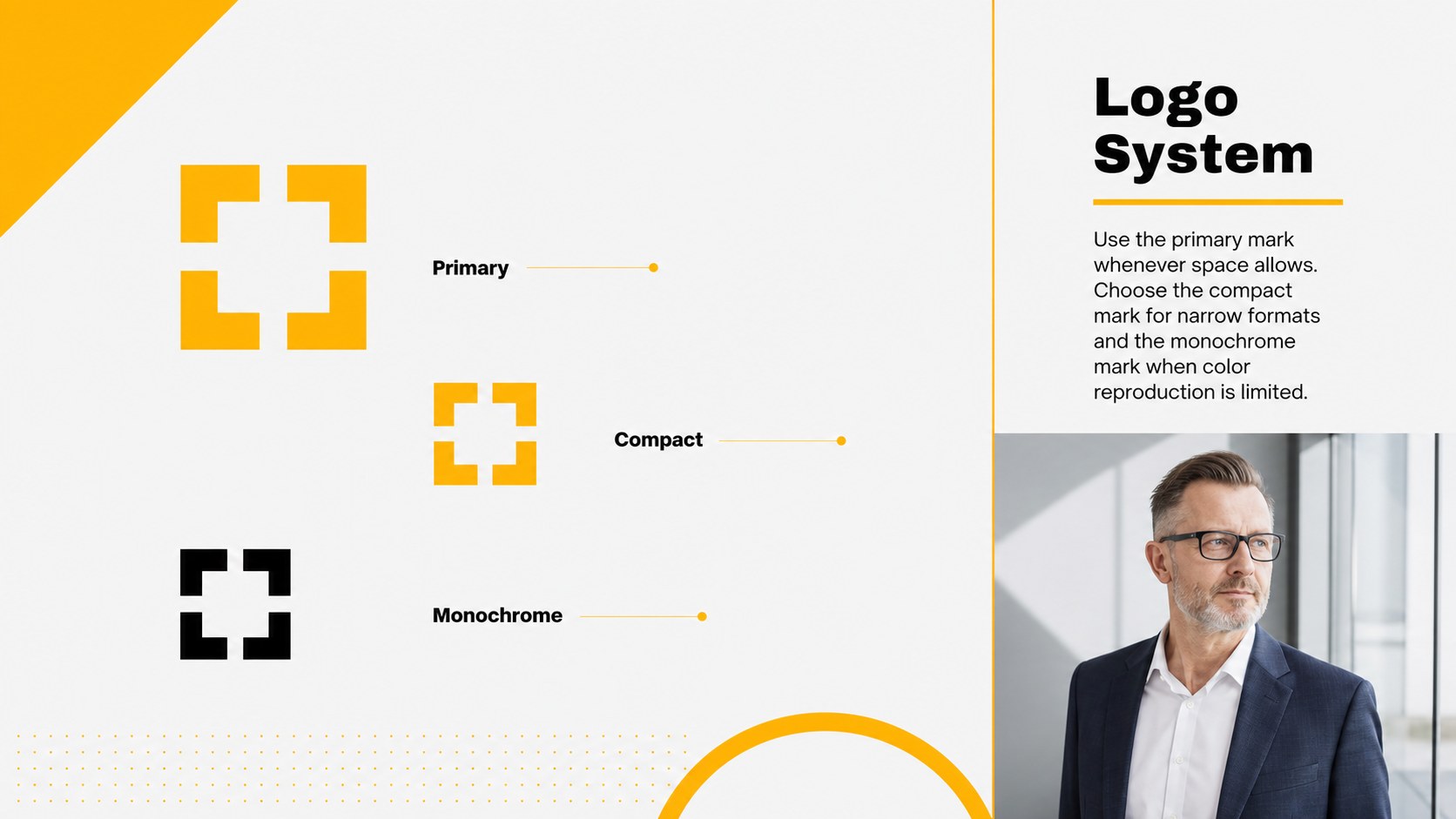
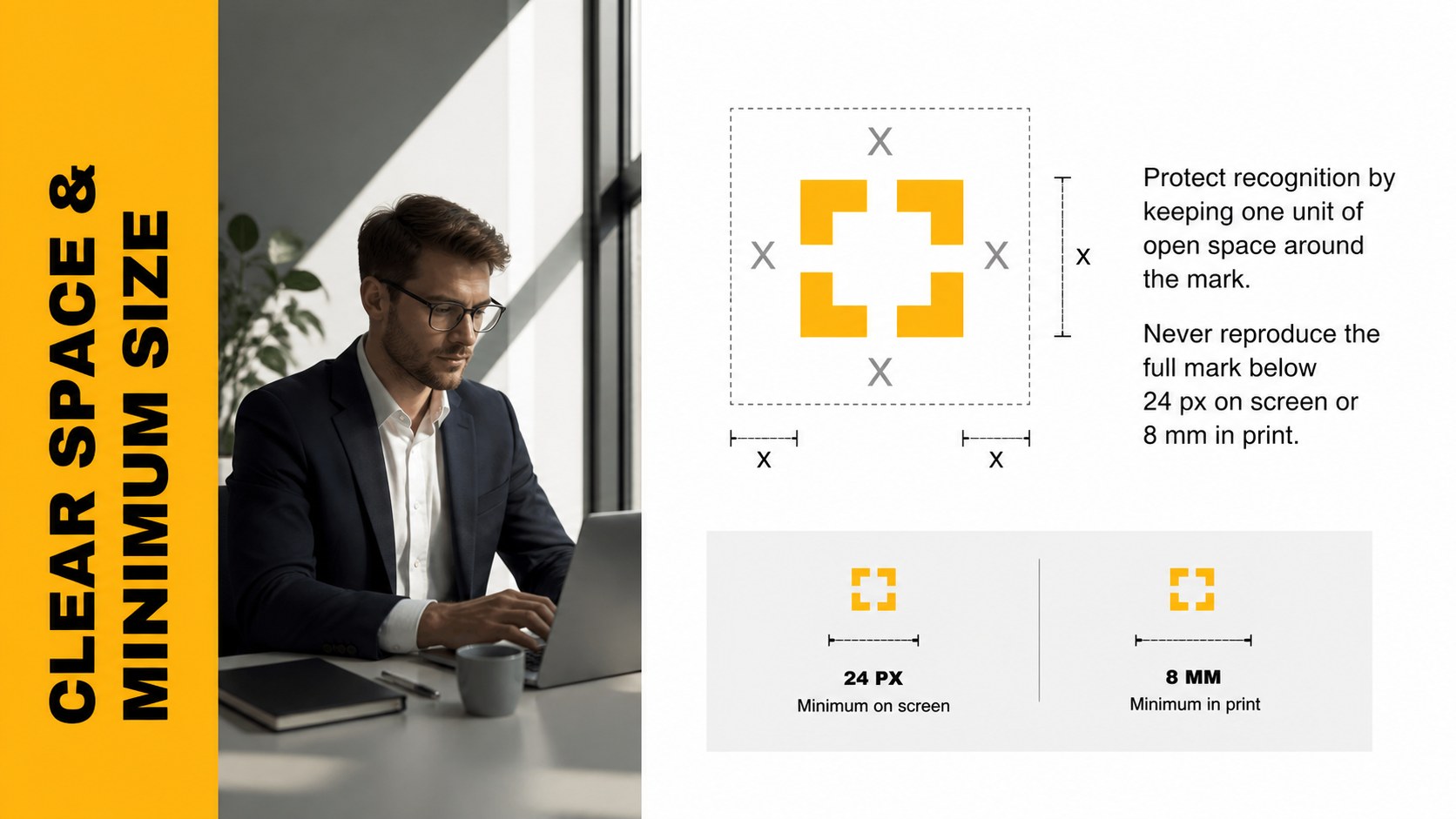
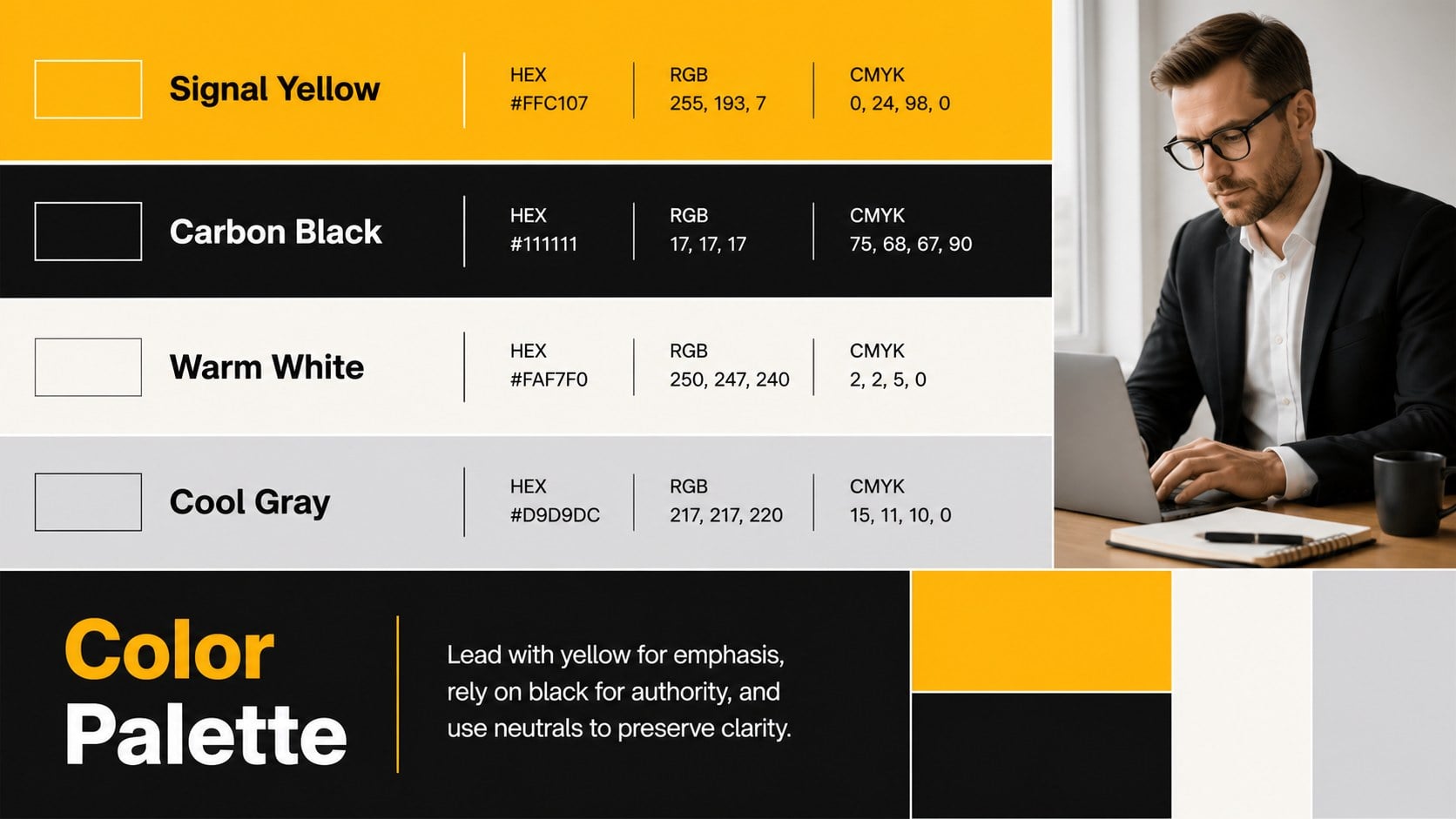
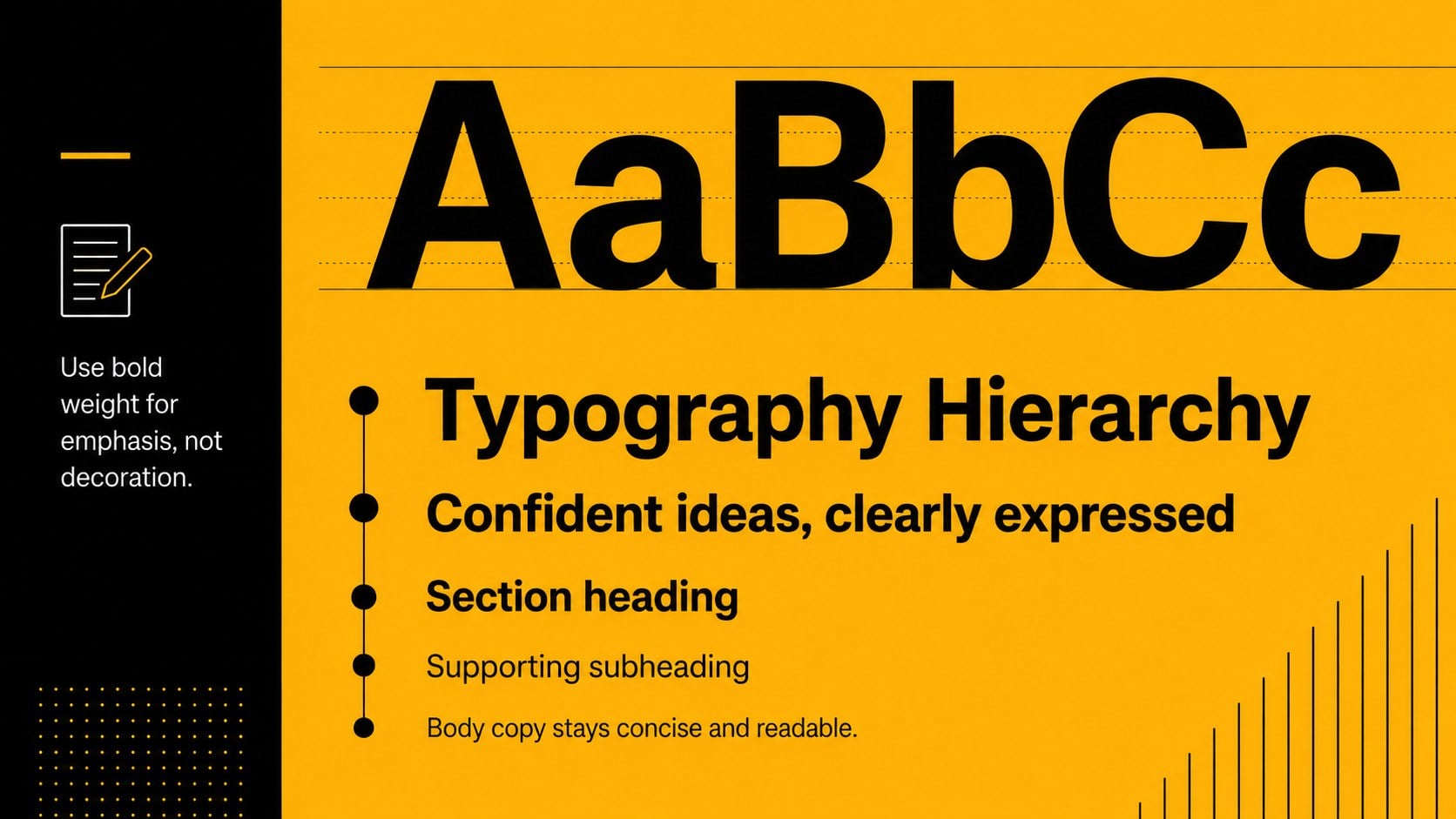
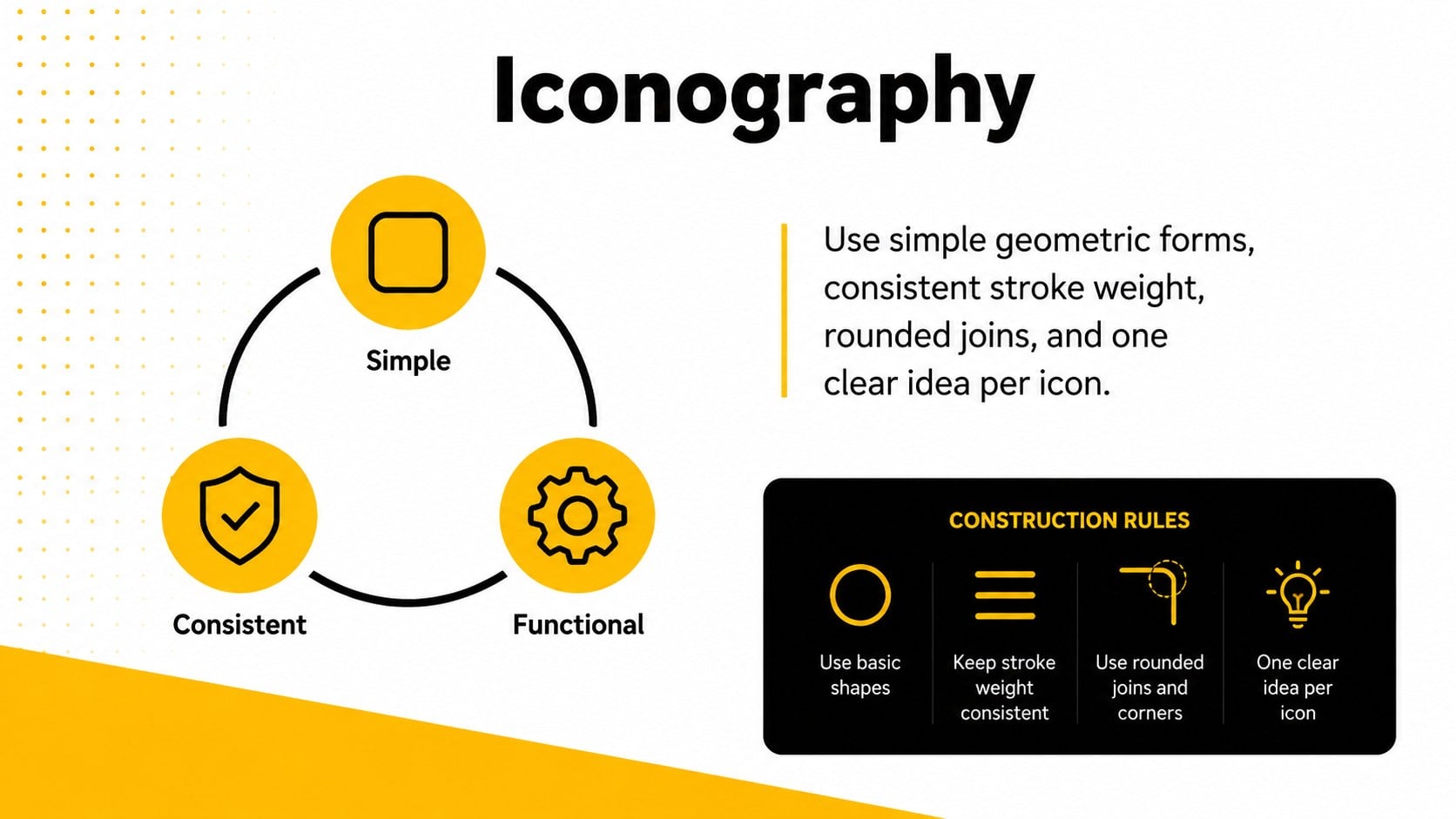
The Yellow Black Visual Identity Playbook gives teams a focused way to document, explain, and apply a professional brand system. Its crisp typography, bold yellow accents, black surfaces, and structured layouts create a confident corporate look without distracting from the guidelines. Use it to align visual decisions across presentations, campaigns, sales materials, and internal communications.
Inside, you will find adaptable layouts for brand foundations, logo rules, clear space, color specifications, typography, photography direction, iconography, layouts, and tone of voice. Application examples and a rollout timeline make this more than a reference document: it can also support onboarding and brand consistency training. These editable visual identity slides for PowerPoint also work as a Google Slides brand standards deck, allowing teams to update text, colors, graphics, and examples without rebuilding the presentation.
The playbook is suited to creative directors, marketing teams, brand strategists, agencies, founders, and consultants preparing identity handoffs or internal workshops. It can serve as a logo usage guidelines presentation for a new launch, a refreshed identity, or an expanding organization. Every section is designed for quick scanning, straightforward editing, and reliable use across departments.
Perfect for: new brand identity handoff; employee brand onboarding; corporate rebrand presentation; agency client delivery; marketing standards workshop; logo usage training.
Frequently asked questions
Can I edit this visual identity playbook? Yes. You can replace the sample wording, adjust colors, change typefaces, move layout elements, and add your own logo and application examples.
Practical details
Yes. You can replace the sample wording, adjust colors, change typefaces, move layout elements, and add your own logo and application examples.
The template is designed for Microsoft PowerPoint and Google Slides. Some font rendering, transitions, or spacing may vary slightly between the two platforms.
Yes. Update the theme colors to apply a different palette consistently throughout the deck, then review charts, icons, and contrast-sensitive text.
Gather your logo files, approved color values, brand fonts, photography examples, and writing principles. Having these assets ready will make it easier to replace the sample content section by section.
Keep exploring
15Shape your publishing concept with an indie magazine startup pitch deck featuring pastel gradients, bold collage layouts, and editable planning slides.
 16
16Build clear project stories with the Icon Grid Teamwork Theme, a flexible blue illustrated deck for proposals, strategy updates, and team meetings.
 3
3Turn priorities into an actionable plan with an annual goals roadmap infographic, featuring editable orange and teal layouts for PowerPoint and Google Slides.
 15
15Create an Annual Achievement Report Presentation with colorful geometric layouts for milestones, results, lessons, and priorities in PowerPoint or Google Slides.
 15
15Turn results into a focused annual performance evaluation report with dark 3D slides for KPIs, achievements, feedback, and next-step goals for teams.
 15
15Guide a focused annual recap with Business Results Retrospective Slides, a muted brown-and-blue template for PowerPoint and Google Slides.
 6
6Turn complex plans into clear visual stories with Color-Coded Workflow Path Slides, an editable set for project updates, roadmaps, and team briefings.
 6
6Compare regional performance at a glance with Global Data Heatmap Slides, a clean multicolor deck designed for editable PowerPoint and Google Slides.