
 15
15presentation
Indie Magazine Startup Pitch Deck
Shape your publishing concept with an indie magazine startup pitch deck featuring pastel gradients, bold collage layouts, and editable planning slides.
Google SlidesPowerPoint
presentation · English
Build a clear yearly roadmap with this green illustrated year at a glance planner. Customize milestones, meetings, goals, and deadlines for free.

Design notes
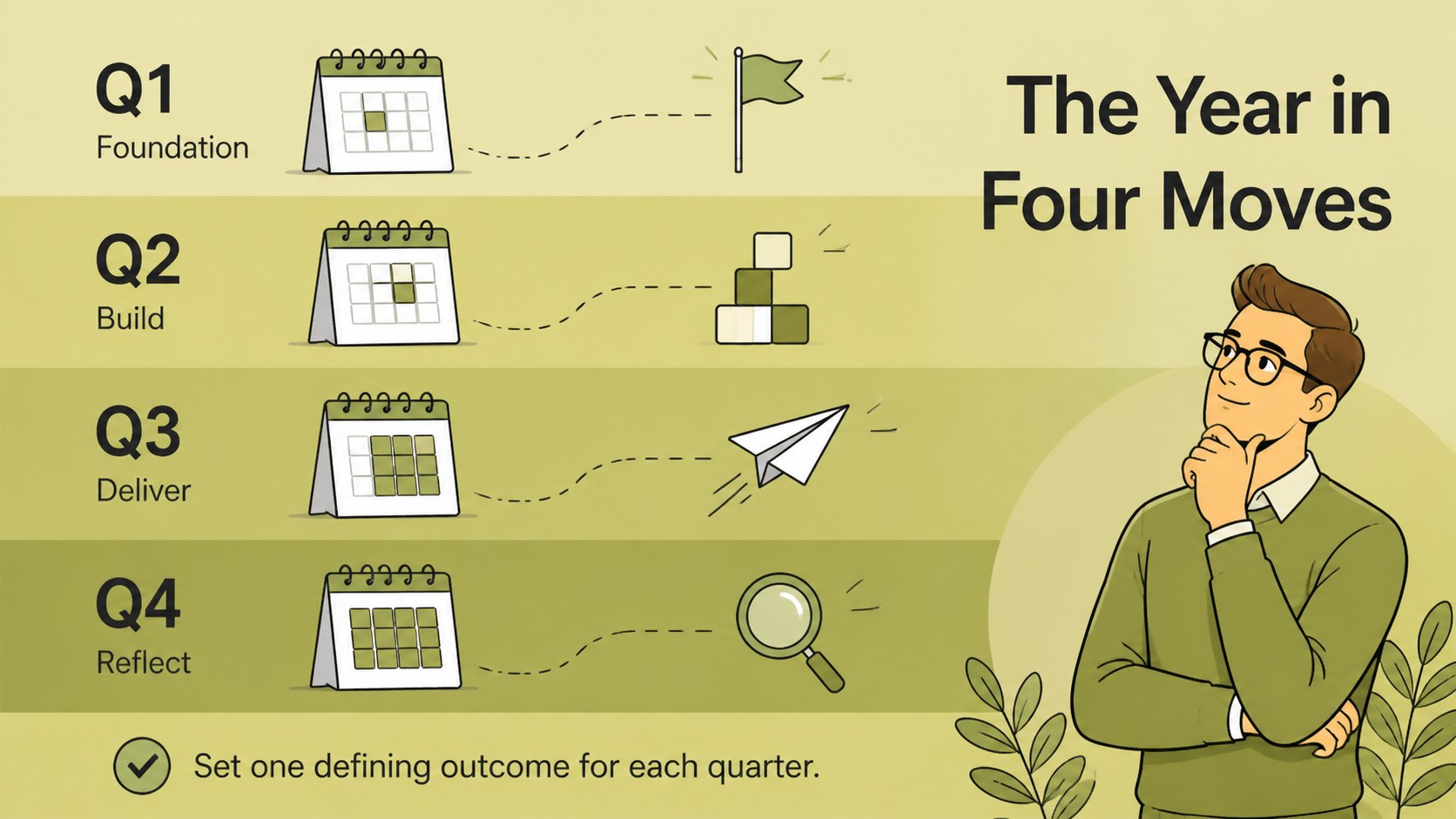
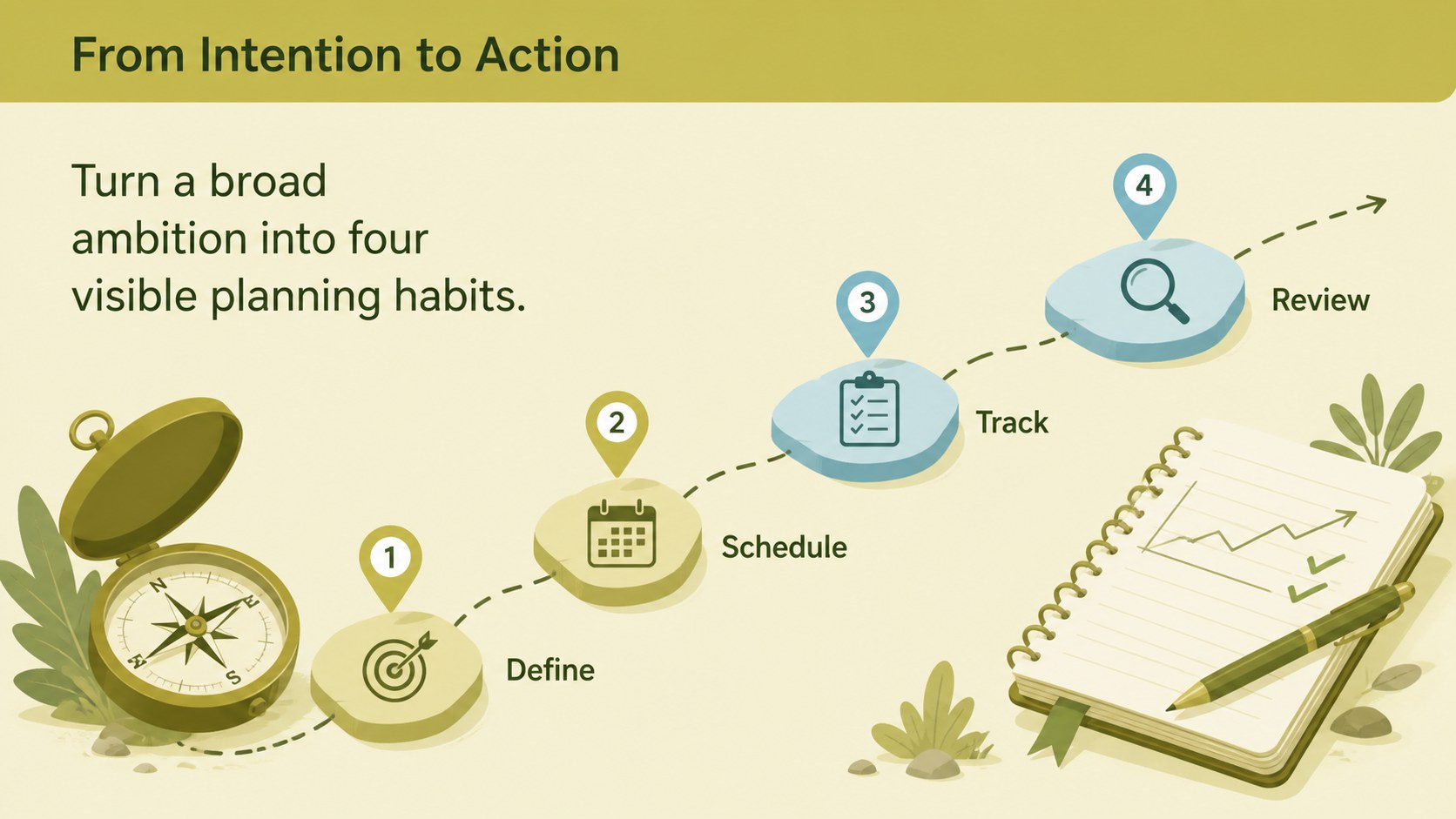
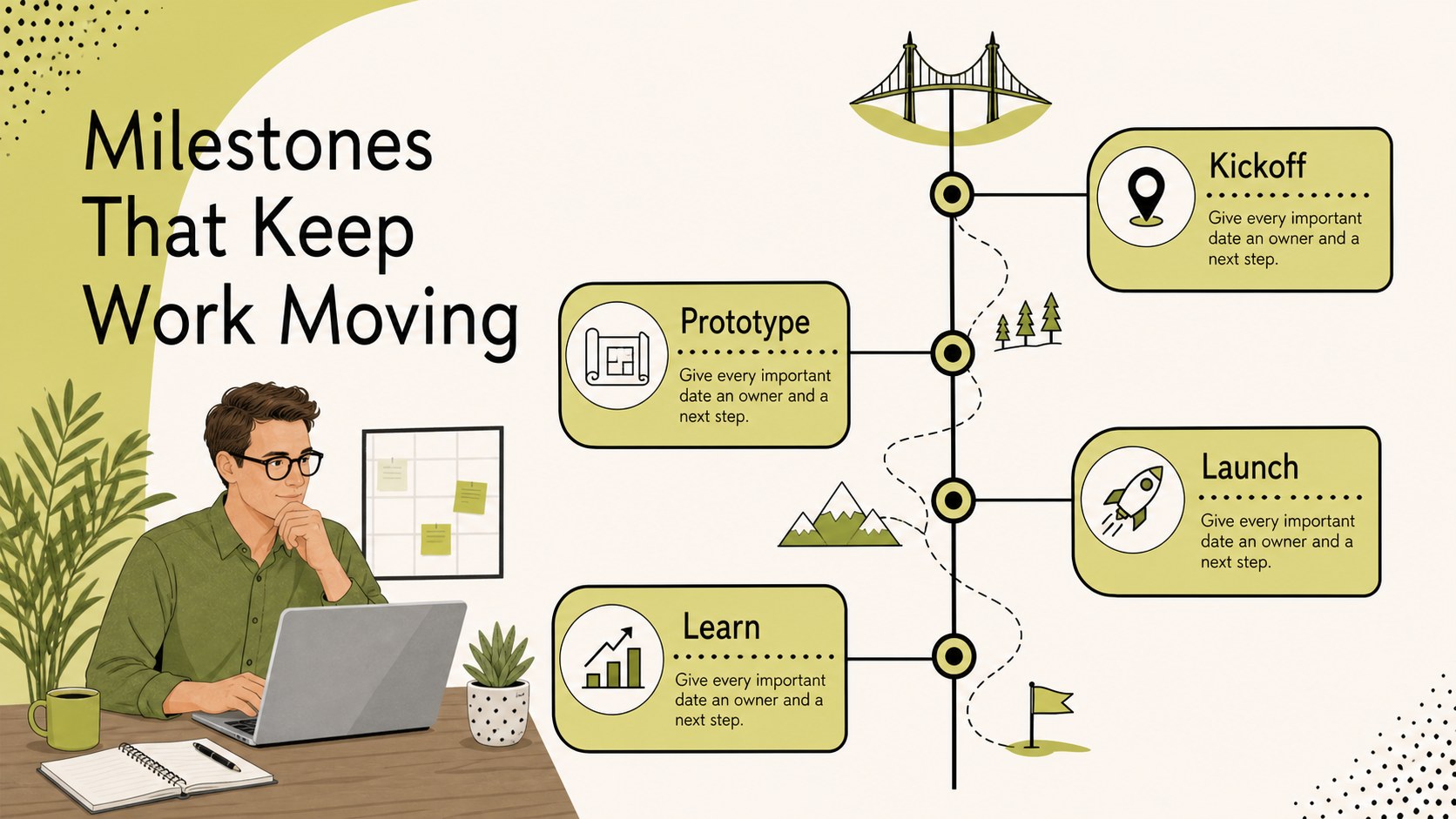
Year-at-a-Glance Planner is a free presentation template for mapping an entire year with clarity. Its green modern illustration style gives planning meetings, strategy reviews, and personal goal setting a polished visual structure without making the process feel complicated. Use the layouts to connect major objectives with monthly actions, important meetings, project checkpoints, and deadlines.
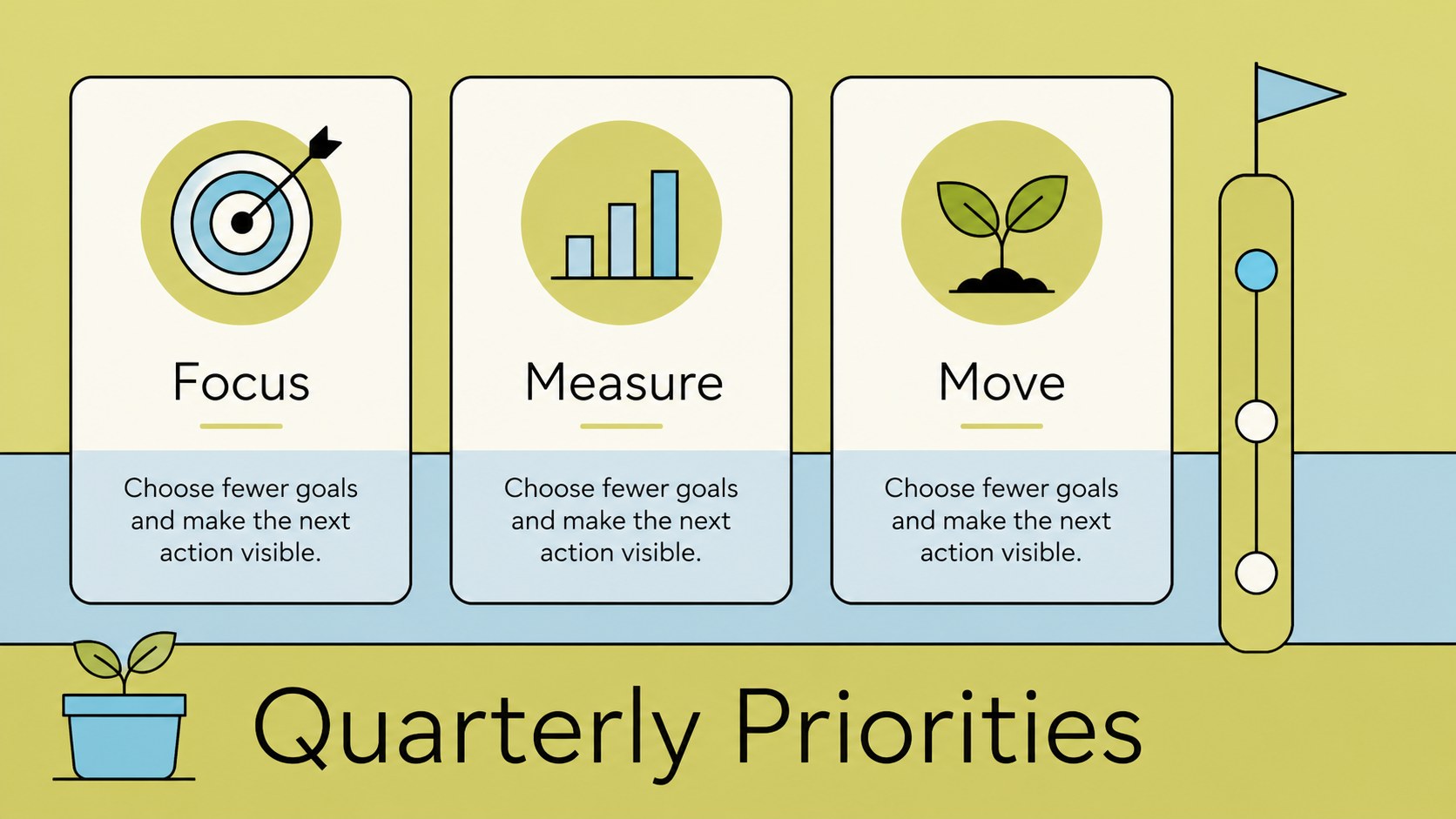
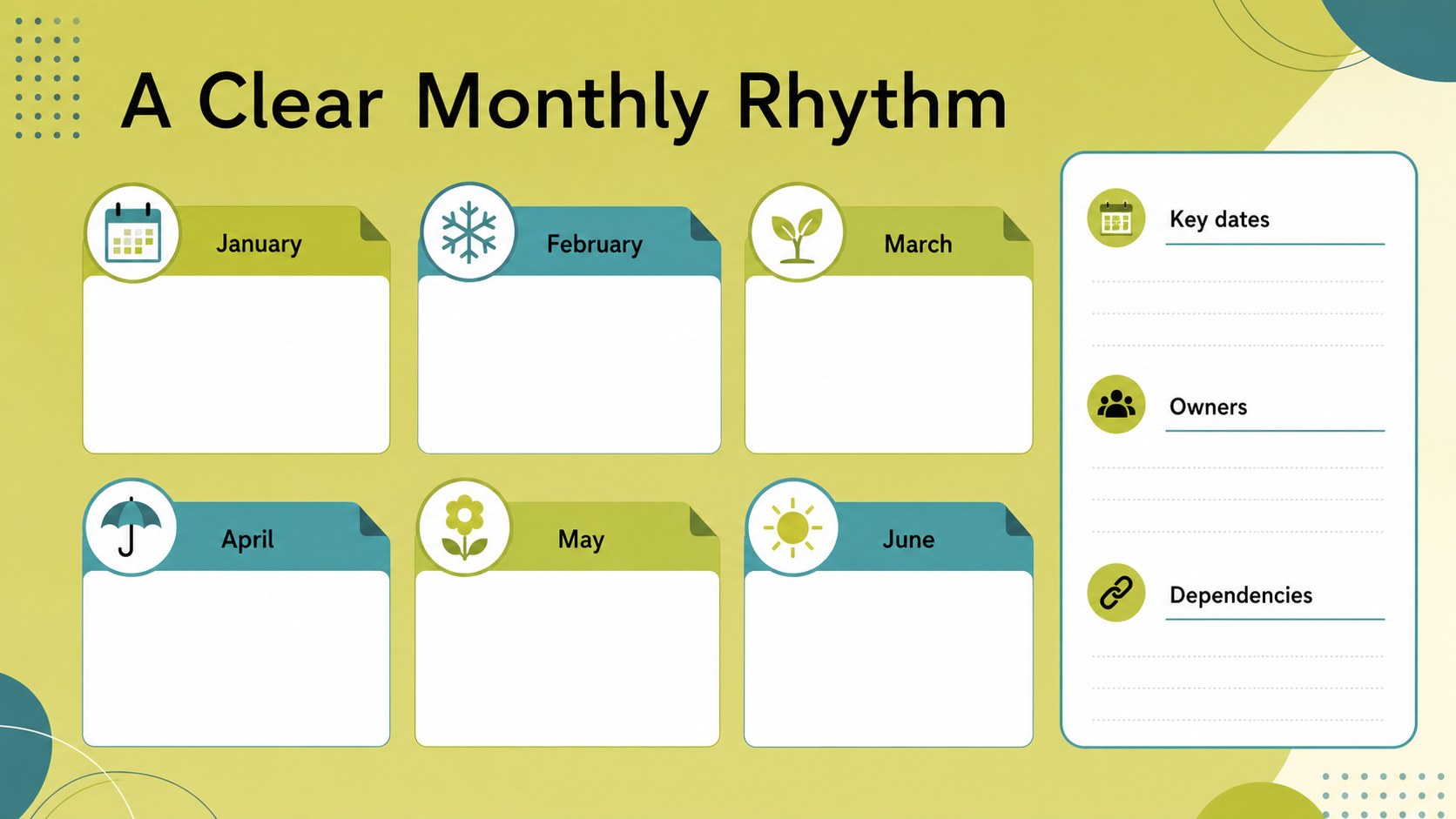
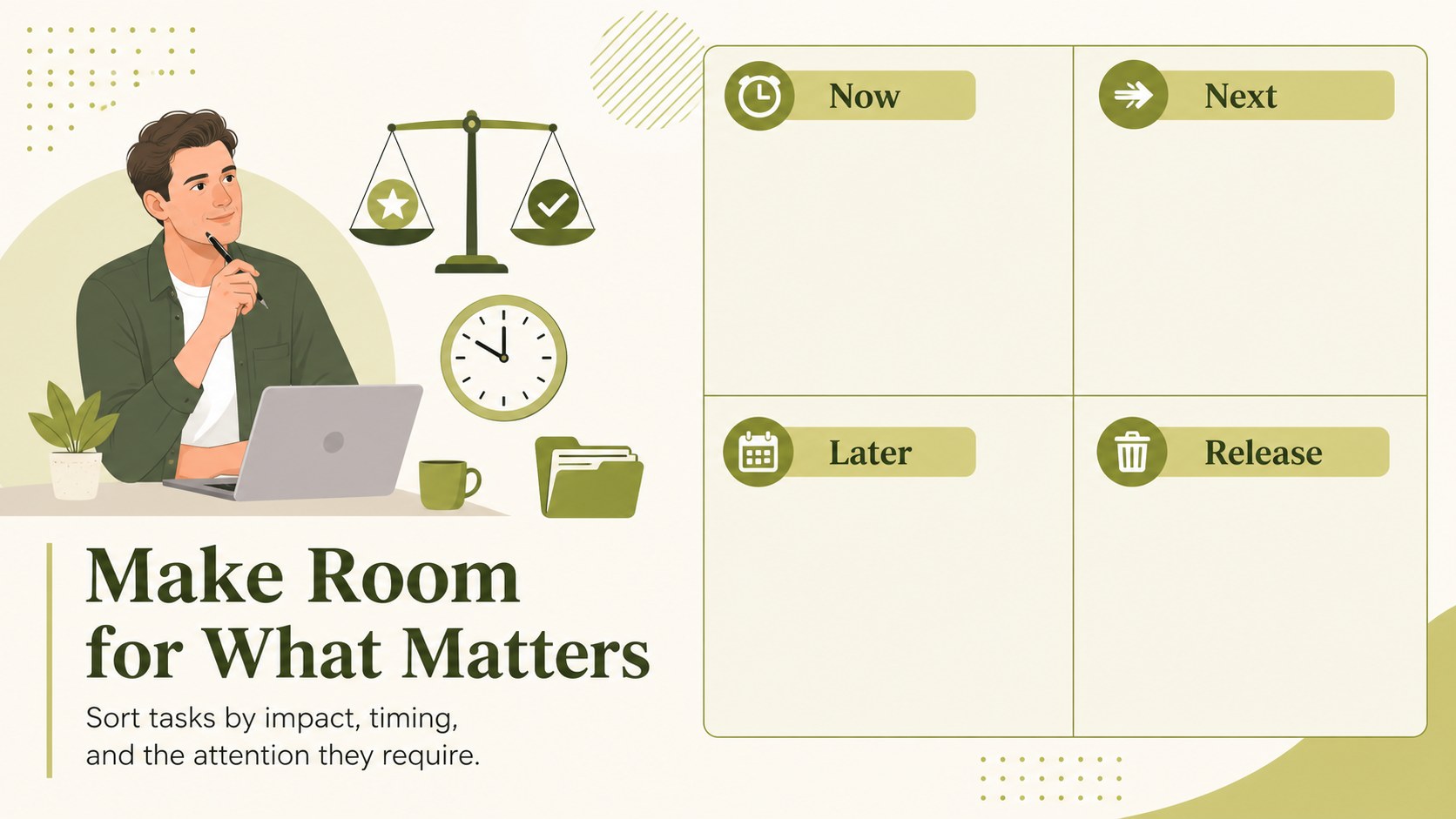
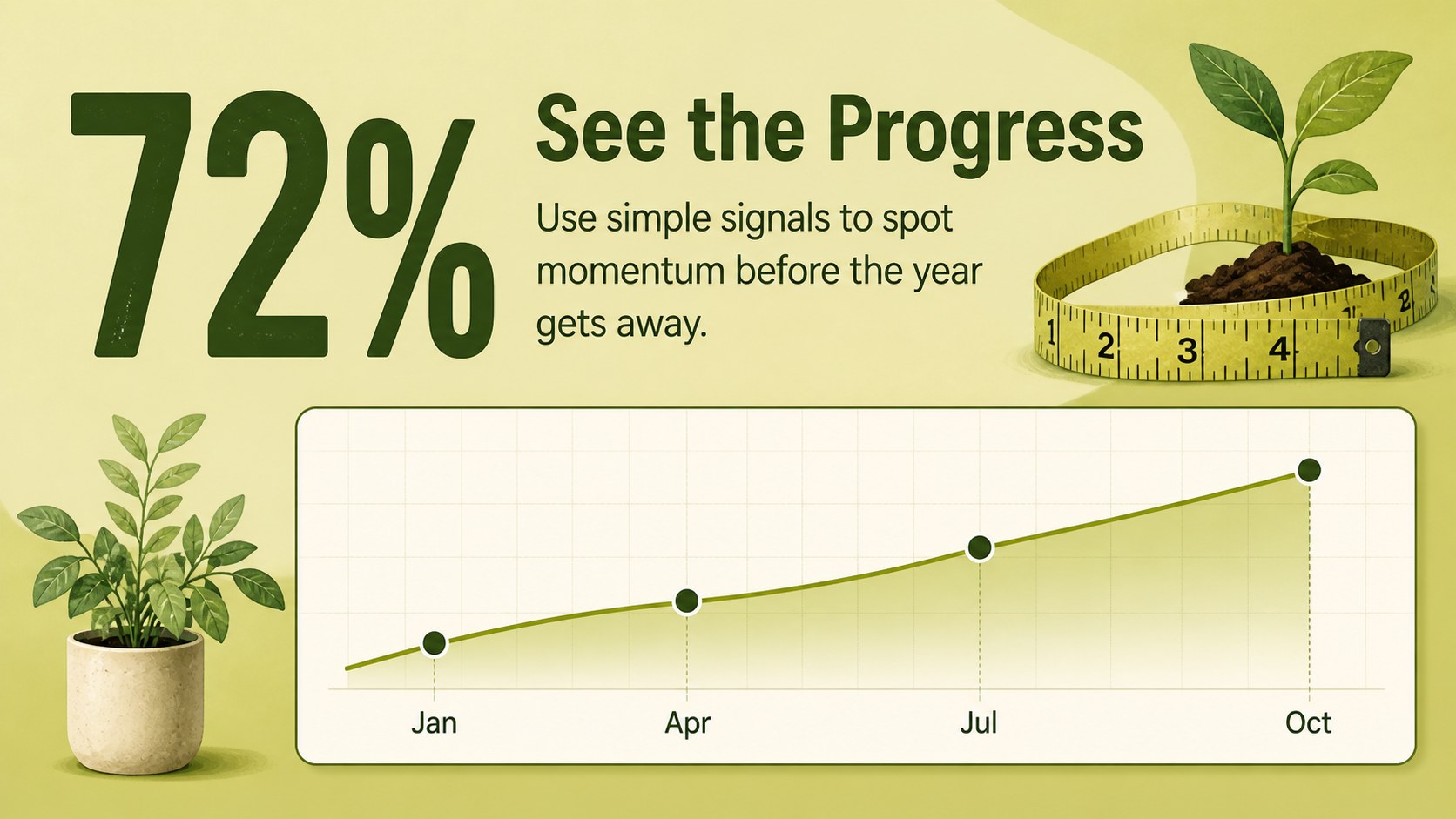
Inside, you’ll find 15 editable 16:9 slides for annual overviews, quarterly priorities, monthly schedules, checklists, milestone tracking, and next-step planning. The flexible layouts can support a yearly business roadmap, a campaign calendar, a school planning cycle, or a personal productivity system. Update text, colors, icons, illustrations, charts, and images using simple drag-and-drop controls. Animation, presenter notes, collaboration tools, and exports for PowerPoint or Google Slides make the deck practical for both solo planning and shared workshops.
This template is designed for startup founders, project managers, marketing teams, teachers, freelancers, and anyone who needs a visual annual schedule. Use it to prepare quarterly reviews, coordinate launch dates, communicate team priorities, or turn broad intentions into an actionable year plan. The design uses Bellota as its primary font and a fresh green palette.
Perfect for: startup annual roadmap; quarterly team planning; marketing campaign schedule; school year planning; personal goal mapping.
Frequently asked questions
Can I edit this planner? Yes. The template is designed for, where you can replace text, adjust colors, move illustrations, and add your own charts or images. Drag-and-drop editing makes it easy to adapt each slide.
Practical details
Yes. The template is designed for, where you can replace text, adjust colors, move illustrations, and add your own charts or images. Drag-and-drop editing makes it easy to adapt each slide.
You can export your completed design from as a PowerPoint file or save it to Google Drive as an editable Google Slides presentation. PDF and image exports are also available for sharing or printing.
Yes. Share the design with coworkers or collaborators so several people can contribute to priorities, dates, and milestones. Presenter notes and animations can also support a planning workshop.
You can change the color palette, font styling, illustrations, icons, charts, photos, and slide order. The 16:9 layouts are flexible enough for business roadmaps, academic schedules, or personal planning.
Keep exploring
15Shape your publishing concept with an indie magazine startup pitch deck featuring pastel gradients, bold collage layouts, and editable planning slides.
 16
16Build clear project stories with the Icon Grid Teamwork Theme, a flexible blue illustrated deck for proposals, strategy updates, and team meetings.
 3
3Turn priorities into an actionable plan with an annual goals roadmap infographic, featuring editable orange and teal layouts for PowerPoint and Google Slides.
 15
15Create an Annual Achievement Report Presentation with colorful geometric layouts for milestones, results, lessons, and priorities in PowerPoint or Google Slides.
 15
15Turn results into a focused annual performance evaluation report with dark 3D slides for KPIs, achievements, feedback, and next-step goals for teams.
 15
15Guide a focused annual recap with Business Results Retrospective Slides, a muted brown-and-blue template for PowerPoint and Google Slides.
 6
6Turn complex plans into clear visual stories with Color-Coded Workflow Path Slides, an editable set for project updates, roadmaps, and team briefings.
 6
6Compare regional performance at a glance with Global Data Heatmap Slides, a clean multicolor deck designed for editable PowerPoint and Google Slides.