
 15
15presentation
Indie Magazine Startup Pitch Deck
Shape your publishing concept with an indie magazine startup pitch deck featuring pastel gradients, bold collage layouts, and editable planning slides.
Google SlidesPowerPoint
presentation · English
Build a clear workplace rewards presentation for onboarding, recruiting, and team updates with editable PowerPoint and Google Slides layouts in a fresh…


Design notes
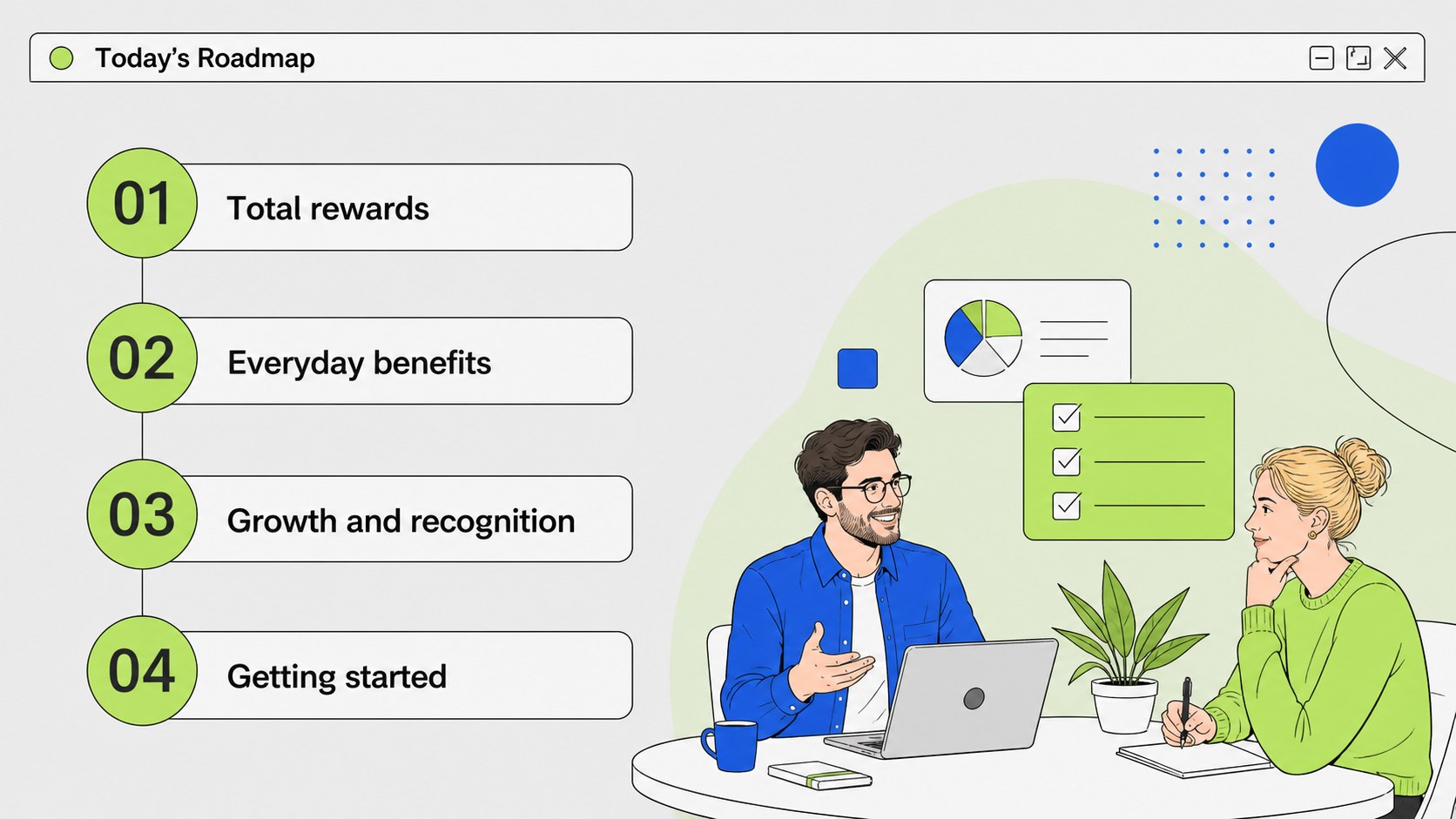
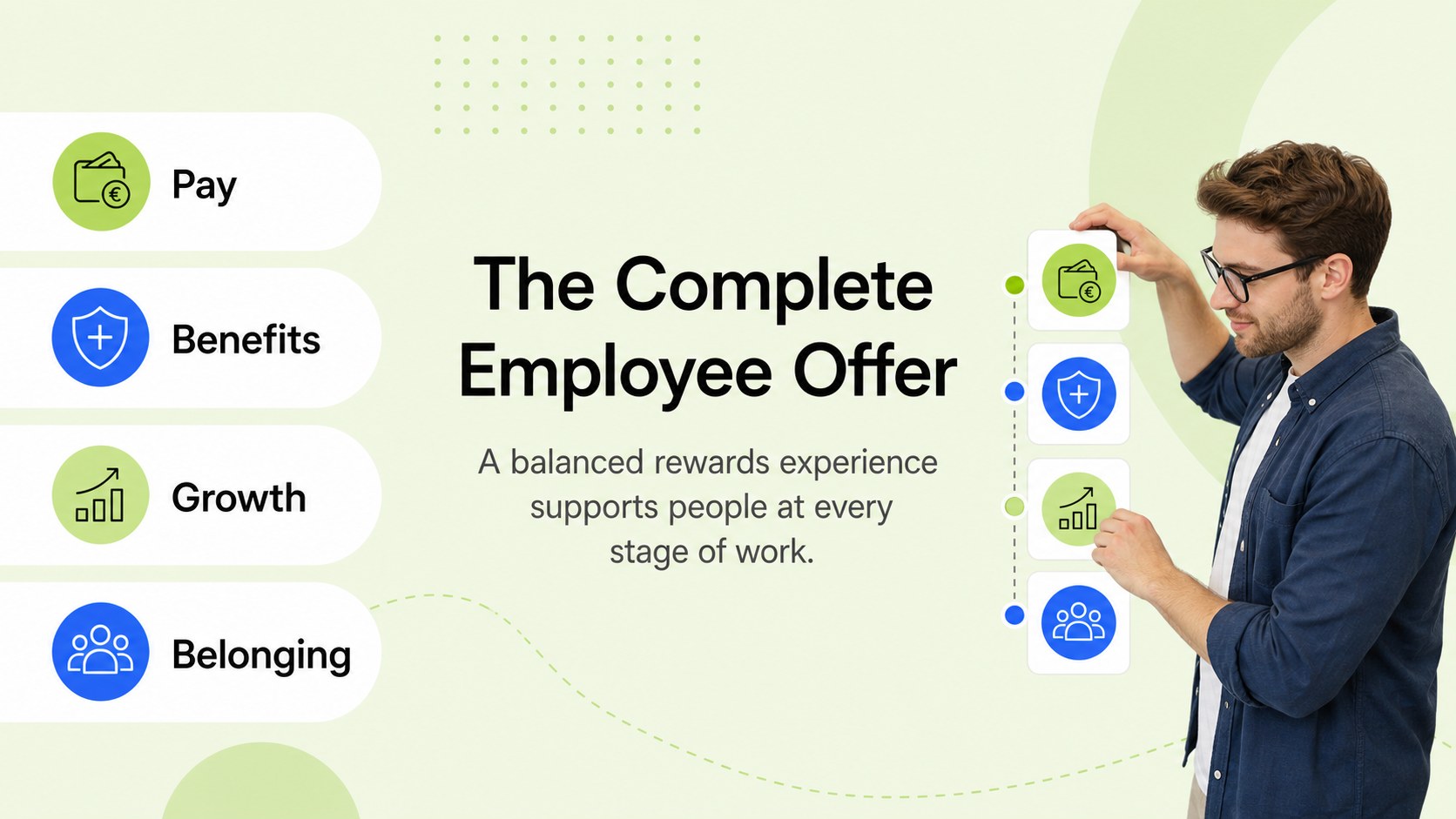
Make compensation and perks easier to understand with this workplace rewards presentation, created for HR teams, people managers, recruiters, and business leaders. Its modern illustrative style combines white space with grey, blue, and green accents to give policy-heavy information a more approachable, organized feel.
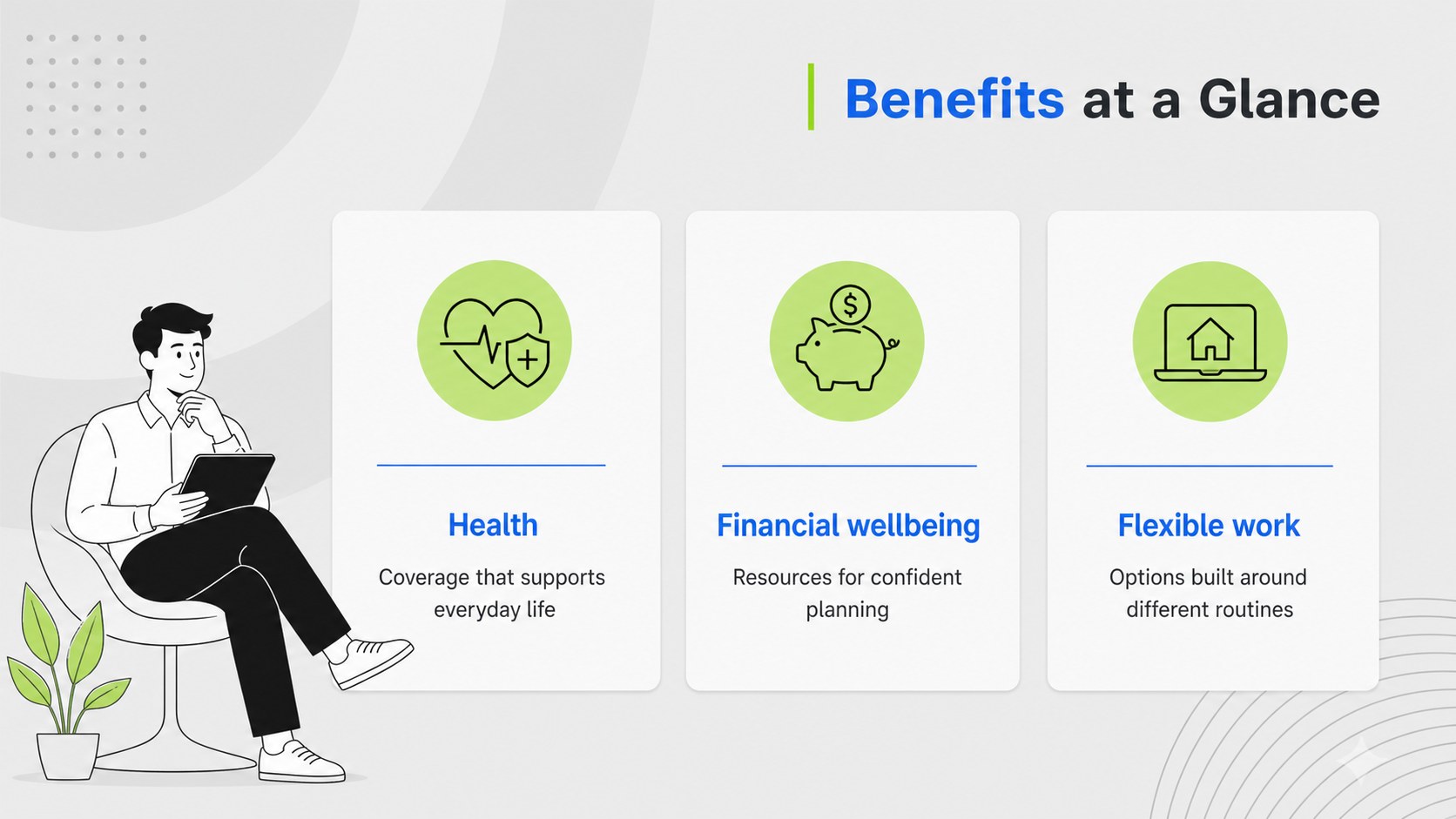
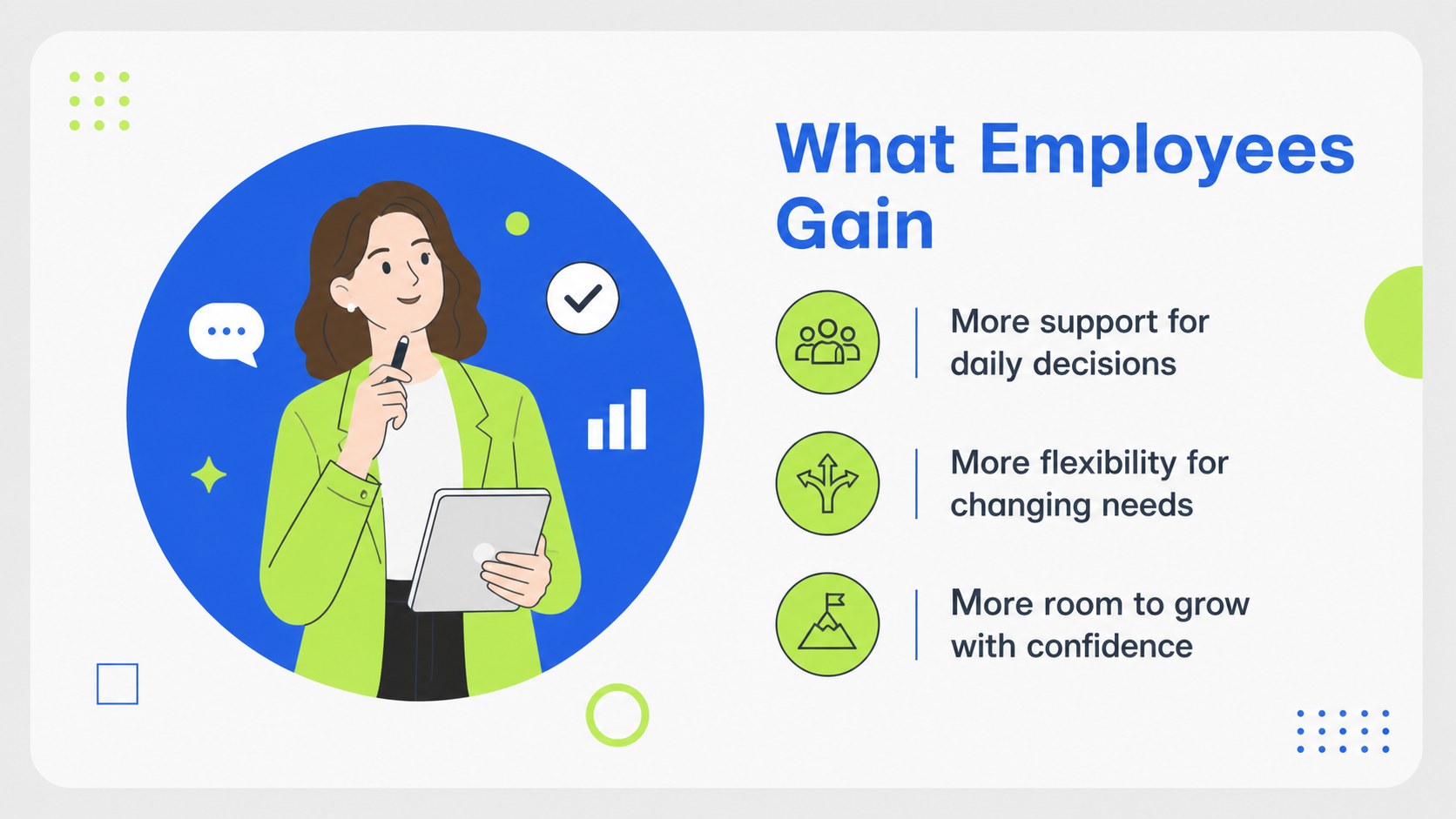
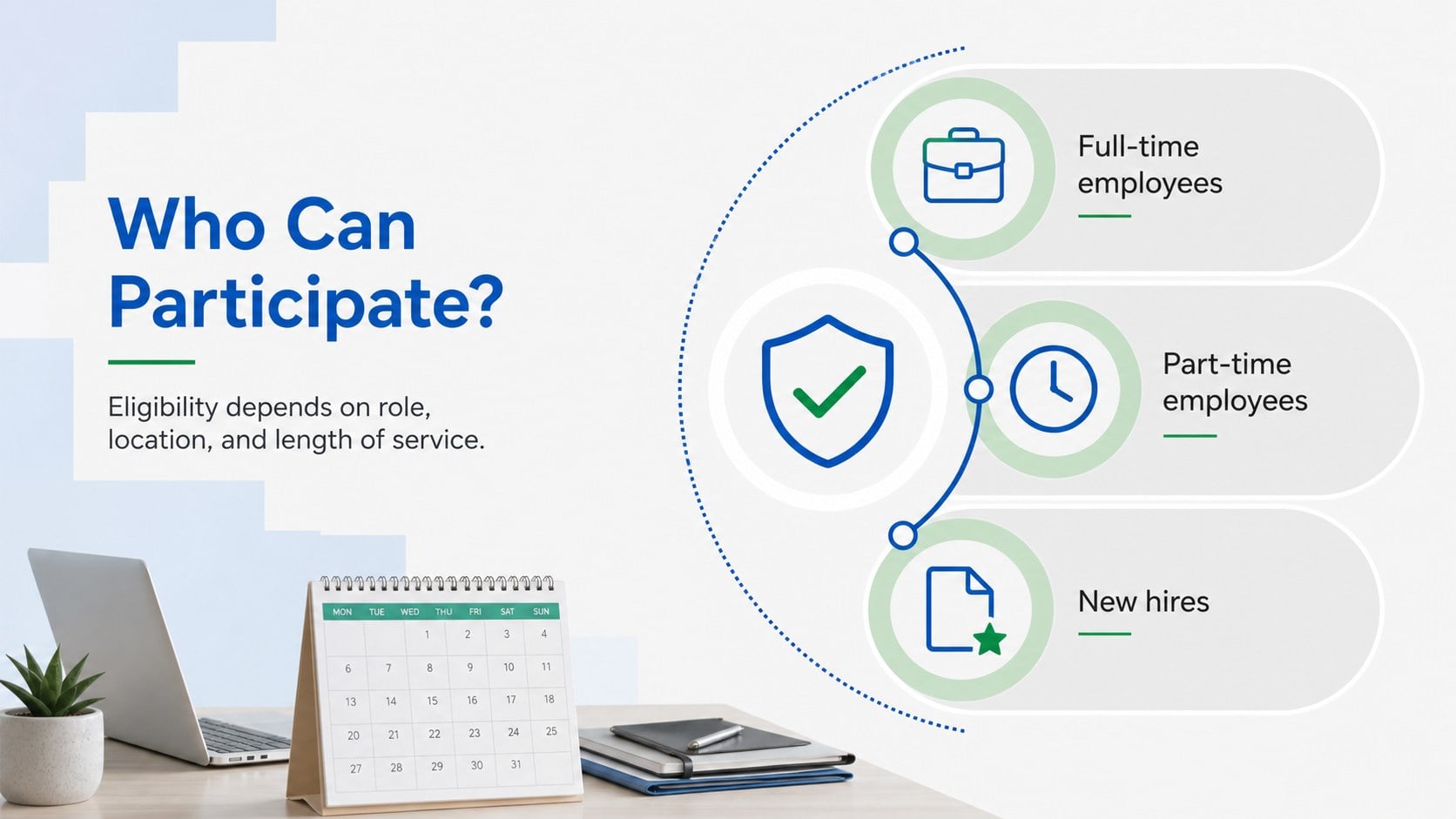
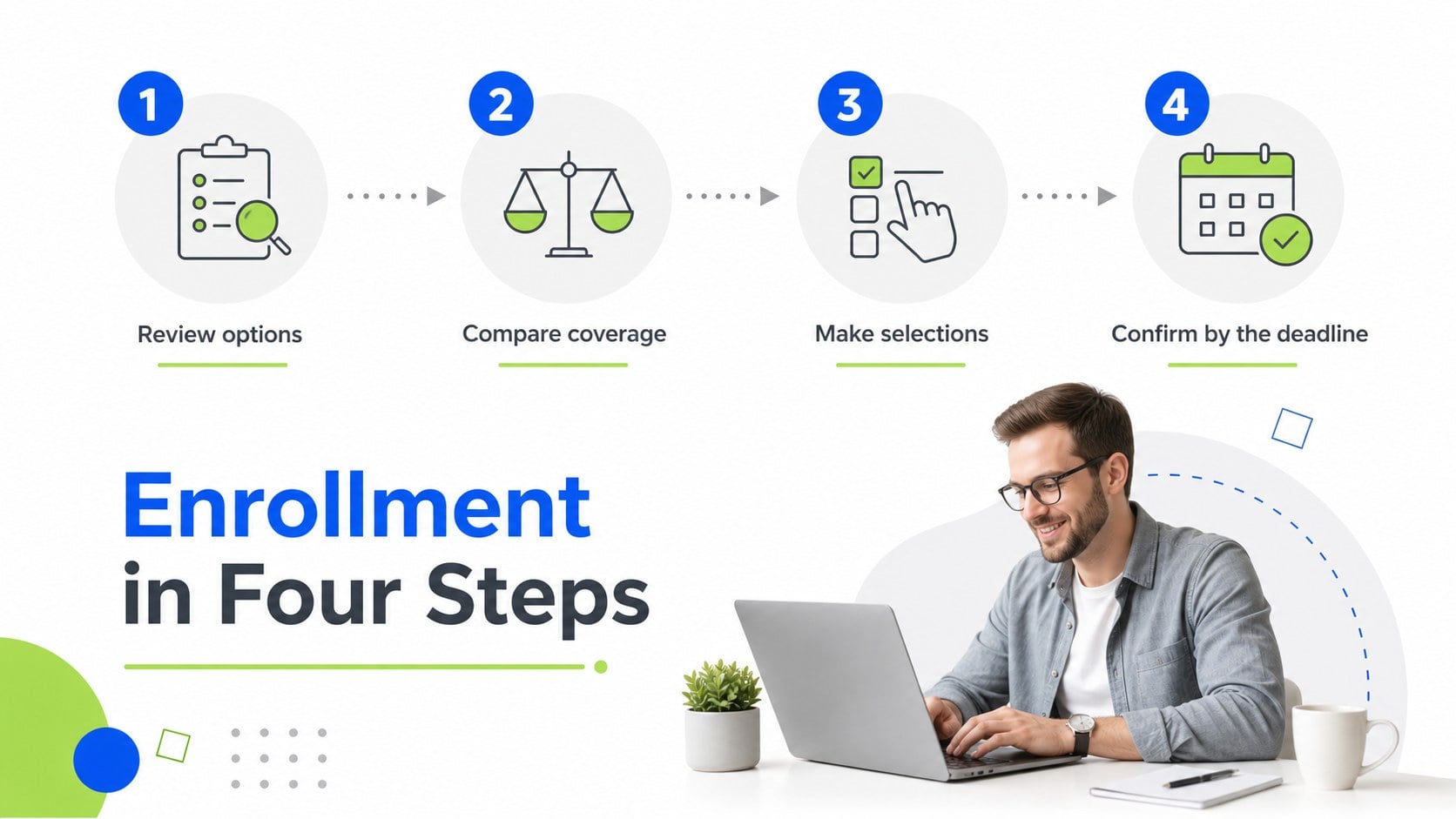
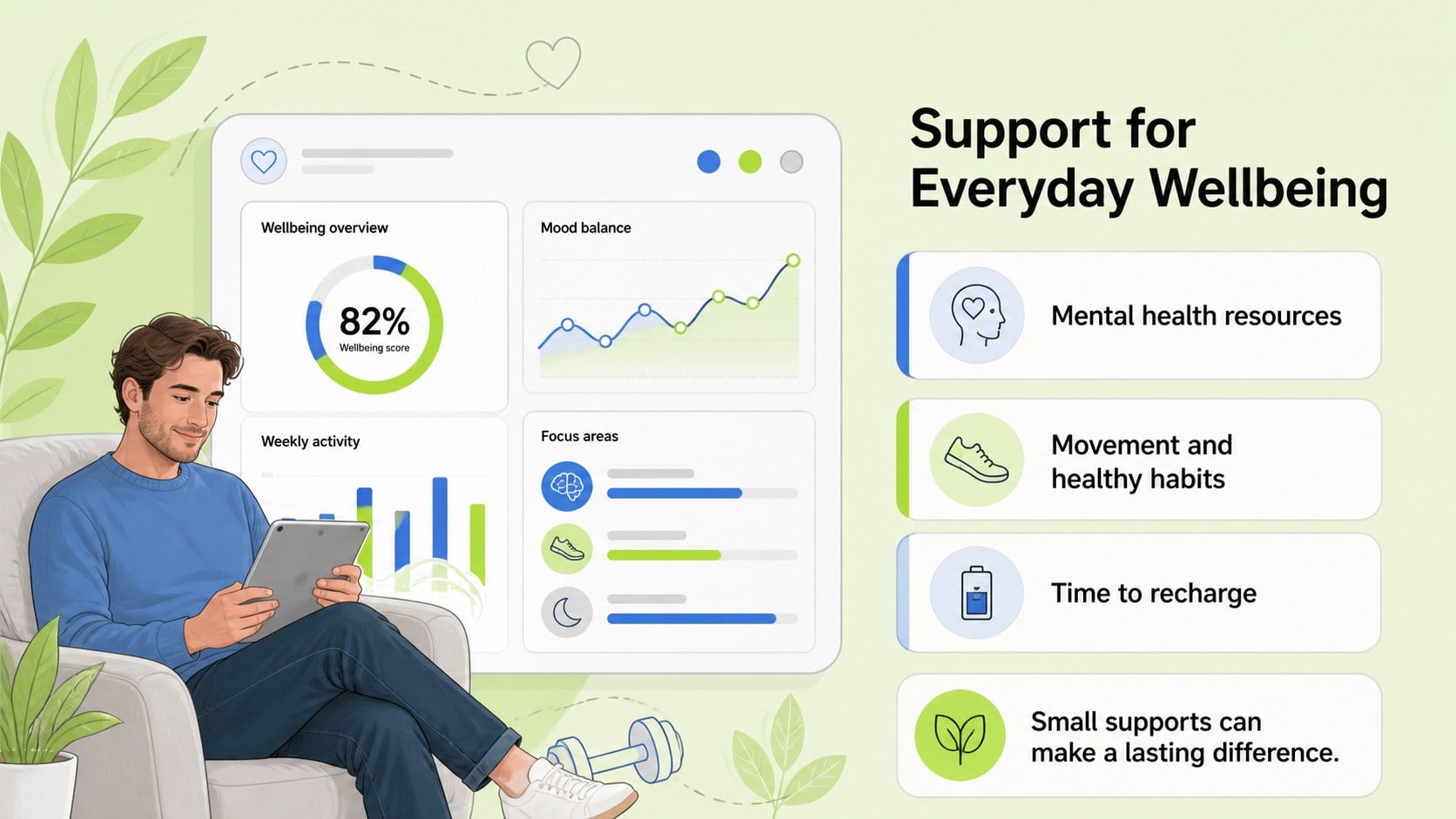
The 15-slide deck includes a cover, agenda, total rewards overview, benefits comparison, employee value highlights, eligibility details, enrollment steps, wellness initiatives, professional development options, recognition programs, data visualizations, implementation timeline, FAQ, and closing summary. Edit the text, charts, icons, and illustrations in PowerPoint or Google Slides to match your organization’s policies and visual identity.
Use this template for new-hire orientation, annual benefits briefings, recruiting presentations, manager toolkits, or employee engagement meetings. The layouts support concise explanations, side-by-side comparisons, process diagrams, and measurable outcomes, helping audiences quickly see what is available and how to access it. A workplace rewards presentation can also turn complex HR information into a consistent communication asset for distributed teams and recurring people-operations campaigns.
Perfect for: new-hire benefits orientation; annual benefits briefing; recruiting and employer branding; employee engagement meeting; manager HR toolkit; wellness program launch.
Frequently asked questions
Can I edit this deck in PowerPoint? Yes. The template is designed for PowerPoint editing, including text, colors, charts, shapes, and illustrations. Replace the sample policy details with your organization’s approved information.
Practical details
Yes. The template is designed for PowerPoint editing, including text, colors, charts, shapes, and illustrations. Replace the sample policy details with your organization’s approved information.
Yes, you can open and edit the presentation in Google Slides. Review fonts, spacing, and chart formatting after import so the final deck matches your preferred presentation setup.
Yes. Adjust the theme colors to align with your employer brand while preserving the grey and white foundation. You can also swap illustrations, icons, and chart data for content relevant to your workforce.
Gather benefit eligibility rules, enrollment dates, contribution details, wellness resources, recognition programs, and contact information for HR support. Use verified internal sources so employees receive accurate guidance.
Keep exploring
15Shape your publishing concept with an indie magazine startup pitch deck featuring pastel gradients, bold collage layouts, and editable planning slides.
 16
16Build clear project stories with the Icon Grid Teamwork Theme, a flexible blue illustrated deck for proposals, strategy updates, and team meetings.
 3
3Turn priorities into an actionable plan with an annual goals roadmap infographic, featuring editable orange and teal layouts for PowerPoint and Google Slides.
 15
15Create an Annual Achievement Report Presentation with colorful geometric layouts for milestones, results, lessons, and priorities in PowerPoint or Google Slides.
 15
15Turn results into a focused annual performance evaluation report with dark 3D slides for KPIs, achievements, feedback, and next-step goals for teams.
 15
15Guide a focused annual recap with Business Results Retrospective Slides, a muted brown-and-blue template for PowerPoint and Google Slides.
 6
6Turn complex plans into clear visual stories with Color-Coded Workflow Path Slides, an editable set for project updates, roadmaps, and team briefings.
 6
6Compare regional performance at a glance with Global Data Heatmap Slides, a clean multicolor deck designed for editable PowerPoint and Google Slides.