
 15
15presentation
Indie Magazine Startup Pitch Deck
Shape your publishing concept with an indie magazine startup pitch deck featuring pastel gradients, bold collage layouts, and editable planning slides.
Google SlidesPowerPoint
presentation · English
Plan productive group sessions with Workplace Connection Session Slides, featuring editable gray geometric layouts for PowerPoint and Google Slides.
Design notes
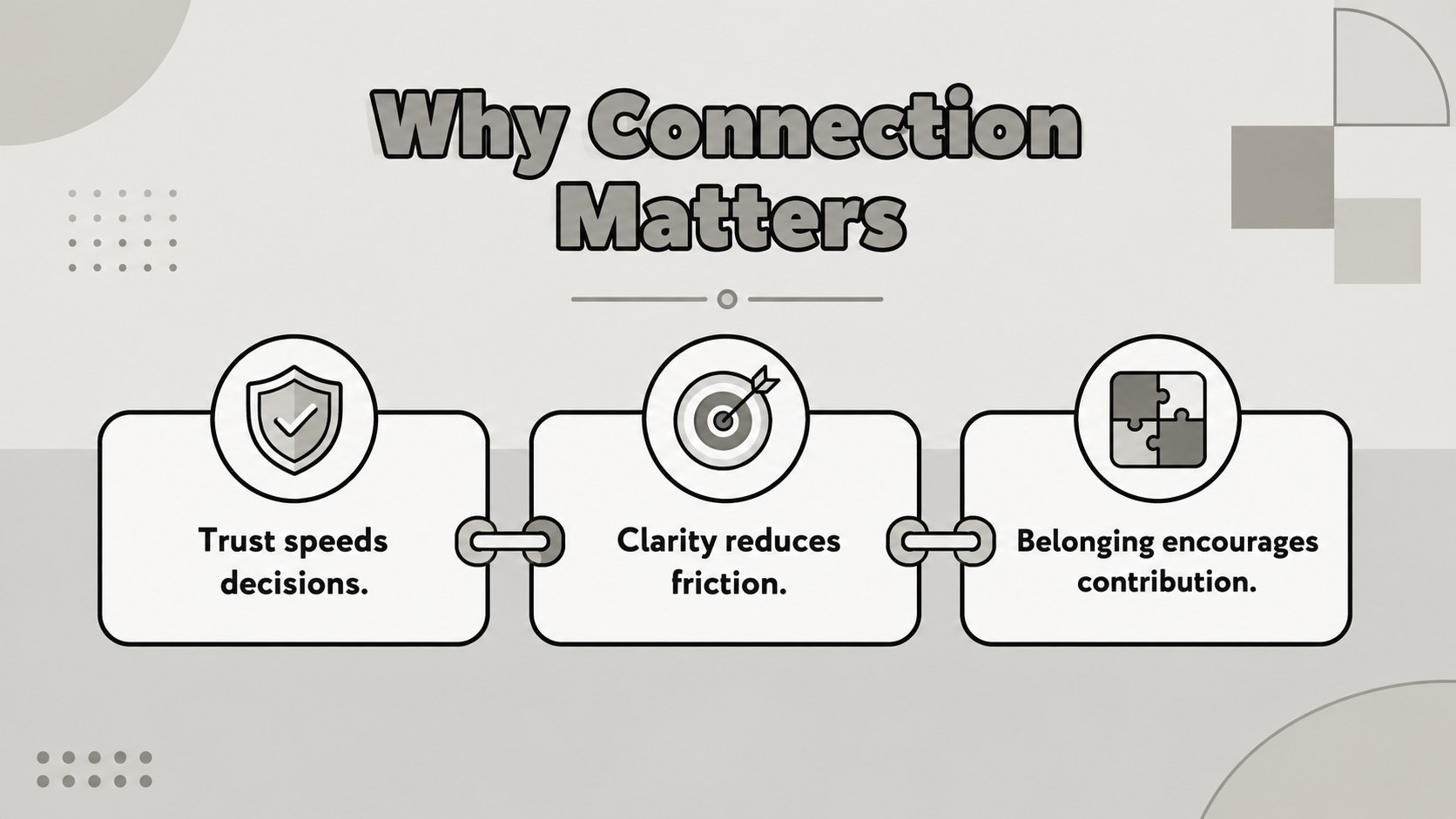
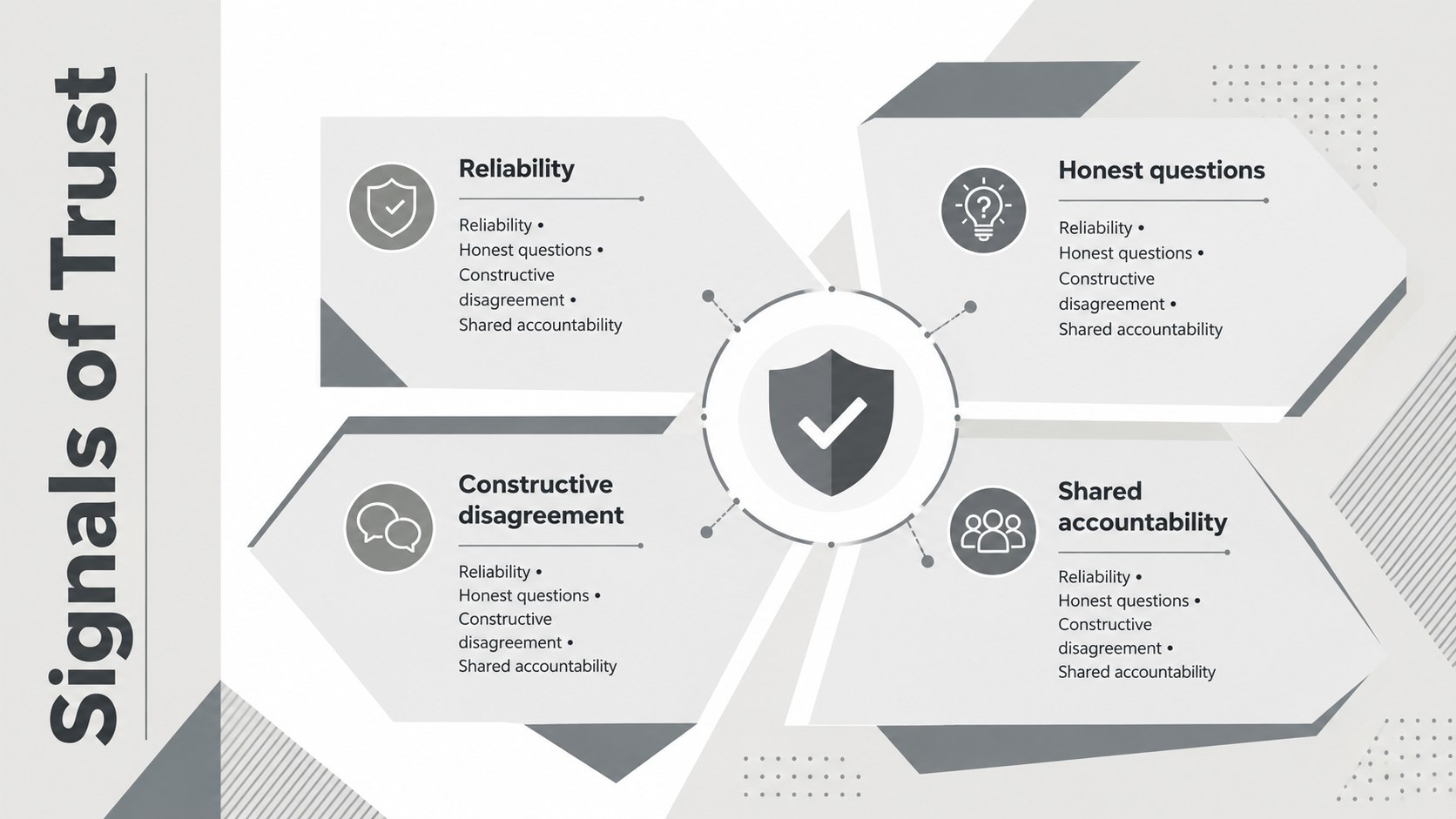
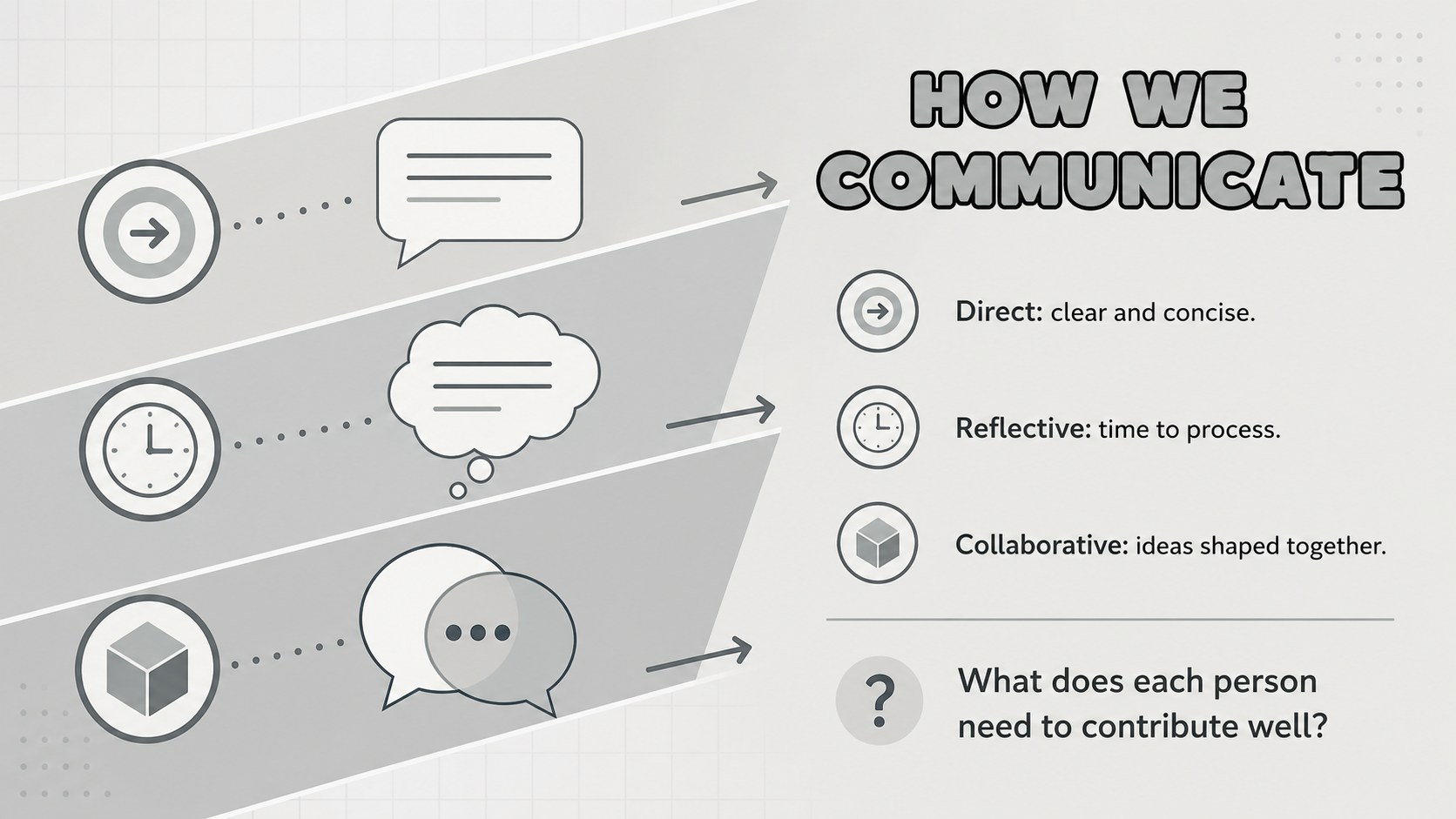
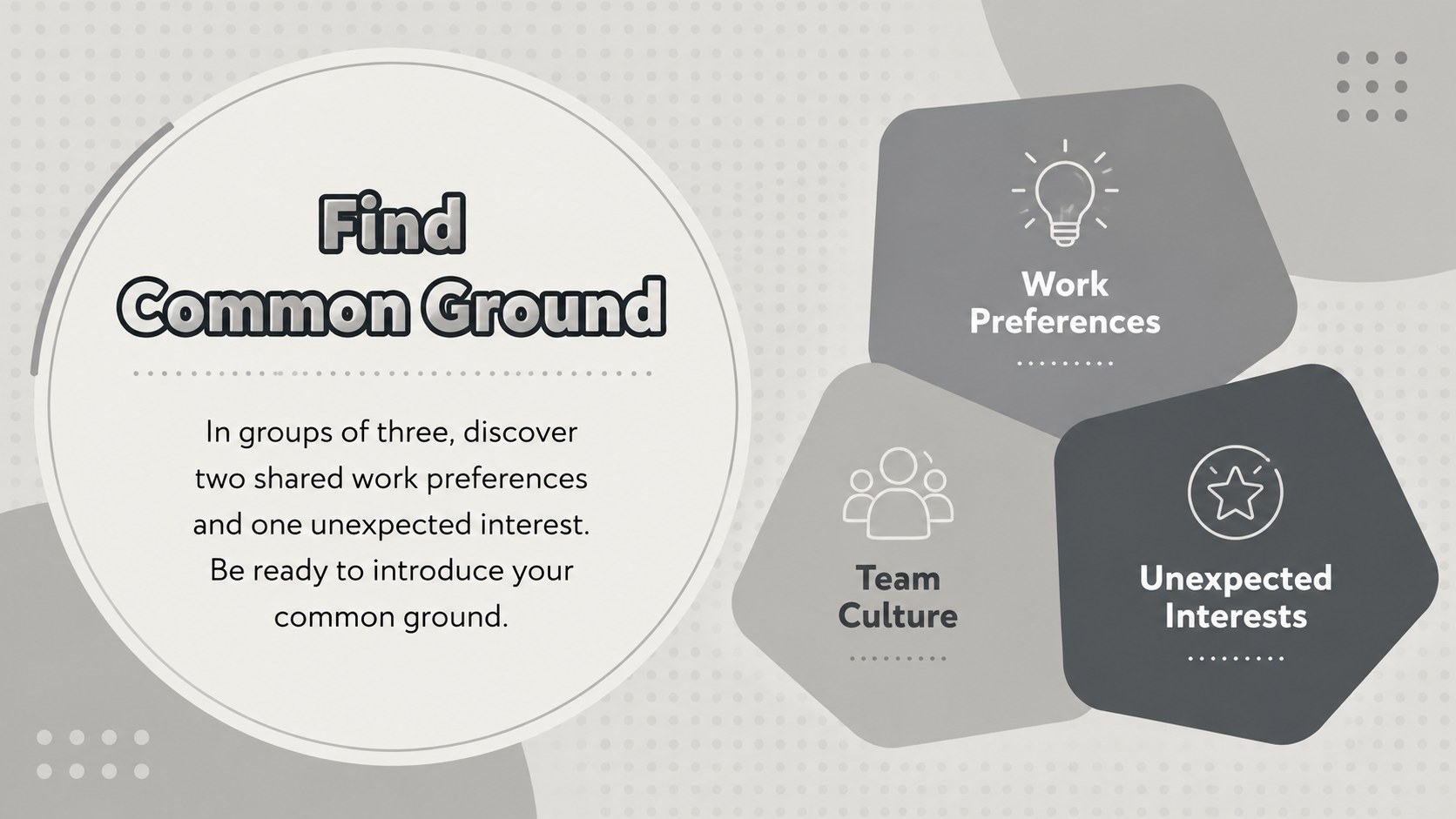
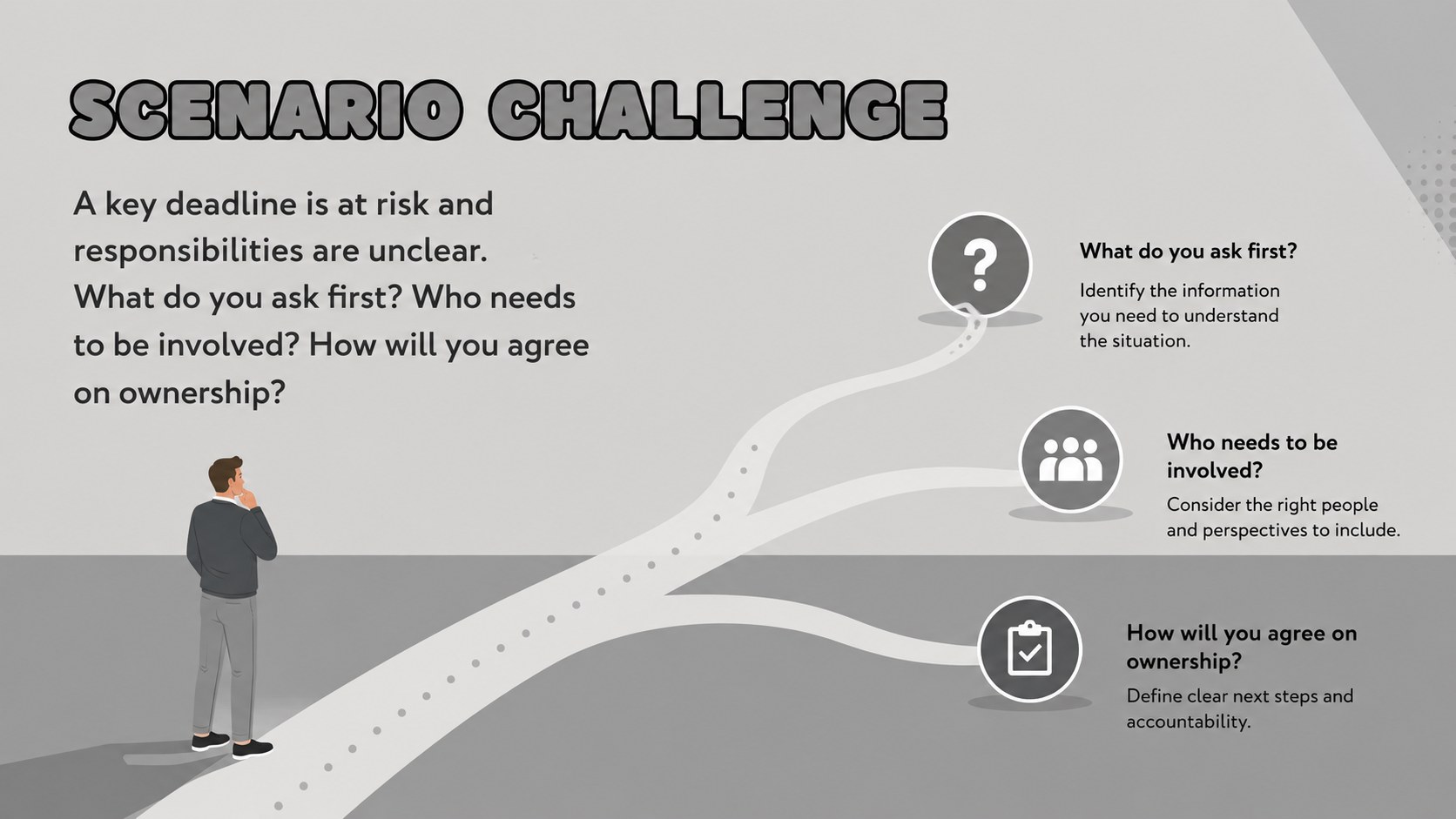
Turn group discussions into meaningful progress with Workplace Connection Session Slides, a practical deck for strengthening trust, communication, and shared responsibility. The restrained gray palette, geometric accents, and original illustrations create a professional setting that feels approachable without distracting from the conversation.
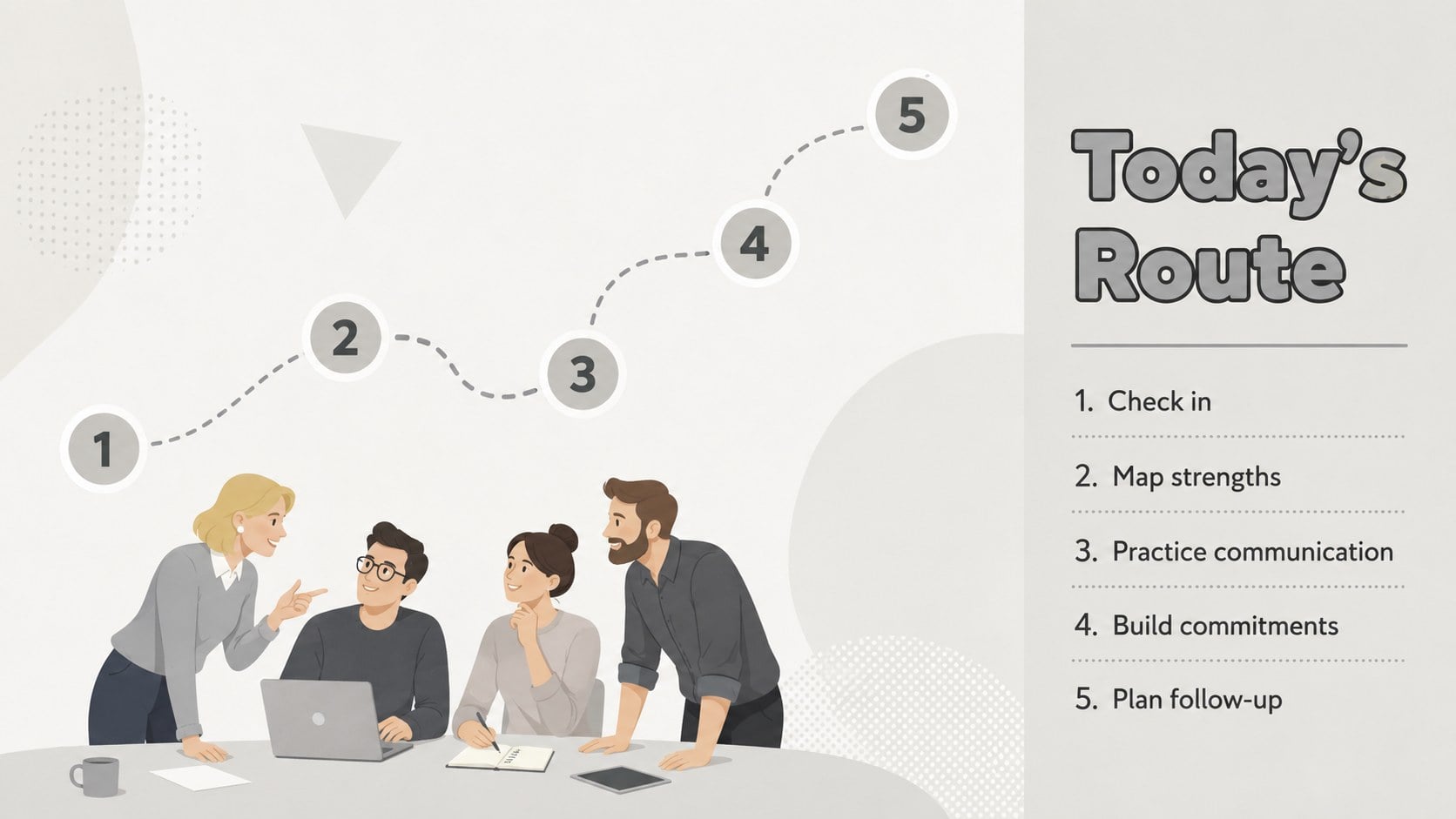
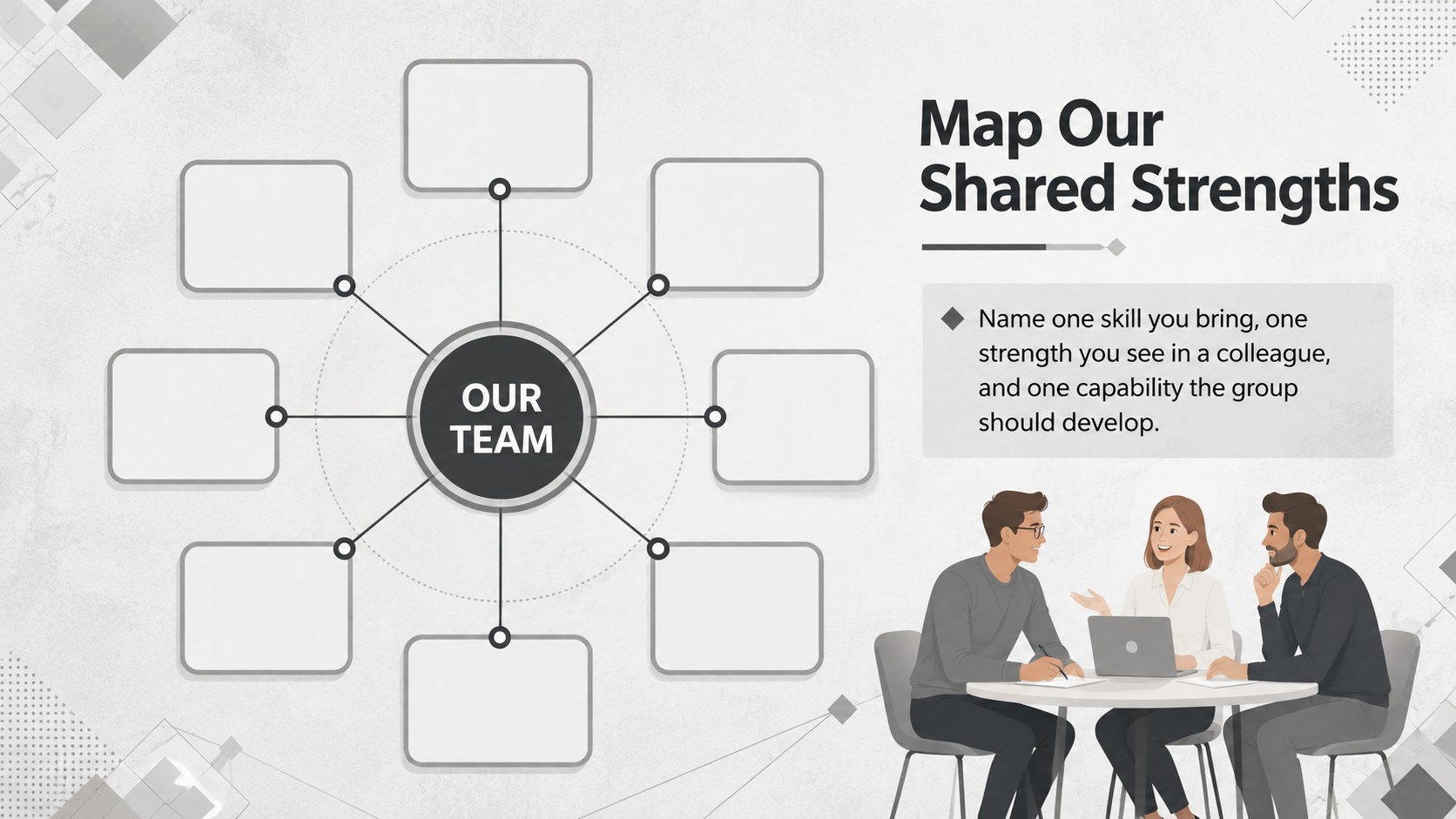
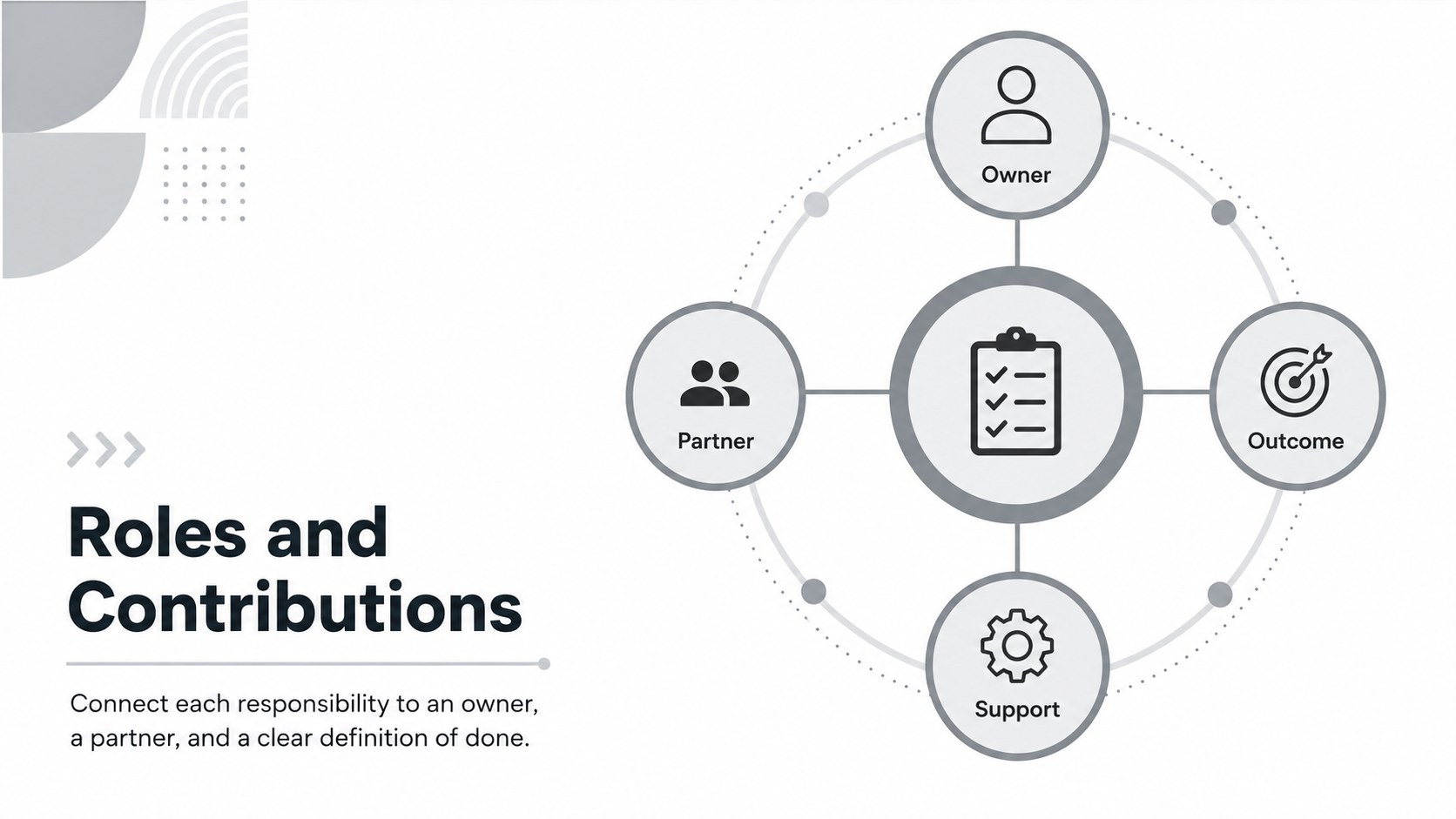
The deck includes an opening agenda, team pulse check, strengths mapping, communication prompts, trust exercises, scenario challenges, role discussions, feedback activities, commitment planning, and a 30-day follow-up timeline. Use the editable team bonding presentation to introduce each activity, capture observations, compare viewpoints, and translate discussion into specific next steps. A workplace trust building slide deck also helps facilitators maintain a clear pace while giving participants enough space to reflect and contribute.
These slides are designed for HR teams, department managers, learning and development specialists, project leads, and independent facilitators. They work well for onboarding groups, reconnecting hybrid teams, improving cross-functional relationships, or resetting expectations after organizational change. Customize the wording, activity timing, diagrams, and illustrations in PowerPoint or Google Slides to match your organization. Whether you need corporate group activity slides for a focused one-hour session or a longer development program, the flexible layouts support both guided conversation and collaborative exercises.
Perfect for: hybrid team reconnection session; new department onboarding; cross-functional trust workshop; staff communication reset; project team kickoff.
Frequently asked questions
Can I edit every part of the presentation? Yes. You can change the text, colors, fonts, shapes, diagrams, and activity instructions to suit your team and session goals.
Practical details
Yes. You can change the text, colors, fonts, shapes, diagrams, and activity instructions to suit your team and session goals.
The template is designed for Microsoft PowerPoint and Google Slides. Open the appropriate file version and edit it with the standard tools available on either platform.
Yes. Replace room-based directions with breakout-room prompts, digital polls, or shared-document tasks while keeping the same discussion structure.
A focused selection of activities can fill a 45- to 60-minute meeting. Using the full sequence with discussion and reflection can support a half-day session.
Keep exploring
15Shape your publishing concept with an indie magazine startup pitch deck featuring pastel gradients, bold collage layouts, and editable planning slides.
 16
16Build clear project stories with the Icon Grid Teamwork Theme, a flexible blue illustrated deck for proposals, strategy updates, and team meetings.
 3
3Turn priorities into an actionable plan with an annual goals roadmap infographic, featuring editable orange and teal layouts for PowerPoint and Google Slides.
 15
15Create an Annual Achievement Report Presentation with colorful geometric layouts for milestones, results, lessons, and priorities in PowerPoint or Google Slides.
 15
15Turn results into a focused annual performance evaluation report with dark 3D slides for KPIs, achievements, feedback, and next-step goals for teams.
 15
15Guide a focused annual recap with Business Results Retrospective Slides, a muted brown-and-blue template for PowerPoint and Google Slides.
 6
6Turn complex plans into clear visual stories with Color-Coded Workflow Path Slides, an editable set for project updates, roadmaps, and team briefings.
 6
6Compare regional performance at a glance with Global Data Heatmap Slides, a clean multicolor deck designed for editable PowerPoint and Google Slides.