
 15
15presentation
Indie Magazine Startup Pitch Deck
Shape your publishing concept with an indie magazine startup pitch deck featuring pastel gradients, bold collage layouts, and editable planning slides.
Google SlidesPowerPoint
presentation · English
Build clearer team conversations with the Workplace Choice Flowchart Toolkit, a playful beige, blue, and purple deck for mapping options and outcomes.
Design notes
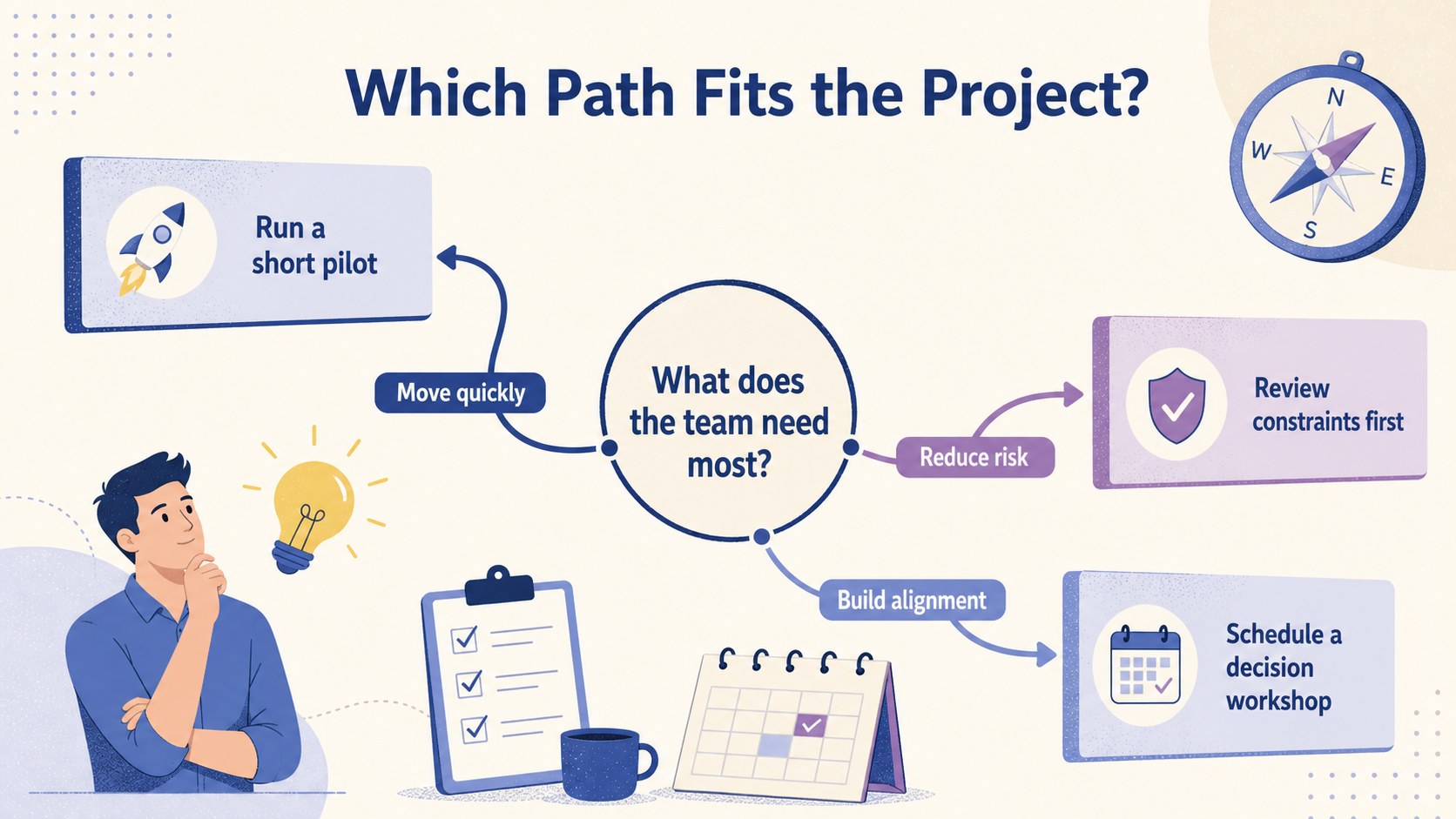
The Workplace Choice Flowchart Toolkit helps teams organize decisions without crowding the conversation with dense text. Its approachable illustrated style combines beige, blue, and purple with clean connectors, branching paths, and concise labels. Use it to present alternatives, clarify consequences, and guide colleagues from an initial question to a practical next step.
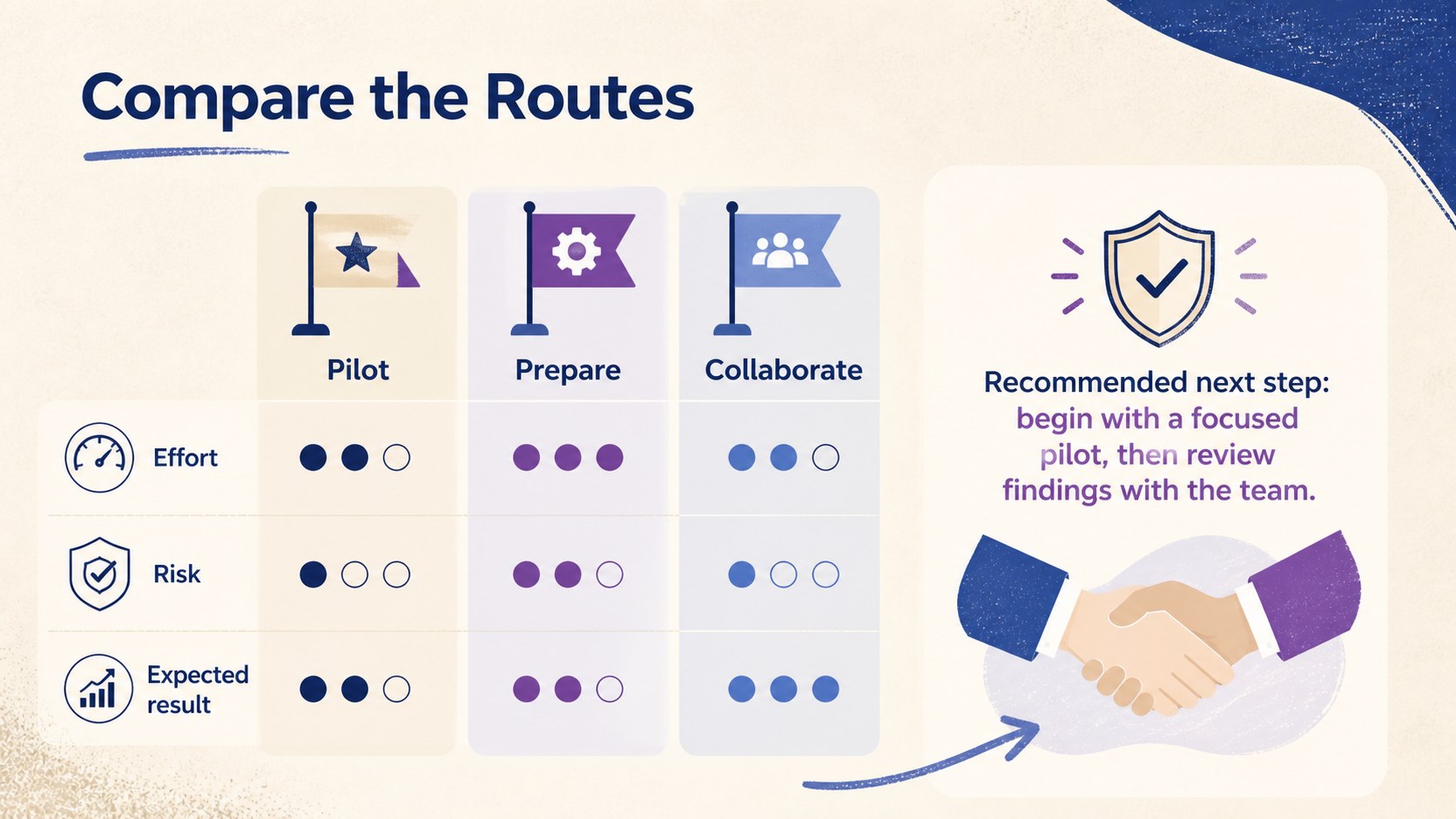
Inside, you will find three coordinated layouts for building a team decision flowchart, reviewing possible routes, and summarizing a final recommendation. Each slide can be adapted with your own questions, conditions, outcomes, colors, and supporting notes. The flexible structure also works as an editable decision diagram slides set for project planning, operational reviews, and workshop activities. Shapes and text remain easy to customize in PowerPoint and Google Slides.
This business choice mapping template is designed for project managers, team leads, consultants, operations specialists, and facilitators who need to make branching information understandable at a glance. Apply it during planning meetings, process discussions, risk reviews, training sessions, or stakeholder briefings. The playful visuals keep the material accessible, while the orderly flowchart structure gives important choices enough clarity for productive discussion and confident follow-through.
Perfect for: project pathway review; team planning workshop; operational decision meeting; risk response discussion; stakeholder options briefing.
Frequently asked questions
Can I edit every branch and label in the flowcharts? Yes. You can replace the questions, option labels, connectors, and outcomes with your own content. Shapes and colors can also be adjusted to match your workflow or organization.
Practical details
Yes. You can replace the questions, option labels, connectors, and outcomes with your own content. Shapes and colors can also be adjusted to match your workflow or organization.
The slides are designed for PowerPoint and Google Slides. Core text, shape, and layout editing is available in both platforms.
Yes. Duplicate existing nodes and connectors to extend a pathway while maintaining the visual style. For complex decisions, spread additional branches across multiple slides to preserve readability.
Yes. The beige, blue, and purple palette can be replaced with brand colors or contrast-focused alternatives. Keep branch colors consistent so viewers can follow each route easily.
Keep exploring
15Shape your publishing concept with an indie magazine startup pitch deck featuring pastel gradients, bold collage layouts, and editable planning slides.
 16
16Build clear project stories with the Icon Grid Teamwork Theme, a flexible blue illustrated deck for proposals, strategy updates, and team meetings.
 3
3Turn priorities into an actionable plan with an annual goals roadmap infographic, featuring editable orange and teal layouts for PowerPoint and Google Slides.
 15
15Create an Annual Achievement Report Presentation with colorful geometric layouts for milestones, results, lessons, and priorities in PowerPoint or Google Slides.
 15
15Turn results into a focused annual performance evaluation report with dark 3D slides for KPIs, achievements, feedback, and next-step goals for teams.
 15
15Guide a focused annual recap with Business Results Retrospective Slides, a muted brown-and-blue template for PowerPoint and Google Slides.
 6
6Turn complex plans into clear visual stories with Color-Coded Workflow Path Slides, an editable set for project updates, roadmaps, and team briefings.
 6
6Compare regional performance at a glance with Global Data Heatmap Slides, a clean multicolor deck designed for editable PowerPoint and Google Slides.