
 15
15presentation
Indie Magazine Startup Pitch Deck
Shape your publishing concept with an indie magazine startup pitch deck featuring pastel gradients, bold collage layouts, and editable planning slides.
Google SlidesPowerPoint
document · English
Use workforce monthly reporting slides to turn recurring people data into clear decisions, with polished layouts for PowerPoint and Google Slides.

Design notes
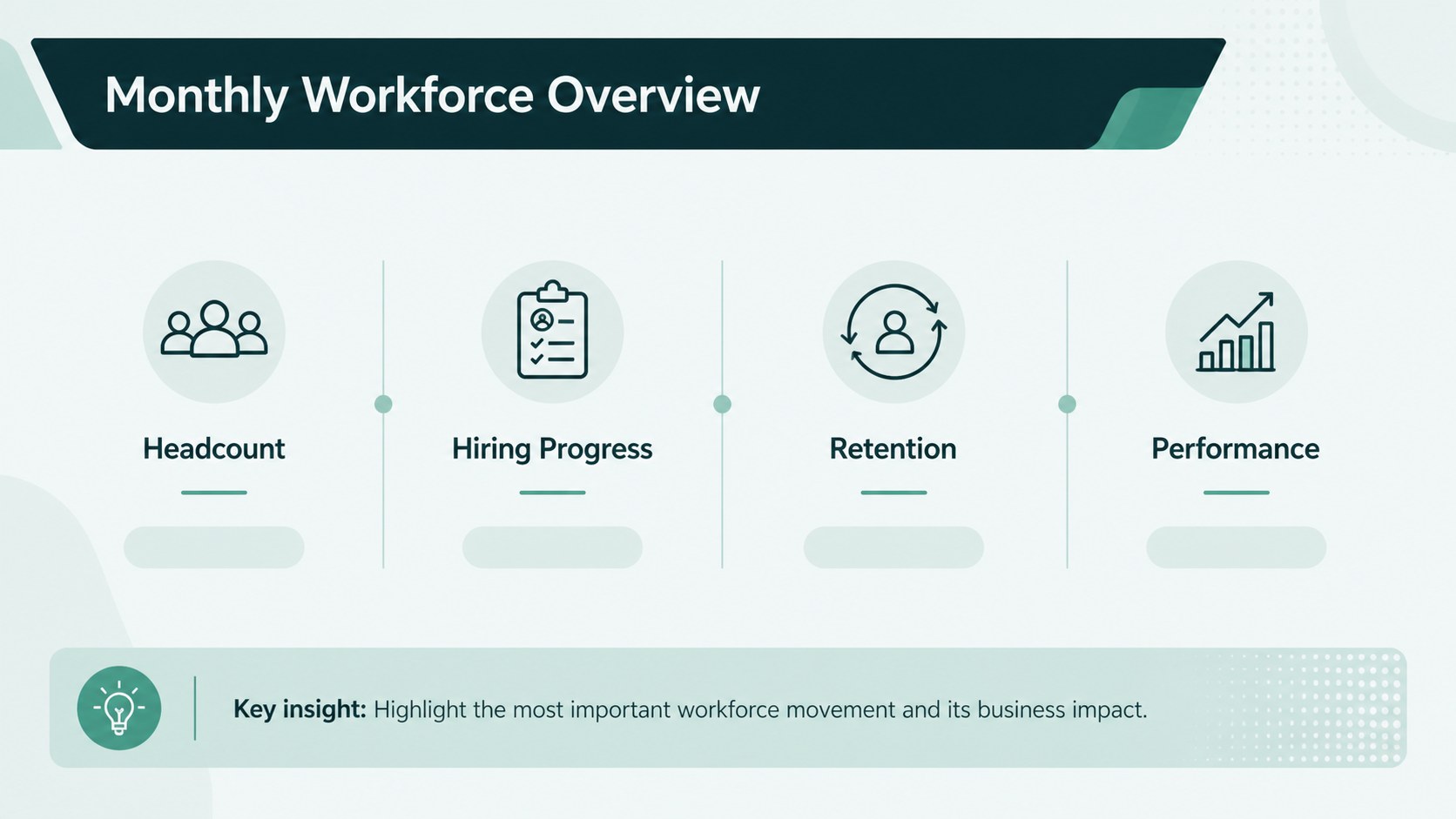
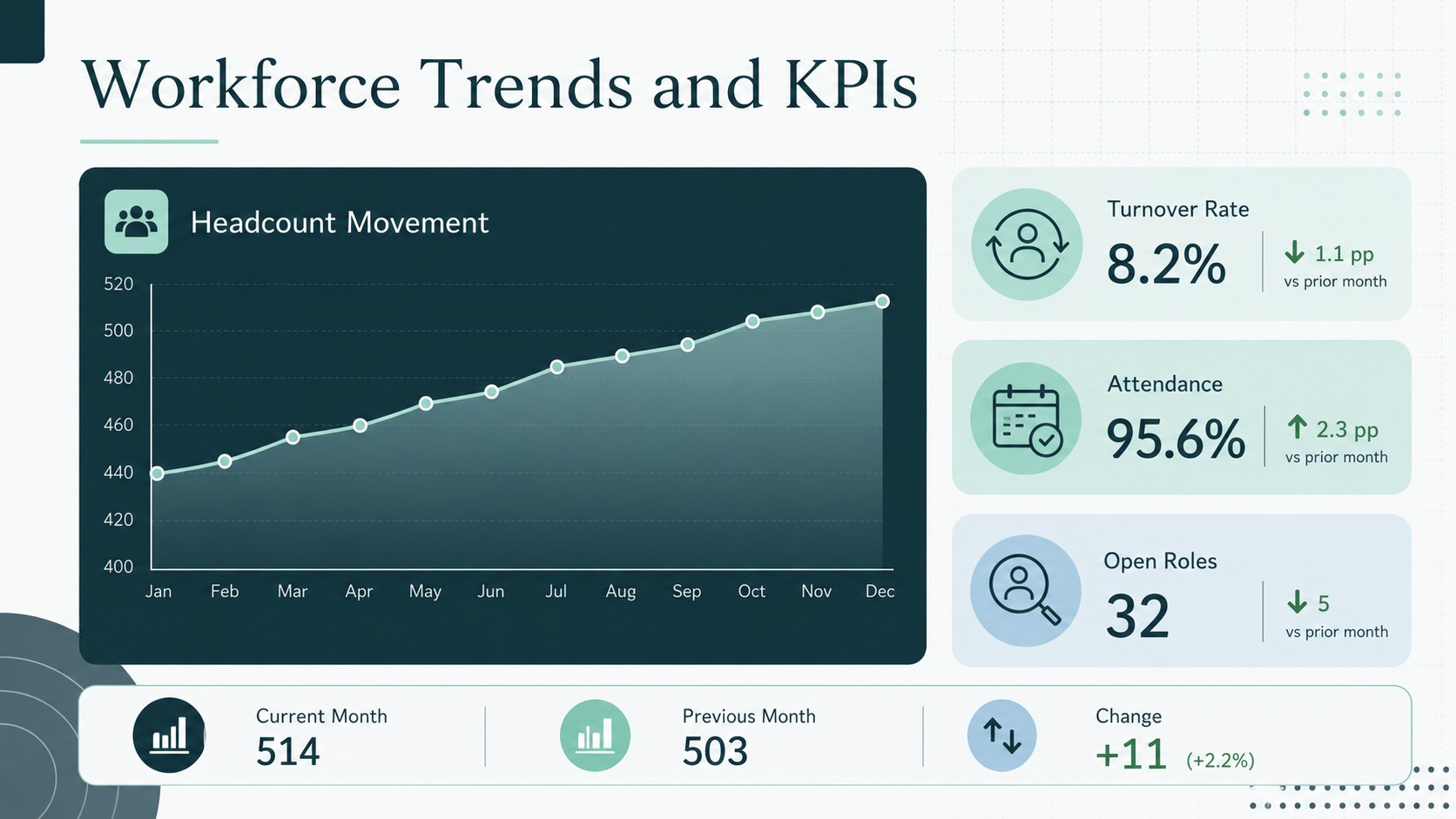
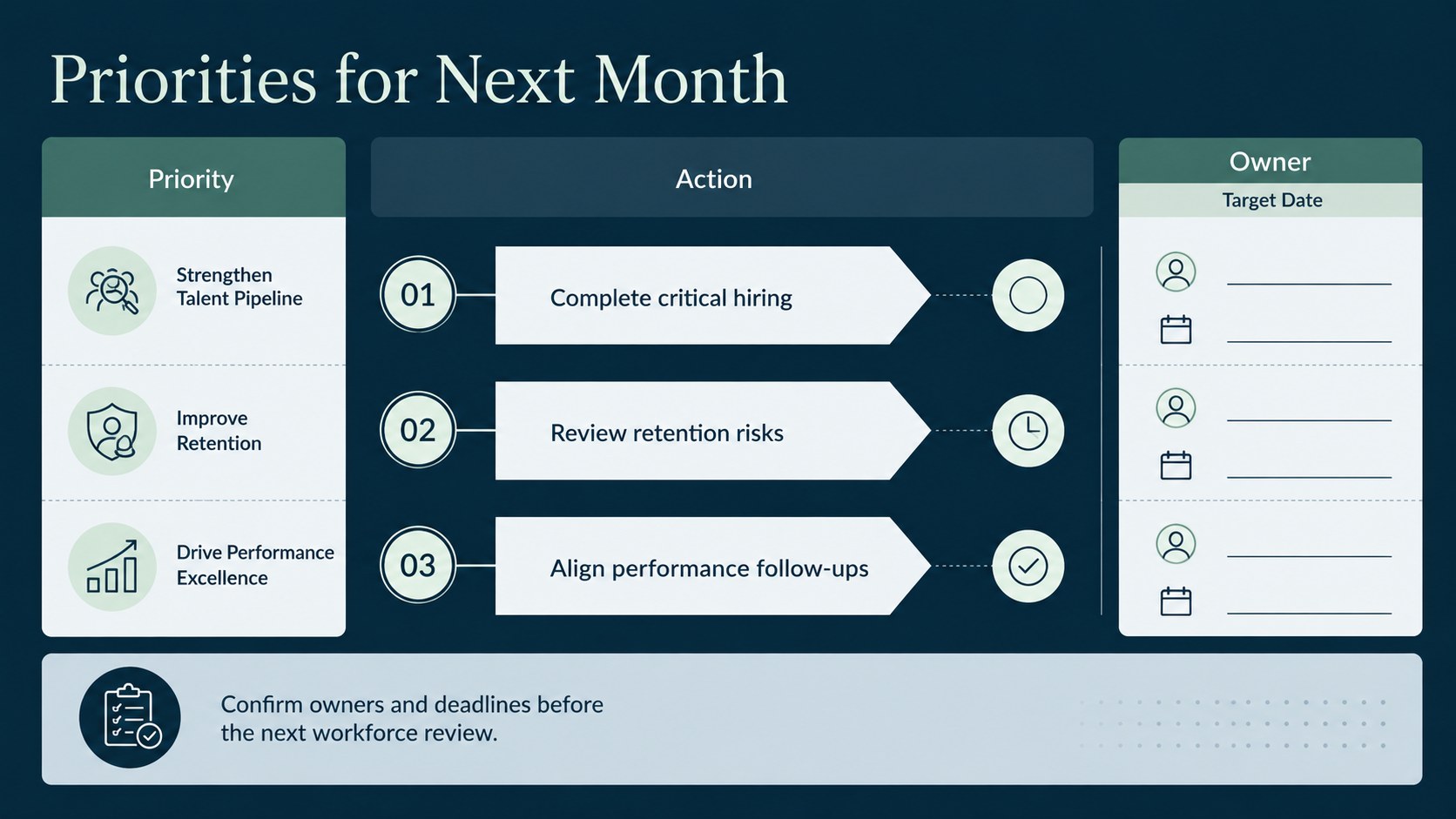
Turn recurring workforce updates into a focused story with these workforce monthly reporting slides. Calm blue and green accents create a polished corporate style, while clearly structured layouts help teams move from raw figures to practical decisions. Use the deck to present staffing changes, recruitment progress, attendance patterns, employee performance, retention signals, and priorities for the coming month.
Inside, you will find a concise executive overview, an HR KPI dashboard slides layout, space for monthly workforce analytics presentation charts, and an action-planning page for owners and deadlines. Tables, callouts, comparison blocks, and chart areas can be adapted to match your organization’s reporting process. Replace the sample metrics, adjust colors and typography, or add department-specific sections without disrupting the visual hierarchy.
Designed for HR managers, people operations teams, department leads, and business partners, this employee performance reporting template works well for leadership briefings, management meetings, board updates, and internal planning sessions. The restrained design keeps attention on trends, context, risks, and next steps rather than decoration. Edit the complete deck in PowerPoint or Google Slides, then reuse it each month to build a consistent reporting rhythm and make workforce developments easier for decision-makers to understand.
Perfect for: monthly leadership workforce review; HR KPI briefing; recruitment progress update; employee performance summary; staffing trends analysis; people operations planning.
Frequently asked questions
Can I edit these workforce reporting slides in PowerPoint? Yes. Every text block, chart area, table, color, and visual element can be adjusted in PowerPoint to reflect your workforce data and brand guidelines.
Practical details
Yes. Every text block, chart area, table, color, and visual element can be adjusted in PowerPoint to reflect your workforce data and brand guidelines.
Yes. Open the deck in Google Slides to edit the sample metrics, collaborate with colleagues, and present directly from your browser.
The layouts can accommodate headcount, turnover, retention, hiring progress, absenteeism, performance indicators, engagement results, and workforce movement. You can rename or duplicate sections for metrics specific to your organization.
Yes. Keep the structure consistent, duplicate the deck for each reporting period, and replace the figures and commentary. This creates a repeatable review format while preserving historical reports.
Keep exploring
15Shape your publishing concept with an indie magazine startup pitch deck featuring pastel gradients, bold collage layouts, and editable planning slides.
 16
16Build clear project stories with the Icon Grid Teamwork Theme, a flexible blue illustrated deck for proposals, strategy updates, and team meetings.
 3
3Turn priorities into an actionable plan with an annual goals roadmap infographic, featuring editable orange and teal layouts for PowerPoint and Google Slides.
 15
15Create an Annual Achievement Report Presentation with colorful geometric layouts for milestones, results, lessons, and priorities in PowerPoint or Google Slides.
 15
15Turn results into a focused annual performance evaluation report with dark 3D slides for KPIs, achievements, feedback, and next-step goals for teams.
 15
15Guide a focused annual recap with Business Results Retrospective Slides, a muted brown-and-blue template for PowerPoint and Google Slides.
 6
6Turn complex plans into clear visual stories with Color-Coded Workflow Path Slides, an editable set for project updates, roadmaps, and team briefings.
 6
6Compare regional performance at a glance with Global Data Heatmap Slides, a clean multicolor deck designed for editable PowerPoint and Google Slides.