
 15
15presentation
Indie Magazine Startup Pitch Deck
Shape your publishing concept with an indie magazine startup pitch deck featuring pastel gradients, bold collage layouts, and editable planning slides.
Google SlidesPowerPoint
presentation · English
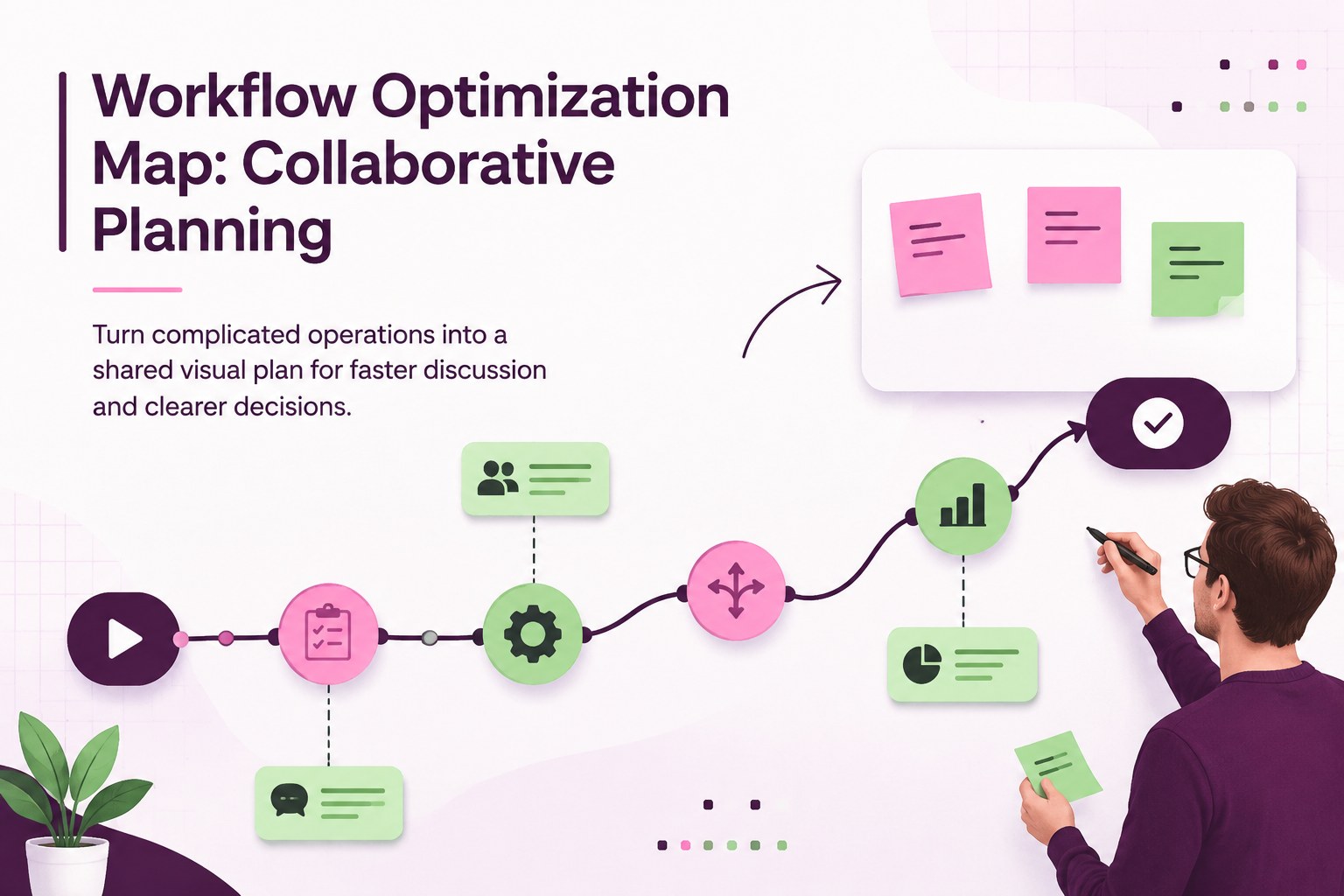
Build a clear workflow optimization map for planning, training, and team alignment with editable PowerPoint and Google Slides layouts in a vivid palette.
Design notes
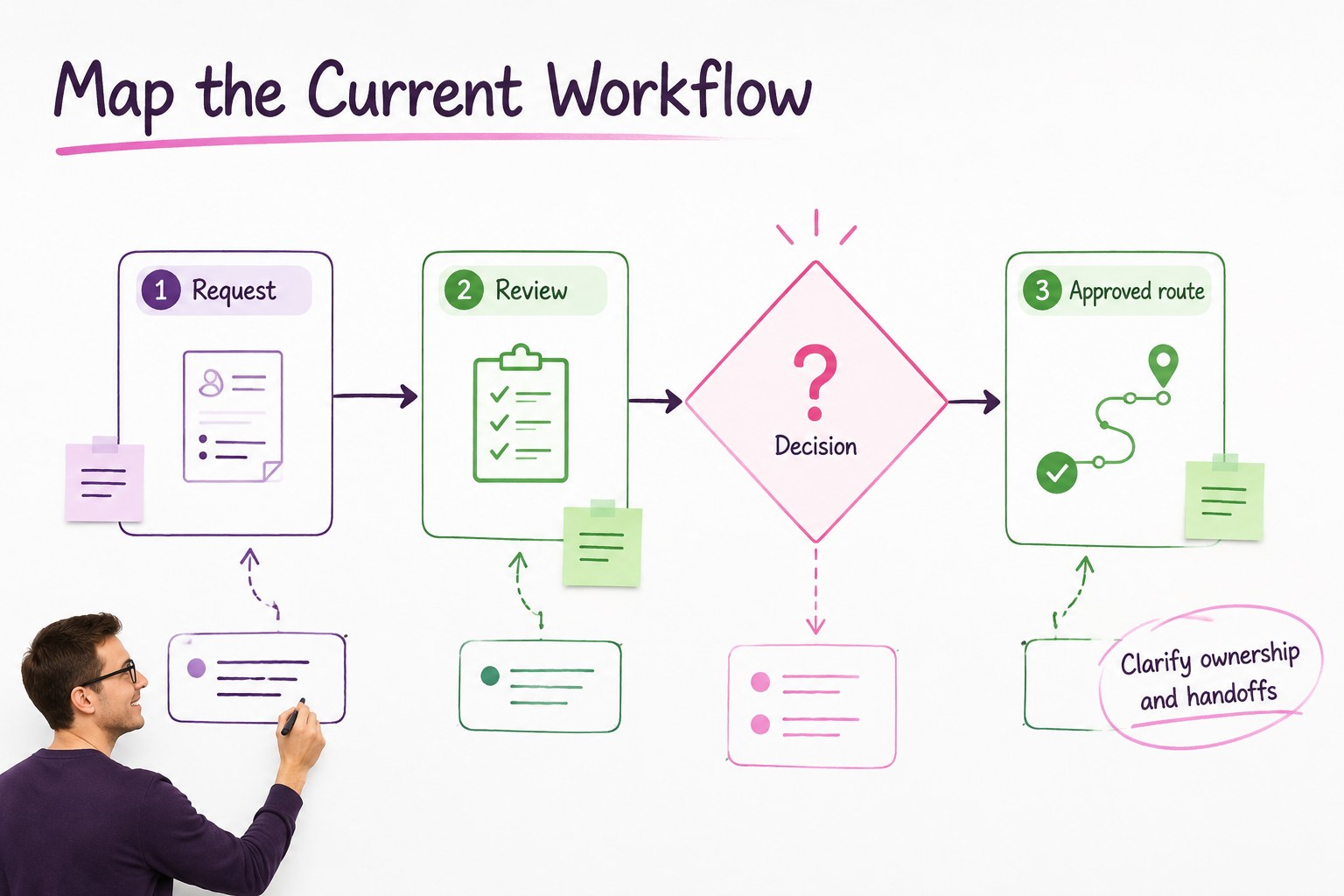
A workflow optimization map gives teams a practical way to see how work moves from request to result. Designed in a professional whiteboard style with purple, green, and pink accents, this presentation helps simplify complex operations without losing important connections. Use it to frame a process mapping workshop, explain responsibilities, or guide a conversation about delays and improvements.
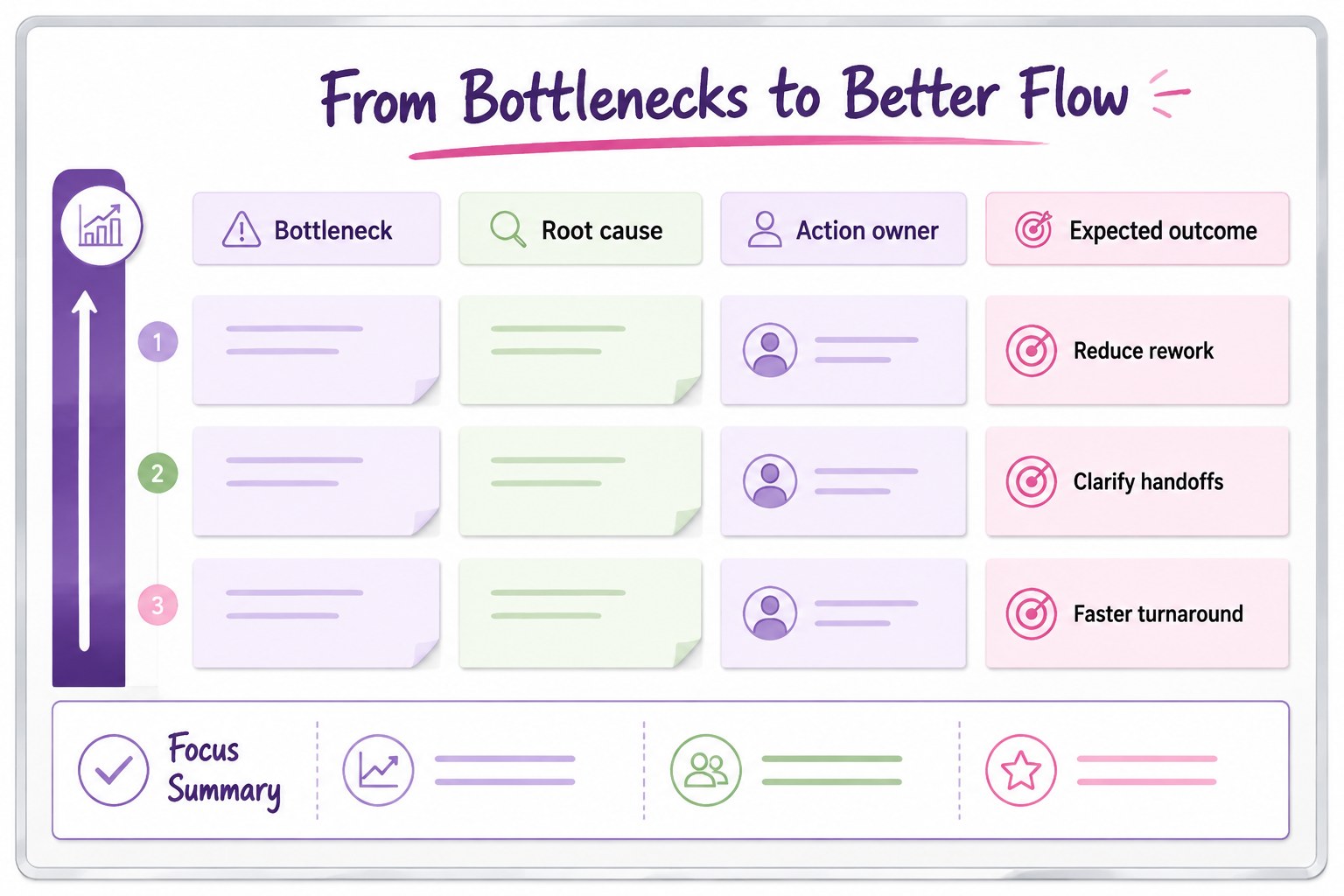
Inside, you will find three 16:9 slides with editable diagrams, connectors, frames, labels, and flexible content areas. The layouts are suited to workflow stages, handoffs, decision points, dependencies, and action items. Reposition shapes, adjust colors, replace labels, and add animation or transitions to match your meeting format. The visual system is intentionally clear enough for executive reviews while remaining approachable for collaborative working sessions.
This template is made for operations managers, project leads, consultants, business analysts, trainers, and cross-functional teams. Present a current-state process, outline an improved route, or turn findings into a practical improvement plan. The files work with PowerPoint and Google Slides, making it easy to share an operational improvement presentation across departments and continue editing with your existing tools.
Perfect for: process mapping workshop; operations team review; project handoff planning; employee process training; consulting improvement proposal.
Frequently asked questions
Can I edit this workflow deck in PowerPoint? Yes. The presentation is designed for PowerPoint editing, including changes to text, shapes, connectors, colors, and layout elements. You can adapt each diagram to reflect your own process.
Practical details
Yes. The presentation is designed for PowerPoint editing, including changes to text, shapes, connectors, colors, and layout elements. You can adapt each diagram to reflect your own process.
Yes, you can use the deck in Google Slides and continue customizing the editable presentation elements. Check the imported connectors and fonts after opening the file, especially when using a different device.
Use it for service delivery, approval chains, project handoffs, customer operations, internal requests, or training procedures. The diagrams can represent sequential steps, parallel activities, decision points, and team dependencies.
Yes. Replace the purple, green, and pink accents with your brand colors while keeping the same visual hierarchy. Updating the key, labels, and connector colors together will preserve readability.
Keep exploring
15Shape your publishing concept with an indie magazine startup pitch deck featuring pastel gradients, bold collage layouts, and editable planning slides.
 16
16Build clear project stories with the Icon Grid Teamwork Theme, a flexible blue illustrated deck for proposals, strategy updates, and team meetings.
 3
3Turn priorities into an actionable plan with an annual goals roadmap infographic, featuring editable orange and teal layouts for PowerPoint and Google Slides.
 15
15Create an Annual Achievement Report Presentation with colorful geometric layouts for milestones, results, lessons, and priorities in PowerPoint or Google Slides.
 15
15Turn results into a focused annual performance evaluation report with dark 3D slides for KPIs, achievements, feedback, and next-step goals for teams.
 15
15Guide a focused annual recap with Business Results Retrospective Slides, a muted brown-and-blue template for PowerPoint and Google Slides.
 6
6Turn complex plans into clear visual stories with Color-Coded Workflow Path Slides, an editable set for project updates, roadmaps, and team briefings.
 6
6Compare regional performance at a glance with Global Data Heatmap Slides, a clean multicolor deck designed for editable PowerPoint and Google Slides.