
 15
15presentation
Indie Magazine Startup Pitch Deck
Shape your publishing concept with an indie magazine startup pitch deck featuring pastel gradients, bold collage layouts, and editable planning slides.
Google SlidesPowerPoint
presentation · English
Bring complex project stages into focus with workflow mapping slides for project teams, featuring purple Risograph texture and editable PowerPoint and…
Design notes
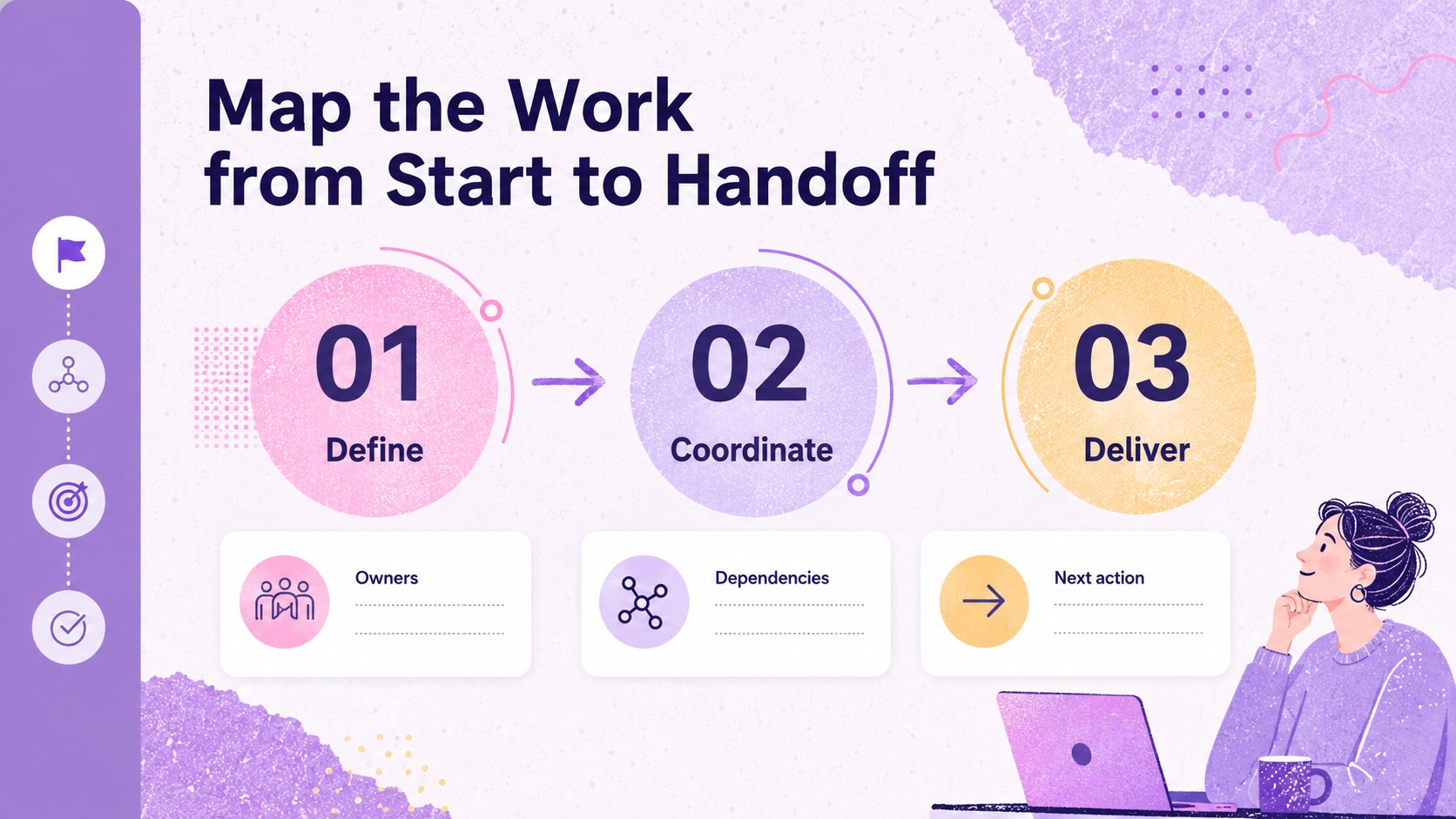
Turn complex project stages into a clear visual story with workflow mapping slides for project teams. This presentation template combines a soft purple palette with a distinctive Risograph texture, giving operational updates and planning discussions a polished but approachable visual style. Use it to explain responsibilities, dependencies, handoffs, and key decisions without overwhelming your audience.
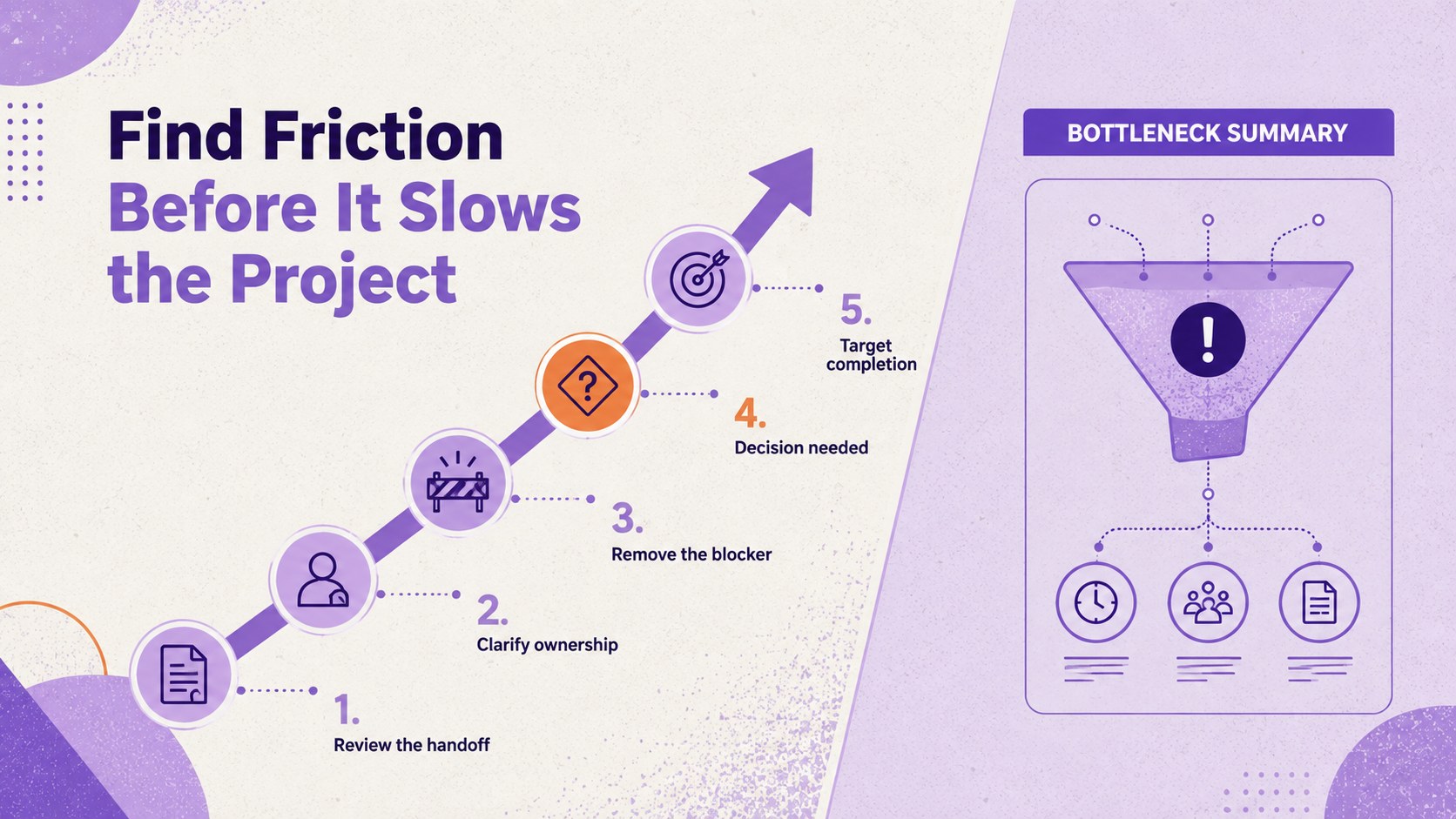
Inside, you’ll find three editable A4 infographic layouts for building process diagrams, stage-by-stage overviews, and project status narratives. The deck also includes flexible charts, frames, lines, and shapes, along with animation and transition options for presenting each visual in sequence. These workflow diagram presentation slides make it easier to compare activities, highlight bottlenecks, and show how individual tasks connect to broader outcomes.
The layout system is designed for project managers, consultants, operations teams, business analysts, and department leads. Adapt the text, typography, colors, icons, and visual structure in PowerPoint or Google Slides to match your project language and reporting rhythm. It works well for sprint reviews, onboarding materials, process improvement workshops, stakeholder briefings, and strategic planning sessions. The result is a practical project process visualization deck that keeps meetings focused while making complicated workflows easier to understand.
Perfect for: project status review; process improvement workshop; stakeholder workflow briefing; team onboarding session.
Frequently asked questions
Can I edit these workflow mapping slides in PowerPoint? Yes. The layouts, text, shapes, charts, and decorative elements can be adjusted in PowerPoint. Replace the sample stages and labels with your own project information.
Practical details
Yes. The layouts, text, shapes, charts, and decorative elements can be adjusted in PowerPoint. Replace the sample stages and labels with your own project information.
Yes, the template is designed for both Google Slides and PowerPoint. You can modify the content, colors, typography, and diagrams after opening the presentation in your preferred platform.
The deck works for product launches, service operations, internal processes, implementation plans, and team handoffs. Its modular infographic layouts can show sequential stages, parallel activities, dependencies, or decision points.
Yes. Keep the original purple palette for a consistent look or adapt the theme colors to your organization. You can also change the texture treatment, icons, labels, and animation settings to suit your presentation.
Keep exploring
15Shape your publishing concept with an indie magazine startup pitch deck featuring pastel gradients, bold collage layouts, and editable planning slides.
 16
16Build clear project stories with the Icon Grid Teamwork Theme, a flexible blue illustrated deck for proposals, strategy updates, and team meetings.
 3
3Turn priorities into an actionable plan with an annual goals roadmap infographic, featuring editable orange and teal layouts for PowerPoint and Google Slides.
 15
15Create an Annual Achievement Report Presentation with colorful geometric layouts for milestones, results, lessons, and priorities in PowerPoint or Google Slides.
 15
15Turn results into a focused annual performance evaluation report with dark 3D slides for KPIs, achievements, feedback, and next-step goals for teams.
 15
15Guide a focused annual recap with Business Results Retrospective Slides, a muted brown-and-blue template for PowerPoint and Google Slides.
 6
6Turn complex plans into clear visual stories with Color-Coded Workflow Path Slides, an editable set for project updates, roadmaps, and team briefings.
 6
6Compare regional performance at a glance with Global Data Heatmap Slides, a clean multicolor deck designed for editable PowerPoint and Google Slides.