
 15
15presentation
Indie Magazine Startup Pitch Deck
Shape your publishing concept with an indie magazine startup pitch deck featuring pastel gradients, bold collage layouts, and editable planning slides.
Google SlidesPowerPoint
presentation · English
Use this workflow approval diagram to map reviews, clarify ownership, and speed up sign-offs with clean, editable visuals for onboarding and meetings.
Design notes
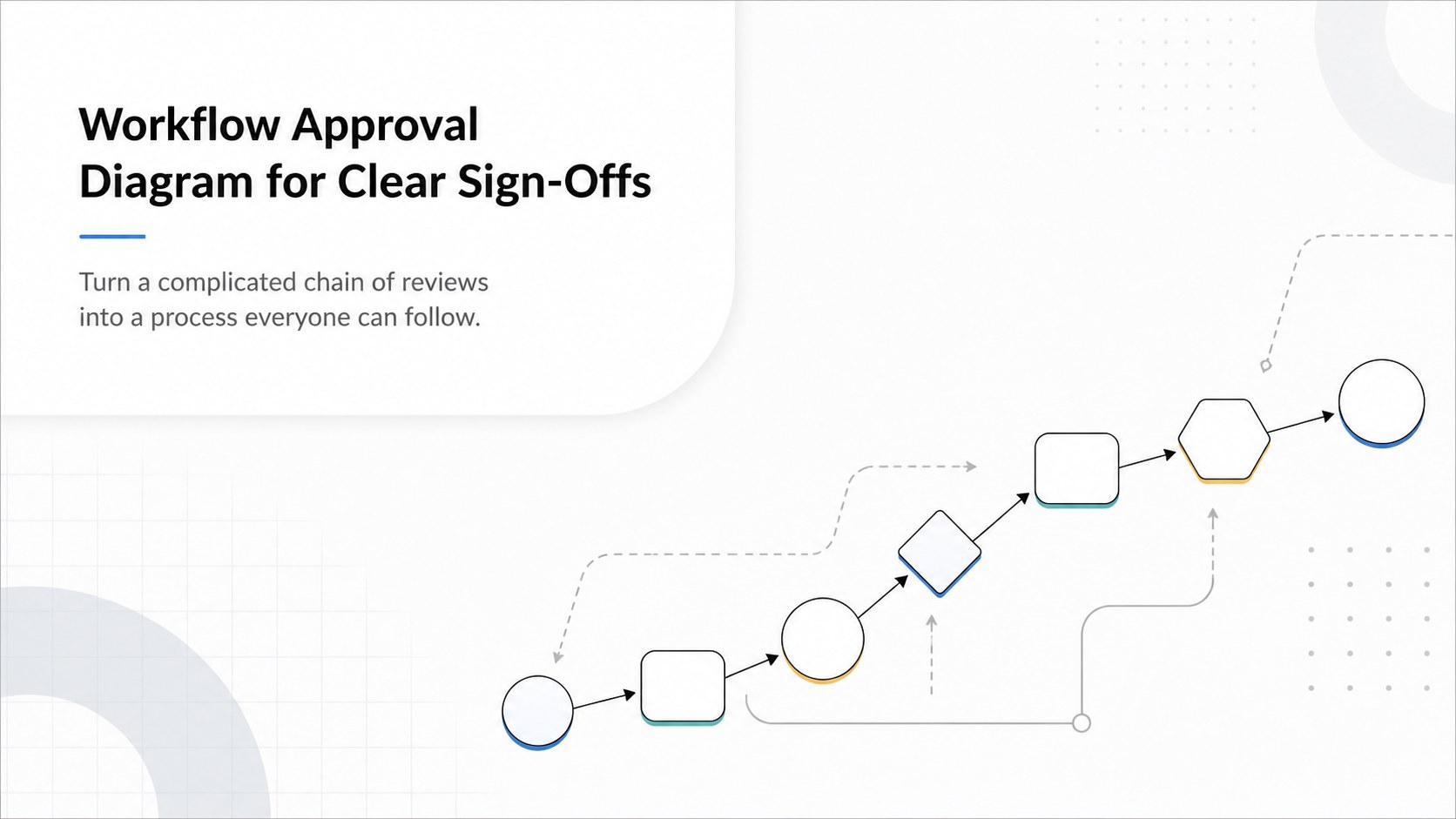
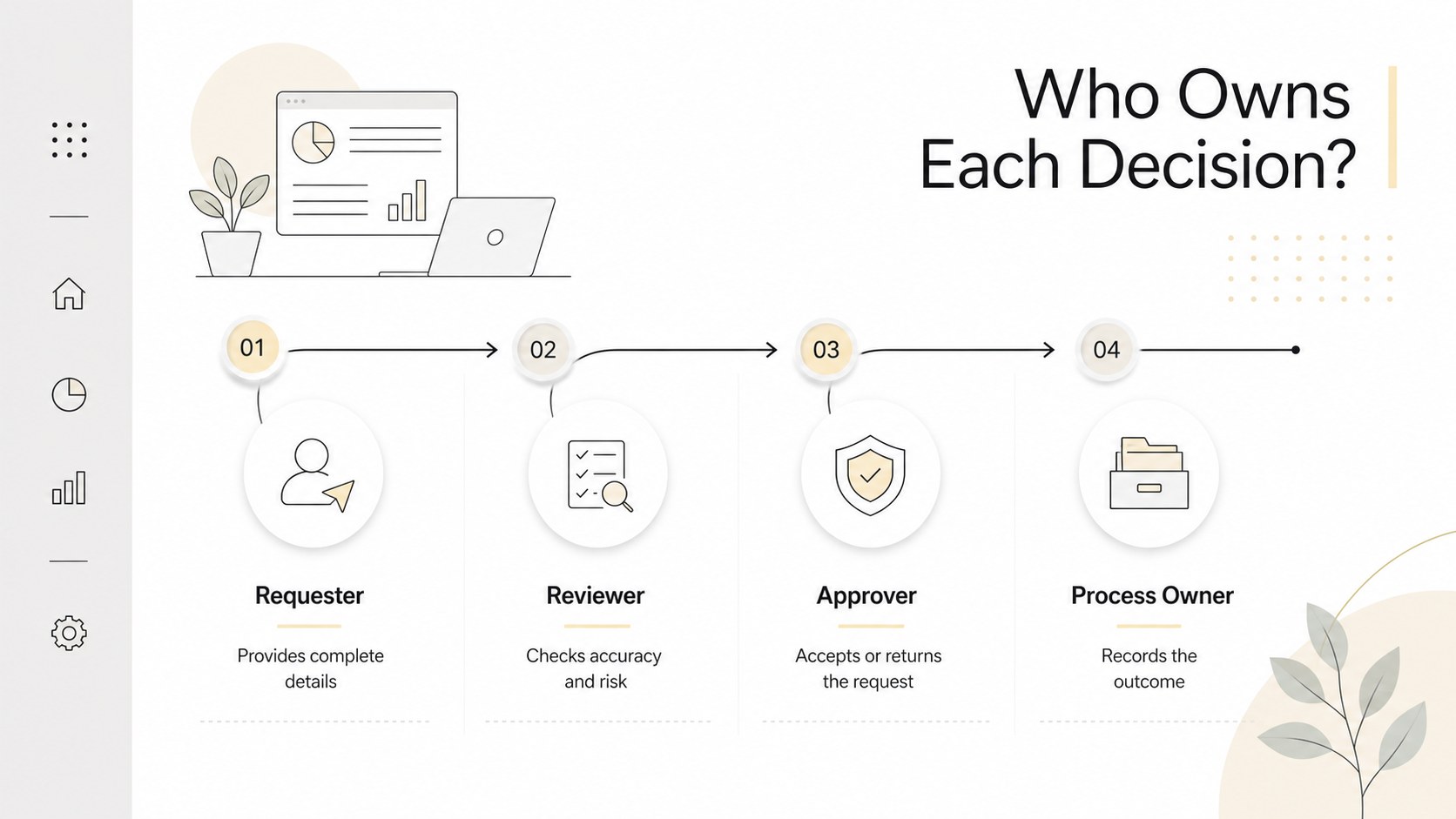
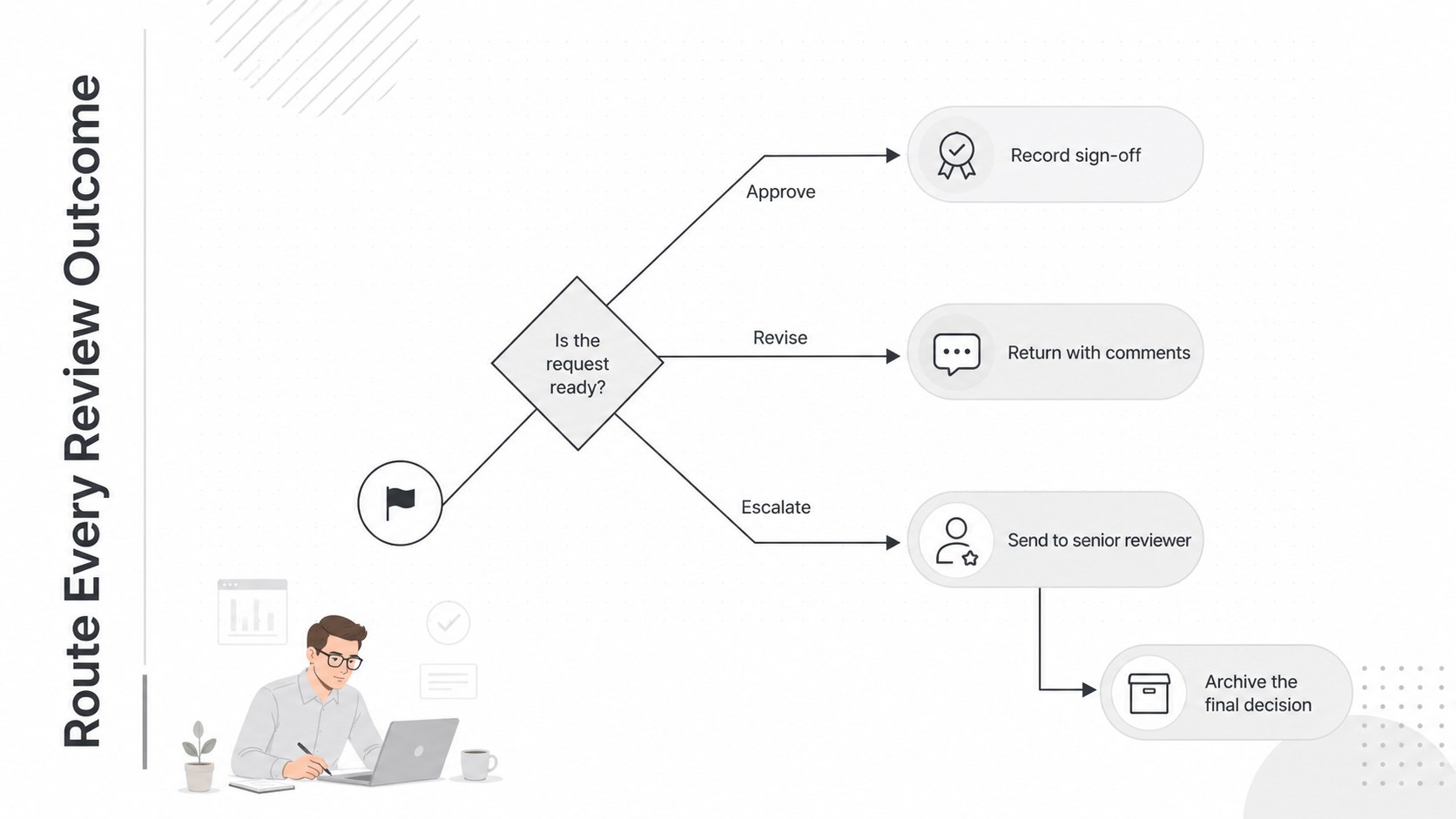
Bring structure to reviews and decisions with a workflow approval diagram designed for quick understanding. Its modern white canvas, restrained typography, and crisp geometric elements help teams explain who reviews each item, where decisions happen, and what follows an approval or rejection. Use it to replace dense instructions with a visual path that colleagues can understand at a glance.
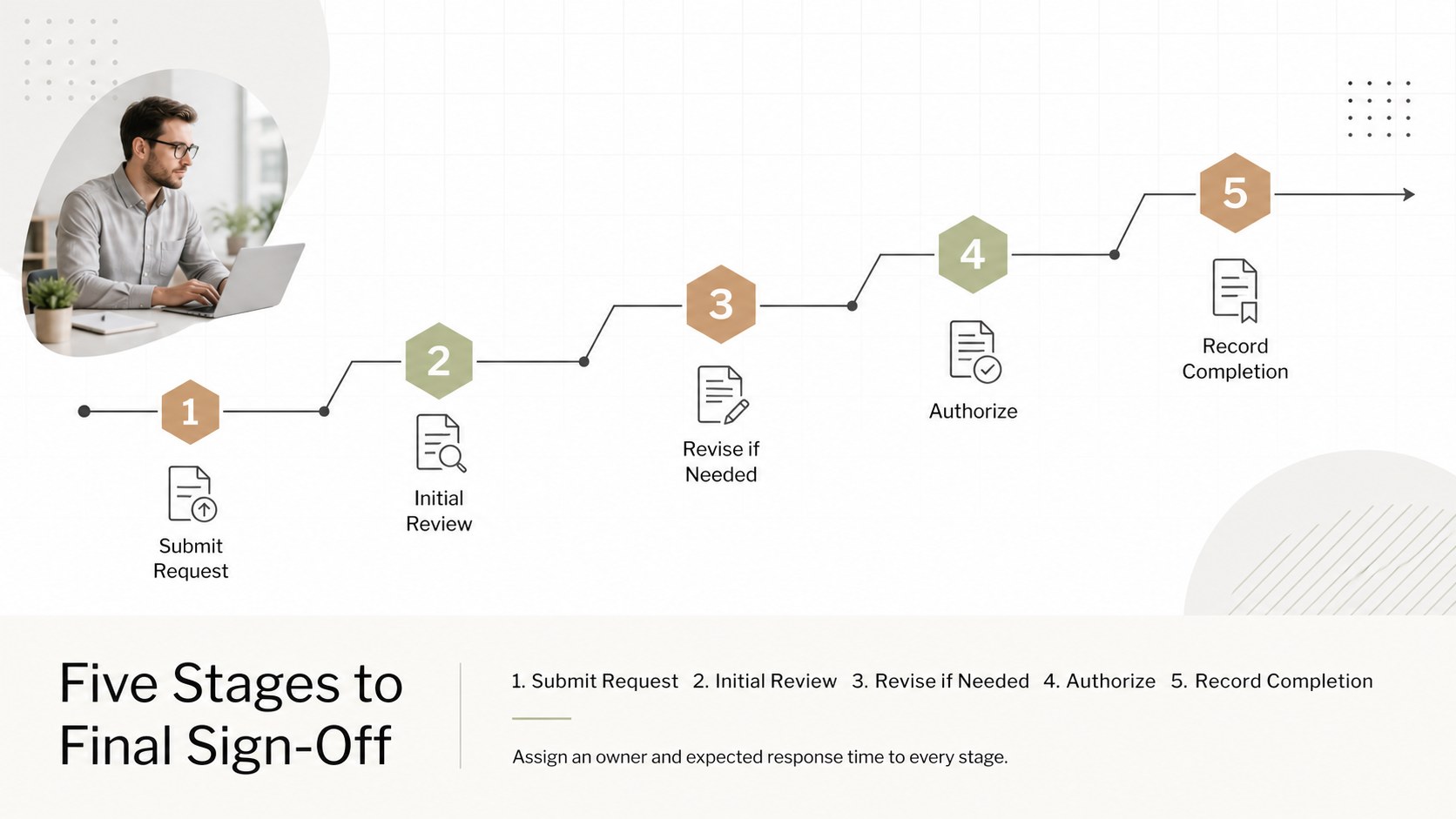
The set includes four coordinated 16:9 layouts: a cover, a linear review sequence, a role-based routing diagram, and a branching decision flow. Adapt the steps, labels, colors, icons, and connectors to create a project sign-off process template for your organization. The layouts also work well as an employee onboarding approval flow or a document review workflow infographic. Balanced spacing and a minimal business style keep every stage readable without making the process feel overly technical.
This template is suited to operations managers, project leads, HR teams, compliance specialists, consultants, and department heads. Present it during process-improvement workshops, onboarding sessions, policy briefings, client reviews, or internal planning meetings. Customize the slides, PowerPoint, or Google Slides, then share them on screen, export them for documentation, or add them to a larger business presentation. Jura, Libre Franklin, and Roboto support the clean visual system, while the predominantly white palette leaves room for your own organizational accent colors.
Perfect for: employee onboarding session; project sign-off briefing; document review mapping; compliance process training; operations improvement workshop.
Frequently asked questions
Can I change the approval stages and decision labels? Yes. Every stage, connector, heading, and decision label can be edited to match your actual review process. You can also duplicate or remove steps when adapting the diagram to shorter or longer workflows.
Practical details
Yes. Every stage, connector, heading, and decision label can be edited to match your actual review process. You can also duplicate or remove steps when adapting the diagram to shorter or longer workflows.
The template can be customized and exported for PowerPoint or Google Slides. Some animations, fonts, or visual effects may need minor adjustments after export.
Yes. Replace the accent colors, fonts, icons, and text with your approved brand assets while retaining the spacious white layout. The minimal design is intentionally flexible enough for corporate, nonprofit, or agency branding.
Yes. The branching and role-based layouts can show reviewers, conditional outcomes, revisions, and final authorization. For especially detailed processes, divide the workflow across multiple slides to preserve readability.
Keep exploring
15Shape your publishing concept with an indie magazine startup pitch deck featuring pastel gradients, bold collage layouts, and editable planning slides.
 16
16Build clear project stories with the Icon Grid Teamwork Theme, a flexible blue illustrated deck for proposals, strategy updates, and team meetings.
 3
3Turn priorities into an actionable plan with an annual goals roadmap infographic, featuring editable orange and teal layouts for PowerPoint and Google Slides.
 15
15Create an Annual Achievement Report Presentation with colorful geometric layouts for milestones, results, lessons, and priorities in PowerPoint or Google Slides.
 15
15Turn results into a focused annual performance evaluation report with dark 3D slides for KPIs, achievements, feedback, and next-step goals for teams.
 15
15Guide a focused annual recap with Business Results Retrospective Slides, a muted brown-and-blue template for PowerPoint and Google Slides.
 6
6Turn complex plans into clear visual stories with Color-Coded Workflow Path Slides, an editable set for project updates, roadmaps, and team briefings.
 6
6Compare regional performance at a glance with Global Data Heatmap Slides, a clean multicolor deck designed for editable PowerPoint and Google Slides.