
 15
15presentation
Indie Magazine Startup Pitch Deck
Shape your publishing concept with an indie magazine startup pitch deck featuring pastel gradients, bold collage layouts, and editable planning slides.
Google SlidesPowerPoint
spreadsheet · English
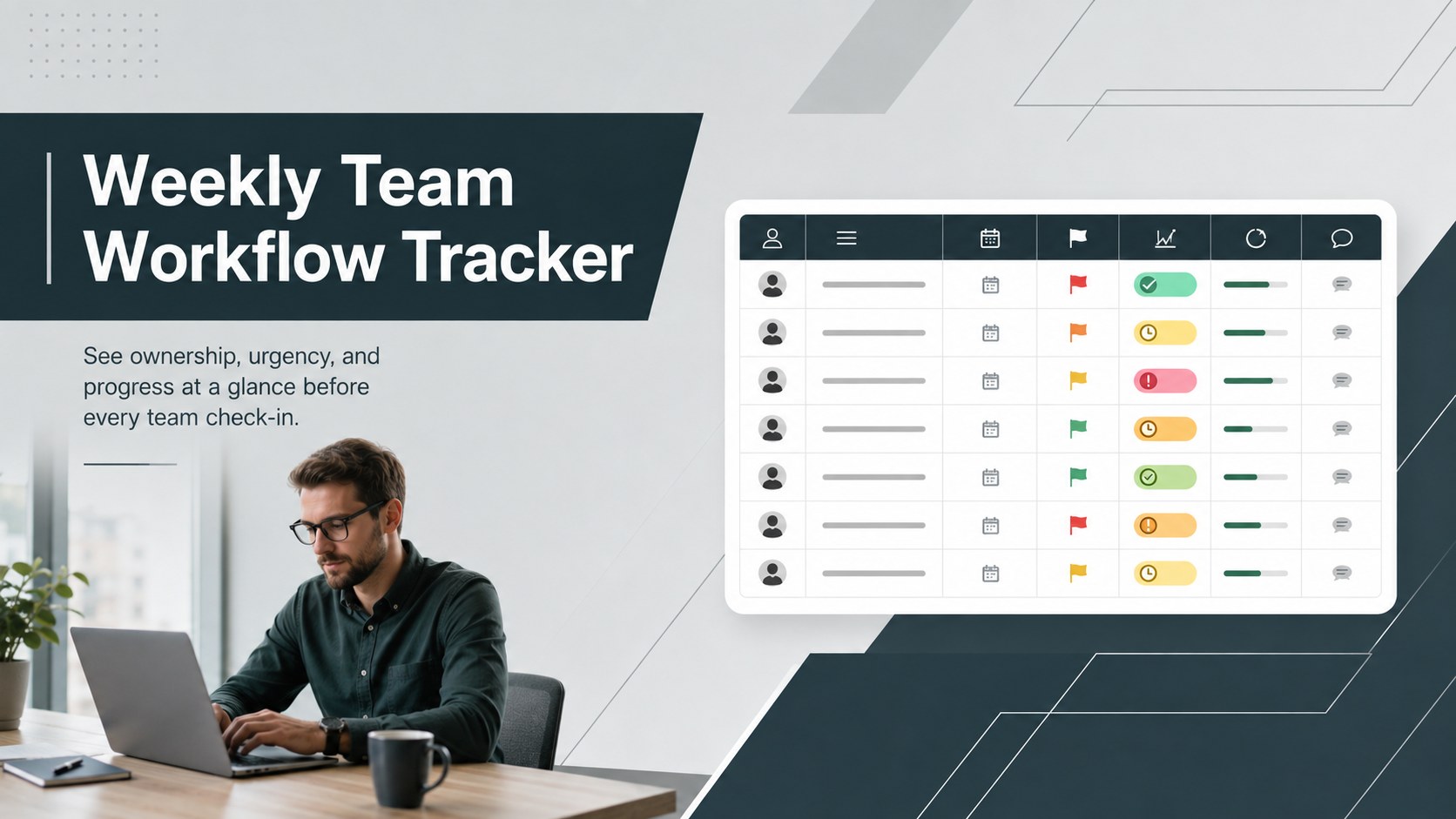
Keep weekly ownership visible with a Weekly Team Workflow Tracker for assignments, deadlines, priorities, logged hours, blockers, and status updates.
Design notes
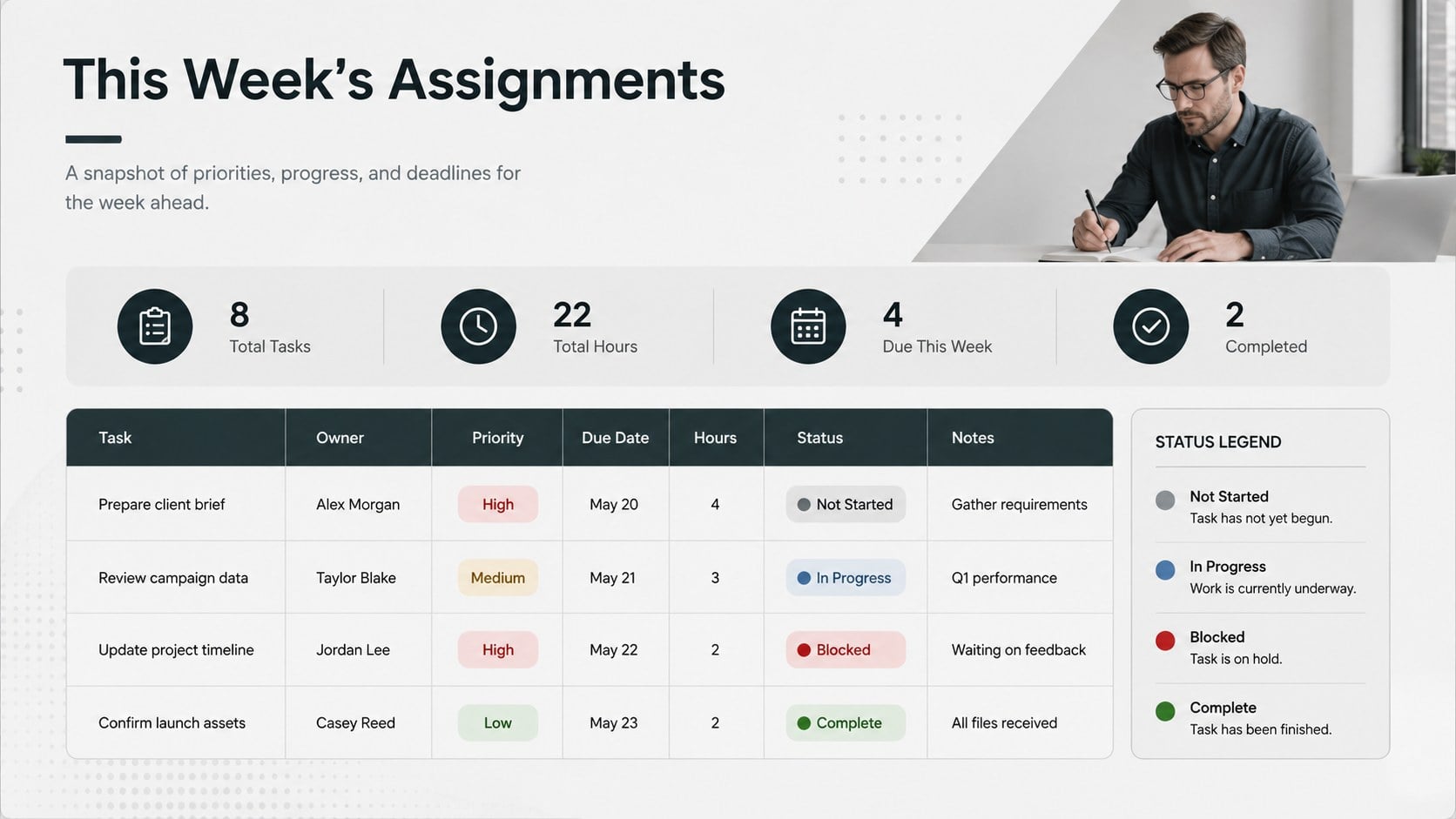
Bring assignments, deadlines, and progress into one organized view with this Weekly Team Workflow Tracker. Its structured grey design supports quick scanning without distracting from the details that matter. Record each task, assign an owner, set a priority and due date, log hours, and update completion status throughout the week.
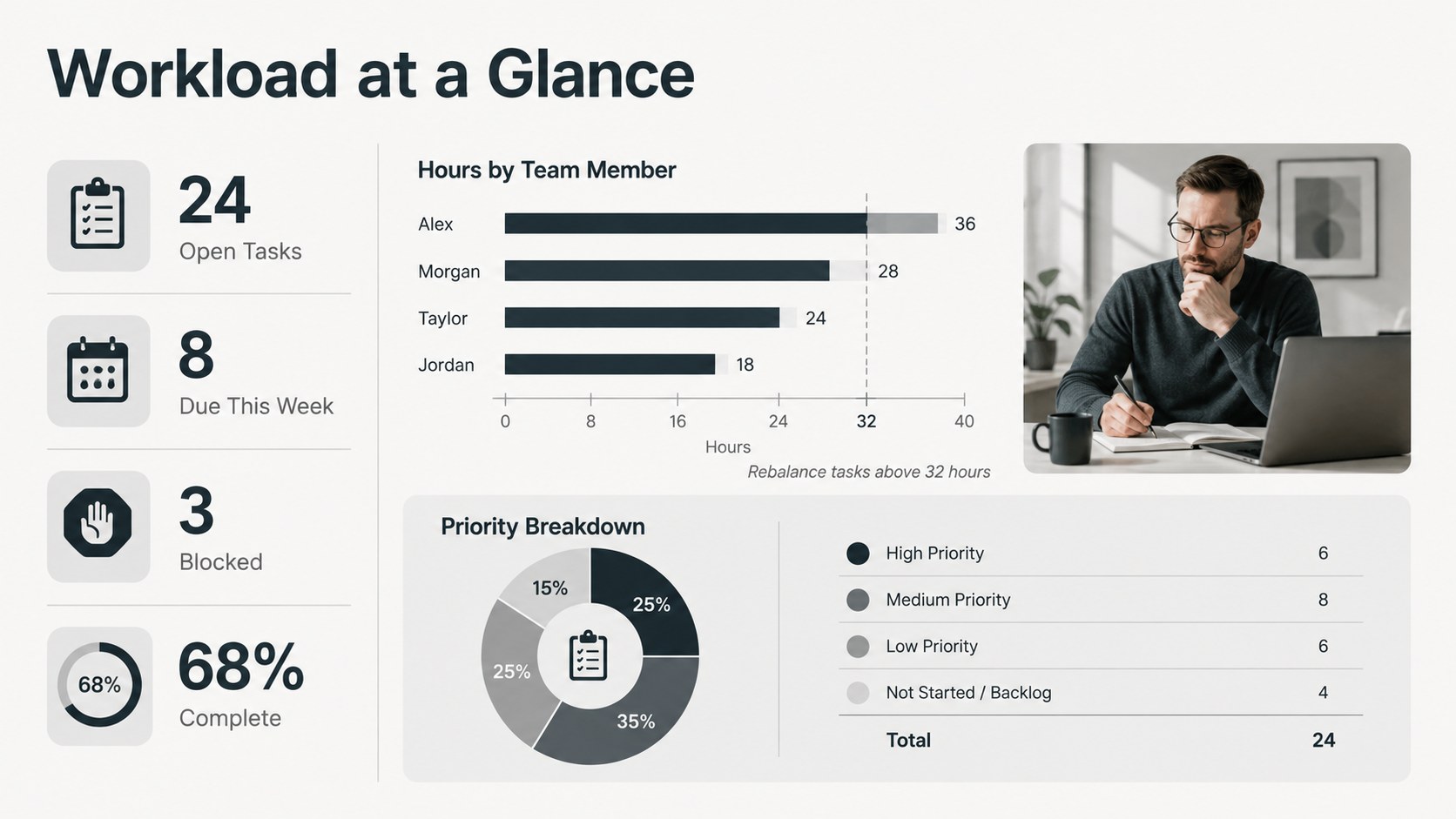
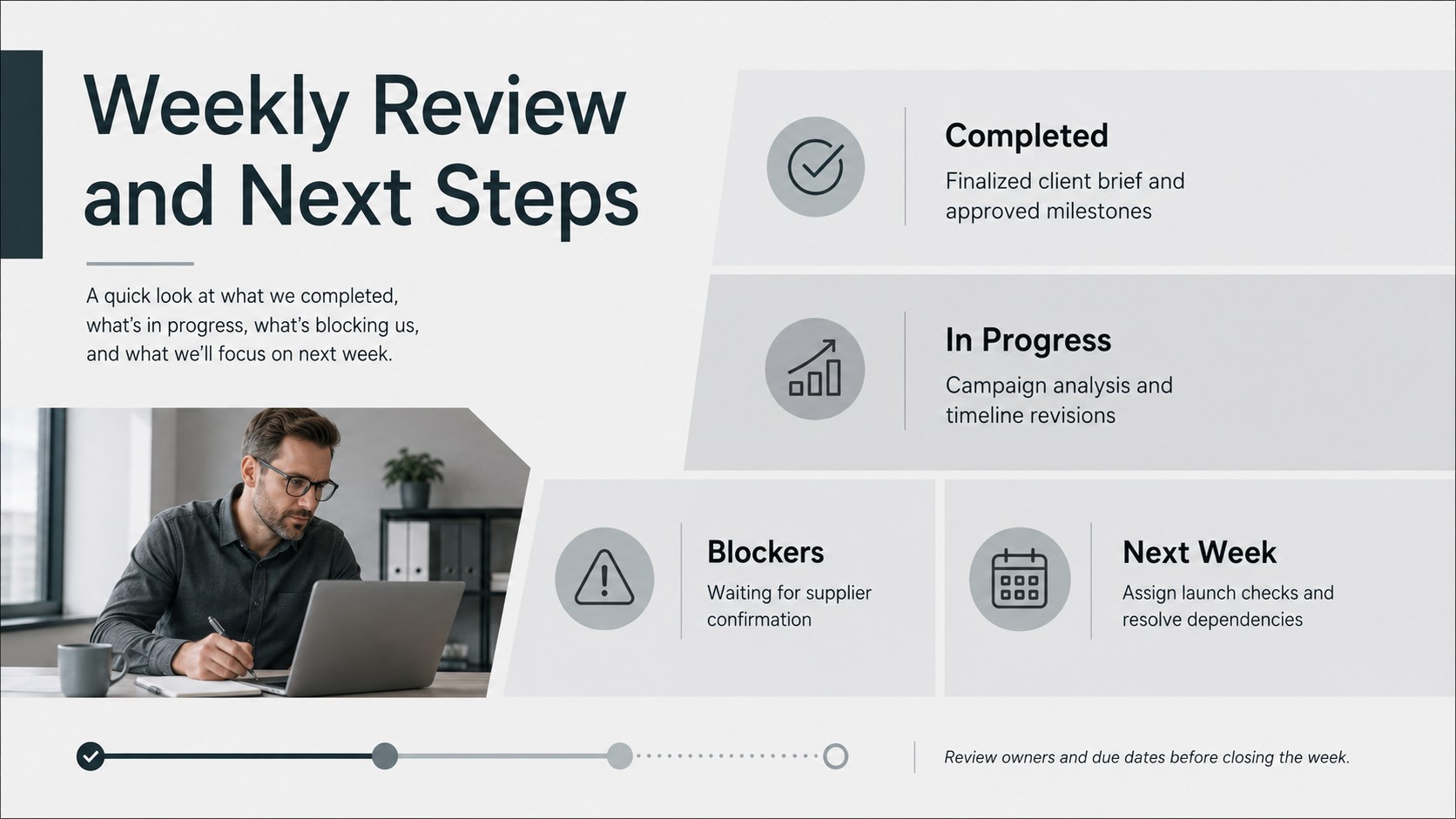
The template includes a practical weekly task status spreadsheet, a workload overview, summary metrics, and dedicated space for blockers and follow-up notes. Color-coded status fields distinguish work that is not started, active, delayed, or complete. Editable tables and labels make it easy to adapt the layout for recurring operations, client deliverables, internal projects, or department reporting. Use it as an employee workload tracking sheet when responsibilities need to be balanced across several contributors.
Designed for managers, project coordinators, team leads, operations staff, and small business owners, this resource works well during planning sessions and weekly reviews. It can also serve as a weekly project update template for sharing concise progress information with stakeholders. Customize the tracker in PowerPoint or Google Slides for presentations, or use the spreadsheet version in Excel or Google Sheets for ongoing data entry. Adjust categories, status colors, working hours, and reporting fields to match your process while preserving a consistent weekly record.
Perfect for: weekly team check-in; project status review; employee workload planning; client deliverable tracking; operations reporting.
Frequently asked questions
Which programs support this template? The presentation layouts can be edited in PowerPoint and Google Slides. Spreadsheet versions are suitable for Excel and Google Sheets.
Practical details
The presentation layouts can be edited in PowerPoint and Google Slides. Spreadsheet versions are suitable for Excel and Google Sheets.
Yes. Rename columns, revise priority levels, add owners, and replace the status labels with terminology used by your team.
Edit the fill colors assigned to each status or priority category. Keep a consistent legend so team members can interpret progress quickly.
Yes. Duplicate the working layout for each reporting period, update the week label, and clear completed entries while retaining any tasks that remain active.
Keep exploring
15Shape your publishing concept with an indie magazine startup pitch deck featuring pastel gradients, bold collage layouts, and editable planning slides.
 16
16Build clear project stories with the Icon Grid Teamwork Theme, a flexible blue illustrated deck for proposals, strategy updates, and team meetings.
 3
3Turn priorities into an actionable plan with an annual goals roadmap infographic, featuring editable orange and teal layouts for PowerPoint and Google Slides.
 15
15Create an Annual Achievement Report Presentation with colorful geometric layouts for milestones, results, lessons, and priorities in PowerPoint or Google Slides.
 15
15Turn results into a focused annual performance evaluation report with dark 3D slides for KPIs, achievements, feedback, and next-step goals for teams.
 15
15Guide a focused annual recap with Business Results Retrospective Slides, a muted brown-and-blue template for PowerPoint and Google Slides.
 6
6Turn complex plans into clear visual stories with Color-Coded Workflow Path Slides, an editable set for project updates, roadmaps, and team briefings.
 6
6Compare regional performance at a glance with Global Data Heatmap Slides, a clean multicolor deck designed for editable PowerPoint and Google Slides.