
 15
15presentation
Indie Magazine Startup Pitch Deck
Shape your publishing concept with an indie magazine startup pitch deck featuring pastel gradients, bold collage layouts, and editable planning slides.
Google SlidesPowerPoint
document · English
Turn recurring check-ins into focused decisions with a weekly leadership update deck for KPIs, priorities, blockers, owners, and next actions.

Design notes
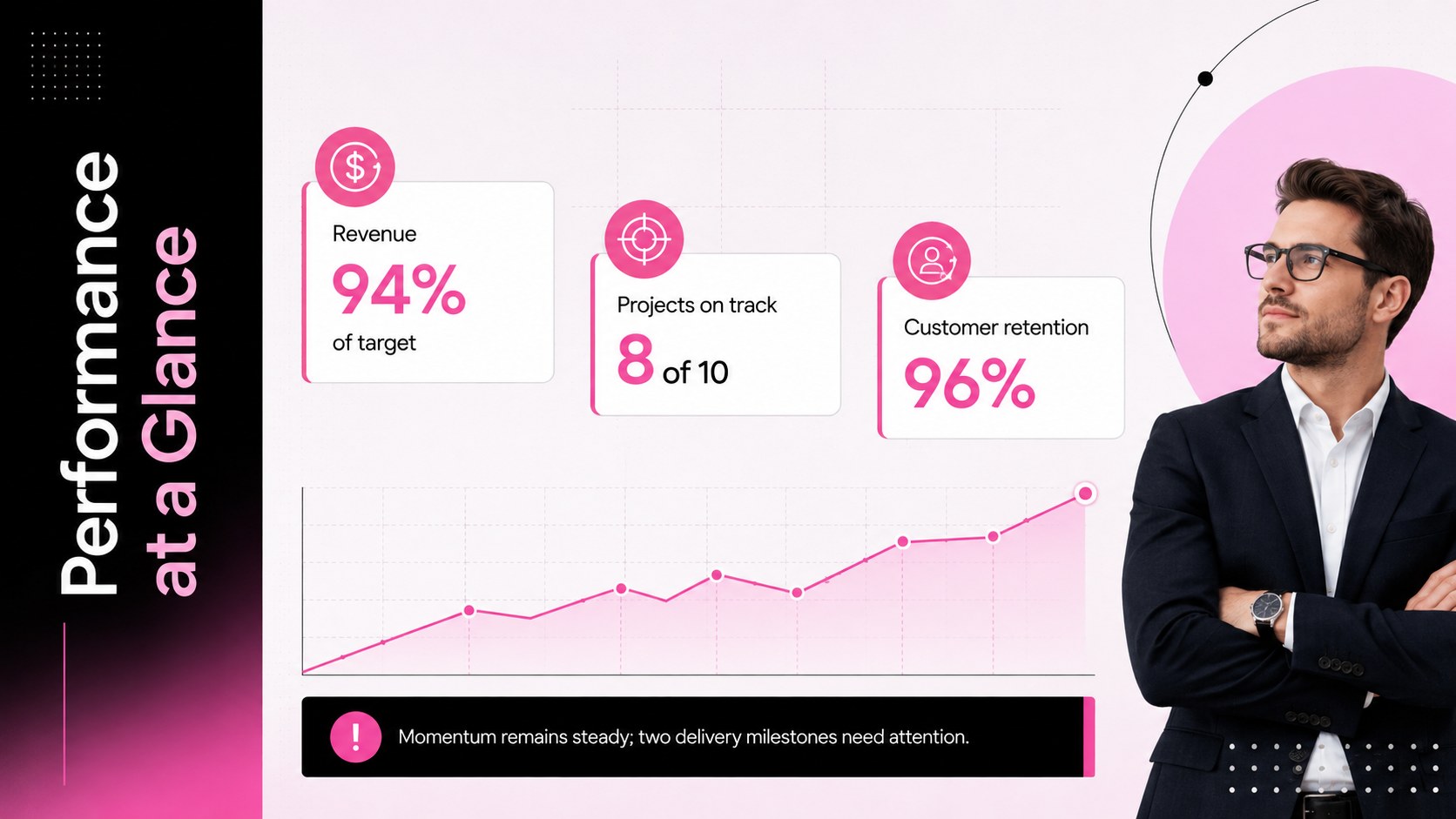
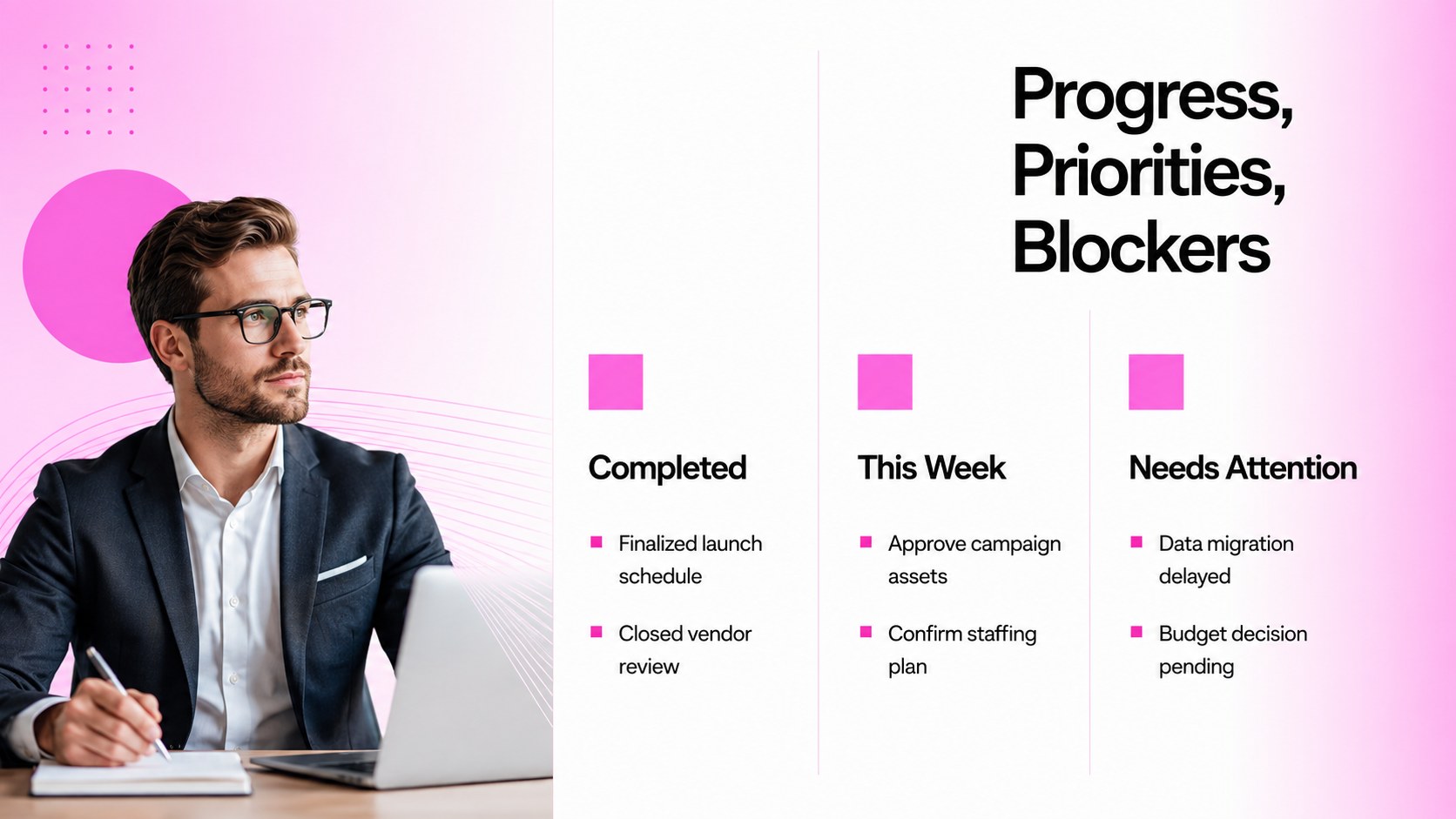
The Weekly Leadership Update Deck turns a routine status roundup into a concise decision-making tool. Its minimalist pink-to-black gradient style gives recurring reports a confident, contemporary look while maintaining a clear hierarchy for fast scanning. Use it as a weekly executive status presentation when leaders need the signal without the clutter.
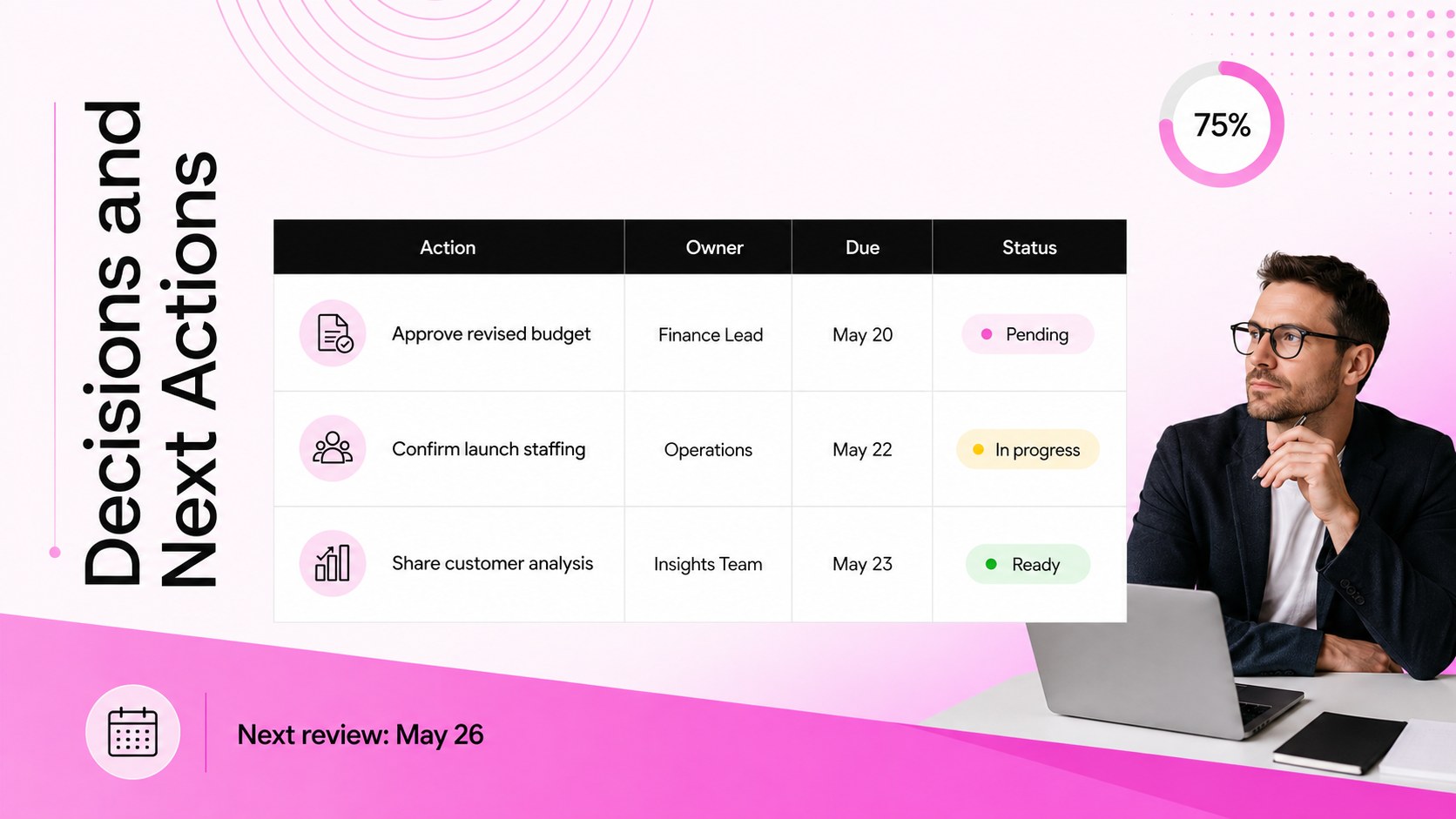
Inside, you will find structured layouts for headline KPIs, completed work, current priorities, emerging risks, team blockers, and decisions requiring leadership input. A dedicated action summary connects every next step with an owner and deadline. The layouts can also serve as management KPI review slides or a weekly operations update template for departments that need a repeatable reporting format.
This deck is designed for department heads, project managers, operations leads, founders, and team supervisors. It works well for Monday planning sessions, Friday progress reviews, executive briefings, and cross-functional check-ins. Replace the sample figures, adjust the pink and black accents to suit your organization, and add charts or tables where more detail is required. Every slide is editable in PowerPoint and Google Slides, making it easy to reuse the same reporting structure each week while keeping metrics, priorities, and ownership current.
Perfect for: weekly executive briefing; department performance review; cross-functional team check-in; operations status meeting; project leadership update.
Frequently asked questions
Can I edit this leadership update in PowerPoint? Yes. All headings, metrics, tables, charts, colors, and action items can be edited in PowerPoint to match your weekly reporting process.
Practical details
Yes. All headings, metrics, tables, charts, colors, and action items can be edited in PowerPoint to match your weekly reporting process.
Yes. You can open and customize the presentation in Google Slides, then share it with colleagues for collaborative review and updates.
Replace the sample indicators with the measures your leadership team reviews regularly. Keep the number of KPIs limited, use consistent reporting periods, and add a brief note where a result requires a decision.
Yes. Duplicate the deck for each reporting period and retain the same section order so leaders can find information quickly. Update the date, results, blockers, owners, and deadlines before each meeting.
Keep exploring
15Shape your publishing concept with an indie magazine startup pitch deck featuring pastel gradients, bold collage layouts, and editable planning slides.
 16
16Build clear project stories with the Icon Grid Teamwork Theme, a flexible blue illustrated deck for proposals, strategy updates, and team meetings.
 3
3Turn priorities into an actionable plan with an annual goals roadmap infographic, featuring editable orange and teal layouts for PowerPoint and Google Slides.
 15
15Create an Annual Achievement Report Presentation with colorful geometric layouts for milestones, results, lessons, and priorities in PowerPoint or Google Slides.
 15
15Turn results into a focused annual performance evaluation report with dark 3D slides for KPIs, achievements, feedback, and next-step goals for teams.
 15
15Guide a focused annual recap with Business Results Retrospective Slides, a muted brown-and-blue template for PowerPoint and Google Slides.
 6
6Turn complex plans into clear visual stories with Color-Coded Workflow Path Slides, an editable set for project updates, roadmaps, and team briefings.
 6
6Compare regional performance at a glance with Global Data Heatmap Slides, a clean multicolor deck designed for editable PowerPoint and Google Slides.