
 15
15presentation
Indie Magazine Startup Pitch Deck
Shape your publishing concept with an indie magazine startup pitch deck featuring pastel gradients, bold collage layouts, and editable planning slides.
Google SlidesPowerPoint
presentation · English
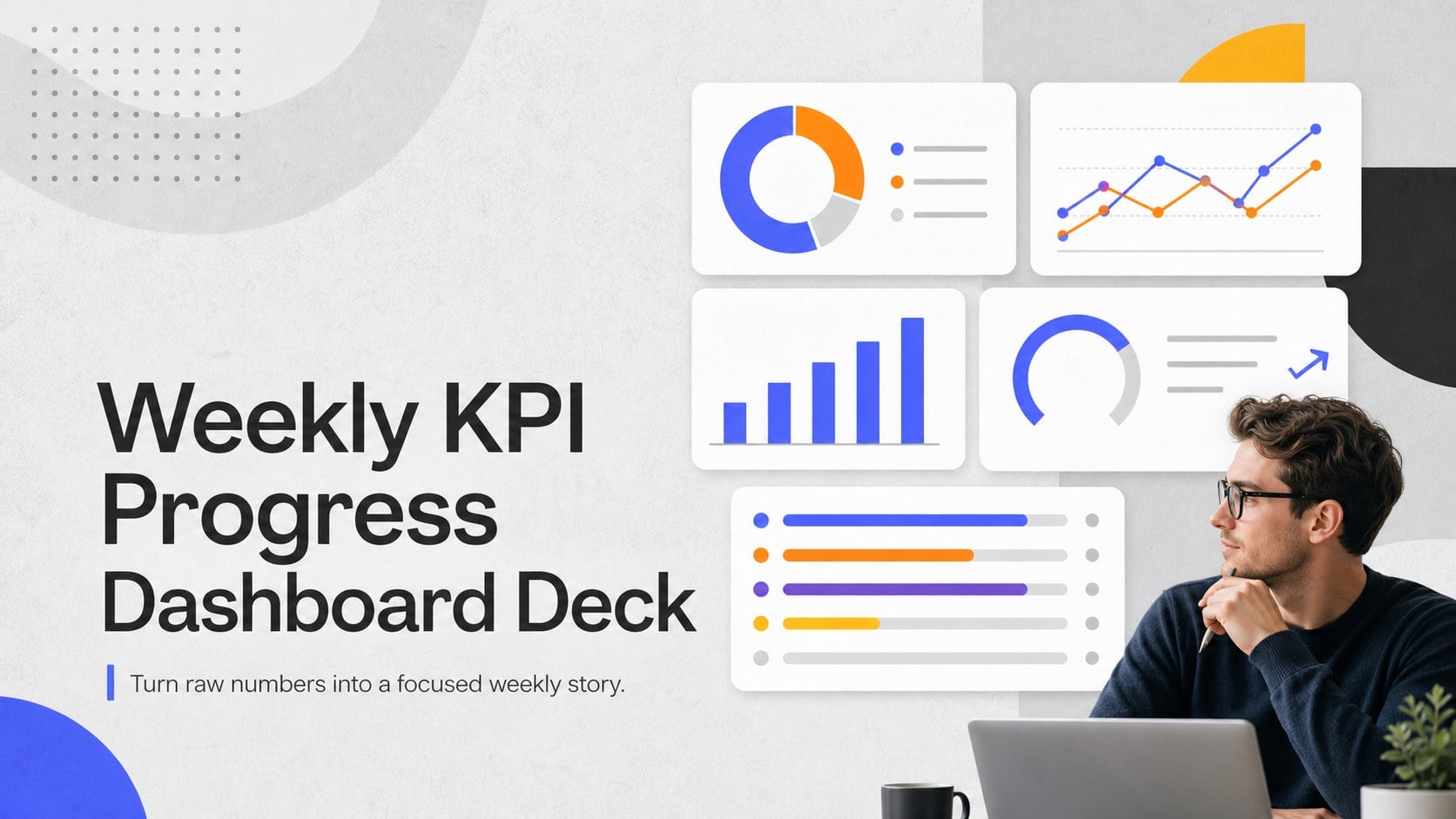
Turn recurring updates into clear decisions with a weekly KPI progress dashboard deck for PowerPoint and Google Slides, featuring sleek grey layouts.
Design notes
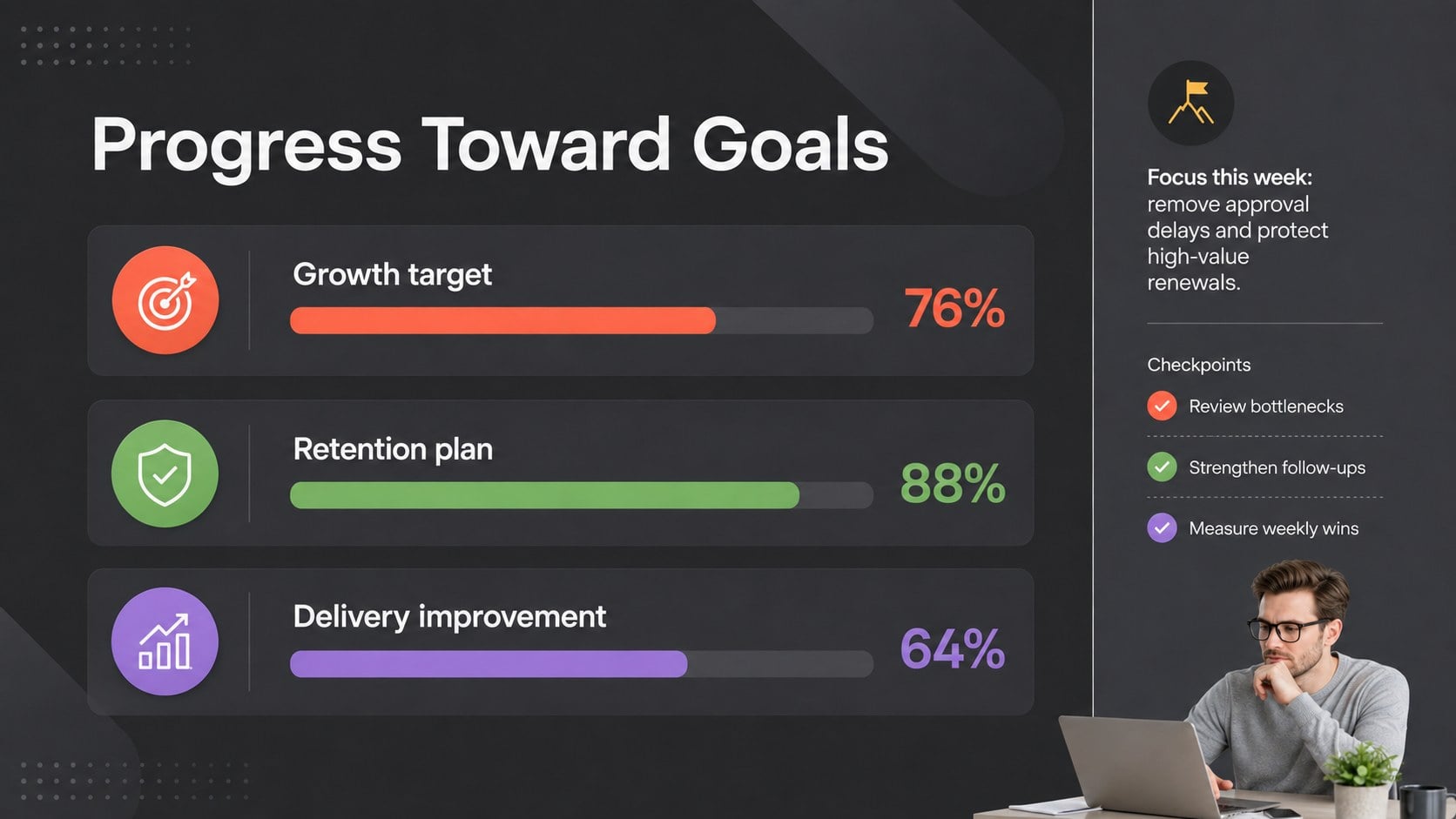
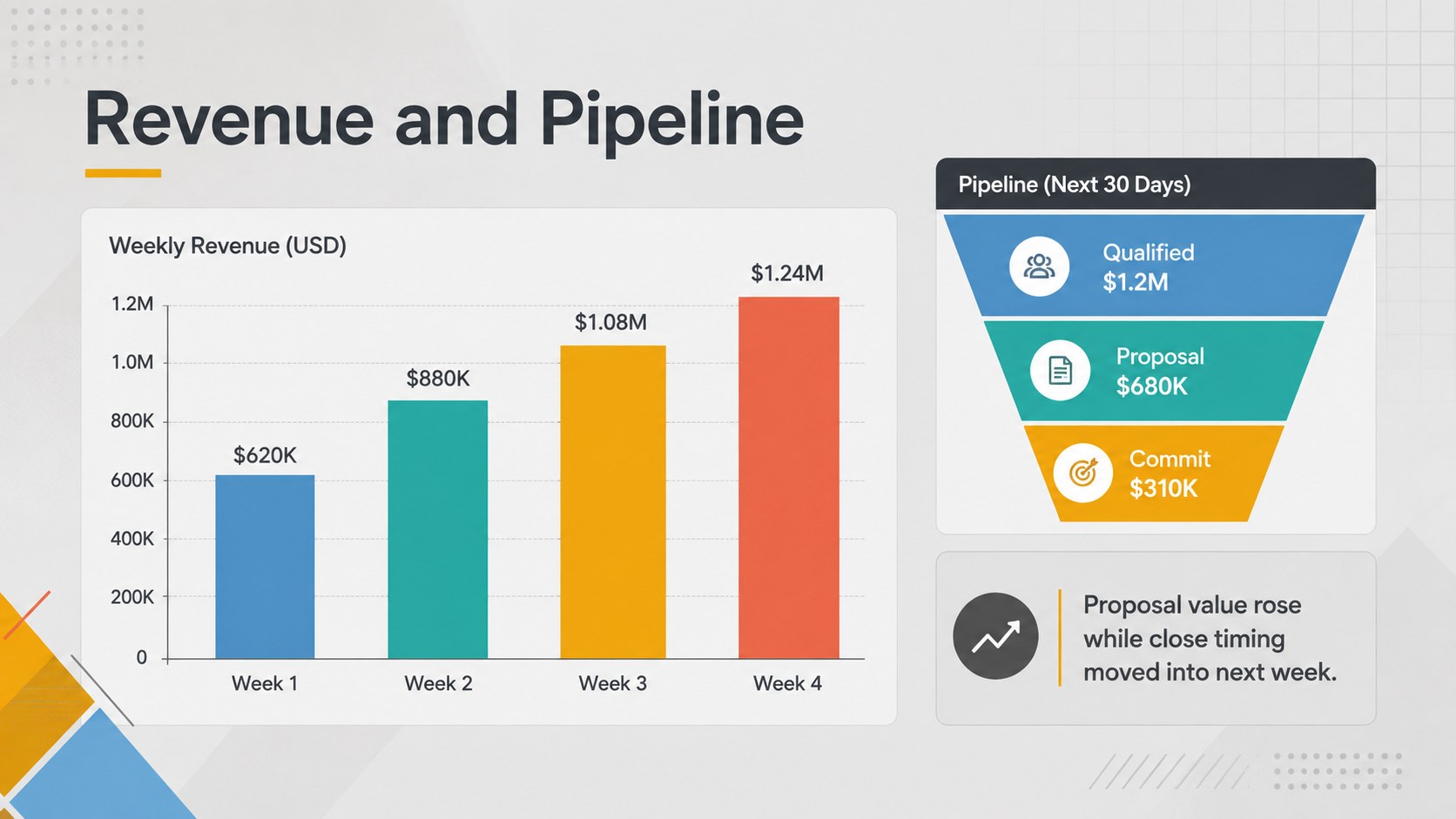
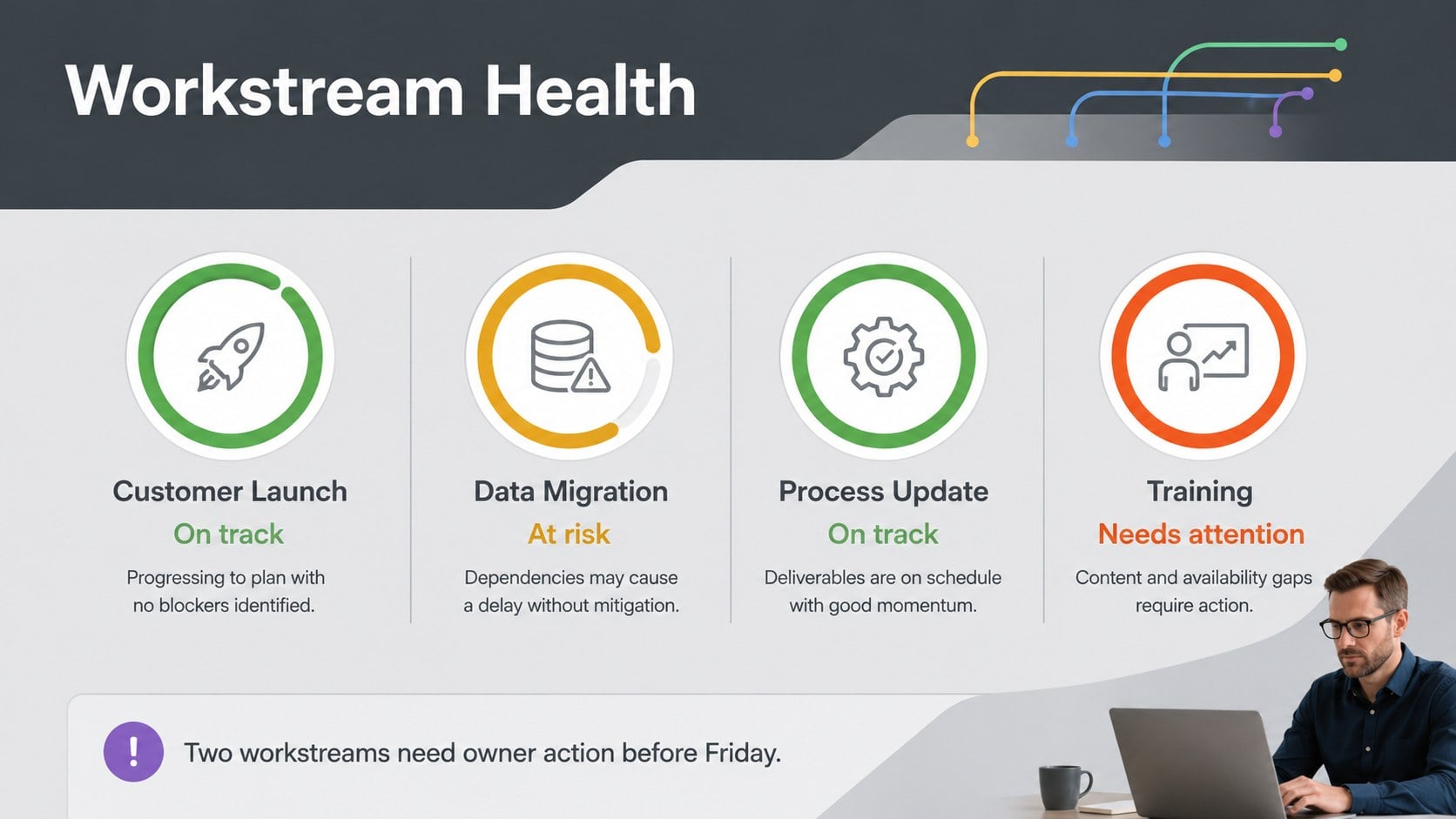
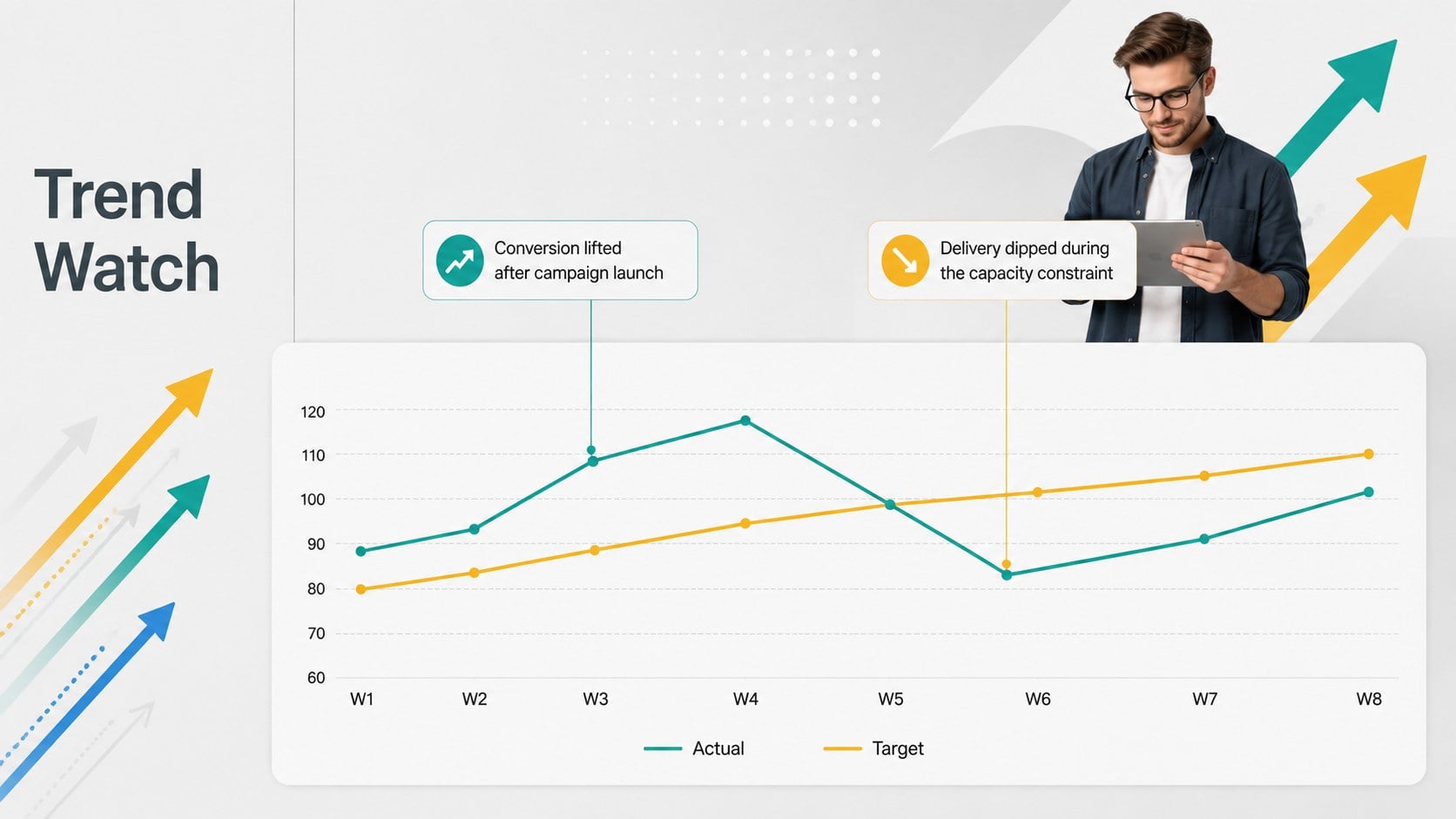
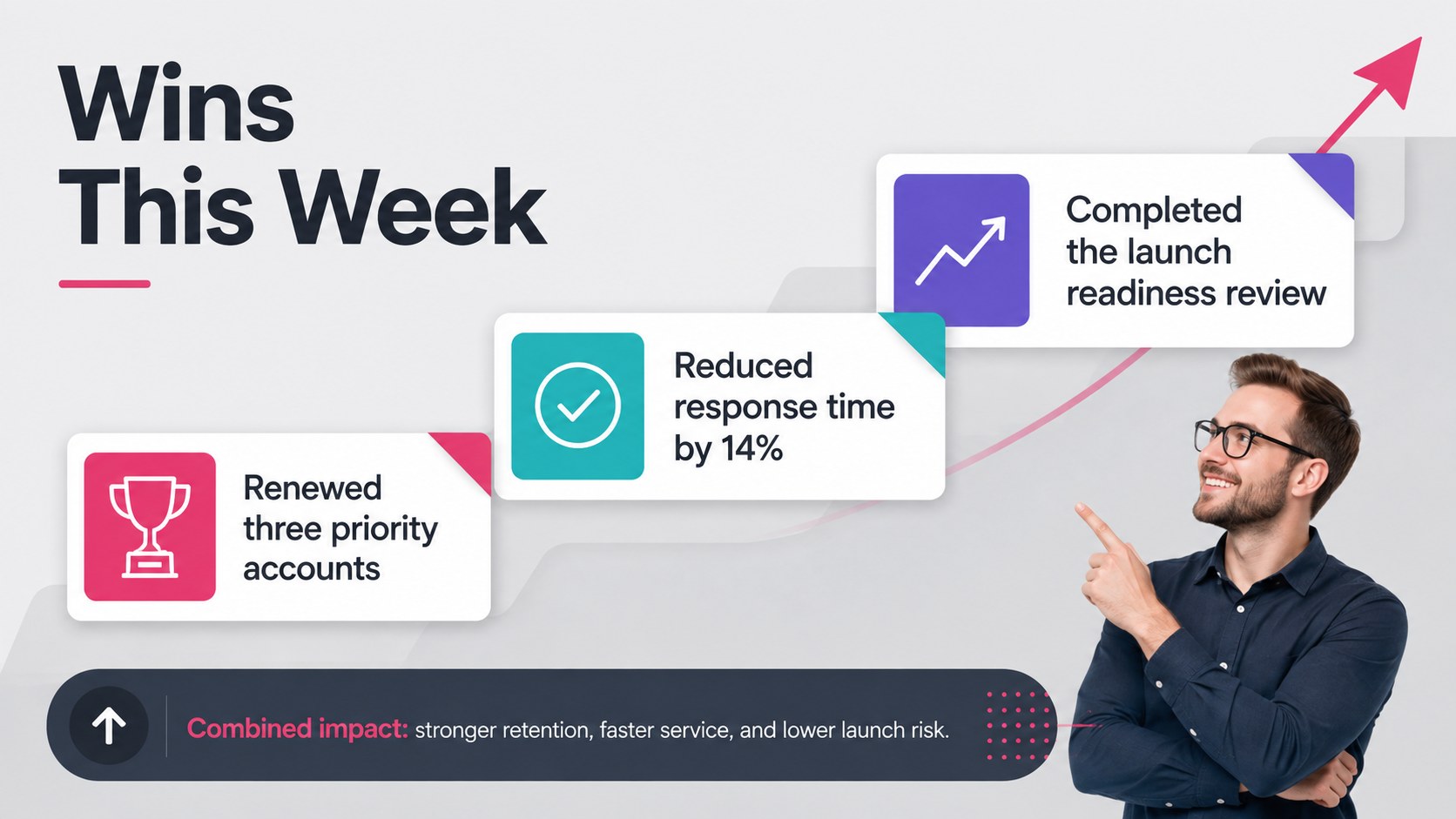
This weekly KPI progress dashboard deck turns routine reporting into a concise, decision-ready narrative. Its polished grey foundation, colorful data accents, and structured layouts help presenters show what changed, why it matters, and where attention is needed without overwhelming the audience.
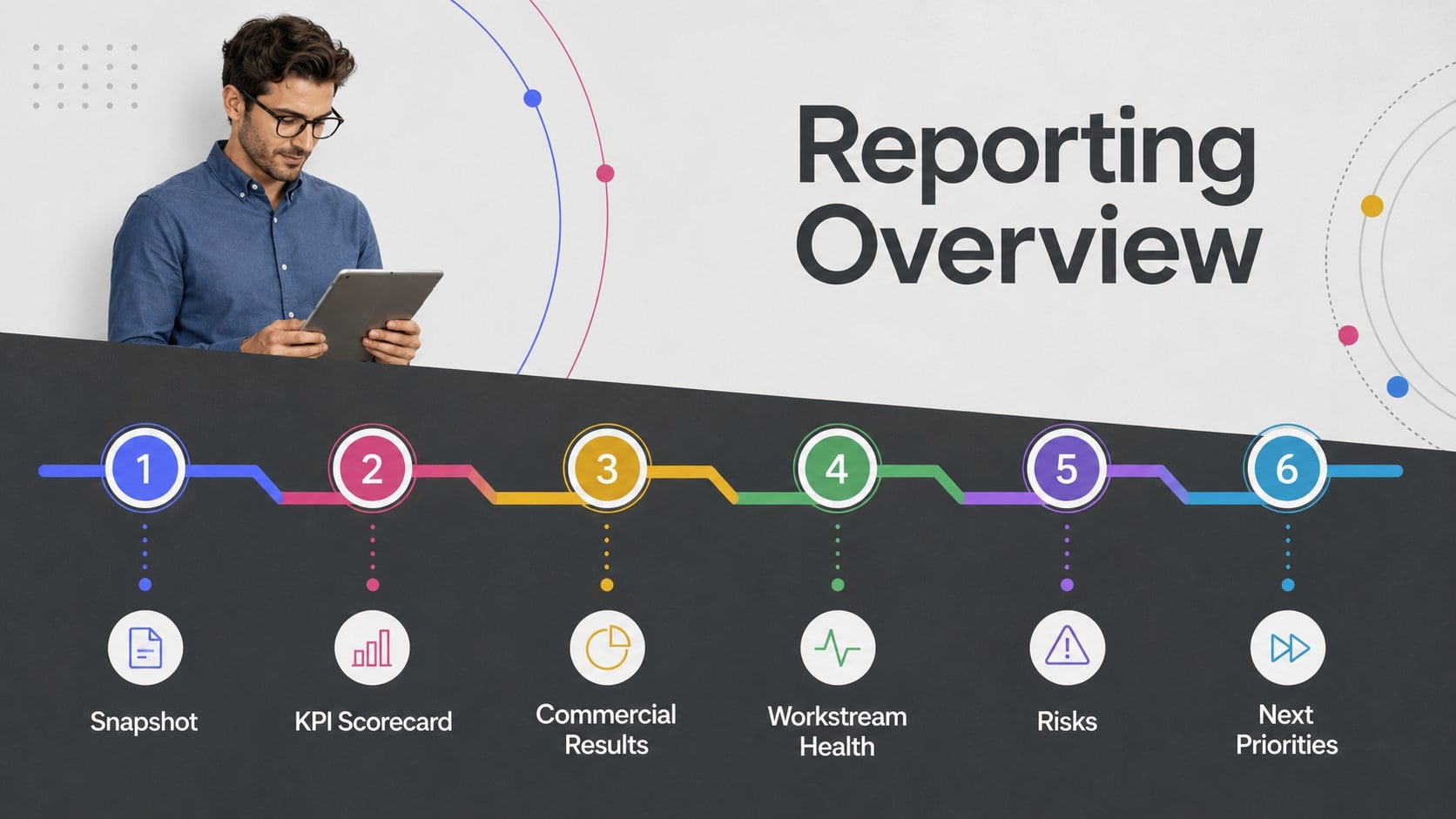
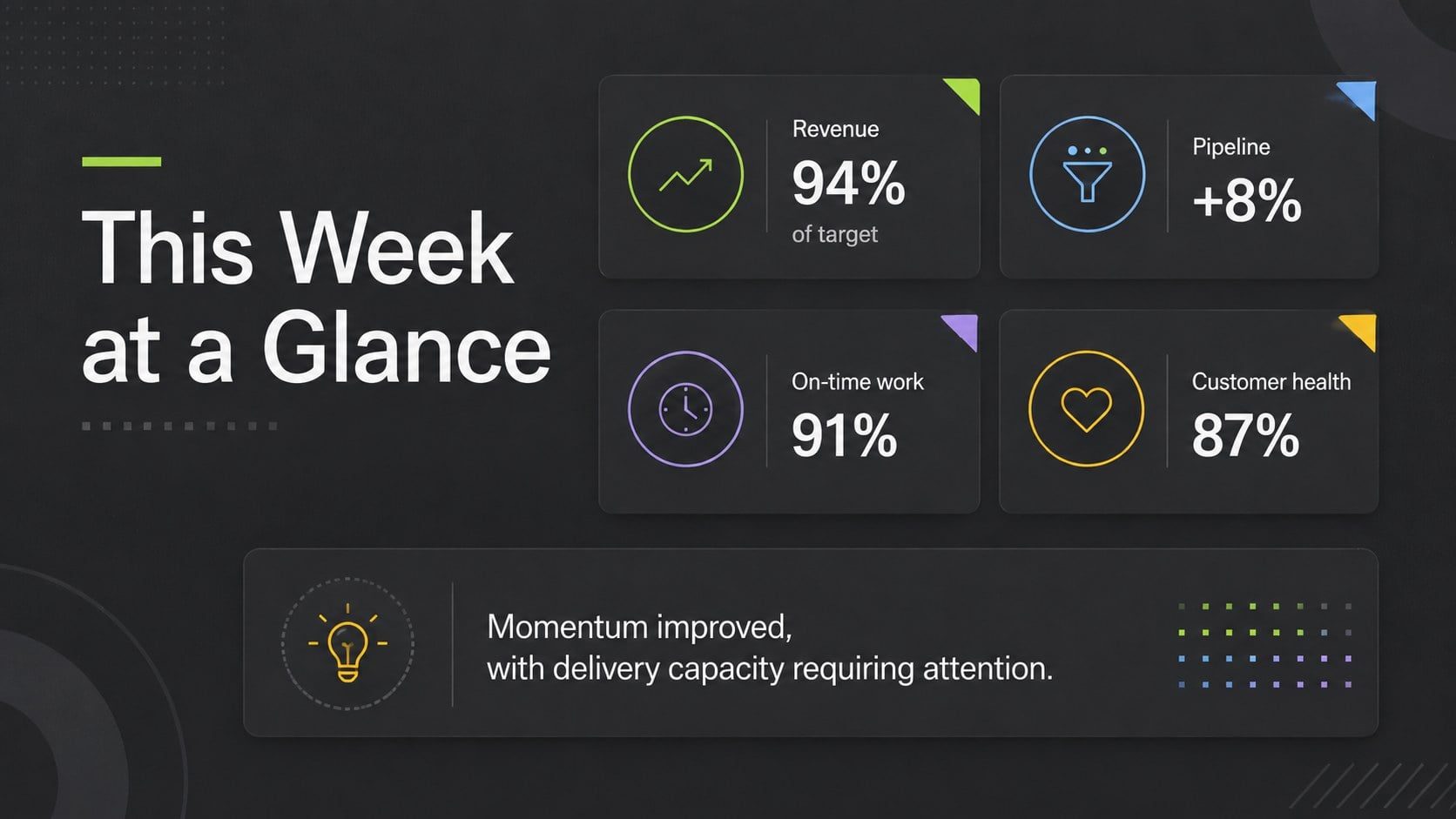
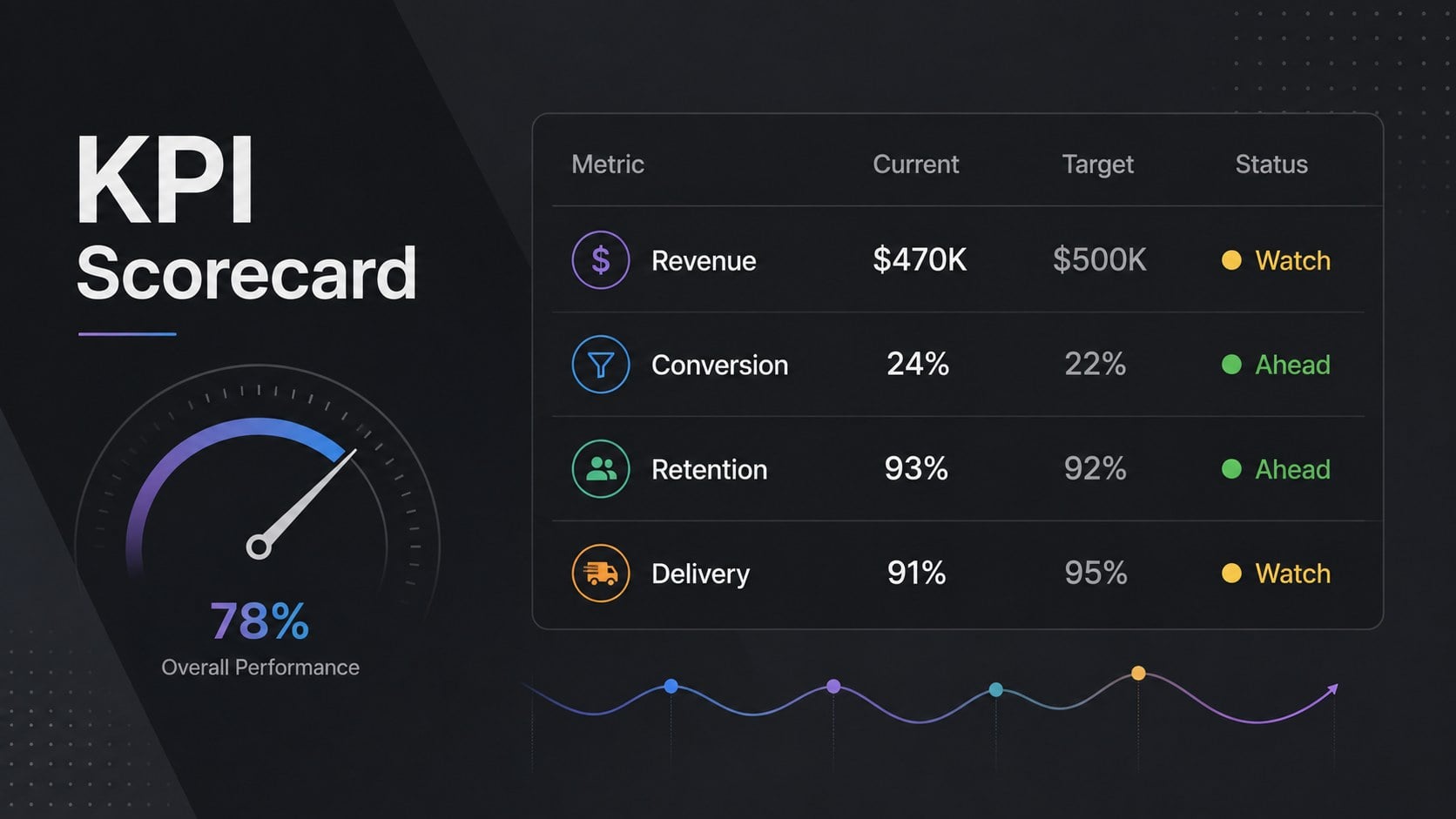
The 15-slide collection includes an executive snapshot, KPI scorecards, target comparisons, revenue and pipeline charts, workstream health indicators, trend analysis, team capacity, risks, milestones, decisions, and next-week priorities. Use it as a weekly KPI dashboard presentation for leadership meetings or adapt the layouts into project health dashboard slides for recurring delivery reviews. Charts, labels, colors, type, and data points can be edited in PowerPoint or Google Slides to match your organization and reporting process.
Designed for sales leaders, project managers, operations teams, department heads, and client-facing consultants, this executive weekly status deck keeps conversations centered on outcomes rather than scattered updates. The consistent visual hierarchy makes metrics easy to scan while leaving room for context, recommendations, and ownership. Whether you are reviewing commercial performance, program delivery, or cross-functional goals, the deck provides a professional framework for presenting results and turning insights into specific actions.
Perfect for: weekly leadership review; sales performance meeting; project health check; operations KPI update; client progress briefing.
Frequently asked questions
Can I replace the sample KPIs with my own metrics? Yes. Edit the metric names, values, targets, chart data, and supporting notes to reflect your reporting framework. You can also duplicate or remove dashboard sections as your KPI set changes.
Practical details
Yes. Edit the metric names, values, targets, chart data, and supporting notes to reflect your reporting framework. You can also duplicate or remove dashboard sections as your KPI set changes.
The template is designed for Microsoft PowerPoint and Google Slides. Some fonts, transitions, or chart formatting may vary slightly between the two platforms, so review the final deck before presenting.
Yes. Replace the grey base and colorful accents with your brand colors through the theme or master layout controls. Check contrast after editing so labels, charts, and status indicators remain easy to read.
Update the executive snapshot first, then revise only the charts and commentary that changed during the week. Keep each insight tied to an owner, decision, risk, or next action so the meeting remains focused.
Keep exploring
15Shape your publishing concept with an indie magazine startup pitch deck featuring pastel gradients, bold collage layouts, and editable planning slides.
 16
16Build clear project stories with the Icon Grid Teamwork Theme, a flexible blue illustrated deck for proposals, strategy updates, and team meetings.
 3
3Turn priorities into an actionable plan with an annual goals roadmap infographic, featuring editable orange and teal layouts for PowerPoint and Google Slides.
 15
15Create an Annual Achievement Report Presentation with colorful geometric layouts for milestones, results, lessons, and priorities in PowerPoint or Google Slides.
 15
15Turn results into a focused annual performance evaluation report with dark 3D slides for KPIs, achievements, feedback, and next-step goals for teams.
 15
15Guide a focused annual recap with Business Results Retrospective Slides, a muted brown-and-blue template for PowerPoint and Google Slides.
 6
6Turn complex plans into clear visual stories with Color-Coded Workflow Path Slides, an editable set for project updates, roadmaps, and team briefings.
 6
6Compare regional performance at a glance with Global Data Heatmap Slides, a clean multicolor deck designed for editable PowerPoint and Google Slides.