
 15
15presentation
Indie Magazine Startup Pitch Deck
Shape your publishing concept with an indie magazine startup pitch deck featuring pastel gradients, bold collage layouts, and editable planning slides.
Google SlidesPowerPoint
presentation · English
Build a polished watercolor team directory deck for introductions, role overviews, and client meetings in PowerPoint and Google Slides, with every slide…




Design notes
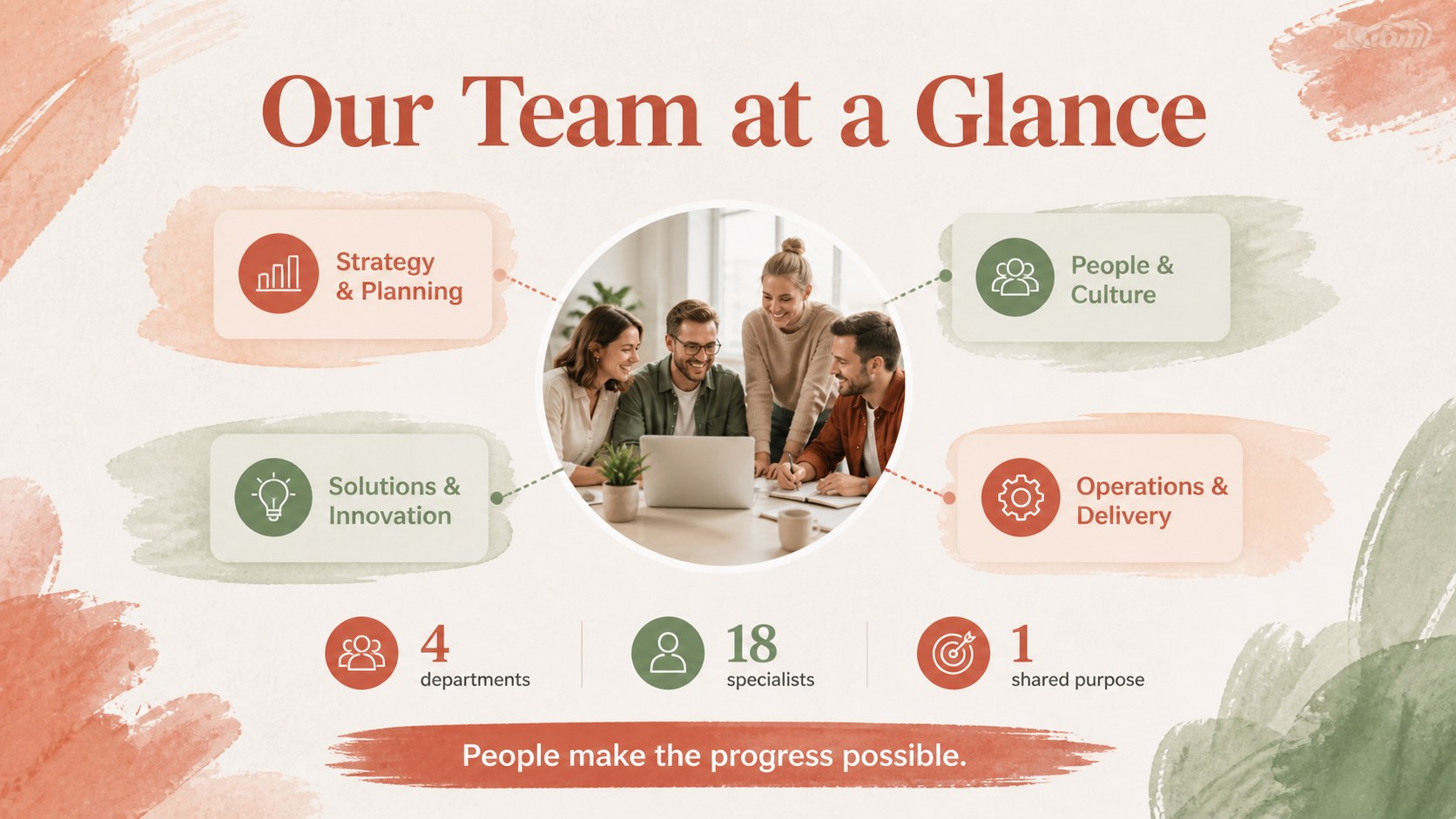
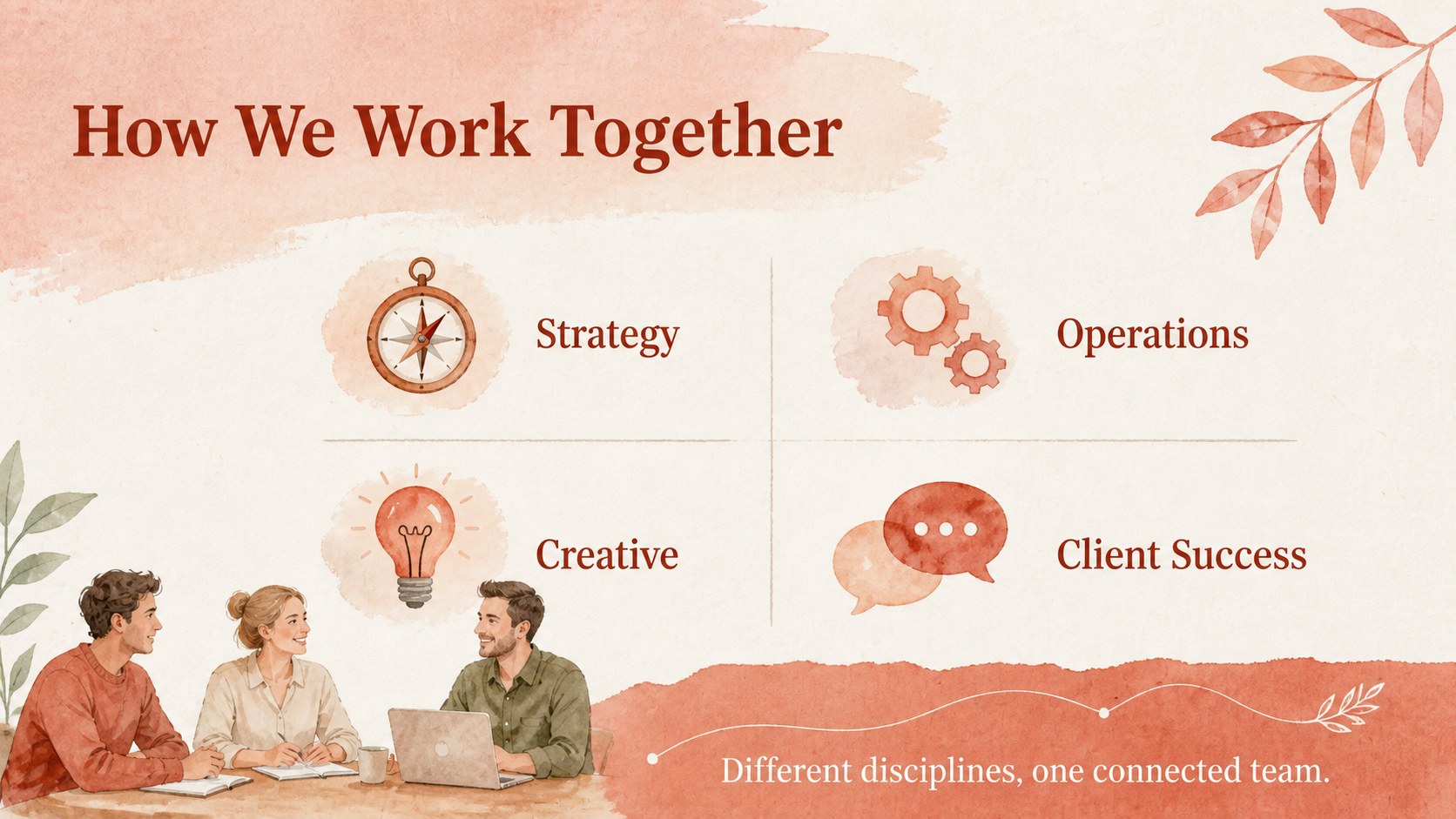
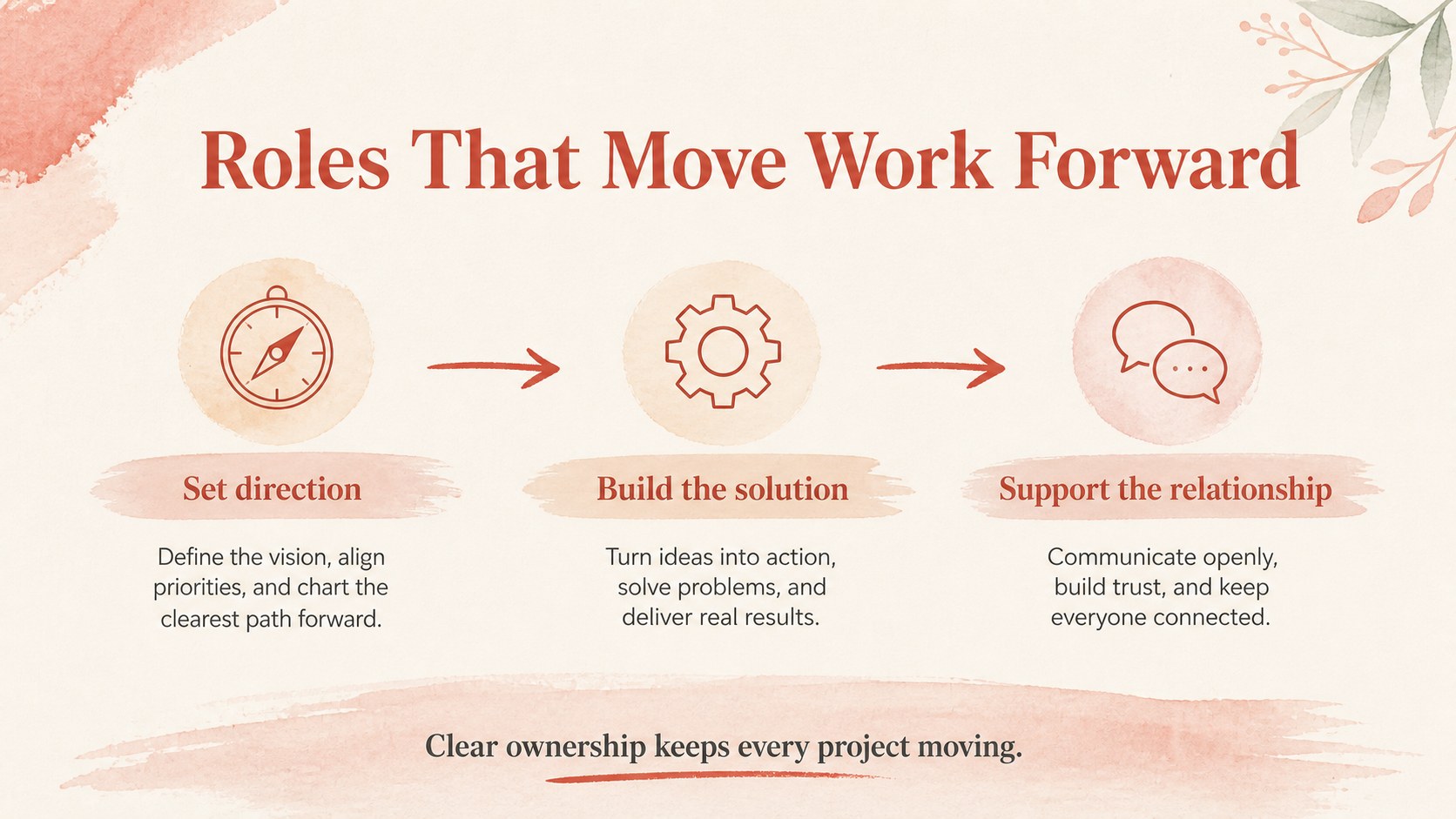
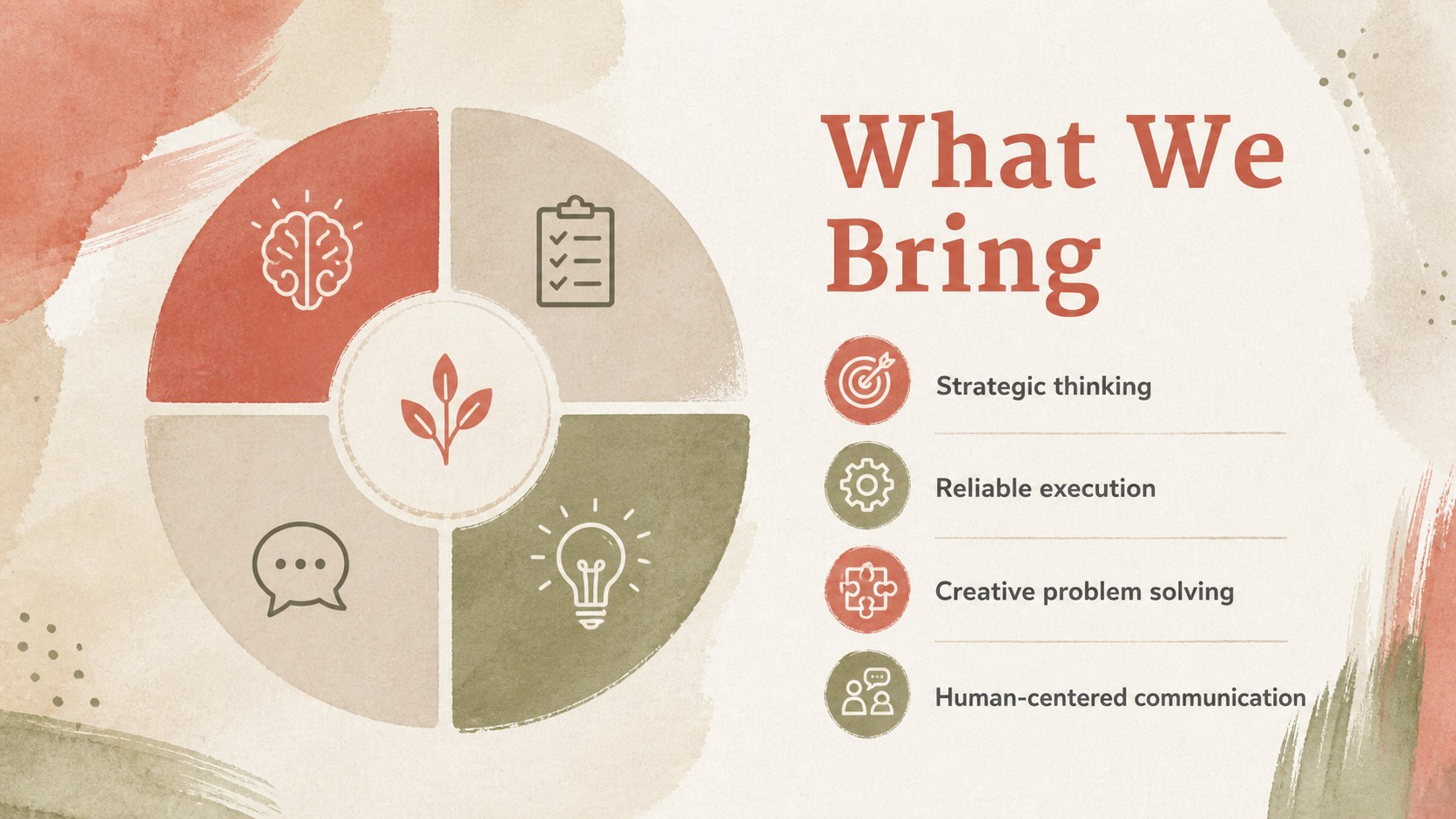
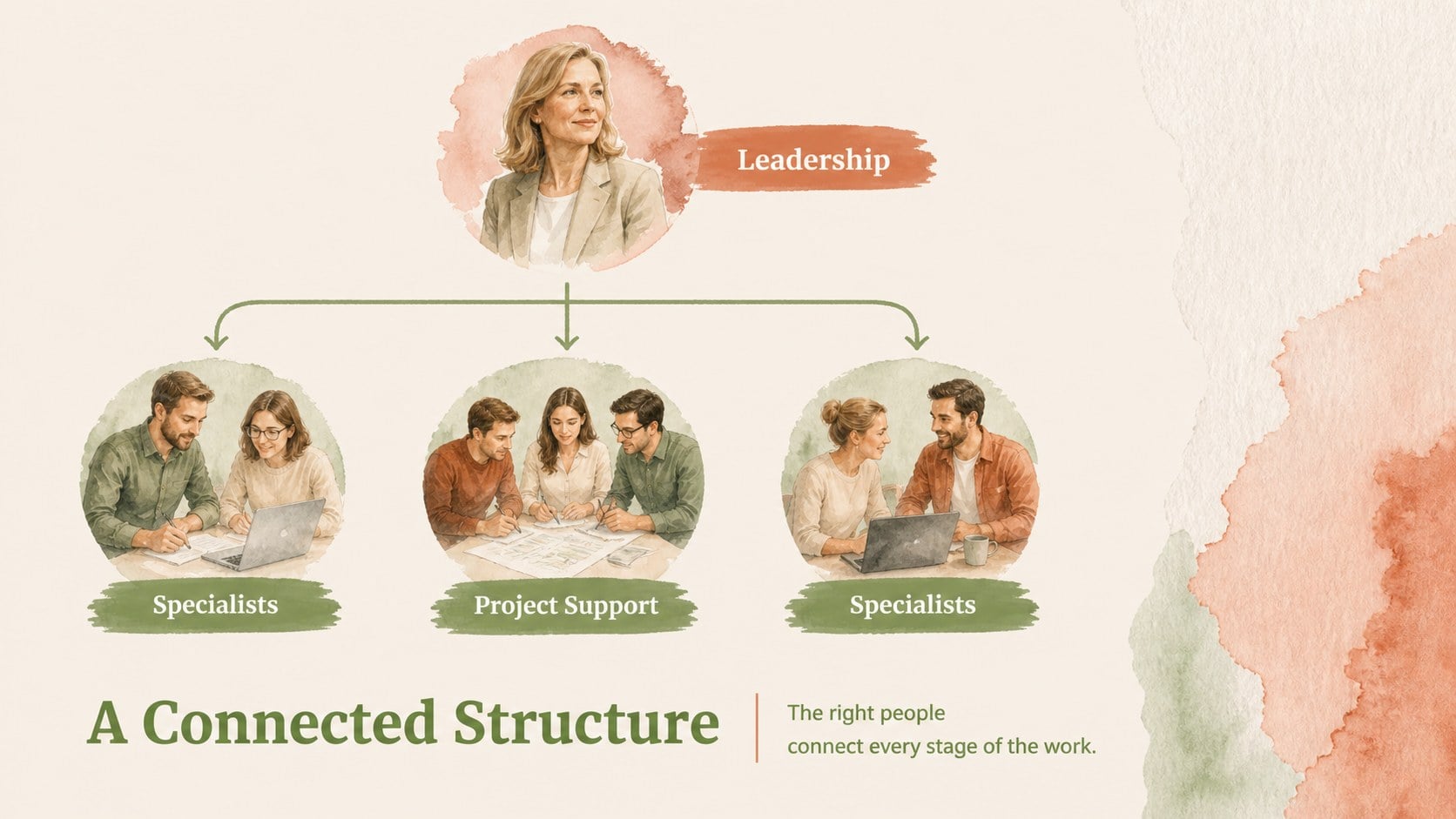
Make team introductions clearer with this watercolor team directory deck, designed for polished business communication. Its elegant beige-and-red palette, soft painted details, and structured layouts help audiences connect names with roles without overwhelming the presentation. Use it for internal meetings, client briefings, company profiles, or onboarding sessions where a personal yet professional tone matters.
The 15-slide PowerPoint and Google Slides template includes a cover, presentation agenda, team overview, individual profile layouts, department groupings, role and responsibility summaries, skills highlights, contact details, and a closing slide. Editable text boxes, image placeholders, charts, icons, lines, and color elements make it simple to adapt the deck to your organization. The layouts also support a watercolor employee profile presentation, a visual staff directory, or a compact team structure overview.
This template suits business owners, HR teams, department leads, consultants, educators, and project managers. Replace the sample names, photos, titles, and achievements with your own information, then adjust the beige and red accents to match your visual identity. Every slide is arranged in a 16:9 format and can be customized directly in PowerPoint or Google Slides.
Perfect for: new employee onboarding; client-facing team introduction; company profile presentation; department planning meeting; project team briefing.
Frequently asked questions
Can I edit this deck in PowerPoint and Google Slides? Yes. The presentation is designed for both PowerPoint and Google Slides. You can change text, images, colors, shapes, and layout elements in either platform.
Practical details
Yes. The presentation is designed for both PowerPoint and Google Slides. You can change text, images, colors, shapes, and layout elements in either platform.
Yes. Replace the beige and red accents with your brand colors, and update the font throughout the presentation to match your visual identity. All main design elements are editable.
Add names, job titles, departments, responsibilities, skills, achievements, contact details, and short biographies. Image placeholders can also be replaced with headshots or other relevant visuals.
Yes. The refined layouts work for client introductions, company profiles, proposals, and partner meetings as well as internal use. Edit the tone and level of detail to fit your audience.
Keep exploring
15Shape your publishing concept with an indie magazine startup pitch deck featuring pastel gradients, bold collage layouts, and editable planning slides.
 16
16Build clear project stories with the Icon Grid Teamwork Theme, a flexible blue illustrated deck for proposals, strategy updates, and team meetings.
 3
3Turn priorities into an actionable plan with an annual goals roadmap infographic, featuring editable orange and teal layouts for PowerPoint and Google Slides.
 15
15Create an Annual Achievement Report Presentation with colorful geometric layouts for milestones, results, lessons, and priorities in PowerPoint or Google Slides.
 15
15Turn results into a focused annual performance evaluation report with dark 3D slides for KPIs, achievements, feedback, and next-step goals for teams.
 15
15Guide a focused annual recap with Business Results Retrospective Slides, a muted brown-and-blue template for PowerPoint and Google Slides.
 6
6Turn complex plans into clear visual stories with Color-Coded Workflow Path Slides, an editable set for project updates, roadmaps, and team briefings.
 6
6Compare regional performance at a glance with Global Data Heatmap Slides, a clean multicolor deck designed for editable PowerPoint and Google Slides.