
 15
15presentation
Indie Magazine Startup Pitch Deck
Shape your publishing concept with an indie magazine startup pitch deck featuring pastel gradients, bold collage layouts, and editable planning slides.
Google SlidesPowerPoint
presentation · English
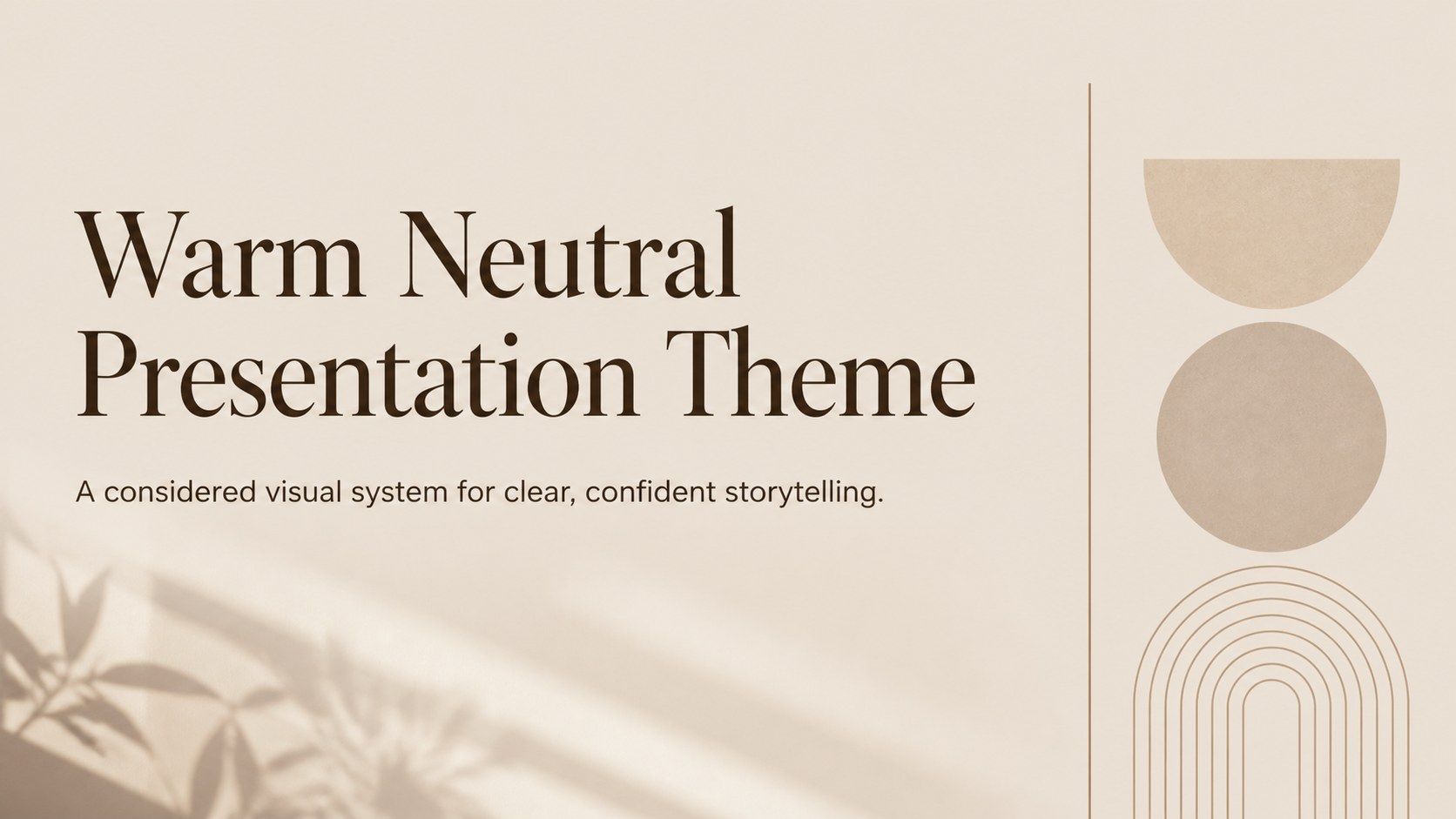
Build polished decks with a warm neutral presentation theme featuring beige and brown layouts, editable graphics, and flexible slides for work or study.

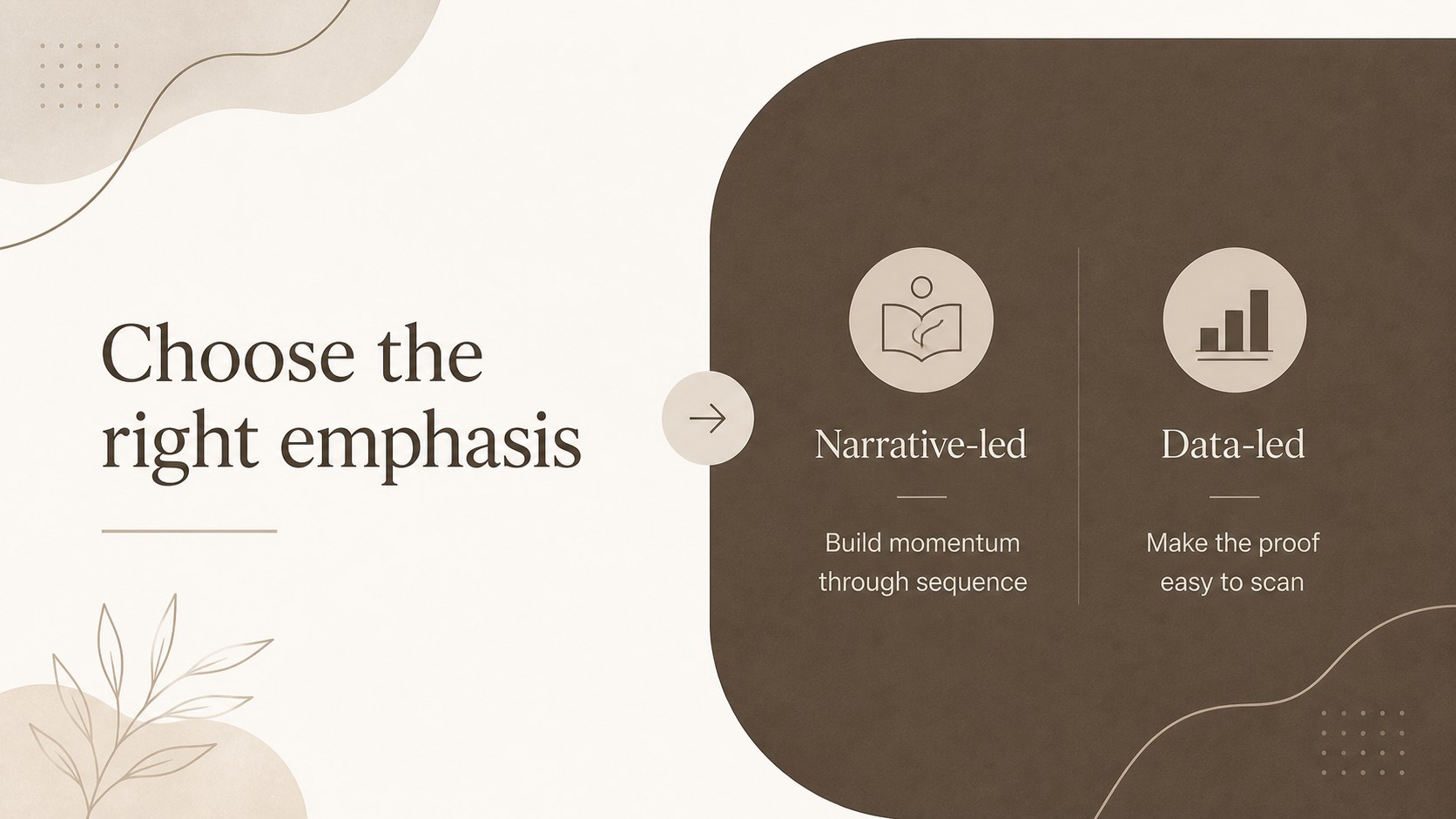
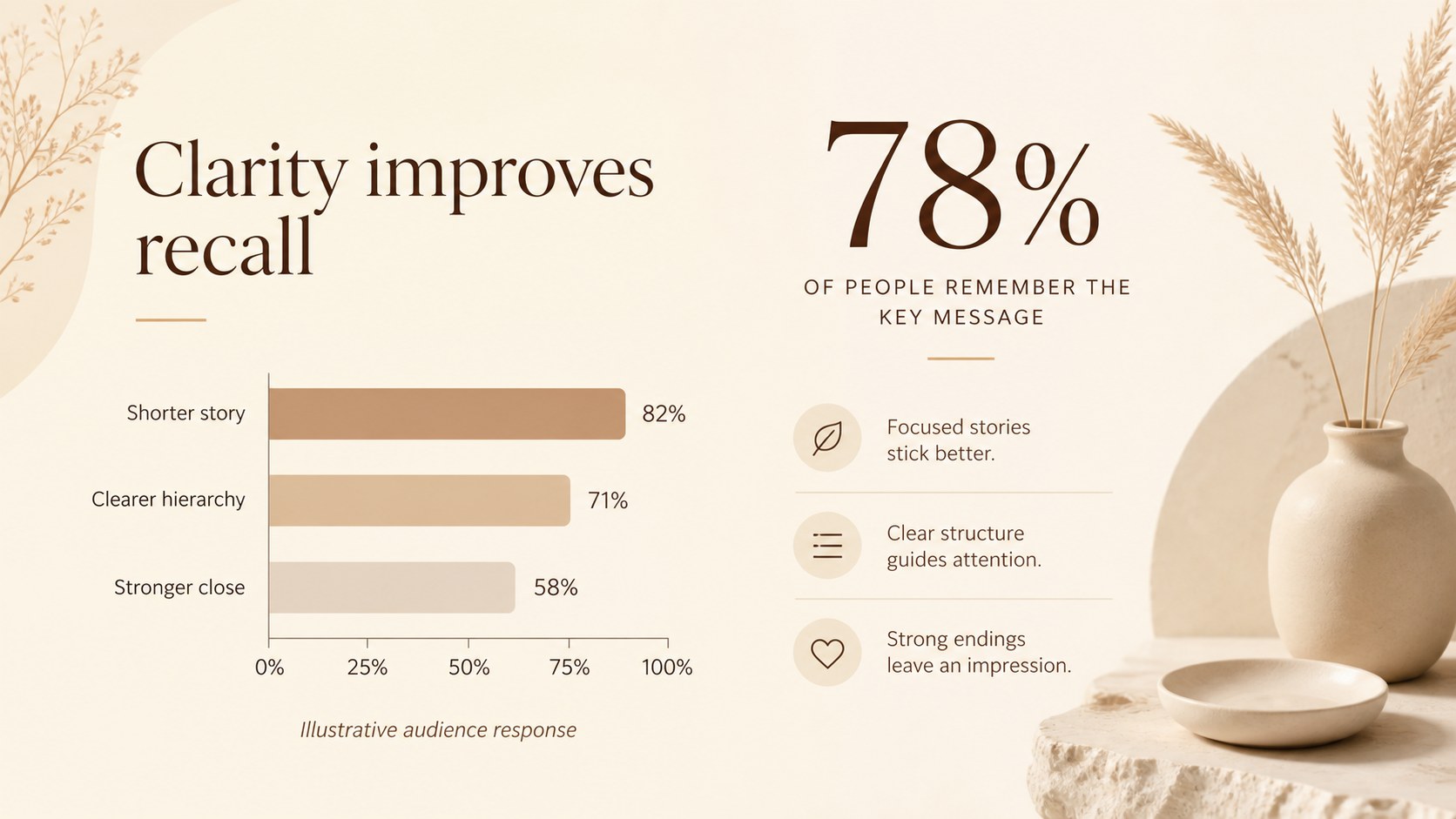


Design notes
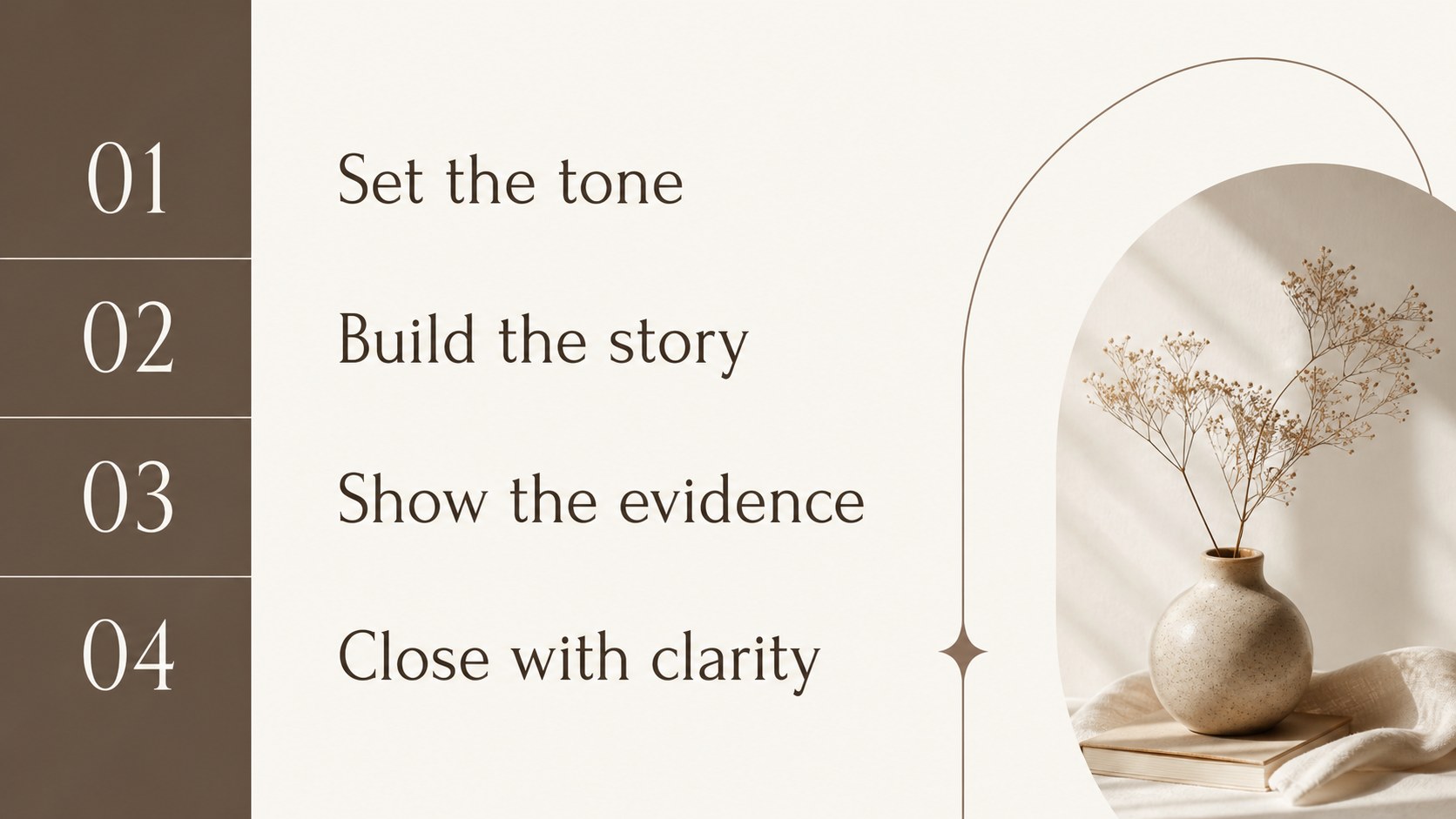
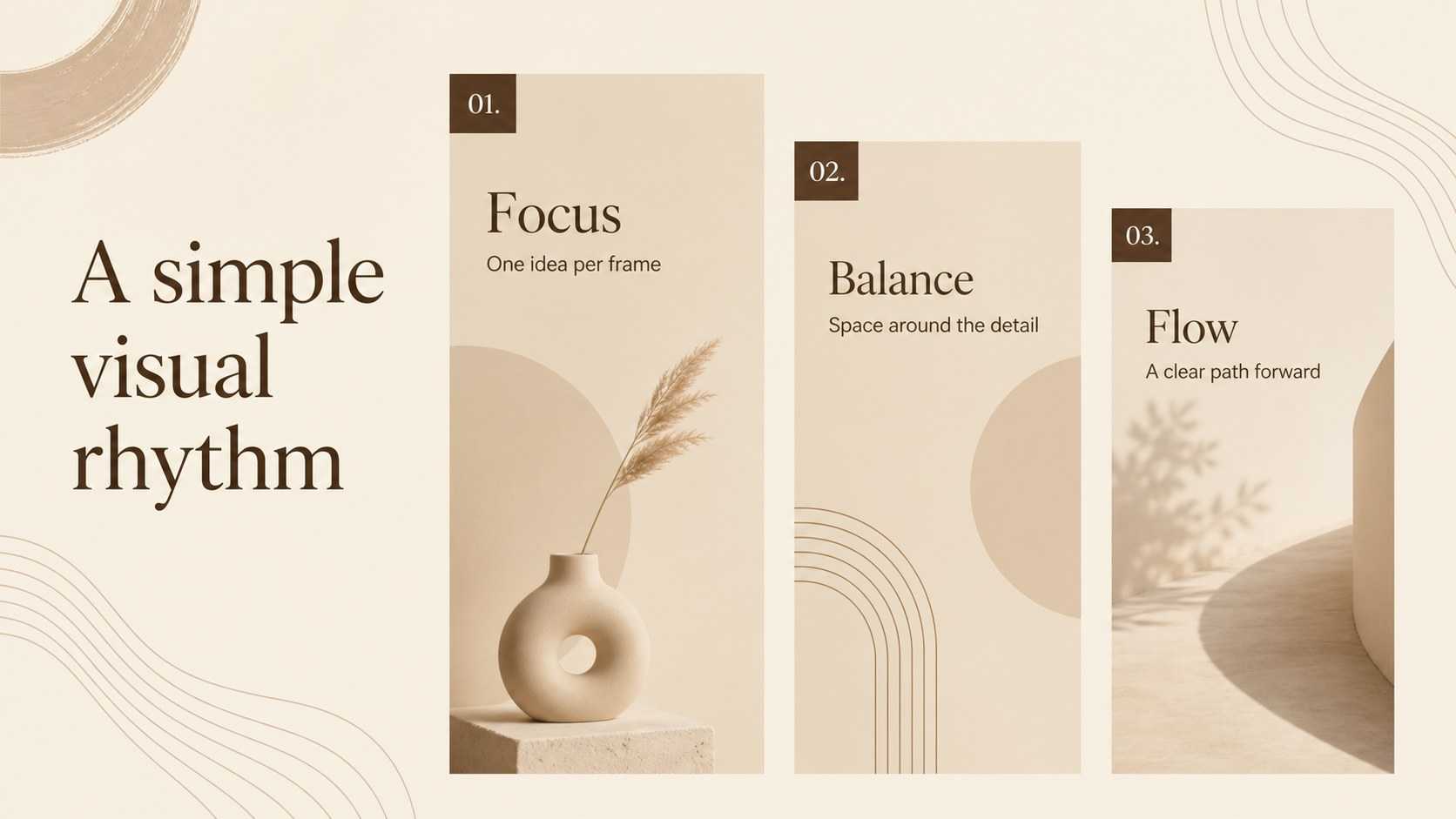
Warm neutral presentation theme for Google Slides and PowerPoint, designed for communicators who want a refined deck without visual clutter. Soft beige surfaces, grounded brown accents, Forum headings, and Lato body text create a composed setting for ideas, data, and imagery. Use it for a proposal, lecture, portfolio, marketing plan, or personal project that needs structure with a human touch.
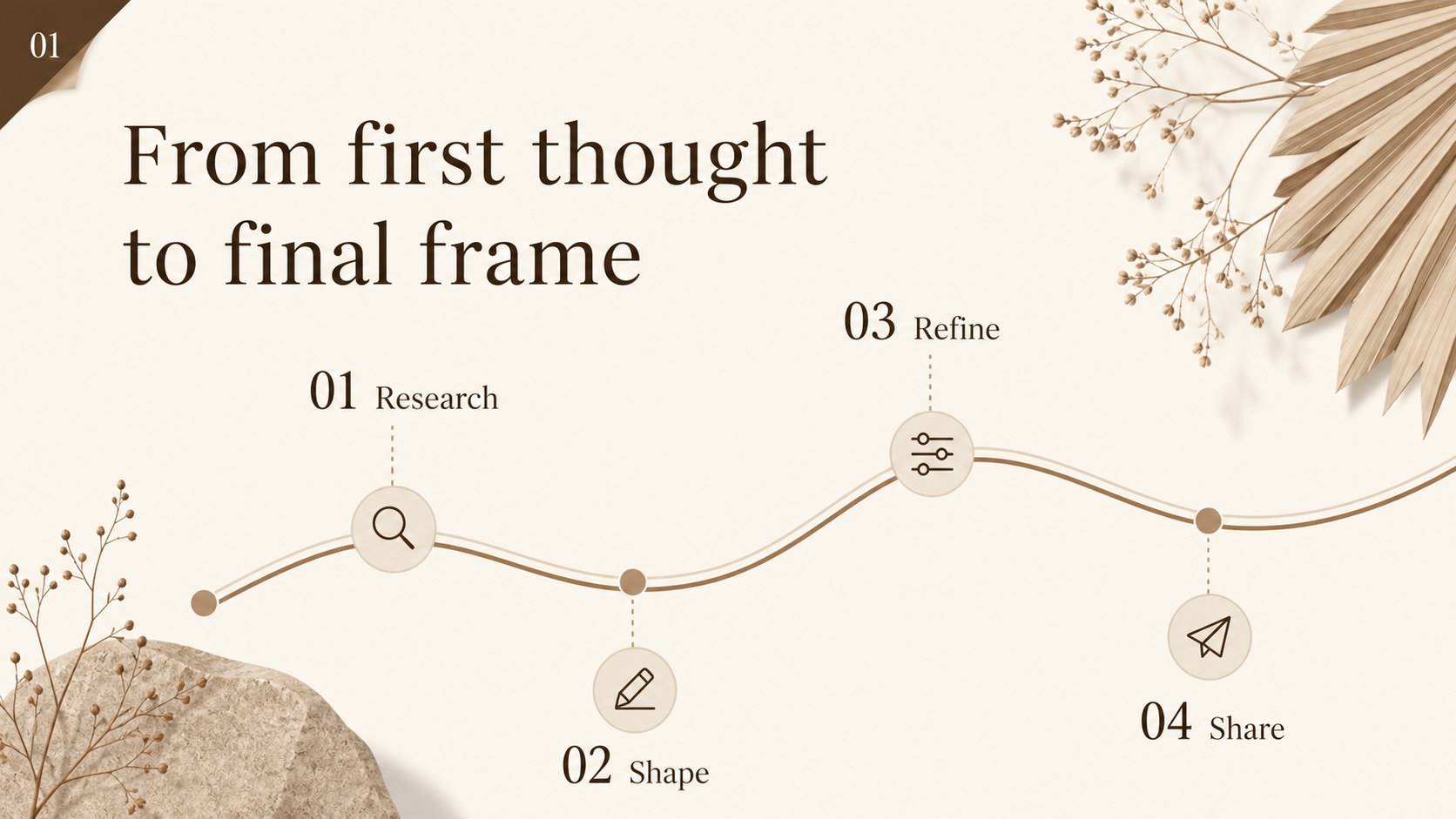
Inside, you will find 21 editable 16:9 slides with cover, agenda, section divider, timeline, comparison, image-led, quote, chart, and closing layouts. Charts, frames, lines, shapes, animations, and transitions can be adjusted to match your message. The version adds drag-and-drop editing, image and photo access, animated pages, font combinations, notes, audio, and collaboration tools.
This modern beige slide deck suits consultants, students, founders, educators, designers, and small teams. Use the neutral presentation template to establish a confident visual identity, then adapt the layouts for a warm minimal pitch deck, research presentation, brand story, or internal update. The restrained palette keeps attention on your content while giving every section a cohesive visual rhythm.
Perfect for: startup investor pitch; university research presentation; creative portfolio review; marketing plan briefing; consulting proposal; team strategy update.
Frequently asked questions
Can I edit this theme in Google Slides and PowerPoint? Yes. The layouts are designed for both Google Slides and PowerPoint, with editable text, shapes, charts, colors, and image areas. You can also use the version for browser-based drag-and-drop editing.
Practical details
Yes. The layouts are designed for both Google Slides and PowerPoint, with editable text, shapes, charts, colors, and image areas. You can also use the version for browser-based drag-and-drop editing.
Yes. Replace the beige backgrounds and brown accents with your preferred brand colors while keeping the layout structure intact. The included Forum and Lato font pairing can also be changed.
The deck works well for pitches, proposals, lectures, portfolios, marketing plans, and internal reports. Its mix of editorial, data, image, and comparison layouts supports both narrative and information-heavy presentations.
The source deck includes animation and transition options that can be adjusted in the supported editing platform. users can additionally apply page animations and add audio or talking points.
Keep exploring
15Shape your publishing concept with an indie magazine startup pitch deck featuring pastel gradients, bold collage layouts, and editable planning slides.
 16
16Build clear project stories with the Icon Grid Teamwork Theme, a flexible blue illustrated deck for proposals, strategy updates, and team meetings.
 3
3Turn priorities into an actionable plan with an annual goals roadmap infographic, featuring editable orange and teal layouts for PowerPoint and Google Slides.
 15
15Create an Annual Achievement Report Presentation with colorful geometric layouts for milestones, results, lessons, and priorities in PowerPoint or Google Slides.
 15
15Turn results into a focused annual performance evaluation report with dark 3D slides for KPIs, achievements, feedback, and next-step goals for teams.
 15
15Guide a focused annual recap with Business Results Retrospective Slides, a muted brown-and-blue template for PowerPoint and Google Slides.
 6
6Turn complex plans into clear visual stories with Color-Coded Workflow Path Slides, an editable set for project updates, roadmaps, and team briefings.
 6
6Compare regional performance at a glance with Global Data Heatmap Slides, a clean multicolor deck designed for editable PowerPoint and Google Slides.