
 15
15presentation
Indie Magazine Startup Pitch Deck
Shape your publishing concept with an indie magazine startup pitch deck featuring pastel gradients, bold collage layouts, and editable planning slides.
Google SlidesPowerPoint
presentation · English
Build lively business, marketing, or creative decks with a warm gradient presentation template featuring flexible layouts, bold curves, and editable visuals.







Design notes
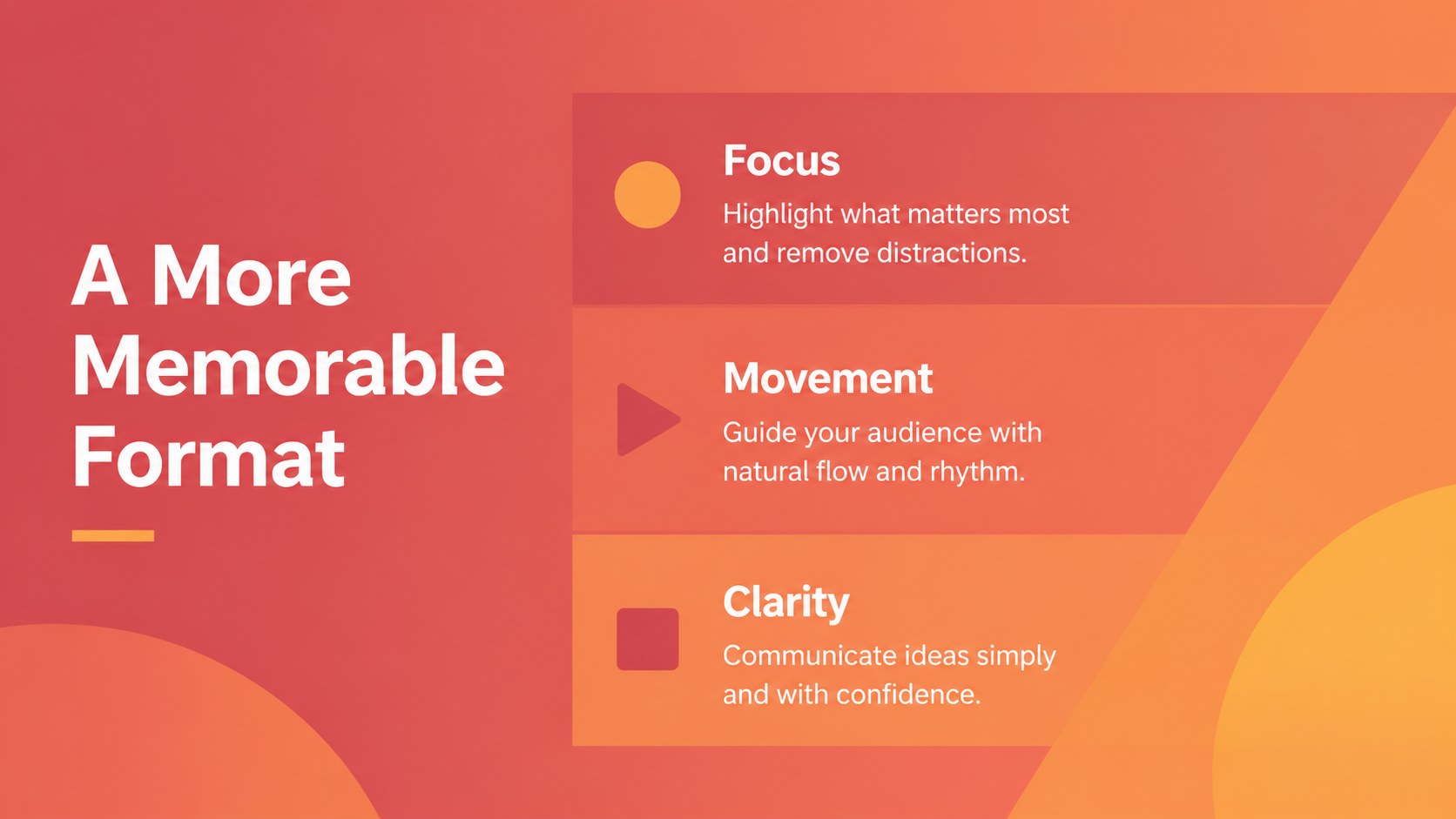
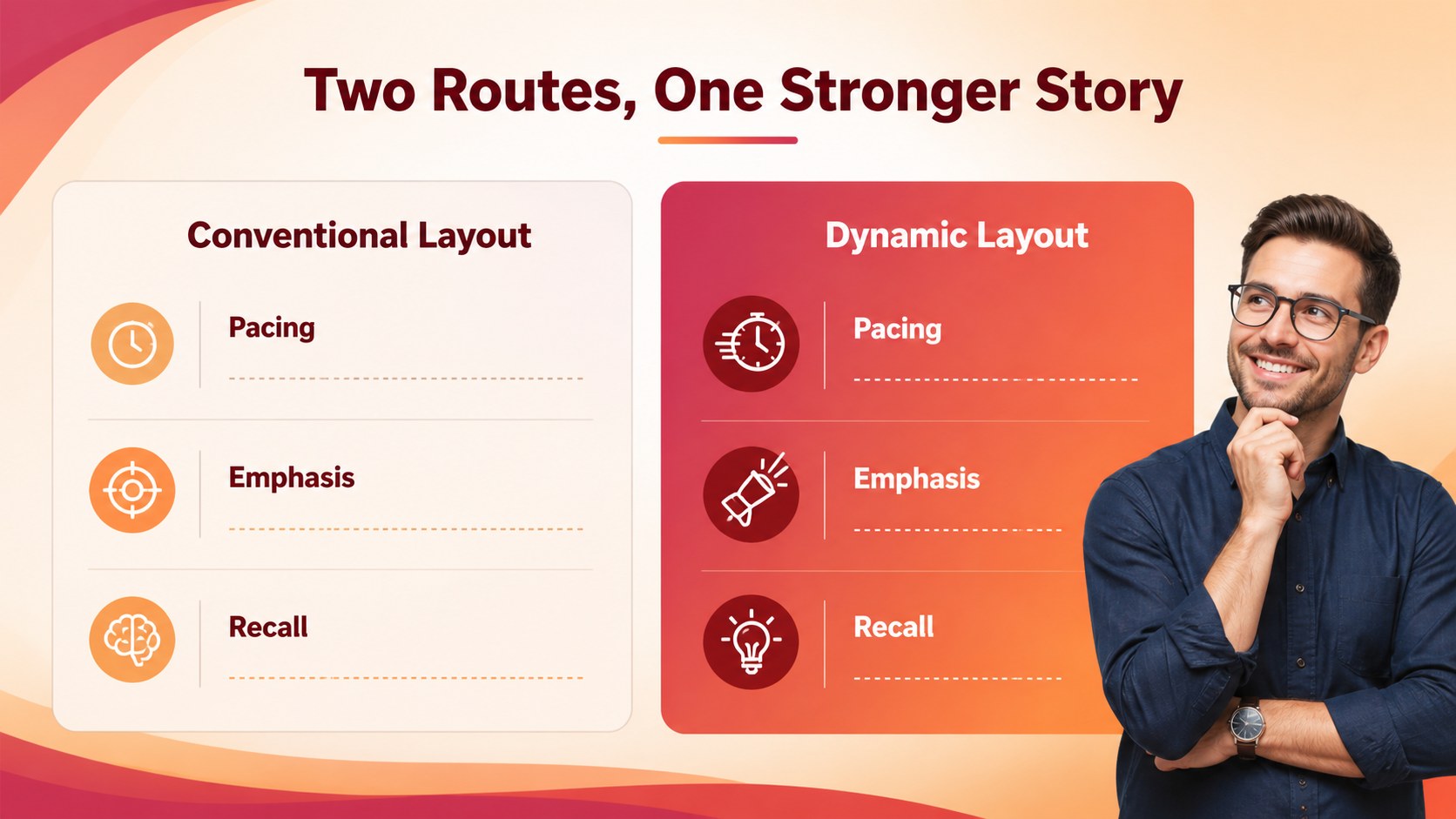
Turn everyday ideas into a more engaging visual story with this warm gradient presentation template. Its flowing curves, vivid red accents, and layered color transitions create a sense of motion while leaving enough structure for clear, professional communication. Use it to make a marketing concept, business proposal, project update, or creative portfolio feel energetic without becoming difficult to scan.
Inside, you’ll find 35 editable slide layouts covering title pages, agendas, section dividers, key metrics, timelines, process diagrams, maps, project plans, and closing statements. The deck also includes customizable icons, charts, diagrams, and visual resources to help you explain information with less text. Fira Sans keeps the typography consistent and readable across every layout.
This warm gradient presentation template works well for agencies, startups, educators, consultants, and internal teams preparing a colorful business presentation. Edit the text, imagery, icons, and palette in PowerPoint, Google Slides,, or Keynote. It is designed for widescreen displays and can be adapted for a startup investor pitch, a creative campaign proposal, or a quarterly performance review.
Perfect for: startup investor pitch; creative campaign proposal; quarterly performance review; agency portfolio presentation; project roadmap meeting.
Frequently asked questions
Can I edit this template in PowerPoint and Google Slides? Yes. The layouts are designed for PowerPoint and Google Slides, and they can also be imported into or Keynote. Text, images, icons, charts, and colors can be changed.
Practical details
Yes. The layouts are designed for PowerPoint and Google Slides, and they can also be imported into or Keynote. Text, images, icons, charts, and colors can be changed.
Yes. You can replace the warm red and gradient accents with your own brand colors. The layouts are built to preserve contrast and hierarchy when the palette changes.
The energetic visual style works well for marketing plans, startup pitches, creative proposals, project updates, and business reports. It can be adapted for both internal presentations and client-facing decks.
Yes. The presentation includes editable charts, diagrams, maps, and a collection of customizable icons. These resources help turn data and process information into clearer visual slides.
Keep exploring
15Shape your publishing concept with an indie magazine startup pitch deck featuring pastel gradients, bold collage layouts, and editable planning slides.
 16
16Build clear project stories with the Icon Grid Teamwork Theme, a flexible blue illustrated deck for proposals, strategy updates, and team meetings.
 3
3Turn priorities into an actionable plan with an annual goals roadmap infographic, featuring editable orange and teal layouts for PowerPoint and Google Slides.
 15
15Create an Annual Achievement Report Presentation with colorful geometric layouts for milestones, results, lessons, and priorities in PowerPoint or Google Slides.
 15
15Turn results into a focused annual performance evaluation report with dark 3D slides for KPIs, achievements, feedback, and next-step goals for teams.
 15
15Guide a focused annual recap with Business Results Retrospective Slides, a muted brown-and-blue template for PowerPoint and Google Slides.
 6
6Turn complex plans into clear visual stories with Color-Coded Workflow Path Slides, an editable set for project updates, roadmaps, and team briefings.
 6
6Compare regional performance at a glance with Global Data Heatmap Slides, a clean multicolor deck designed for editable PowerPoint and Google Slides.