
 15
15presentation
Indie Magazine Startup Pitch Deck
Shape your publishing concept with an indie magazine startup pitch deck featuring pastel gradients, bold collage layouts, and editable planning slides.
Google SlidesPowerPoint
presentation · English
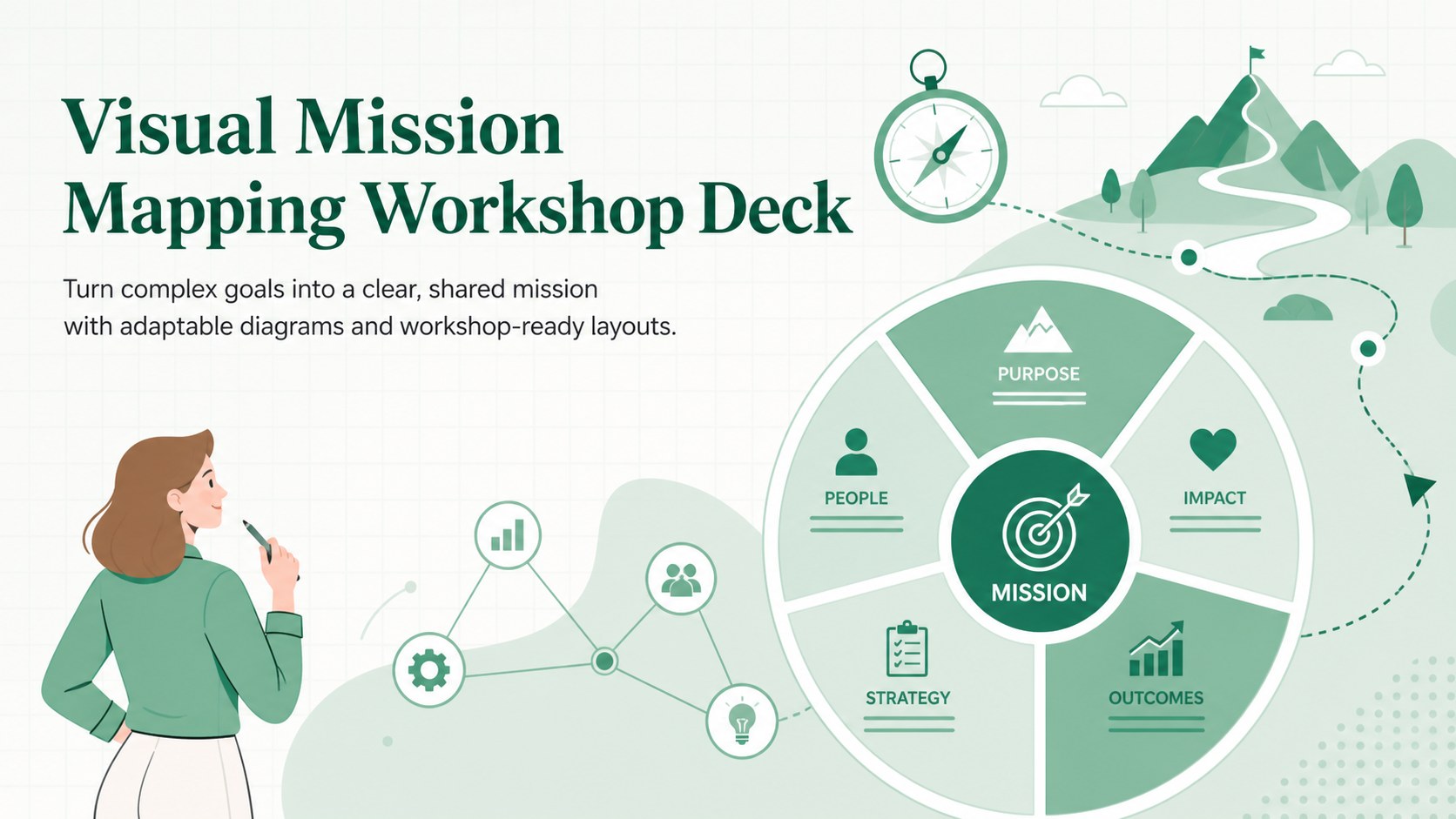
Build alignment faster with a Visual Mission Mapping Workshop Deck for PowerPoint and Google Slides, featuring green diagrams for strategy sessions and…
Design notes
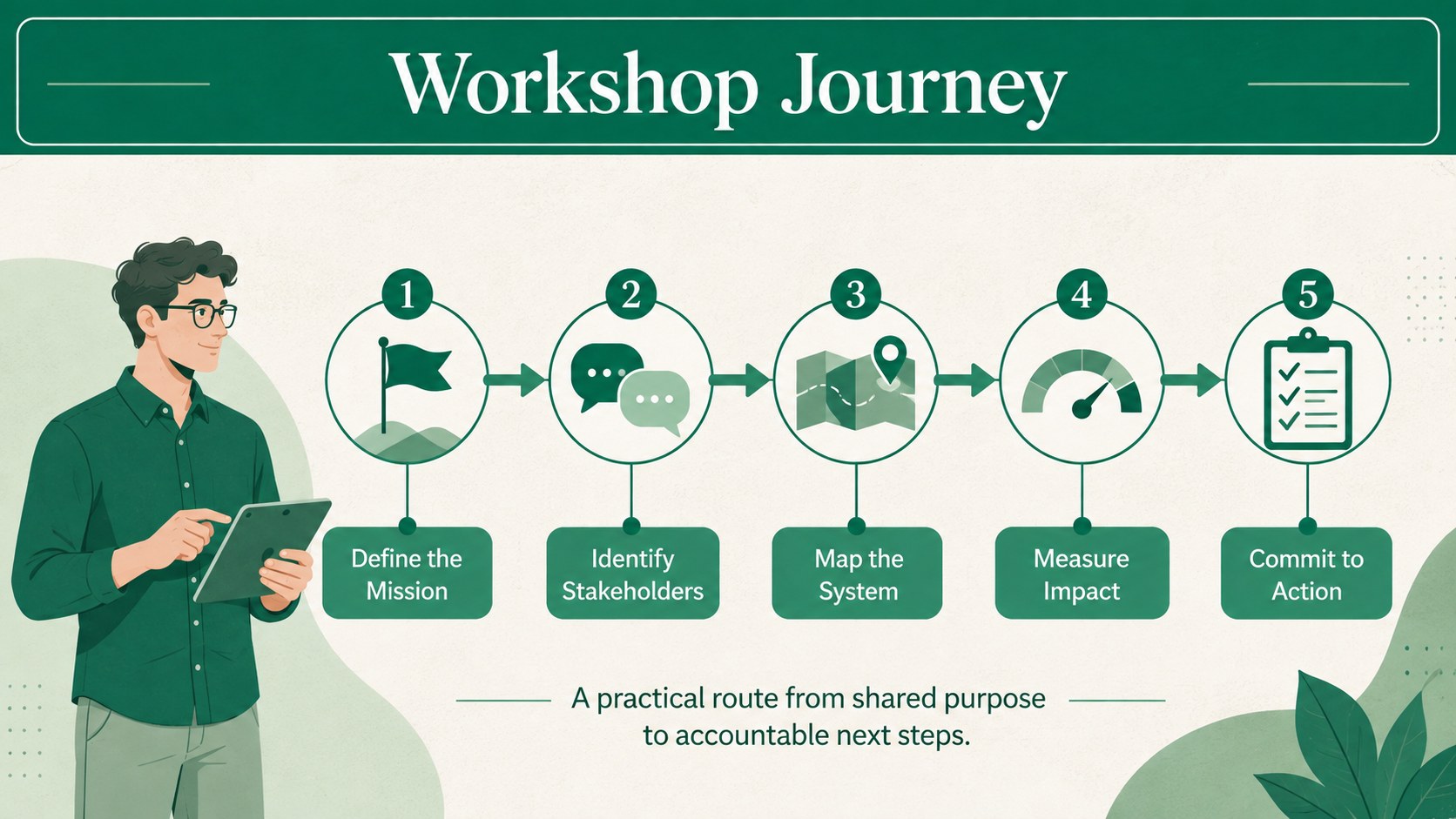
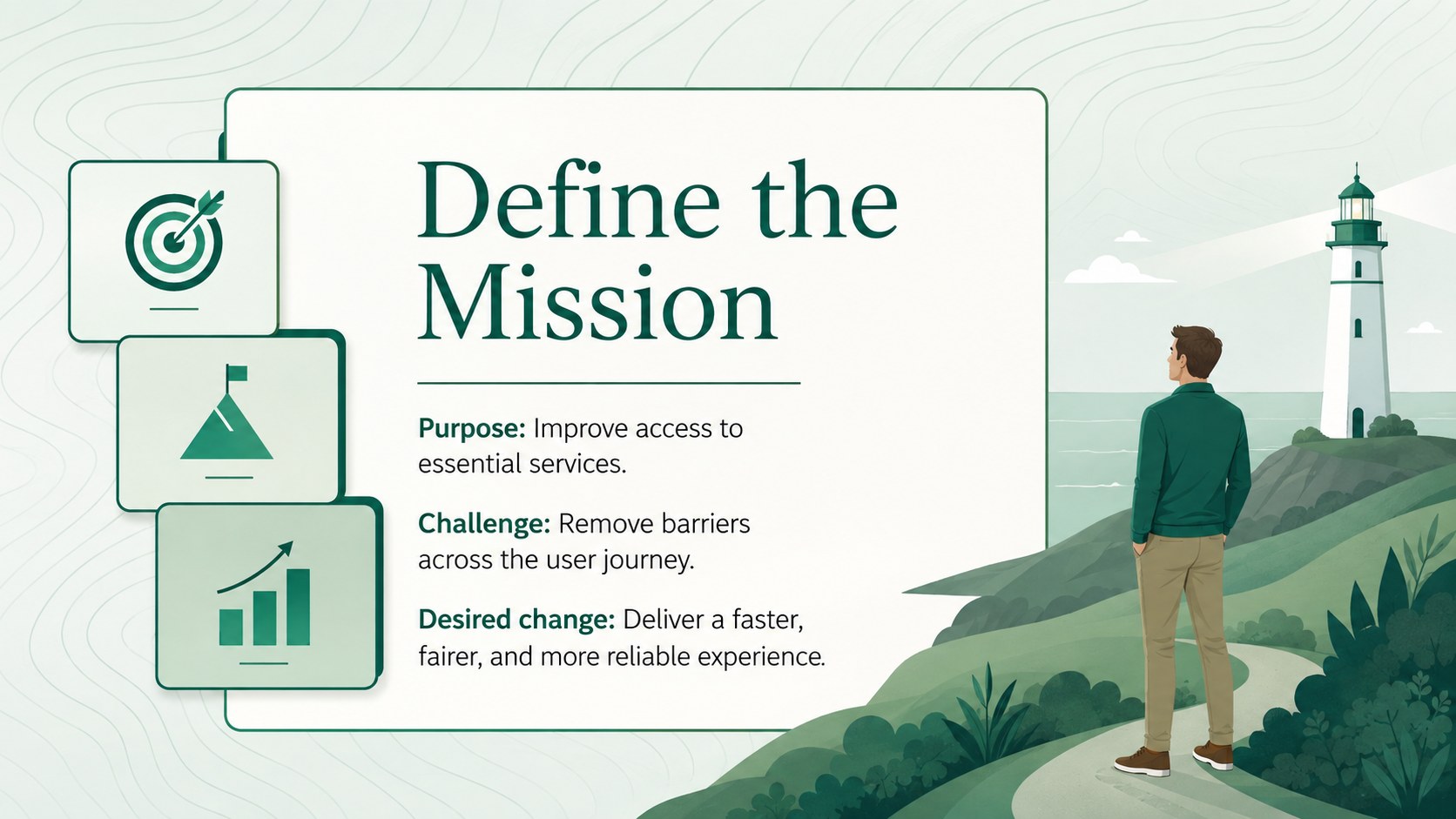
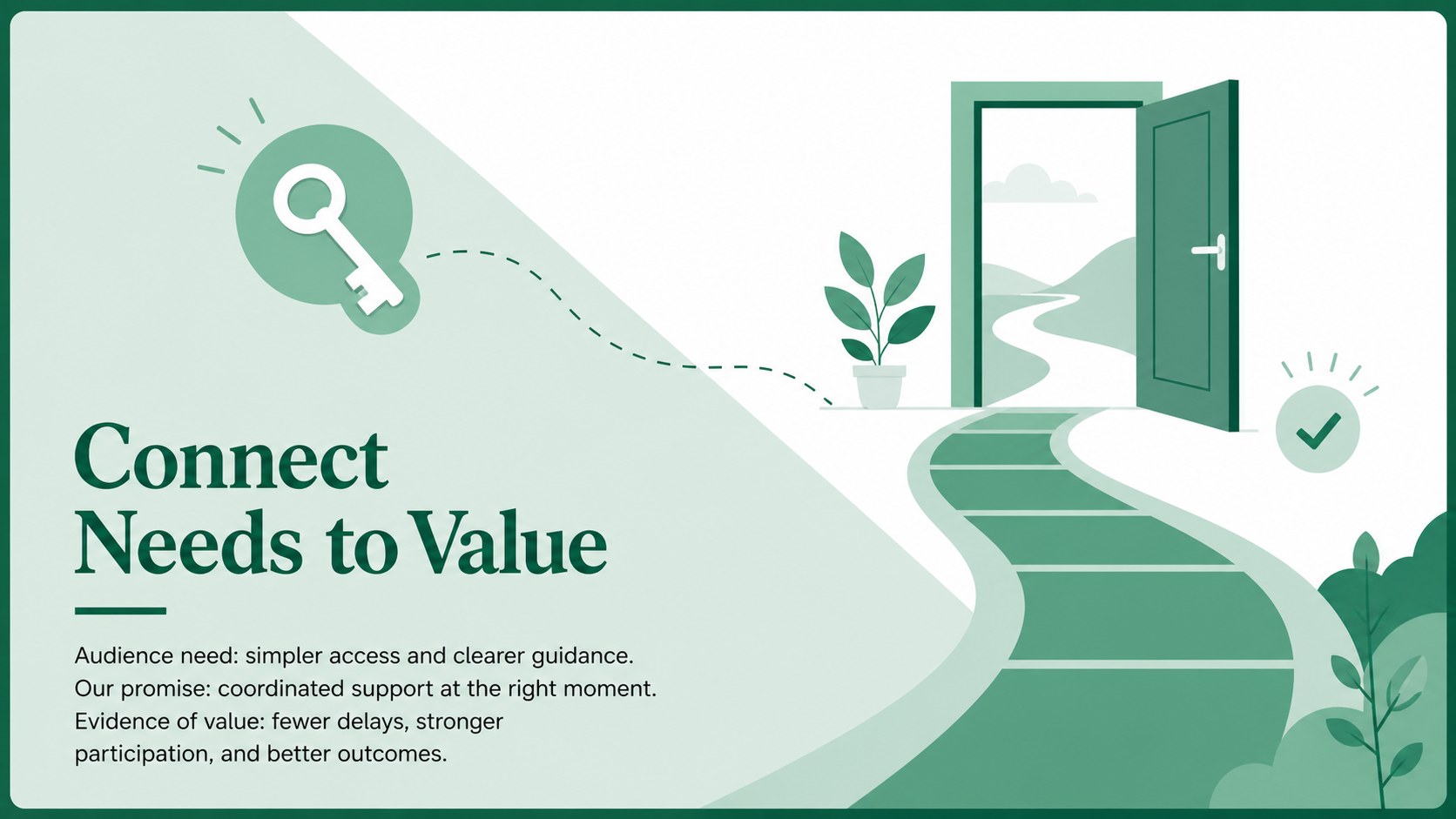
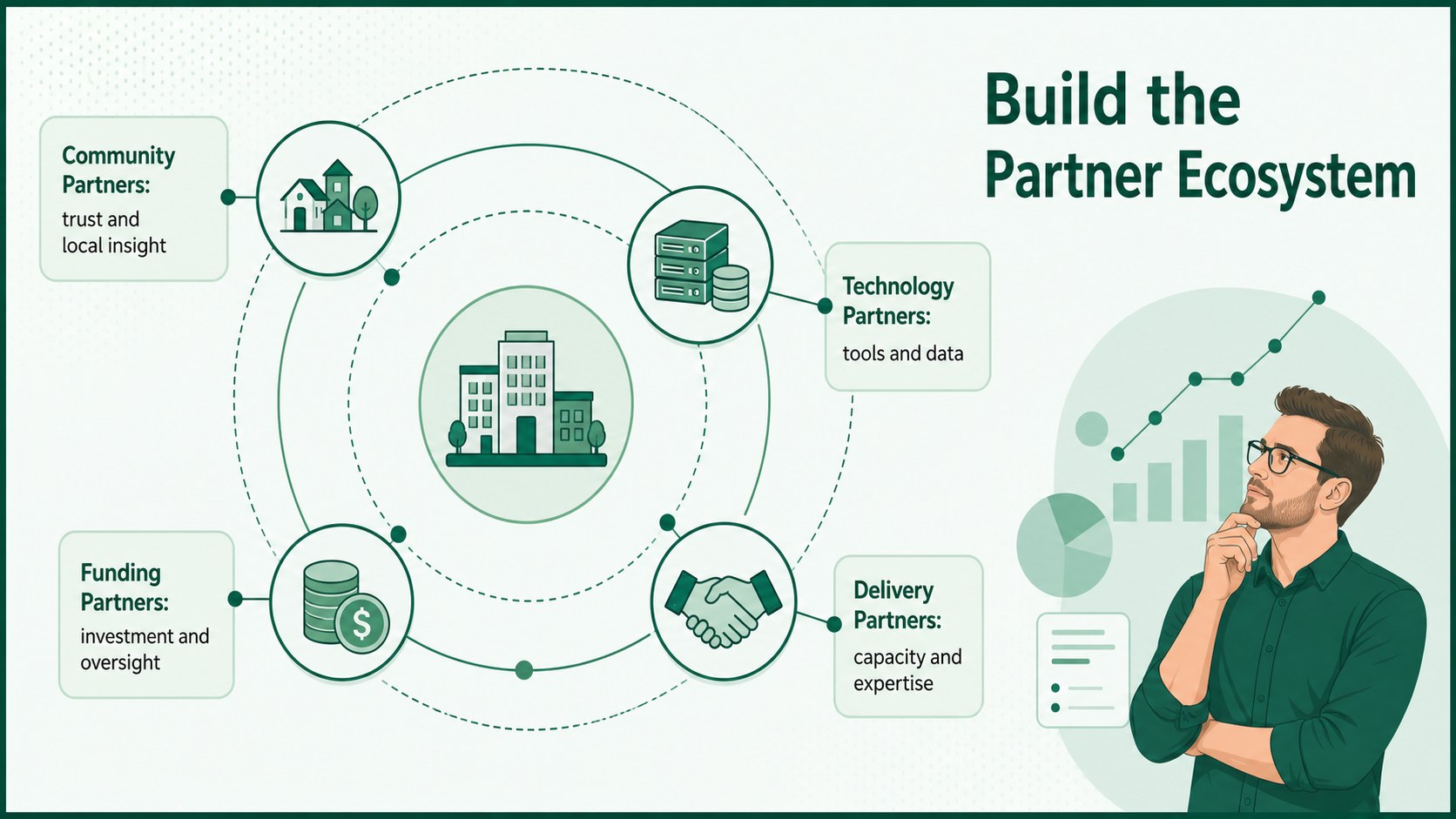
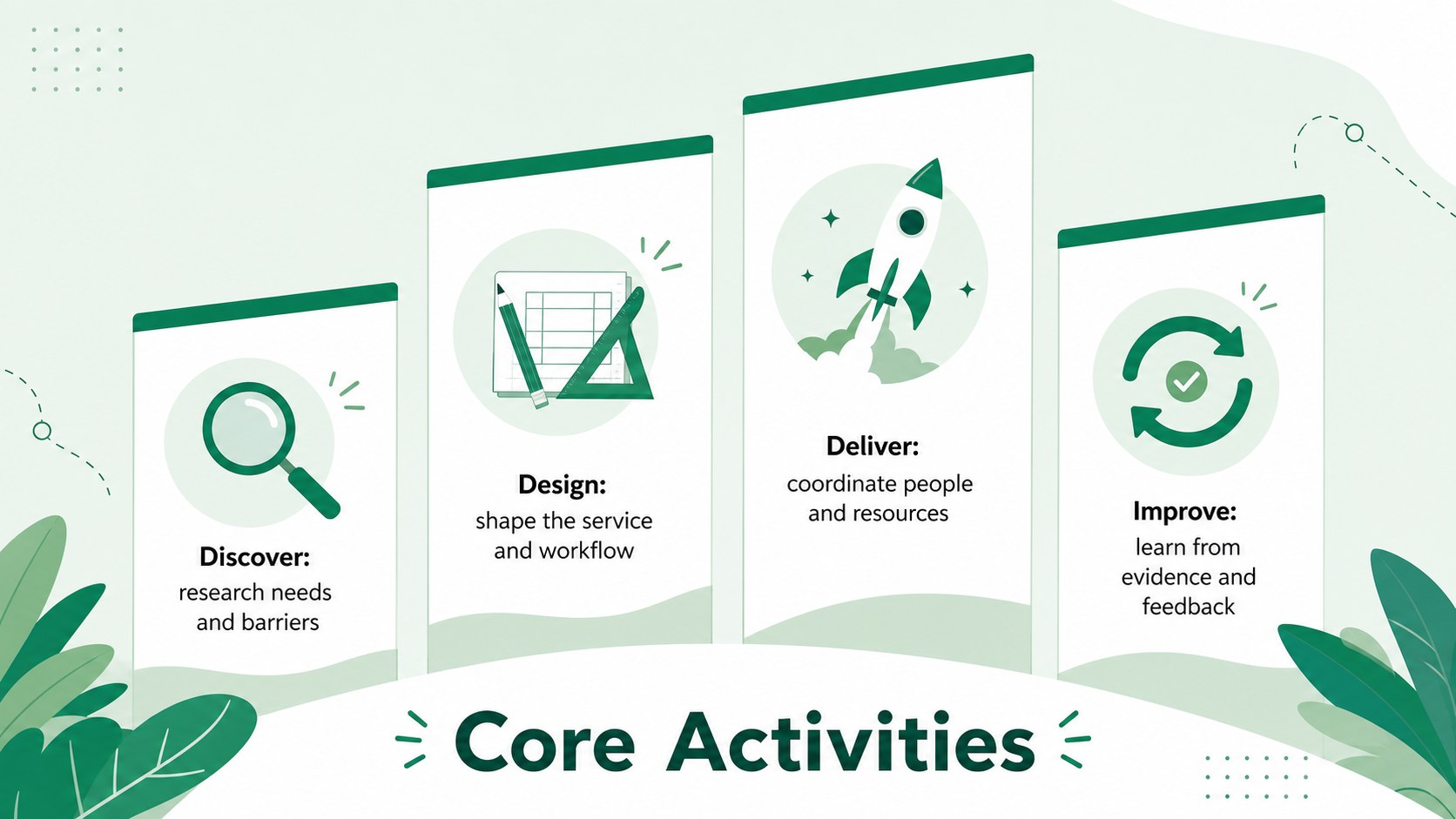
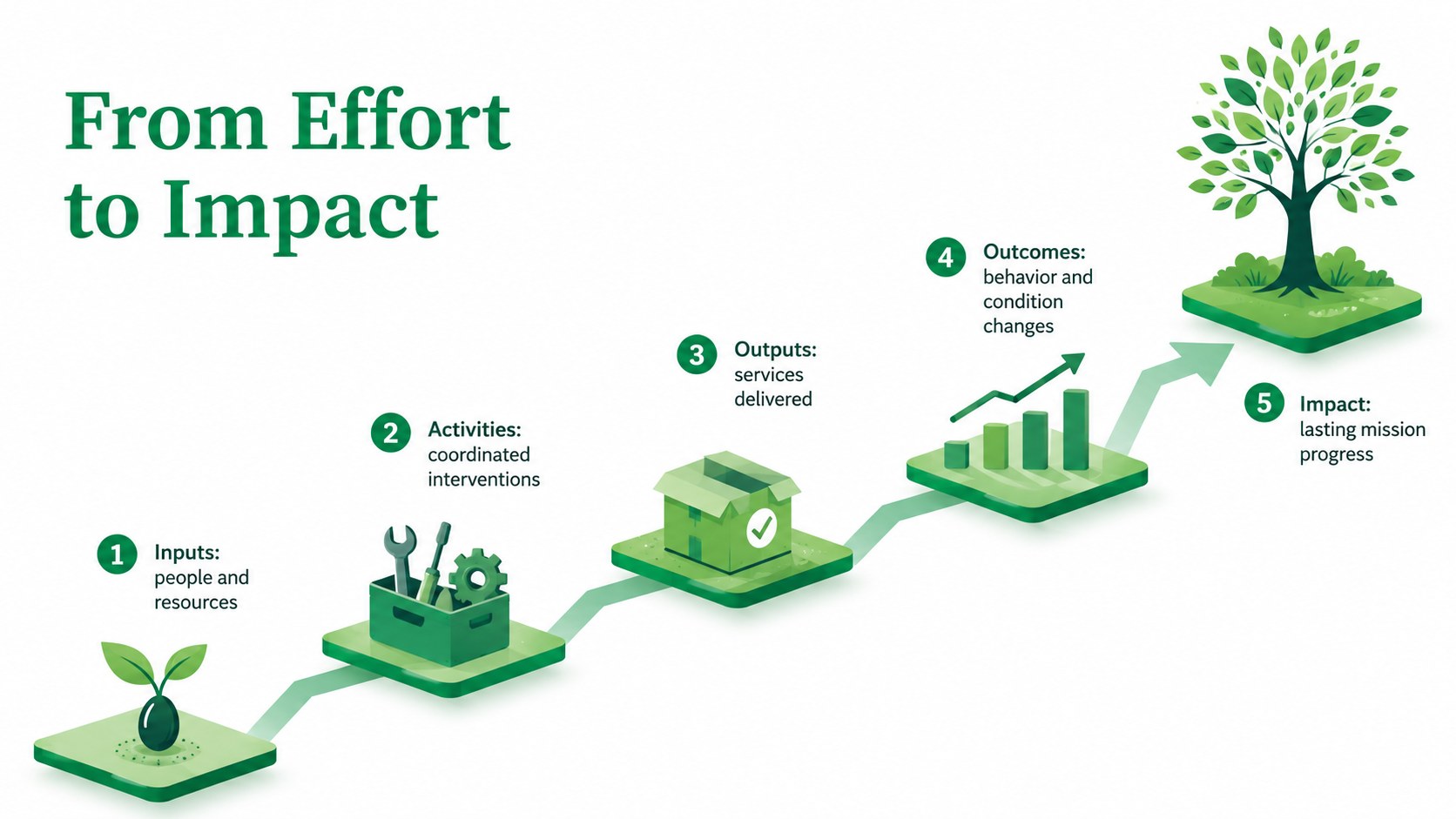
Bring structure to strategic conversations with the Visual Mission Mapping Workshop Deck, a modern green presentation designed for collaborative planning. Its illustrated layouts help teams connect purpose, stakeholders, capabilities, activities, outcomes, and measures without overwhelming the audience. Use it as a mission model workshop template when developing a new initiative, reviewing an existing program, or preparing a concise leadership briefing.
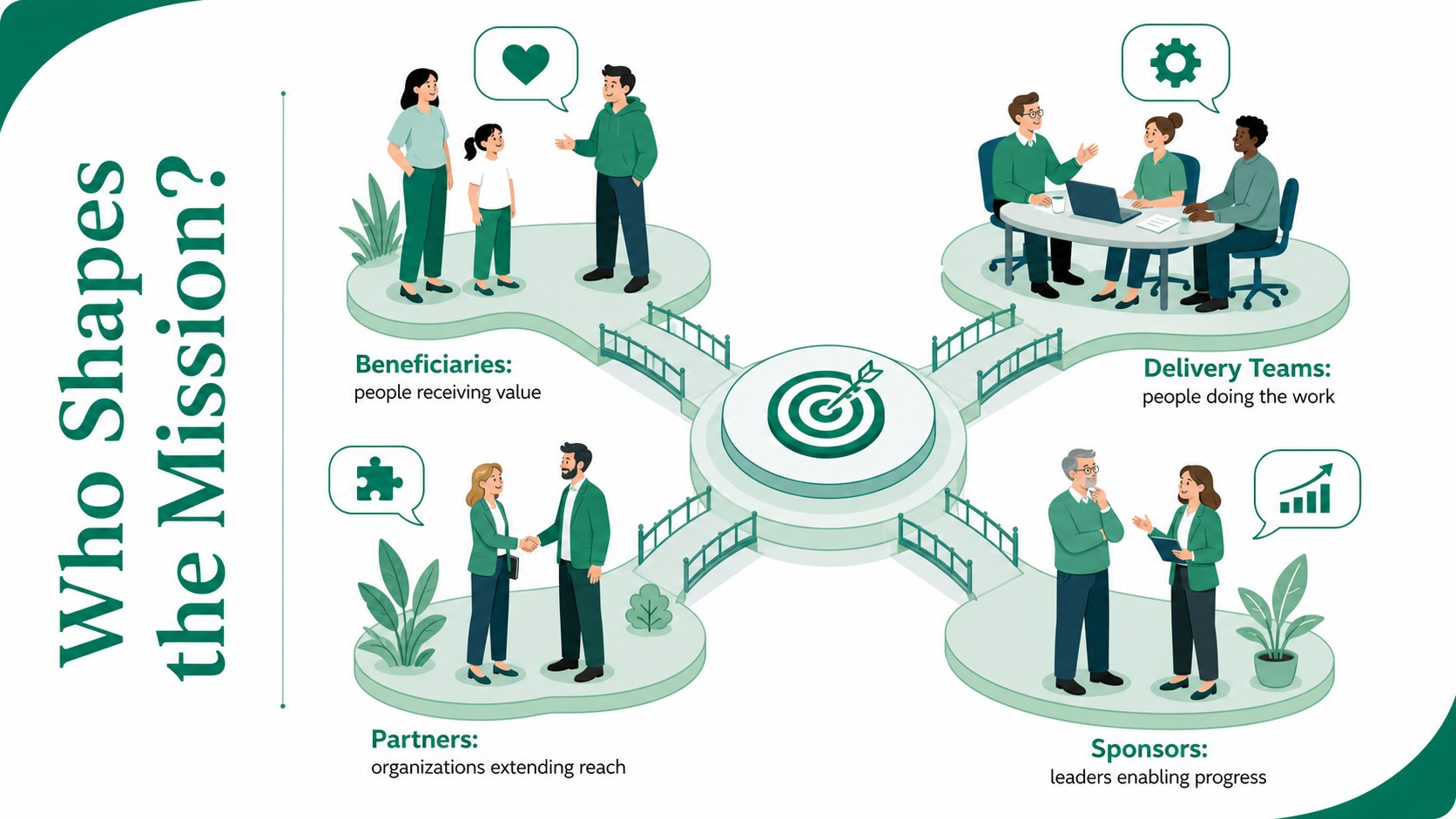
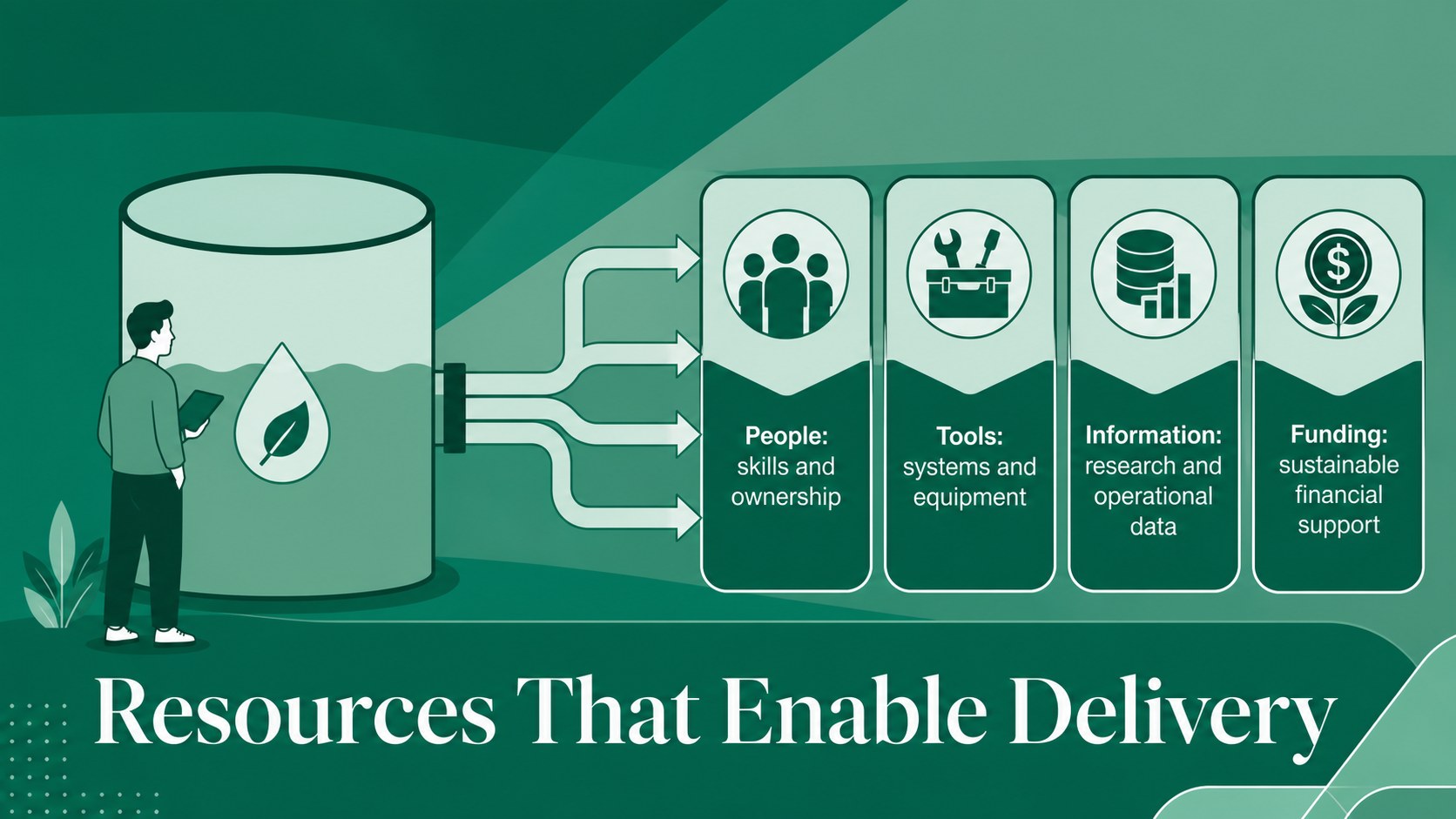
The deck includes editable mapping frameworks, stakeholder views, value and impact diagrams, resource summaries, assumption checks, performance metrics, and an action roadmap. Clear visual hierarchy makes it easy to move from the central mission to practical decisions. Subtle illustrated details and animation-ready compositions add energy while preserving a professional, focused tone.
This nonprofit strategy mapping presentation also works for public-sector teams, consultants, educators, social enterprises, and corporate innovation groups. Facilitators can use the stakeholder alignment slides to guide discussion, capture workshop findings, and present recommendations. Every layout can be adapted in PowerPoint or Google Slides by changing text, colors, icons, shapes, and charts. Whether you are defining a program, aligning cross-functional teams, or pitching a mission-led proposal, the deck provides a coherent framework for turning strategic intent into measurable action.
Perfect for: cross-functional strategy workshop; nonprofit program planning; public-sector initiative briefing; stakeholder alignment meeting; mission-led proposal pitch; organizational impact review.
Frequently asked questions
Can I edit every part of the mission mapping layouts? Yes. Text, colors, icons, shapes, diagrams, and charts can be adjusted to reflect your organization, initiative, and workshop process. You can also duplicate or remove sections to create a shorter briefing.
Practical details
Yes. Text, colors, icons, shapes, diagrams, and charts can be adjusted to reflect your organization, initiative, and workshop process. You can also duplicate or remove sections to create a shorter briefing.
The template is designed for PowerPoint and Google Slides. Some transitions, fonts, or spacing may vary slightly between platforms, so review the finished deck before presenting.
Replace the sample content with your beneficiaries, partners, resources, activities, outcomes, and success measures. The impact and stakeholder layouts are especially useful for grant discussions, program reviews, and community initiatives.
Yes. Update the theme colors to apply your organization’s palette consistently across diagrams and accents. Maintain sufficient contrast between backgrounds, text, and data graphics for accessible viewing.
Keep exploring
15Shape your publishing concept with an indie magazine startup pitch deck featuring pastel gradients, bold collage layouts, and editable planning slides.
 16
16Build clear project stories with the Icon Grid Teamwork Theme, a flexible blue illustrated deck for proposals, strategy updates, and team meetings.
 3
3Turn priorities into an actionable plan with an annual goals roadmap infographic, featuring editable orange and teal layouts for PowerPoint and Google Slides.
 15
15Create an Annual Achievement Report Presentation with colorful geometric layouts for milestones, results, lessons, and priorities in PowerPoint or Google Slides.
 15
15Turn results into a focused annual performance evaluation report with dark 3D slides for KPIs, achievements, feedback, and next-step goals for teams.
 15
15Guide a focused annual recap with Business Results Retrospective Slides, a muted brown-and-blue template for PowerPoint and Google Slides.
 6
6Turn complex plans into clear visual stories with Color-Coded Workflow Path Slides, an editable set for project updates, roadmaps, and team briefings.
 6
6Compare regional performance at a glance with Global Data Heatmap Slides, a clean multicolor deck designed for editable PowerPoint and Google Slides.