
 15
15presentation
Indie Magazine Startup Pitch Deck
Shape your publishing concept with an indie magazine startup pitch deck featuring pastel gradients, bold collage layouts, and editable planning slides.
Google SlidesPowerPoint
presentation · English
Build sharper reports with a visual metrics dashboard slide theme featuring editable charts, KPI layouts, and diagrams for PowerPoint and Google Slides.

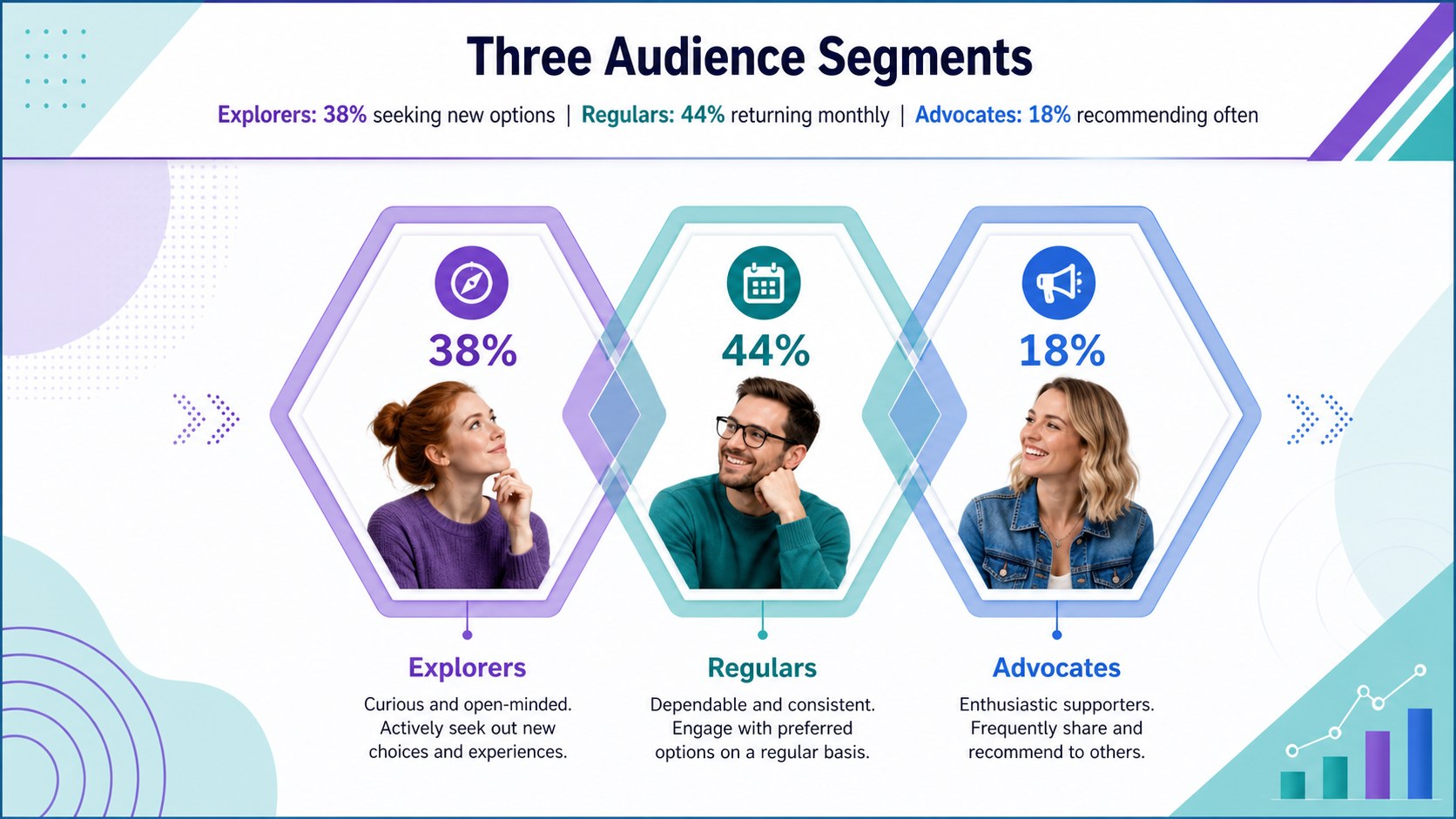
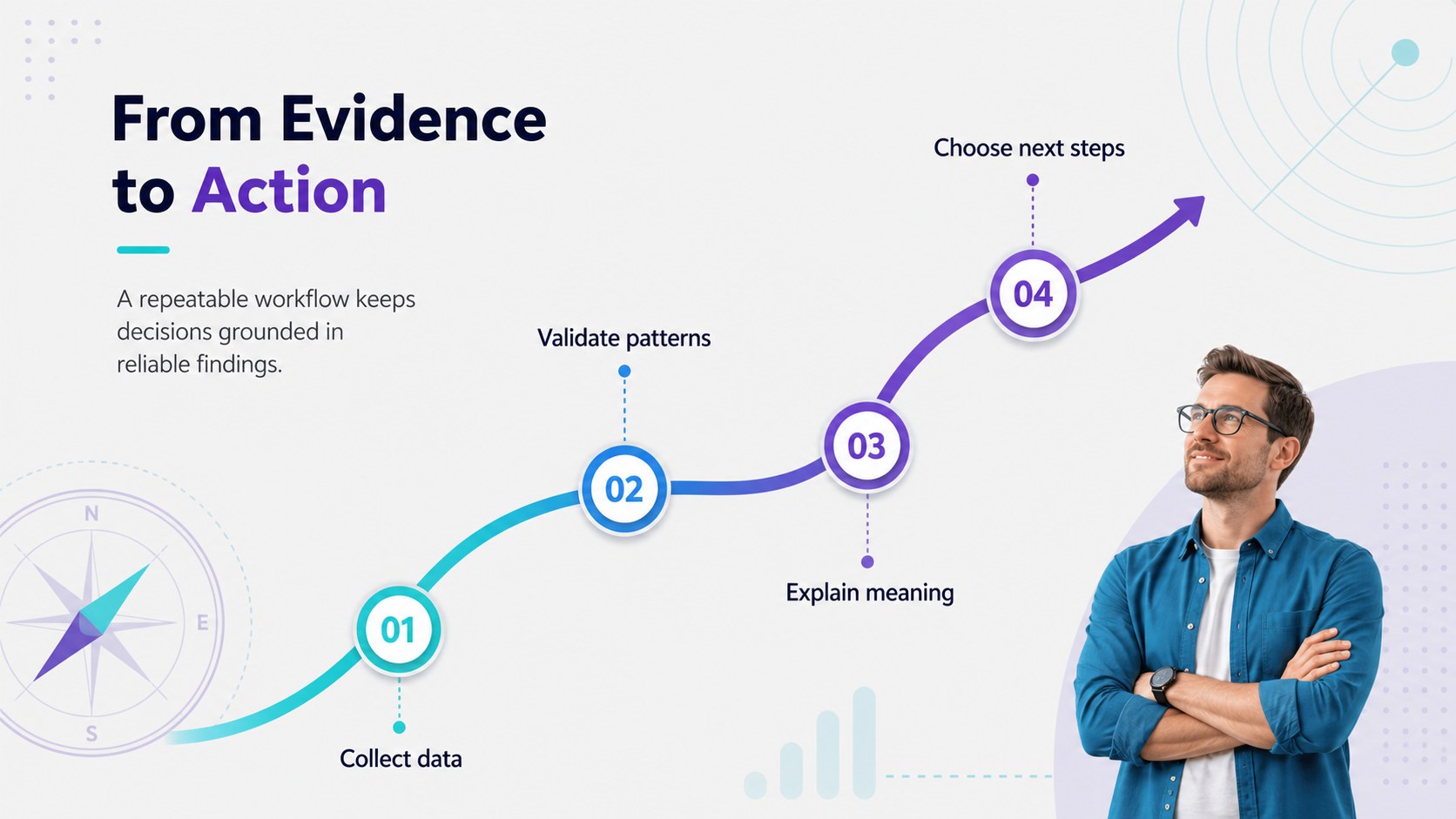
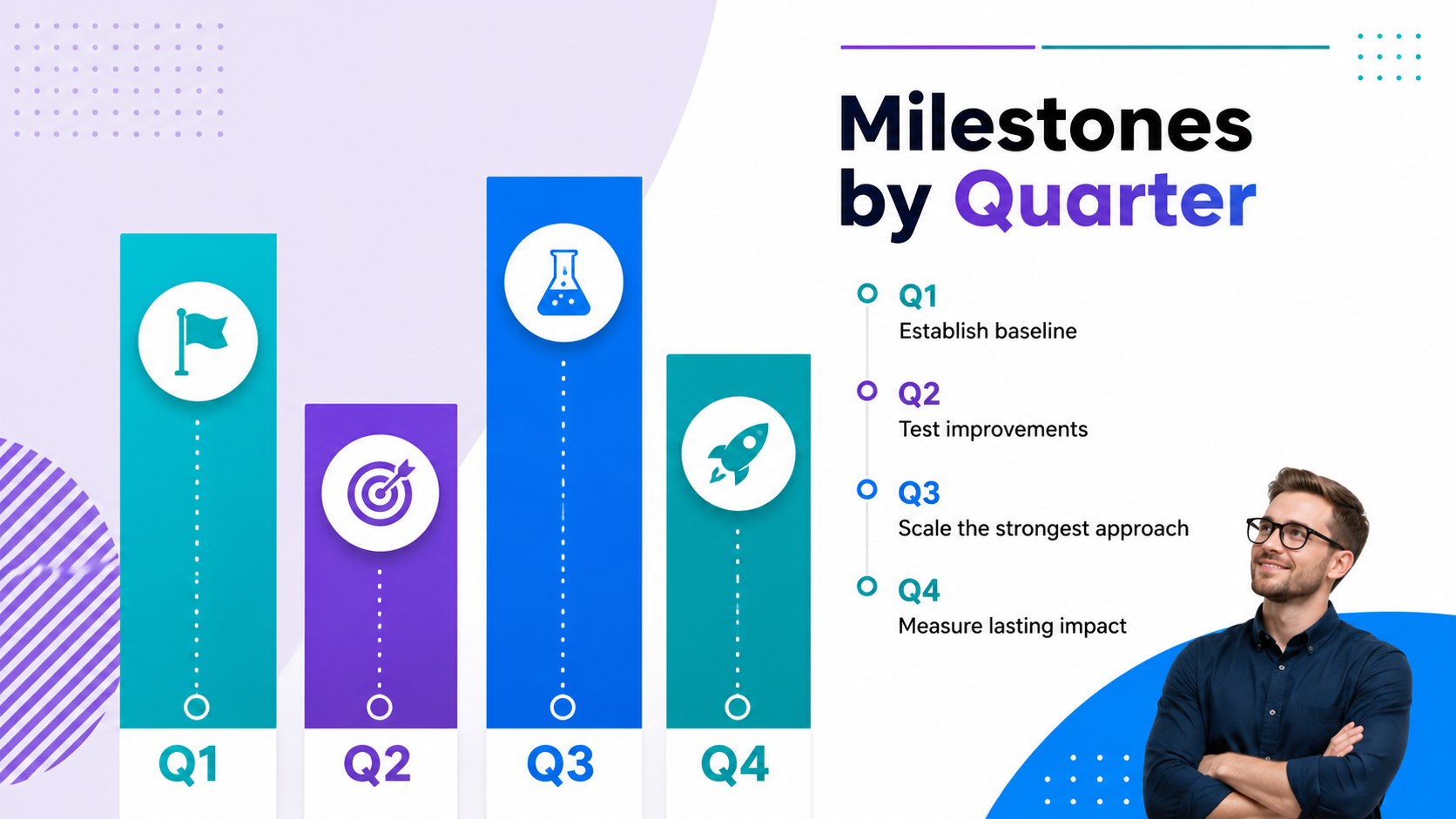

Design notes
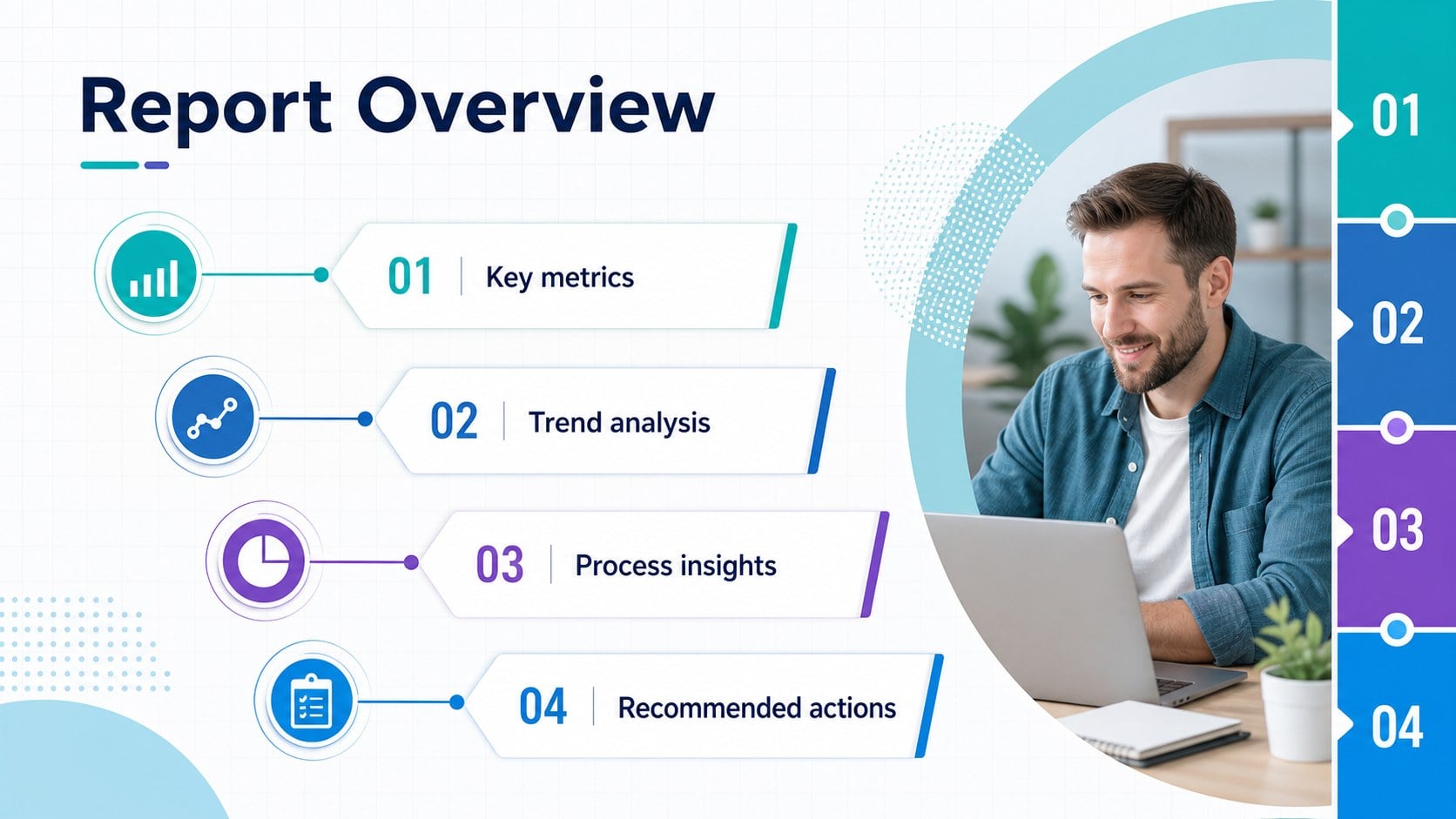
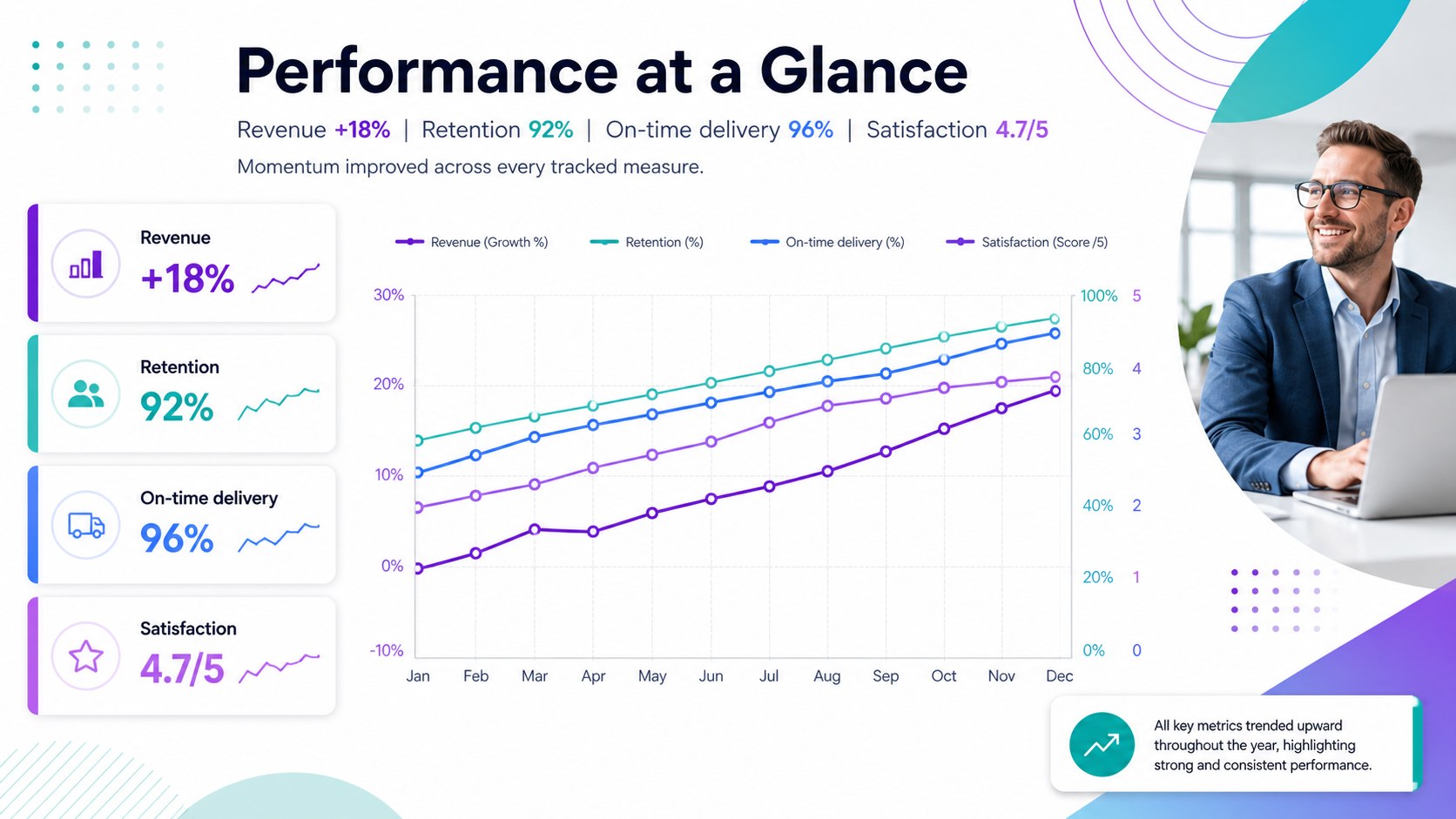
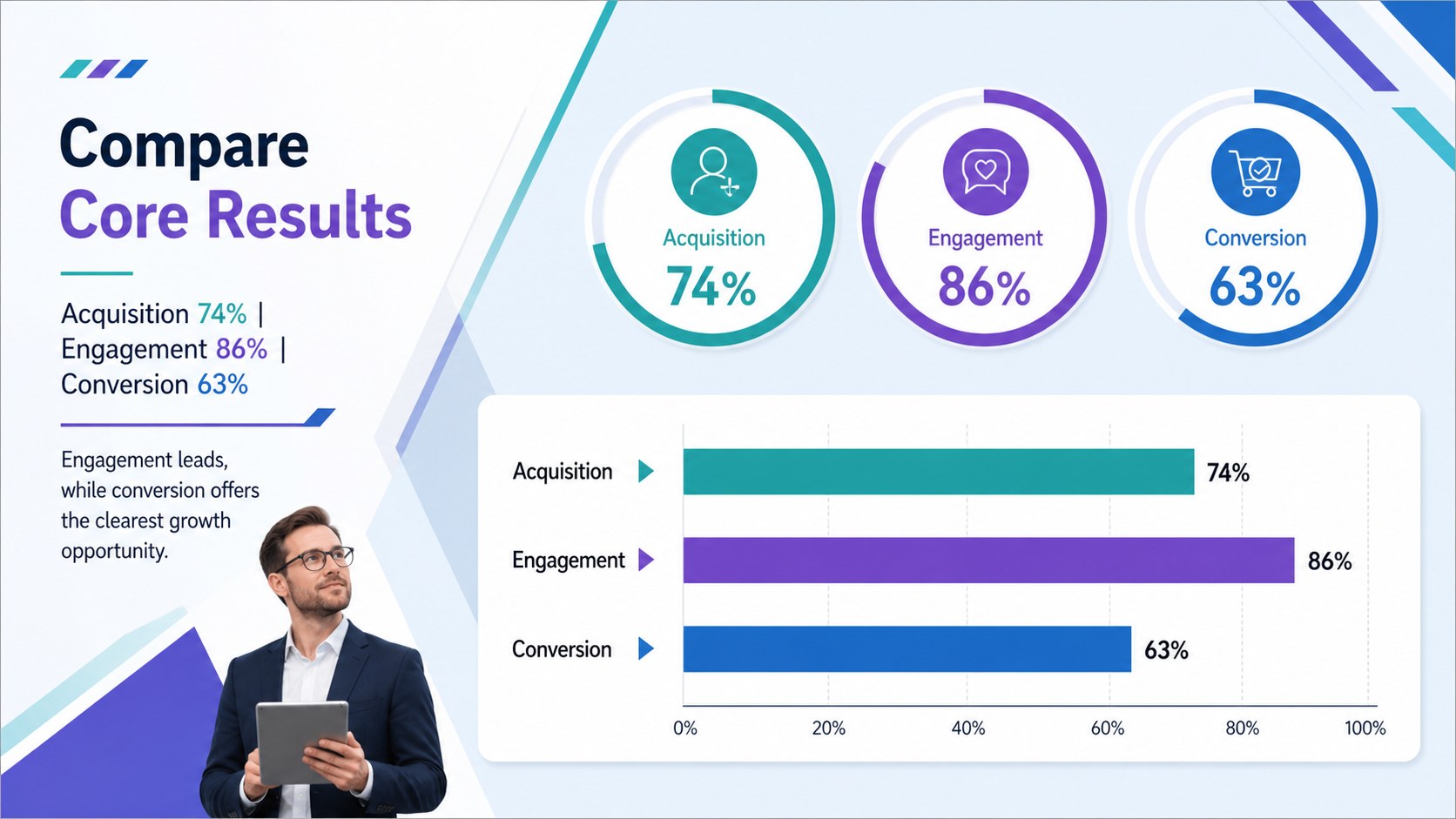
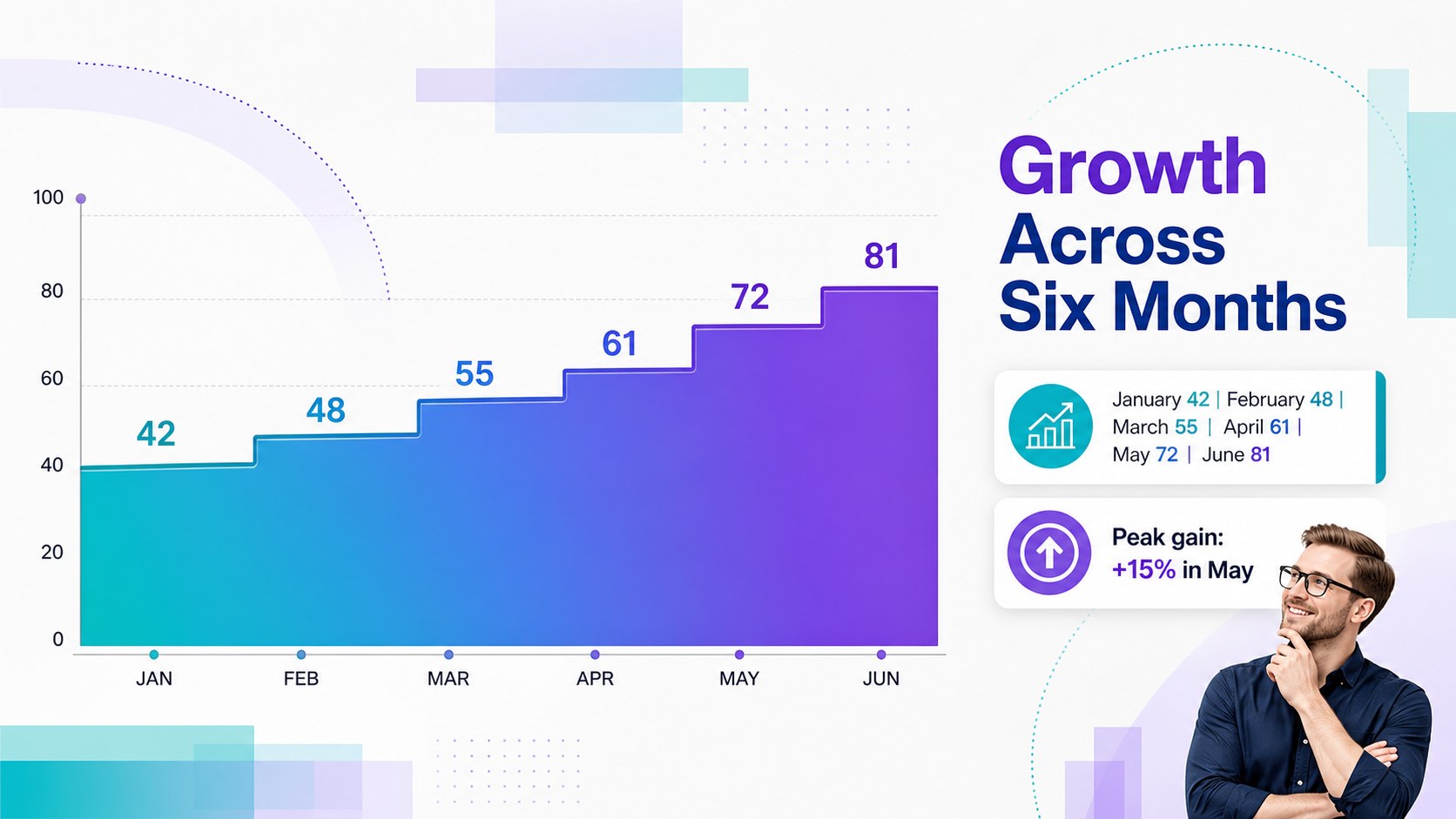
Turn complicated numbers into a focused story with this visual metrics dashboard slide theme. Designed in a modern purple, teal, and blue palette, the deck gives reports a polished corporate look while keeping information easy to scan. Use it to present performance results, research findings, operational updates, or classroom data without crowding each slide.
Inside, you will find flexible KPI summary layouts, editable chart presentations for business reports, comparison graphics, timelines, process diagrams, and network-style visuals. Varied compositions help you move naturally from a high-level overview to supporting details and final recommendations. Clear typography, structured spacing, and restrained decorative elements keep attention on the message rather than the design.
This PowerPoint KPI dashboard template is suited to analysts, project managers, consultants, educators, researchers, and students who need professional data visualization slides. It also works as a Google Slides analytics report for remote meetings and collaborative reviews. Replace the sample figures, adjust labels, recolor chart elements, and reorganize sections to match your subject. Whether you are explaining quarterly performance, tracking campaign outcomes, comparing survey responses, or summarizing academic research, the deck provides a consistent visual system for turning evidence into memorable conclusions.
Perfect for: quarterly performance review; marketing analytics report; academic research presentation; project status briefing; survey results summary; operations KPI meeting.
Frequently asked questions
Can I edit the charts and dashboard metrics? Yes. Chart labels, values, colors, icons, and supporting text can be customized to reflect your own data. You can also duplicate or remove sections to fit the depth of your report.
Practical details
Yes. Chart labels, values, colors, icons, and supporting text can be customized to reflect your own data. You can also duplicate or remove sections to fit the depth of your report.
Yes. The presentation is designed for editing in both PowerPoint and Google Slides. Minor font or spacing adjustments may be needed if your device substitutes an unavailable typeface.
Yes. Replace the theme colors with your organization, school, or project palette while keeping the underlying layouts intact. For readable charts, maintain strong contrast between data series, labels, and backgrounds.
The slides support KPIs, trends, comparisons, survey findings, timelines, processes, and connected systems. They can be adapted for business reporting, research, education, consulting, and project updates.
Keep exploring
15Shape your publishing concept with an indie magazine startup pitch deck featuring pastel gradients, bold collage layouts, and editable planning slides.
 16
16Build clear project stories with the Icon Grid Teamwork Theme, a flexible blue illustrated deck for proposals, strategy updates, and team meetings.
 3
3Turn priorities into an actionable plan with an annual goals roadmap infographic, featuring editable orange and teal layouts for PowerPoint and Google Slides.
 15
15Create an Annual Achievement Report Presentation with colorful geometric layouts for milestones, results, lessons, and priorities in PowerPoint or Google Slides.
 15
15Turn results into a focused annual performance evaluation report with dark 3D slides for KPIs, achievements, feedback, and next-step goals for teams.
 15
15Guide a focused annual recap with Business Results Retrospective Slides, a muted brown-and-blue template for PowerPoint and Google Slides.
 6
6Turn complex plans into clear visual stories with Color-Coded Workflow Path Slides, an editable set for project updates, roadmaps, and team briefings.
 6
6Compare regional performance at a glance with Global Data Heatmap Slides, a clean multicolor deck designed for editable PowerPoint and Google Slides.