
 15
15presentation
Indie Magazine Startup Pitch Deck
Shape your publishing concept with an indie magazine startup pitch deck featuring pastel gradients, bold collage layouts, and editable planning slides.
Google SlidesPowerPoint
presentation · English
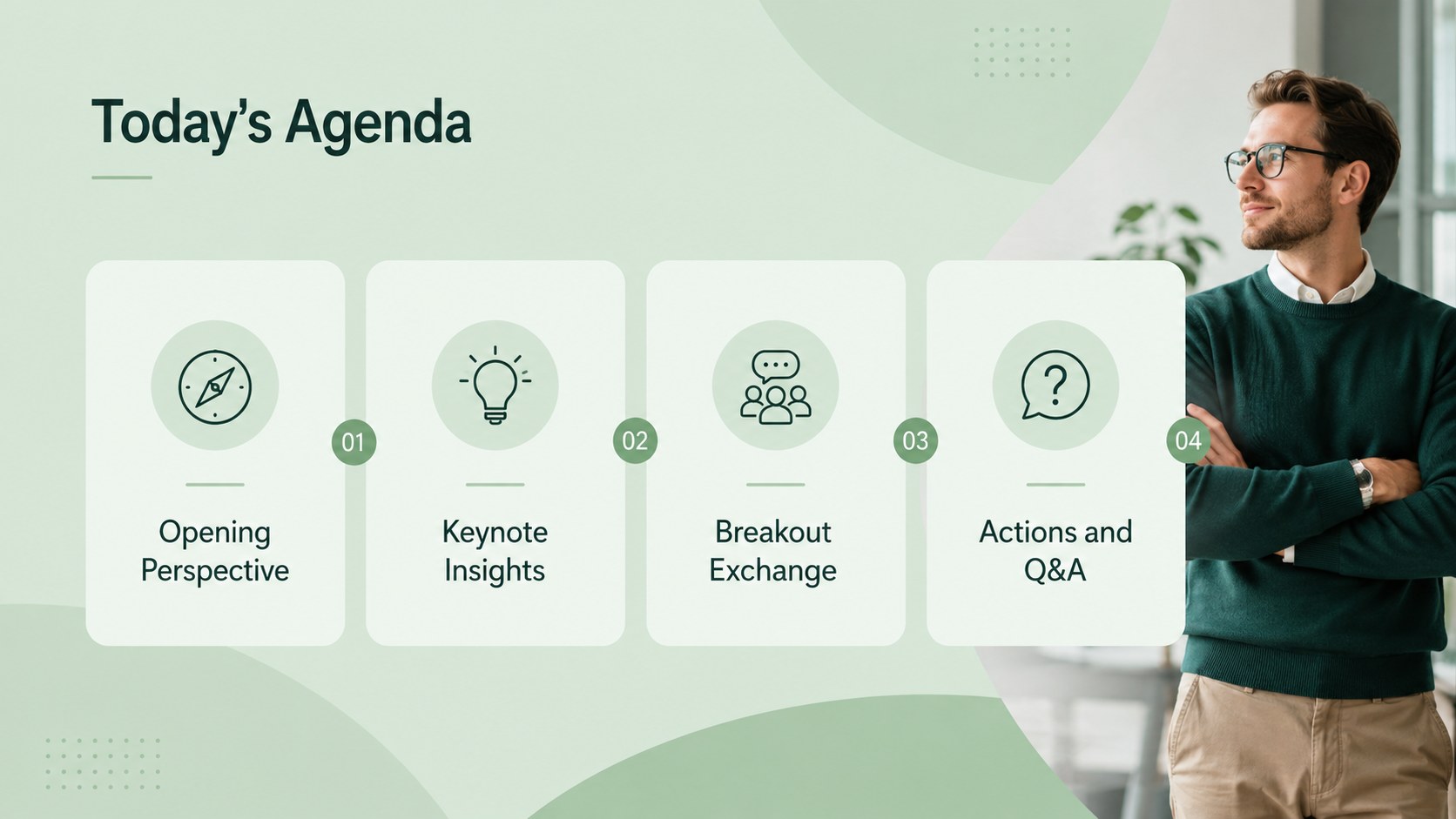
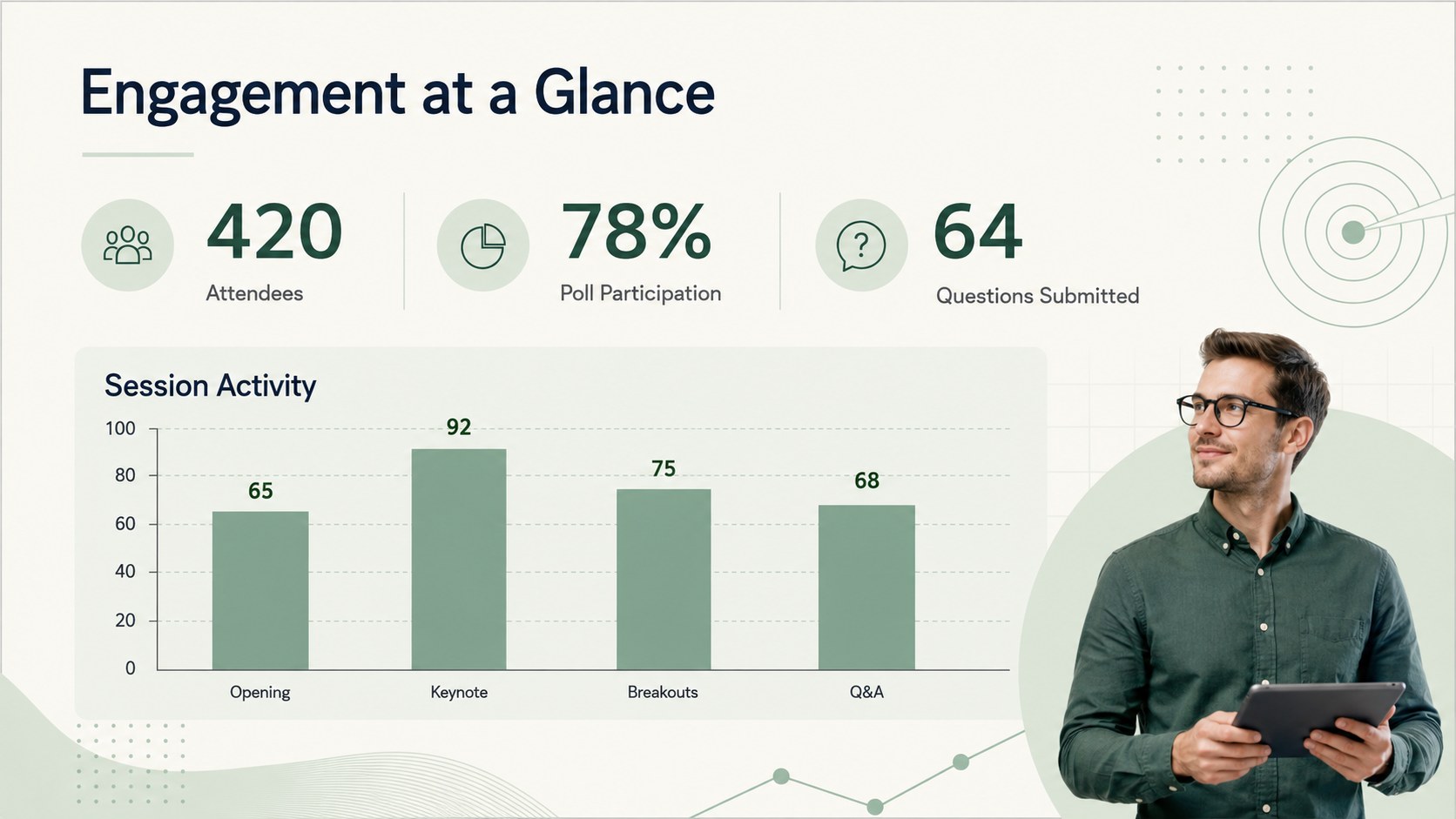
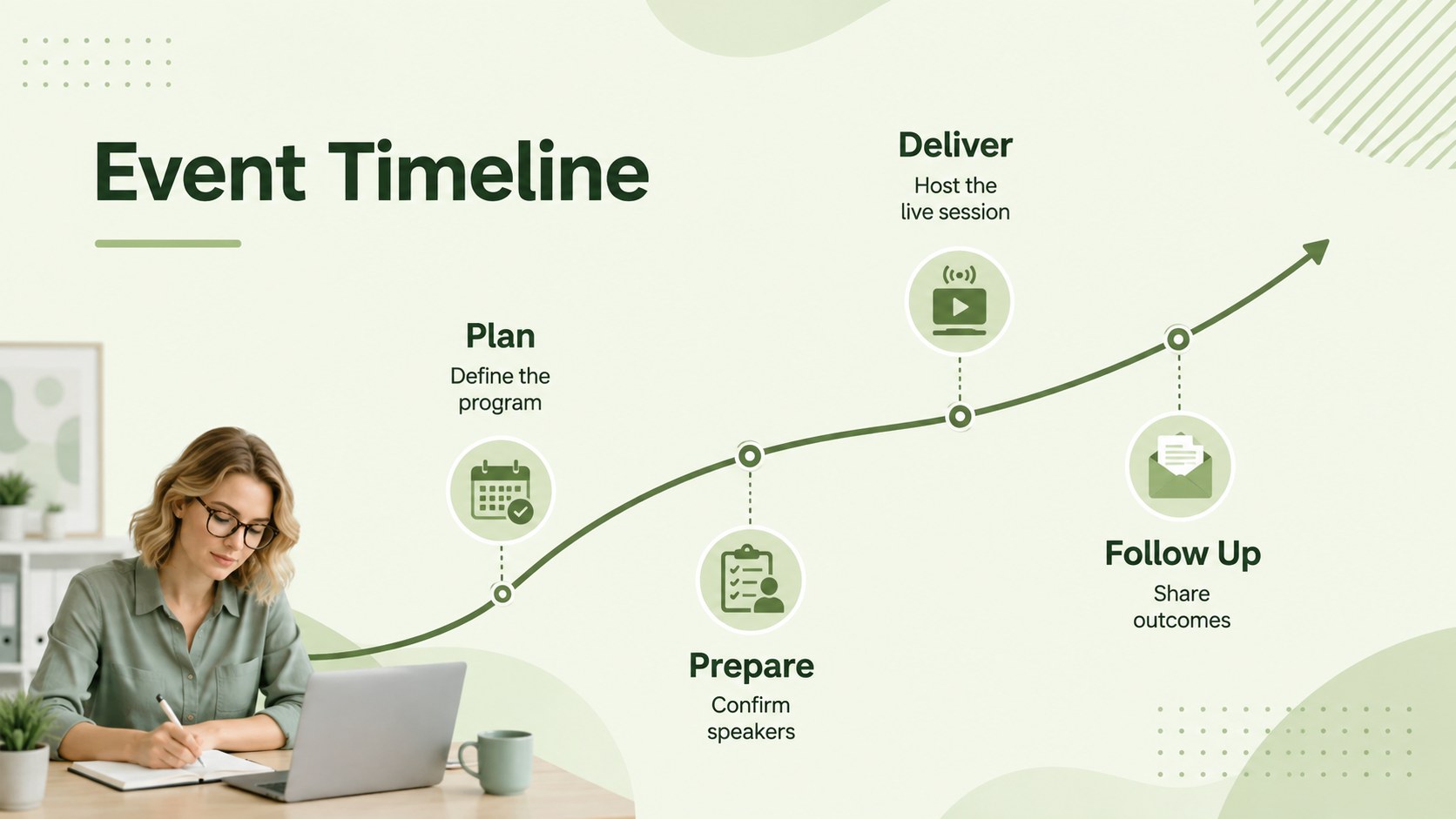
Run polished remote sessions with a Virtual Conference Presentation Theme featuring modern green layouts for agendas, speakers, insights, and next steps.






Design notes
The Virtual Conference Presentation Theme gives business teams a polished visual framework for hosting remote events, digital summits, webinars, and distributed company meetings. Its modern pastel-green palette, clean typography, and restrained geometric details create a professional atmosphere without distracting from your message.
Use the flexible layouts to introduce speakers, outline the schedule, frame keynote ideas, share performance data, organize breakout sessions, and summarize decisions. The deck also includes space for audience questions, resource links, timelines, live poll results, and practical next steps. Whether you need a remote team meeting slide deck, professional webinar agenda slides, or a green virtual summit theme, every page can be adapted to your event format and content.
Designed for conference organizers, executives, project leads, consultants, educators, and communications teams, this presentation is easy to edit in PowerPoint and Google Slides. Replace the sample wording, adjust the green accent colors, add your own charts or photographs, and apply suitable transitions for live delivery. The balanced 16:9 layouts work for streamed presentations, internal briefings, client sessions, and hybrid events, helping presenters keep information structured and audiences focused from the opening welcome through the final call to action.
Perfect for: virtual industry conference; remote leadership briefing; digital summit keynote; professional webinar; hybrid company meeting; online client event.
Frequently asked questions
Can I edit this presentation in PowerPoint? Yes. Open the PPTX version in PowerPoint to change text, colors, images, charts, and layout elements. You can also add your preferred transitions and presenter notes.
Practical details
Yes. Open the PPTX version in PowerPoint to change text, colors, images, charts, and layout elements. You can also add your preferred transitions and presenter notes.
Yes. Upload the presentation to Google Drive and open it with Google Slides for browser-based editing and collaboration. Review font substitutions and animations before presenting.
Replace the sample content with your agenda, speaker details, event data, and calls to action. Update the accent colors, typefaces, photographs, and logo placement to match your visual identity.
The layouts support webinars, virtual conferences, digital summits, remote company meetings, client briefings, and hybrid events. Individual slides can be reordered or removed to fit short sessions and multi-part programs.
Keep exploring
15Shape your publishing concept with an indie magazine startup pitch deck featuring pastel gradients, bold collage layouts, and editable planning slides.
 16
16Build clear project stories with the Icon Grid Teamwork Theme, a flexible blue illustrated deck for proposals, strategy updates, and team meetings.
 3
3Turn priorities into an actionable plan with an annual goals roadmap infographic, featuring editable orange and teal layouts for PowerPoint and Google Slides.
 15
15Create an Annual Achievement Report Presentation with colorful geometric layouts for milestones, results, lessons, and priorities in PowerPoint or Google Slides.
 15
15Turn results into a focused annual performance evaluation report with dark 3D slides for KPIs, achievements, feedback, and next-step goals for teams.
 15
15Guide a focused annual recap with Business Results Retrospective Slides, a muted brown-and-blue template for PowerPoint and Google Slides.
 6
6Turn complex plans into clear visual stories with Color-Coded Workflow Path Slides, an editable set for project updates, roadmaps, and team briefings.
 6
6Compare regional performance at a glance with Global Data Heatmap Slides, a clean multicolor deck designed for editable PowerPoint and Google Slides.