
 15
15presentation
Indie Magazine Startup Pitch Deck
Shape your publishing concept with an indie magazine startup pitch deck featuring pastel gradients, bold collage layouts, and editable planning slides.
Google SlidesPowerPoint
presentation · English
Run practical team sessions with a Violet Cybersecurity Awareness Workshop for PowerPoint and Google Slides, featuring visual lessons and editable activities.

Design notes
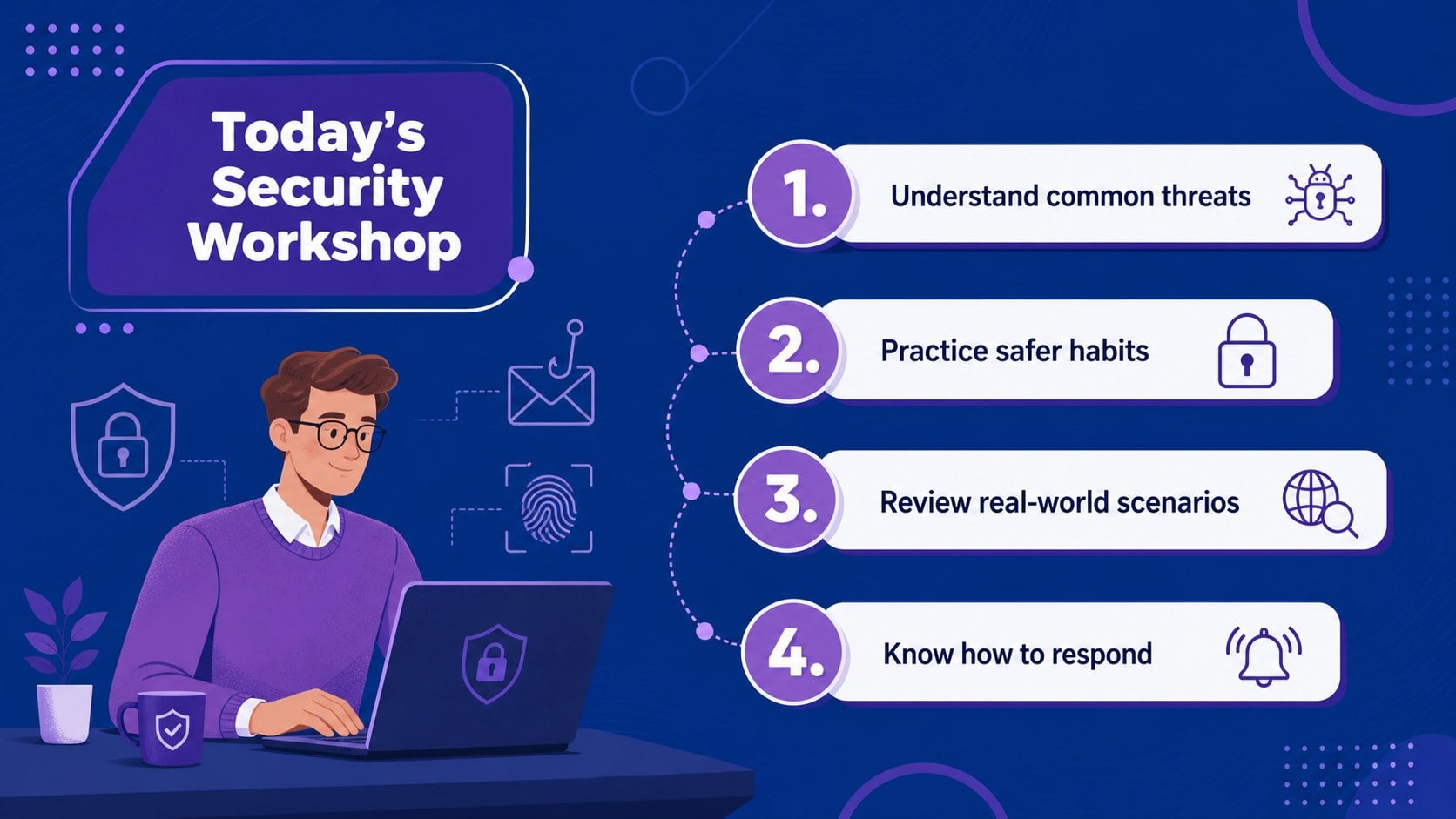
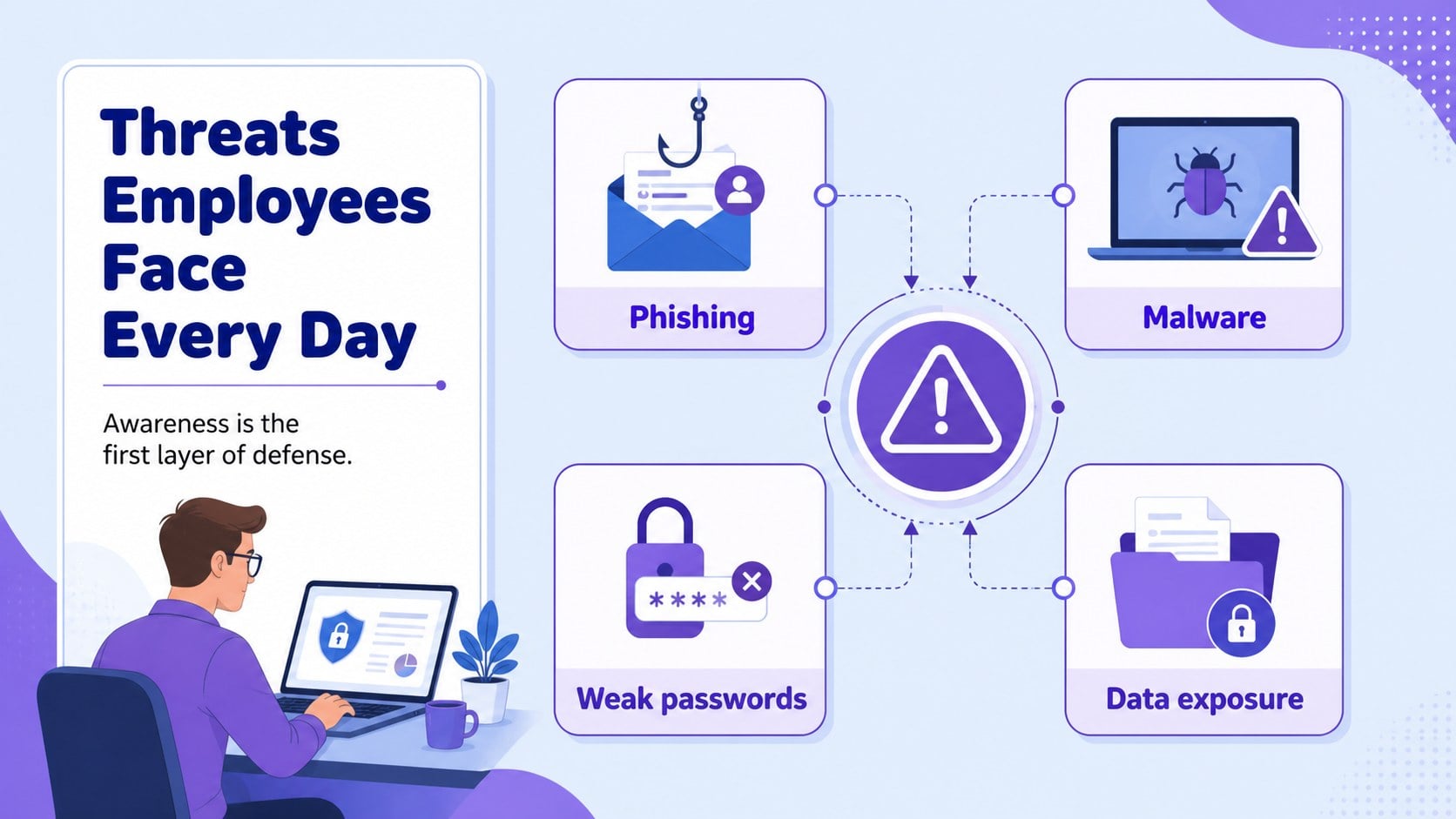
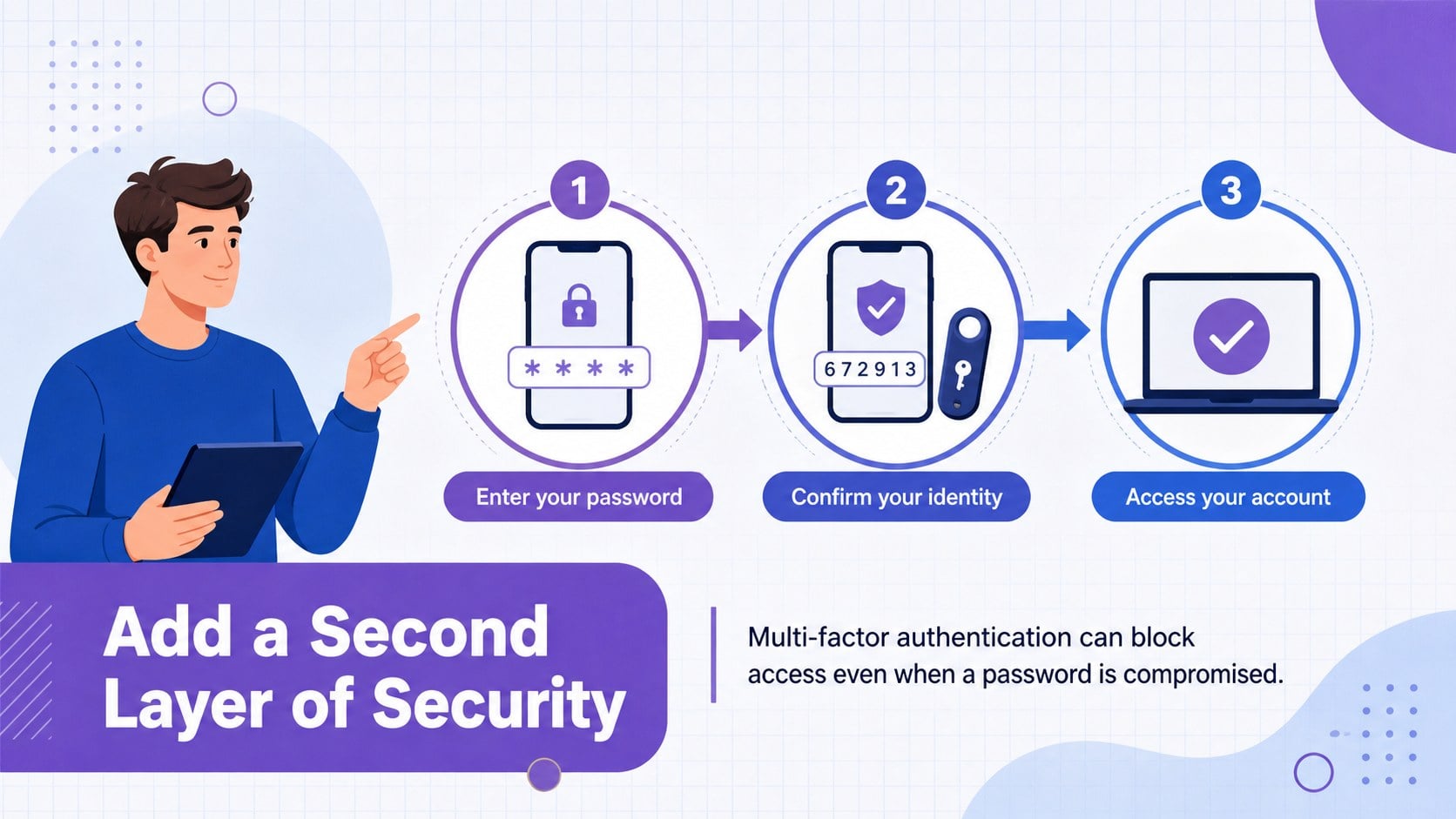
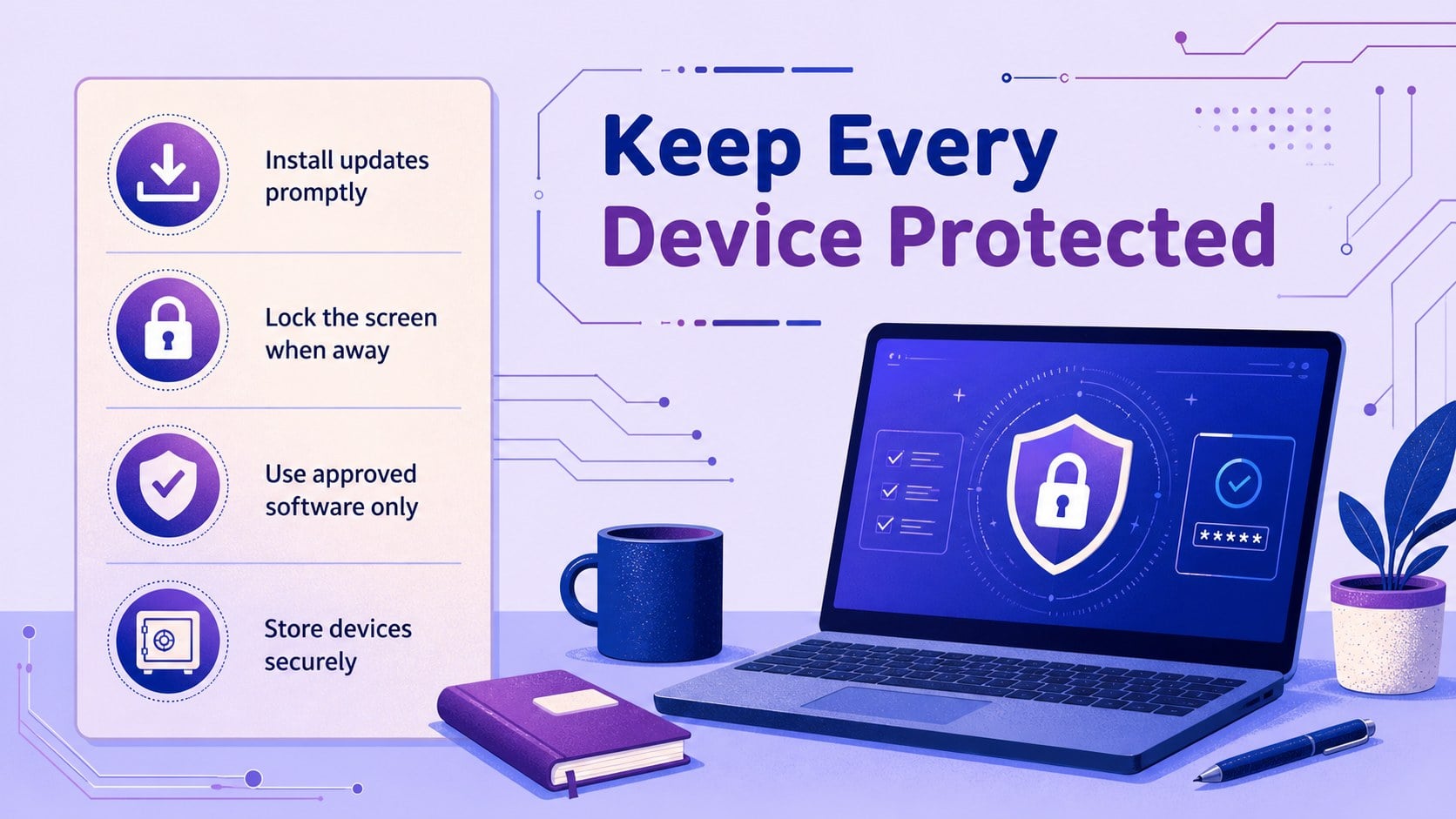
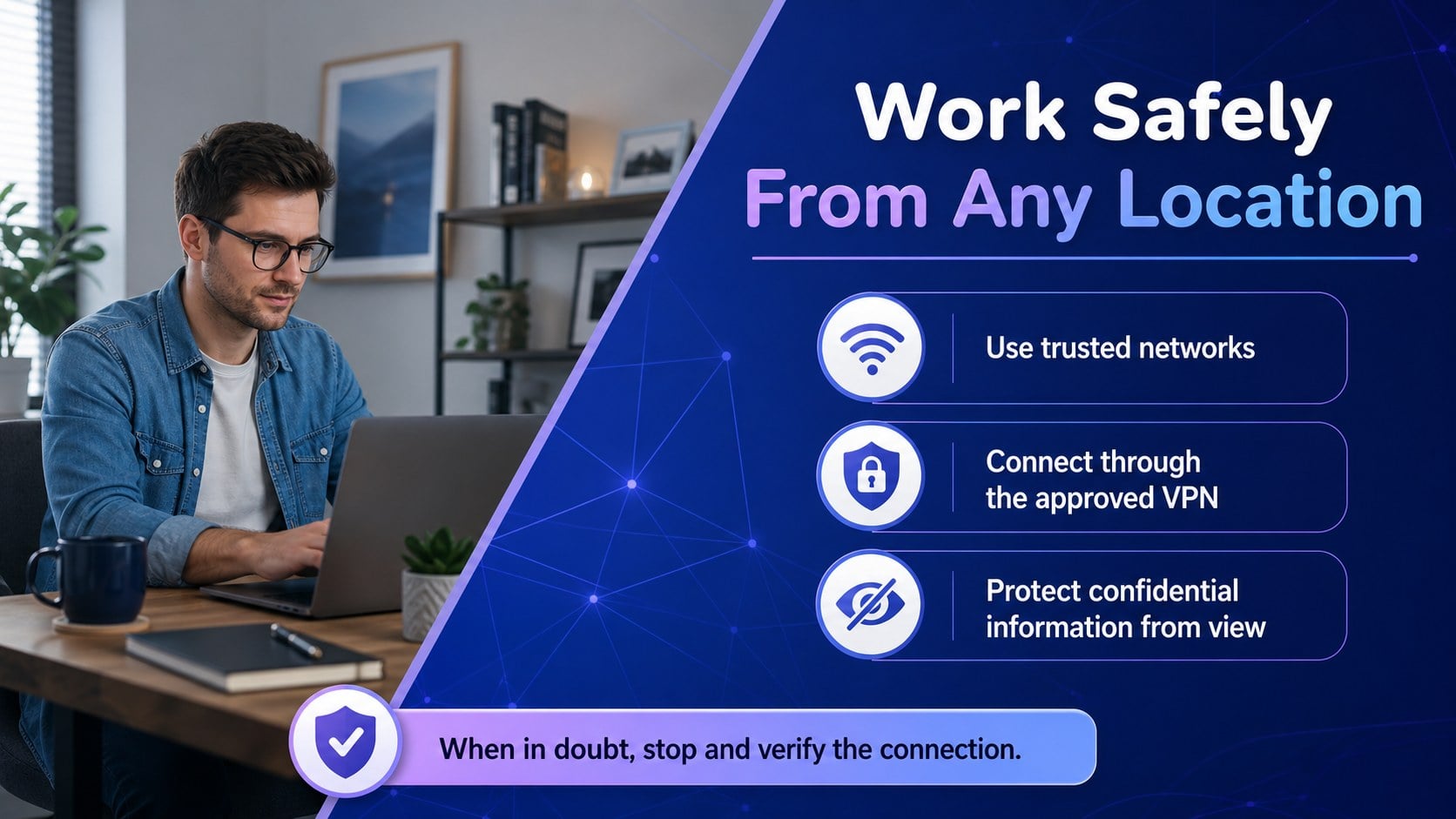
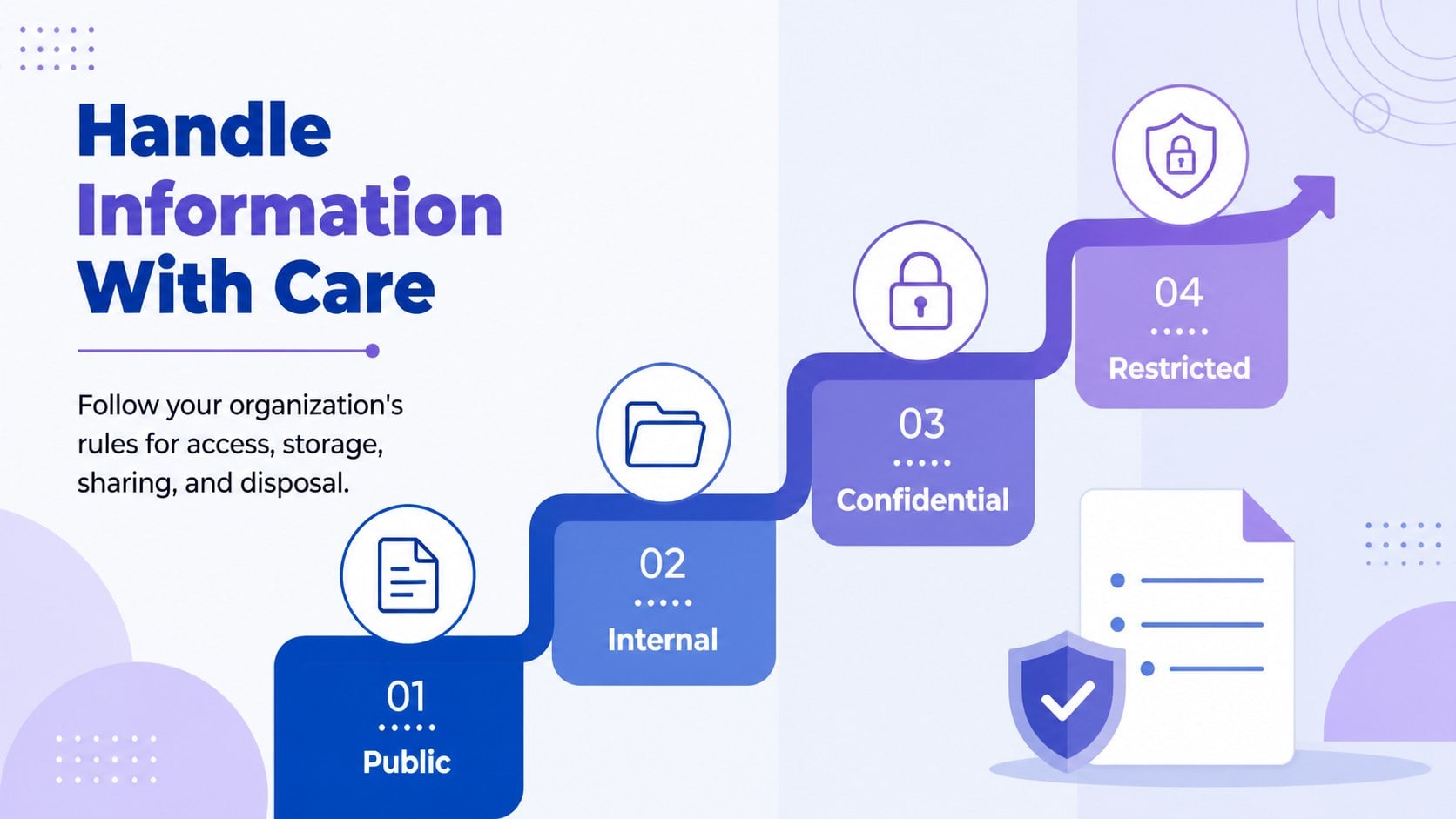
Help employees recognize threats and make safer decisions with the Violet Cybersecurity Awareness Workshop. Designed for PowerPoint and Google Slides, this illustrated deck presents essential security concepts through approachable visuals, concise explanations, and discussion-ready layouts. Its violet and blue palette creates a modern technology theme without making the material feel overly technical.
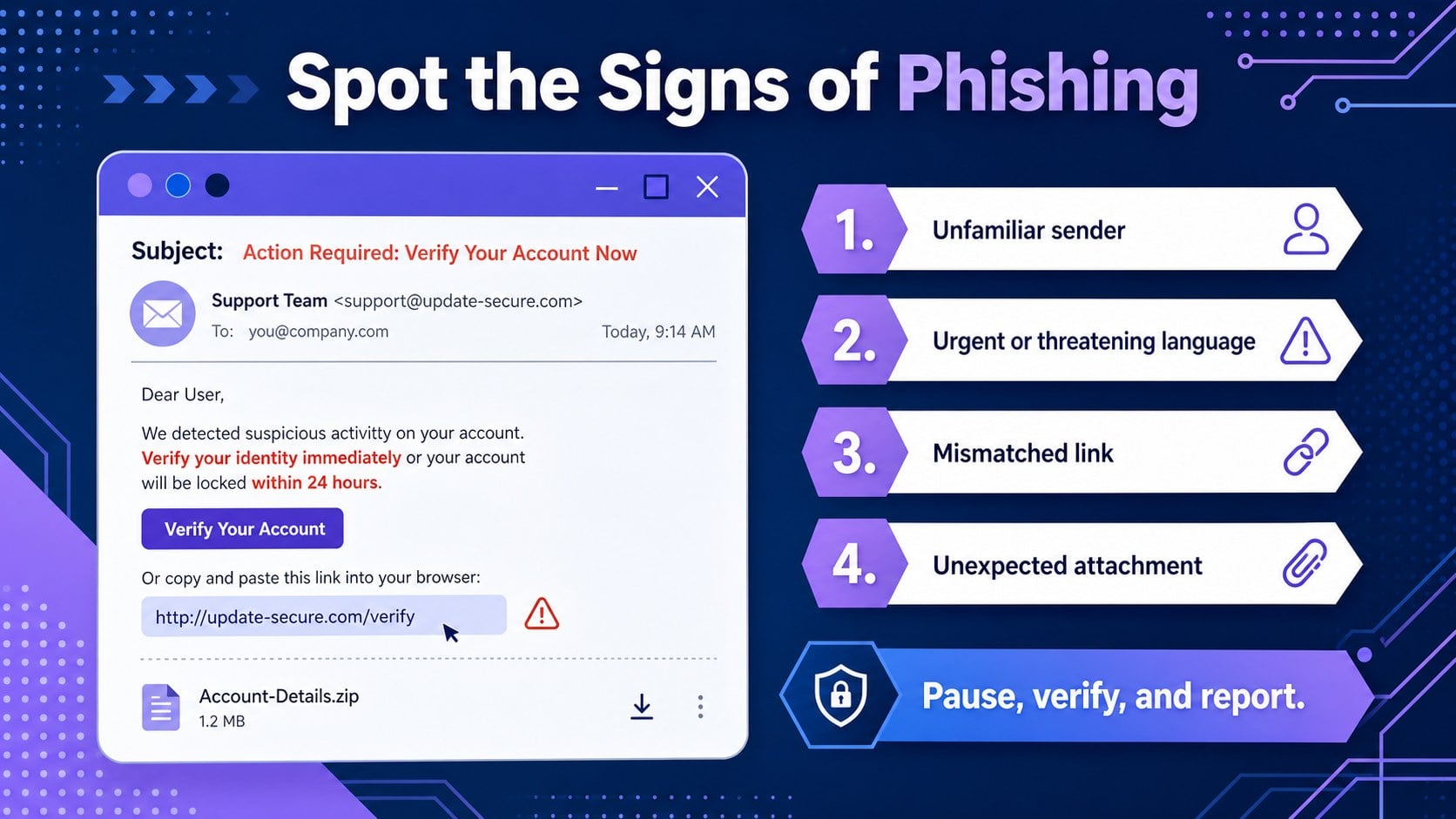
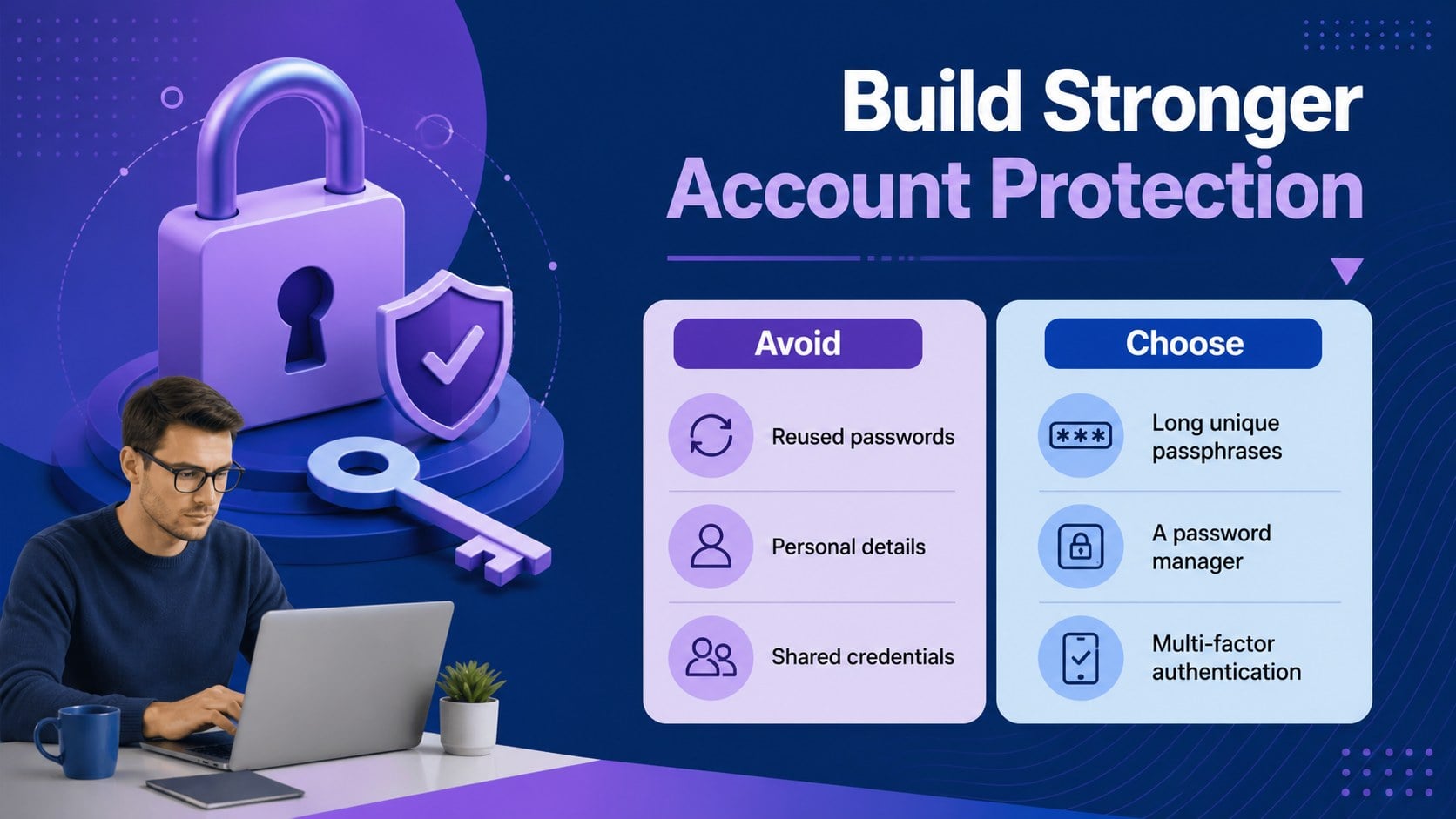
The presentation includes an agenda, risk overview, phishing warning signs, password guidance, device protection tips, secure browsing reminders, incident response steps, scenario activities, and a final action plan. Use the employee phishing awareness slides to review suspicious messages, adapt the password security workshop template for internal policies, or build a broader business cyber hygiene presentation for recurring staff education. Charts, comparison layouts, checklists, timelines, and illustrated callouts can all be edited to match your organization.
This template is suited to IT teams, security coordinators, HR trainers, operations leaders, and consultants teaching nontechnical audiences. Present it during onboarding, annual compliance sessions, remote learning events, or short departmental briefings. Replace the sample wording, update examples, add company procedures, and adjust the colors or typography while retaining the coherent illustrated design. With 15 widescreen slides, the deck provides a flexible starting point for focused workshops that encourage awareness, participation, and responsible digital behavior.
Perfect for: new employee security onboarding; annual cybersecurity refresher; phishing awareness workshop; remote workforce safety briefing; company data protection training.
Frequently asked questions
Can I edit the workshop content for my organization? Yes. All headings, examples, diagrams, colors, and activity prompts can be customized to reflect your internal policies and common security risks.
Practical details
Yes. All headings, examples, diagrams, colors, and activity prompts can be customized to reflect your internal policies and common security risks.
The template is designed for Microsoft PowerPoint and Google Slides. Some fonts, transitions, or spacing may need minor adjustment when moving between platforms.
Yes. The slides use plain language, visual examples, and practical scenarios to explain cybersecurity concepts to nontechnical business audiences.
Yes. Select the phishing, password, device safety, and response slides for a compact session, or use the full sequence for a structured workshop.
Keep exploring
15Shape your publishing concept with an indie magazine startup pitch deck featuring pastel gradients, bold collage layouts, and editable planning slides.
 16
16Build clear project stories with the Icon Grid Teamwork Theme, a flexible blue illustrated deck for proposals, strategy updates, and team meetings.
 3
3Turn priorities into an actionable plan with an annual goals roadmap infographic, featuring editable orange and teal layouts for PowerPoint and Google Slides.
 15
15Create an Annual Achievement Report Presentation with colorful geometric layouts for milestones, results, lessons, and priorities in PowerPoint or Google Slides.
 15
15Turn results into a focused annual performance evaluation report with dark 3D slides for KPIs, achievements, feedback, and next-step goals for teams.
 15
15Guide a focused annual recap with Business Results Retrospective Slides, a muted brown-and-blue template for PowerPoint and Google Slides.
 6
6Turn complex plans into clear visual stories with Color-Coded Workflow Path Slides, an editable set for project updates, roadmaps, and team briefings.
 6
6Compare regional performance at a glance with Global Data Heatmap Slides, a clean multicolor deck designed for editable PowerPoint and Google Slides.