
 15
15presentation
Indie Magazine Startup Pitch Deck
Shape your publishing concept with an indie magazine startup pitch deck featuring pastel gradients, bold collage layouts, and editable planning slides.
Google SlidesPowerPoint
presentation · English
Align teams around plans, roles, and results with a Violet Collaboration Pitch Deck featuring editable layouts for PowerPoint and Google Slides.

Design notes
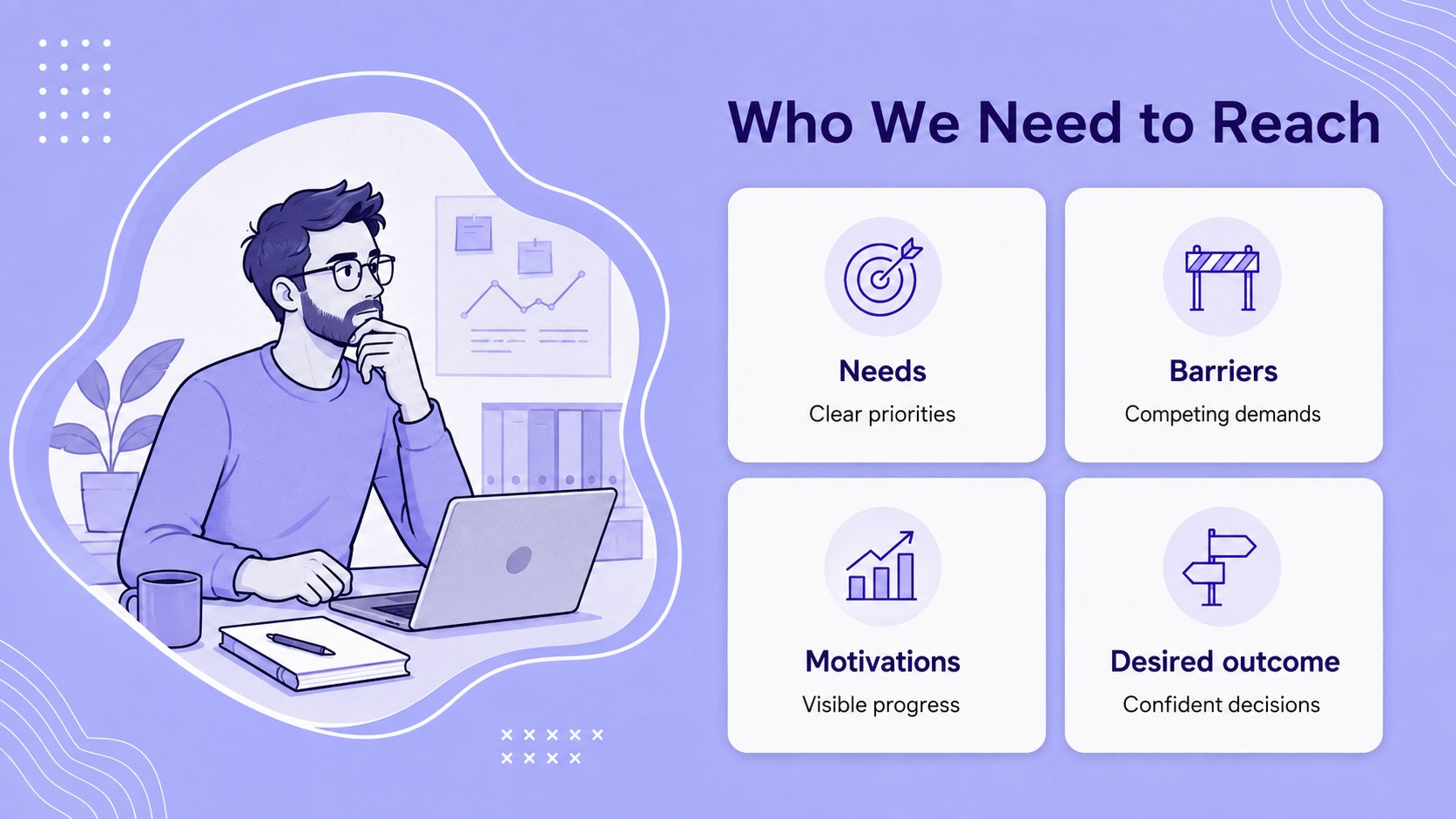
The Violet Collaboration Pitch Deck gives shared initiatives a focused, professional visual structure. Clean typography, modern teamwork illustrations, and a balanced purple and violet palette help presenters explain goals without making information feel crowded. Use it as a cross functional team presentation template for internal meetings, client conversations, or leadership reviews.
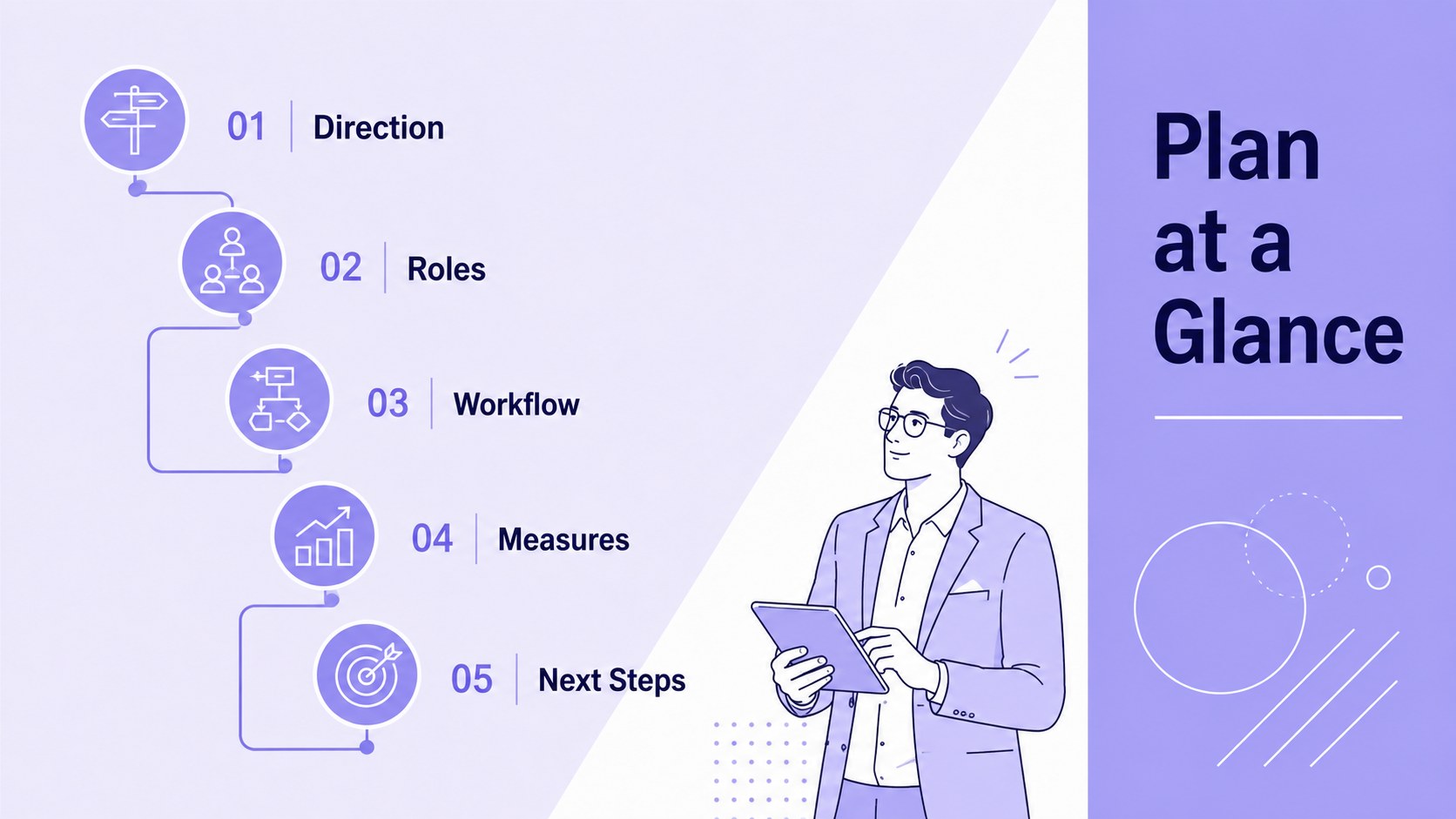
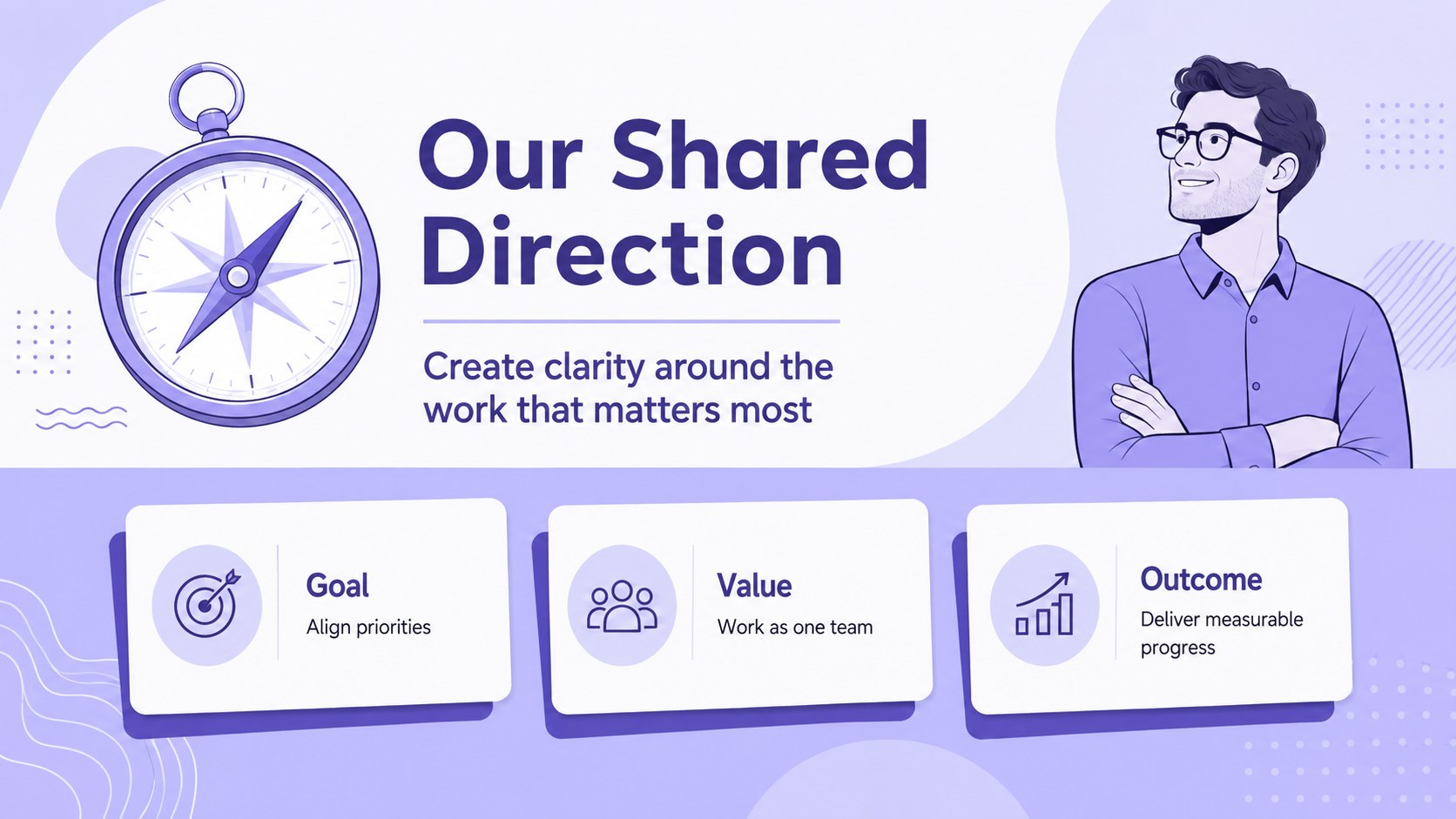
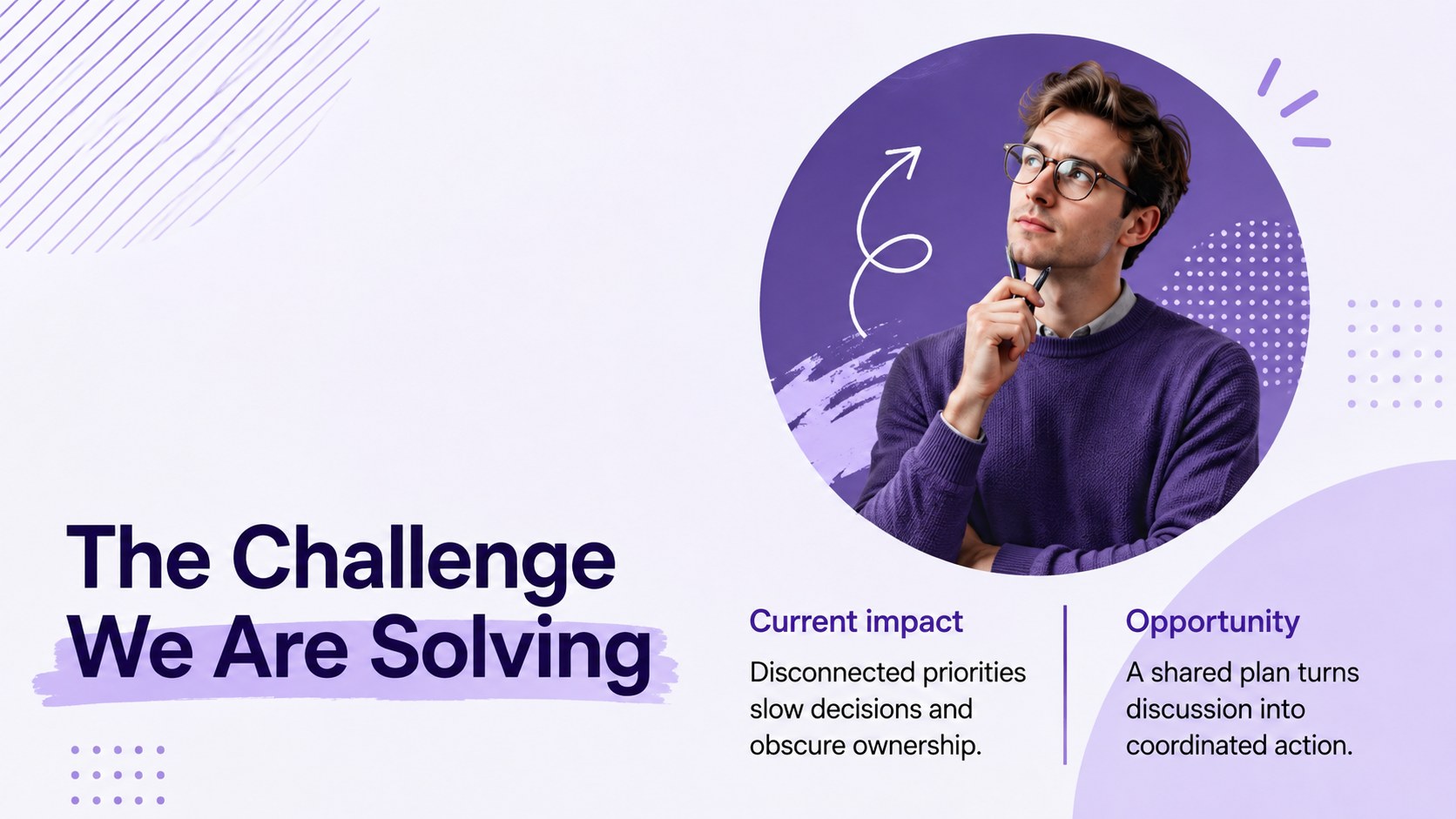
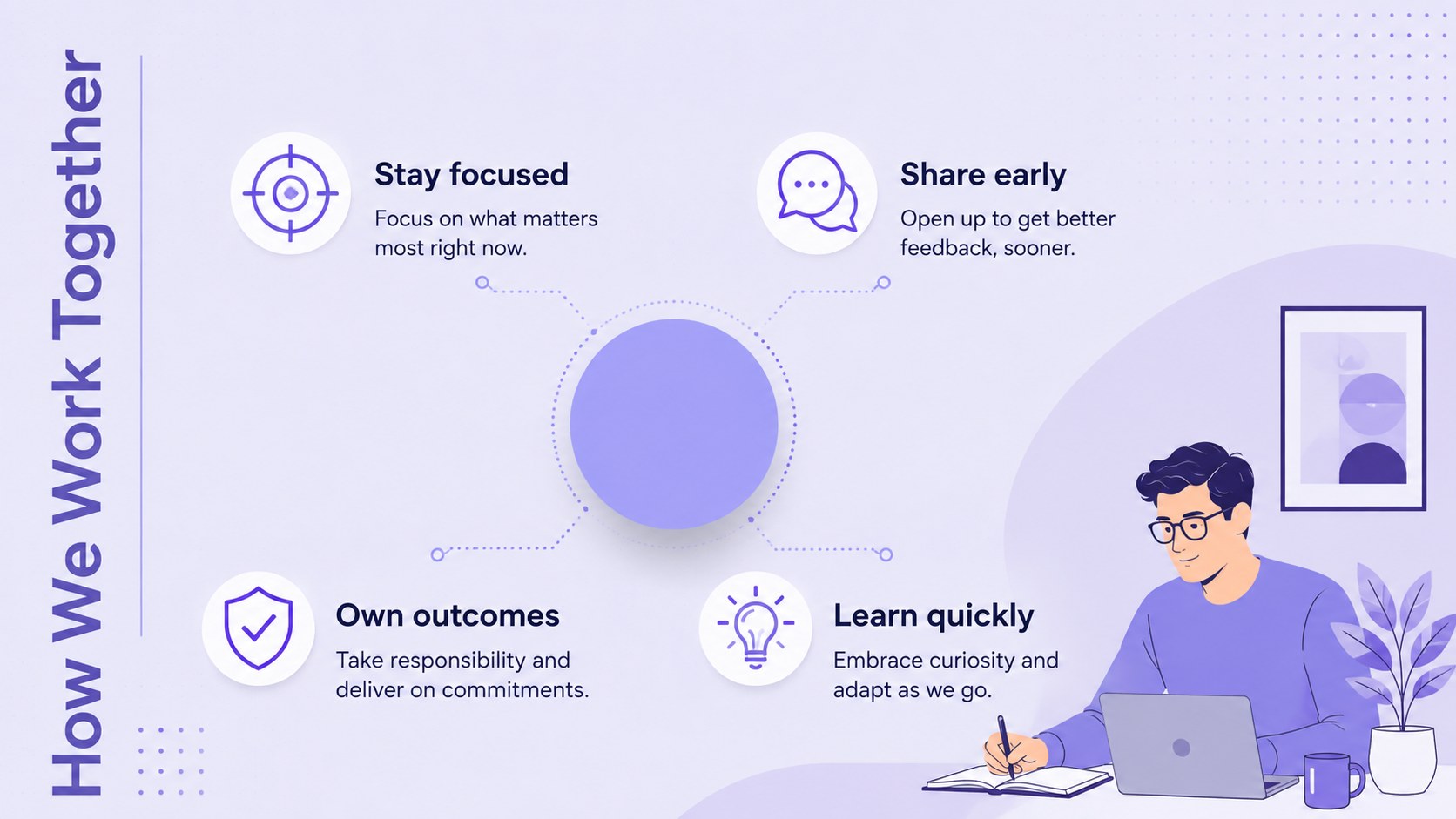
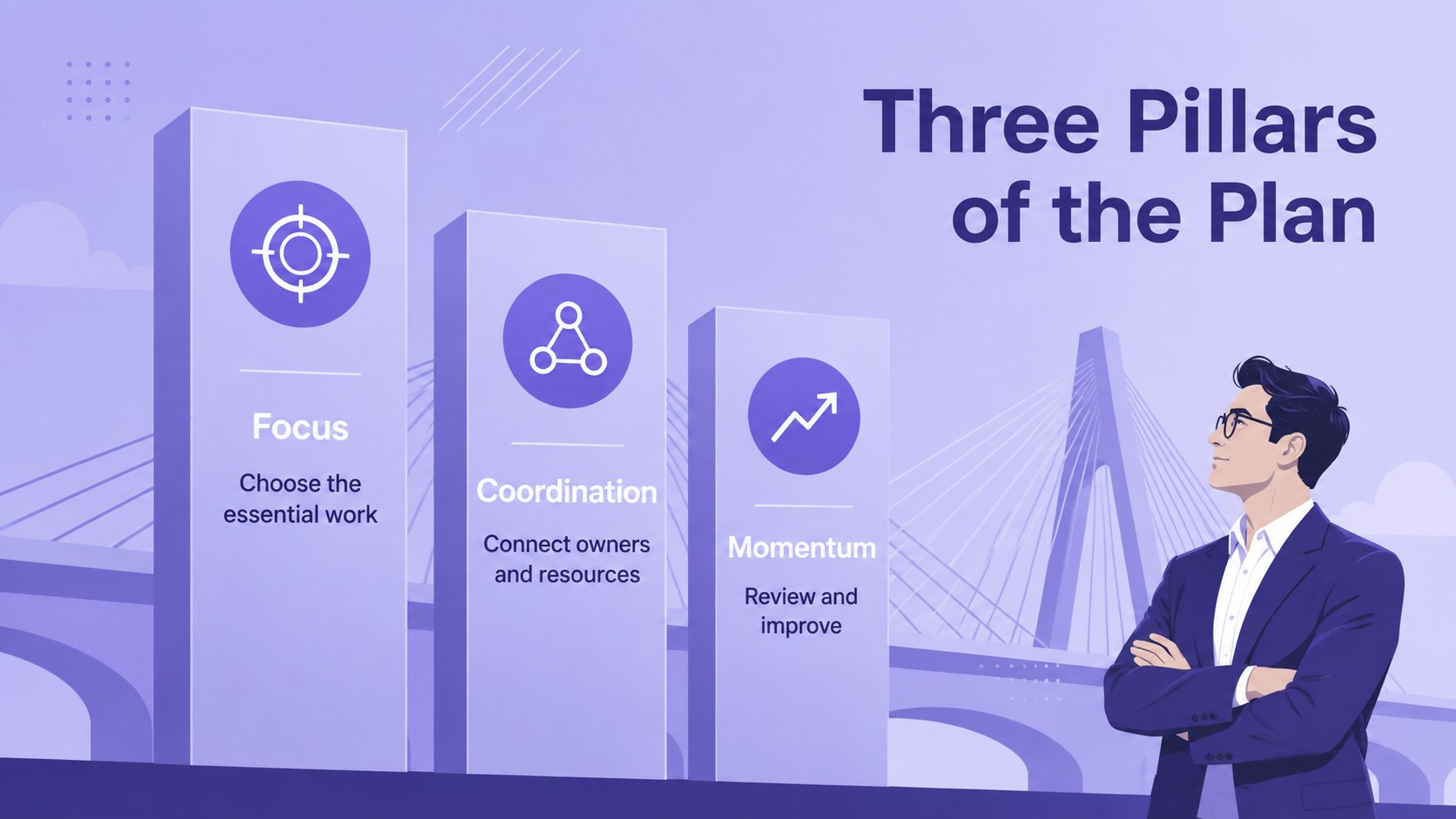
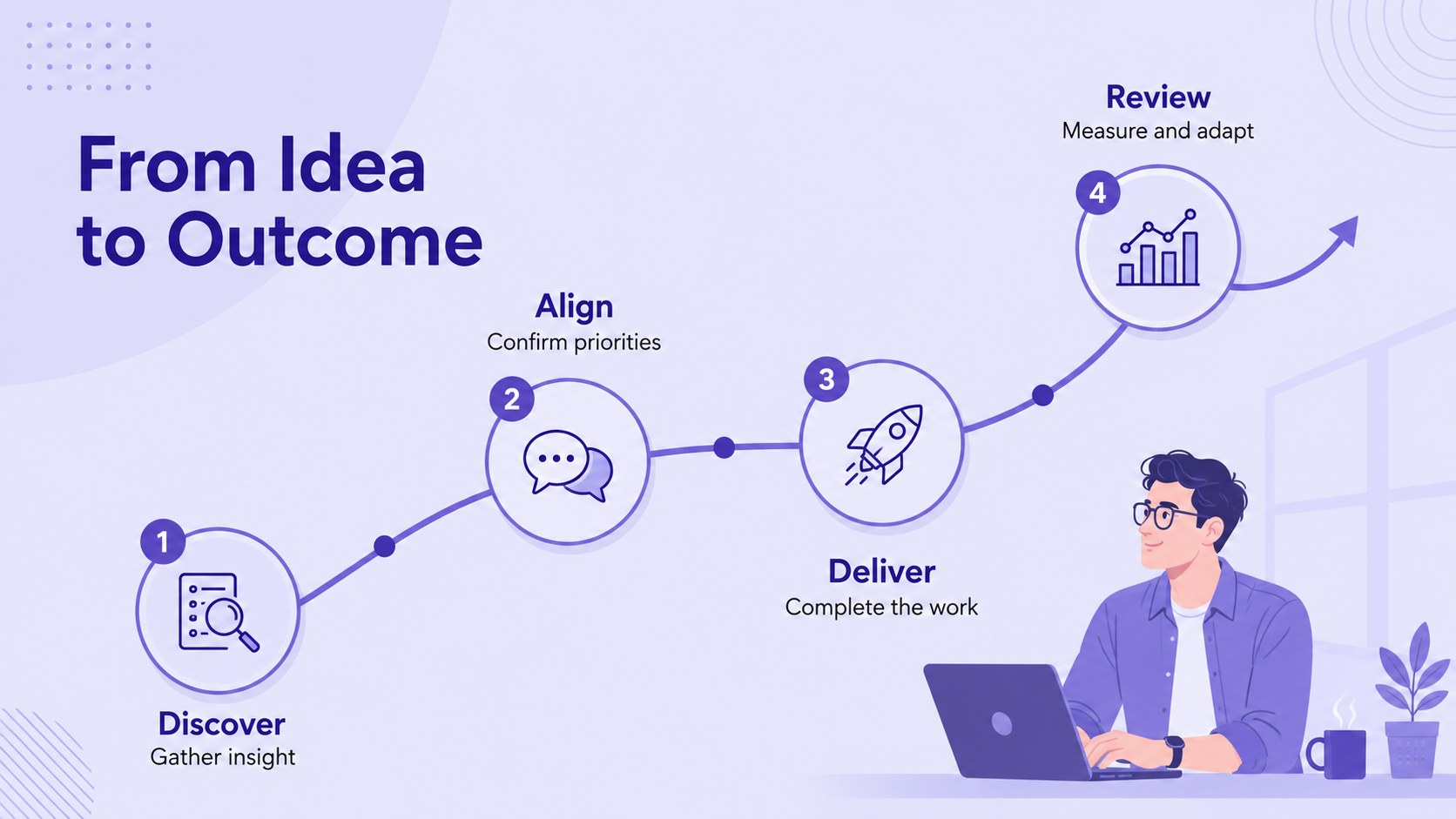
The deck includes 25 editable layouts covering opening statements, agendas, project challenges, strategy pillars, responsibilities, workflows, timelines, performance metrics, risk planning, and next steps. Charts, tables, maps, icons, text blocks, and image areas can be adapted to match your content. The 16:9 slides use Barlow and Miriam Libre for a contemporary look, while flexible accent treatments make it easy to incorporate organizational colors. This stakeholder alignment slide deck works in PowerPoint and Google Slides, with elements that can be resized, recolored, duplicated, or reordered.
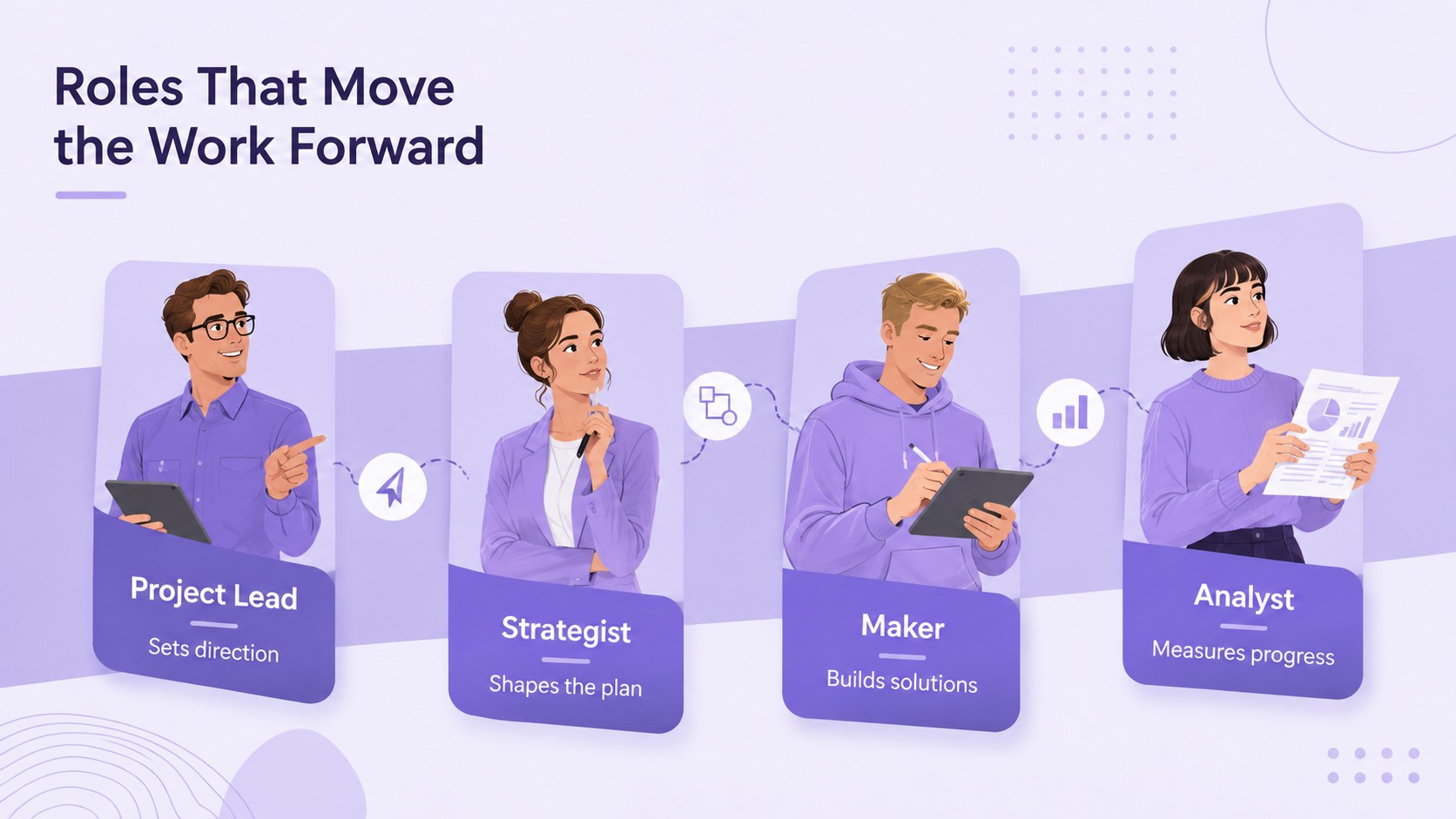
Team leads can use the team roles and responsibilities slides to clarify ownership, while marketers and consultants can shape the layouts into campaign plans or project proposals. The versatile design also suits kickoff sessions, quarterly updates, collaborative workshops, and operational briefings where decisions, responsibilities, and progress must remain easy to scan.
Perfect for: cross-functional project kickoff; stakeholder alignment meeting; marketing campaign planning; team responsibility review; quarterly progress briefing.
Frequently asked questions
Can I edit the colors and typography? Yes. The backgrounds, accent colors, text, shapes, and illustrations are editable, so you can adapt the violet palette to your organization while preserving the clean visual system.
Practical details
Yes. The backgrounds, accent colors, text, shapes, and illustrations are editable, so you can adapt the violet palette to your organization while preserving the clean visual system.
The deck is designed for PowerPoint and Google Slides. You can edit it on your computer or in a browser, depending on your preferred workflow.
Yes. Duplicate useful layouts, delete unnecessary pages, and reorder the slides to match the sequence of your meeting, proposal, or project update.
Yes. It provides editable charts, tables, timelines, workflow diagrams, role assignments, performance metrics, and risk-planning layouts for structured business communication.
Keep exploring
15Shape your publishing concept with an indie magazine startup pitch deck featuring pastel gradients, bold collage layouts, and editable planning slides.
 16
16Build clear project stories with the Icon Grid Teamwork Theme, a flexible blue illustrated deck for proposals, strategy updates, and team meetings.
 3
3Turn priorities into an actionable plan with an annual goals roadmap infographic, featuring editable orange and teal layouts for PowerPoint and Google Slides.
 15
15Create an Annual Achievement Report Presentation with colorful geometric layouts for milestones, results, lessons, and priorities in PowerPoint or Google Slides.
 15
15Turn results into a focused annual performance evaluation report with dark 3D slides for KPIs, achievements, feedback, and next-step goals for teams.
 15
15Guide a focused annual recap with Business Results Retrospective Slides, a muted brown-and-blue template for PowerPoint and Google Slides.
 6
6Turn complex plans into clear visual stories with Color-Coded Workflow Path Slides, an editable set for project updates, roadmaps, and team briefings.
 6
6Compare regional performance at a glance with Global Data Heatmap Slides, a clean multicolor deck designed for editable PowerPoint and Google Slides.