
 15
15presentation
Indie Magazine Startup Pitch Deck
Shape your publishing concept with an indie magazine startup pitch deck featuring pastel gradients, bold collage layouts, and editable planning slides.
Google SlidesPowerPoint
presentation · English
Build polished reports and pitches with a vibrant landscape presentation theme, featuring editable nature photography for PowerPoint and Google Slides.



Design notes
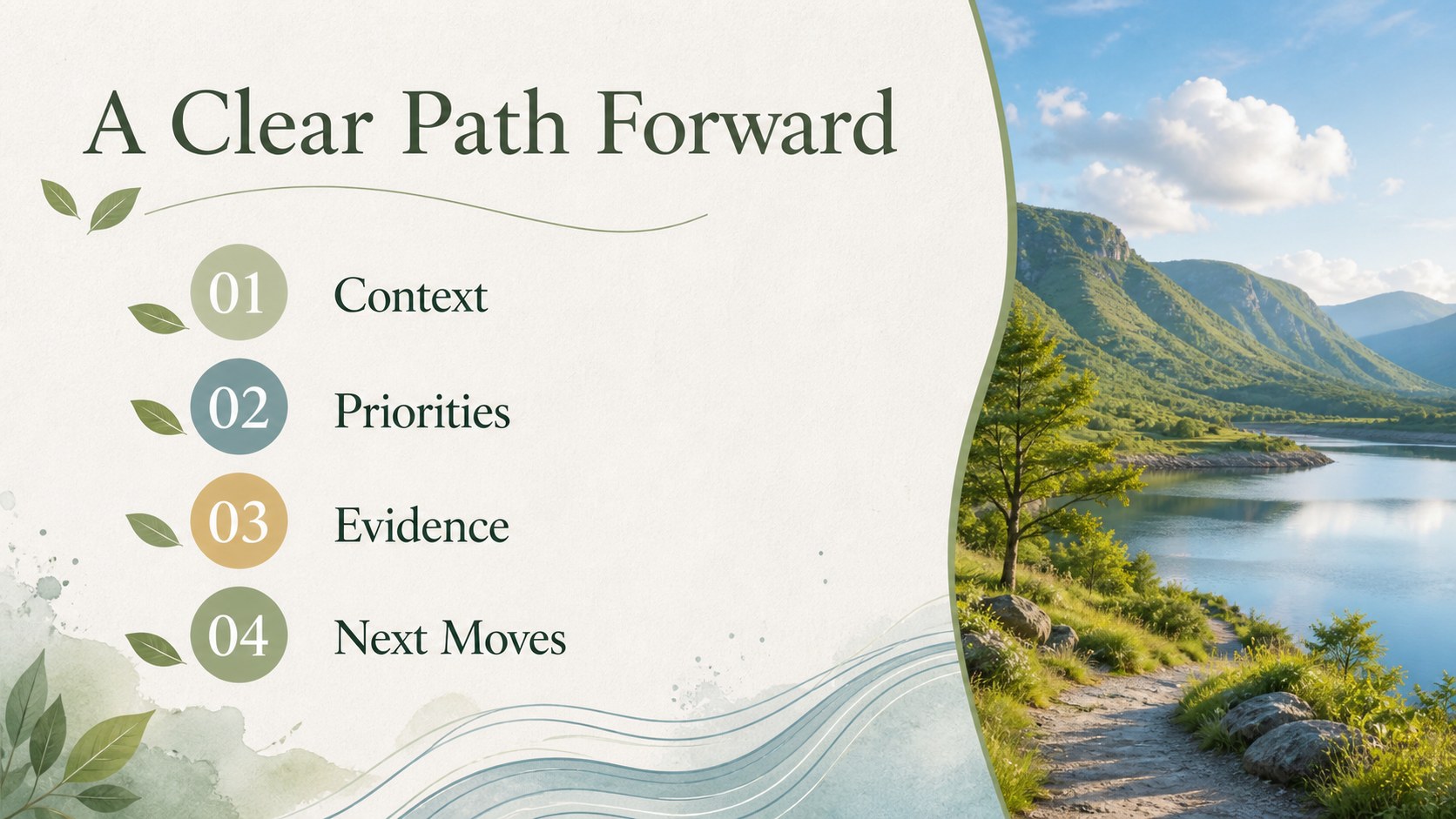
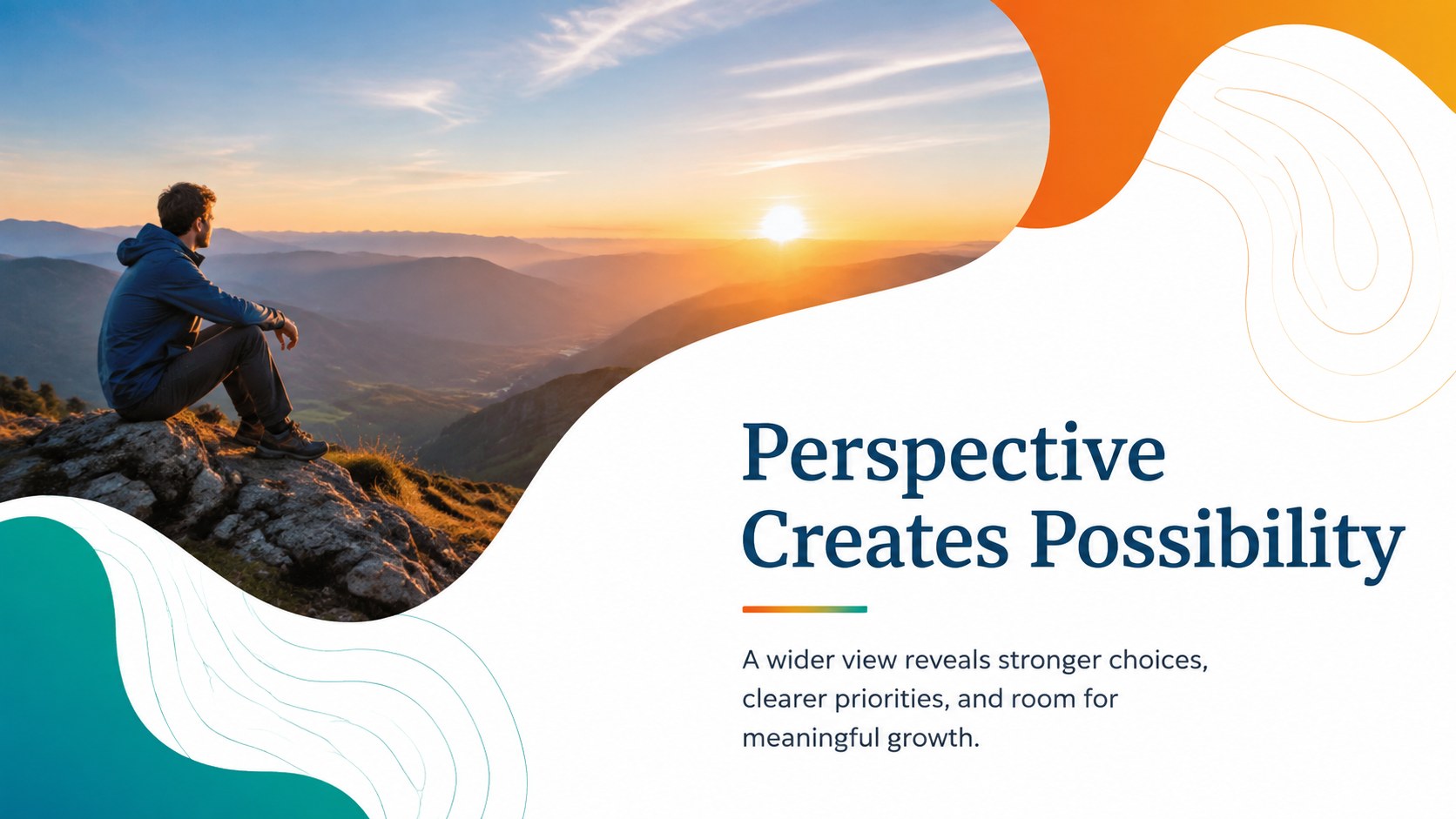
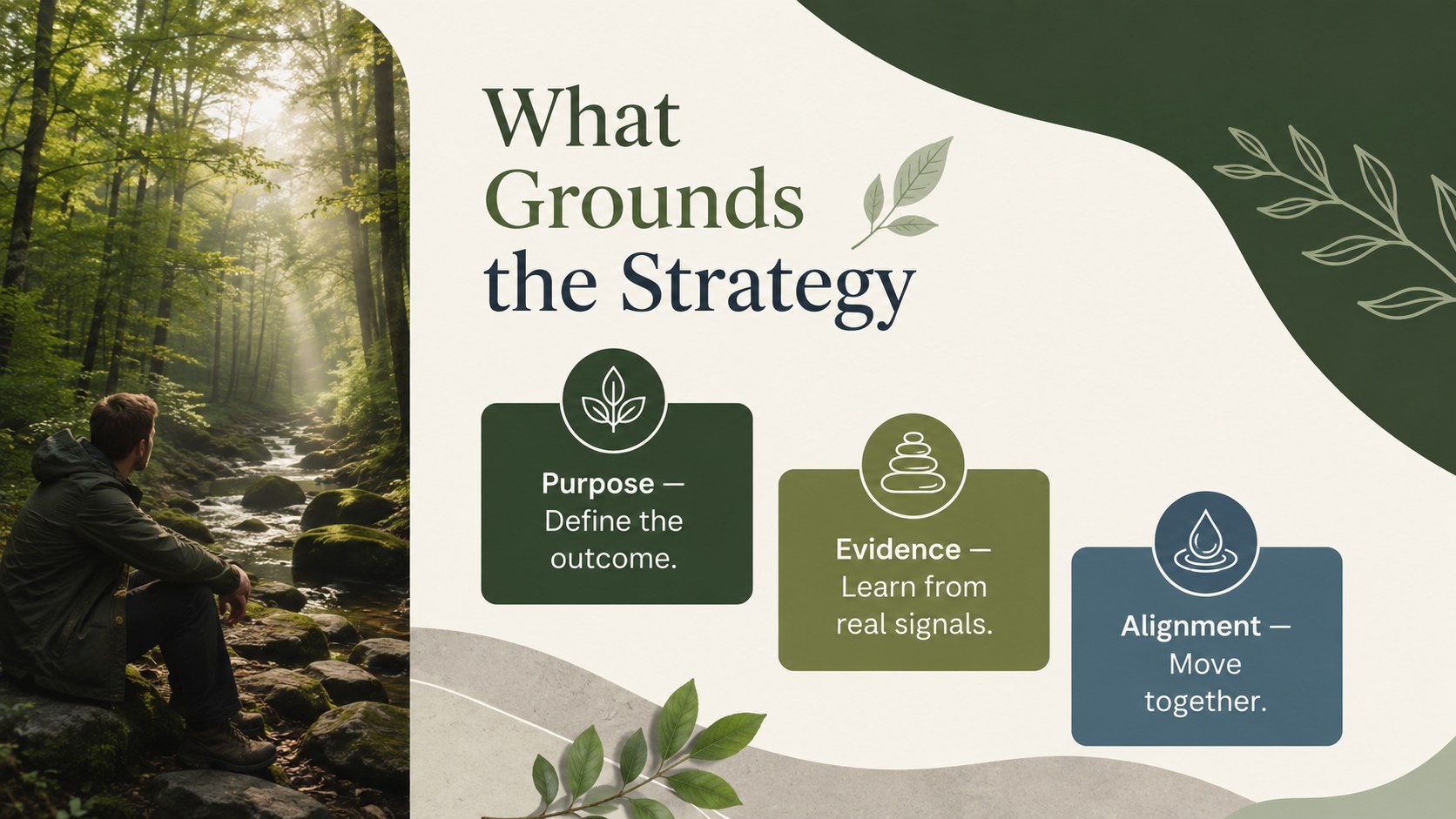
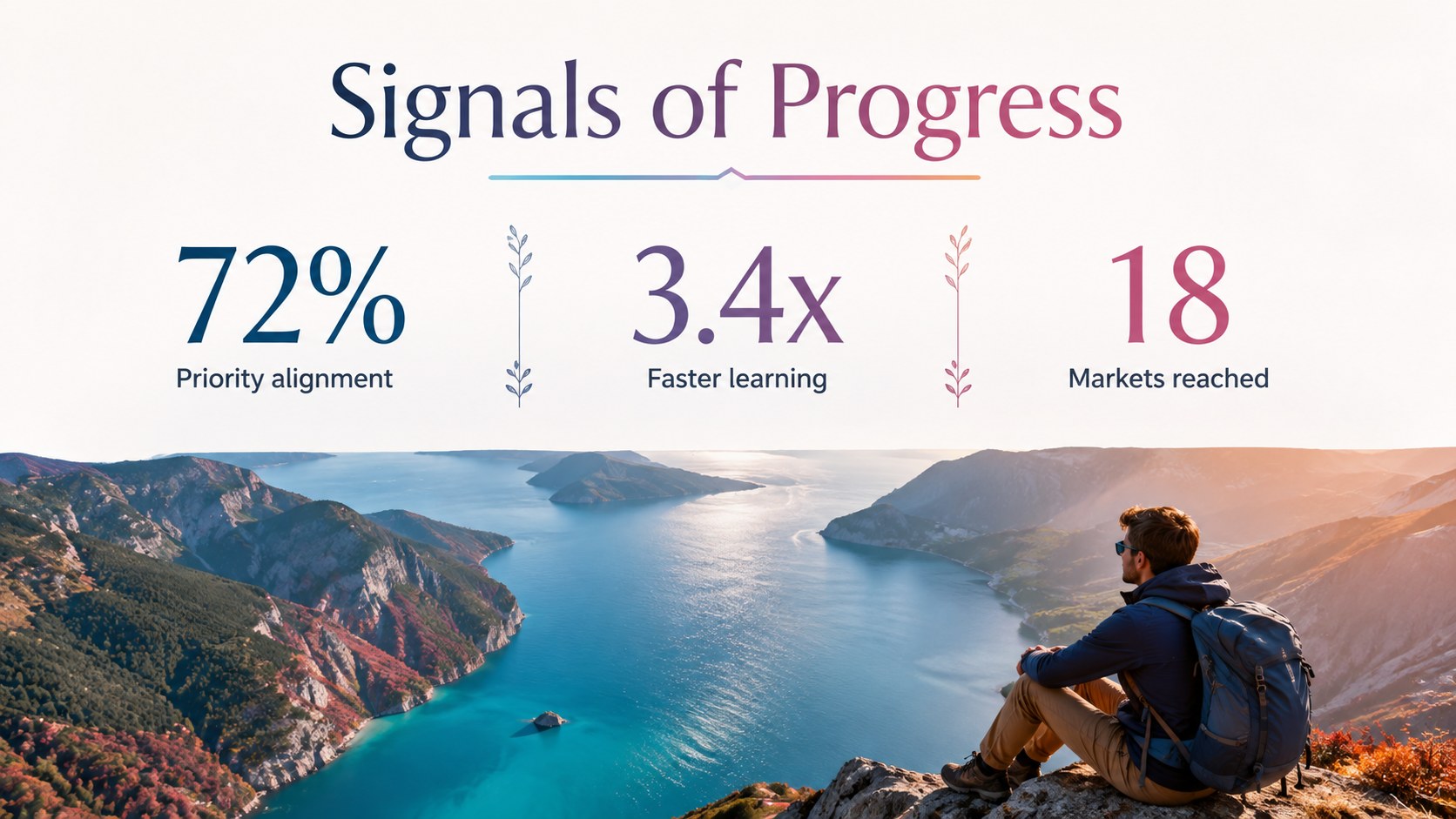
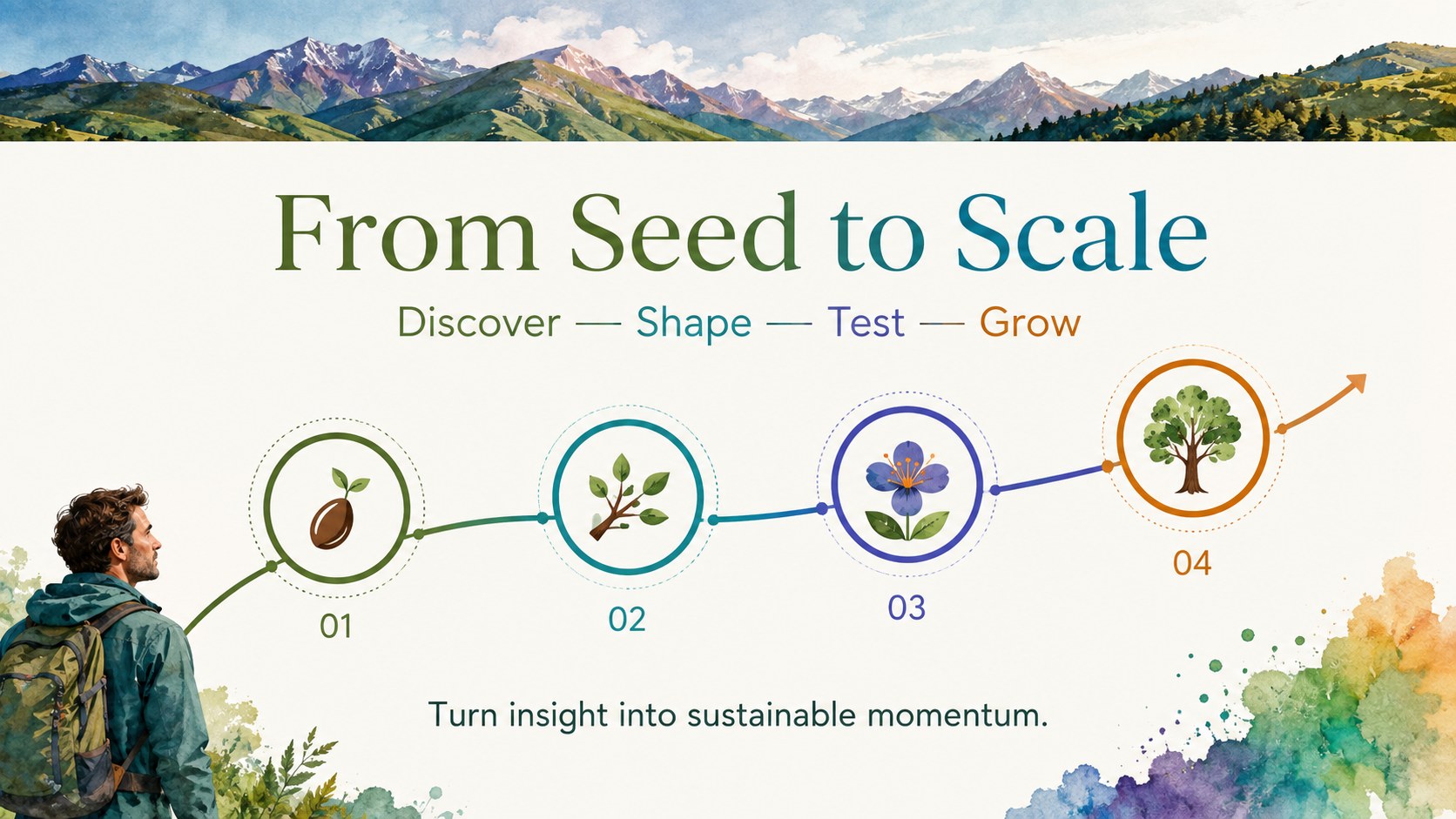
Bring energy and perspective to professional storytelling with this vibrant landscape presentation theme. Color-rich photography, clean typography, and spacious compositions create a polished setting for ideas without competing with the message. The design works especially well as a business presentation with nature backgrounds, balancing vivid scenery with practical layouts for everyday communication.
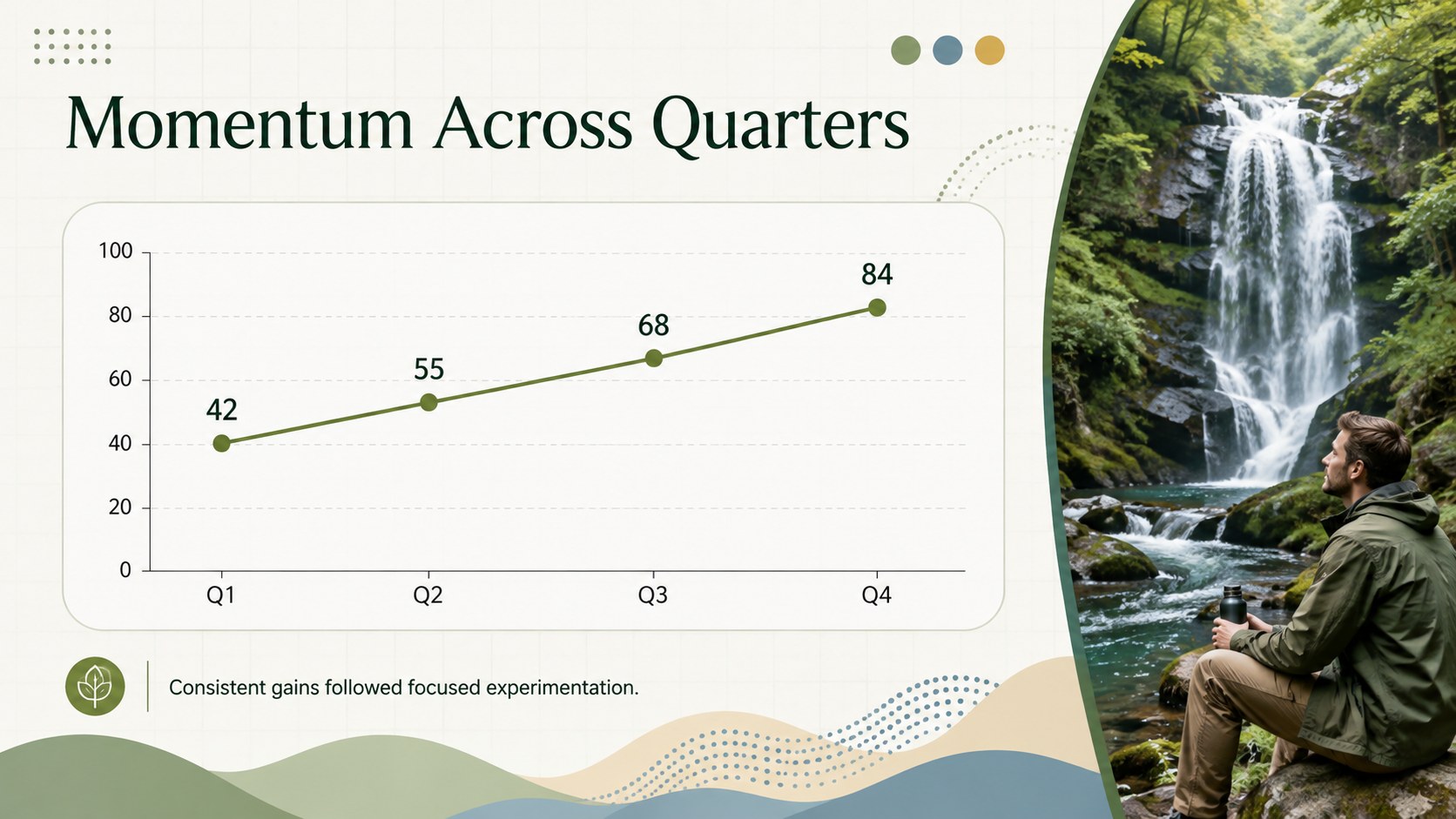
Inside, you will find 14 editable 16:9 slides covering an opening statement, agenda, strategic priorities, key metrics, comparison points, a quarterly chart, timeline, team overview, recommendations, and closing discussion. The colorful landscape presentation slides combine water, plants, open skies, and expansive terrain with restrained text areas, modern data displays, and versatile visual accents. Every layout can be adapted in PowerPoint or Google Slides by changing the wording, colors, photographs, charts, and type styles.
Use this nature photography presentation template for client proposals, leadership updates, sustainability briefings, research summaries, creative pitches, or quarterly reviews. It is designed for consultants, project leads, educators, analysts, and business teams that want an optimistic visual identity while keeping information easy to scan. Whether the story focuses on growth, discovery, progress, or long-term direction, the deck gives each section a distinct visual rhythm while maintaining a coherent professional look from cover to closing slide.
Perfect for: quarterly business review; client strategy proposal; sustainability briefing; creative project pitch; research findings presentation; leadership planning session.
Frequently asked questions
Can I edit the photographs and colors? Yes. Replace the scenic images with your own photography and adjust the accent colors to match your organization or subject. Text, charts, shapes, and layout elements are also editable.
Practical details
Yes. Replace the scenic images with your own photography and adjust the accent colors to match your organization or subject. Text, charts, shapes, and layout elements are also editable.
The deck is designed for PowerPoint and Google Slides. Both platforms support editing the text, images, colors, and core layout elements.
Yes. The agenda, metrics, chart, timeline, comparison, and recommendation layouts can be used for operational updates or quarterly reporting. Replace the sample figures and labels with verified company data.
Choose photographs with enough open space around the main subject so headings remain readable. Apply a subtle overlay when needed and keep image treatment consistent across the deck.
Keep exploring
15Shape your publishing concept with an indie magazine startup pitch deck featuring pastel gradients, bold collage layouts, and editable planning slides.
 16
16Build clear project stories with the Icon Grid Teamwork Theme, a flexible blue illustrated deck for proposals, strategy updates, and team meetings.
 3
3Turn priorities into an actionable plan with an annual goals roadmap infographic, featuring editable orange and teal layouts for PowerPoint and Google Slides.
 15
15Create an Annual Achievement Report Presentation with colorful geometric layouts for milestones, results, lessons, and priorities in PowerPoint or Google Slides.
 15
15Turn results into a focused annual performance evaluation report with dark 3D slides for KPIs, achievements, feedback, and next-step goals for teams.
 15
15Guide a focused annual recap with Business Results Retrospective Slides, a muted brown-and-blue template for PowerPoint and Google Slides.
 6
6Turn complex plans into clear visual stories with Color-Coded Workflow Path Slides, an editable set for project updates, roadmaps, and team briefings.
 6
6Compare regional performance at a glance with Global Data Heatmap Slides, a clean multicolor deck designed for editable PowerPoint and Google Slides.