
 15
15presentation
Indie Magazine Startup Pitch Deck
Shape your publishing concept with an indie magazine startup pitch deck featuring pastel gradients, bold collage layouts, and editable planning slides.
Google SlidesPowerPoint
document · English
Build a vehicle transaction invoice template for dealerships and private sellers, with editable line items, payment terms, totals, and a bold orange, black,…


Design notes
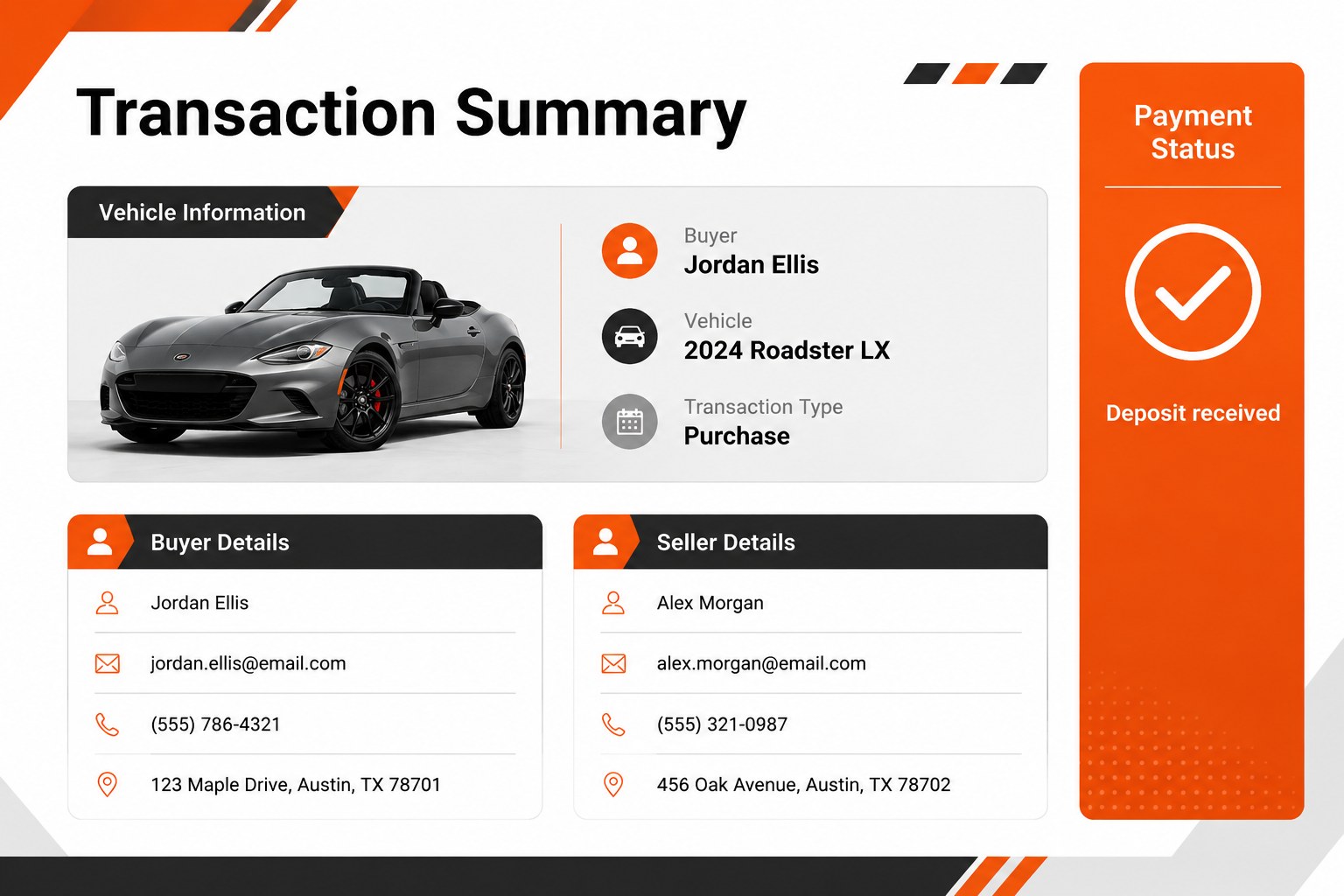
A vehicle transaction invoice template gives dealerships, independent sales teams, and private sellers a clear way to present the financial details of a car sale. Use the bold orange, black, and grey design to organize buyer information, vehicle specifications, pricing, taxes, discounts, and final totals without losing a professional business look.
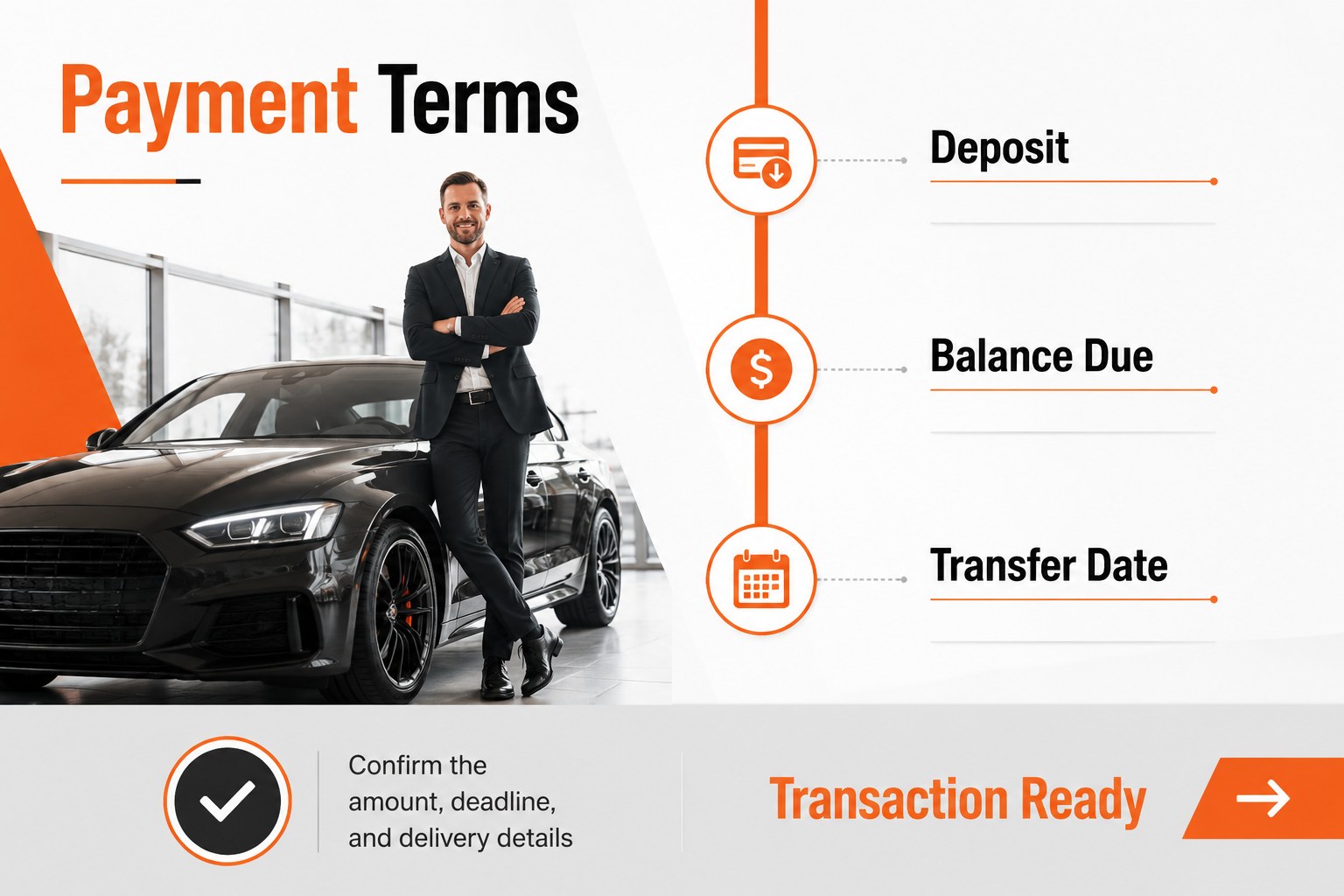
Inside the deck, you will find a cover, a structured transaction summary, an itemized pricing breakdown, and a payment terms page. The layouts are designed for quick editing in PowerPoint and Google Slides, making it simple to update customer names, stock numbers, vehicle details, deposits, balances, and due dates. The editable vehicle invoice slides can also support an internal sales review or a polished handoff to a customer.
This resource works well for franchise dealerships, used-car businesses, automotive brokers, and individuals completing a private sale. Use it as a car dealership invoice presentation during customer meetings, as an orange black grey invoice design for branded sales materials, or as a concise record of agreed charges. Replace the sample details, adjust the totals, and export the finished presentation for digital sharing or printing.
Perfect for: franchise dealership customer meeting; used-car sales handoff; private vehicle sale record; automotive broker quote; sales team transaction review.
Frequently asked questions
Can I edit the invoice details in PowerPoint? Yes. You can replace the sample buyer, vehicle, pricing, tax, deposit, and payment information directly in PowerPoint. Text, tables, colors, and other editable elements can be adjusted for each transaction.
Practical details
Yes. You can replace the sample buyer, vehicle, pricing, tax, deposit, and payment information directly in PowerPoint. Text, tables, colors, and other editable elements can be adjusted for each transaction.
Yes, the presentation can be used in Google Slides as well as PowerPoint. Upload the file, review the imported formatting, and update the transaction fields in your preferred browser-based workflow.
Include the seller and buyer details, vehicle identification information, itemized charges, taxes or fees, discounts, deposit amount, remaining balance, and payment deadline. Add any warranty, delivery, or transfer notes that apply to the sale.
Yes. The palette can be modified to match a dealership brand or a simpler private-sale document. Keep strong contrast between headings, totals, and body text so the invoice remains easy to scan.
Keep exploring
15Shape your publishing concept with an indie magazine startup pitch deck featuring pastel gradients, bold collage layouts, and editable planning slides.
 16
16Build clear project stories with the Icon Grid Teamwork Theme, a flexible blue illustrated deck for proposals, strategy updates, and team meetings.
 3
3Turn priorities into an actionable plan with an annual goals roadmap infographic, featuring editable orange and teal layouts for PowerPoint and Google Slides.
 15
15Create an Annual Achievement Report Presentation with colorful geometric layouts for milestones, results, lessons, and priorities in PowerPoint or Google Slides.
 15
15Turn results into a focused annual performance evaluation report with dark 3D slides for KPIs, achievements, feedback, and next-step goals for teams.
 15
15Guide a focused annual recap with Business Results Retrospective Slides, a muted brown-and-blue template for PowerPoint and Google Slides.
 6
6Turn complex plans into clear visual stories with Color-Coded Workflow Path Slides, an editable set for project updates, roadmaps, and team briefings.
 6
6Compare regional performance at a glance with Global Data Heatmap Slides, a clean multicolor deck designed for editable PowerPoint and Google Slides.