
 15
15presentation
Indie Magazine Startup Pitch Deck
Shape your publishing concept with an indie magazine startup pitch deck featuring pastel gradients, bold collage layouts, and editable planning slides.
Google SlidesPowerPoint
document · English
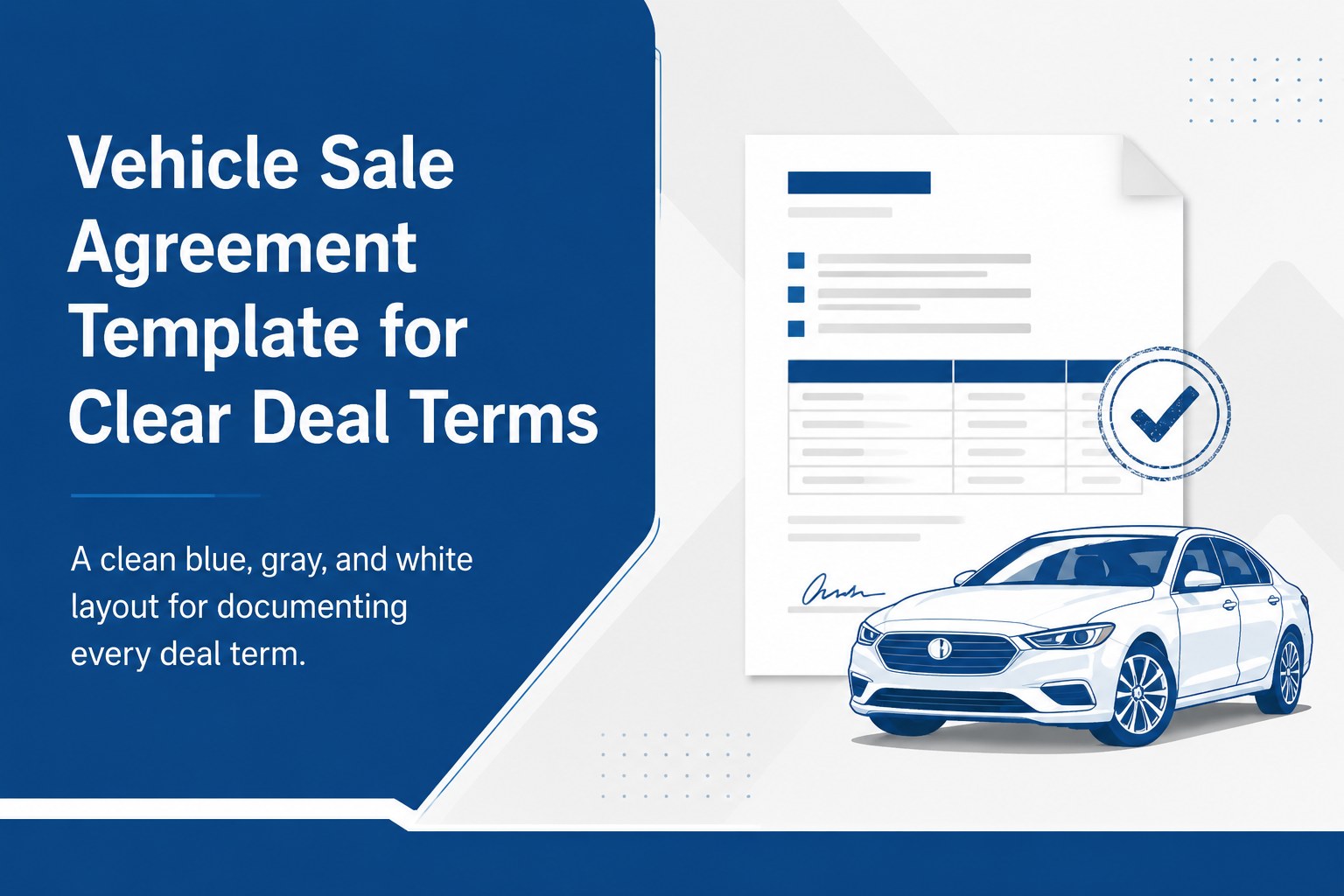
Create a vehicle sale agreement template that keeps buyer details, payment terms, delivery dates, and signatures organized in a polished editable layout.
Design notes
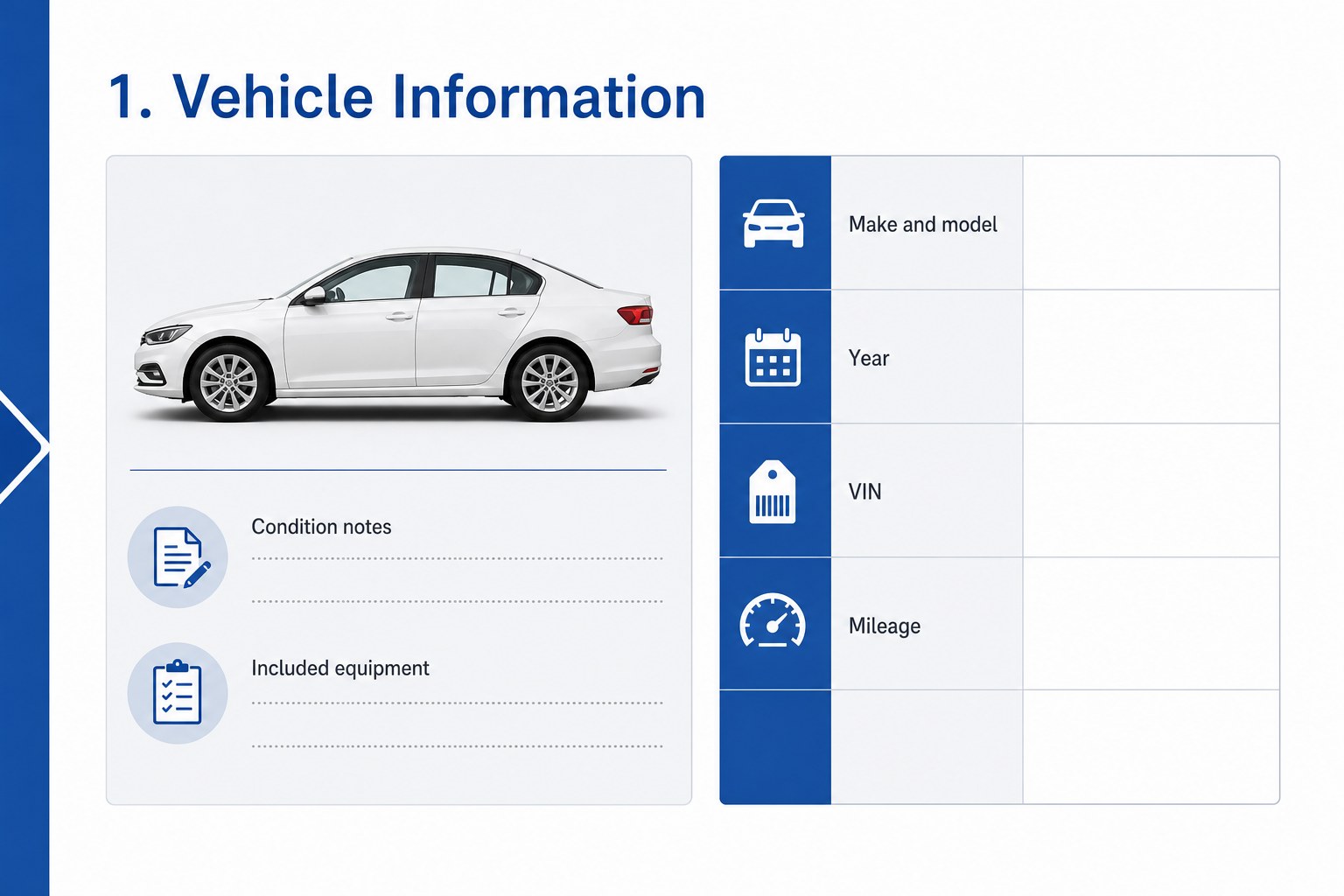
Keep every important vehicle transaction detail in one polished, easy-to-review document. This vehicle sale agreement template uses a restrained blue, gray, and white palette, clean typography, and subtle automotive illustrations to make essential terms easy to scan without adding visual clutter. It is designed for dealerships, independent sales professionals, fleet teams, and private buyers or sellers who need a clear record of the agreement.
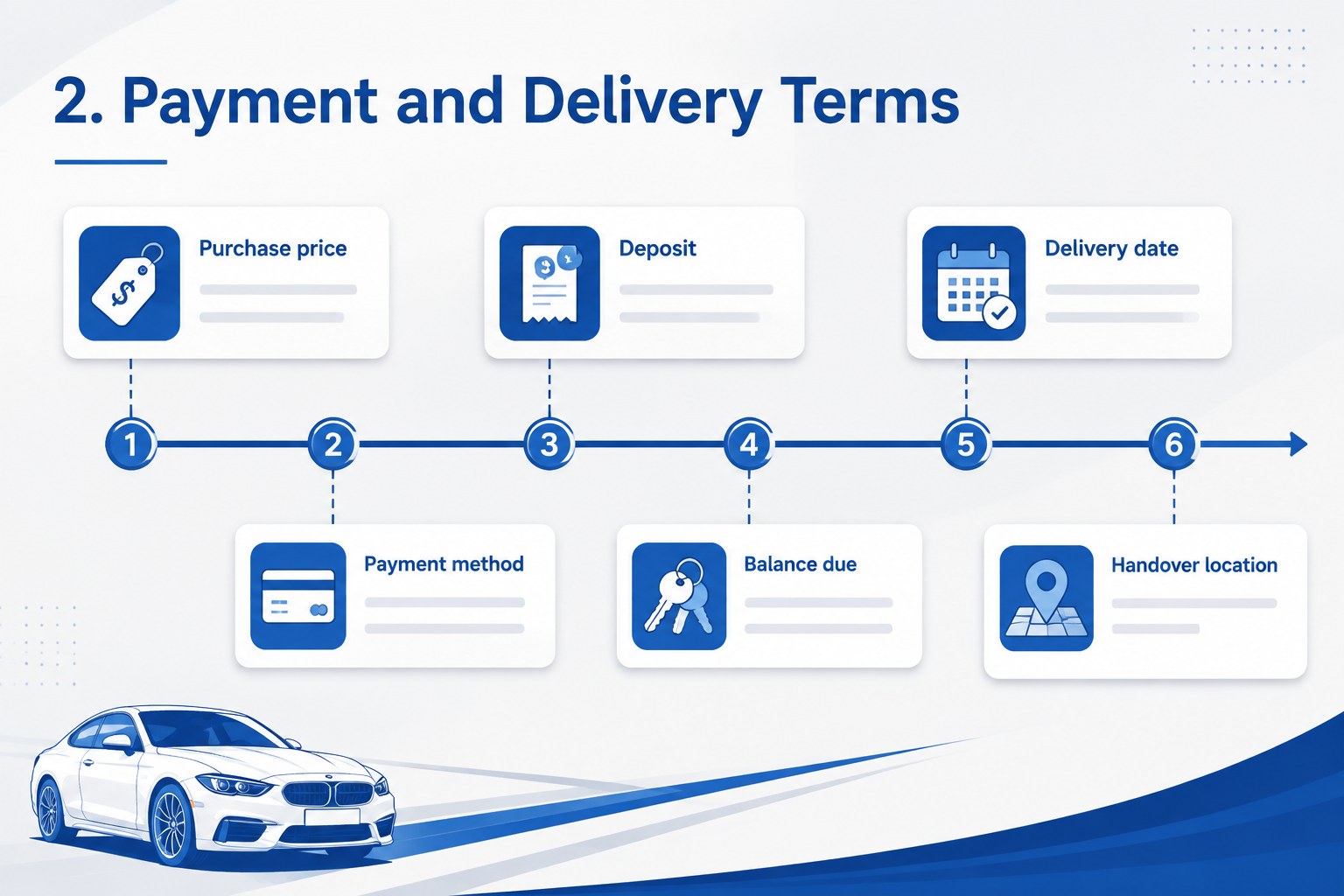
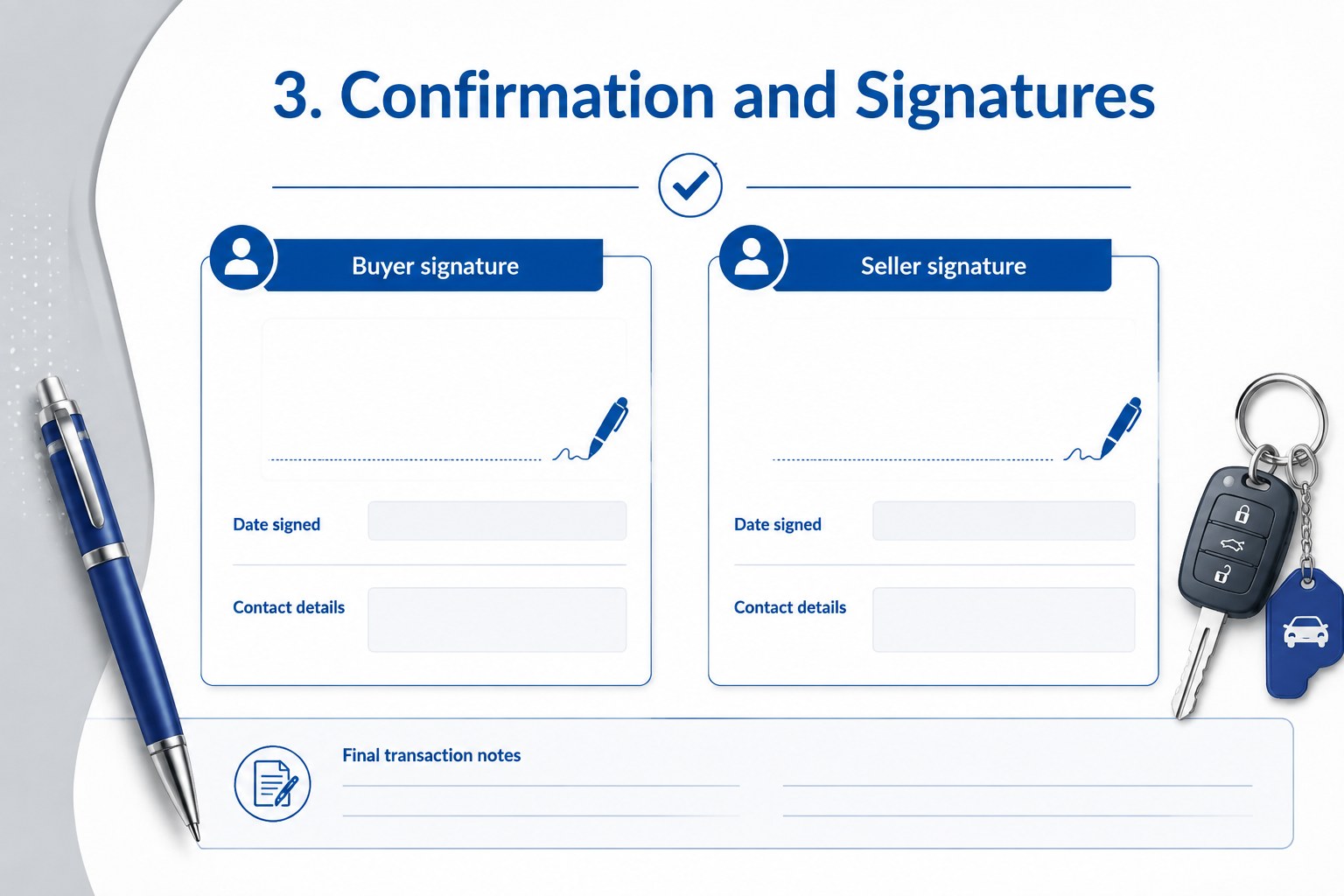
What’s inside includes dedicated areas for vehicle identification, seller and buyer information, purchase price, deposit, payment method, delivery date, condition notes, included equipment, and special provisions. A final confirmation page provides space for signatures, contact details, and transaction notes. The layouts can also support a used car purchase contract, a dealership handover checklist, or an internal sales record with minor wording changes.
Edit the template in PowerPoint or Google Slides, then export it as a PDF for email, printing, or digital filing. Replace the placeholder logo area with your own business details, adjust the blue and gray accents, and add or remove fields to match local procedures. The flexible structure helps teams prepare consistent paperwork while giving individual sellers enough room to document an uncomplicated private transaction.
Perfect for: private car sale; dealership transaction packet; fleet vehicle handover; used vehicle purchase record; automotive sales team workflow.
Frequently asked questions
Which applications can edit this template? The template is designed for PowerPoint and Google Slides. You can edit the text, colors, tables, and placeholders in either application before exporting the finished document.
Practical details
The template is designed for PowerPoint and Google Slides. You can edit the text, colors, tables, and placeholders in either application before exporting the finished document.
Yes. Add or remove sections for mileage, vehicle condition, financing, accessories, delivery arrangements, or special provisions. You can also replace placeholder contact details and signature areas with your own information.
Yes. Export the completed file as a PDF for email delivery, printing, or digital recordkeeping. Review all buyer, seller, vehicle, and payment details before sharing the final copy.
Yes. The layout works for private transactions as well as dealership and fleet workflows. Adjust the wording and required fields to match your local documentation practices.
Keep exploring
15Shape your publishing concept with an indie magazine startup pitch deck featuring pastel gradients, bold collage layouts, and editable planning slides.
 16
16Build clear project stories with the Icon Grid Teamwork Theme, a flexible blue illustrated deck for proposals, strategy updates, and team meetings.
 3
3Turn priorities into an actionable plan with an annual goals roadmap infographic, featuring editable orange and teal layouts for PowerPoint and Google Slides.
 15
15Create an Annual Achievement Report Presentation with colorful geometric layouts for milestones, results, lessons, and priorities in PowerPoint or Google Slides.
 15
15Turn results into a focused annual performance evaluation report with dark 3D slides for KPIs, achievements, feedback, and next-step goals for teams.
 15
15Guide a focused annual recap with Business Results Retrospective Slides, a muted brown-and-blue template for PowerPoint and Google Slides.
 6
6Turn complex plans into clear visual stories with Color-Coded Workflow Path Slides, an editable set for project updates, roadmaps, and team briefings.
 6
6Compare regional performance at a glance with Global Data Heatmap Slides, a clean multicolor deck designed for editable PowerPoint and Google Slides.