
 15
15presentation
Indie Magazine Startup Pitch Deck
Shape your publishing concept with an indie magazine startup pitch deck featuring pastel gradients, bold collage layouts, and editable planning slides.
Google SlidesPowerPoint
document · English
Create accurate invoices faster with a polished VAT billing record template for PowerPoint and Google Slides, built for clear totals, tax details, and…
Design notes
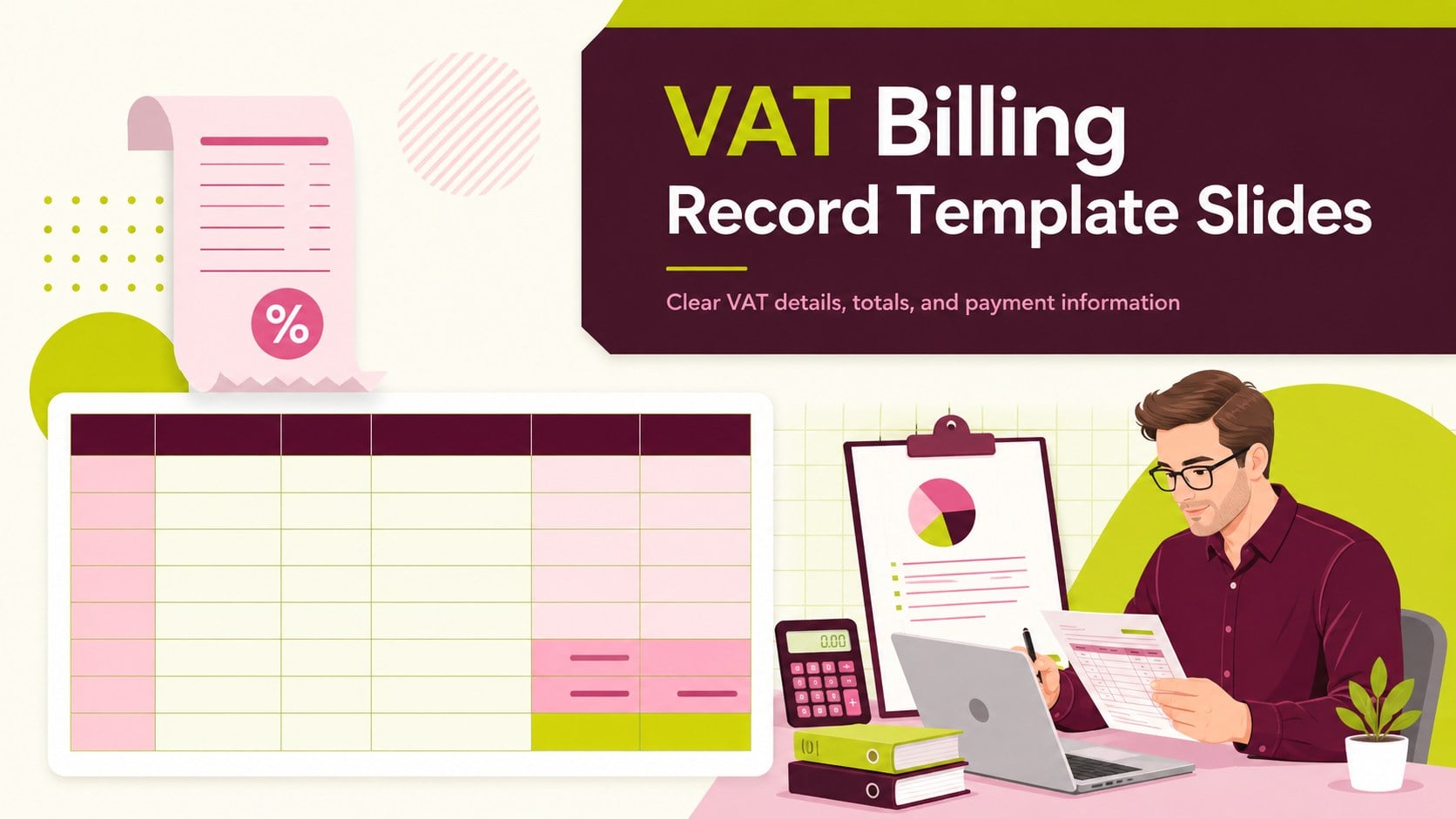
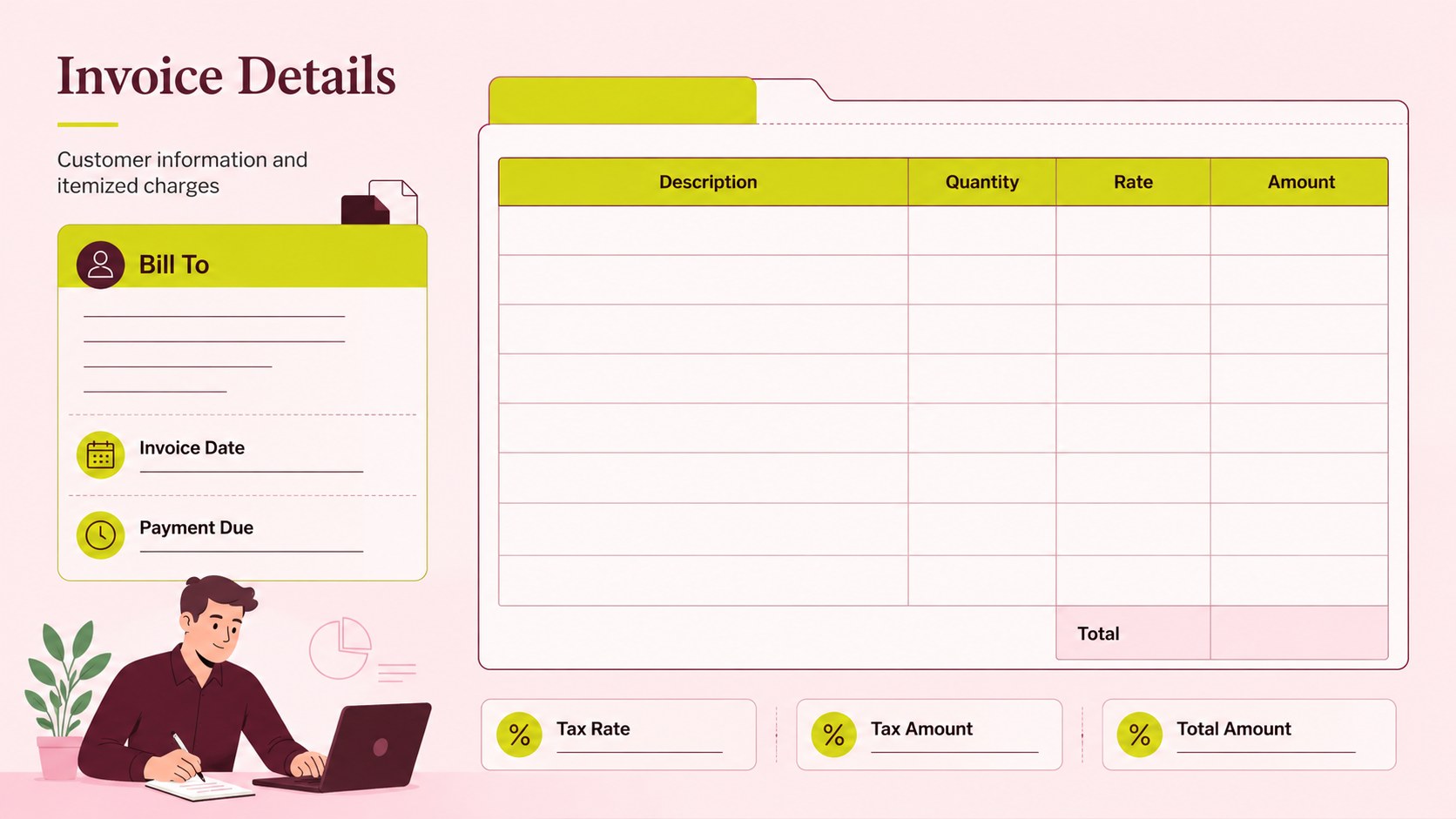
Keep taxable sales clear and client-ready with a structured VAT billing record template for everyday invoicing. This editable presentation uses a clean modern layout with green, pink, and red accents to organize customer details, itemized charges, tax rates, payment terms, and final totals without visual clutter. It is designed for businesses that need a practical way to prepare, review, or present billing information.
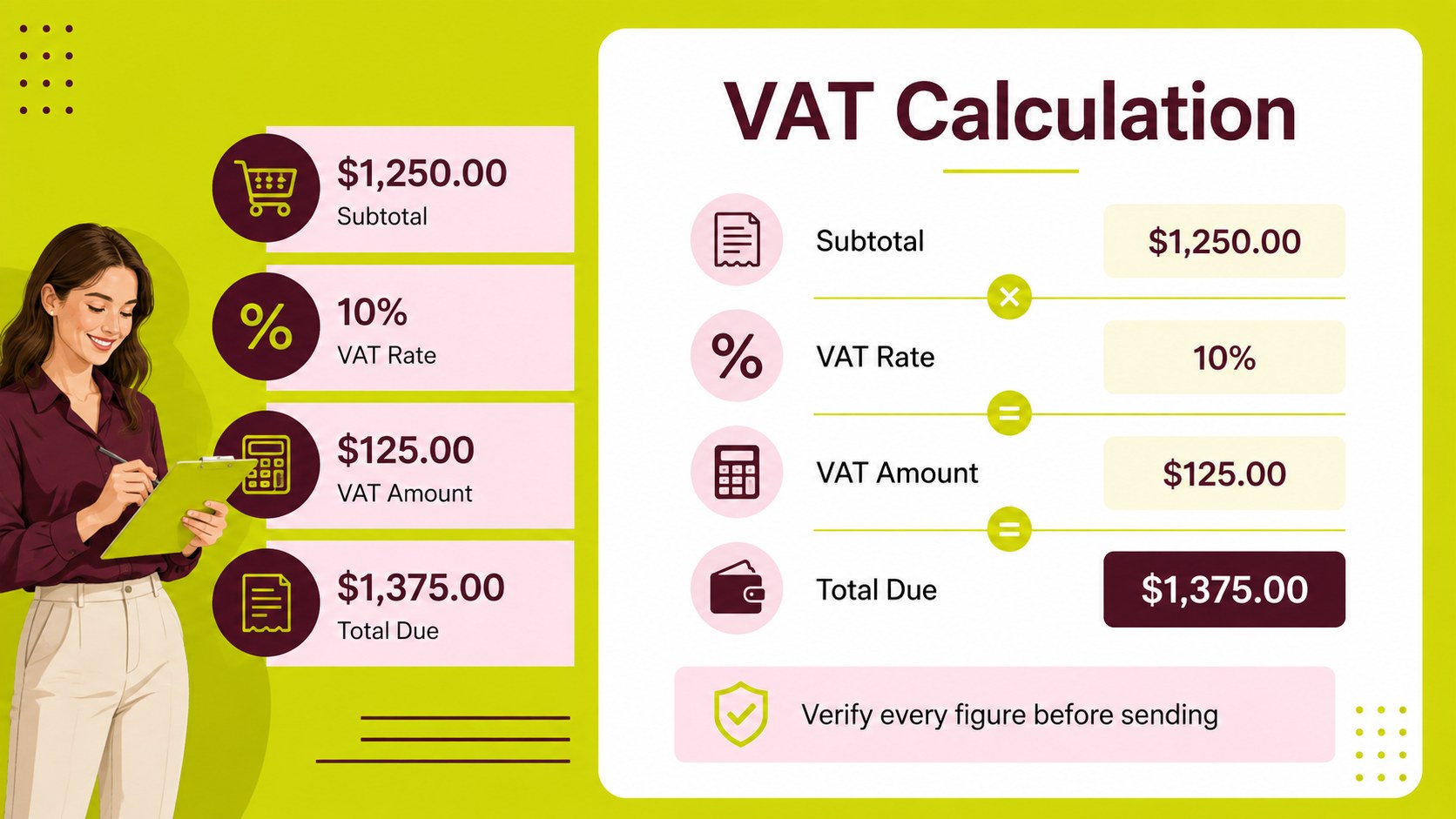
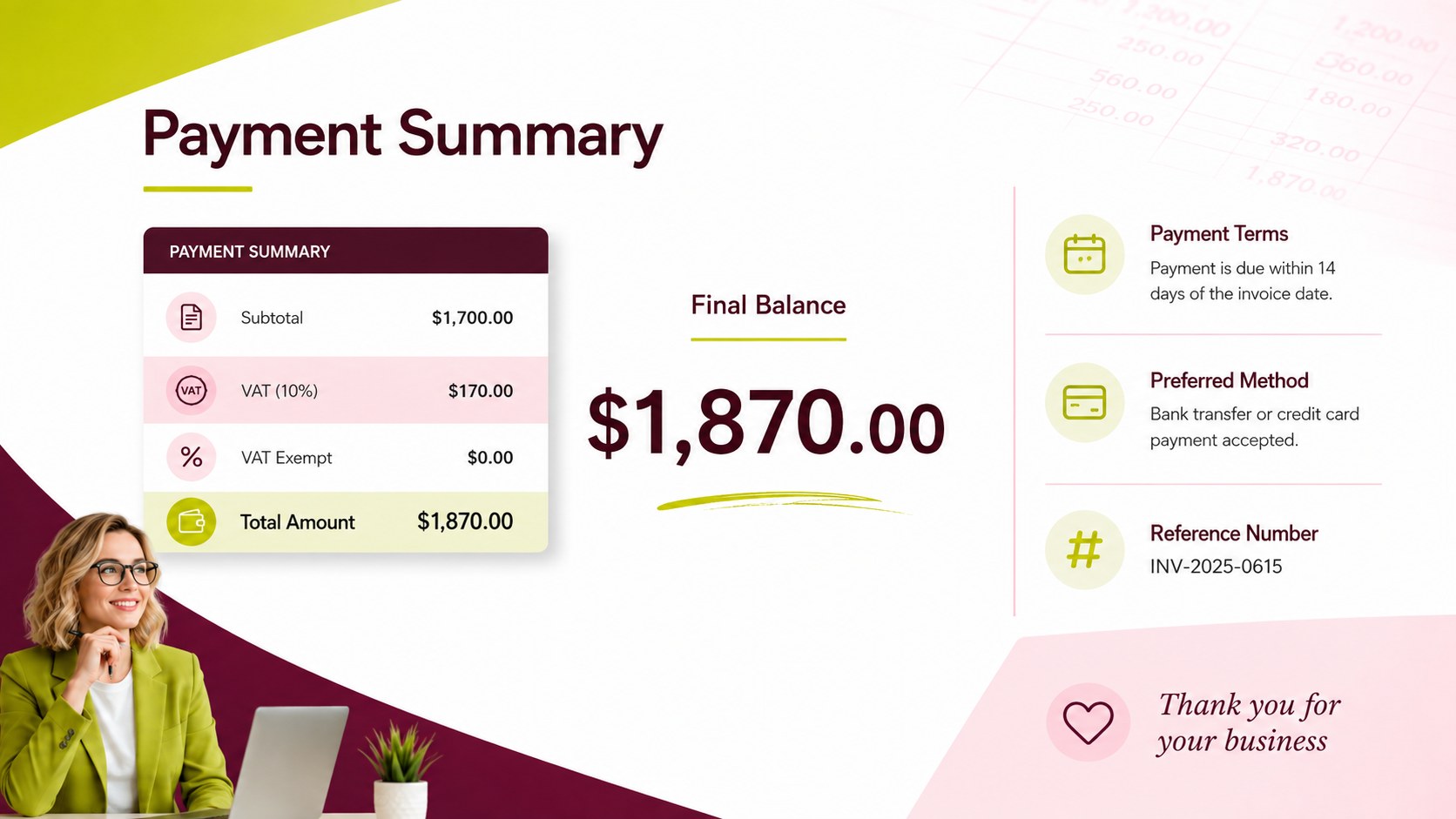
Inside, you will find a cover layout, a detailed invoice breakdown, a VAT calculation view, and a closing summary for payment instructions or account follow-up. The deck can also function as a VAT invoice tracker for small business teams that want a repeatable monthly billing record. Use it as an editable tax invoice presentation when reviewing charges with clients, preparing internal approvals, or documenting completed sales.
The template is suitable for freelancers, agencies, consultants, retailers, finance teams, and growing companies. Edit the text, tables, colors, currency, tax percentages, and brand details in PowerPoint or Google Slides. Duplicate the item and summary slides for multiple transactions, then export the finished document as a PDF for sharing or archiving.
Perfect for: freelancer client invoicing; monthly sales reconciliation; agency billing review; retail VAT documentation; internal finance approval.
Frequently asked questions
Can I edit this VAT billing record template in PowerPoint? Yes. The layouts, text, tables, colors, tax rates, currency, and payment fields can be customized in PowerPoint. Duplicate slides when you need to prepare records for multiple customers or transactions.
Practical details
Yes. The layouts, text, tables, colors, tax rates, currency, and payment fields can be customized in PowerPoint. Duplicate slides when you need to prepare records for multiple customers or transactions.
Yes, you can open and edit the presentation in Google Slides. Review imported fonts and table spacing after upload, then adjust any elements that need precise alignment.
You can replace the sample tax rate, taxable subtotal, VAT amount, and grand total with figures that match your billing process. Always verify calculations against the tax rules and invoicing requirements that apply to your business.
Yes. After reviewing the customer information and totals, export the finished presentation as a PDF from PowerPoint or Google Slides. This is useful for client delivery, accounting records, and internal approvals.
Keep exploring
15Shape your publishing concept with an indie magazine startup pitch deck featuring pastel gradients, bold collage layouts, and editable planning slides.
 16
16Build clear project stories with the Icon Grid Teamwork Theme, a flexible blue illustrated deck for proposals, strategy updates, and team meetings.
 3
3Turn priorities into an actionable plan with an annual goals roadmap infographic, featuring editable orange and teal layouts for PowerPoint and Google Slides.
 15
15Create an Annual Achievement Report Presentation with colorful geometric layouts for milestones, results, lessons, and priorities in PowerPoint or Google Slides.
 15
15Turn results into a focused annual performance evaluation report with dark 3D slides for KPIs, achievements, feedback, and next-step goals for teams.
 15
15Guide a focused annual recap with Business Results Retrospective Slides, a muted brown-and-blue template for PowerPoint and Google Slides.
 6
6Turn complex plans into clear visual stories with Color-Coded Workflow Path Slides, an editable set for project updates, roadmaps, and team briefings.
 6
6Compare regional performance at a glance with Global Data Heatmap Slides, a clean multicolor deck designed for editable PowerPoint and Google Slides.