
 15
15presentation
Indie Magazine Startup Pitch Deck
Shape your publishing concept with an indie magazine startup pitch deck featuring pastel gradients, bold collage layouts, and editable planning slides.
Google SlidesPowerPoint
spreadsheet · English
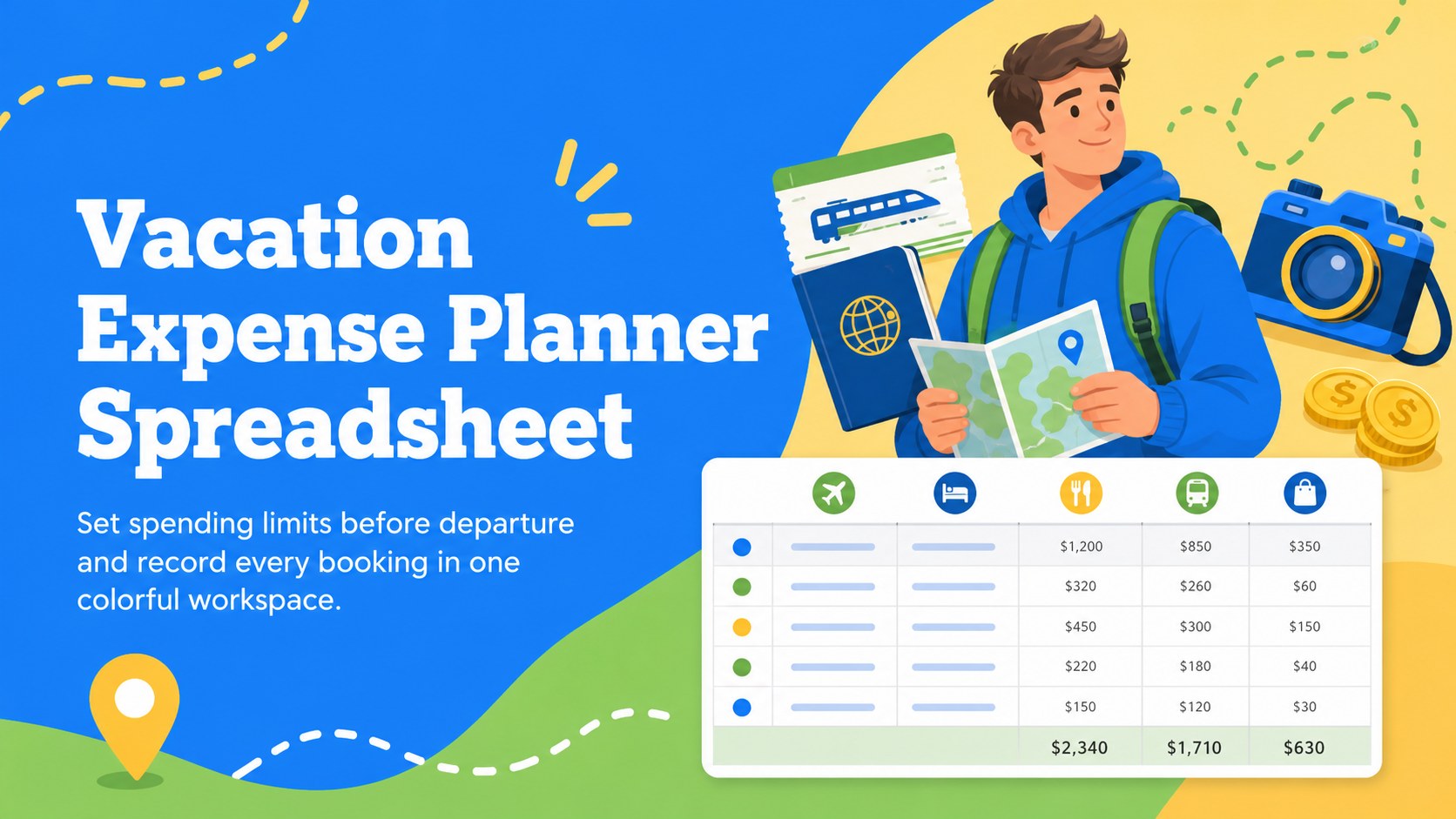
Build a realistic trip plan with this vacation expense planner spreadsheet for Excel and Google Sheets, covering transport, stays, meals, and activities.
Design notes
Turn estimated costs into a clear spending plan before you book. This vacation expense planner spreadsheet organizes the practical details of a getaway while keeping the experience bright and approachable. Blue, green, and yellow accents, playful travel illustrations, and a clean landscape layout make the numbers easy to scan without losing the sense of anticipation behind the trip.
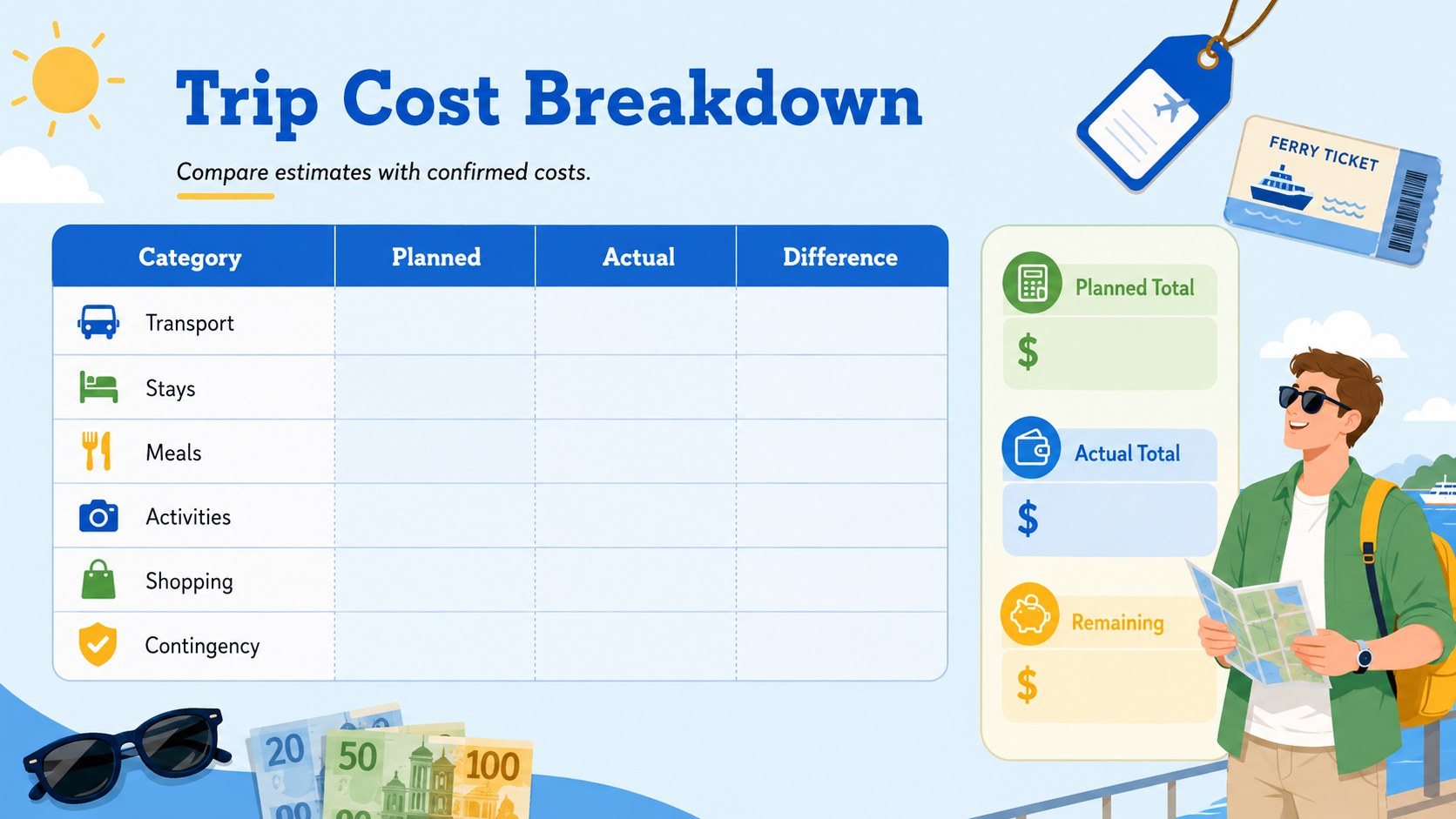
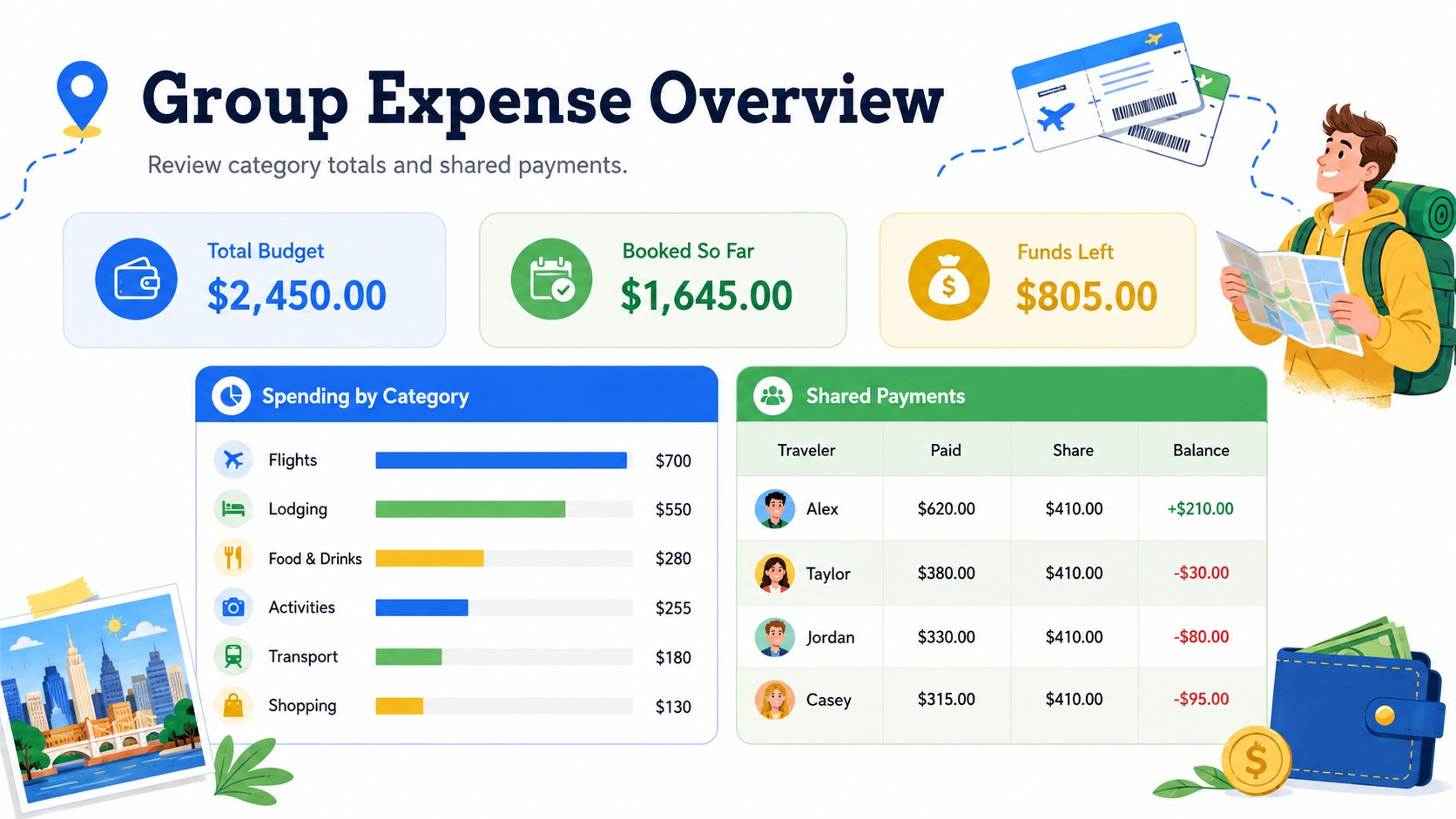
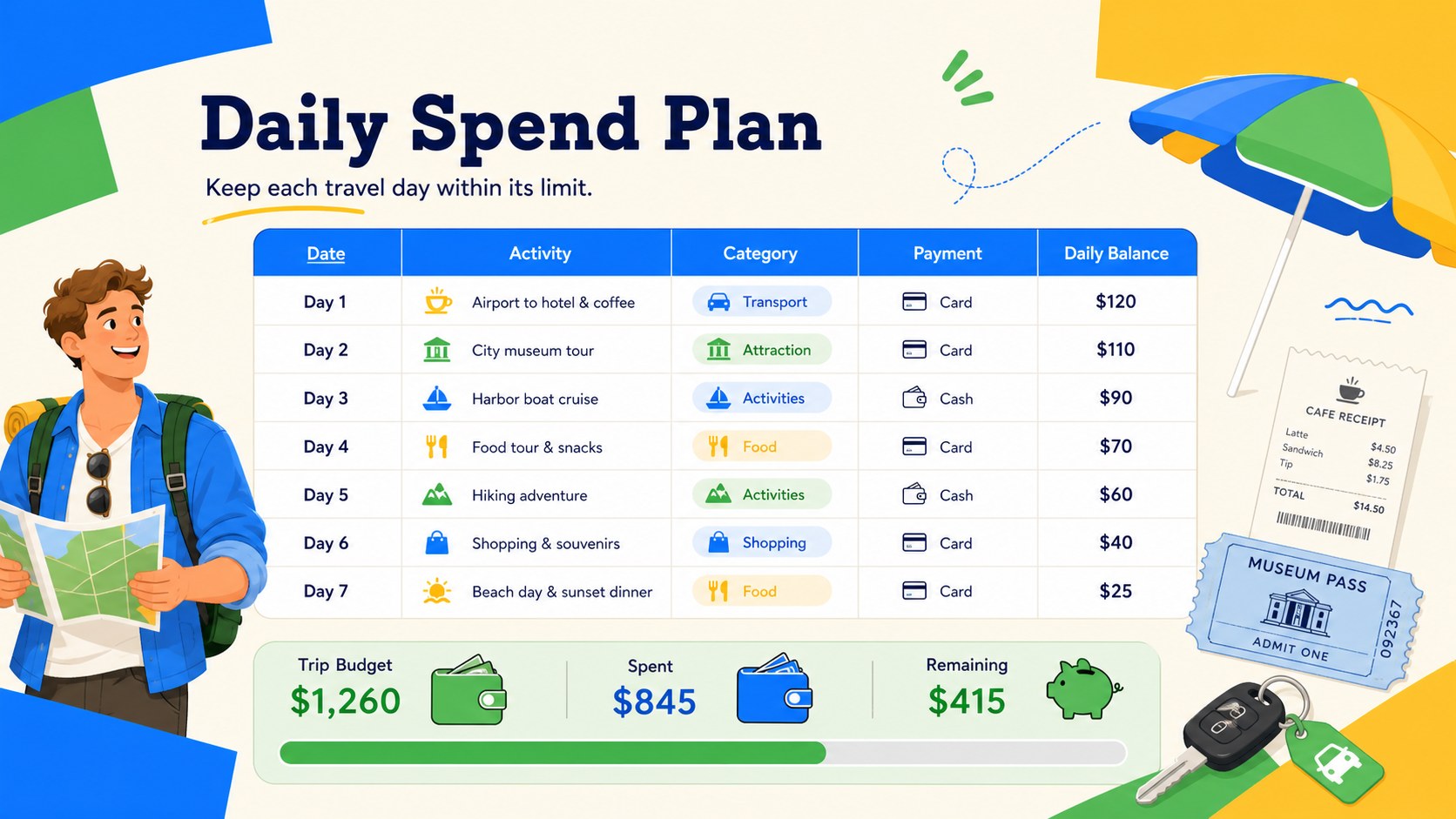
The ready-to-use file provides structured areas for transportation, accommodation, food, activities, shopping, and contingency costs. Enter planned and actual amounts, compare category totals, and identify where the itinerary needs adjusting. It works as a trip cost breakdown template during early research, then becomes a group vacation expense tracker once bookings and shared payments begin. Labels, categories, colors, and amounts can be adapted to match your destination and travel style.
Use it for weekend escapes, international holidays, road trips, family visits, or multi-city adventures. Couples can align priorities, families can turn it into a family vacation cost calculator, and solo travelers can keep reservations and daily spending in view. Small groups can also assign expenses and review contributions before departure.
Designed for Excel and Google Sheets, the template is easy to duplicate for each journey and practical to update from initial planning through the return home. Its cheerful illustrated style suits first-time planners and frequent travelers who want financial clarity without a formal accounting look.
Perfect for: family holiday cost planning; group trip expense tracking; international vacation budgeting; weekend getaway planning; road trip spending control.
Frequently asked questions
Practical details
Yes. The spreadsheet is designed for both Excel and Google Sheets, so you can update categories, amounts, labels, and colors using either platform. Some formatting may vary slightly between applications.
Yes. Rename, remove, or add categories to reflect your itinerary, such as airfare, fuel, accommodation, meals, tickets, insurance, or souvenirs. You can also adjust the planned amounts as prices and priorities change.
Yes. Use the rows or columns to identify who booked or paid for each item and review shared costs together. Duplicate the file before editing if you want separate personal and group versions.
Add estimates while researching the trip, then replace or compare them with confirmed booking prices and daily purchases. Reviewing the difference helps you rebalance remaining categories before overspending.
Keep exploring
15Shape your publishing concept with an indie magazine startup pitch deck featuring pastel gradients, bold collage layouts, and editable planning slides.
 16
16Build clear project stories with the Icon Grid Teamwork Theme, a flexible blue illustrated deck for proposals, strategy updates, and team meetings.
 3
3Turn priorities into an actionable plan with an annual goals roadmap infographic, featuring editable orange and teal layouts for PowerPoint and Google Slides.
 15
15Create an Annual Achievement Report Presentation with colorful geometric layouts for milestones, results, lessons, and priorities in PowerPoint or Google Slides.
 15
15Turn results into a focused annual performance evaluation report with dark 3D slides for KPIs, achievements, feedback, and next-step goals for teams.
 15
15Guide a focused annual recap with Business Results Retrospective Slides, a muted brown-and-blue template for PowerPoint and Google Slides.
 6
6Turn complex plans into clear visual stories with Color-Coded Workflow Path Slides, an editable set for project updates, roadmaps, and team briefings.
 6
6Compare regional performance at a glance with Global Data Heatmap Slides, a clean multicolor deck designed for editable PowerPoint and Google Slides.