
 15
15presentation
Indie Magazine Startup Pitch Deck
Shape your publishing concept with an indie magazine startup pitch deck featuring pastel gradients, bold collage layouts, and editable planning slides.
Google SlidesPowerPoint
presentation · English
Build clearer customer understanding with a user insight workshop deck for empathy mapping, research synthesis, and team collaboration in PowerPoint and…





Design notes
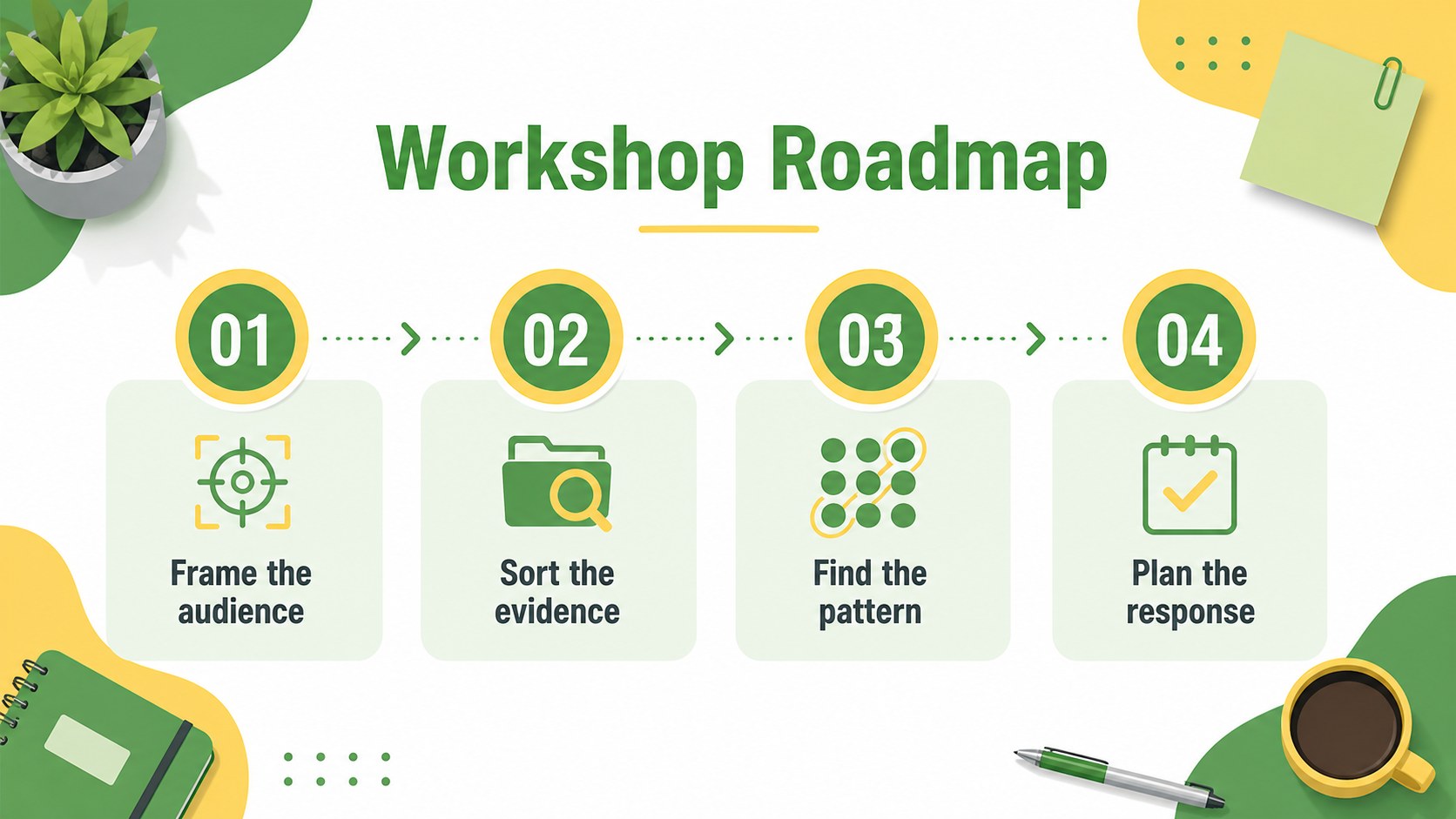
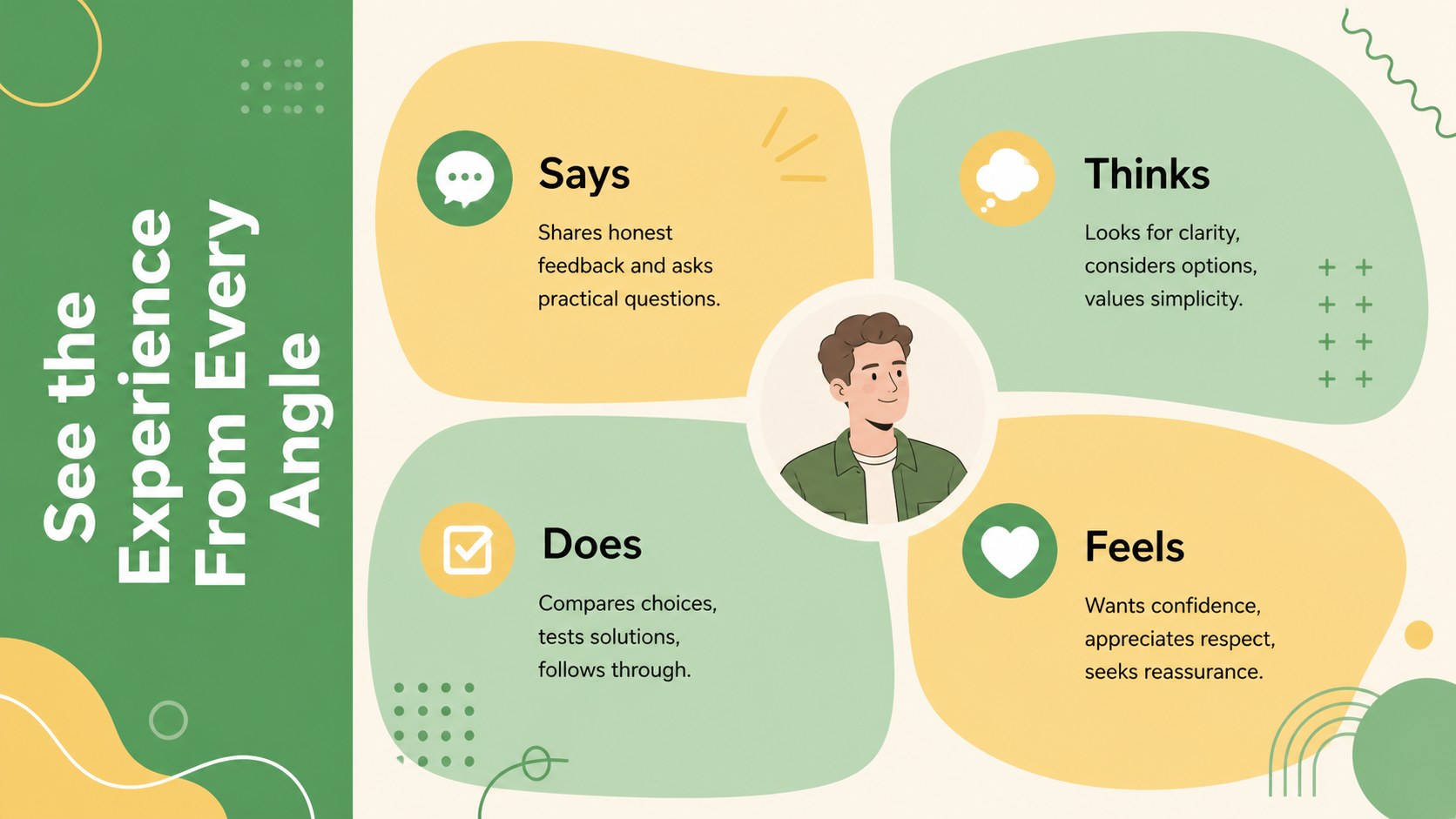
User Insight Workshop Deck is a practical presentation template for turning customer observations into clear, memorable discussion points. Use it to organize what people say, think, do, and feel while keeping research conversations focused and accessible. The bright green and yellow palette, modern illustrated details, and friendly typography create an approachable setting for product teams, educators, marketers, and business professionals.
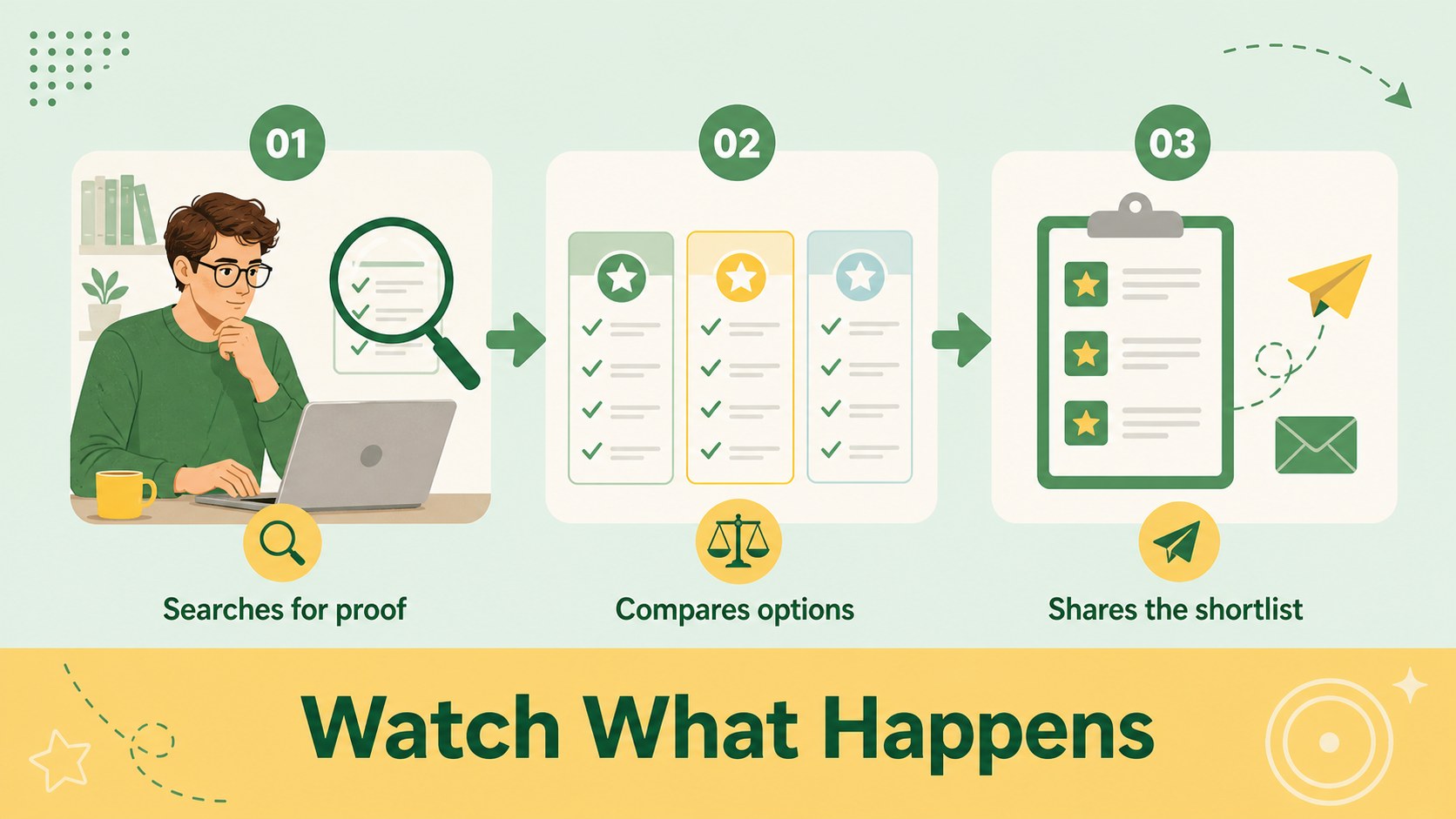
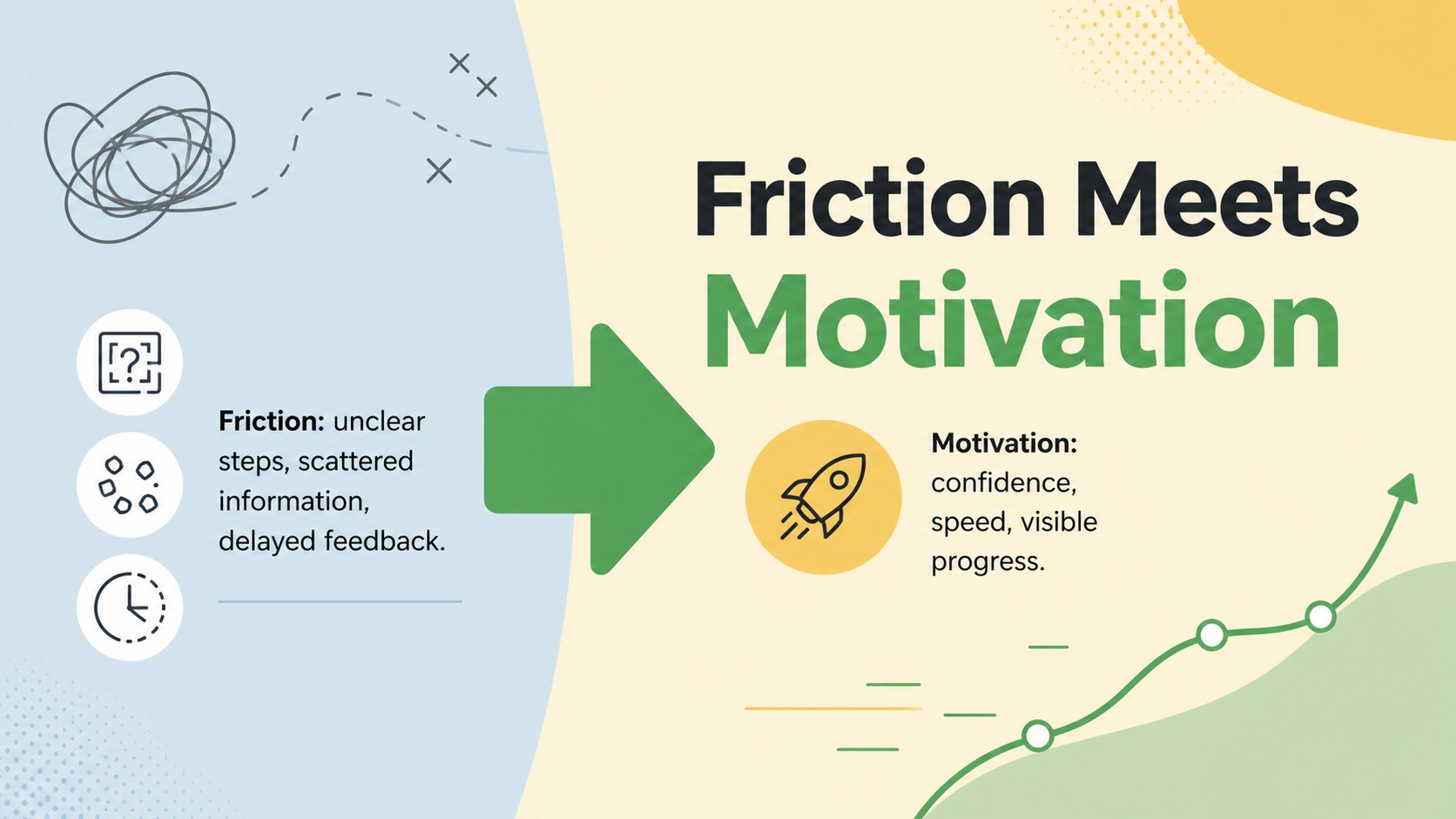
Inside, you will find 15 editable 16:9 slides for introducing a research project, defining a target user, sorting observations, mapping motivations and frustrations, comparing insights, and summarizing next steps. The layouts include visual quadrants, profile sections, comparison tables, process diagrams, quote highlights, and conclusion pages. This customer research presentation template also gives you flexible spaces for charts, icons, notes, and supporting evidence.
Edit the deck in PowerPoint or Google Slides, replace the sample copy with your own findings, and adjust colors, shapes, images, and typography to match your project. It works well for a user persona workshop, product discovery meeting, UX research review, classroom activity, or marketing strategy session. The structure helps teams move from scattered feedback to a concise audience profile and an actionable plan.
Perfect for: user persona workshop; product discovery meeting; UX research review; marketing strategy session; classroom research activity.
Frequently asked questions
Can I edit this deck in PowerPoint? Yes. The slides are designed for PowerPoint editing, including changes to text, colors, shapes, illustrations, and layouts. You can also export the finished presentation in common sharing formats.
Practical details
Yes. The slides are designed for PowerPoint editing, including changes to text, colors, shapes, illustrations, and layouts. You can also export the finished presentation in common sharing formats.
Yes, it can be used in Google Slides for browser-based editing and collaboration. Replace the sample content with your research notes, quotes, charts, and user observations.
You can revise every headline, paragraph, label, diagram, color, and visual element. The layouts are suitable for adapting research findings to different audiences, products, and workshop formats.
It is useful for UX researchers, product managers, marketers, educators, consultants, and business teams. Use it when you need to organize audience feedback and communicate practical user insights.
Keep exploring
15Shape your publishing concept with an indie magazine startup pitch deck featuring pastel gradients, bold collage layouts, and editable planning slides.
 16
16Build clear project stories with the Icon Grid Teamwork Theme, a flexible blue illustrated deck for proposals, strategy updates, and team meetings.
 3
3Turn priorities into an actionable plan with an annual goals roadmap infographic, featuring editable orange and teal layouts for PowerPoint and Google Slides.
 15
15Create an Annual Achievement Report Presentation with colorful geometric layouts for milestones, results, lessons, and priorities in PowerPoint or Google Slides.
 15
15Turn results into a focused annual performance evaluation report with dark 3D slides for KPIs, achievements, feedback, and next-step goals for teams.
 15
15Guide a focused annual recap with Business Results Retrospective Slides, a muted brown-and-blue template for PowerPoint and Google Slides.
 6
6Turn complex plans into clear visual stories with Color-Coded Workflow Path Slides, an editable set for project updates, roadmaps, and team briefings.
 6
6Compare regional performance at a glance with Global Data Heatmap Slides, a clean multicolor deck designed for editable PowerPoint and Google Slides.