
 15
15presentation
Indie Magazine Startup Pitch Deck
Shape your publishing concept with an indie magazine startup pitch deck featuring pastel gradients, bold collage layouts, and editable planning slides.
Google SlidesPowerPoint
presentation · English
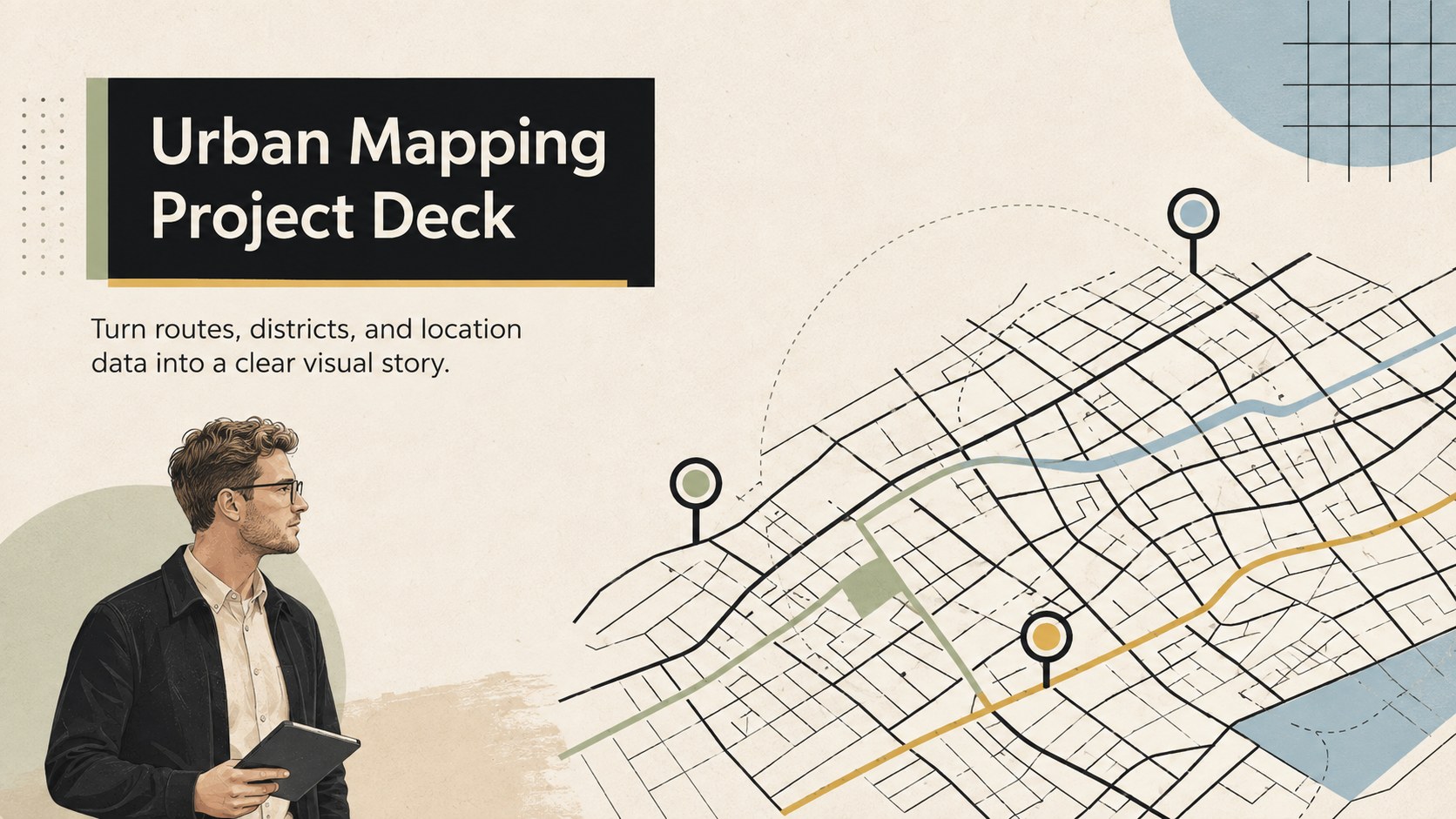
Plan routes, explain locations, and present city insights with this Urban Mapping Project Deck in minimalist beige and black for PowerPoint and Google Slides.
Design notes
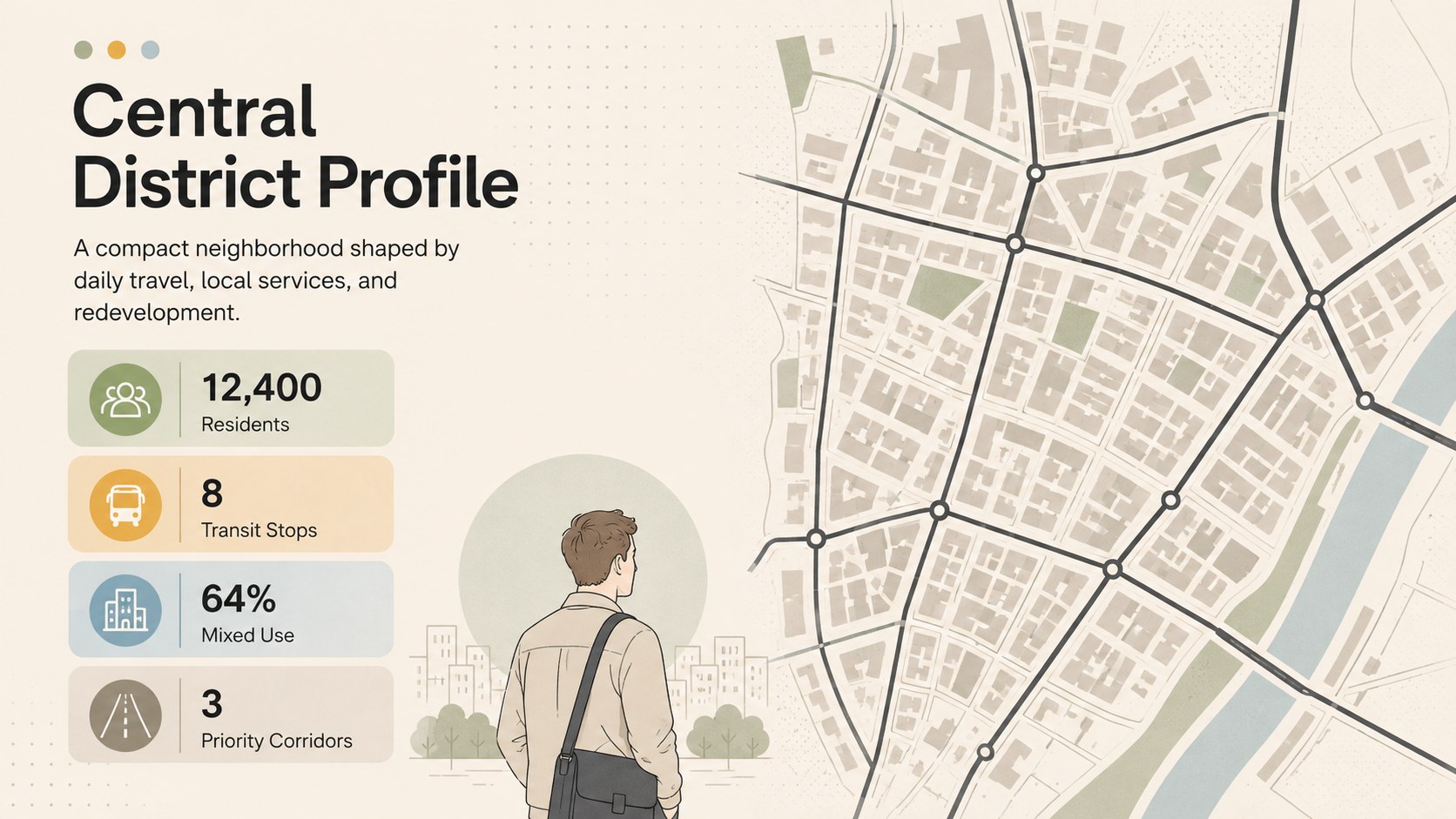
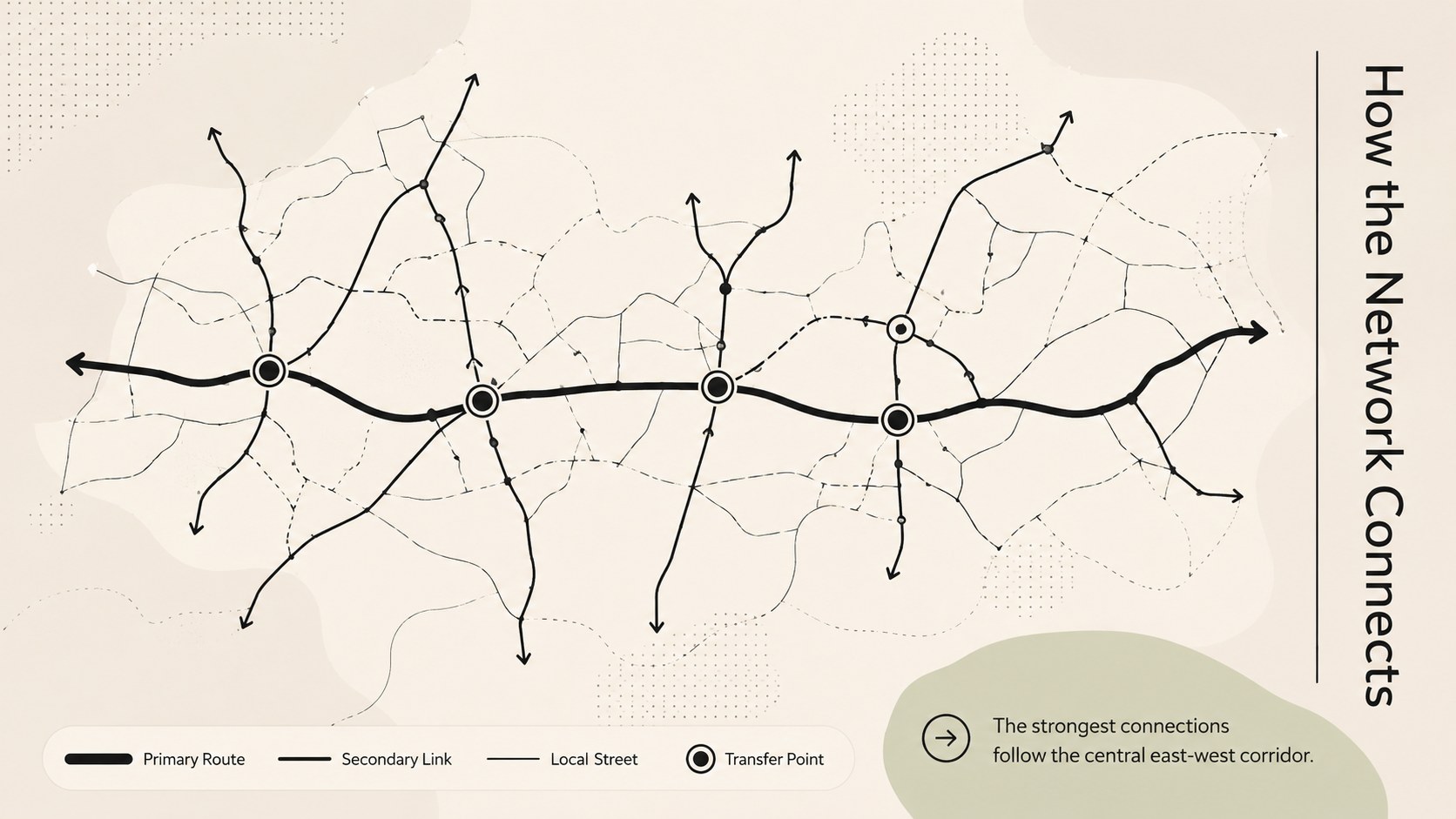
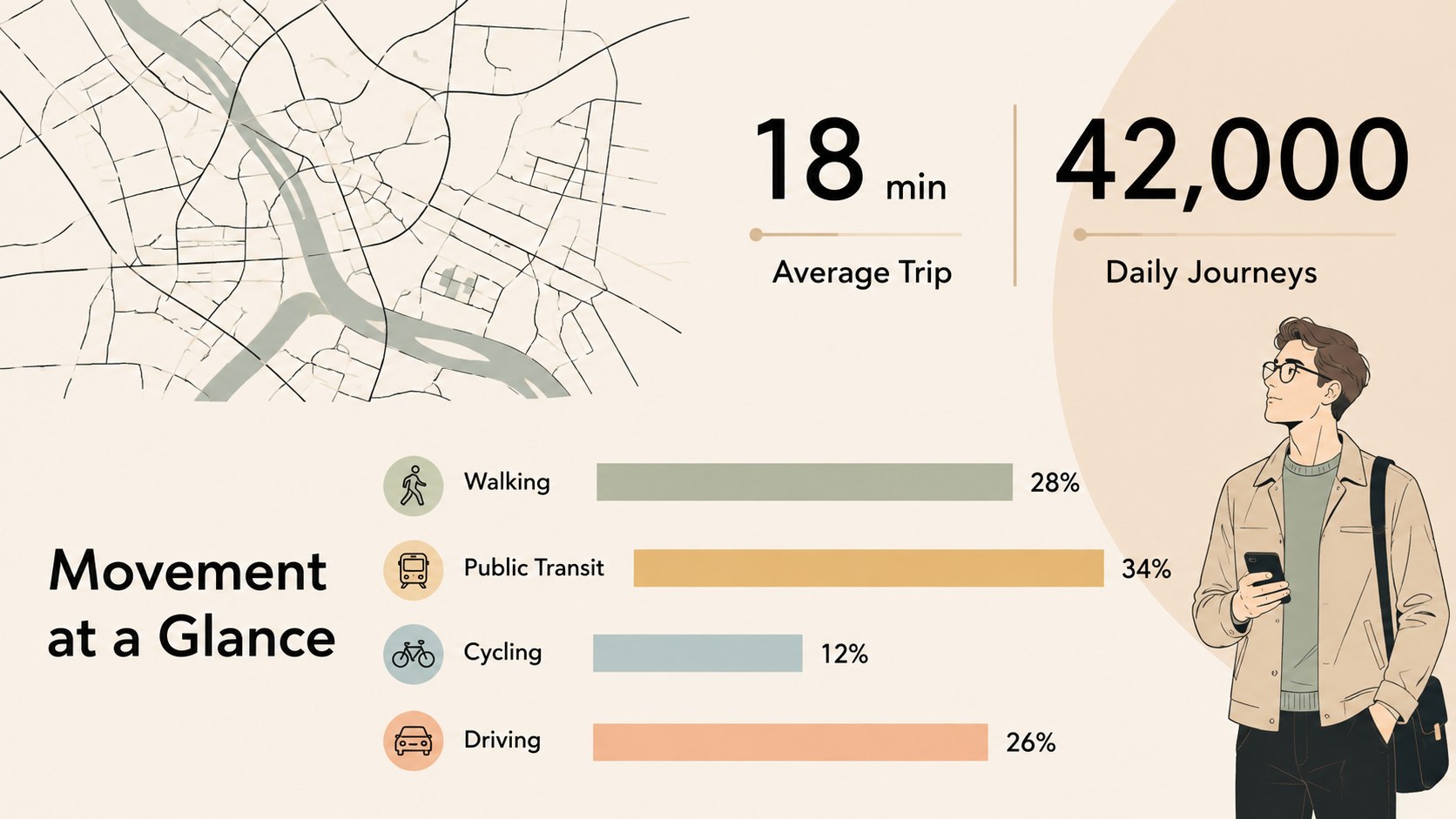
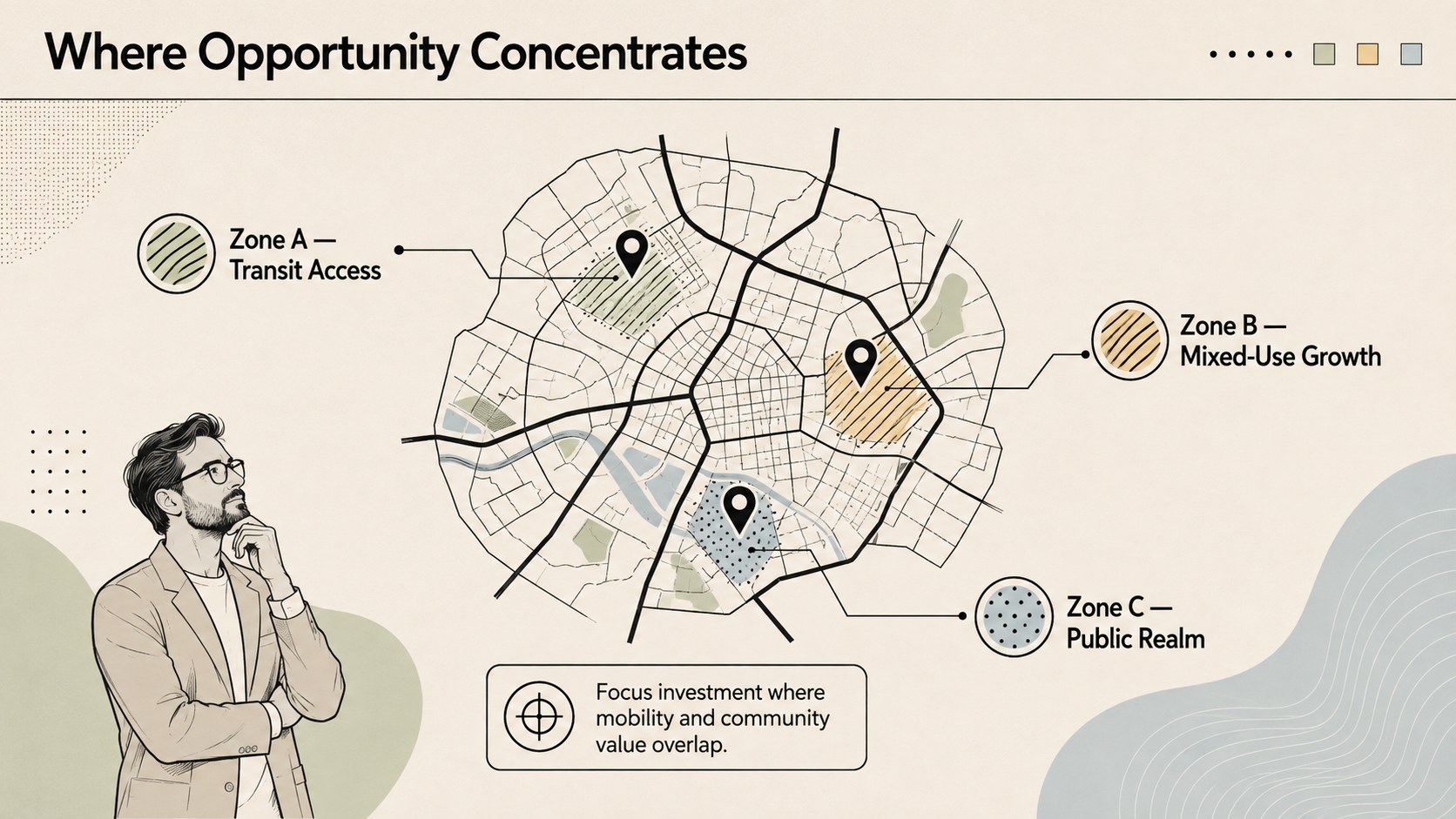
Turn geographic information into a focused narrative with the Urban Mapping Project Deck. Its minimalist black, beige, and soft pastel styling provides a polished setting for explaining routes, neighborhoods, development zones, and location-based decisions without distracting from the details.
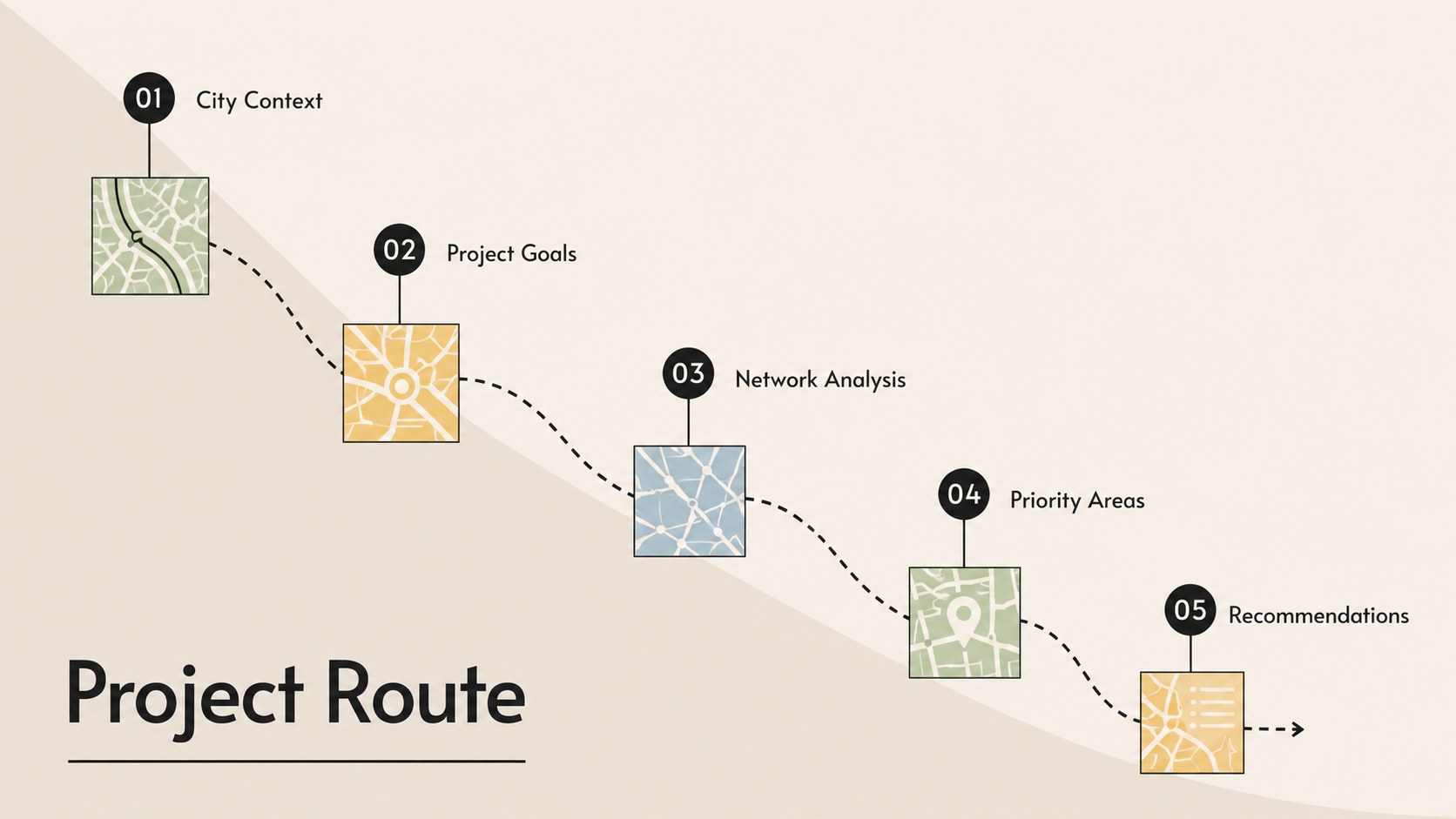
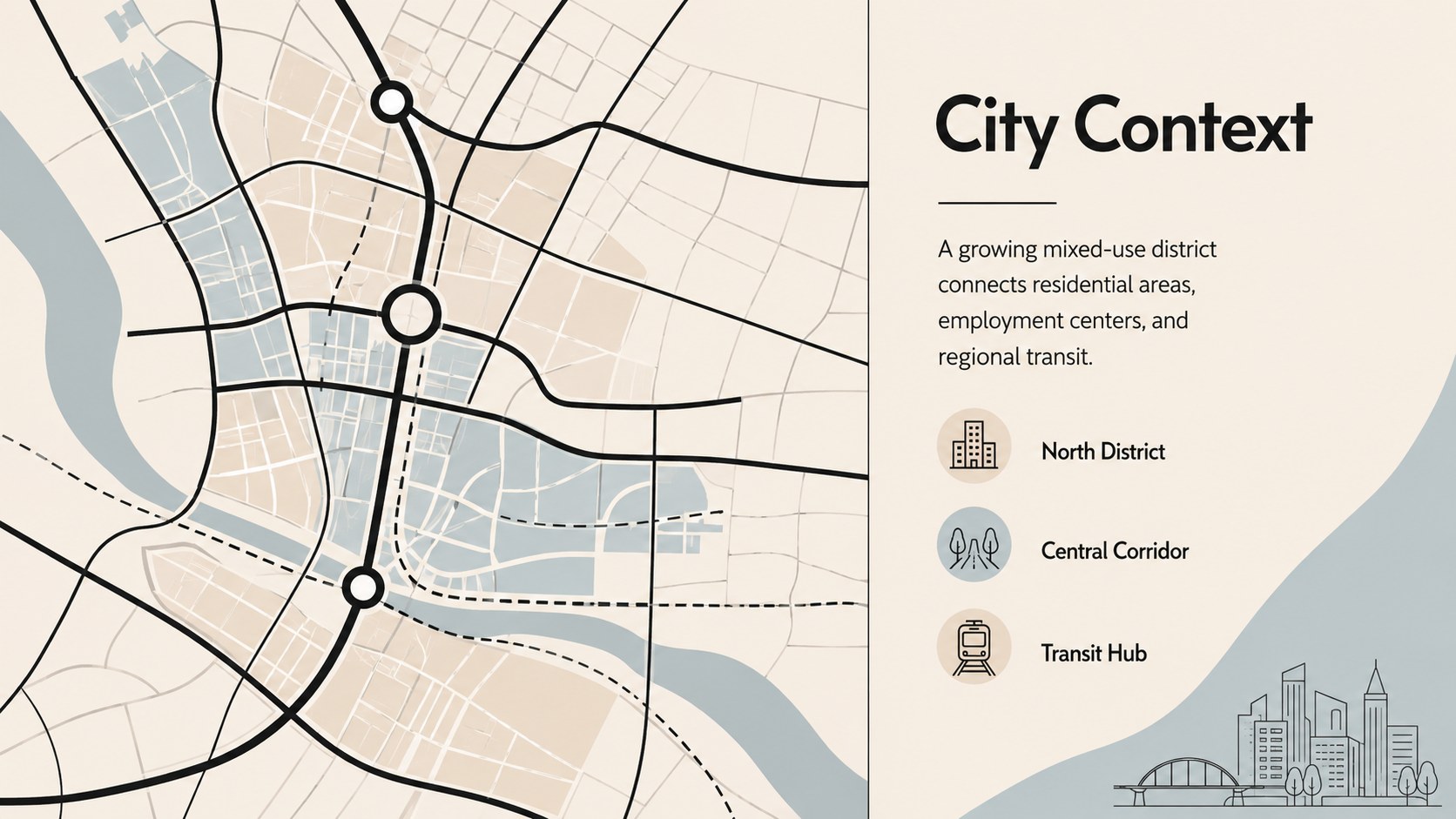
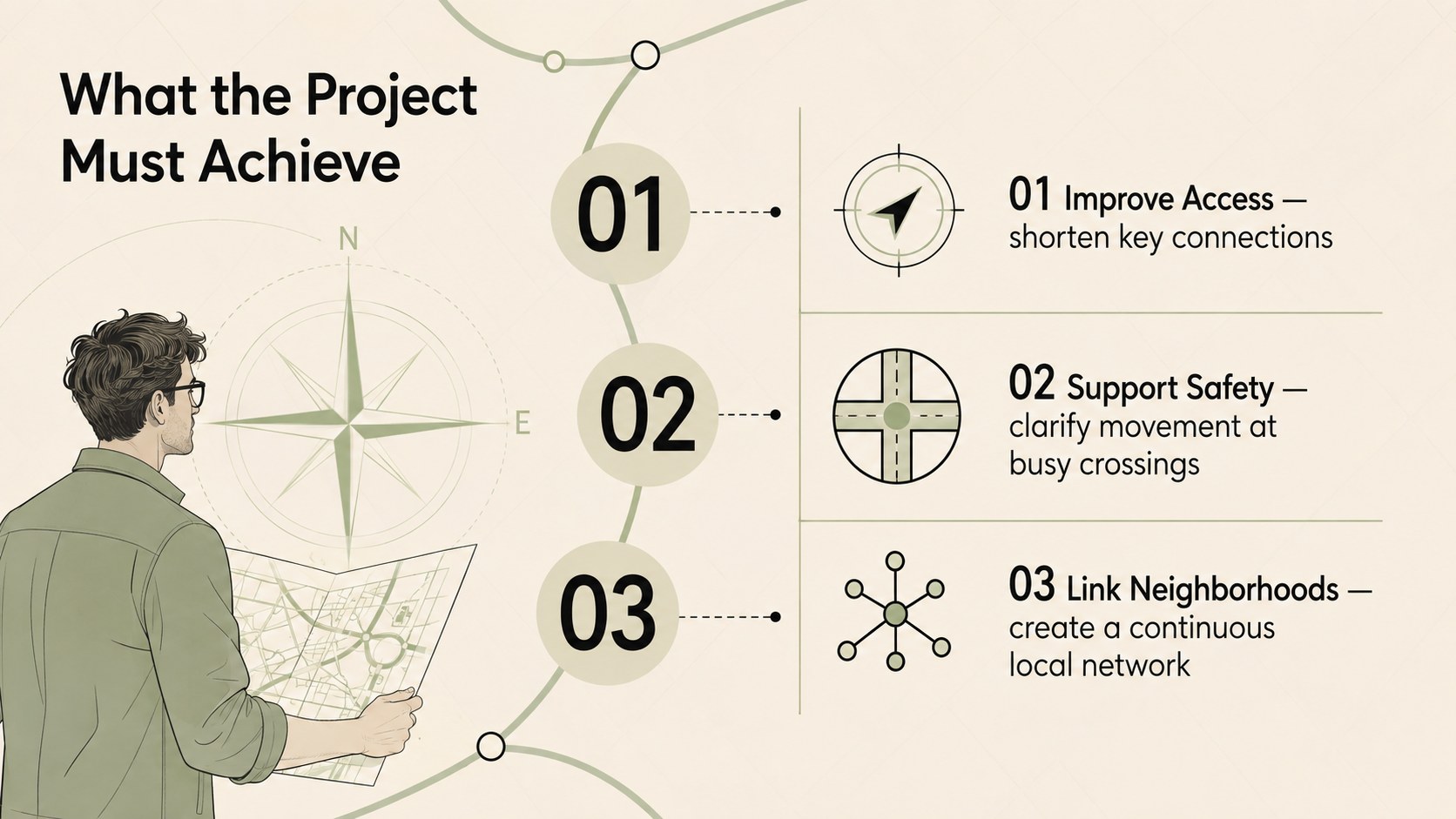
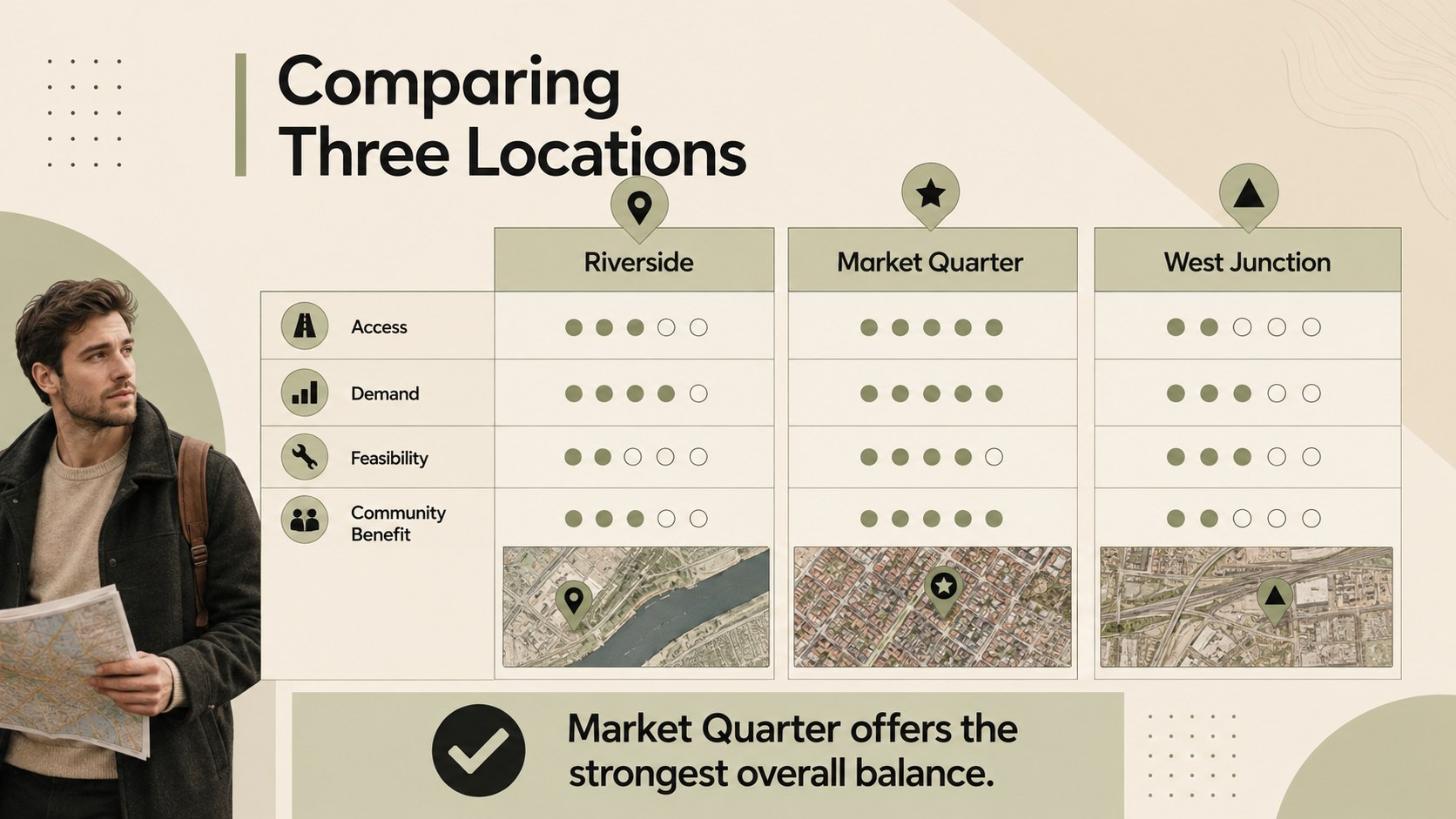
The deck includes layouts for an agenda, city context, project goals, district profiles, route comparisons, mobility data, opportunity areas, site evaluations, timelines, stakeholders, risks, and recommendations. Map-inspired lines, directional markers, restrained typography, charts, and structured text blocks create a consistent visual system. Every element can be adapted in PowerPoint or Google Slides, including colors, labels, shapes, data graphics, and map placeholders.
Use this city map project presentation template for urban development proposals, transportation studies, logistics briefings, real estate research, or neighborhood planning. It also works as a street network analysis slides resource when teams need to compare corridors, explain access patterns, or highlight priority zones. Business professionals, planners, consultants, educators, analysts, and public-sector teams can tailor the layouts to their own locations and findings. The versatile design also supports a location strategy presentation slides workflow, helping presenters move logically from geographic context to evidence, decisions, and next steps.
Perfect for: urban development proposal; transportation route analysis; retail location assessment; neighborhood planning briefing; logistics network review; real estate site comparison.
Frequently asked questions
Can I edit the maps and route graphics? Yes. The map-inspired shapes, route lines, labels, markers, and color accents can be edited to match your project area. You can also replace map placeholders with screenshots or approved geographic visuals.
Practical details
Yes. The map-inspired shapes, route lines, labels, markers, and color accents can be edited to match your project area. You can also replace map placeholders with screenshots or approved geographic visuals.
The deck is designed for Microsoft PowerPoint and Google Slides. Some fonts, transitions, or spacing may render slightly differently between the two platforms, so review the final presentation before sharing.
Use the theme color controls in PowerPoint or Google Slides to replace the beige, black, and pastel accents across the deck. Maintain strong contrast between labels and map backgrounds for readability.
Yes. It includes layouts for route comparisons, mobility metrics, site evaluations, timelines, risks, and recommendations. Replace the sample figures with verified project data and adjust chart scales and labels as needed.
Keep exploring
15Shape your publishing concept with an indie magazine startup pitch deck featuring pastel gradients, bold collage layouts, and editable planning slides.
 16
16Build clear project stories with the Icon Grid Teamwork Theme, a flexible blue illustrated deck for proposals, strategy updates, and team meetings.
 3
3Turn priorities into an actionable plan with an annual goals roadmap infographic, featuring editable orange and teal layouts for PowerPoint and Google Slides.
 15
15Create an Annual Achievement Report Presentation with colorful geometric layouts for milestones, results, lessons, and priorities in PowerPoint or Google Slides.
 15
15Turn results into a focused annual performance evaluation report with dark 3D slides for KPIs, achievements, feedback, and next-step goals for teams.
 15
15Guide a focused annual recap with Business Results Retrospective Slides, a muted brown-and-blue template for PowerPoint and Google Slides.
 6
6Turn complex plans into clear visual stories with Color-Coded Workflow Path Slides, an editable set for project updates, roadmaps, and team briefings.
 6
6Compare regional performance at a glance with Global Data Heatmap Slides, a clean multicolor deck designed for editable PowerPoint and Google Slides.