
 15
15presentation
Indie Magazine Startup Pitch Deck
Shape your publishing concept with an indie magazine startup pitch deck featuring pastel gradients, bold collage layouts, and editable planning slides.
Google SlidesPowerPoint
presentation · English
Build polished destination campaigns with a tour operator brochure deck in bold blue, red, gray, and white for PowerPoint and Google Slides.
Design notes
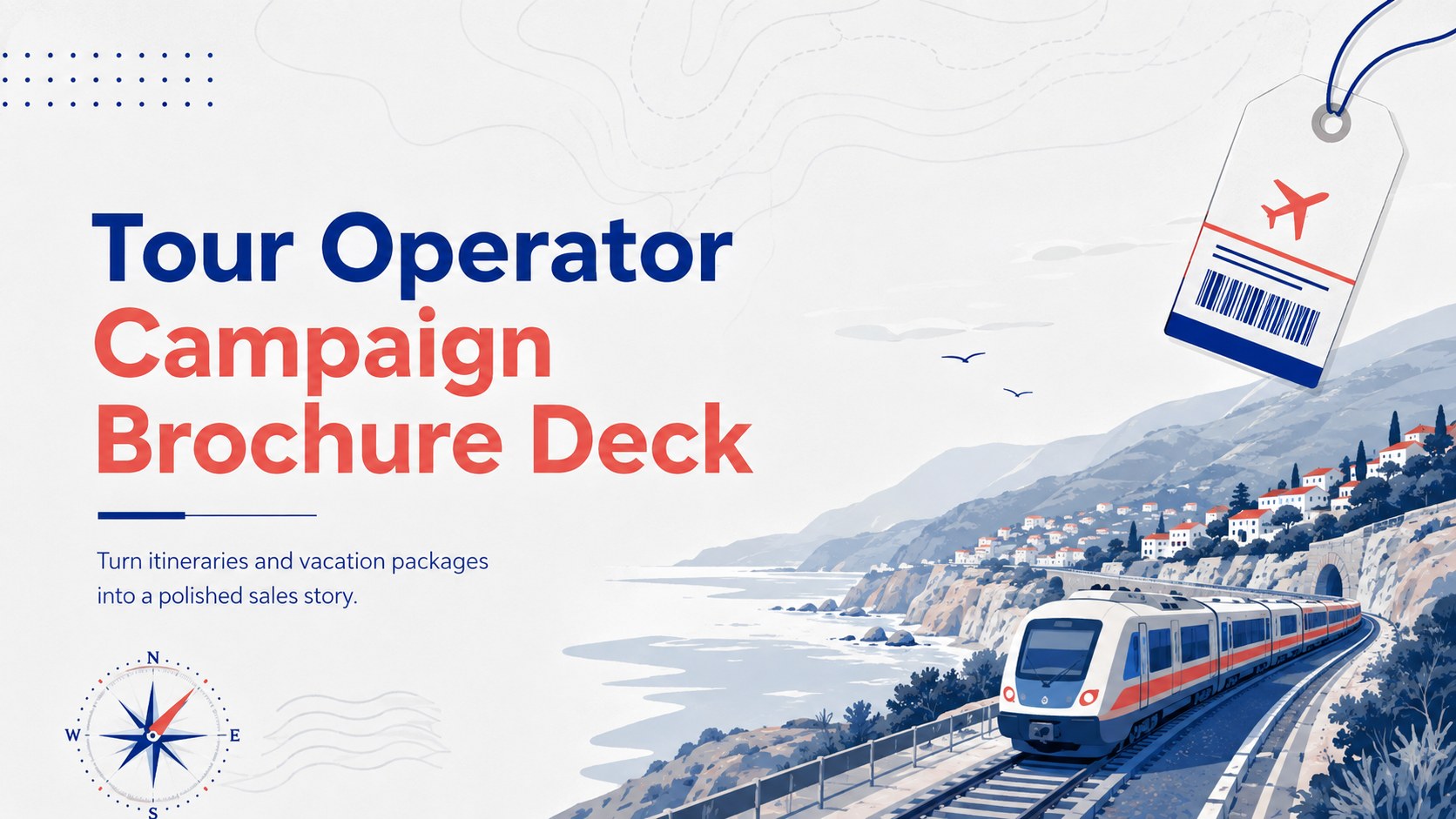
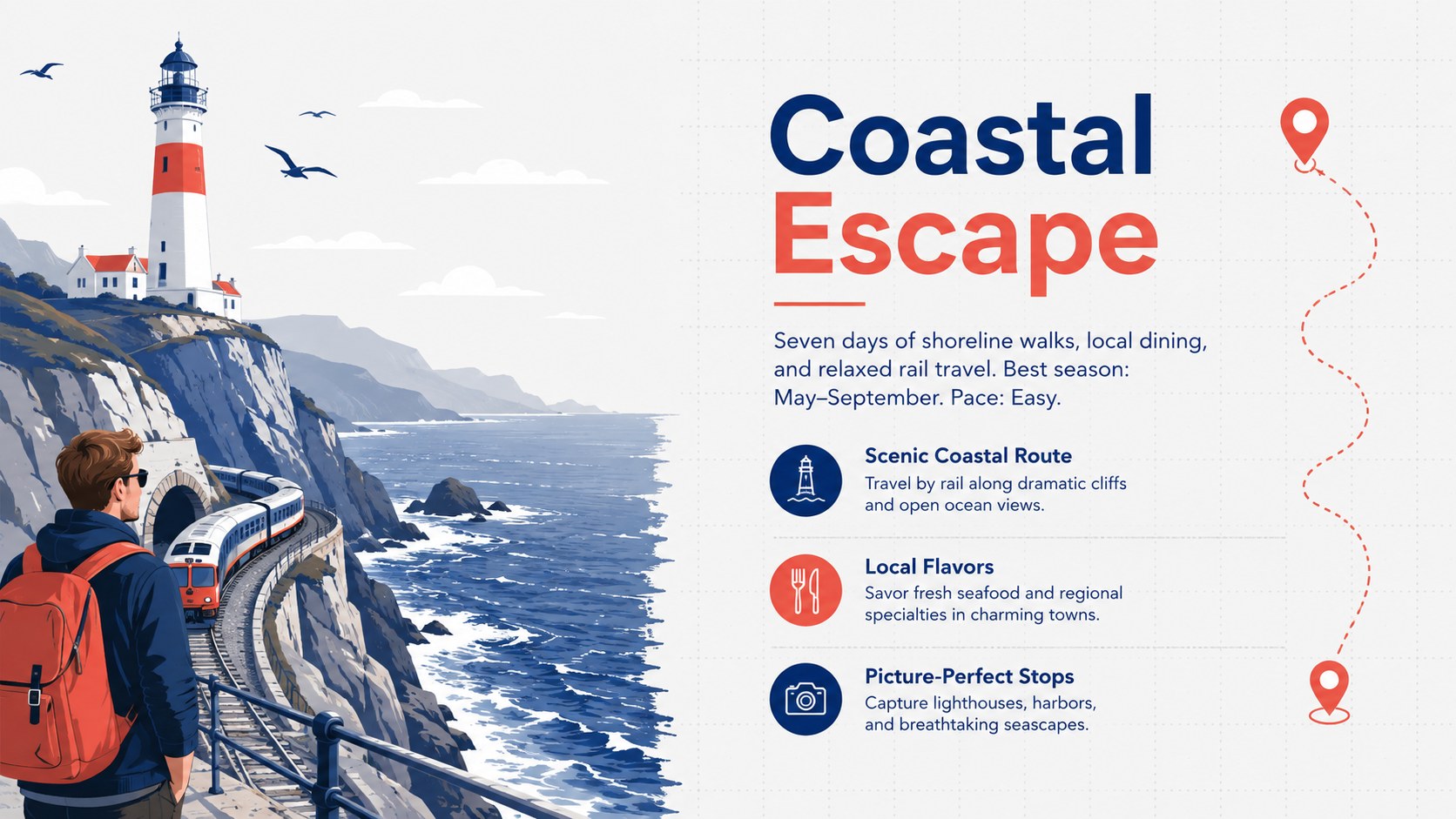
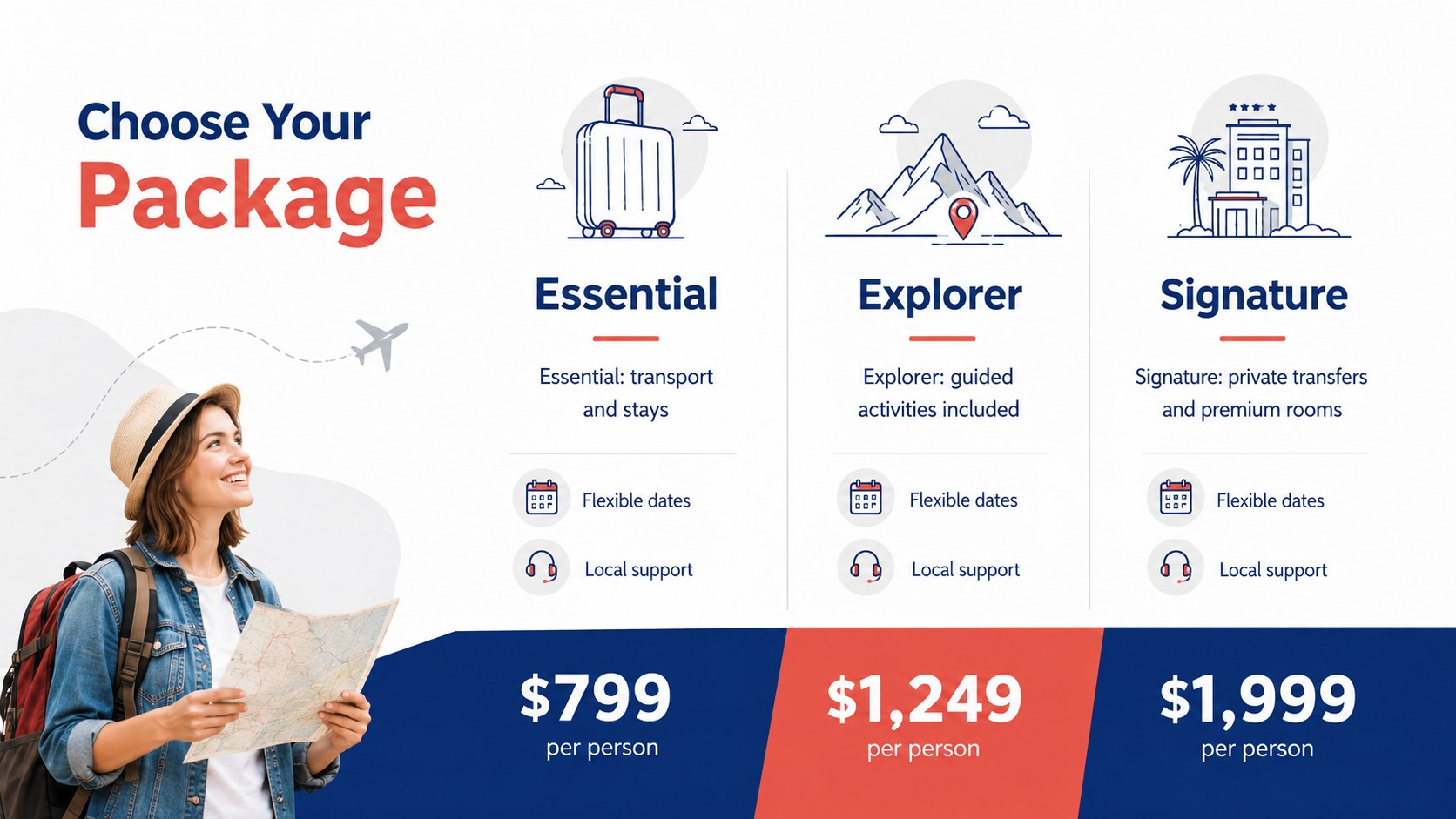
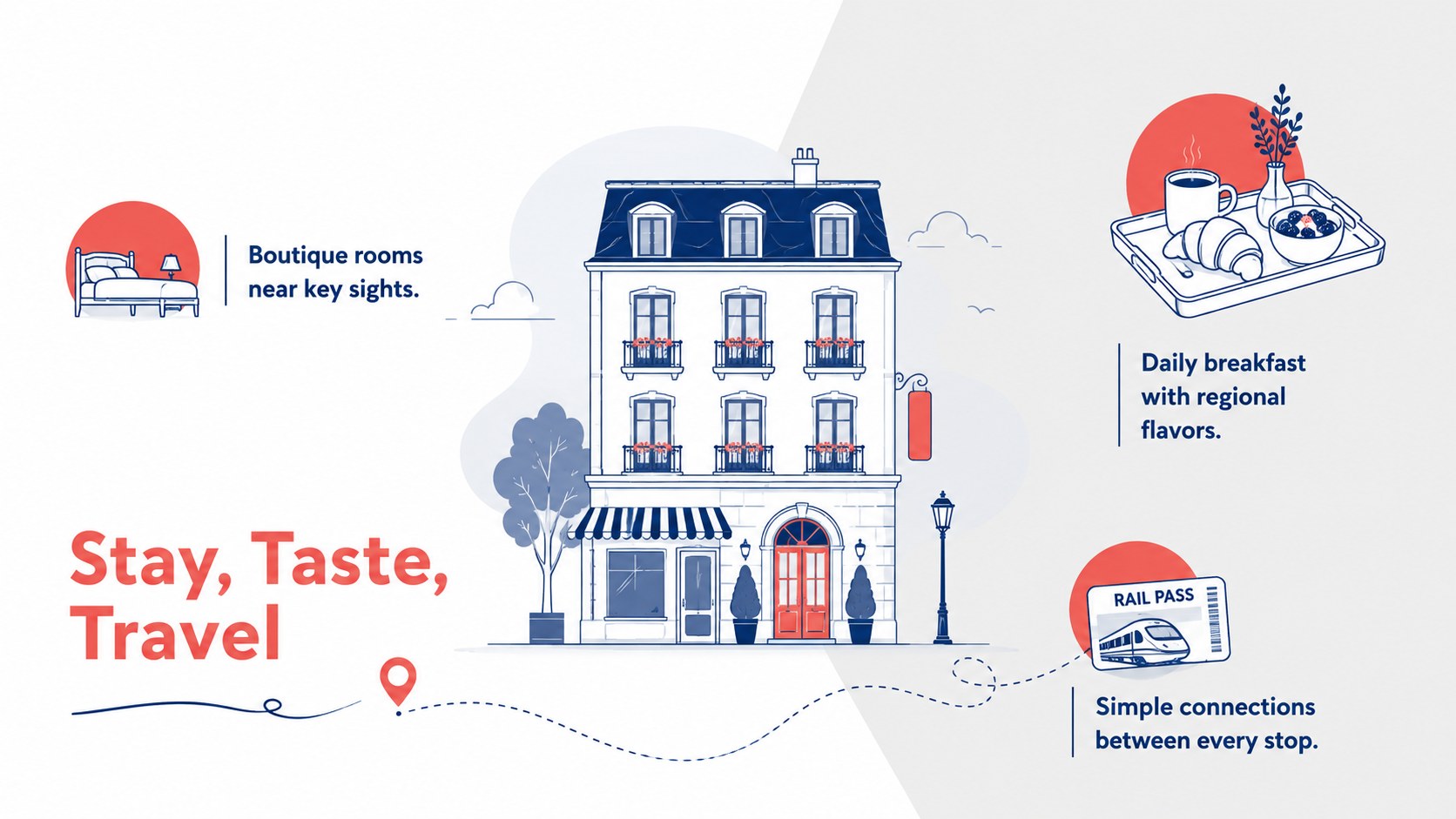
The Tour Operator Campaign Brochure Deck helps travel professionals present destinations, itineraries, and booking offers through a clean visual narrative. Its minimal editorial design pairs postcard-inspired illustrations with bold blue, red, gray, and white accents, creating an energetic but credible look for customer-facing campaigns. Every layout can be adapted in PowerPoint or Google Slides to match your agency, route, or seasonal promotion.
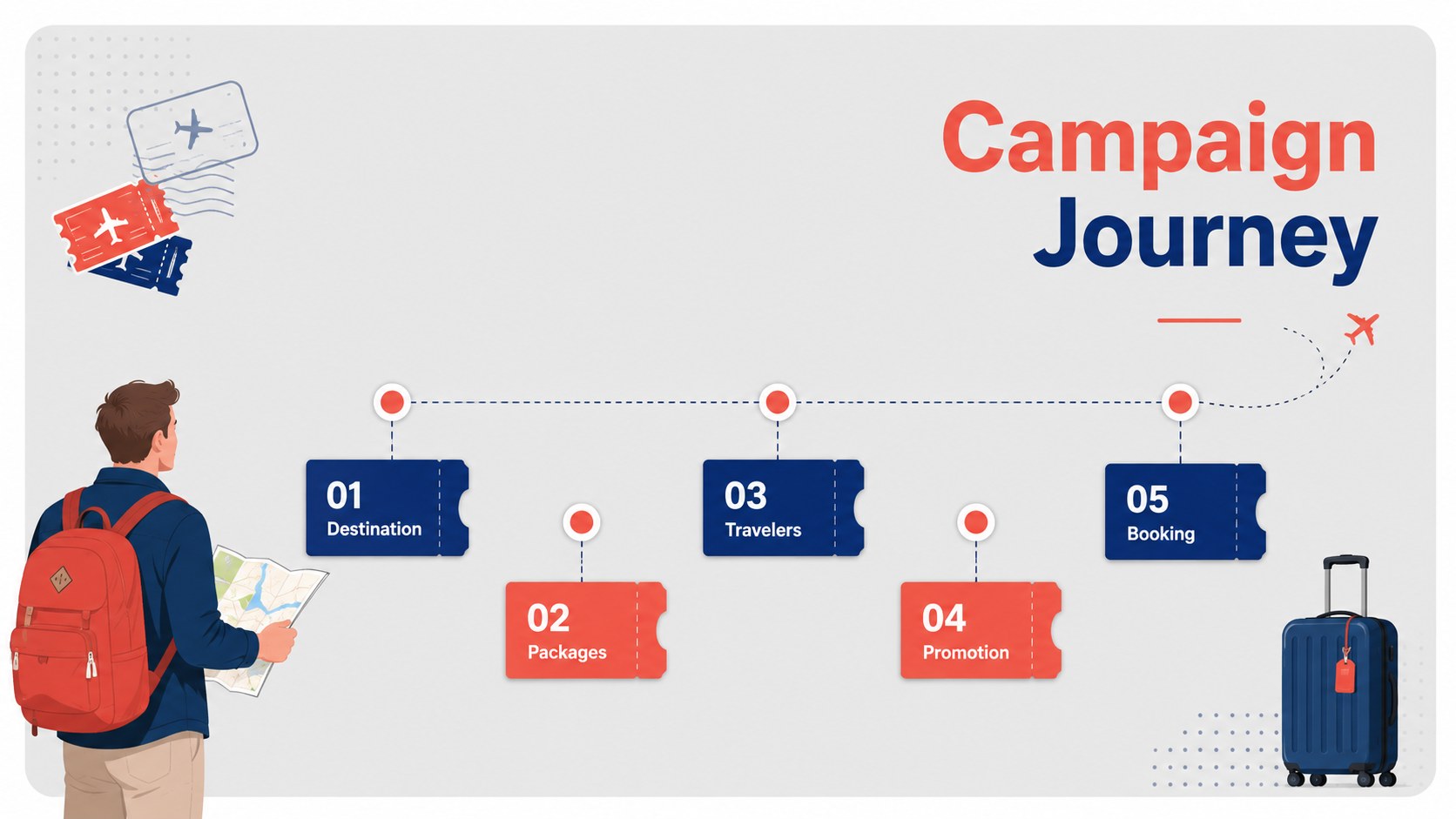
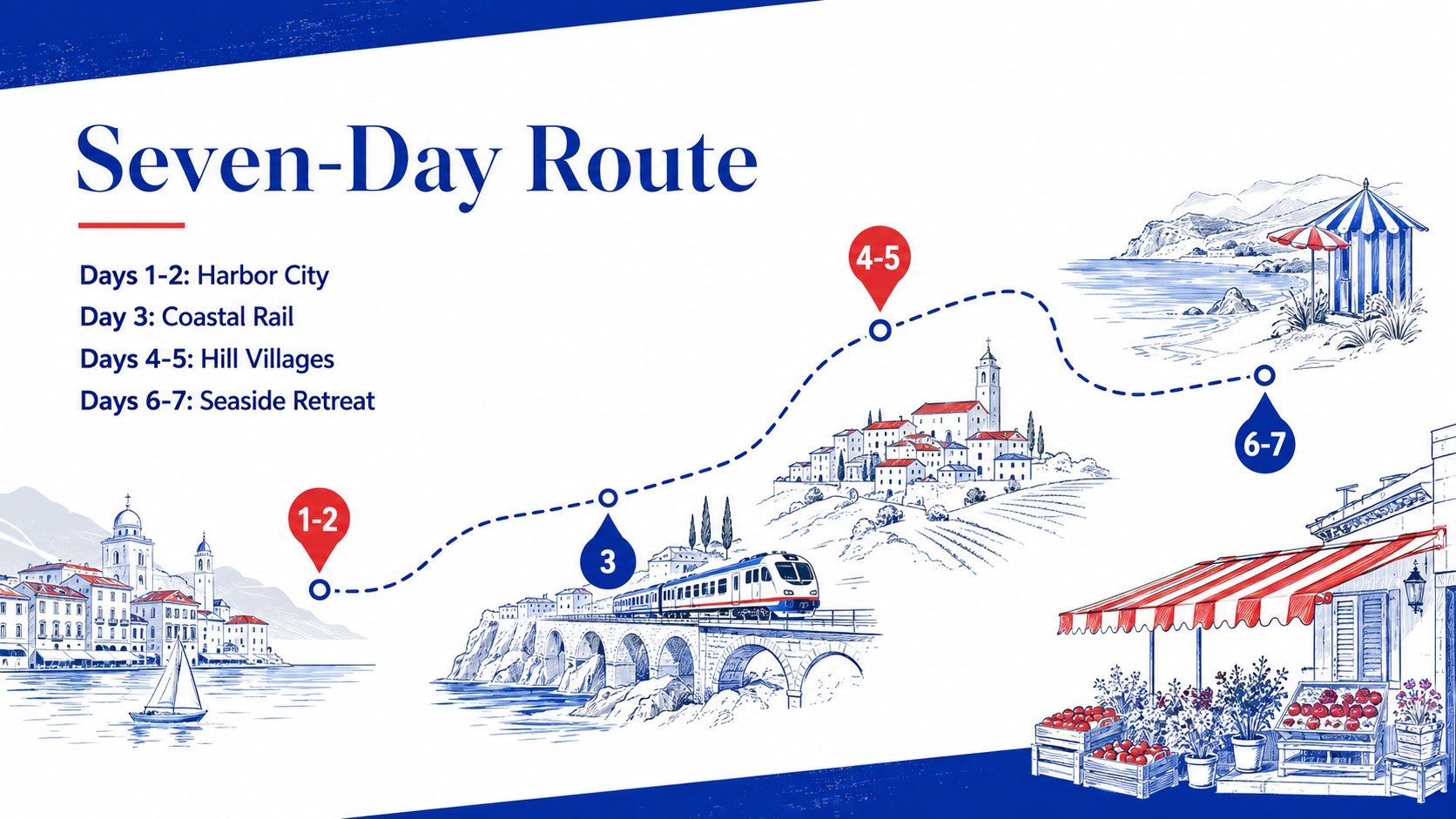
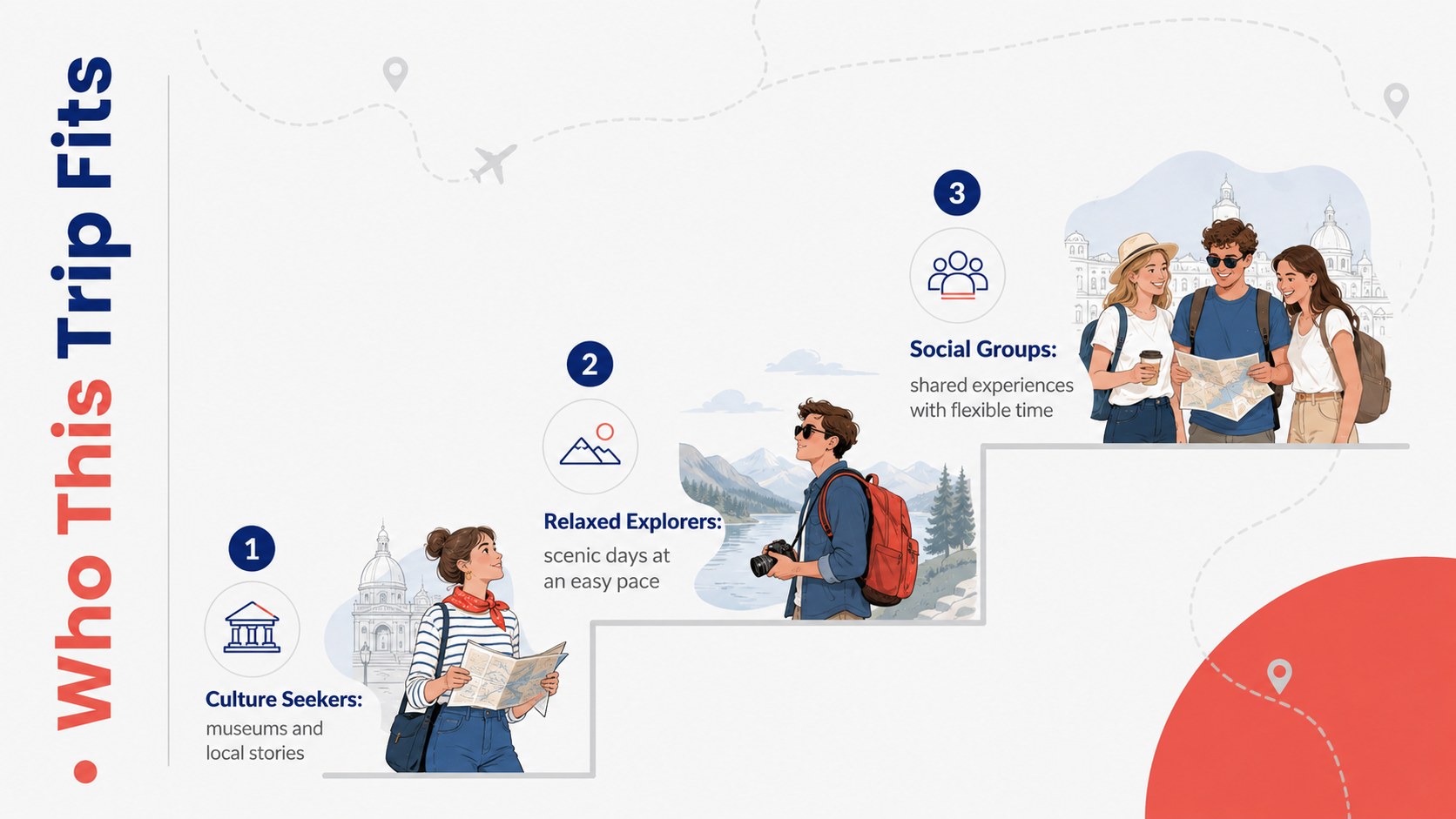
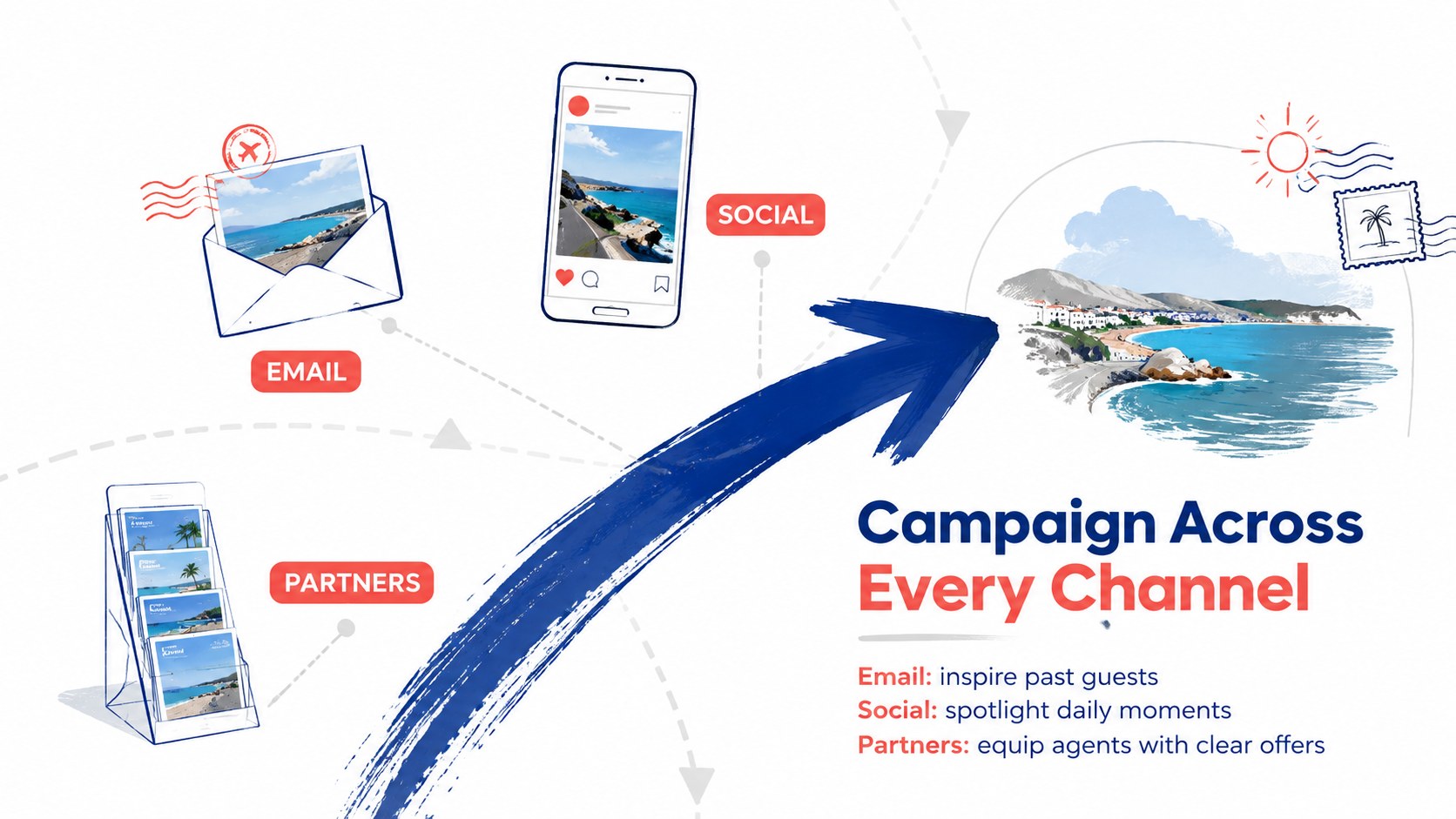
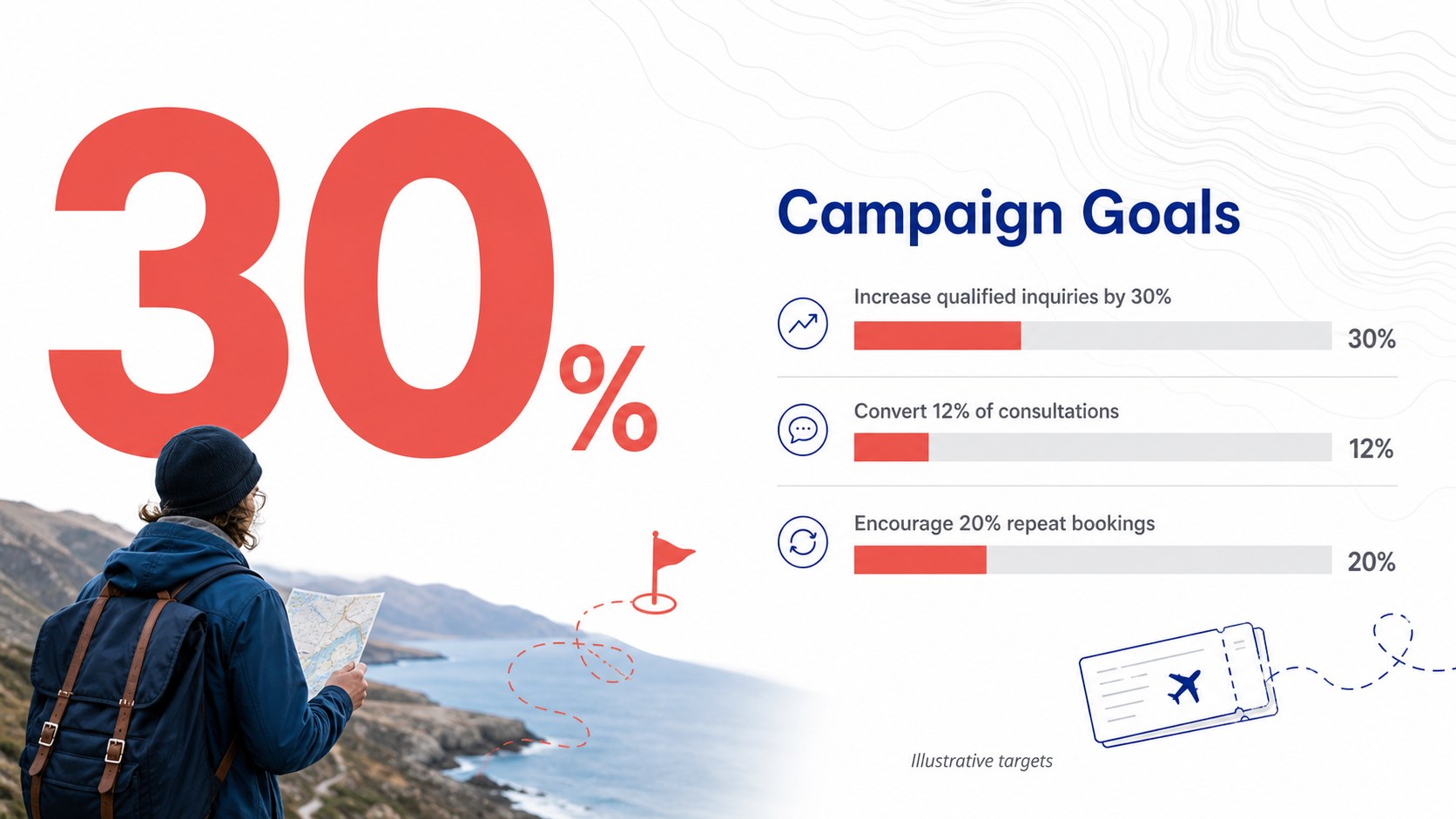
Inside, you will find flexible sections for destination highlights, package comparisons, trip schedules, accommodation details, customer profiles, promotional channels, pricing, and calls to action. Charts, image frames, timelines, and modular text areas make this a practical travel agency marketing presentation as well as a polished vacation package sales deck. Replace the sample copy, insert destination photography, adjust the palette, and reorganize sections without rebuilding the visual system.
Use this destination brochure presentation for sales consultations, tourism fairs, partner meetings, digital campaigns, or downloadable trip guides. It is designed for tour operators, destination marketers, travel consultants, hospitality teams, and tourism startups that need a modern brochure format with enough structure for real campaign information. The restrained typography and illustrated travel details keep complex offers readable while preserving a sense of discovery.
Perfect for: vacation package sales pitch; destination marketing campaign; tourism fair presentation; client itinerary consultation; travel partner proposal.
Frequently asked questions
Can I edit this brochure deck in PowerPoint and Google Slides? Yes. The layouts, text, colors, images, and charts can be edited in PowerPoint or Google Slides. Some font spacing or transitions may require minor adjustment after switching platforms.
Practical details
Yes. The layouts, text, colors, images, and charts can be edited in PowerPoint or Google Slides. Some font spacing or transitions may require minor adjustment after switching platforms.
Replace the sample destination names, descriptions, photographs, itinerary details, and prices with your own content. You can also update the accent colors while retaining the blue, red, gray, and white structure.
Yes. Select the layouts you need, check image resolution and margins, then export the finished presentation as a PDF. Your print provider can advise on final bleed and color settings.
The deck works for guided tours, city breaks, coastal holidays, group packages, cultural routes, and custom itineraries. Its modular sections can support either one featured trip or a collection of offers.
Keep exploring
15Shape your publishing concept with an indie magazine startup pitch deck featuring pastel gradients, bold collage layouts, and editable planning slides.
 16
16Build clear project stories with the Icon Grid Teamwork Theme, a flexible blue illustrated deck for proposals, strategy updates, and team meetings.
 3
3Turn priorities into an actionable plan with an annual goals roadmap infographic, featuring editable orange and teal layouts for PowerPoint and Google Slides.
 15
15Create an Annual Achievement Report Presentation with colorful geometric layouts for milestones, results, lessons, and priorities in PowerPoint or Google Slides.
 15
15Turn results into a focused annual performance evaluation report with dark 3D slides for KPIs, achievements, feedback, and next-step goals for teams.
 15
15Guide a focused annual recap with Business Results Retrospective Slides, a muted brown-and-blue template for PowerPoint and Google Slides.
 6
6Turn complex plans into clear visual stories with Color-Coded Workflow Path Slides, an editable set for project updates, roadmaps, and team briefings.
 6
6Compare regional performance at a glance with Global Data Heatmap Slides, a clean multicolor deck designed for editable PowerPoint and Google Slides.